Best Low-Cost Color Laser Printers

Find the best low-cost colour laser printers for crisp text, vibrant graphics, and everyday value. Ranked by user review ratings, this selection helps you compare affordable options for your home or small office. Look for the print speeds, paper capacity, and connectivity features that suit your needs, and factor in toner costs to help keep ongoing expenses in check.

Read More

What to look for in low-cost colour laser printers

1. Purchase Price and Running Costs

Look beyond the purchase price and compare replacement toner prices, cartridge page yields and the cost of replacement drums. Included starter cartridges may print fewer pages than standard cartridges, so factor in when you might need your first replacements.

2. Colour Print Quality

Choose a printer that produces crisp text and clear colour graphics for your documents, presentations or schoolwork. Colour laser printers are well suited to everyday documents, but an inkjet may be a better fit if glossy photo printing is your priority.

3. Print Speed and Paper Handling

Compare colour and black-and-white print speeds, along with paper tray capacity, to match your usual workload. Automatic two-sided printing can reduce paper use, while support for different paper sizes and weights adds flexibility.

4. Connectivity and All-in-One Features

Check for Wi-Fi, USB or Ethernet connections that work with your devices and workspace. If you also need scanning and copying, compare all-in-one models and look for an automatic document feeder to handle multipage documents.
Citrus catapult arrow
  1. 1

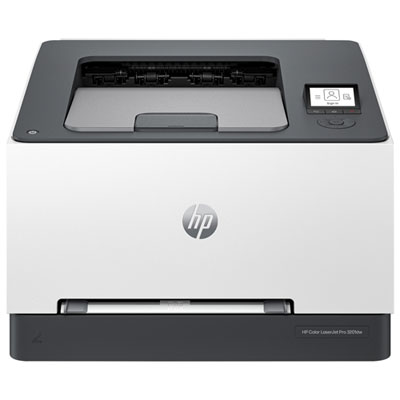
    HP LaserJet Pro 3201dw Colour Wireless Laser Printer

    About this product

    A wireless laser printer offering fast, high-quality two-sided colour printing in a compact, space-saving design.

    What customers like

    • Fast printing speed
    • User-friendly interface and app integration
    • Easy wireless setup and connectivity
    • Vibrant and accurate color printing
    • High print quality
    (154)
    $349.99
    SAVE $100
    Your price for this item is $349.99
  2. 2

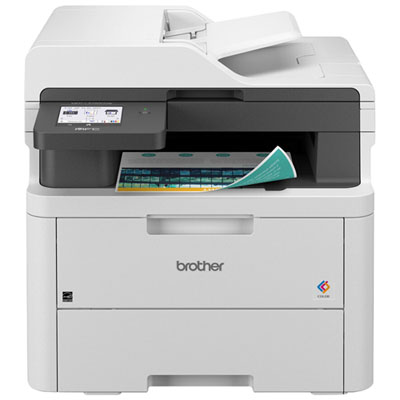
    Brother Wireless Digital Colour All-in-One Laser Printer (MFCL3720CDW)

    About this product

    A fast, wireless all-in-one laser printer with copy, scan, fax, and a 3.5" touchscreen interface.

    What customers like

    • Easy and quick setup
    • Fast and efficient performance
    • High-quality print and scan output
    • Reliable wireless connectivity
    • Versatile all-in-one functionality
    (259)
    $629.99 Your price for this item is $629.99
  3. 3

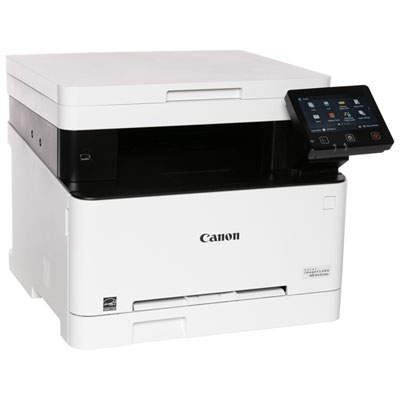
    Canon imageCLASS MF653Cdw Colour All-In-One Wireless Laser Printer - Only at Best Buy

    About this product

    A versatile wireless laser printer featuring a 5" colour touchscreen for easy, efficient document management.

    What customers like

    • Fast printing speed
    • Affordable and cost-effective
    • Reliable wireless connectivity
    • Easy setup
    • High print quality
    (97)
    $359.95
    SAVE $10
    Your price for this item is $359.95
  4. 4

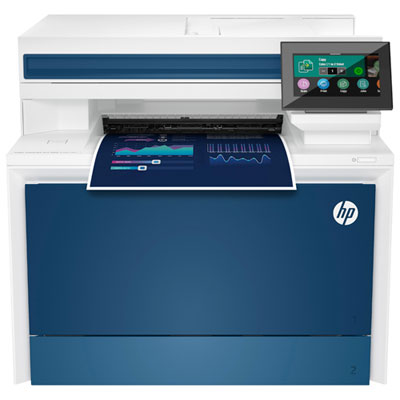
    HP LaserJet Pro 4301DW Colour Wireless All-In-One Laser Printer

    About this product

    A wireless all-in-one laser printer offering high-speed, double-sided printing, scanning, and copying with touchscreen controls.

    What customers like

    • Quiet and compact design
    • Fast and high-quality printing
    • Excellent color and image quality
    • Easy and intuitive setup
    • Versatile all-in-one functionality
    (455)
    $599.99
    SAVE $270
    Your price for this item is $599.99
  5. 5

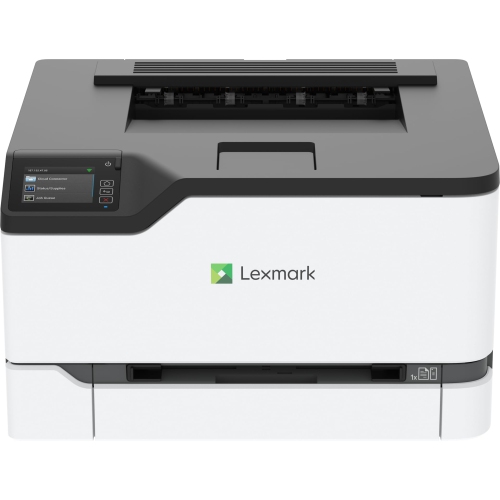
    LEXMARK Cs431Dw Wireless Single-Function Color Laser Printer - (40N9320)

    About this product

    A wireless color laser printer offering dual-band Wi-Fi, Gigabit Ethernet, and mobile printing compatibility.

    (1)
    $399.99
    SAVE $200
    Your price for this item is $399.99
  6. 6

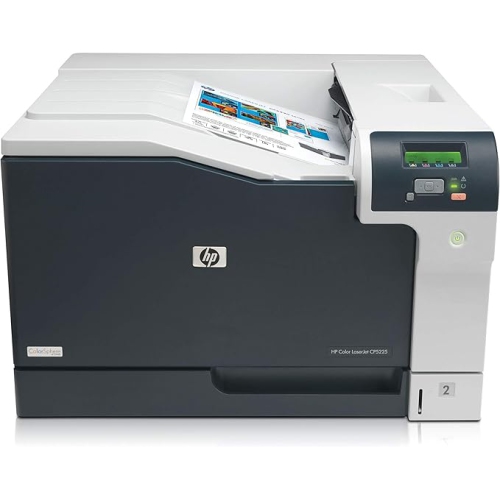
    HP Laserjet Professional Cp5225N Colour Laser Printer (Ce711A#bgj)

    About this product

    A versatile colour laser printer designed for high-quality office and oversize document printing.

    What customers like

    • Fast and quiet operation
    • Supports large format and A3 printing
    • Easy setup and user-friendly features
    • High print quality
    • Reliable and dependable performance
    (56)
    $2,393.08 Your price for this item is $2393.08
  7. 7

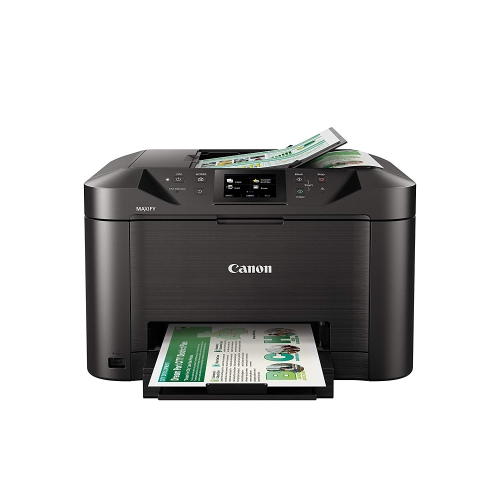
    CANON Maxify Mb5120 Wireless Color Printer With Scanner, Copier & Fax In Black

    About this product

    A wireless all-in-one printer in black offering fast printing, scanning, copying, and faxing for busy offices.

    (9)
    $426.68 Your price for this item is $426.68
  8. 8

    Lexmark CS431dw Colour Wireless Laser Printer

    About this product

    A compact wireless laser printer offering fast 26ppm colour prints, robust security, and versatile mobile connectivity.

    (5)
    $599.99 Your price for this item is $599.99
  9. 9

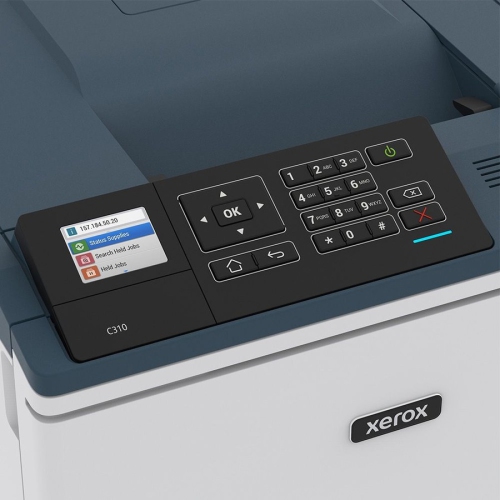
    XEROX Brand New - C310 C310 Color Laserprinter

    About this product

    A reliable colour laser printer delivering crisp, vibrant prints for home or office use.

    (1)
    $544.32
    SAVE $163
    Your price for this item is $544.32
  10. 10

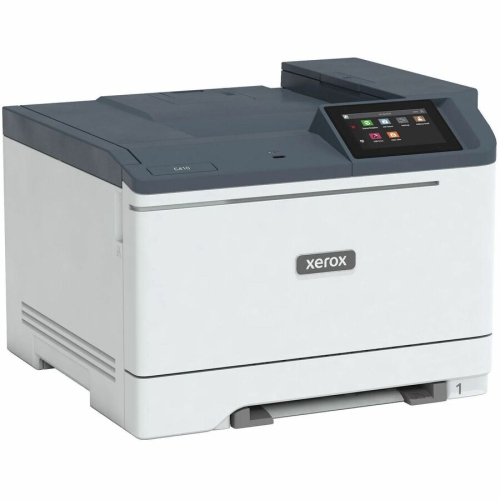
    XEROX C410/dn C410 Colour Printer (C410Dn)

    About this product

    A high-speed wired laser printer offering 42 ppm color and mono printing with automatic duplex and Ethernet connectivity.

    (1)
    $1,138.07
    SAVE $113
    Your price for this item is $1138.07

Sharp text and meaningful colour for everyday documents

Colour laser printers bring clear text and purposeful colour to everyday documents, from a small business’s service menu to a student’s presentation handouts. Their strengths are especially noticeable on pages that mix paragraphs, charts, logos, and tables: fine lettering stays readable, while colour helps separate figures, highlight headings, and make instructions easier to follow. Laser printing uses powdered toner that is fused onto the page, rather than liquid ink sprayed through printhead nozzles. This makes the technology well suited to document-focused households, home offices, and shared workspaces where printing may happen in batches rather than every day. Toner does not dry out like liquid ink, although cartridges still need proper storage and handling. Most colour laser printers use black, cyan, magenta, and yellow toner to produce both monochrome and full-colour output. A black-only setting is useful for drafts and text-heavy paperwork, while colour can be reserved for pages where it adds meaning, such as a graph with several data series or a training sheet with highlighted steps. Print resolution contributes to detail, but the clarity of small type, the consistency of filled areas, and the way a printer handles graphics matter just as much in ordinary use. Colour laser output generally suits business graphics and images embedded in documents better than gallery-style photographs, particularly when subtle tonal transitions or borderless prints are the goal. For someone printing invoices, worksheets, proposals, and occasional illustrated reports, that document-first approach can be a natural fit. The most useful features are often straightforward ones: reliable paper feeding, legible text, automatic two-sided printing, and an uncomplicated connection to the devices used each day. There is no single best colour laser printer for every workspace; the strongest match depends on the volume of documents, the need for scanning, and the balance between individual print jobs and longer runs. For a broader view of laser printing options, Best Laser Printers includes the wider category beyond colour-focused needs.

Single-function colour laser printers concentrate on printing, making them a practical match for a desk where scanning and copying are already handled elsewhere. All-in-one models add those capabilities in one machine, which can simplify tasks such as keeping a digital copy of a signed form or reproducing a printed worksheet. A flatbed scanner accommodates individual sheets and suitable bound materials, while an automatic document feeder handles a stack of loose pages without requiring each sheet to be placed separately. Two-sided printing and two-sided scanning are different features, so a printer that automatically prints on both sides does not necessarily scan both sides through its document feeder. That distinction matters in a home office processing multipage contracts or records. Print speed is usually expressed in pages per minute, with separate figures sometimes listed for black and colour output. Those figures describe throughput under specified conditions, not necessarily the time needed for every real-world document. A short print job is also affected by processing time and how quickly the first page emerges from sleep mode; longer jobs make sustained speed and output-tray capacity more noticeable. Paper capacity shapes the routine as well. A larger input tray needs fewer refills during a run of training materials, while a manual feed slot or multipurpose tray can make occasional envelopes and letterhead easier to handle. Connectivity determines how comfortably the printer fits into a household or team’s workflow. Wi-Fi allows supported computers and mobile devices to print without a direct cable connection, Ethernet provides a wired network option, and USB can serve a single connected computer. Wireless capabilities vary, including support for different network bands and direct connections, so compatibility with the existing router and devices matters more than the word “wireless” alone. Mobile printing, operating-system support, and access to scan functions can also differ by model. A shared printer feels easier to use when everyone can send a document through a supported method and retrieve it without repeatedly changing connections or settings.

Physical fit deserves as much attention as the feature list, especially when a colour laser printer will sit beside a monitor or occupy a shelf in a compact office. The stated dimensions usually describe the machine itself, but everyday use also needs room for open trays, paper loading, cartridge replacement, and access to the rear or side panels. An all-in-one needs clearance above the scanner lid, and the supporting surface must accommodate the printer’s weight without wobbling. Rigid casing, well-supported trays, and accessible controls contribute to comfortable handling, although long-term durability also depends on using suitable paper and staying within the manufacturer’s recommended monthly print volume. That recommended range is more useful for planning regular workloads than the maximum duty cycle, which represents a different measure of capacity. Paper choice affects both appearance and feeding. Smooth laser-compatible office paper suits most reports and correspondence, while heavier sheets, envelopes, and labels must fall within the printer’s stated media specifications. Materials intended only for inkjet printing may not be suitable for a laser printer’s fusing process. Keeping paper flat and dry, adjusting the tray guides to the sheet size, and avoiding overloaded trays can help prevent skewed pages and jams. Routine care is generally about following the manufacturer’s cleaning directions, removing paper fragments carefully, and replacing consumables when needed. Some designs combine the toner cartridge and imaging drum; others use separate components, and additional maintenance parts may have their own replacement intervals. Published cartridge yields provide a comparison based on standardized testing, but pages filled with large colour graphics will use toner differently from lightly covered text documents. Included cartridges may also have different yields from replacement cartridges, making the stated specifications worth checking. For a student sharing a printer with family, a consultant preparing client reports, or a small team producing everyday paperwork, an appropriate colour laser printer supports a repeatable routine: load the right paper, send the document from a compatible device, and collect clear pages ready to read, file, or share.
Read More

FAQ

Some products may be subject to Environmental Handling Fees (EHF) depending on your province. Learn more about EHFs.