Best PC Monitors for Gaming
Find your next display with our best PC monitors for gaming, ranked by user review ratings. Whether you enjoy fast-paced competitive matches or immersive open-world adventures, compare screen sizes, resolutions, and refresh rates to find the right fit for your setup. Explore top-rated options and let feedback from fellow gamers help guide your choice.
What to look for in PC monitors for gaming
1. Screen Size and Resolution
2. Refresh Rate and Response Time
3. Panel Type and Picture Quality
4. Connectivity and Adaptive Sync
-
1
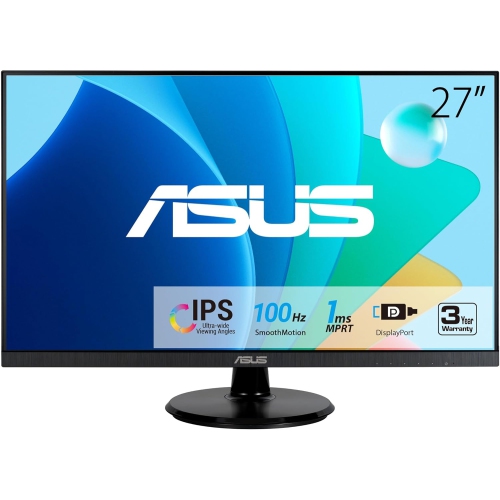
ASUS 27" Va27Dqf Eye Care Monitor
About this product
A Full HD IPS gaming monitor with 1ms response time, 100Hz refresh rate, HDMI, and DisplayPort connectivity.
(2)$285.99Your price for this item is $285.99SAVE $31 -
2
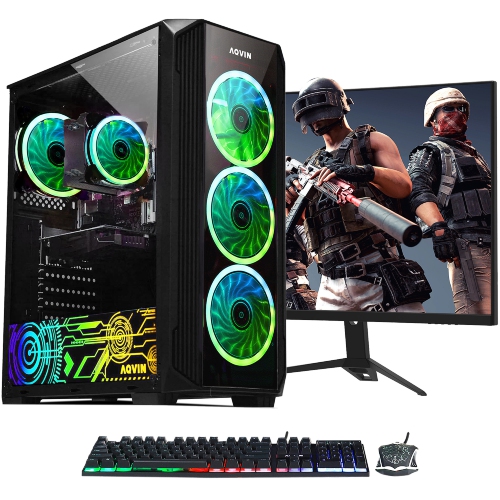
AQVIN Zforce Gaming PC - Rtx 3050, Intel Core I7, 16GB Memory, 1Tb SSD, Win 11 Pro + 27" Curved Monitor - Only At Best Buy
About this product
A powerful gaming combo featuring a curved monitor, Intel i7 processor, 32GB RAM, and RTX 3050 graphics.
(0)$2,399.99 Your price for this item is $2399.99 -
3

Samsung Odyssey 27" 1440p QHD OLED Gaming Monitor (LS27DG602SNXZA) - FreeSync Premium Pro - 0.03ms GTG - 360Hz - Silver
About this product
A silver OLED gaming monitor with 360Hz refresh rate, 0.03ms response time, and glare-free technology.
What customers like
(786)$1,199.99 Your price for this item is $1199.99 -
4
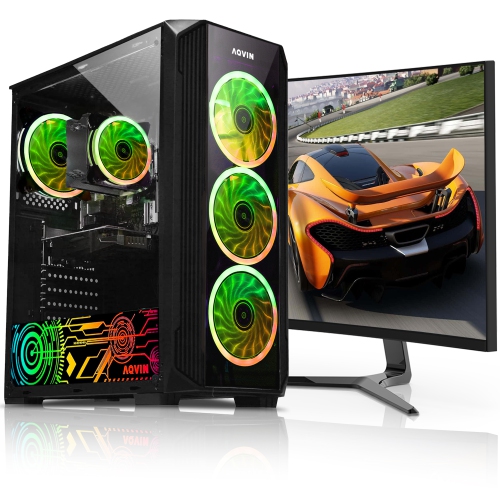
AQVIN Zforce Gaming PC - Rtx 3050 6GB, Intel Core I7, 32GB Memory, 1Tb SSD, Win 11 Pro + 27" Curved Monitor
About this product
A high-performance desktop with Intel i7, 32GB RAM, RTX 3050 graphics, and a 27-inch curved monitor.
$2,109.99 Your price for this item is $2109.99 -
5
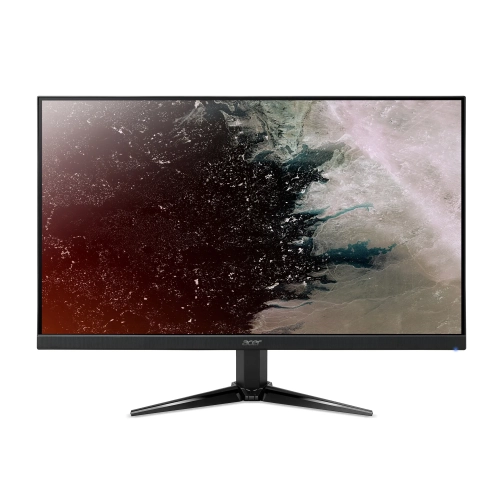
ACER - Nitro 27" 1080P HD Va Led Gaming Monitor (Qg271) - Freesync - 1Ms - 75Hz
About this product
A Full HD VA LED monitor with 75Hz refresh rate, 1ms response time, and FreeSync support.
$189.99Your price for this item is $189.99SAVE $90 -
6
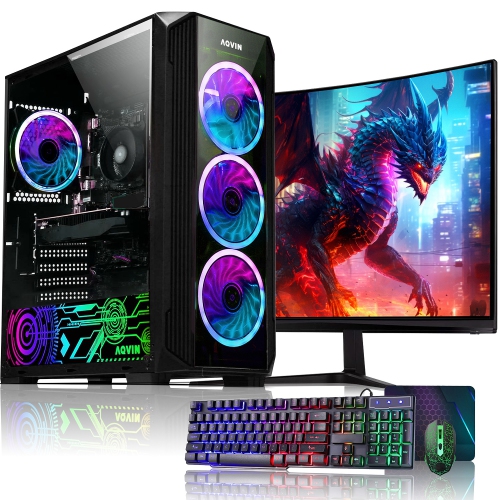
AQVIN Zforce Gaming PC - Rtx 3050 6GB, Amd Ryzen 7, 16GB Memory, 512GB SSD, Win 11 Pro + 24" Curved Monitor, Keyboard & Mouse, RGB - Only At Best Buy
About this product
A powerful gaming PC with a curved monitor, AMD Ryzen 7 CPU, 16GB RAM, 512GB SSD, and GeForce RTX 3050.
$1,999.99 Your price for this item is $1999.99 -
7
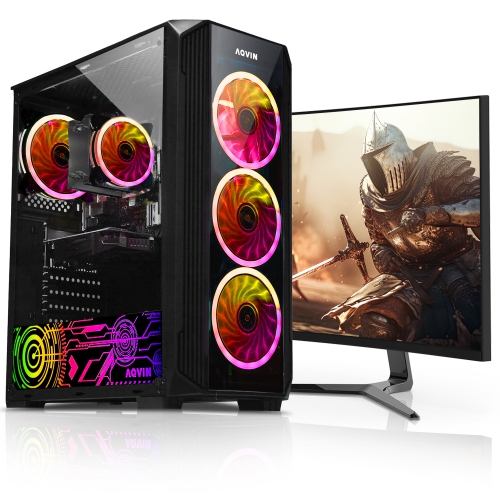
AQVIN Zforce Gaming PC - Rtx 3050 6GB, Intel Core I7, 16GB Memory, 512GB SSD, Win 11 Pro + 24" Curved Monitor
About this product
A high-performance desktop with Intel i7, RTX 3050 6GB, 32GB RAM, and a 24-inch curved monitor.
$2,019.99 Your price for this item is $2019.99 -
8
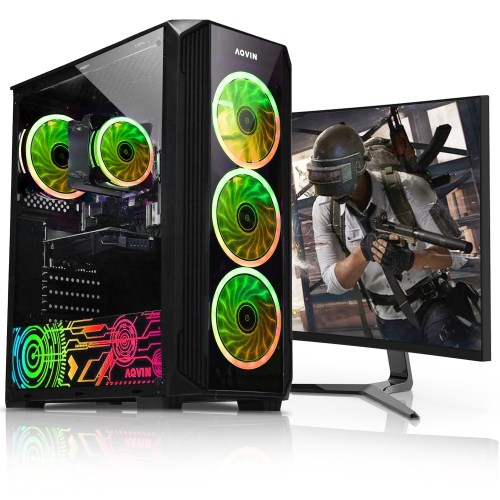
AQVIN Zforce Gaming PC - Rtx 3050 6GB, Intel Core I7, 16GB Memory, 1Tb SSD, Win 11 Pro + 24" Curved Monitor, Keyboard & Mouse, RGB
About this product
A powerful gaming PC with a curved 24-inch monitor, Intel Core i7, Nvidia GeForce RTX 3050, and 32GB DDR4 RAM.
$2,102.49 Your price for this item is $2102.49 -
9
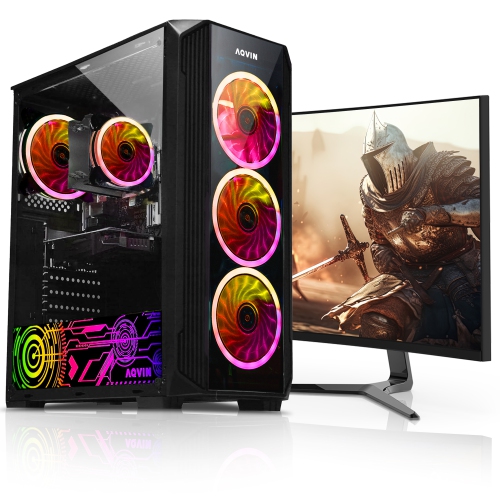
AQVIN Zforce Gaming PC - Rtx 3050 6GB, Intel Core I7, 32GB Memory, 1Tb SSD, Win 11 Pro + 24" Curved Monitor
About this product
A refurbished gaming PC combo with a new 24-inch curved monitor, featuring an Intel Core i7 CPU and Nvidia RTX 3050 graphics.
$2,034.99 Your price for this item is $2034.99 -
10
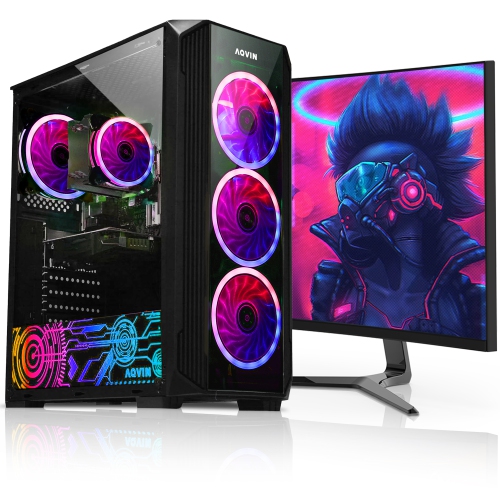
AQVIN Gaming PC - Rx 580 8GB, Intel Core I7, 32GB Memory, 2Tb SSD, Win 11 Pro + 27" Curved Monitor
About this product
A refurbished gaming PC with a 27-inch curved monitor, AMD Radeon RX 580, Intel Core i7, 32GB RAM, and 2TB SSD.
$2,599.99 Your price for this item is $2599.99
FAQ
Look for a refresh rate suited to your games, low input lag, clear motion handling, and adaptive sync support. Resolution and panel type also matter: higher resolutions provide more detail but demand more from your graphics card, while panel technology affects contrast, colour, and viewing angles.
A refresh rate of 144Hz or 165Hz is a versatile choice for many PC games. For competitive shooters and other fast-paced titles, 240Hz or higher can offer smoother motion when your PC delivers matching frame rates. Choose a refresh rate that suits both the games you play and your graphics card.
IPS panels typically offer consistent colour and wide viewing angles. VA panels generally provide strong contrast for deeper-looking dark scenes, though motion handling varies by model. OLED panels offer deep blacks and very fast pixel transitions. Your preferred games and viewing conditions can help guide your choice.
Adaptive sync allows a compatible monitor to adjust its refresh rate to the frame rate supplied by your graphics card, helping reduce screen tearing and stutter. AMD FreeSync and NVIDIA G-SYNC are common options. Check compatibility with your graphics card and whether support applies through DisplayPort, HDMI, or both.
Either connection can suit PC gaming, depending on the capabilities of your monitor, graphics card, and cable. DisplayPort is common on PC gaming setups, while HDMI is widely supported across PCs and consoles. Check which connection supports your preferred resolution, refresh rate, HDR, and adaptive sync features.
Top selling and popular products
Discover more categories related to Best PC Monitors for Gaming


Some products may be subject to Environmental Handling Fees (EHF) depending on your province. Learn more about EHFs.