Best SSDs for Gaming Laptop
Upgrade your gaming laptop with an SSD that delivers faster load times, responsive performance, and more room for your favourite games. Our list of the best SSDs for gaming laptops is ranked by user review ratings to help you compare highly rated options. As you shop, check your laptop’s supported SSD form factor and interface, then choose the storage capacity that fits your game library.
What to look for in SSDs for gaming laptops
1. Laptop Compatibility
2. Gaming Performance
3. Storage Capacity
4. Heat Management and Durability
-
1
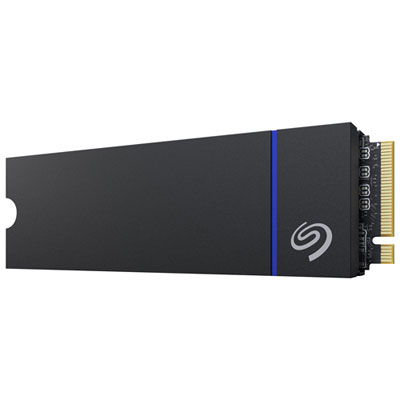
Seagate Game Drive PS5 2TB NVMe PCI-e Gen 4 Internal Solid State Drive with Heatsink - Optimized for PS5
About this product
A black NVMe PCI-e Gen 4 SSD with 2TB storage and heatsink, optimized for PlayStation 5 gaming.
What customers like
(344)$1,149.95 Your price for this item is $1149.95 -
2
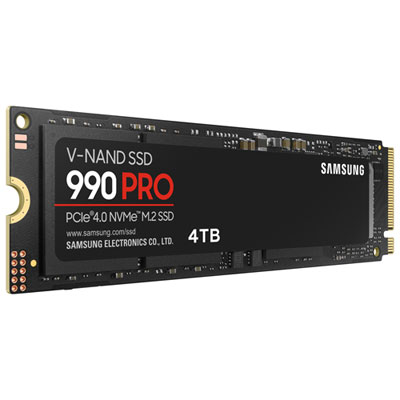
Samsung 990 Pro 4TB NVMe PCI-e Internal Solid State Drive (MZ-V9P4T0BAM)
About this product
A high-performance black and red NVMe PCI-e SSD delivering fast speeds and smart heat control for computers.
What customers like
(2,700)$1,199.97 Your price for this item is $1199.97 -
3
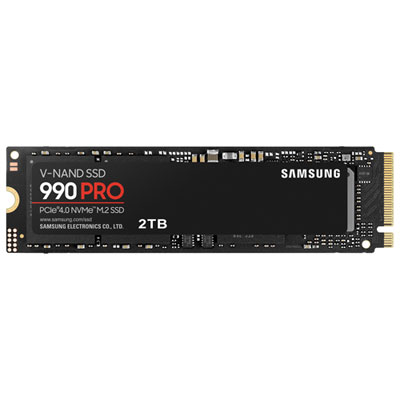
Samsung 990 Pro 2TB NVMe PCI-e Internal Solid State Drive (MZ-V9P2T0B/AM) - English
About this product
A high-performance black and red NVMe PCI-e SSD delivering fast speeds and smart heat control for demanding tasks.
What customers like
(3,963)$649.99Your price for this item is $649.99SAVE $225 -
4
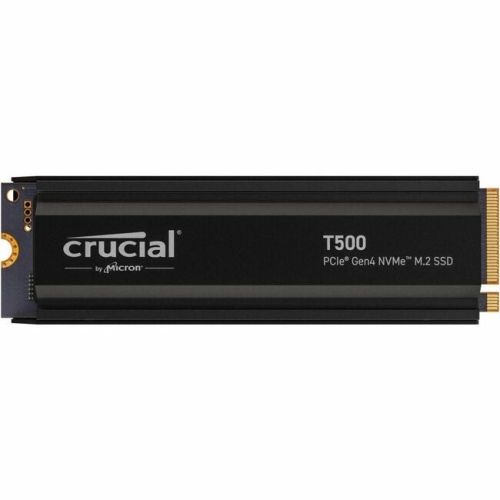
CRUCIAL Solid State Drive (Ct1000T500SSD5)
About this product
A high-speed 1TB M.2 NVMe PCIe 4.0 internal SSD designed for notebook compatibility.
What customers like
(30)$430.68 Your price for this item is $430.68 -
5
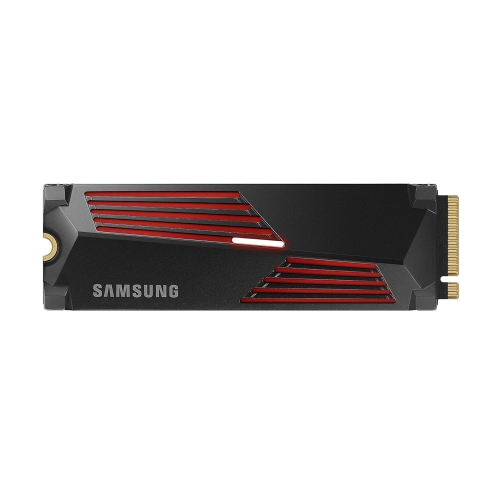
SAMSUNG 990 Pro 1Tb With Heatsink PCie 4.0 Nvme M.2 SSD R/w 7450/6900 Mb/s, for High End Computing, Ultra Fast Gaming, Compatible W/playstation 5
About this product
A high-performance PCIe 4.0 NVMe M.2 SSD with heatsink, delivering ultra-fast speeds for gaming and computing.
What customers like
(1,180)$575.99Your price for this item is $575.99SAVE $24 -
6
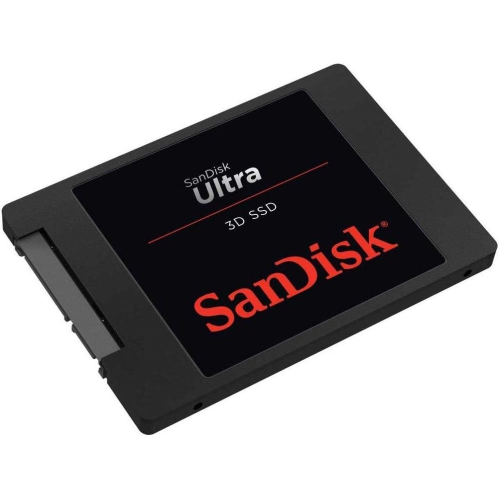
SANDISK 1Tb Ultra 3D Nand SATA Iii SSD - 2.5-Inch Solid State Drive - Sdssdh3-1T00-G25
About this product
A high-performance 1TB SATA III SSD offering fast boot-up and rapid read/write speeds for enhanced computing.
What customers like
(49)$399.77Your price for this item is $399.77SAVE $199 -
7
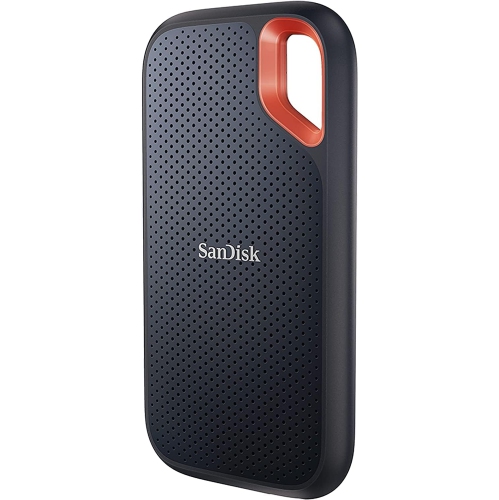
SANDISK 1Tb Extreme Portable SSD - Up to 1050Mb/s, USB-C, USB 3.2 Gen 2, Ip65 Water And Dust Resistance, Updated Firmware - External Solid State
About this product
A rugged portable SSD offering fast NVMe performance, USB-C connectivity, and IP65 water and dust resistance.
What customers like
(2,170)$332.91Your price for this item is $332.91SAVE $222 -
8
![Sandisk Portable 2TB USB 3.2 External Solid State Drive (SDSSDE30-2T00-G26) - Black [Employee of bestbuy] Great product for the value glad i purchased this from best buy](https://multimedia.bbycastatic.ca/multimedia/products/400x400/177/17744/17744651.jpg)
Sandisk Portable 2TB USB 3.2 External Solid State Drive (SDSSDE30-2T00-G26) - Black
About this product
A portable black SSD offering 2TB storage, fast 800MB/s transfers, drop protection, and a sturdy rubber hook.
What customers like
(81)$444.99 Your price for this item is $444.99 -
9
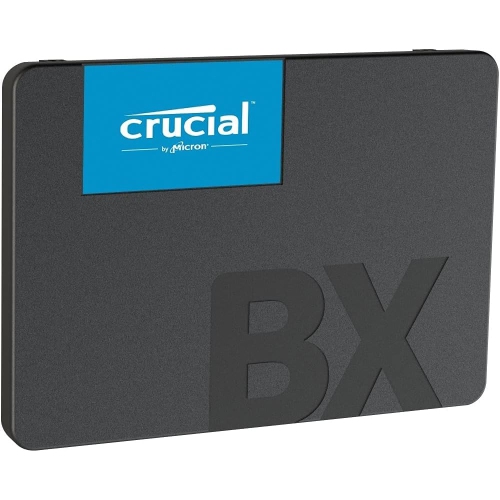
CRUCIAL Ct500Bx500SSD1 Internal Solid State Drive 2.5" 500 GB Serial Ata Iii 3D Nand
About this product
A reliable 2.5" SSD offering 500GB storage with Serial ATA III interface and 3D NAND technology.
(1)$189.91Your price for this item is $189.91SAVE $127 -
10
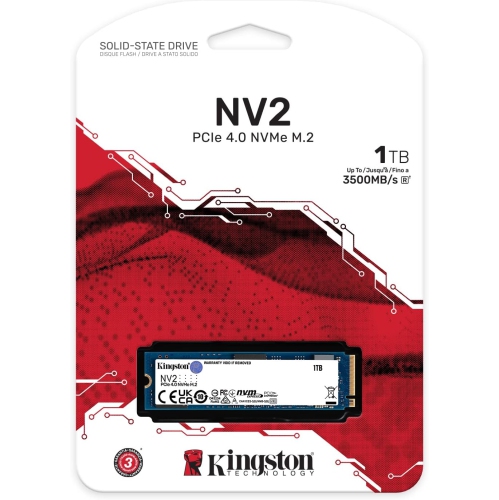
KINGSTON Nv2 1Tb M.2 2280 Nvme Internal SSD | PCie 4.0 Gen 4X4 | Up to 3500 Mb/s | Snv2S/1000G
About this product
A high-speed PCIe 4.0 NVMe SSD offering up to 3500MB/s read speeds and efficient power usage.
(2)$259.99Your price for this item is $259.99SAVE $40
FAQ
Check your laptop’s specifications or service manual for supported storage interfaces, such as SATA or PCIe NVMe. Confirm whether the laptop supports drive replacement or an additional SSD, and review any manufacturer requirements. An M.2 connector alone does not confirm compatibility, as M.2 drives can use different interfaces.
SATA SSDs connect through the SATA interface, while NVMe SSDs use the NVMe protocol over PCIe. These terms describe how the drive communicates with your laptop. Gaming laptops may support one or both, so choose the type specified by your laptop manufacturer.
PCIe generally supports backward compatibility, meaning a newer-generation PCIe NVMe SSD can often operate through an older-generation PCIe connection. The drive and laptop use a generation supported by both. Check your laptop’s documentation for model-specific restrictions before choosing a drive.
Yes. A gaming laptop can keep its operating system, applications and game libraries on the same SSD. Separate drives or partitions are optional. Many game launchers also let you choose an installation folder or manage libraries across multiple drives.
SSD firmware is software stored on the drive that governs its internal operations and communication with your laptop. Manufacturers may provide firmware updates through a drive-management utility or support website. For an SSD supplied with your laptop, check the laptop manufacturer’s support resources for applicable updates.
Top selling and popular products
Discover more categories related to Best SSDs for Gaming Laptop
Some products may be subject to Environmental Handling Fees (EHF) depending on your province. Learn more about EHFs.