Best Tablets for Elderly
Finding the right tablet can help older adults stay connected, enjoy entertainment, and manage everyday tasks. The best tablets for elderly users offer easy-to-navigate menus, clear displays, and useful accessibility features such as adjustable text sizes and voice controls. Explore the tablets below, ranked by user review ratings, to compare options for video calls, reading, browsing, and more.
What to look for in tablets for seniors
1. Screen Size and Readability
2. Ease of Use and Accessibility
3. Connectivity and Communication
4. Battery Life and Everyday Comfort
-
1

SAMSUNG Galaxy Tab A9+ | 4GB (Ram) + 64GB | Wi-Fi | In Silver
About this product
A sleek silver tablet featuring a vibrant 11" display, 4GB RAM, and 64GB storage for smooth multitasking.
What customers like
(2,441)$499.99 Your price for this item is $499.99 -
2

APPLE Ipad 11-Inch: A16 Chip, 11-Inch Model, Liquid Retina Display, 128GB, Wi-Fi 6, 12Mp Front/12Mp Back Camera, Touch Id, All-Day Battery Life -
About this product
An advanced blue tablet featuring an A16 chip, Liquid Retina display, 128GB storage, and all-day battery life.
What customers like
(6,821)$629.95Your price for this item is $629.95SAVE $170 -
3
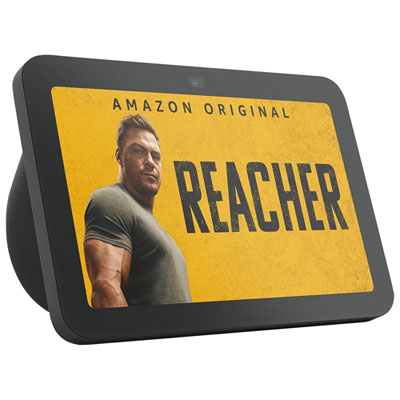
Amazon Echo Show 8 (3rd Gen) Smart Display with Spatial Audio & Alexa - Charcoal
About this product
An Amazon Echo Show 8 with an 8" touch screen, 13MP camera, and immersive spatial audio in charcoal.
What customers like
(941)$149.99Your price for this item is $149.99SAVE $50 -
4
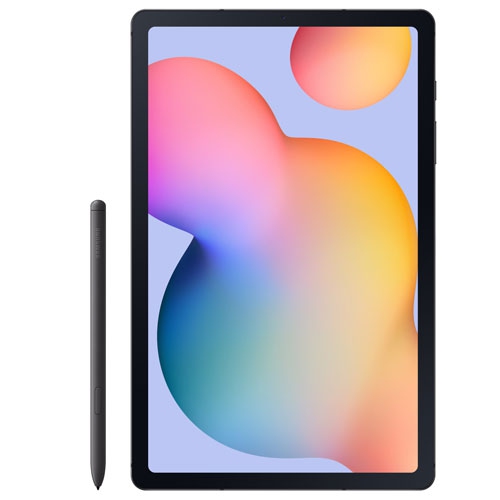
SAMSUNG Refurbished (Excellent) - Galaxy Tab S6 Lite 10.4" 64GB Android Tablet With Exynos 1280 - Graphite
About this product
A refurbished graphite tablet featuring a 10.4" display, 64GB storage, Exynos 1280, and S Pen.
(3)$338.97Your price for this item is $338.97SAVE $110 -
5
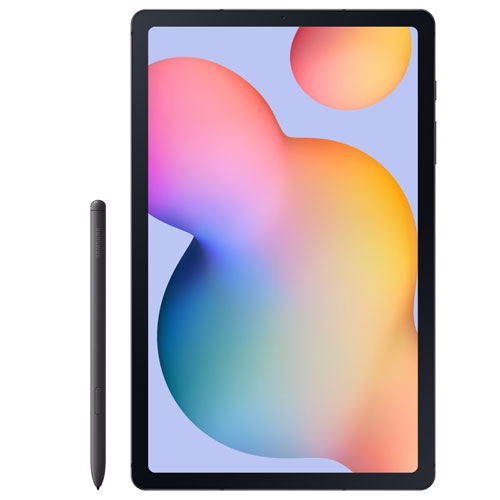
SAMSUNG Refurbished (Good) - Galaxy Tab S6 Lite 10.4" 64GB Android Tablet With Exynos 1280 - Graphite
About this product
A refurbished graphite tablet featuring a 10.4" display, 64GB storage, Exynos 1280, and S Pen.
$323.97Your price for this item is $323.97SAVE $125 -
6
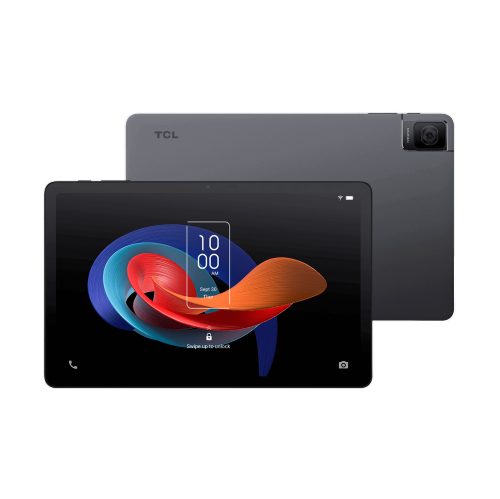
TCL Tab 10 Gen 2 Wi-Fi Tablet – 10” HD Display, 4GB Ram, 64GB Storage, Family-Friendly Features
About this product
A family-friendly tablet featuring a 10” HD display, 4GB RAM, and 64GB storage for everyday use.
$200.00 Your price for this item is $200 -
7
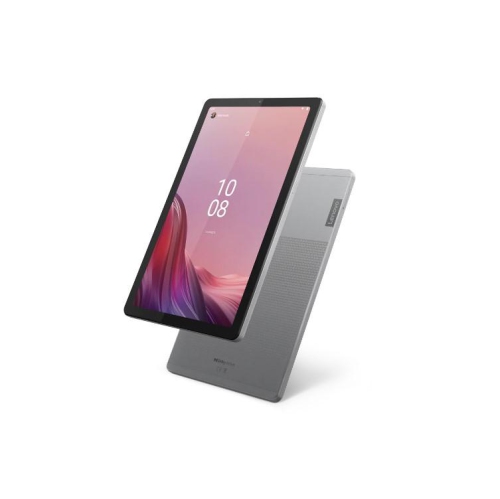
LENOVO Tab M9 9" Touchscreen Android Tablet – Mediatek Helio G8 4GB Ram 64GB Storage HD Ips Display Wi-Fi Arctic In Gray
About this product
An Arctic Gray tablet featuring a 9" HD IPS display, octa-core processor, and 64GB storage.
$268.00Your price for this item is $268SAVE $131 -
8
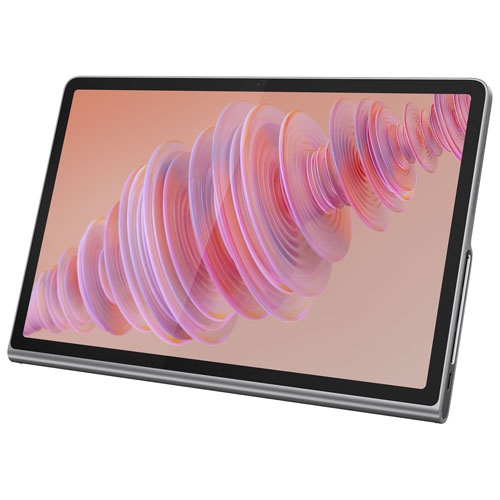
LENOVO Refurbished (Fair) - Tab Plus 11.5" 128GB Android 14 Tablet With Mediatek Helio G99 8-Core Processor - Luna In Grey
About this product
A refurbished grey tablet featuring an 11.5" 2K display, 128GB storage, and JBL Hi-Fi speakers.
$263.97Your price for this item is $263.97SAVE $105 -
9
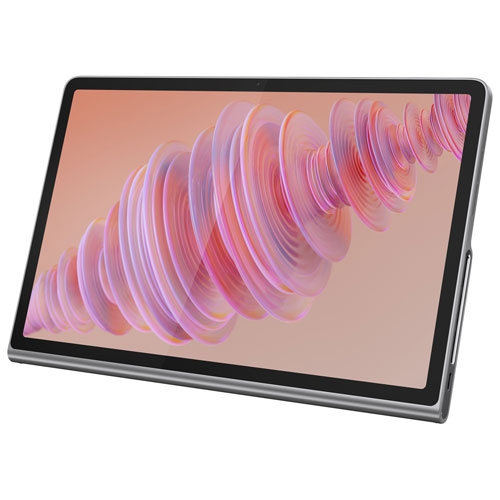
LENOVO Refurbished (Good)- Tab Plus 11.5" 128GB Android 14 Tablet With Mediatek Helio G99 8-Core Processor - Luna In Grey
About this product
A grey Android tablet featuring an 11.5" 2K display, JBL Hi-Fi speakers, and Bluetooth speaker mode.
$278.97Your price for this item is $278.97SAVE $90 -
10
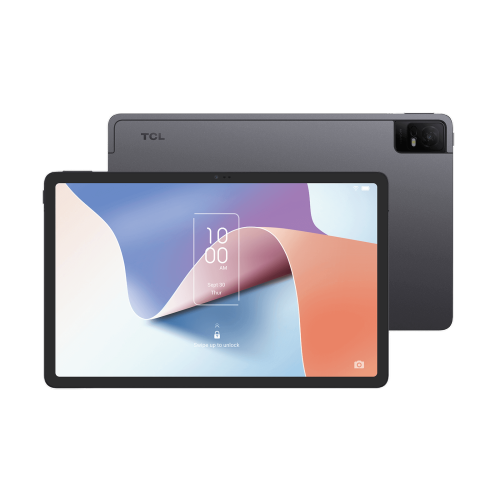
TCL Nxtpaper 11 Wi-Fi Tablet – 11” Eye-Friendly Nxtpaper Display, 4GB Ram, 128GB Storage
About this product
An eye-friendly tablet with an 11” NXTPAPER display, 4GB RAM, and 128GB storage for versatile use.
$325.00 Your price for this item is $325
FAQ
Look for straightforward menus, clear speakers, voice controls and accessibility settings such as spoken content and contrast adjustments. A familiar operating system can also make a tablet more approachable for someone who already uses a smartphone.
Common options include iPadOS, Android and Windows. iPadOS offers a consistent interface across supported iPads, Android allows flexible home screen layouts, and Windows provides a desktop-style experience. The choice often comes down to familiar apps and the devices someone already uses.
Many tablets support video calling through apps such as FaceTime, Google Meet and Zoom. Look for a front-facing camera, a built-in microphone and clear speakers. Both callers need compatible services and an internet connection, such as Wi-Fi.
Place frequently used apps, such as email, photos and video calling, on the main home screen. Depending on the tablet, you can remove unused shortcuts, group apps into labelled folders and add widgets for the calendar or weather. Notification settings can also be adjusted to limit interruptions.
A stand or folio case can hold a tablet upright for reading and video calls. A compatible keyboard offers an alternative to typing on the touchscreen, while a stylus provides another way to tap and write. Check the tablet’s compatibility requirements before choosing accessories.
Top selling and popular products
Discover more categories related to Best Tablets for Elderly


Some products may be subject to Environmental Handling Fees (EHF) depending on your province. Learn more about EHFs.