Best Wi-Fi Extenders
Extend your wireless coverage and stay connected in more corners of your home with the best Wi-Fi extenders, ranked by customer review ratings. Whether you’re looking to reduce dead zones in an upstairs bedroom or improve connectivity in your home office, explore top-rated options to find the right fit for your space and existing router.
What to look for in Wi-Fi extenders
1. Coverage and Placement
2. Router Compatibility
3. Speed and Band Support
4. Setup and Ethernet Ports
-
1
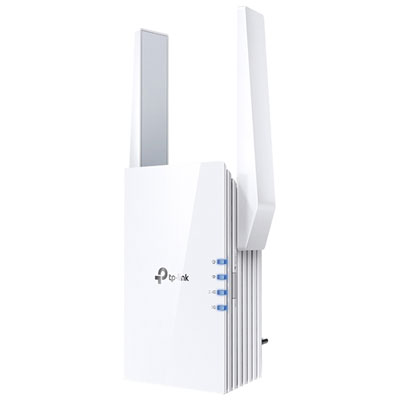
TP-Link Wireless AX1800 Dual-Band Wi-Fi 6 Range Extender (RE605X)
About this product
A white dual-band Wi-Fi 6 extender delivering up to 1,800Mb/s and easy app-based setup.
What customers like
(797)$89.99 Your price for this item is $89.99 -
2
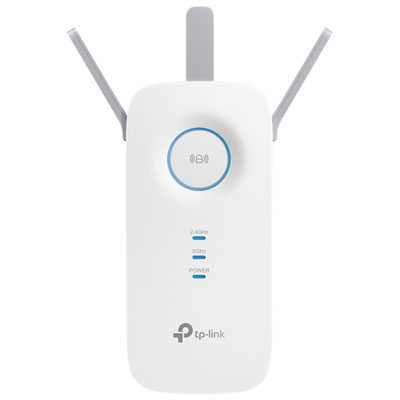
TP-Link Wireless AC1750 Wi-Fi 5 Range Extender (RE450)
About this product
A dual-band white range extender that boosts Wi-Fi speeds up to 1.75Gbps throughout your home.
What customers like
(379)$69.99 Your price for this item is $69.99 -
3
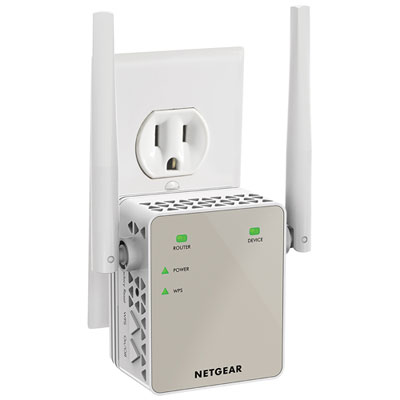
NETGEAR AC1200 Wi-Fi 5 Range Extender Essentials Edition (EX6120-100CNS)
About this product
An AC dual band Wi-Fi extender that boosts network range and supports HD streaming and gaming.
What customers like
(1,257)$79.99 Your price for this item is $79.99 -
4
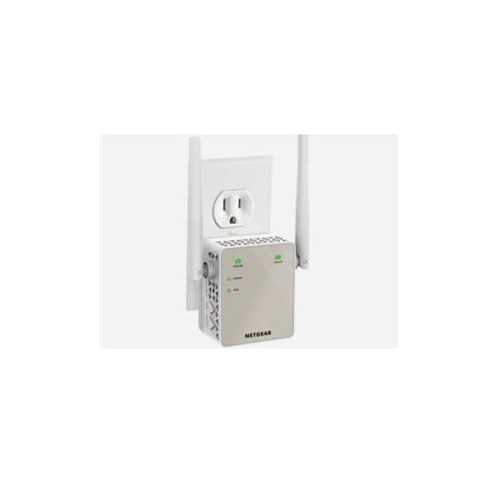
NETGEAR Ac1200 Wifi Range Extender Ex6120-100Cns
About this product
A dual-band Wi-Fi extender that boosts wireless coverage and reduces dead zones in your home.
(1)$87.68Your price for this item is $87.68SAVE $10 -
5
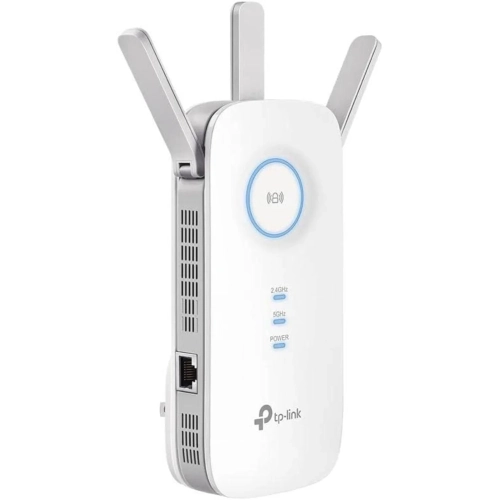
TP-LINK T
About this product
A powerful WiFi extender with 2800 sq. ft coverage, 35 device support, and 1900Mbps dual band speeds.
(1)$89.89 Your price for this item is $89.89 -
6
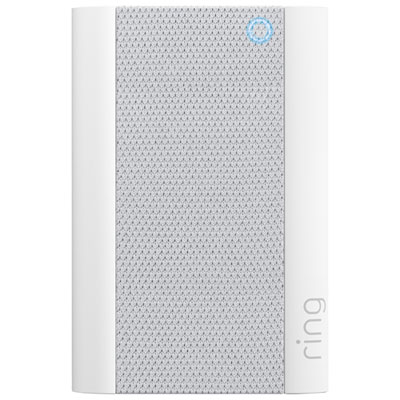
Ring Chime Pro Wi-Fi Speaker for Ring Video Doorbells and Cameras
About this product
A white Wi-Fi speaker that extends coverage, alerts you to motion, and doubles as a night light.
What customers like
(3,121)$74.99 Your price for this item is $74.99 -
7
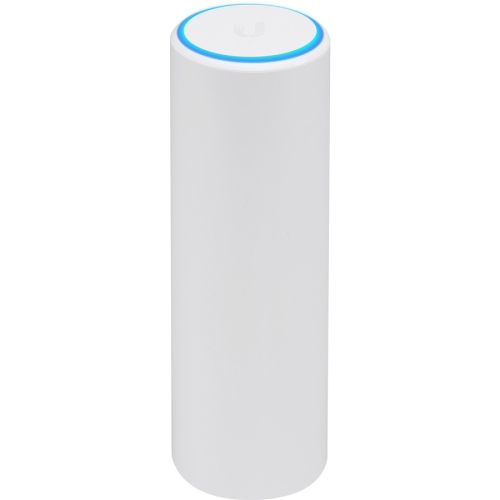
UBIQUITI Unifi Flexhd Dual Band 802.11Ac Wave 2 Enterprise 4X4 Mu-Mimo Wi-Fi Access Point - In White
About this product
A sleek white dual-band Wi-Fi access point with 4x4 MU-MIMO for fast, reliable enterprise connectivity.
$285.37Your price for this item is $285.37SAVE $28 -
8
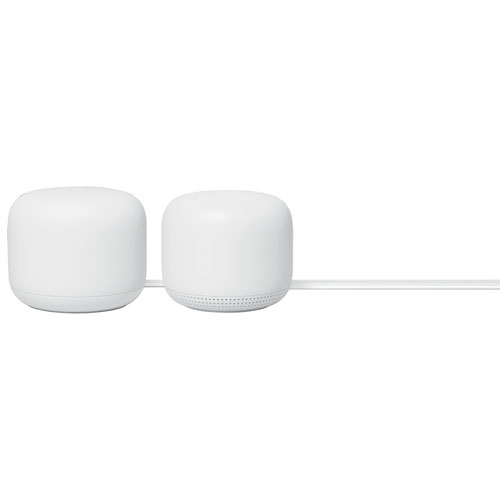
GOOGLE Nest Wifi Router With Point - 2 Pack
About this product
A two-pack system that blankets your home in fast Wi-Fi and features built-in Google Assistant speakers.
$289.25Your price for this item is $289.25SAVE $38 -
9
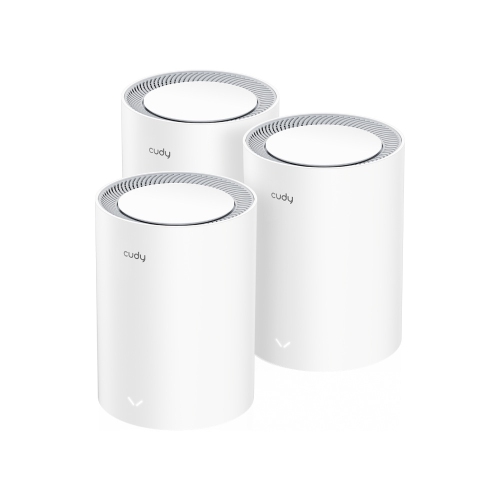
CUDY M3000 Ax3000 2.5G Dual Band Wi-Fi 6 Mesh System, 3-Pack | Covers Up to 7000 Sq.ft., Replaces Wireless Router And Extender, Supports Ethernet
About this product
A dual-band Wi-Fi 6 mesh system with app control, VPN support, and Ethernet for seamless whole-home coverage.
$319.99 Your price for this item is $319.99 -
10
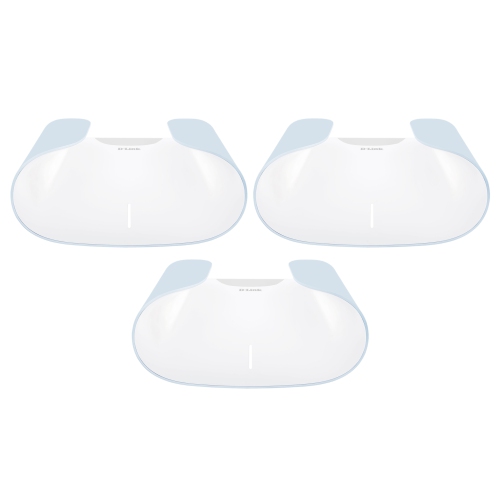
D-LINK Ax3000 Aquila Pro Whole Home Mesh Wi-Fi 6 System - 3-Pack - M30/3
About this product
A whole home mesh system delivering fast Wi-Fi 6 speeds and wide coverage with a sleek design.
$249.99Your price for this item is $249.99SAVE $30
FAQ
Common features include dual-band support, an Ethernet port, app-based setup and access point mode. Check which Wi-Fi standards the extender supports and whether it offers the connection options you want to use with your existing router.
Many Wi-Fi extenders work with routers from other brands, provided their Wi-Fi standards and network settings are compatible. However, features that integrate an extender into a branded mesh system may require a compatible router from that system. Check the manufacturer's compatibility requirements before choosing.
Setup typically involves plugging the extender into a power outlet, connecting to it through an app or web browser, and selecting your existing Wi-Fi network. Some models also support push-button pairing with a compatible router. Follow the model's setup guide, as the steps vary.
Depending on the model and its settings, an extender may use your router's network name or create a separate name. Some models let you choose during setup. A separate name lets you manually select the extender's network on your devices.
On supported models, an Ethernet port lets you connect a wired device, such as a computer, television or game console. Extenders with access point mode may also use that port to connect to a router by Ethernet cable. Check the specifications to confirm which modes the port supports.
Top selling and popular products
Discover more categories related to Best Wi-Fi Extenders
Some products may be subject to Environmental Handling Fees (EHF) depending on your province. Learn more about EHFs.