Best Wi-Fi Extenders For Homes
Extend your wireless coverage with the best Wi-Fi extenders for homes, ranked by customer review ratings. Whether you’re tackling dead zones in an upstairs bedroom or looking for a stronger signal in your home office, explore options to help keep you connected. Compare customer feedback to find a Wi-Fi extender that suits your space and everyday browsing, streaming, and gaming needs.
What to look for in Wi-Fi extenders for homes
1. Coverage and Placement
2. Router Compatibility
3. Speed and Wi-Fi Bands
4. Setup and Connection Options
-
1
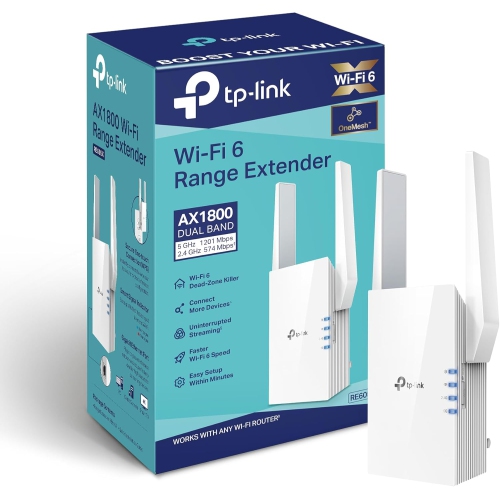
TP-LINK Ax1800 Wifi Extender Internet Booster Re605X-Wifi 6 Range Extender Covers Up to 1500 Sq.ft And 25 Devices, Dual Band, Up to 1.8GBps Speed
About this product
A dual-band Wi-Fi 6 extender supporting up to 25 devices with speeds up to 1.8Gbps.
What customers like
(788)$147.29 Your price for this item is $147.29 -
2
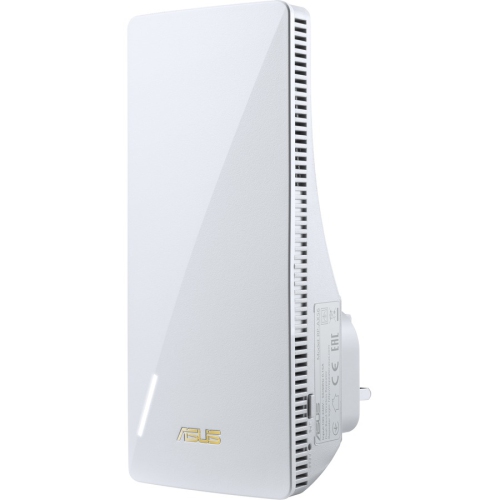
ASUS Rt-Ax56U Wireless Range Extender Rp-Ax56
About this product
A dual-band wireless range extender offering up to 1.76 Gbps speeds with Gigabit Ethernet connectivity.
What customers like
(49)$124.99Your price for this item is $124.99SAVE $35 -
3
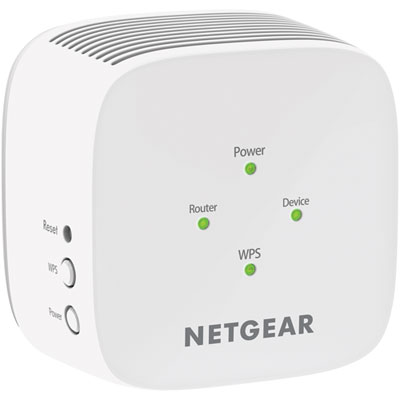
NETGEAR AC750 Wi-Fi 5 Range Extender (EX2800-100CNS)
About this product
A powerful Wi-Fi range extender that expands your network coverage and delivers fast, reliable connections.
What customers like
(408)$49.97 Your price for this item is $49.97 -
4
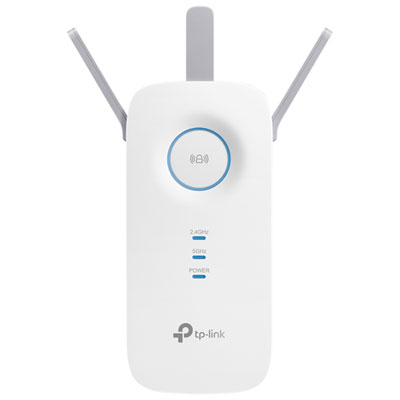
TP-Link Wireless AC1750 Wi-Fi 5 Range Extender (RE450)
About this product
A dual-band white range extender that boosts Wi-Fi speeds up to 1.75Gbps throughout your home.
What customers like
(381)$59.99 Your price for this item is $59.99 -
5
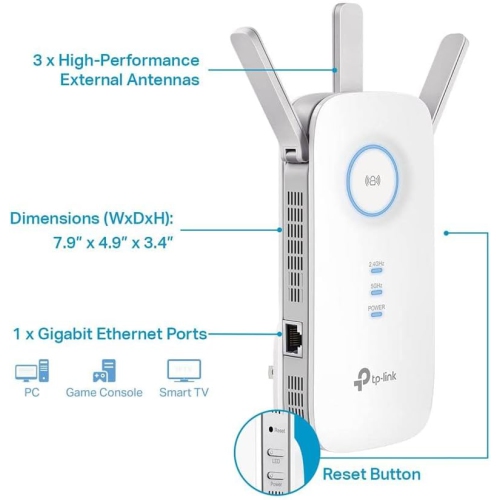
TP-LINK Ac1900 Wifi Extender (Re550) Ac1900
About this product
A dual-band wireless repeater that boosts internet coverage for up to 35 devices with gigabit Ethernet support.
(5)$69.89Your price for this item is $69.89SAVE $10 -
6

TP LINK Tp-Link Tl-Wa850Re 300Mbps Universal Wi-Fi Range Extender, Repeater, Wall Plug Design, One-Button Setup, Smart Signal
About this product
A compact Wi-Fi range extender with 300Mbps speed, wall plug design, and easy one-button setup.
What customers like
(1,018)$45.78 Your price for this item is $45.78 -
7
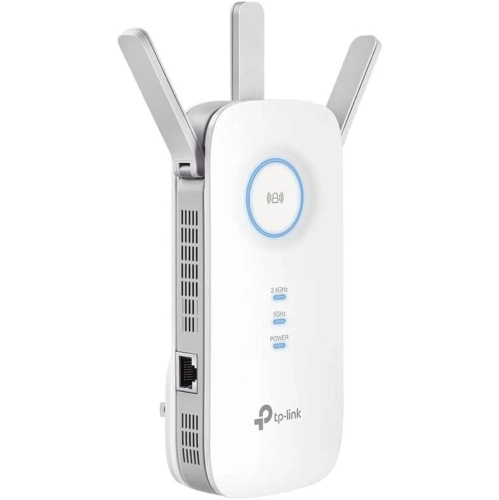
TP-LINK T
About this product
A powerful WiFi extender with 2800 sq. ft coverage, 35 device support, and 1900Mbps dual band speeds.
(1)$89.89 Your price for this item is $89.89 -
8
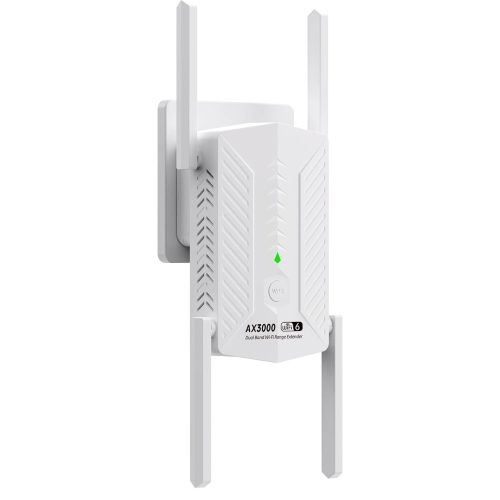
GOODLUCK TECH Ax3000 6-Band Wifi Extender, Wifi Repeater, Wireless Signal Booster With Gigabit Ethernet Port In White
About this product
A white wireless signal booster offering WiFi 6 speeds and a Gigabit Ethernet port for seamless connectivity.
(1)$96.95Your price for this item is $96.95SAVE $77 -
9
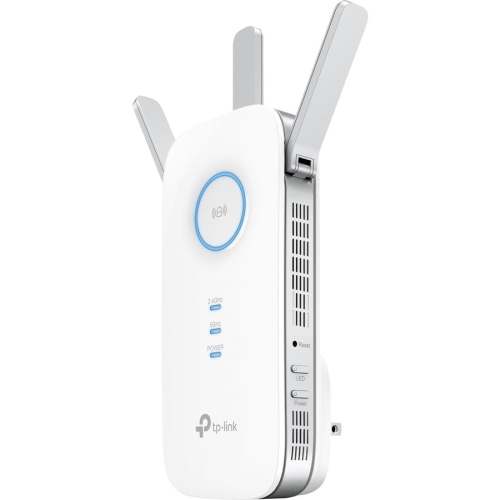
TP-LINK Re450 Ac1750 Wi-Fi Range Extender (Re450)
About this product
A dual-band wireless range extender that boosts internet speeds up to 1750Mbps for seamless connectivity.
(1)$111.49 Your price for this item is $111.49 -
10
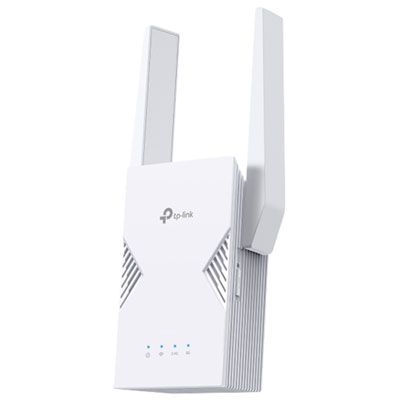
TP-Link Wireless BE3600 Wi-Fi 7 Range Extender (RE235BE)
About this product
A dual-band Wi-Fi 7 extender delivering up to 3.6Gbps speeds with Multi-Link Operation and 2.5G Ethernet.
(3)$179.99 Your price for this item is $179.99
FAQ
A Wi-Fi extender is a networking device that connects to your router’s wireless network and rebroadcasts its signal. Depending on the model and configuration, it may use your existing network name or a separate one.
Dual-band extenders use the 2.4 GHz and 5 GHz frequency bands. Tri-band models add another band, which may be an additional 5 GHz band or a 6 GHz band. The bands available depend on the extender’s Wi-Fi standard and design.
Many Wi-Fi extenders can connect to routers from other brands using compatible Wi-Fi standards. Proprietary mesh features may require devices from a particular brand or product family, so check the manufacturer’s compatibility requirements.
An Ethernet port can connect a wired device, such as a desktop computer, smart TV or game console, to the extender. Some extenders also support access point mode, which uses an Ethernet cable to connect the extender to the router. Port functions vary by model.
Wi-Fi extender settings are typically managed through a manufacturer’s app or a browser-based dashboard. Depending on the model, you can change the network name, select an operating mode, view connected devices and install firmware updates.
Top selling and popular products
Discover more categories related to Best Wi-Fi Extenders For Homes
Some products may be subject to Environmental Handling Fees (EHF) depending on your province. Learn more about EHFs.