Best Student Laptops With SSD Storage And Fast Performance
The best student laptops with SSD storage and fast performance help you stay on top of coursework, from researching essays to joining online classes. Quick start-up times, responsive apps, and smooth multitasking make it easier to move between assignments, study sessions, and downtime. Explore the laptops below, ranked by user review ratings, to find an option that fits your study needs and budget.
What to look for in student laptops with SSD storage and fast performance
1. Processor and Memory
2. SSD Capacity and Speed
3. Battery Life and Portability
4. Course Software and Connectivity
-
1
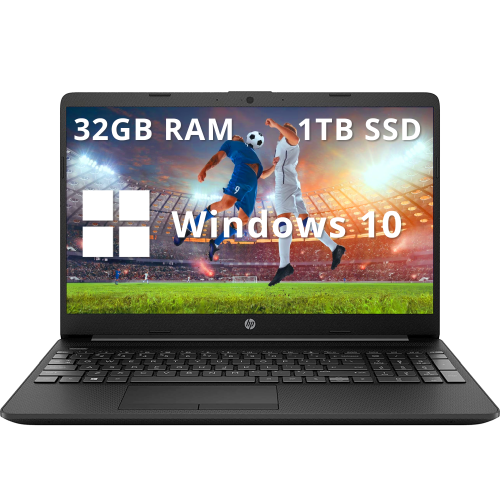
HP - 15.6" Fhd Anti-Glare Business Laptop - Intel Celeron N4020 - 32GB Ddr4 - 1Tb SSD - Intel Uhd - Windows 10 - In Black
About this product
A black business laptop featuring Intel Celeron N4020, 32GB RAM, 1TB SSD, and fast charging.
What customers like
(0)$899.00Your price for this item is $899SAVE $330 -
2
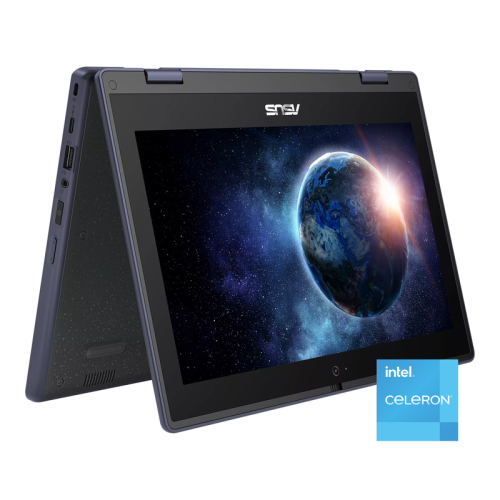
ASUS 11.6" HD Touchscreen 2-In-1 Student Laptop - Intel Celeron N100 - 4GB Ddr4 - 128GB SSD - Windows 11 Pro - In Gray
About this product
A rugged grey 2-in-1 touchscreen laptop with Intel Celeron, 128GB SSD, and Wi-Fi 6 connectivity.
(1)$479.00Your price for this item is $479SAVE $210 -
3
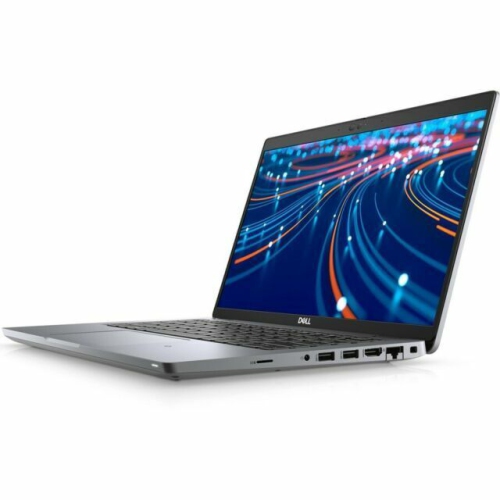
DELL Refurbished (Good) - Latitude 5420 Laptop - Intel Core I5-1145G7 - 16GB Ram - 256GB SSD - Windows 11 Pro - In Silver
About this product
A refurbished silver laptop with Intel Core i5, 16GB RAM, 256GB SSD, and Windows 11 Pro.
$500.00Your price for this item is $500SAVE $50 -
4
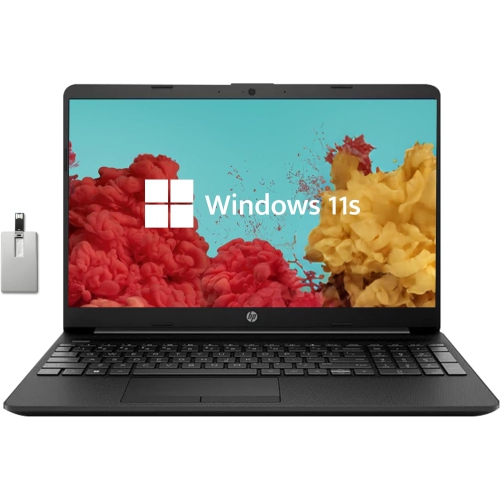
HP - 15.6" HD Student Laptop - Intel Pentium Silver N5030 - 8GB Ddr4 - 256GB SSD - Intel Uhd - Windows 11 - - 32GB Hotface USB Card
About this product
A sleek black and silver laptop featuring Intel Pentium N5030, 8GB RAM, 256GB SSD, and HD webcam.
$499.00Your price for this item is $499SAVE $90 -
5
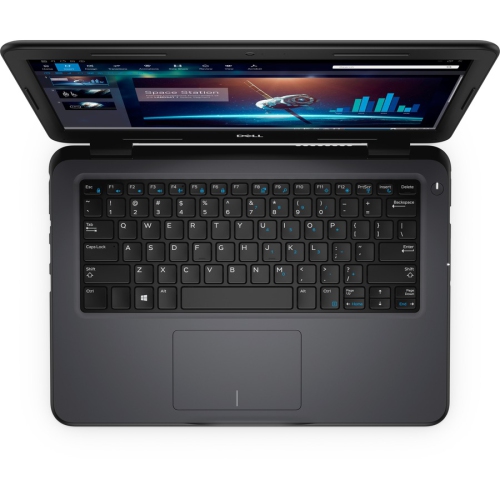
DELL Latitude 3310 13.3" Student Laptop - Intel Core I5-8265U - 8GB - 256GB SSD - Windows 10 Pro - In Black
About this product
A versatile laptop featuring an Intel i5 processor, 8GB RAM, 256GB SSD, and Windows 10 Pro.
$825.68 Your price for this item is $825.68 -
6
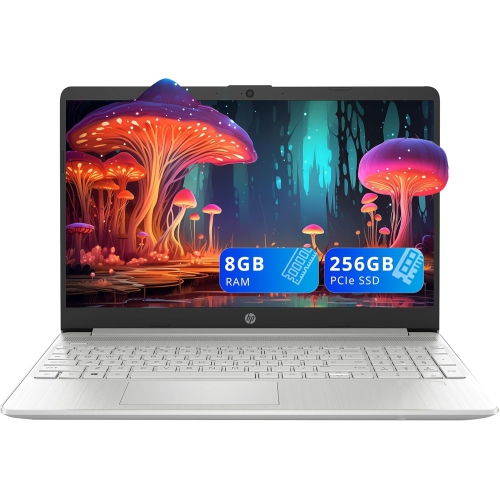
HP - 15.6" Brightview Laptop - Intel Core I3-1005G1 - 8GB Ddr4 - 256GB PCie SSD - Intel Uhd - Windows 11 - In Silver
About this product
A sleek silver laptop with Intel i3 processor, 8GB RAM, 256GB SSD, and fast charge technology.
$489.00Your price for this item is $489SAVE $190 -
7
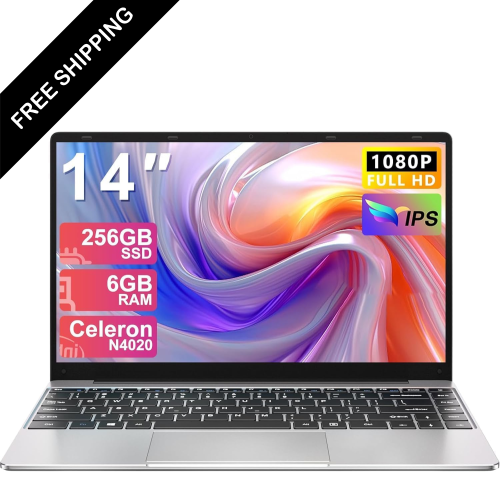
LDAS ELECTRONICS 14" Business Student Laptop - Intel Celeron N4020 - 6GB Ddr4 - 256GB SSD - Windows 11 - In Silver
About this product
A lightweight laptop with a 14" FHD display, 256GB SSD, Celeron N4020, and 5G Wi-Fi.
$569.99Your price for this item is $569.99SAVE $130 -
8
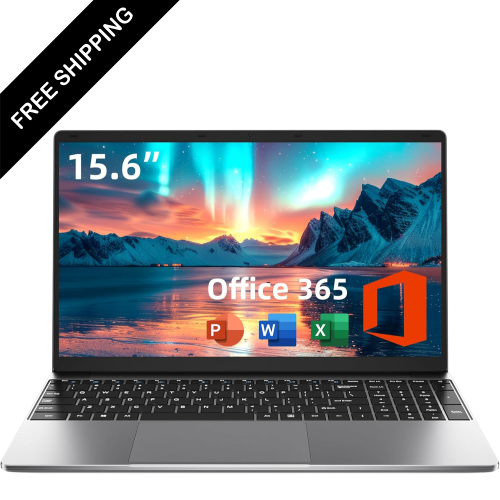
LDAS ELECTRONICS 15.6" Business Student Laptop - Intel 5205U - 4GB Ram - 128GB SSD - Windows 11 - - Includes 1 Year Office 365 In Silver
About this product
A versatile laptop featuring an Intel 5205U processor, 4GB RAM, 128GB storage, and Windows 11.
$599.99Your price for this item is $599.99SAVE $100 -
9
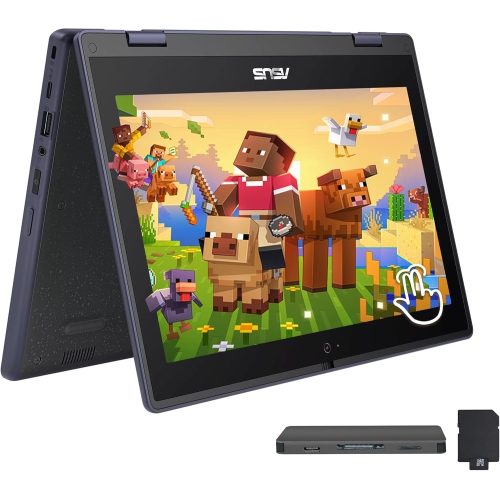
ASUS 11.6" HD Touchscreen 2-In-1 Student Laptop - Intel Celeron N100 - 4GB Ddr4 - 128GB SSD+160GB - Windows 11 Pro - In Gray
About this product
A versatile grey 2-in-1 touchscreen laptop with Intel Celeron processor, 288GB storage, and 4GB RAM.
$519.00Your price for this item is $519SAVE $230 -
10
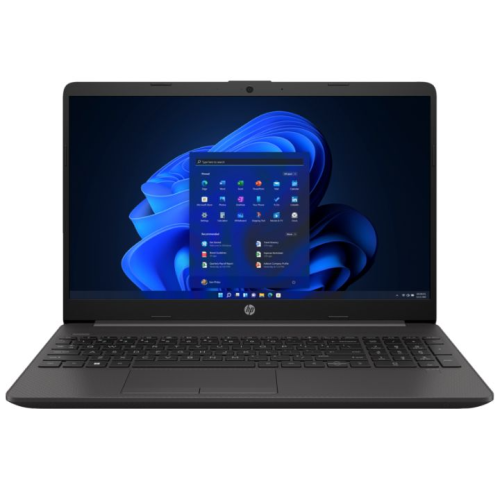
HP Refurbished (Good) - 250 G9 15.6" Business And Student Laptop - Intel Celeron N4500 - 16GB Ddr4 - 512GB SSD - Windows 11 Home - In Black
About this product
A reliable laptop with Intel Celeron N4500, 16GB RAM, 512GB SSD, and an HD anti-glare display.
$419.99Your price for this item is $419.99SAVE $410
FAQ
Look for an SSD, a recent-generation processor and RAM that meets the requirements of your course software. Compare the processor’s full model name rather than just its product family. For demanding coursework, also check whether your applications require dedicated graphics.
SATA and NVMe SSDs use different connections and communication standards. SATA SSDs use the SATA interface, while NVMe SSDs communicate through PCIe. Laptop specifications may also mention M.2, which describes a physical format rather than confirming whether the drive uses SATA or NVMe.
Start with your school’s technology requirements and the applications used in your program. Windows, macOS and ChromeOS support different software options, and some courses require desktop applications that are not available on every platform. Check compatibility with exam software, virtual learning platforms and any specialized tools before choosing.
Consider USB-A for existing accessories, USB-C for compatible peripherals and charging, and HDMI for classroom displays. Check each port’s supported functions, since not every USB-C port supports video output or laptop charging. Wi-Fi and Bluetooth are also useful for campus connectivity and wireless accessories.
Check whether the SSD is replaceable and whether the RAM is soldered or installed in accessible slots. Upgrade options vary by laptop, so consult the manufacturer’s specifications and service documentation. Confirm compatible components and any installation requirements rather than assuming every laptop supports upgrades.
Top selling and popular products
Discover more categories related to Best Student Laptops With SSD Storage And Fast Performance


Some products may be subject to Environmental Handling Fees (EHF) depending on your province. Learn more about EHFs.