Best Hard Drives for PS5
Make more room for your game library with the best hard drives for PS5, ranked by user review ratings. Compare storage capacities, transfer speeds, and portable designs to find an option that suits your setup and budget. Compatible external hard drives let you play PS4 games directly and store PS5 games when you need extra space—just transfer PS5 titles back to your console’s internal storage or a compatible installed M.2 SSD before playing.
What to look for in hard drives for PS5
1. Game Storage and Playback
2. PS5 Compatibility
3. Storage Capacity
4. Speed and Drive Type
-
1

SEAGATE Horizon Forbidden West Limited Edition Game Drive for Playstation Consoles 2Tb External Hard Drive - USB 3.2 Gen1, Officially-Licensed
About this product
A limited edition 2TB external hard drive with USB 3.2 Gen1, officially licensed for PlayStation consoles.
(5)$388.68 Your price for this item is $388.68 -
2
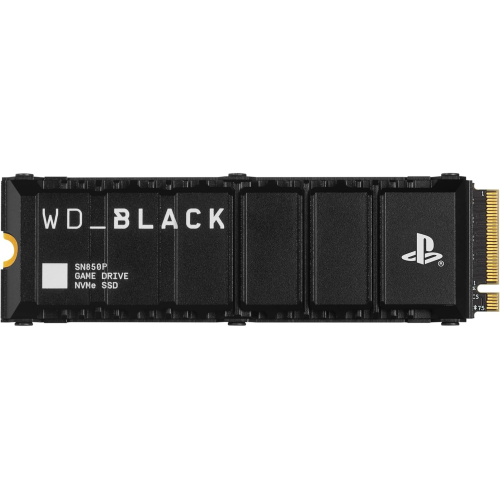
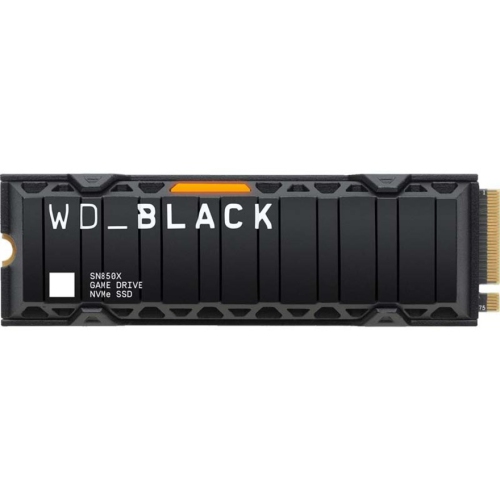
WD_BLACK 2Tb Sn850P Nvme M.2 SSD Officially Licensed Storage Expansion for Ps5 Consoles, Up to 7300Mb/s, With Heatsink - Wdbbyv0020Bnc-Wrsn
About this product
A high-speed NVMe M.2 SSD with heatsink, officially licensed for PS5 consoles, offering up to 7300MB/s.
What customers like
(1,977)$599.99Your price for this item is $599.99SAVE $305 -
3
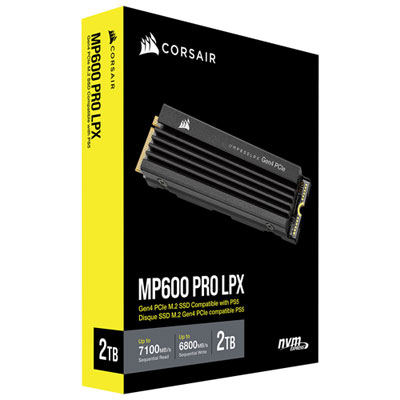
Corsair MP600 Pro LPX 2TB M.2 NVMe PCI-e (Gen 4) Internal Solid State Drive with Heatsink - Optimized for PS5
About this product
A high-speed black M.2 NVMe SSD with heatsink, delivering rapid game loading optimized for PlayStation 5.
What customers like
(671)$609.99 Your price for this item is $609.99 -
4
WD_BLACK SN850P 8TB NVMe PCI-e Internal Solid State Drive with Heatsink - Officially Licensed for PS5
About this product
A high-capacity black NVMe PCIe SSD with heatsink, officially licensed for PlayStation 5 consoles.
What customers like
(32)$2,774.99 Your price for this item is $2774.99 -
5

WD Easystore 5TB USB 3.2 Portable External Hard Drive (WDBAJP0050BBK-WESN) - Black
About this product
A portable black hard drive offering 5TB storage and fast USB 3.2 Gen 1 transfer speeds.
What customers like
(8,578)$389.99 Your price for this item is $389.99 -
6
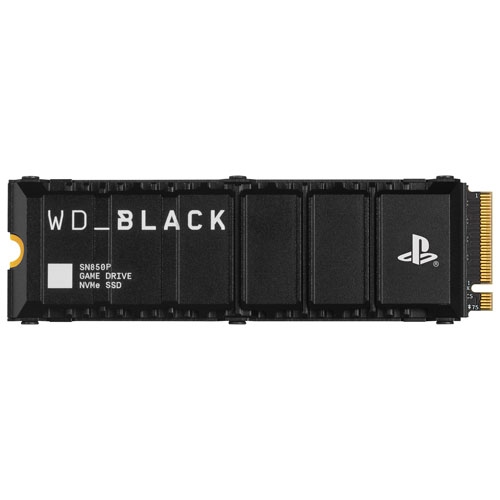
WD _Black Sn850P 2Tb Nvme PCi-E Internal Solid State Drive With Heatsink - Officially Licensed for Ps5
About this product
An officially licensed 2TB NVMe PCIe SSD with heatsink, designed for PS5 and on sale now.
$1,099.99 Your price for this item is $1099.99 -
7
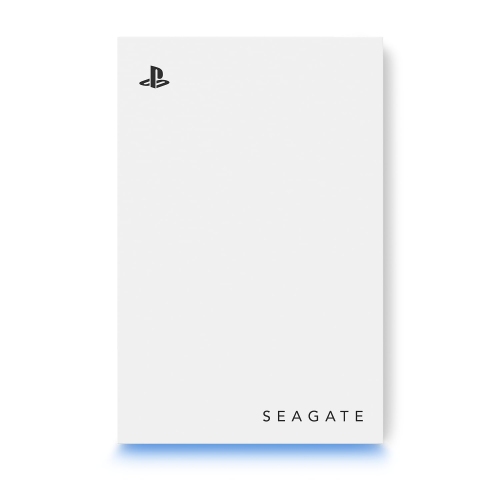
SEAGATE Game Drive for Playstation 2Tb External HDD - USB 3.0, Officially Licensed Led In Blue
About this product
A blue external hard drive offering 2TB storage and USB 3.0 connectivity for PlayStation consoles.
$299.99Your price for this item is $299.99SAVE $70 -
8
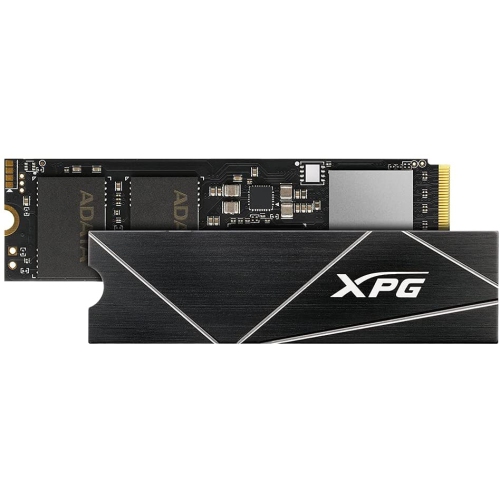
XPG S70 Blade 2Tb Nvme PCie Gen 4 M.2 2280 Internal Gaming Solid State Drive / Ps5 SSD
About this product
An ultra-fast 2TB NVMe PCIe Gen 4 M.2 SSD designed for gaming and PS5 compatibility.
$999.00Your price for this item is $999SAVE $300
FAQ
An external USB hard drive can store PS5 games, but you cannot play them directly from it. To play, transfer the game back to the console’s built-in storage or a compatible internal M.2 SSD. Keeping games on an external drive lets you transfer them instead of downloading them again.
Yes. Compatible PS4 games can be installed and played directly from a USB hard drive formatted as USB extended storage on PS5. You can also set USB extended storage as the default installation location for PS4 games.
An external hard drive connects through USB and supports storing PS5 games and playing compatible PS4 games. A compatible internal M.2 SSD installs in the console’s expansion slot and supports both storing and playing PS5 and PS4 games. An external USB SSD follows the same game playback restrictions as an external USB hard drive.
Connect a compatible drive directly to a SuperSpeed USB port on your PS5, then go to Settings > Storage > USB Extended Storage and choose Format as USB Extended Storage. Formatting erases existing data on the drive. A drive already formatted as USB extended storage on a PS4 can generally be used on a PS5 without reformatting.
A drive formatted as USB extended storage for PS5 cannot also serve as a regular drive for computer files. Use a separate drive for documents, photos and other files. Changing the game drive back to a computer-compatible format requires reformatting, which erases its stored games.
Top selling and popular products
Discover more categories related to Best Hard Drives for PS5
Some products may be subject to Environmental Handling Fees (EHF) depending on your province. Learn more about EHFs.