Best PS5 Controller Silicone Skins

Give your controller a fresh look and a comfortable grip with the best PS5 controller silicone skins, ranked by user review ratings. These flexible covers can help protect against everyday scuffs while adding a personal touch to your gaming setup. Explore top-rated options to find a fit and style that suit your play.

Read More

What to look for in PS5 controller silicone skins

1. Controller Compatibility

Choose a skin designed for your specific controller, whether it’s a DualSense or DualSense Edge. Precise cutouts help keep buttons, triggers, ports, and the touchpad accessible without restricting movement.

2. Grip and Comfort

Look for textured grips that can help you hold your controller comfortably during longer gaming sessions. Consider the silicone’s thickness, as a thicker skin adds cushioning but can make the controller feel bulkier.

3. Coverage and Style

Silicone skins can help protect covered surfaces from everyday scuffs and scratches. Compare coverage around the handles and body, and choose a colour or pattern that suits your gaming setup.

4. Cleaning and Accessory Fit

A skin that’s easy to remove makes it simpler to clean both the cover and the controller according to their care instructions. Check compatibility with your charging station and other accessories, as added thickness may affect fit even when ports remain accessible.
Citrus catapult arrow
  1. 1

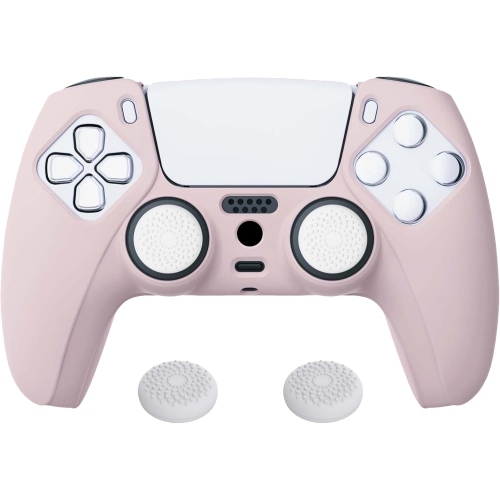
    NONE Playvital Pink Anti-Slip Silicone Cover Skin for Ps5 Controller, Soft Rubber Case for Wireless Controller With Thumb Grip Caps In White

    About this product

    A pink and white anti-slip silicone cover with thumb grip caps that protects your PS5 controller.

    $22.99
    SAVE $5
    Your price for this item is $22.99
  2. 2

    KMD Ps5 Silicone Controller Grip Cover [] In White

    About this product

    A white silicone grip cover offering non-slip comfort and protection for PlayStation 5 DualSense controllers.

    $29.99
    SAVE $20
    Your price for this item is $29.99
  3. 3

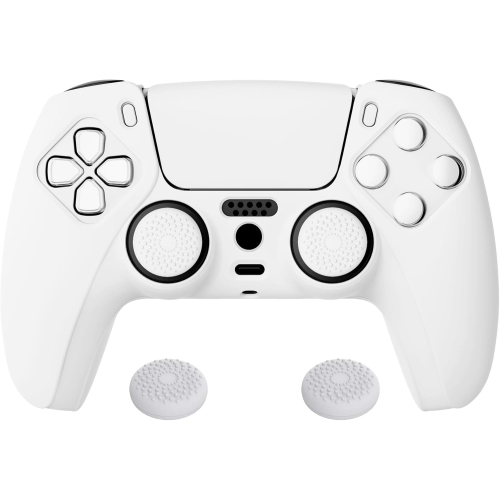
    NONE Playvital Pure Series Anti-Slip Silicone Cover Skin for Ps5 Controller, Soft Rubber Case With Thumb Grip Caps In White

    About this product

    A white anti-slip silicone cover with thumb grip caps that protects and enhances your PS5 controller.

    $29.99
    SAVE $5
    Your price for this item is $29.99
  4. 4

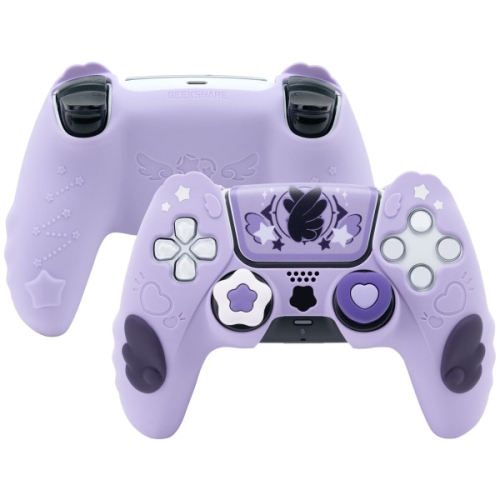
    GEEKSHARE Star Wing Protective Silicone Controller Skin & Thumb Grips Set for Ps5 In Purple

    About this product

    A purple silicone skin and thumb grips set offering stylish protection and enhanced grip for PS5 controllers.

    $37.45 Your price for this item is $37.45
  5. 5

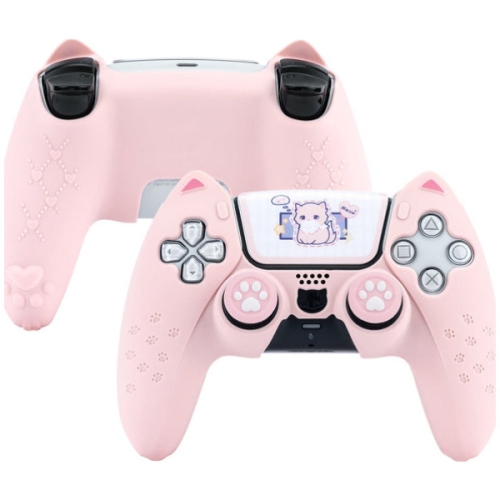
    GEEKSHARE Cat Ears Protective Silicone Controller Skin & Thumb Grips Set for Ps5 In Pink

    About this product

    A pink silicone controller skin and thumb grips set featuring cute cat ears for PS5 controllers.

    $37.45 Your price for this item is $37.45
  6. 6

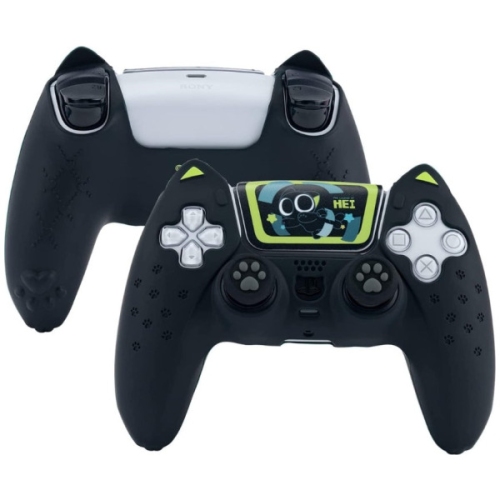
    GEEKSHARE Hei Catroller Protective Silicone Controller Skin & Thumb Grips Set for Ps5

    About this product

    A protective silicone skin and thumb grips set designed to enhance comfort and grip for PS5 controllers.

    $37.45 Your price for this item is $37.45

Comfortable controller grip depends on more than texture

PS5 controller silicone skins are flexible, removable sleeves that fit over the controller’s outer shell, adding a different feel in the hands and a layer of protection against everyday surface wear. Unlike adhesive wraps, they generally stretch into place without sticking to the controller, making them practical for players who want a change of colour, a more textured grip, or a little separation between their palms and the original finish. The best PS5 controller silicone skins for a particular player balance accurate fit, comfortable texture, and unobstructed access to the controls. A sleeve should sit snugly around the handles without bunching beneath the fingers, shifting during play, or pulling against the edges of buttons. Smooth silicone offers a soft, understated feel, while raised patterns, fine ridges, and textured palm sections can provide more purchase when hands get warm during a close match. The difference is especially noticeable when holding the controller through a long racing session or making quick directional changes in an action game. Texture is still a matter of preference: a pronounced pattern may feel reassuring to one player and distracting to another. Thickness matters for similar reasons. A slim skin preserves more of the controller’s familiar shape, while a thicker sleeve increases the grip circumference and may offer extra cushioning against minor bumps. Neither style makes a controller drop-proof, and a silicone cover is not a waterproof enclosure. Its main role is to change the contact surface and help shield covered areas from light scuffs, fingernail marks, and routine handling. For players who share a console, different colours can also make controllers easier to tell apart at a glance. A muted finish can blend into a living-room setup, while a brighter shade can make a controller easier to spot among cushions, blankets, and other gaming accessories.

Fit is the most important distinction between a useful silicone skin and one that interrupts play. Compatibility should match the exact controller model, rather than simply referring to the console, because differences in shell shape, rear controls, and other details can affect how a sleeve sits. Carefully shaped openings leave the touch pad, speaker, microphone, charging port, headset connection, and buttons accessible. Around the analogue sticks, there should be enough clearance for full movement without the stick shafts or any added thumb grips rubbing against the silicone. The shoulder buttons and triggers need room to travel freely, too; even a small folded edge can be irritating when a game depends on precise inputs. A well-fitting skin should not require constant repositioning between rounds. Charging arrangements deserve equal attention. A cable may connect normally through a port opening, but a charging dock can depend on both exposed contacts and a precise fit in its cradle. Added material beneath or around the controller may interfere with that seating, so dock compatibility should be confirmed for the particular skin and charger rather than assumed. The same consideration applies to a fitted carrying case, controller stand, or other accessory that closely follows the original shell. Some silicone skins include separate thumbstick caps, which change the surface beneath the thumbs rather than the grip around the handles. Their texture and height can affect comfort, and they should remain secure without limiting stick movement. For a broader look at protective styles beyond silicone sleeves, Best PS5 Controller Covers brings the focus to the wider category. Within silicone designs, the most useful features are often straightforward: cleanly formed cutouts, edges that lie flat, and a grip pattern placed where the hands naturally rest. Decorative shaping can add personality, but comfort and access matter more during everyday use. A skin that feels comfortable through a full session is more useful than one chosen for appearance alone.

Care and durability depend on the silicone’s construction, the fit, and how the sleeve is handled. Silicone is flexible, but thin sections around openings can tear if they are stretched sharply or pulled over protruding controls with too much force. Installation and removal should follow the accessory’s care instructions, with gentle adjustments around the handles and openings rather than hard tugs at narrow edges. Once fitted, the skin should lie evenly against the shell, with no loose flap catching beneath a fingertip. Dust, lint, and hand oils can collect on the surface or beneath the sleeve, particularly when a controller moves between a sofa, desk, and travel bag. Regular cleaning helps keep textured areas pleasant to hold and prevents trapped grit from rubbing against the finish. For routine care, remove the sleeve and clean it as directed by its manufacturer; mild soap and water may be suitable for the silicone itself, but the controller should never be immersed. Allow the cover to dry completely before refitting it, and keep moisture away from ports, seams, and controls. Harsh solvents, abrasive scrubbers, and high heat can damage some finishes or affect the material, so they are best avoided unless specifically permitted in the care directions. Over time, stretched openings, splits, or a loose fit are signs that a sleeve may no longer stay properly positioned. Everyday use also shapes which design feels right. Someone who plays at a desk may prefer a low-profile sleeve that slips easily into a stand, while a player who settles in for longer sessions during the cooler months may value a lightly textured surface that remains comfortable against the palms. For younger players or households with several controllers, colour can be a simple way to assign each person their own. Silicone skins can also make thoughtful gifts for regular players when the controller model and preferred grip feel are known. The most successful choice supports familiar habits: secure handling, easy access to every control, straightforward cleaning, and a finish that suits the way the controller is used.
Read More

FAQ

Some products may be subject to Environmental Handling Fees (EHF) depending on your province. Learn more about EHFs.