Black Friday Deals Coming Soon

Our Black Friday Sale returns in November 2026. In the meantime, shop our current top deals below.

Best Black Friday Deals On Monitors

Find some of the best Black Friday deals on monitors to upgrade your workspace, enhance your gaming setup, or enjoy more screen space for everyday tasks. Ranked by customer review ratings, this list makes it easy to explore top-rated options and compare features that matter to you, from screen size and resolution to refresh rate and connectivity. Browse the deals to find a monitor that fits your needs and budget. Remember, our Low Price Guarantee means you can shop confidently knowing that you'll find the best price at Best Buy, all year round. We encourage you to check our website frequently for the most up-to-date information on our latest offers and savings opportunities.

Read More

What to look for in Black Friday monitor deals

1. Screen Size and Resolution

Choose a monitor that fits your desk and viewing distance. Full HD can suit everyday tasks, while QHD or 4K provides more detail for multitasking, gaming and creative work.

2. Refresh Rate and Response Time

For gaming, look for a higher refresh rate and a fast response time to help keep motion smooth and clear. Check that your computer and connection support your preferred resolution and refresh rate.

3. Panel Type and Connectivity

Compare panel types for viewing angles, contrast and colour accuracy based on how you plan to use the monitor. Check for the ports you need, such as HDMI, DisplayPort or USB-C, and consider an adjustable stand for comfortable positioning.

4. Price and Overall Value

Compare the sale price and features across similar models rather than choosing by discount alone. Review the warranty, return policy and included cables, and factor in any adapters or mounting accessories you may need.
Citrus catapult arrow
  1. 1

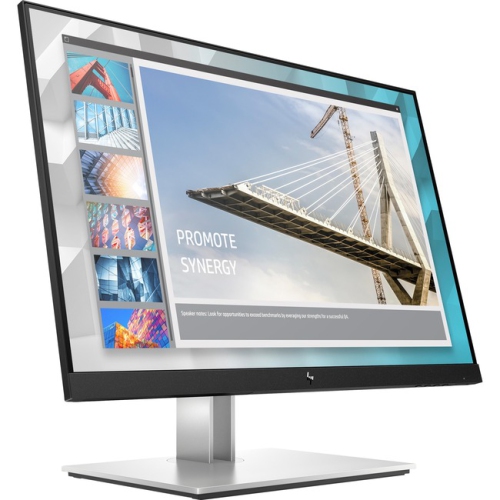
    HP E24I G4 E24I G4 Widescreen Lcd Monitor (9Vj40Aa#aba)

    About this product

    A black and silver widescreen monitor featuring IPS technology, WUXGA resolution, and multiple connectivity options.

    What customers like

    • Easy setup and assembly
    • Effective blue light and anti-glare features for eye comfort
    • Excellent picture and color quality
    • Highly adjustable and ergonomic design
    • Multiple connectivity options including USB-C and USB hub
    (56)
    $1,058.68 Your price for this item is $1058.68
  2. 2

    SAMSUNG - Odyssey G5 34" Curved 1440P Wqhd Va Led Gaming Monitor (Lc34G55Twwnxza) - Freesync Premium - 1Ms Gtg - 165Hz - HDr10

    About this product

    An ultra-wide curved gaming monitor in black featuring WQHD resolution, 165Hz refresh rate, and HDR10 support.

    What customers like

    • Vibrant colors and sharp picture quality
    • High refresh rate and smooth gameplay
    • Excellent value for money
    • Immersive curved ultra-wide display
    • Ergonomic design with adjustable stand
    (1,193)
    $579.68 Your price for this item is $579.68
  3. 3

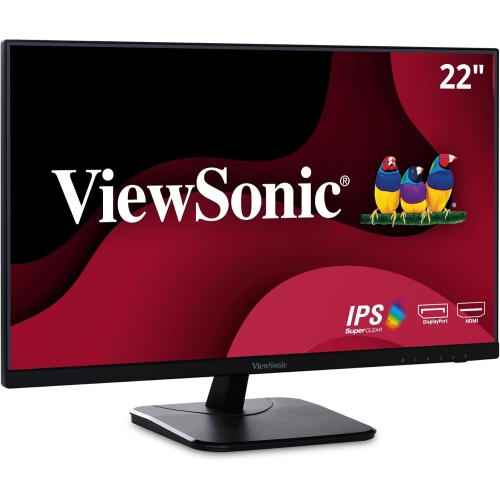
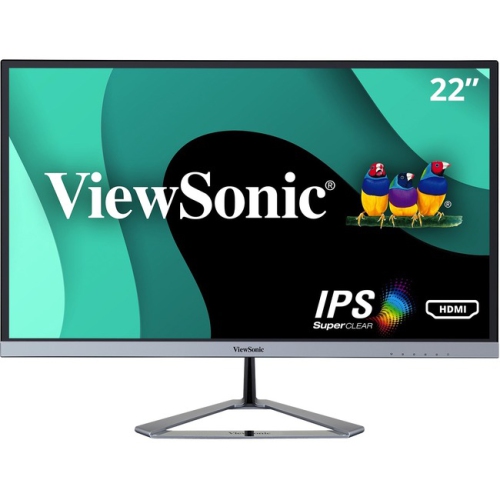
    VIEWSONIC 22" 1080P HD Ips Led Monitor (Va2256-Mhd) - Flicker-Free/blue Light - 75Hz - Freesync

    About this product

    A black IPS LED monitor offering Full HD resolution, 75Hz refresh rate, and a frameless three-sided design.

    (18)
    $156.99
    SAVE $22
    Your price for this item is $156.99
  4. 4

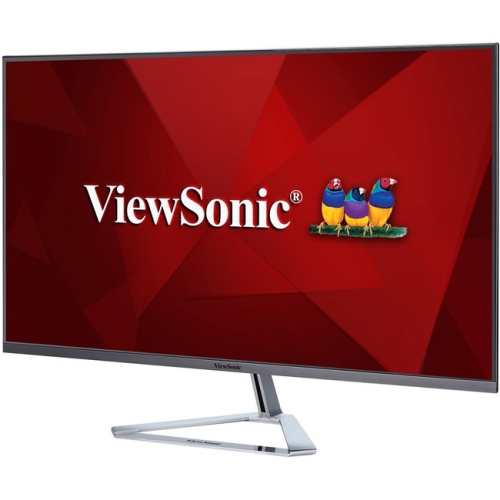
    VIEWSONIC Ultra Slim 32" 1440P Qhd Led Lcd Monitor (Vx3276-2K-Mhd) - In Silver

    About this product

    An ultra-slim silver monitor featuring WQHD resolution and a 16:9 LED LCD display.

    (13)
    $314.99
    SAVE $35
    Your price for this item is $314.99
  5. 5

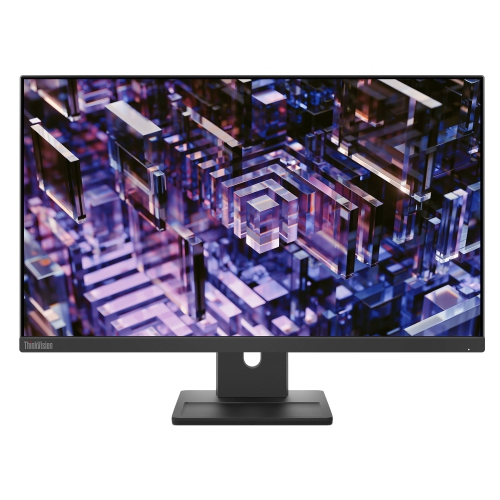
    LENOVO Thinkvision 23.8 Inch Ips Qhd 100Hz Monitor - E24Q-30

    About this product

    A high-resolution 23.8-inch monitor delivering sharp visuals, ideal for work or entertainment setups.

    (3)
    $300.68
    SAVE $30
    Your price for this item is $300.68
  6. 6

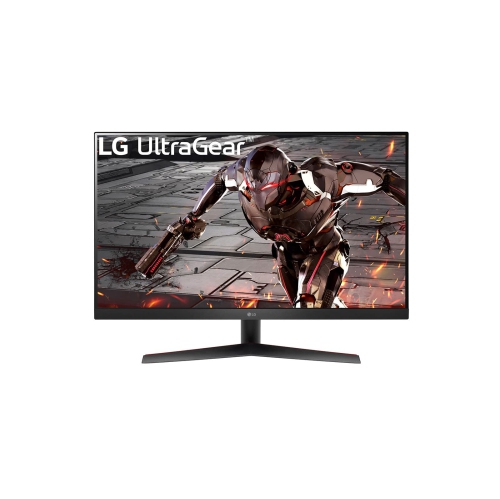
    LG Ultragear 32" 1440P Qhd Va Gaming Monitor (32Gk60W-B) - Freesync Premium - 1Ms Mbr - 165Hz - HDr10

    About this product

    A 31.5-inch QHD gaming monitor with a 165Hz refresh rate, 1ms MBR, and AMD FreeSync Premium.

    (1)
    $329.00
    SAVE $70
    Your price for this item is $329
  7. 7

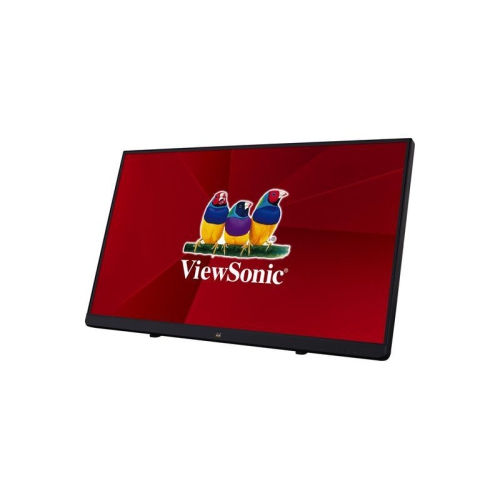
    VIEWSONIC 22" Touchscreen 1080P HD Ips Led Monitor (Td2230) - Flicker-Free - Light Filter In Blue

    About this product

    A 22" Full HD touchscreen IPS LED monitor with edge-to-edge glass and SuperClear MVA panel technology.

    $389.99
    SAVE $53
    Your price for this item is $389.99
  8. 8

    VIEWSONIC Vx2276-Smhd Vx2276-Smhd - 22" 1080P Thin-Bezel Ips Monitor With HDMI, Displayport, And VGA (Vx2276-Smhd)

    About this product

    An ultra-thin bezel 22" IPS monitor offering 1080p resolution with HDMI, DisplayPort, and VGA connectivity.

    $189.41
    SAVE $56
    Your price for this item is $189.41
  9. 9

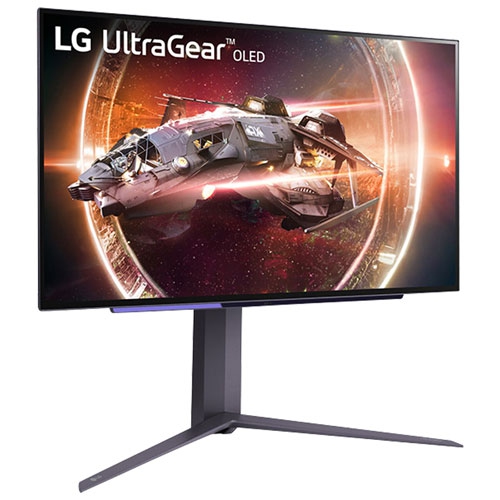
    LG - Ultragear 27" 1440P Qhd Oled Gaming Monitor (27Gs95Qe-B) - 0.03Ms Gtg - 240Hz - HDr400 True In Black

    About this product

    A 27-inch OLED gaming monitor with 240Hz refresh rate and 0.03ms response time for optimal gaming experience.

    (2)
    $598.88
    SAVE $201
    Your price for this item is $598.88
  10. 10

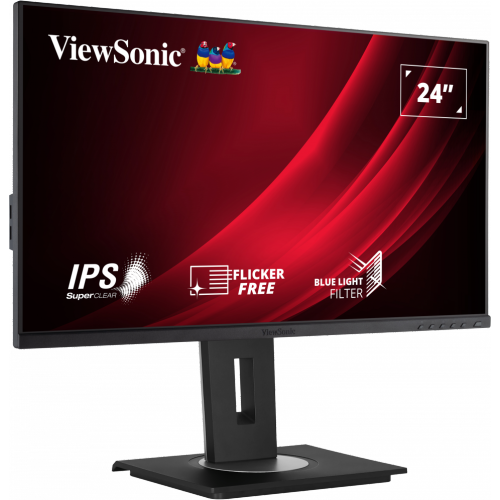
    VIEWSONIC Vg 24" 1080P HD Ips Lcd Monitor (Vg2448A) - Flicker-Free/blue Light - 5Ms Gtg

    About this product

    A black IPS LCD monitor offering ultrawide Full HD visuals and fast 5ms response time.

    $222.99
    SAVE $39
    Your price for this item is $222.99

How screen size and resolution shape your workspace

Monitors bring more space and clarity to the tasks that fill a day, from comparing spreadsheets and writing assignments to editing photographs or settling into a favourite game. For Black Friday monitor browsing, the most useful distinctions are screen size, resolution, panel technology, refresh rate, and connectivity, because each affects how a display fits into everyday use. A 24-inch monitor can suit a compact desk, while a 27-inch screen provides more room for documents, browser windows, and creative applications. A 32-inch display needs enough desk depth to keep the whole screen comfortable to view without frequent head movement. Screen measurements run diagonally, so the actual width, stand footprint, and height matter when fitting a monitor beneath shelving or beside a laptop. Resolution describes the number of pixels on the screen: Full HD is 1920 × 1080, QHD is 2560 × 1440, and 4K UHD is 3840 × 2160. At the same screen size, a higher resolution can make text and fine details look sharper, although display scaling may be needed to keep menus and lettering comfortably readable. A student working between research notes and an essay may appreciate QHD resolution, while someone reviewing detailed photographs or large spreadsheets may prefer 4K. For a closer focus on that resolution, Black Friday Deals on 4K Monitors brings the browsing experience to displays suited to detailed work and high-resolution entertainment. An ultrawide monitor provides a broader workspace for arranging applications side by side, while two separate monitors allow more independent positioning, including turning a compatible screen vertically for long documents. These layouts serve different habits: a video editor may want an uninterrupted timeline, whereas a programmer may prefer code on one display and documentation on another. Flat screens work well across many desk arrangements; curved screens can make the edges of a wide display feel more comfortably within view when seated near the centre.

The way a monitor handles colour, contrast, and motion is just as important as its dimensions. IPS panels generally provide consistent colour and wide viewing angles, making them useful for shared screens, office work, and many creative tasks. VA panels typically deliver stronger native contrast than IPS panels, which can give dark scenes greater depth, though motion performance varies between displays. OLED technology controls light at the pixel level, producing deep blacks and fast pixel transitions, but repeated static content requires attention to the manufacturer’s care guidance because permanent image retention can occur. For photo and video work, colour-gamut coverage, accuracy, and calibration support deserve a close look; a wide colour range alone does not guarantee accurate results. A photographer preparing images for online sharing may prioritize accurate sRGB reproduction, while other workflows can call for different colour spaces. Screen finish also changes the viewing experience. Matte surfaces help diffuse reflections from windows and lamps, while glossy surfaces can preserve a crisp appearance but show more distinct reflections. Brightness should suit the room, and an HDR label is only part of the picture: peak brightness, contrast, colour capability, and local dimming where applicable influence how convincing bright highlights and shadow detail appear. For gaming, refresh rate indicates how often the display updates its image. A 144Hz or 240Hz monitor can show motion more smoothly than a 60Hz screen when the connected system produces enough frames. Response time describes pixel transitions rather than the entire delay between an input and its visible result, and advertised figures may reflect particular test conditions. Adaptive sync can reduce visible tearing by coordinating the monitor’s refresh behaviour with a compatible graphics source. Competitive players often value fluid motion and responsiveness, while players drawn to expansive landscapes may favour resolution, contrast, and a larger screen. Higher resolutions also place greater demands on graphics hardware, so the monitor and the computer need to suit the same intended use.

Connections, adjustment options, and construction determine how easily a monitor becomes part of a comfortable, lasting setup. HDMI and DisplayPort carry video, but the supported resolution and refresh rate depend on the capabilities of the monitor, source device, cable, and any adapter or dock between them. USB-C can simplify a laptop workspace when the port supports video input and power delivery; a USB-C socket alone does not guarantee either function. Where charging is supported, the monitor’s power output also needs to meet the laptop’s requirements. A built-in USB hub can keep a keyboard, mouse, or other peripherals connected at the desk, while a KVM feature can let compatible computers share a set of peripherals. Built-in speakers are convenient for calls and casual listening, although separate audio equipment may be preferable for fuller sound. Physical fit deserves the same attention as the connection list. A height-adjustable stand, tilt adjustment, and swivel can help position the screen for different users, and pivot support can make portrait viewing practical. Compatible VESA mounting opens up options for a desk arm, provided the arm supports the monitor’s weight, mounting pattern, and dimensions. Keep the screen at a comfortable reading distance, with its top around eye level or slightly below, and leave room for a keyboard and forearm support rather than letting a deep stand take over the work surface. Monitor housings commonly use plastic, with metal often found in stands and mounting components; a stable base and smooth adjustment mechanisms matter more in daily use than appearance alone. Leave ventilation openings clear and allow enough cable slack for height changes or rotation. For routine care, switch off the display and follow its cleaning instructions, using a clean, soft microfibre cloth and avoiding direct sprays or abrasive cleaners. A monitor can also be a thoughtful gift for a student, remote worker, photographer, or gamer when its connections, desk fit, and performance match the recipient’s setup. Those practical details help turn an extra screen into a useful part of work, study, and downtime.
Read More

FAQ

Some products may be subject to Environmental Handling Fees (EHF) depending on your province. Learn more about EHFs.