Memory Cards for Action Cameras
Capture every moment of your adventure with the right storage solution from our selection of Memory Cards for Action Cameras. Designed to keep up with fast-paced recording and high-resolution footage, these memory cards offer reliable performance for all your action-packed activities. Whether you're filming extreme sports, travel escapades, or everyday moments, find the ideal capacity and speed to match your camera’s needs. Explore a variety of options to ensure you never miss a second of the action.
Sort


Why recording speed matters as much as capacity
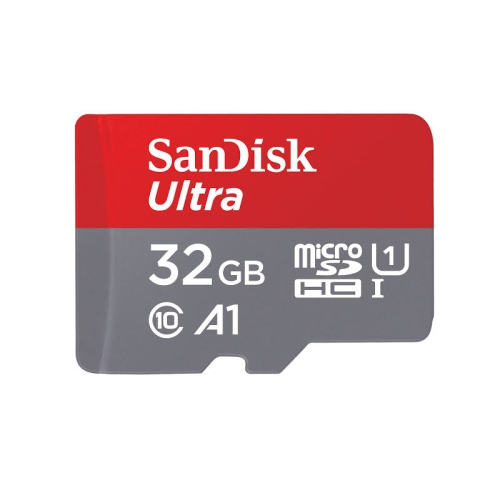
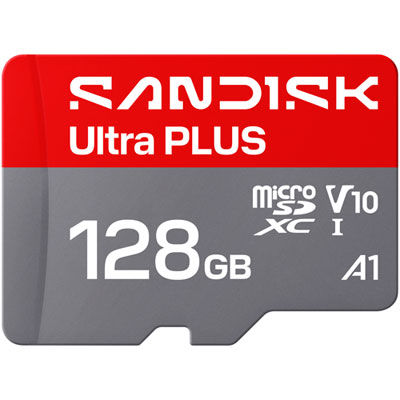
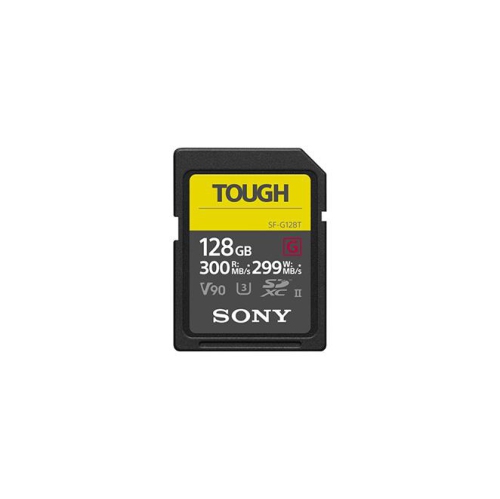
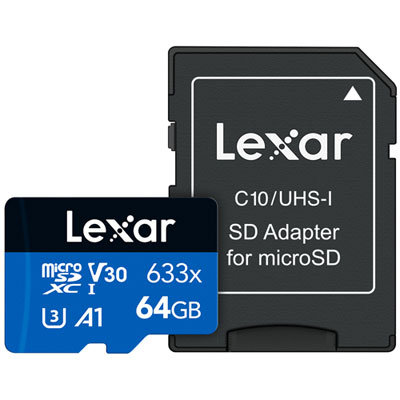
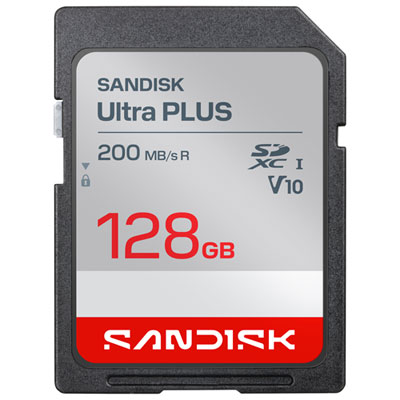
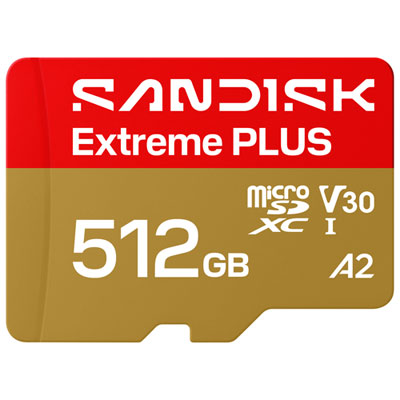
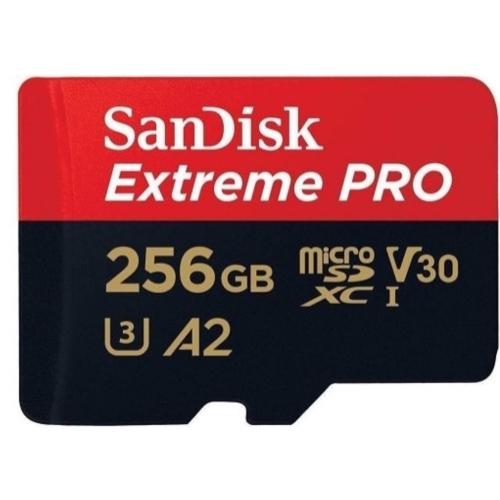
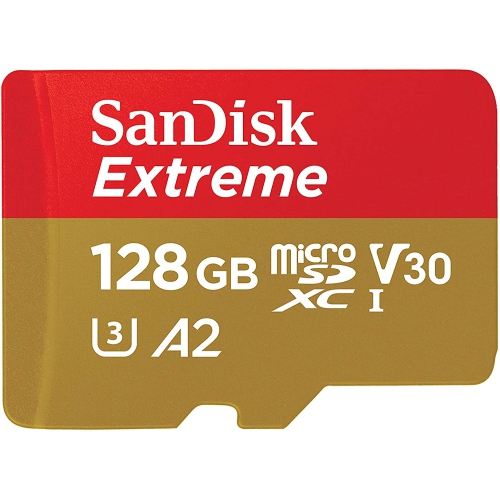
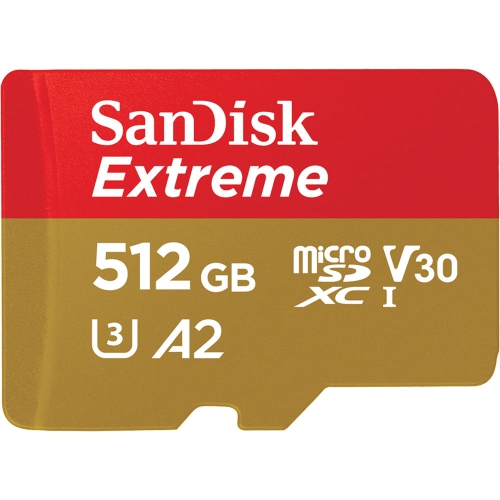
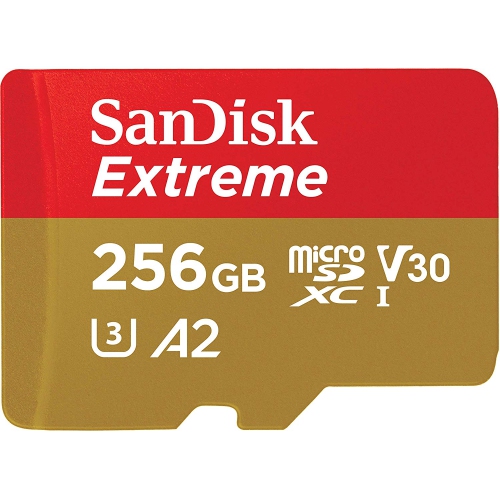
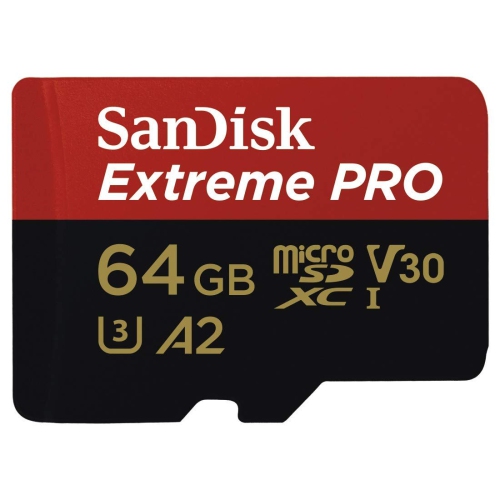
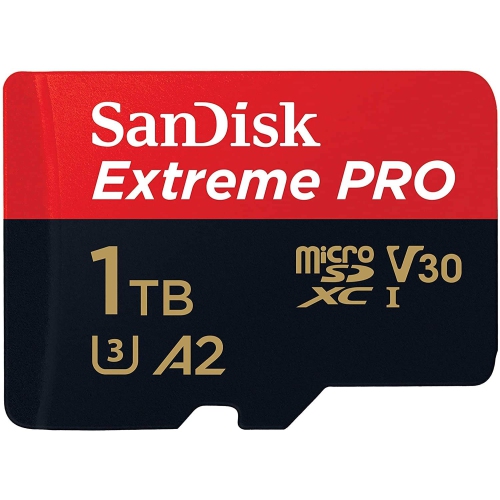
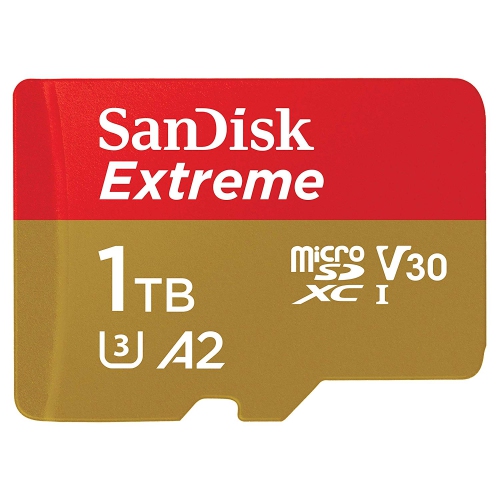
Memory cards for action cameras provide the storage behind helmet-mounted rides, underwater clips, family outings, and first-person footage captured on the move. Most modern action cameras use microSD cards, with microSDXC commonly supporting capacities of 64GB and above, subject to the camera’s specifications. For many cameras recording 4K video, a compatible UHS-I card with a U3 or V30 rating is a common requirement. Both ratings indicate a minimum sustained write speed of 30 MB/s under their respective test conditions, but the camera manufacturer’s requirements remain the deciding factor. Capacity matters just as much as recording speed: a card needs enough room for the footage planned between transfers, whether that means a few short skatepark clips or hours of travel video. Capacities such as 128GB and 256GB can suit a range of everyday recording needs, while 512GB or larger cards may be useful for longer sessions when supported by the camera. Recording time cannot be determined by capacity alone. Video bitrate, resolution, compression settings, and frame rate all influence how quickly storage fills. As a rough illustration, 128GB holds about 2 hours and 50 minutes of video recorded at a constant 100 Mb/s, before allowing for formatting, audio, and other overhead. Actual results vary by camera and recording mode. High-frame-rate footage and 360-degree video can use substantially more storage than simpler recording settings, making spare capacity particularly useful when capturing several angles or keeping longer takes. A larger card reduces how often cards need changing, while several smaller cards allow footage to be divided between sessions. Neither approach replaces a separate backup. For riders, paddlers, travellers, and anyone filming a personal milestone, the most practical capacity is one that comfortably covers the intended session without depending on an immediate transfer to a computer. Leaving room for another take is often more useful than planning around a card’s theoretical maximum recording time.
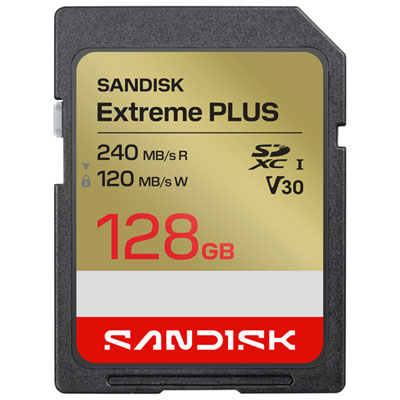
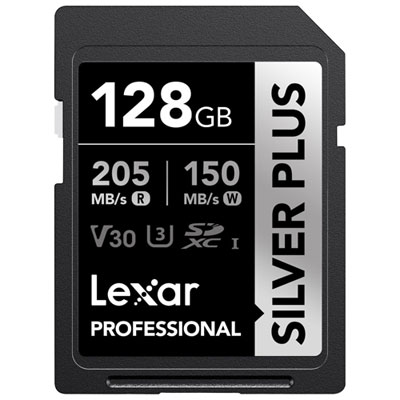
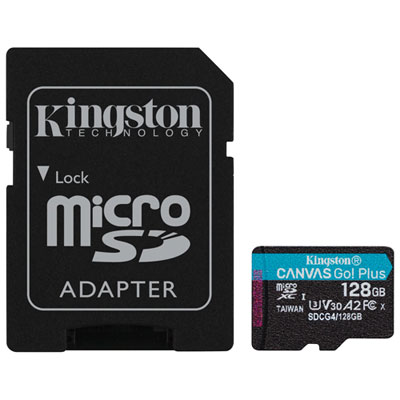
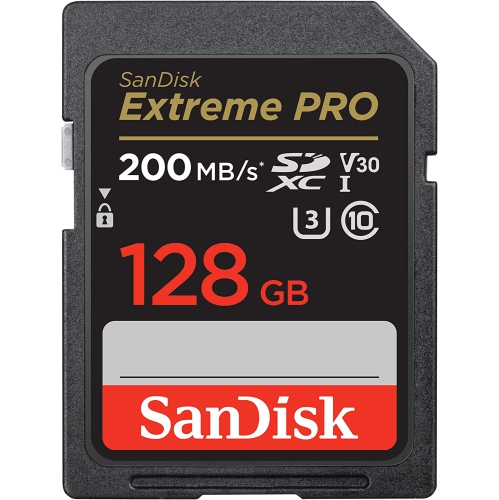
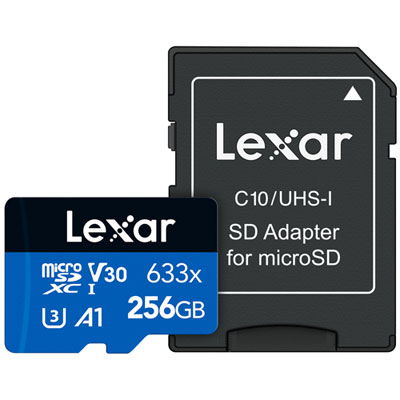
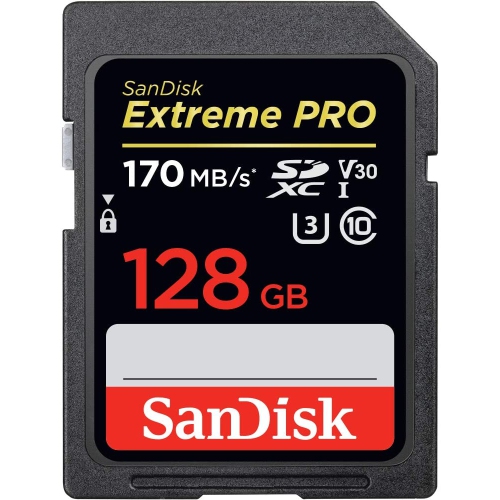
Speed markings help distinguish memory cards that can keep up with continuous video from cards intended mainly for lighter storage tasks. The write speed is especially important inside an action camera because footage must be saved steadily as it is captured. A prominent maximum read-speed figure usually describes how quickly files can be retrieved under suitable conditions; it does not establish the minimum speed available for recording. U3 and V30 ratings are therefore more useful reference points for many 4K recording modes than a headline transfer figure alone. Higher video speed classes, including V60 and V90, support higher minimum sustained write speeds, but they are not automatically necessary or beneficial in every action camera. Many cameras use a UHS-I interface and cannot take full advantage of the additional performance offered by UHS-II cards. The right match depends on the camera’s supported card standard, recording bitrate, and approved specifications rather than simply selecting the highest number on the packaging. Physical fit also matters. A full-size SD card will not fit a microSD slot, and the SD adapter sometimes supplied with a microSD card is generally intended for compatible readers or other devices, not for insertion into the action camera. Camera-specific collections such as Memory Cards for GoPro Hero can help narrow the search, although capacity limits and speed requirements still depend on the exact camera model. For creators who review footage between takes or edit after a long recording session, transfer performance deserves attention too. A compatible card reader and computer connection can make moving large video files less time-consuming. Advertised transfer speeds may require particular reader technology, so the complete transfer setup matters. A card that records reliably in the camera and works smoothly with the editing setup supports the full process, from capturing a fast descent to finding the best few seconds for a finished video.
The small size of a microSD card makes it convenient for compact cameras, but it also calls for careful handling. Its casing is typically moulded plastic with exposed metal contacts, and the card should slide into the correct slot without bending or force. Durability features vary: some cards carry stated resistance ratings for water, shock, or other physical stresses, while others provide fewer specific assurances. Those ratings apply to the card under defined conditions and do not make the camera, its battery compartment, or the recorded files immune to damage. A protective case with individual slots helps keep spare cards organized and prevents loose cards from disappearing into a gear bag. Keeping contacts clean and dry, avoiding unnecessary handling of the contact surfaces, and storing cards away from objects that could crush them are sensible habits for such small components. Before its first recording session, a new card is generally best formatted in the camera according to the manufacturer’s directions. Formatting erases existing contents, so important files should already be copied elsewhere. The same caution applies when moving a card between cameras, since formatting requirements and folder structures can differ. During recording, the camera needs time to finish writing each file; stopping the recording and allowing the save process to complete before removing the card or disconnecting power helps reduce the risk of incomplete footage. A short test using the intended resolution and frame rate can reveal compatibility issues before an important outing. Repeated card errors, interrupted recordings, or unexpected slowdowns warrant attention rather than being dismissed as normal. Memory cards are useful gifts for people who already own an action camera, especially when the camera’s exact compatibility requirements are known. Whether the recipient films cycling routes, swimming sessions, hands-on projects, or family adventures, suitable storage helps keep the focus on the activity. Reliable recording, adequate capacity, careful handling, and regular backups all contribute to keeping those hard-to-repeat moments accessible after the camera is packed away.
Speed markings help distinguish memory cards that can keep up with continuous video from cards intended mainly for lighter storage tasks. The write speed is especially important inside an action camera because footage must be saved steadily as it is captured. A prominent maximum read-speed figure usually describes how quickly files can be retrieved under suitable conditions; it does not establish the minimum speed available for recording. U3 and V30 ratings are therefore more useful reference points for many 4K recording modes than a headline transfer figure alone. Higher video speed classes, including V60 and V90, support higher minimum sustained write speeds, but they are not automatically necessary or beneficial in every action camera. Many cameras use a UHS-I interface and cannot take full advantage of the additional performance offered by UHS-II cards. The right match depends on the camera’s supported card standard, recording bitrate, and approved specifications rather than simply selecting the highest number on the packaging. Physical fit also matters. A full-size SD card will not fit a microSD slot, and the SD adapter sometimes supplied with a microSD card is generally intended for compatible readers or other devices, not for insertion into the action camera. Camera-specific collections such as Memory Cards for GoPro Hero can help narrow the search, although capacity limits and speed requirements still depend on the exact camera model. For creators who review footage between takes or edit after a long recording session, transfer performance deserves attention too. A compatible card reader and computer connection can make moving large video files less time-consuming. Advertised transfer speeds may require particular reader technology, so the complete transfer setup matters. A card that records reliably in the camera and works smoothly with the editing setup supports the full process, from capturing a fast descent to finding the best few seconds for a finished video.
The small size of a microSD card makes it convenient for compact cameras, but it also calls for careful handling. Its casing is typically moulded plastic with exposed metal contacts, and the card should slide into the correct slot without bending or force. Durability features vary: some cards carry stated resistance ratings for water, shock, or other physical stresses, while others provide fewer specific assurances. Those ratings apply to the card under defined conditions and do not make the camera, its battery compartment, or the recorded files immune to damage. A protective case with individual slots helps keep spare cards organized and prevents loose cards from disappearing into a gear bag. Keeping contacts clean and dry, avoiding unnecessary handling of the contact surfaces, and storing cards away from objects that could crush them are sensible habits for such small components. Before its first recording session, a new card is generally best formatted in the camera according to the manufacturer’s directions. Formatting erases existing contents, so important files should already be copied elsewhere. The same caution applies when moving a card between cameras, since formatting requirements and folder structures can differ. During recording, the camera needs time to finish writing each file; stopping the recording and allowing the save process to complete before removing the card or disconnecting power helps reduce the risk of incomplete footage. A short test using the intended resolution and frame rate can reveal compatibility issues before an important outing. Repeated card errors, interrupted recordings, or unexpected slowdowns warrant attention rather than being dismissed as normal. Memory cards are useful gifts for people who already own an action camera, especially when the camera’s exact compatibility requirements are known. Whether the recipient films cycling routes, swimming sessions, hands-on projects, or family adventures, suitable storage helps keep the focus on the activity. Reliable recording, adequate capacity, careful handling, and regular backups all contribute to keeping those hard-to-repeat moments accessible after the camera is packed away.
Top selling and popular products
-
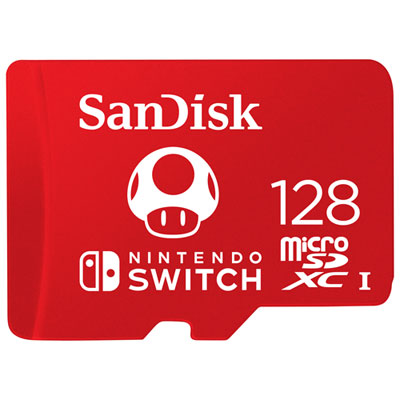 Your price for this item is $69.99
 -
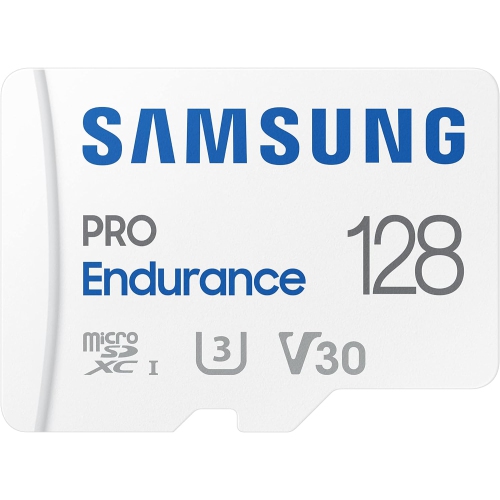 Your price for this item is $107.9
 -
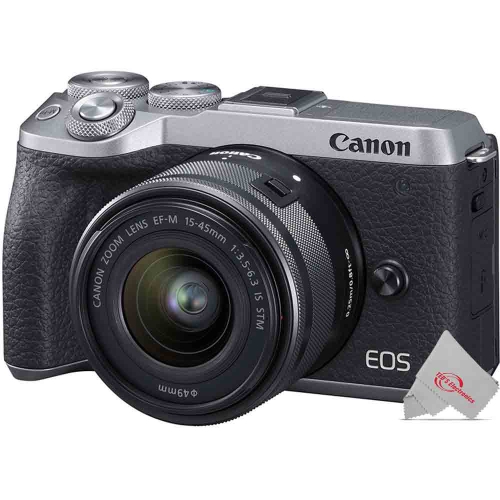 Your price for this item is $105.91
 -
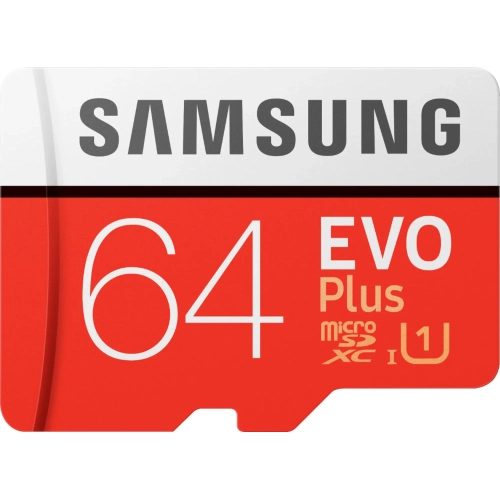 Your price for this item is $53.99
 -
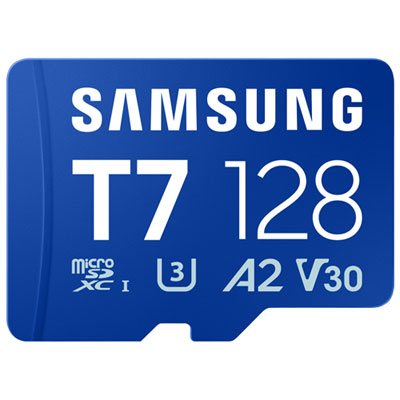 Your price for this item is $69.99
 -
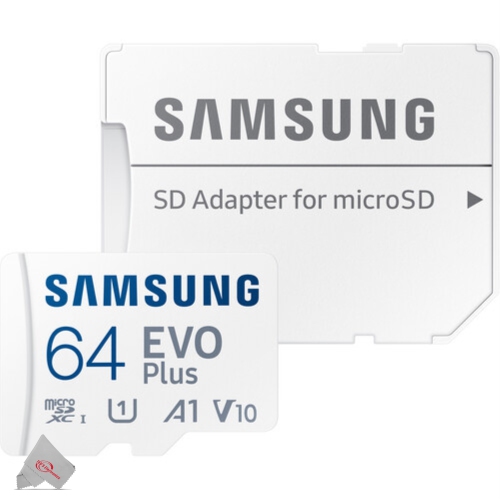 Your price for this item is $45.36
 -
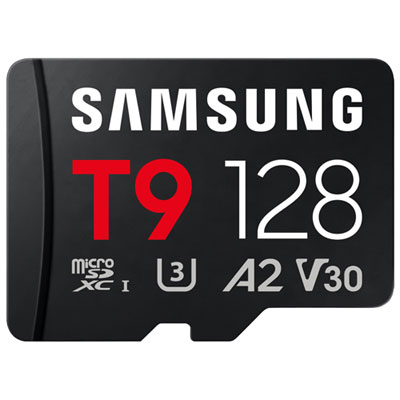 Your price for this item is $84.99
 -
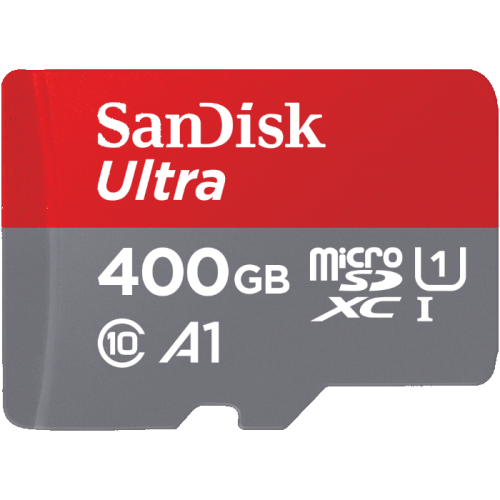 Your price for this item is $113.99
Discover more categories related to Memory Cards for Action Cameras
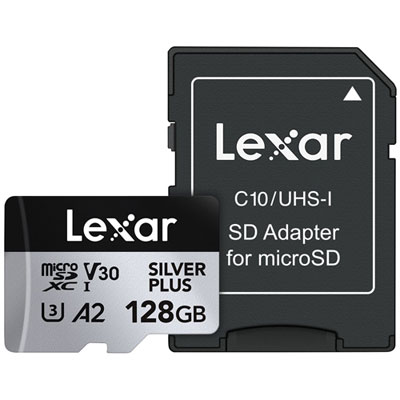
Top Collections:
Pokemon Centers, Kindle Devices, Best Budget Office Chairs, Apple iPhones 16, Samsung Galaxy Phones, Canon G7X Cameras, iPhone 15 Apple, Flip Phones, Best Laptops for Writers, Alarm Clock
Some products may be subject to Environmental Handling Fees
(EHF) depending on your province.
Learn more about EHFs.