Android Auto Displays
Transform your driving experience with Android auto displays, the ultimate co-pilot for your journeys. Seamlessly integrating your smartphone with your vehicle, these displays offer a hands-free, connected solution that keeps you informed and entertained while on the road. Whether you're navigating through bustling city streets or cruising along scenic highways, Android auto displays provide easy access to maps, music, calls, and messages, all with simple voice commands or intuitive touch controls. Elevate your car's dashboard with cutting-edge technology designed to enhance safety and convenience, making every drive smarter and more enjoyable.
Sort
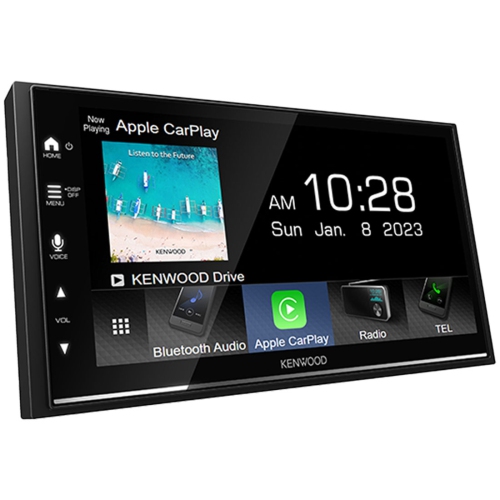
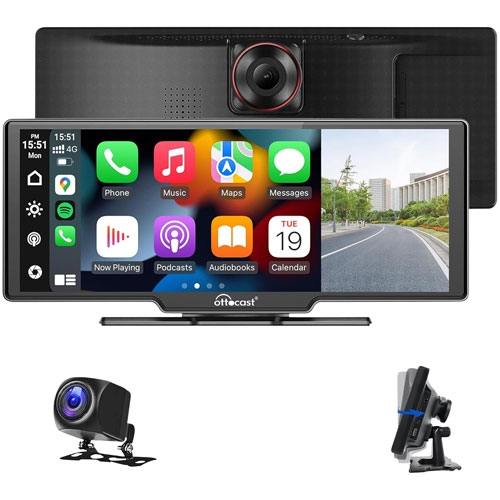

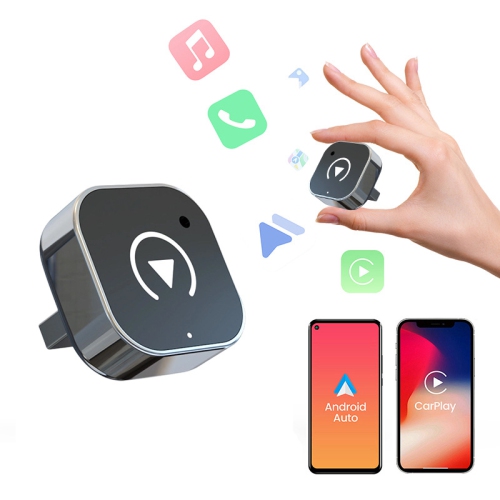
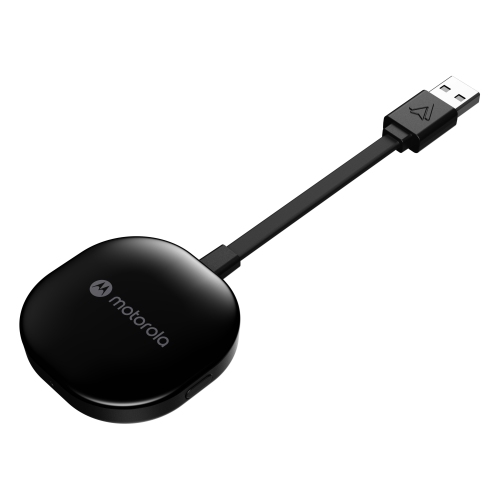
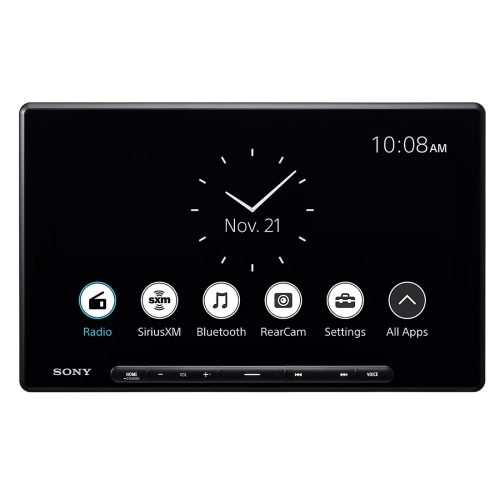

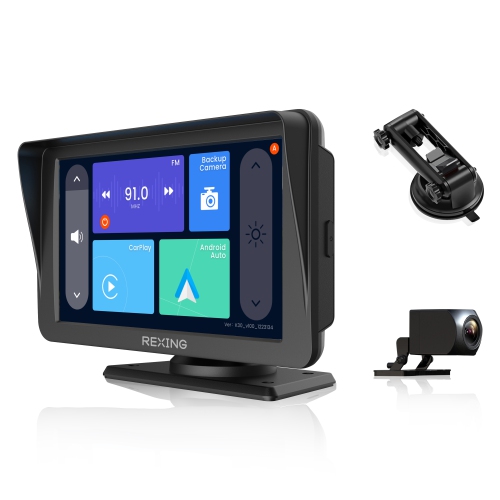
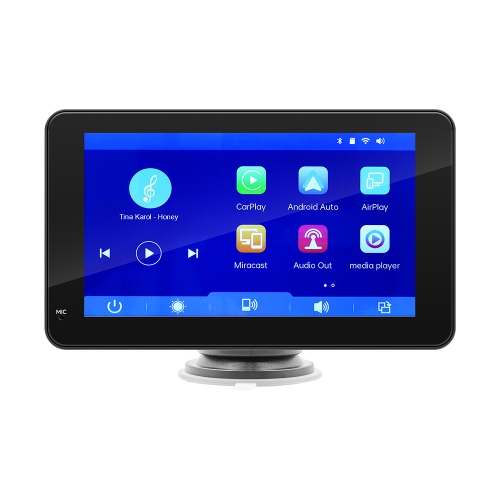

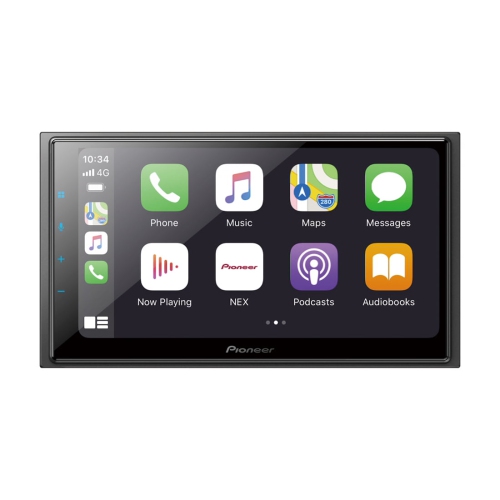
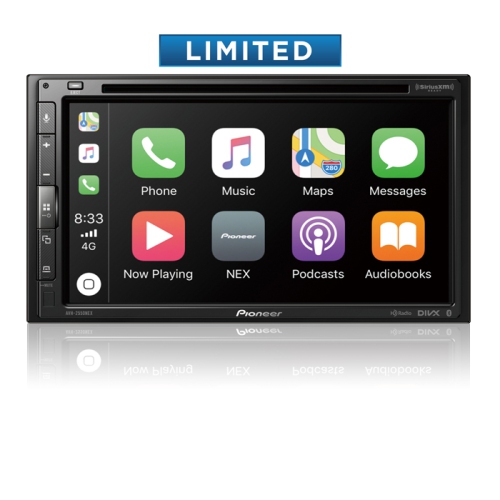
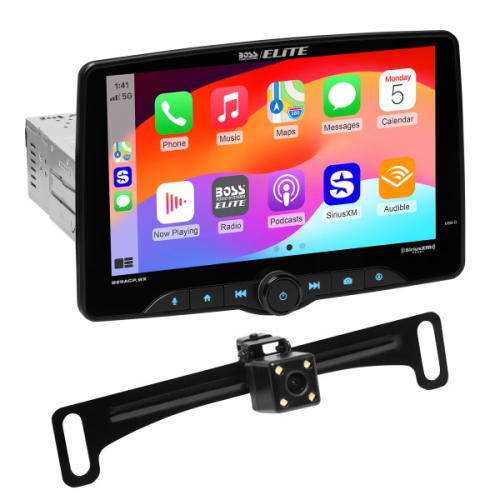
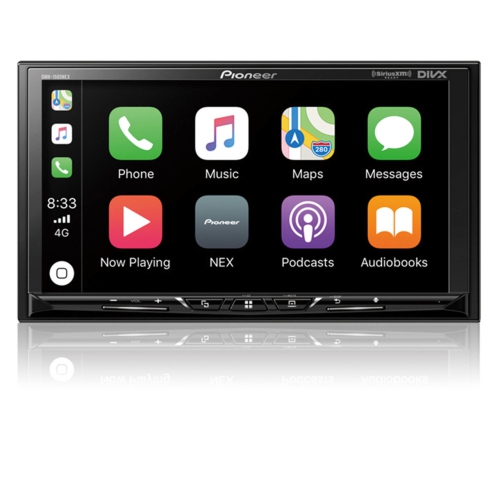
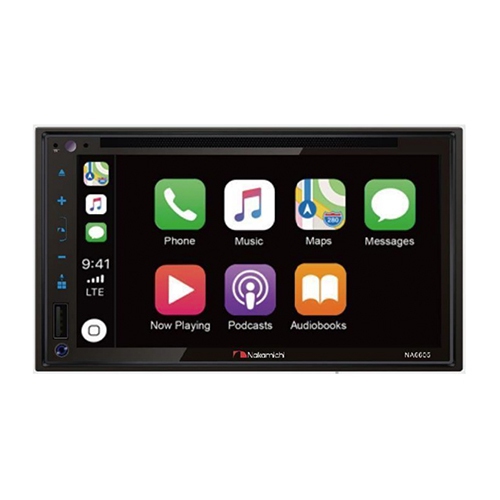
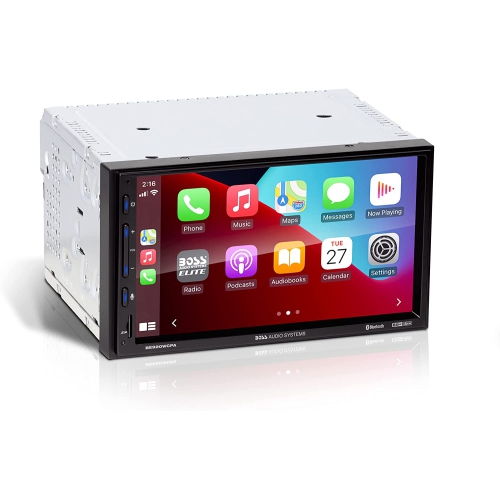
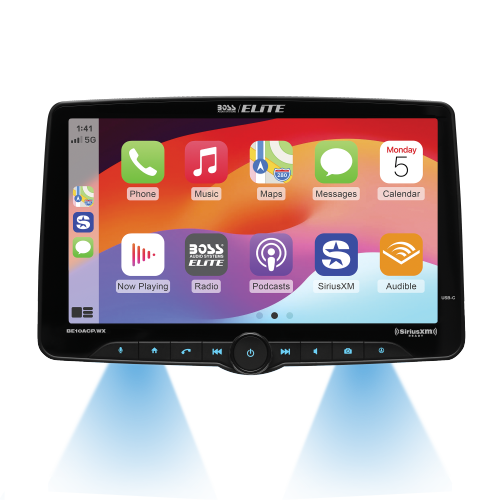
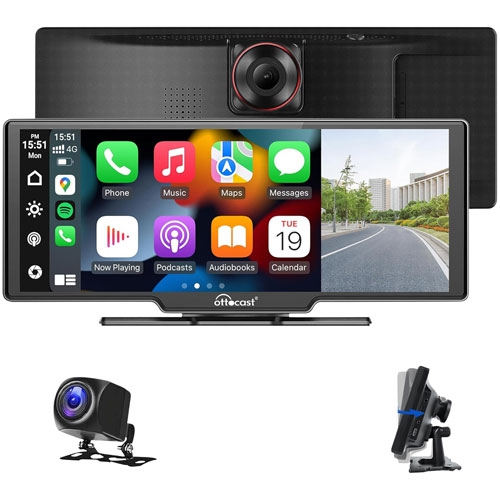
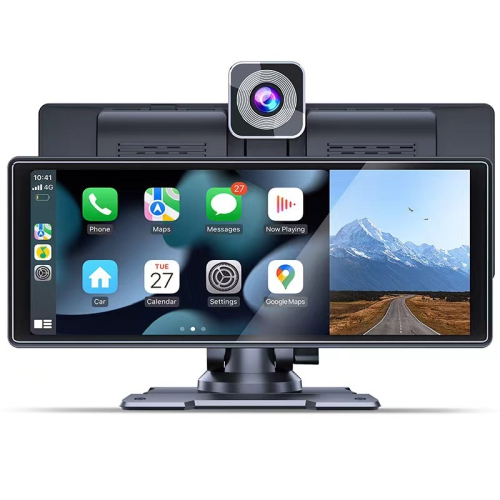
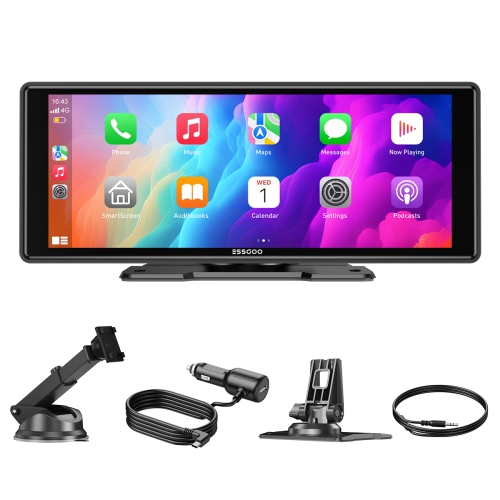
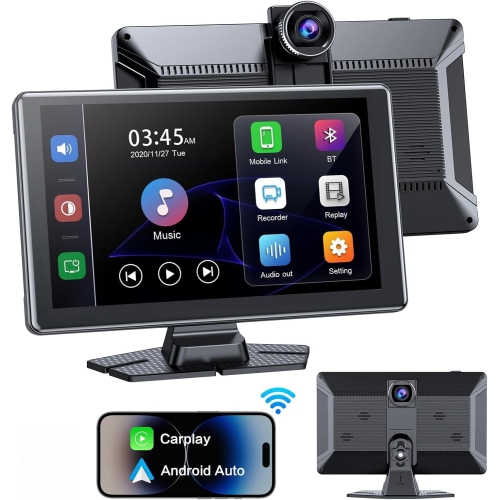
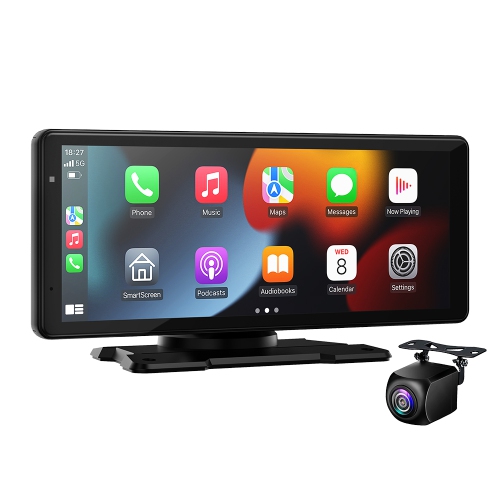
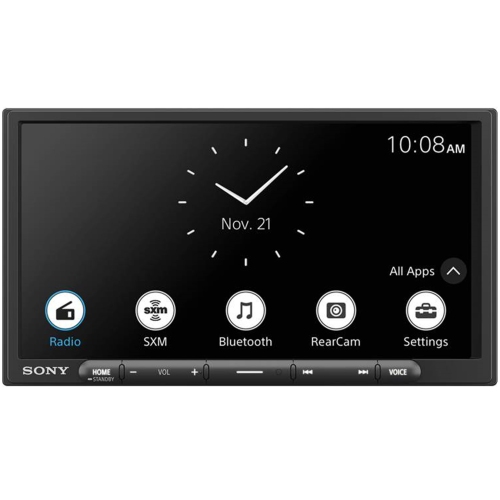

Modern connected driving without replacing the factory stereo
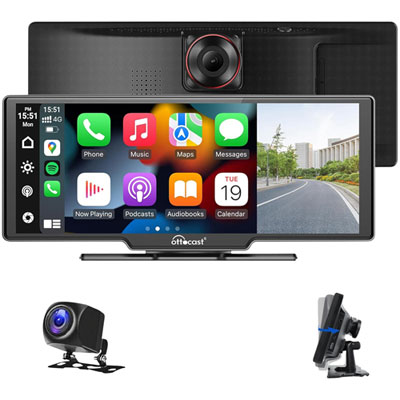
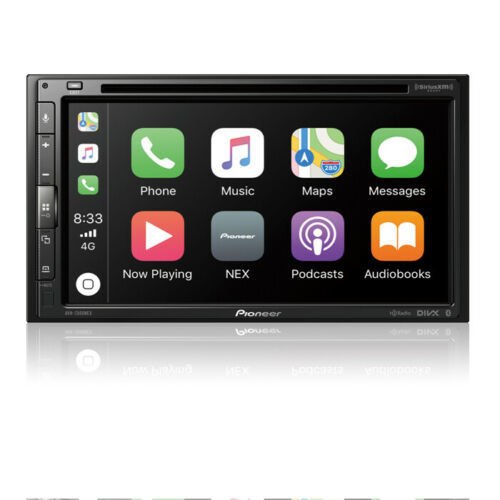
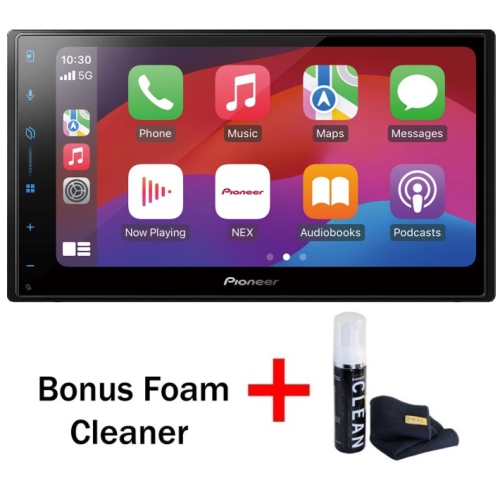
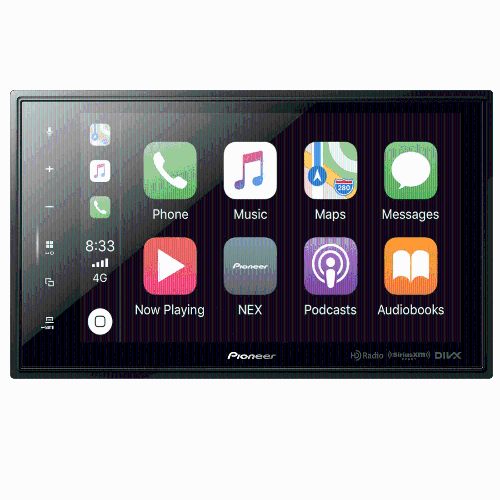
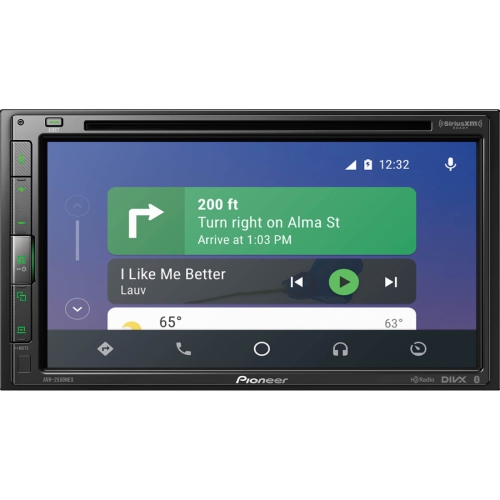
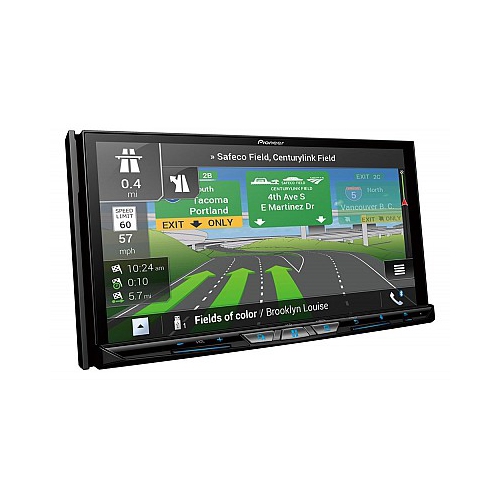
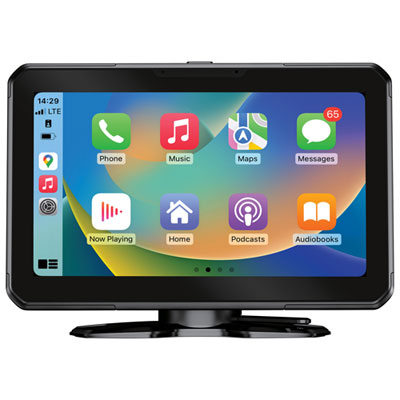
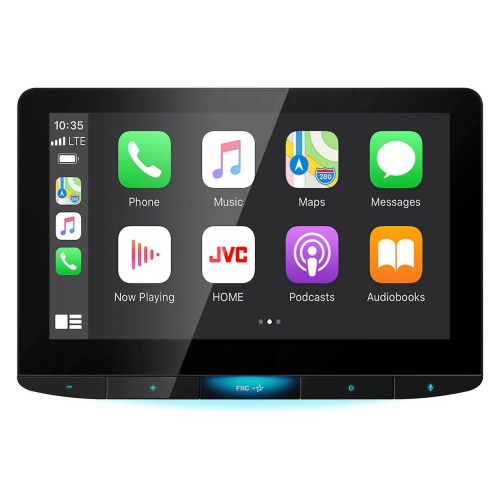
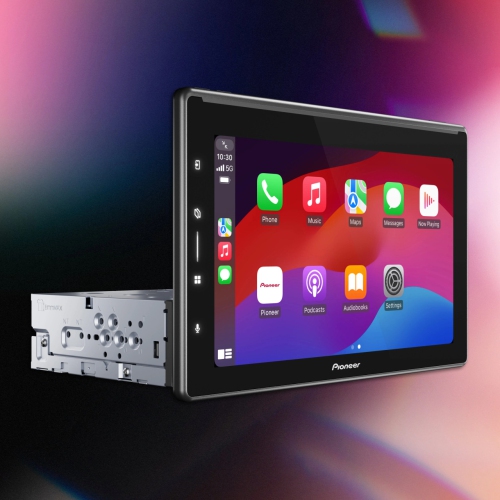
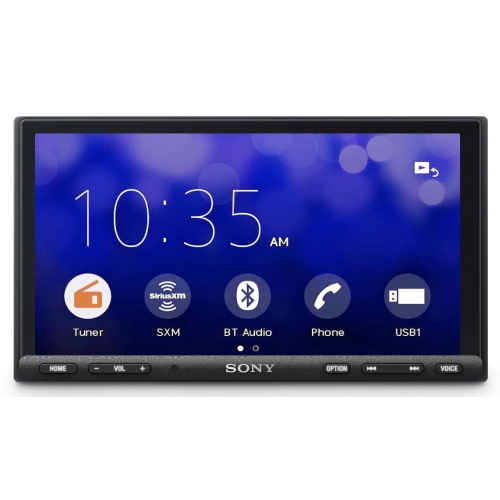
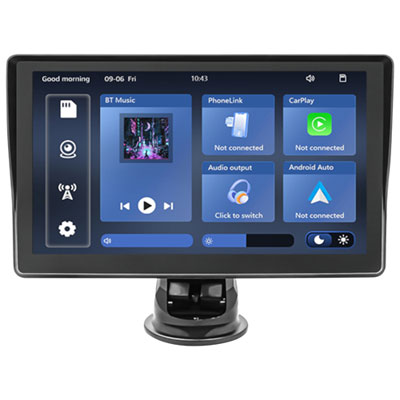
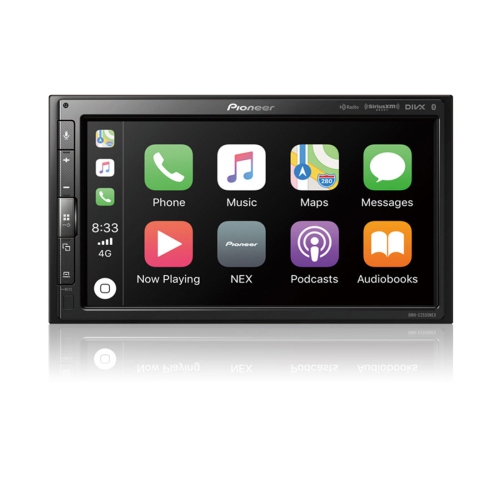
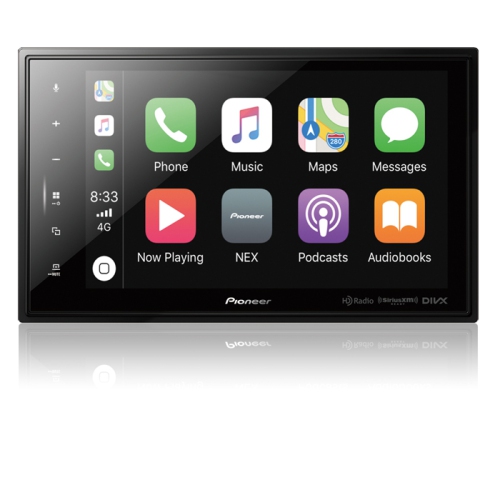
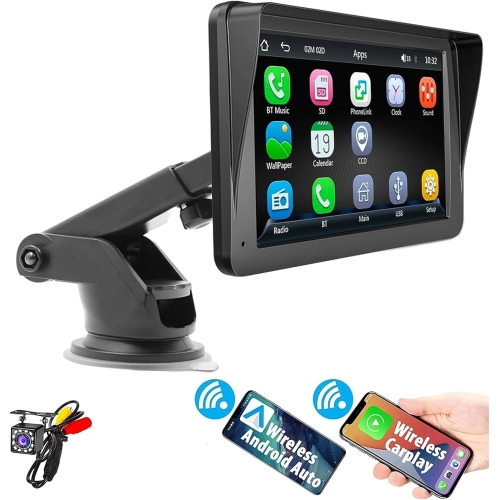
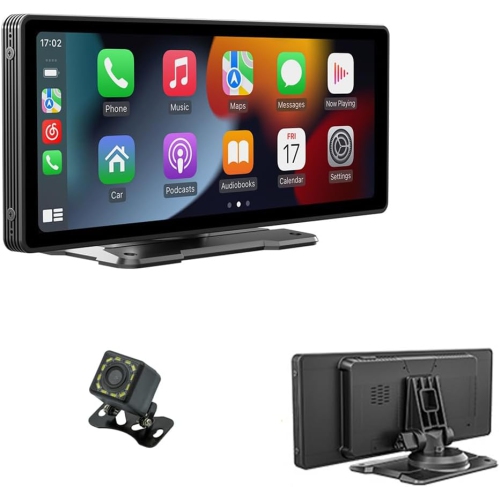
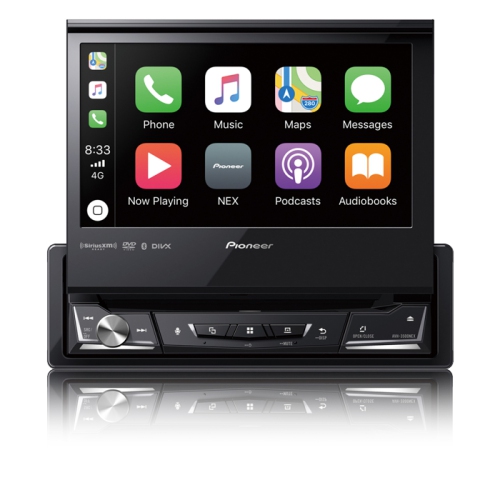
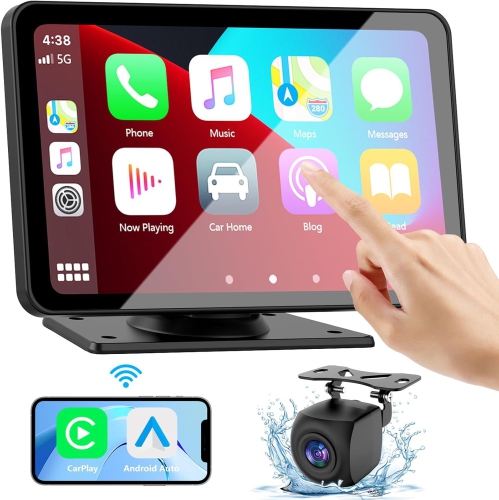
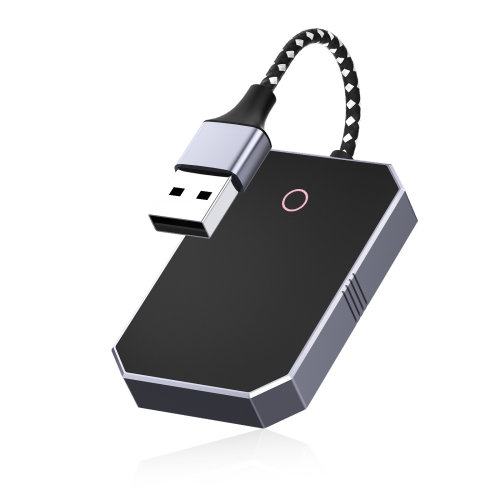
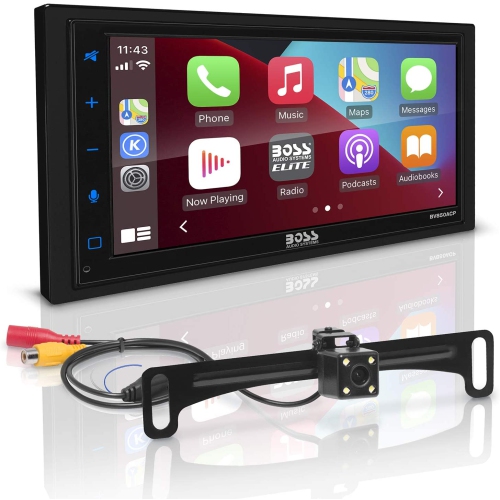
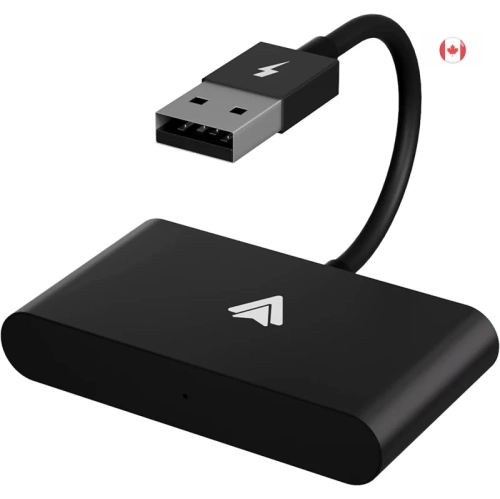
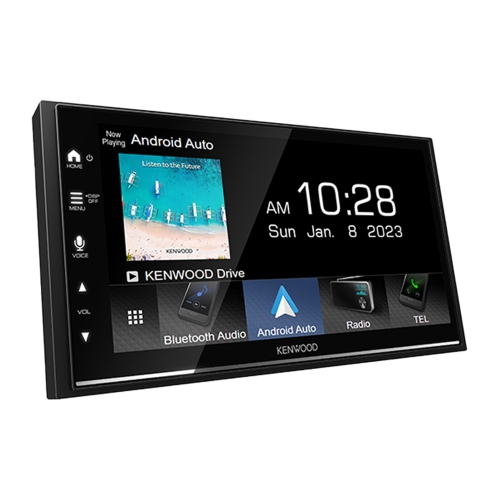
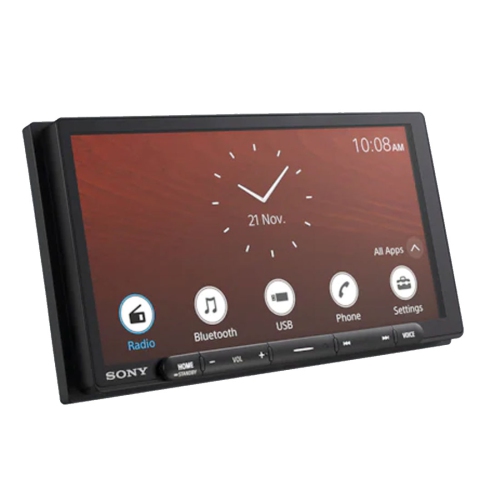
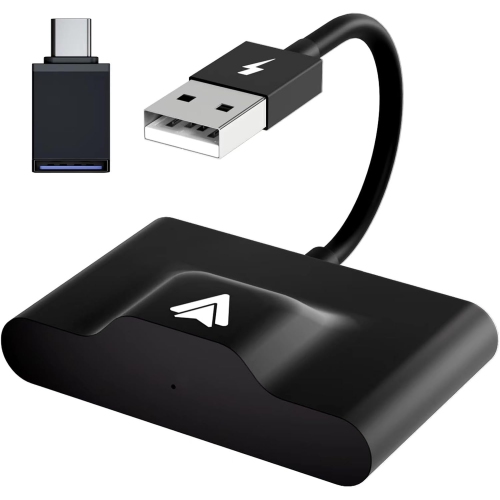
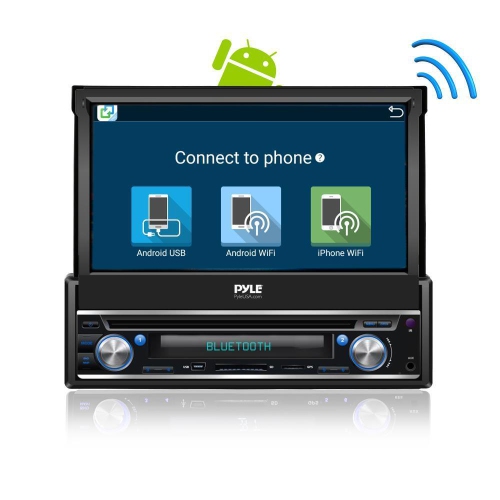
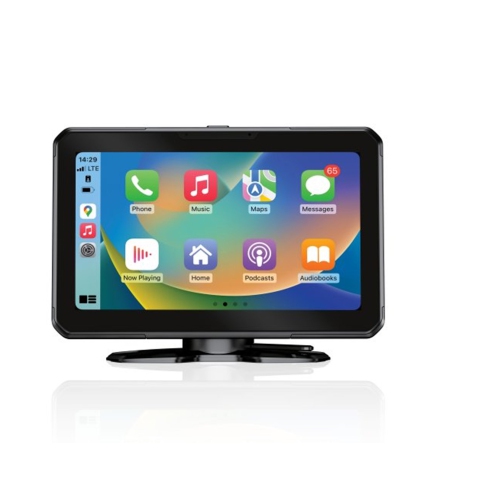
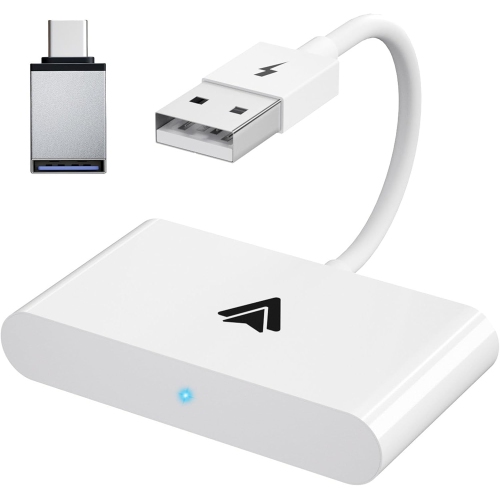
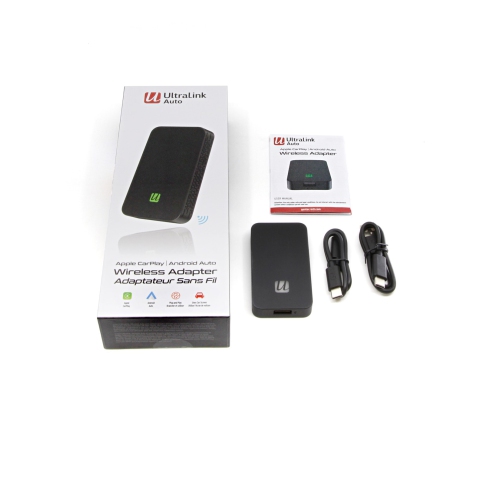
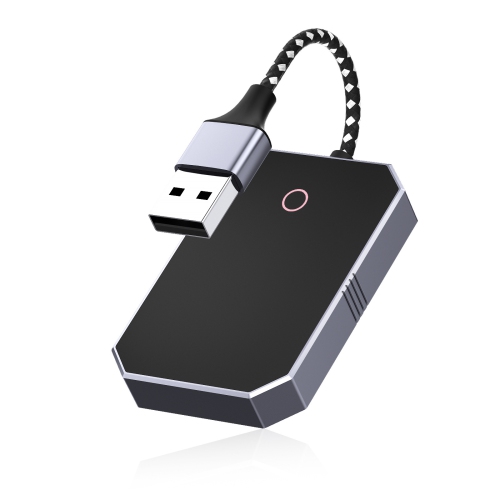
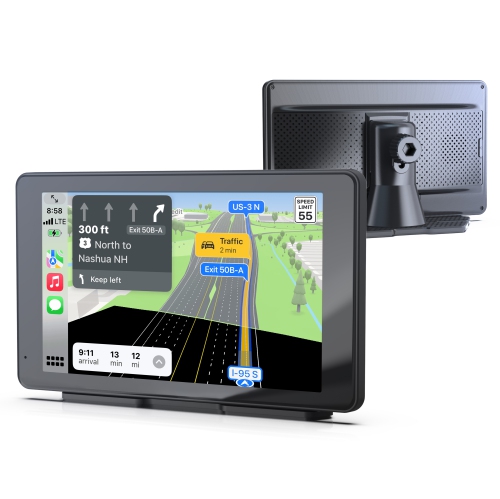
Android Auto displays provide a practical way to bring a modern connected driving experience to more vehicles. These portable touchscreen units are designed to sit on the dashboard or another suitable surface, giving drivers access to compatible navigation, calls, messages, music, podcasts, and voice controls through a dedicated screen. They can be especially useful in older vehicles that do not have a built-in infotainment system, or in cars where replacing the factory stereo would be complicated, expensive, or undesirable. Many models connect with an Android phone wirelessly, while others may support a wired connection, so checking phone compatibility and connection requirements before buying is an important first step. Wireless models typically use Bluetooth to begin the pairing process and Wi-Fi to maintain the Android Auto connection, allowing the phone to stay in a pocket or bag once setup is complete. Drivers who are interested in this type of connection can also explore Android Auto Wireless for related options. A portable display may also suit households with more than one vehicle, since it can potentially be moved between cars when the mounting arrangement and power connection allow. It can be a thoughtful gift for a new driver, a family member with an older vehicle, or anyone who spends long stretches commuting and would appreciate clearer access to directions and audio controls without relying on a small phone screen. During the cooler months, a dedicated display can make familiar routines feel more convenient: navigation is easier to glance at from the driver’s seat, hands-free calling keeps conversations more manageable, and voice commands can help reduce the need to reach for a phone while travelling.
When comparing Android Auto displays, start with the screen size and the available space in the vehicle. A compact 7-inch display can be a good fit for a smaller dashboard or for drivers who prefer a discreet installation, while larger screens may make maps, route instructions, and split-screen information easier to see at a glance. A bigger panel is not automatically better if it blocks the road view, covers important dashboard controls, or creates glare, so the best choice depends on the vehicle’s layout and the driver’s preferred viewing position. Mounting options commonly include suction-cup bases, adhesive brackets, or adjustable dashboard stands. Look for a mount that feels secure on the intended surface and offers enough tilt or swivel adjustment to reduce reflections from sunlight and interior lighting. Power is usually supplied through a 12V vehicle socket, although the included cable length and adapter design can affect how tidy the installation looks. Audio is another key consideration. Depending on the display and vehicle, sound may be sent through an AUX connection, Bluetooth, an FM transmitter, or the display’s own speaker. AUX and Bluetooth may provide a straightforward connection when the car supports them, while FM transmission can be useful in vehicles without an AUX input, though local radio interference and available frequencies should be considered. Reviewing the connection methods before purchase helps ensure the display will work comfortably with the existing stereo rather than requiring extra adapters. It is also worth checking whether the unit supports the Android phone version being used, whether wireless Android Auto is included or optional, and whether the display reconnects automatically after the vehicle starts. A clear startup process matters in everyday use, especially when the car is parked outdoors during cold or wet weather and there is little interest in spending extra time adjusting settings before leaving.
Some Android Auto displays include additional driving features such as front-facing recording, rear cameras, parking assistance, or multiple audio output options. A built-in dash camera can be helpful for recording the road ahead, but buyers should review video resolution, night recording, viewing angles, loop recording, memory card requirements, and whether the camera continues recording when the vehicle is parked. Rear camera compatibility deserves similar attention. A display may include a camera, support an optional camera, or provide parking guidance only when the correct camera and wiring are installed, so the product specifications should be checked carefully before assuming it will replace an existing backup camera. Installation may be simple enough for a confident do-it-yourselfer: secure the mount, connect the power adapter, position the screen, pair the phone, and select the preferred audio output. Some vehicles may require more patience, particularly when routing a cable neatly around the dashboard or finding a suitable mounting surface. Before driving, confirm that the display remains firmly in place, sits within a natural line of sight, and does not obstruct airbags, vents, gauges, or the windshield. Android Auto displays are intended to support safer, more convenient access to connected features, not to encourage interaction while the vehicle is moving; route planning, pairing, and settings adjustments should be completed while parked. With the right screen size, mounting style, phone compatibility, and audio connection, a portable display can add useful functionality to a daily driver, a shared family car, or a vehicle used for road trips and regular travel.
When comparing Android Auto displays, start with the screen size and the available space in the vehicle. A compact 7-inch display can be a good fit for a smaller dashboard or for drivers who prefer a discreet installation, while larger screens may make maps, route instructions, and split-screen information easier to see at a glance. A bigger panel is not automatically better if it blocks the road view, covers important dashboard controls, or creates glare, so the best choice depends on the vehicle’s layout and the driver’s preferred viewing position. Mounting options commonly include suction-cup bases, adhesive brackets, or adjustable dashboard stands. Look for a mount that feels secure on the intended surface and offers enough tilt or swivel adjustment to reduce reflections from sunlight and interior lighting. Power is usually supplied through a 12V vehicle socket, although the included cable length and adapter design can affect how tidy the installation looks. Audio is another key consideration. Depending on the display and vehicle, sound may be sent through an AUX connection, Bluetooth, an FM transmitter, or the display’s own speaker. AUX and Bluetooth may provide a straightforward connection when the car supports them, while FM transmission can be useful in vehicles without an AUX input, though local radio interference and available frequencies should be considered. Reviewing the connection methods before purchase helps ensure the display will work comfortably with the existing stereo rather than requiring extra adapters. It is also worth checking whether the unit supports the Android phone version being used, whether wireless Android Auto is included or optional, and whether the display reconnects automatically after the vehicle starts. A clear startup process matters in everyday use, especially when the car is parked outdoors during cold or wet weather and there is little interest in spending extra time adjusting settings before leaving.
Some Android Auto displays include additional driving features such as front-facing recording, rear cameras, parking assistance, or multiple audio output options. A built-in dash camera can be helpful for recording the road ahead, but buyers should review video resolution, night recording, viewing angles, loop recording, memory card requirements, and whether the camera continues recording when the vehicle is parked. Rear camera compatibility deserves similar attention. A display may include a camera, support an optional camera, or provide parking guidance only when the correct camera and wiring are installed, so the product specifications should be checked carefully before assuming it will replace an existing backup camera. Installation may be simple enough for a confident do-it-yourselfer: secure the mount, connect the power adapter, position the screen, pair the phone, and select the preferred audio output. Some vehicles may require more patience, particularly when routing a cable neatly around the dashboard or finding a suitable mounting surface. Before driving, confirm that the display remains firmly in place, sits within a natural line of sight, and does not obstruct airbags, vents, gauges, or the windshield. Android Auto displays are intended to support safer, more convenient access to connected features, not to encourage interaction while the vehicle is moving; route planning, pairing, and settings adjustments should be completed while parked. With the right screen size, mounting style, phone compatibility, and audio connection, a portable display can add useful functionality to a daily driver, a shared family car, or a vehicle used for road trips and regular travel.
Top selling and popular products
-
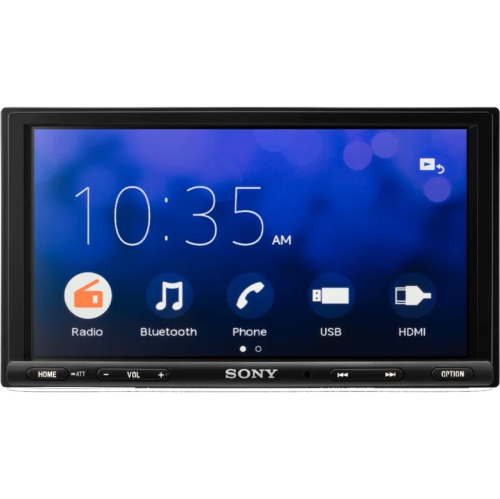 Your price for this item is $269
 -
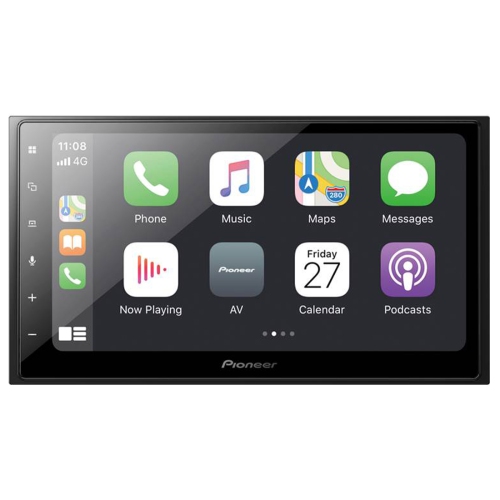 Your price for this item is $499.99
 -
 Your price for this item is $568.99
 -
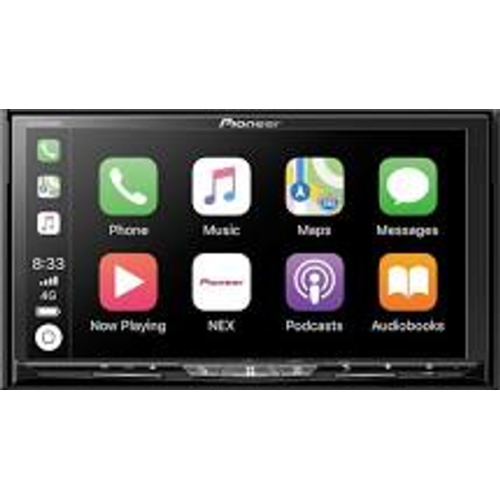 Your price for this item is $898.99
 -
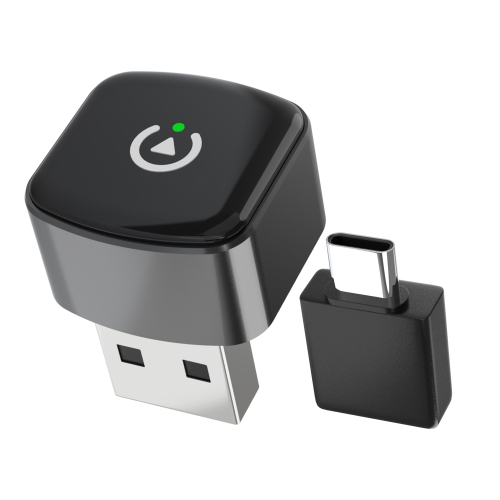 Your price for this item is $109.99
 -
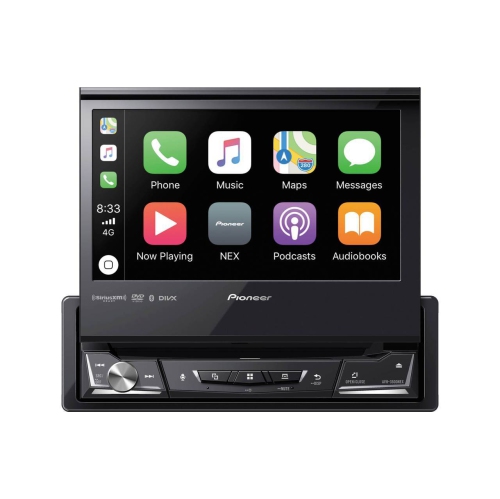 Your price for this item is $798.99
 -
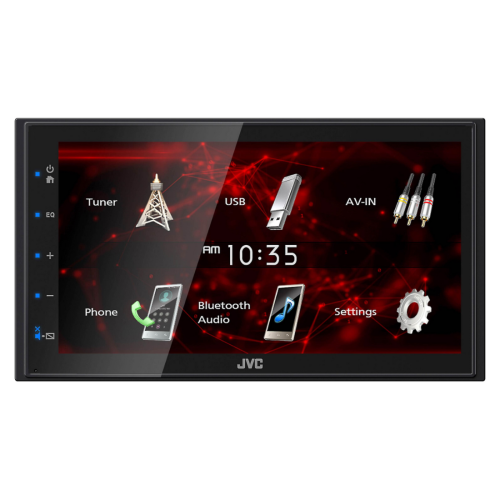 Your price for this item is $288
 -
 Your price for this item is $99.99
Discover more categories related to Android Auto Displays

Top Collections:
Pokemon Centers, Kindle Devices, Best Budget Office Chairs, Apple iPhones 16, Best Laptops for Writers, iPhone 15 Apple, Canon G7X Cameras, Refurbished Apple Laptops, Alarm Clock, Motorola Razr Phones
Some products may be subject to Environmental Handling Fees
(EHF) depending on your province.
Learn more about EHFs.