Best Phones With Stylus

The best phones with a stylus make it easy to jot down notes, sketch ideas, and navigate with precision. Whether you’re taking notes on the go or adding a personal touch to photos, a stylus offers a hands-on way to do more with your phone. Explore the phones below, ranked by user review ratings, to find the right fit for your everyday needs.

Read More

What to look for in phones with a stylus

1. Stylus Features and Compatibility

Check whether the phone includes a stylus or requires a separate purchase, and confirm which pen models it supports. Depending on the phone and stylus, features may include pressure sensitivity, palm rejection, and shortcuts for taking notes or editing screenshots.

2. Display Size and Clarity

A larger, sharper display gives you more room to write, sketch, and mark up documents. Look for good brightness and responsive pen input, while considering whether the phone will fit comfortably in your hand or pocket.

3. Performance and Battery Life

Choose enough processing power and storage for your note-taking apps, drawings, photos, and everyday tasks. Compare battery life and charging options, and check whether the stylus needs charging for any of its features.

4. Design and Everyday Convenience

Built-in stylus storage keeps the pen close at hand, while phones without a dedicated slot may need a compatible case to hold it. Also consider durability, software support, and compatibility with your Canadian mobile carrier.
Citrus catapult arrow
  1. 1

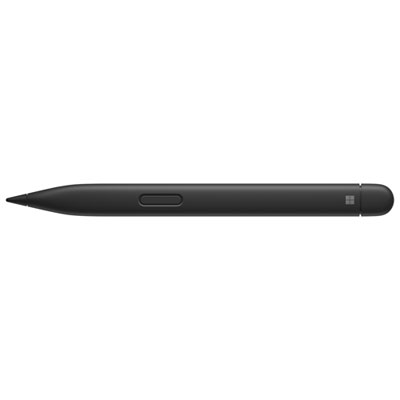
    Microsoft Surface Slim Pen 2

    About this product

    A rechargeable black stylus offering tilt support, pressure sensitivity, and fluid Zero-Force Inking for precise creativity.

    What customers like

    • Excellent compatibility and plug-and-play functionality
    • Long battery life with convenient charging options
    • Highly accurate and responsive writing experience
    • Smooth, realistic, and precise drawing and note-taking
    • Comfortable and ergonomic design
    (750)
    $189.99 Your price for this item is $189.99
  2. 2

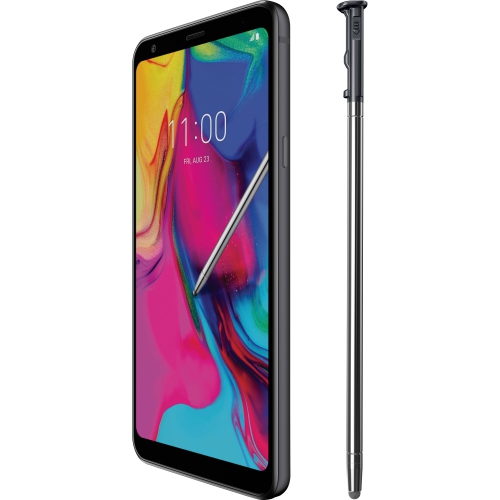
    LG Stylo 5 32GB Android Smartphone With Stylus Pen| Silvery White| Unlocked

    About this product

    A silvery white unlocked smartphone featuring a stylus, 32GB storage, 6.2" Full HD display, and 13MP camera.

    What customers like

    • Long battery life
    • Fast performance and speed
    • Useful stylus and features
    • Affordable price
    • Good camera and picture quality
    (48)
    $221.01
    SAVE $28
    Your price for this item is $221.01
  3. 3

    HLD Stylus Pen [20 Pack], Universal Capacitive Touch Screen Stylus Compatible With Iphone, Android & Other Touch Screen Devices

    About this product

    A 20-pack of universal capacitive touch screen stylus pens compatible with various touch screen devices.

    (1)
    $34.96
    SAVE $5
    Your price for this item is $34.96
  4. 4

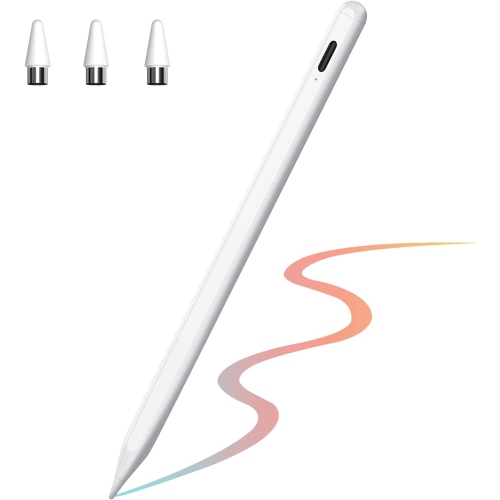
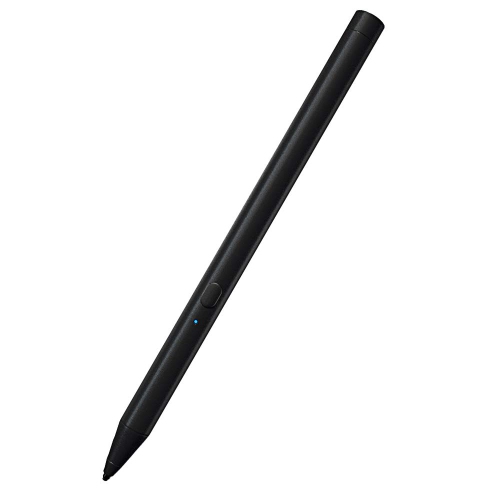
    HLD Active Stylus Pen Compatible for Ios And Android Touchscreens, 2021 Stylus Pen w Dual Touch Screen, Rechargeable Stylus Pencil for All Apple

    About this product

    An active, rechargeable stylus compatible with iOS and Android touchscreens for drawing and handwriting.

    $51.96
    SAVE $11
    Your price for this item is $51.96
  5. 5

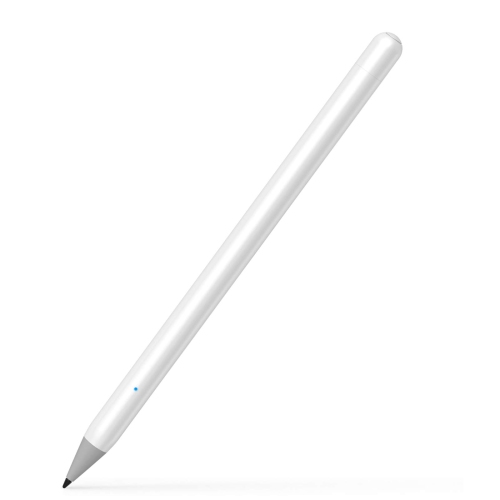
    HLD Stylus Pencil Compatible for Apple Ipad, Usgmobi Palm Rejection Stylus Pen With 1MM Pom Tip Compatible With (2018-New) Ipad

    About this product

    A precise stylus pen with 1mm POM tip and palm rejection, designed for 2018 and newer iPads.

    $50.96
    SAVE $11
    Your price for this item is $50.96
  6. 6

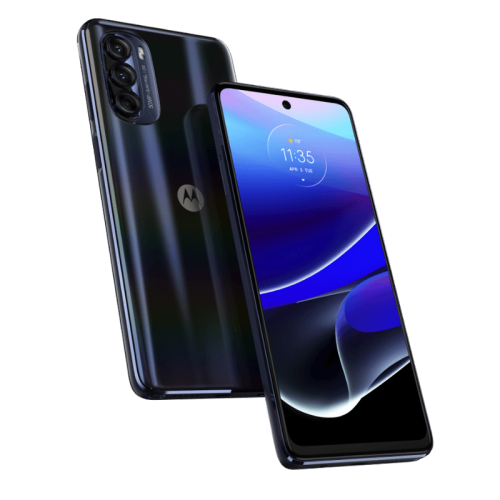
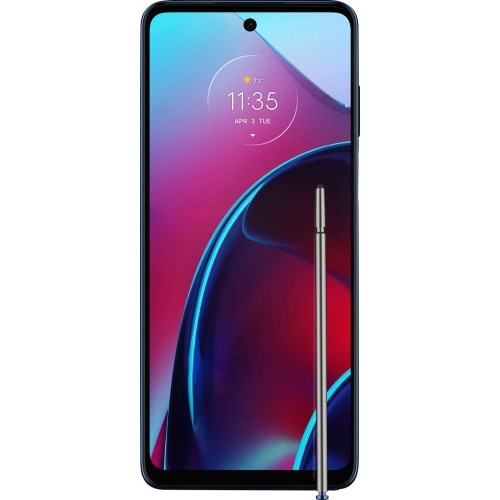
    MOTOROLA Moto G Stylus 5G 2022 128GB - In Blue

    About this product

    A blue 5G smartphone featuring a 6.6" 120Hz FHD+ display, Snapdragon processor, and Dolby Atmos sound.

    $239.99
    SAVE $159
    Your price for this item is $239.99
  7. 7

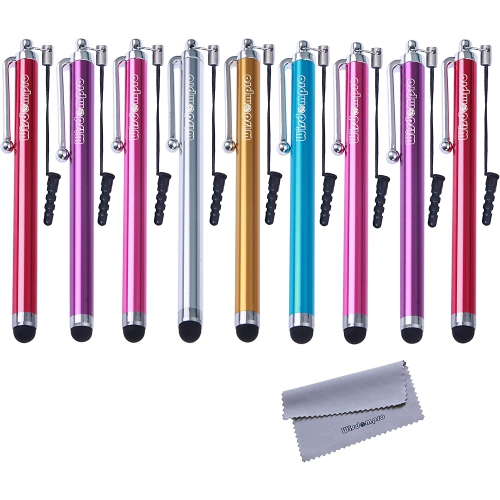
    ALBERTATECH Stylus, 9 Pack Rubber Tip Stylus Bundle Of 4.5 Inch Colorful Universal Styli With Lanyard Tether

    About this product

    A colorful 9-pack of rubber tip styluses with lanyard tethers for capacitive touch screens.

    $13.99 Your price for this item is $13.99
  8. 8

    HLD Awinner Stylus Pens for Touch Screens, Fine Point Stylist Pen Pencil Compatible With Apple Ipad 9.7-Inch (2018)

    About this product

    A fine point stylus pen designed for precise input on 2018 iPad 9.7-inch touch screens.

    $51.96
    SAVE $11
    Your price for this item is $51.96
  9. 9

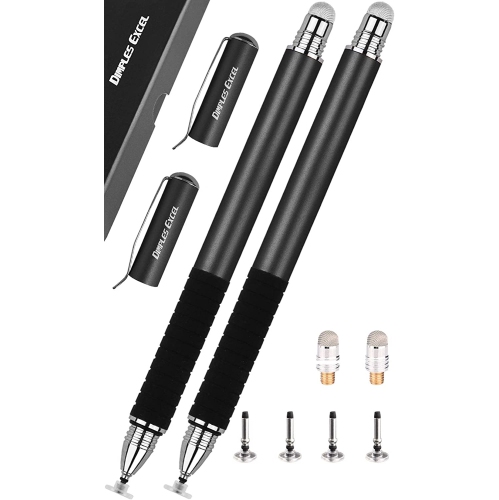
    HLD Stylus for Ipad, Stylus for Touch Screens, Capacitive Stylus Pen w High Sensitivity & Fine Point, Universal for Apple/iphone/ipad

    About this product

    A high-sensitivity capacitive stylus pen with a fine point, universally compatible with most touch screens.

    $40.96
    SAVE $7
    Your price for this item is $40.96
  10. 10

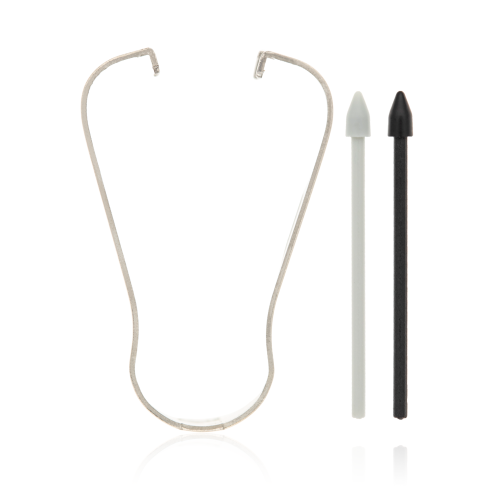
    ESOURCE PARTS Replacement Stylus Nib Compatible for Samsung Galaxy Note 10 / Note 20 / Note 20 Ultra / Tab S6 (T860 / T865) / Tab S7 11" (T870 /

    About this product

    A pack of five gray and aura black replacement stylus nibs compatible with select Samsung devices.

    $29.69 Your price for this item is $29.69

Handwritten notes meet everyday smartphone convenience

The best phones with a stylus combine a comfortable writing experience with the everyday capabilities of a smartphone: a clear display, responsive performance, dependable battery life, and cameras suited to daily use. A stylus adds a more precise way to interact with that screen, whether the task is circling a detail in a photo, annotating a document, or jotting down a thought before it slips away. For someone who thinks more naturally with a pen than a keyboard, handwritten notes can make a phone feel closer to a pocket notebook. Students might sketch a diagram alongside lecture notes, while a contractor could mark measurements on a room photo and send it to a client. A busy household might use handwritten lists for groceries, appointments, and reminders. The differences between stylus phones matter, though: a built-in pen does not automatically mean pressure-sensitive drawing, advanced shortcuts, or handwriting conversion. Those capabilities depend on the phone, the pen technology, and the software being used. An integrated stylus slot keeps the pen close at hand without requiring a separate holder, making it convenient for quick notes while standing in a hallway or sitting on transit. A phone that supports a separate compatible pen may offer another approach, but storage and carrying arrangements become part of everyday use. The broader selection of Phones With Stylus Pen brings attention to this blend of touch controls and pen input. For many people, the appeal is not replacing a laptop or a full-sized drawing tablet. It is having a small writing surface ready for a signature, a rough floor plan, or a few lines of meeting notes without carrying another device. A well-matched stylus phone supports those little tasks comfortably while still fitting into the routines of calling, messaging, navigation, photography, and browsing. That balance is more useful than a long list of pen features that rarely get used.

The feel of writing on a phone depends on several details working together. Screen size affects how much space is available for handwriting and sketches, while the shape of the display and the placement of on-screen controls influence how easily the pen reaches the edges. A larger display can leave more room for a document and a notes window side by side, where supported, but it also makes the phone bulkier in a pocket and potentially less comfortable to hold one-handed. Display brightness and contrast help keep fine lines and small text visible, especially near a window or outdoors. Low input delay helps ink appear close behind the pen tip rather than trailing noticeably, although the experience also depends on the app. With compatible active pen systems, pressure sensitivity can vary line thickness, and palm rejection can help prevent stray marks when a hand rests on the screen. Neither feature should be assumed from the presence of a stylus alone. A basic capacitive stylus generally acts more like a fingertip and does not by itself provide those advanced writing controls. Compatibility also matters for replacement pens, since a pen designed for one input system may not work as intended with another phone. Pen shape is another practical consideration: a slim stylus stores neatly inside a handset, but someone who writes for long stretches may find a wider compatible pen easier to grip. The tip should move smoothly without requiring excessive force, and supported replacement tips can be useful if the original becomes worn. Software gives that hardware its purpose. Depending on the phone and app, useful functions may include notes accessible from the lock screen, searchable handwriting, text conversion, document markup, and exporting notes as shareable files. Accurate text conversion varies with handwriting and language support. For work or school, being able to save an annotated document in a familiar format can matter just as much as how fluidly the pen moves across the glass.

Durability, fit, and care shape how satisfying a stylus phone remains after the initial appeal of handwritten notes. Glass screens and metal or plastic frames have different finishes and handling characteristics, but construction materials alone do not establish how well a phone will tolerate a fall. A fitted case can add grip and cushioning, provided it leaves the stylus opening accessible and does not interfere with buttons, charging, or pen input. Some magnetic accessories can affect certain pen systems, so compatibility deserves attention when pairing a case or mount with the phone. Screen protectors also change the feel of the writing surface; their thickness and texture may affect pen glide, and suitability varies by device. Keeping the screen and pen tip free of grit helps reduce the chance of scratches during writing. A soft, lint-free cloth and cleaning methods approved by the manufacturer are preferable to abrasive cleaners, and a damaged tip should be replaced according to the pen’s instructions. Water resistance, where specified, has limits and does not necessarily apply equally to the handset and its stylus. The phone’s care instructions remain important around spills, wet bags, and damp hands. Away from the writing surface, battery capacity, storage, and processing performance support the rest of the experience. Long periods of drawing, navigation, or video use can consume more power than occasional messaging, while photos, downloaded documents, and saved sketches gradually fill storage. Device security features and supported software updates matter when notes contain personal or workplace information, and backups help protect work if a phone is lost or damaged. As a gift, a stylus phone can suit a keen doodler, a student who prefers handwritten revision notes, or someone who regularly marks up paperwork on the move. Familiarity with the operating system, comfortable handset size, and genuine interest in pen input help make it a thoughtful match. The most useful choice is a phone whose writing tools feel natural enough to become part of everyday life, rather than a feature saved for occasional experimentation.
Read More

FAQ

Some products may be subject to Environmental Handling Fees (EHF) depending on your province. Learn more about EHFs.