Iphone 8 Wireless Charging
Wireless charging has revolutionized the way we power up our devices, offering a convenient and hassle-free solution for keeping our smartphones juiced up. If you're looking to make the most out of this cutting-edge technology, you've come to the right place. At Best Buy Canada, we understand the importance of staying connected, which is why we offer a wide range of wireless charging options for your iPhone 8. With sleek and innovative designs, these charging solutions provide a seamless and efficient way to keep your device powered throughout the day. Say goodbye to tangled cables and hello to effortless charging with our selection of iPhone 8 wireless charging accessories.
Sort
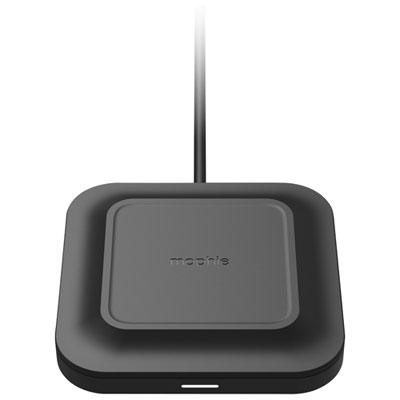
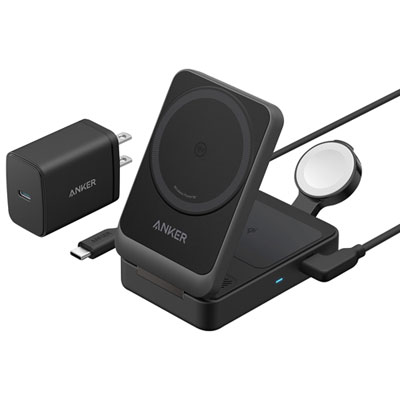

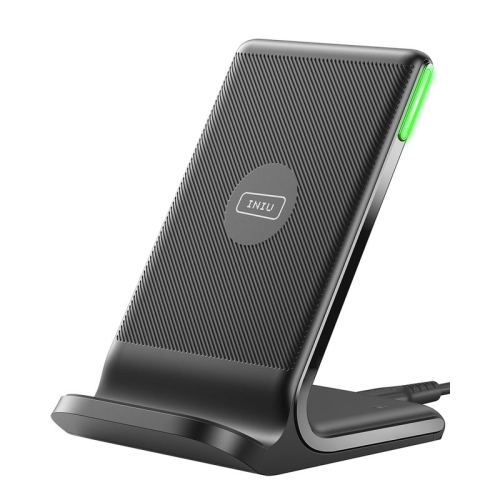
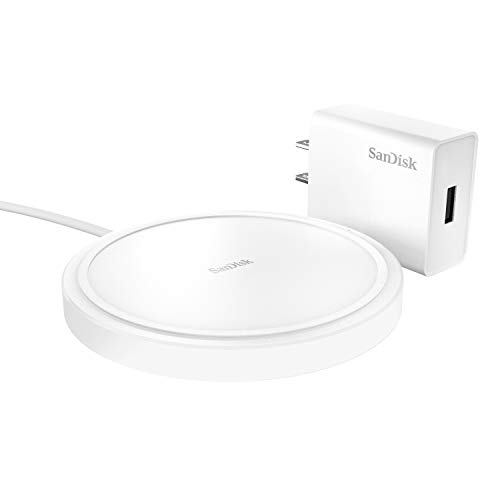
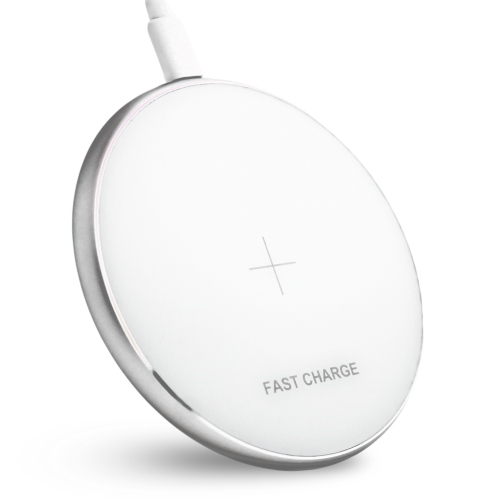
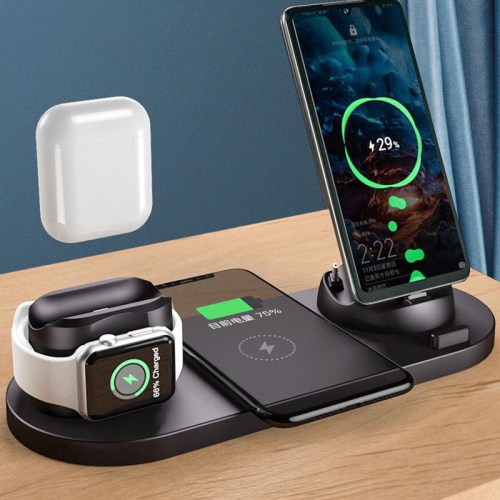
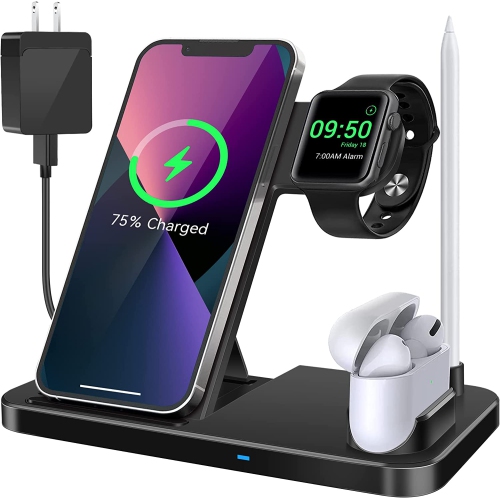
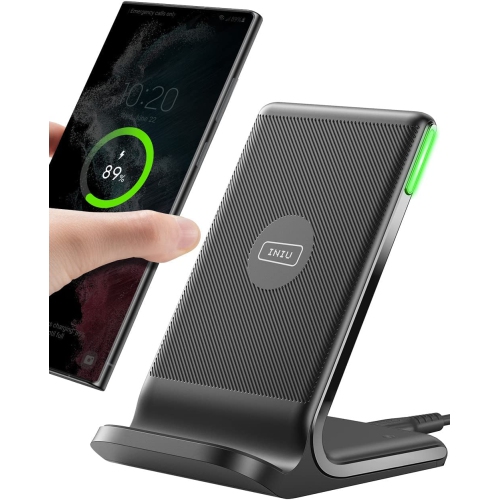

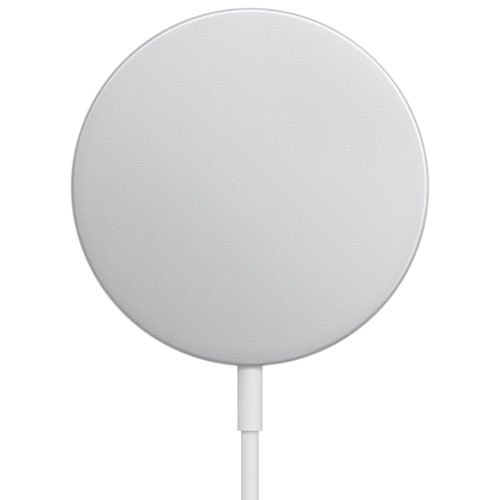
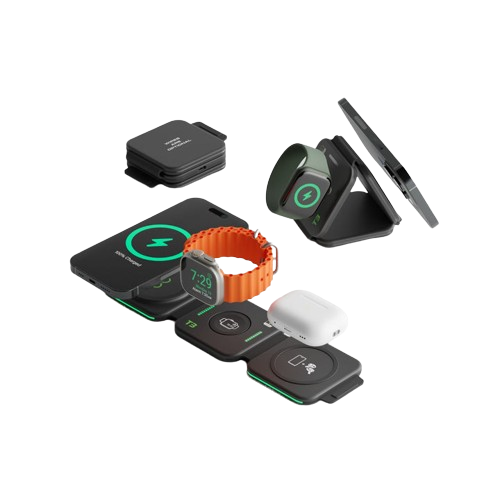
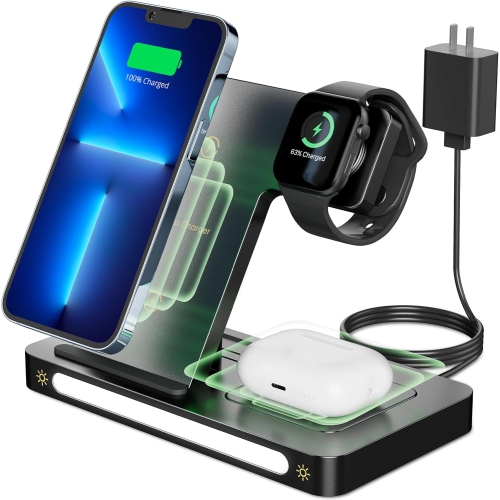
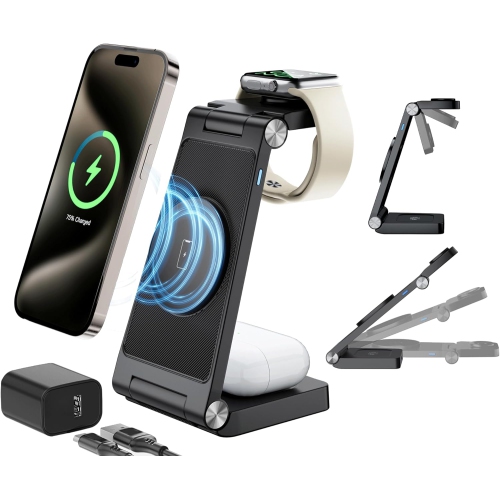

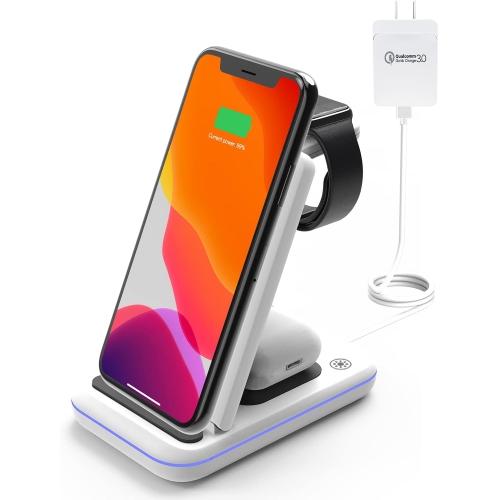
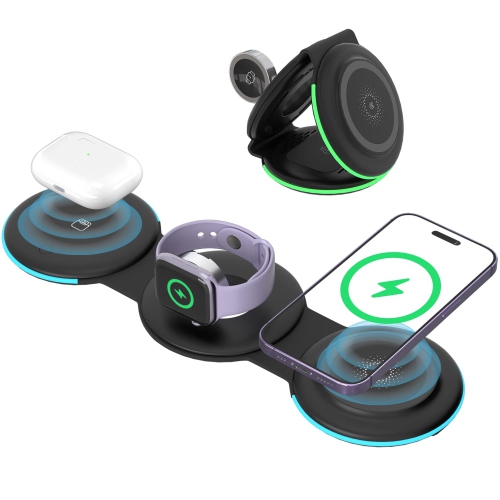
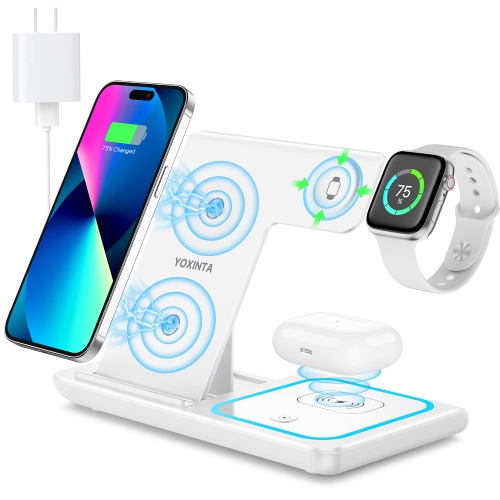
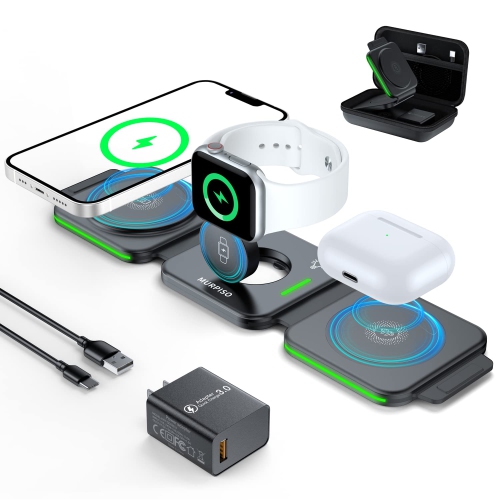
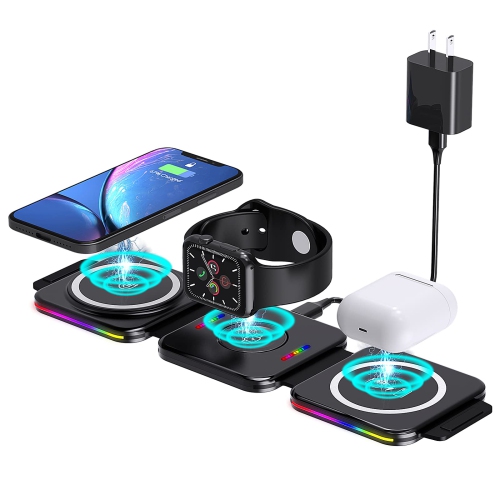

![WIRELESS Mi Charging Pad-[]](https://multimedia.bbycastatic.ca/multimedia/products/500x500/152/15200/15200811.png)
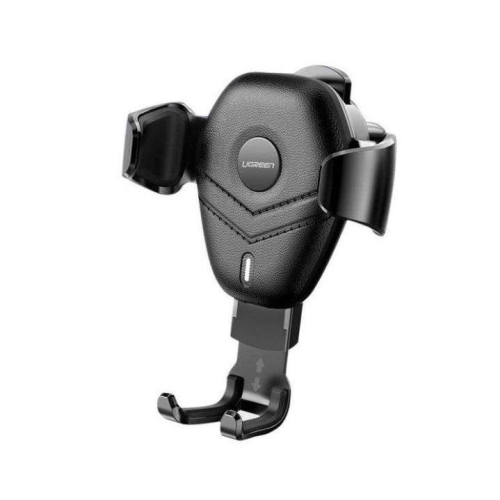
![UGREEN [2Pack] Qi Car Fast Wireless Charger And Holder for Iphone Xs Xr X 8 10W](https://multimedia.bbycastatic.ca/multimedia/products/500x500/153/15339/15339635.jpg)


![UNKNOWN for Iphone 12 Pro Max Case, [Not Yellowing] Ultra Thin Shockproof Transparent Hard PC Bezel-Less Phone Case](https://multimedia.bbycastatic.ca/multimedia/products/500x500/182/18212/18212303.jpeg)
![UNKNOWN for Iphone 12 Case, [Not Yellowing] Ultra Thin Shockproof Transparent Hard PC Bezel-Less Phone Case](https://multimedia.bbycastatic.ca/multimedia/products/500x500/182/18212/18212956.jpeg)
How Qi charging works with cases, stands and placement
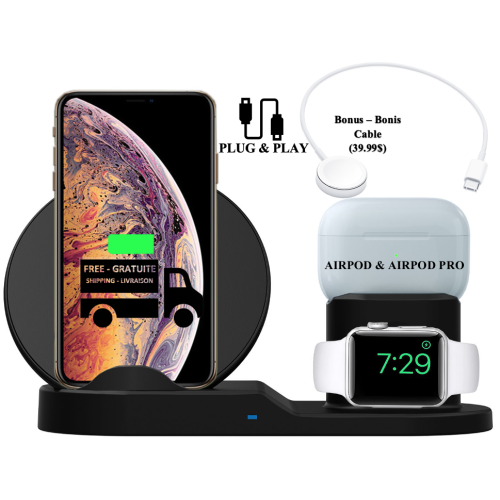
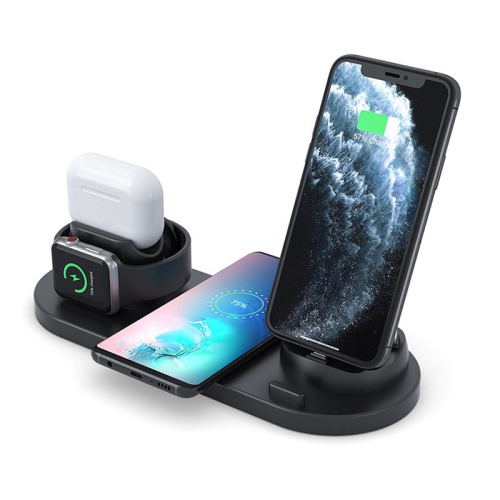
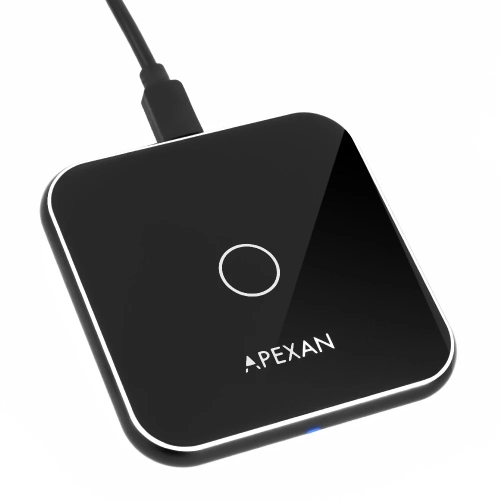
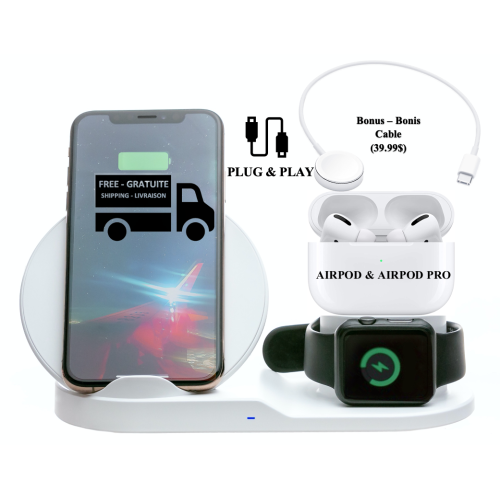
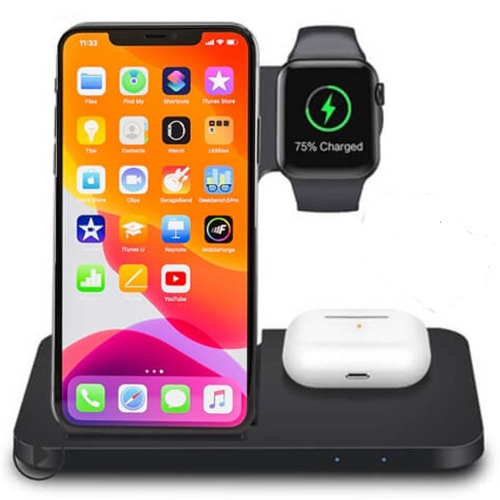
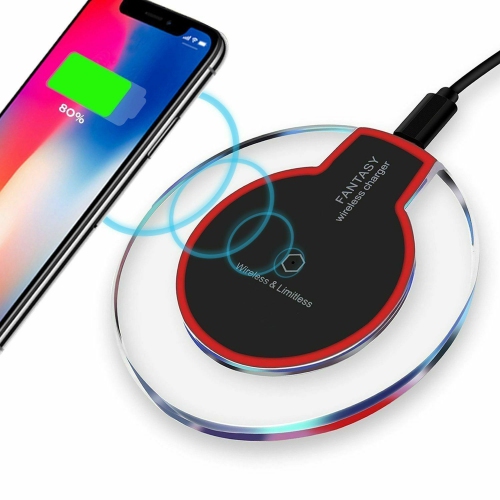
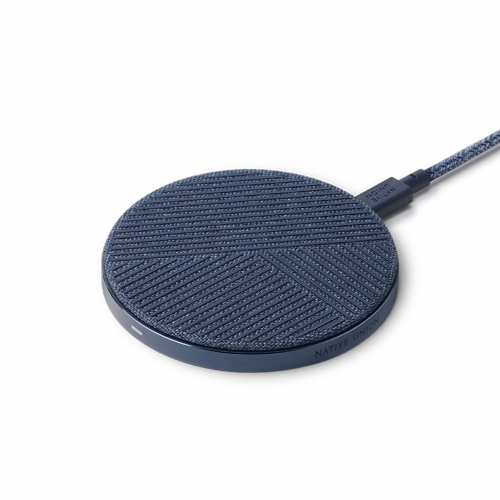
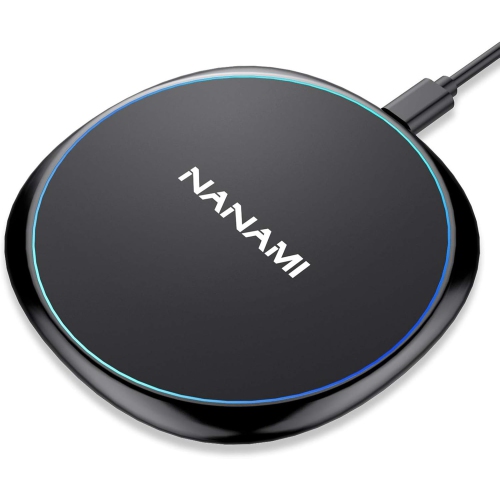
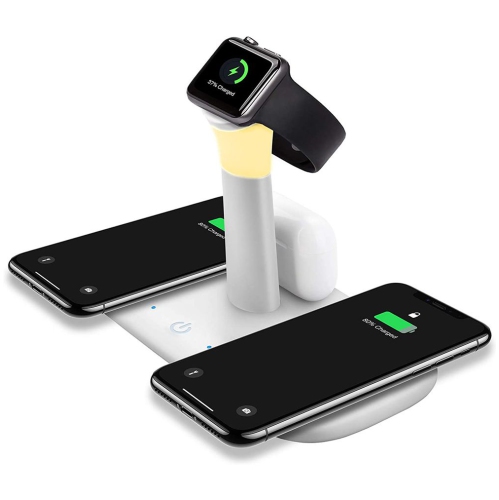
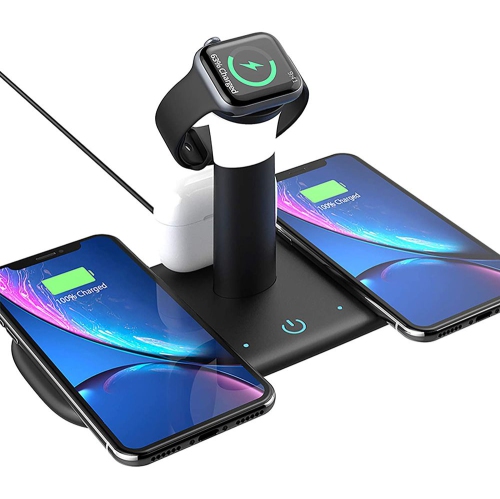
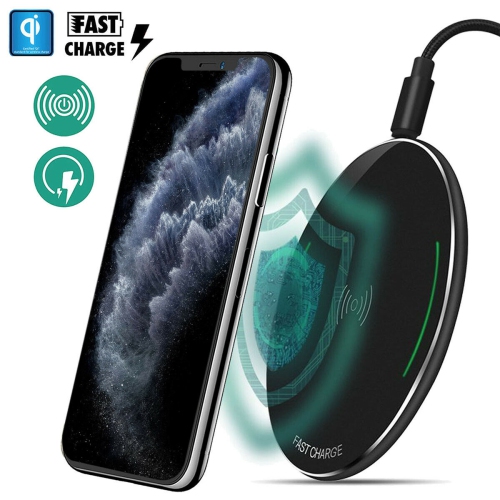
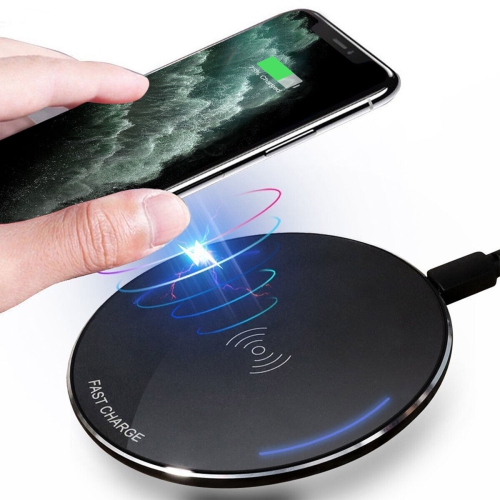
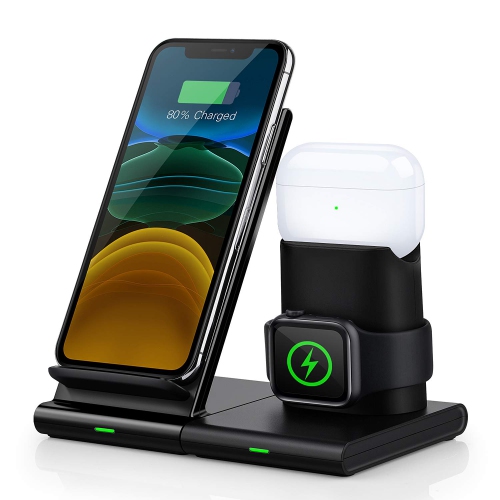
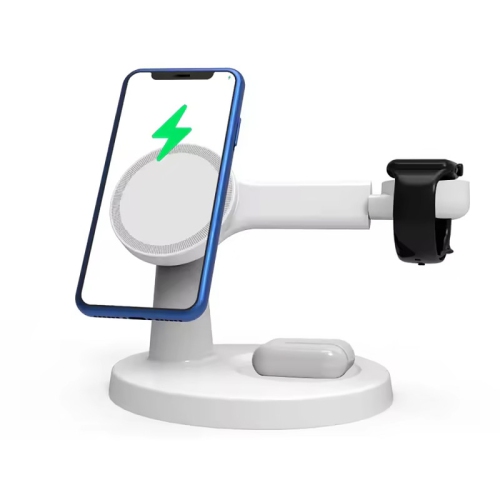
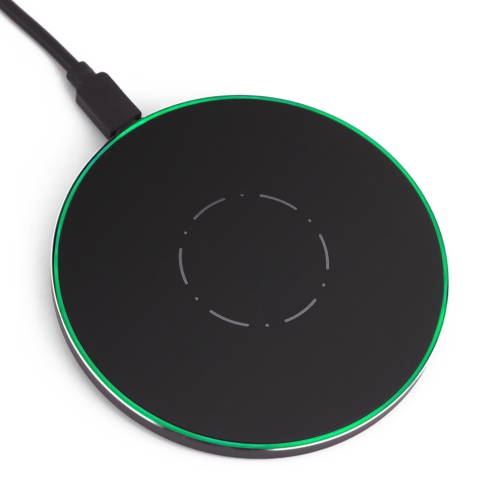
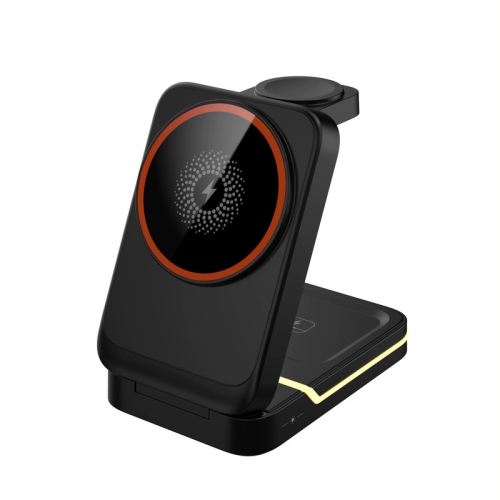
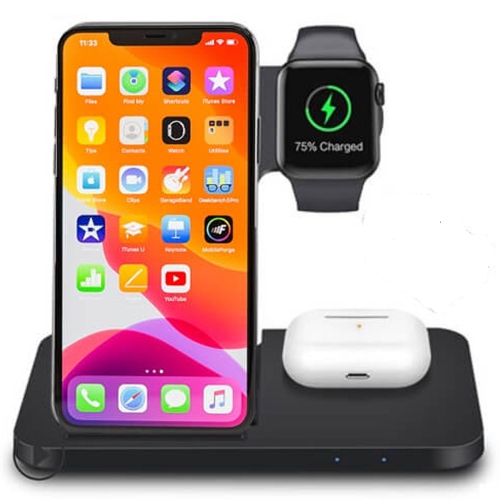
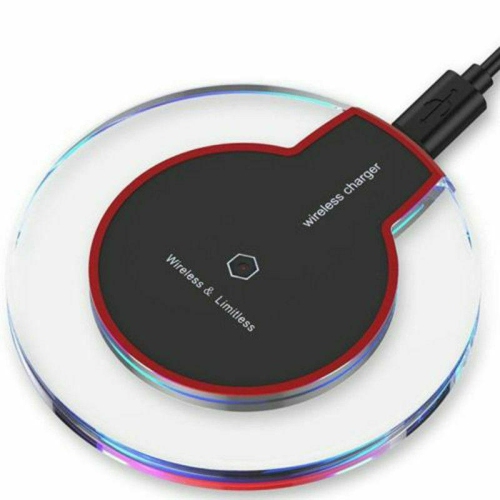
If you are shopping for iPhone 8 wireless charging accessories, it helps to understand how this phone receives power without a cable. The iPhone 8 supports Qi wireless charging through its glass back, allowing it to draw power from a compatible charging pad or stand when the phone is positioned correctly. To use one, connect the charging pad or stand to a suitable power source, place it on a flat and stable surface, then set the iPhone 8 on top with the screen facing up. The phone should sit close to the centre of the charging area so the internal coils can connect properly. A small adjustment may be all that is needed if charging does not begin immediately. A charging indicator on the iPhone 8 confirms that power is flowing, and the phone can usually remain on the surface while notifications, alarms and other everyday functions continue. Wireless charging is especially convenient on a bedside table, office desk, kitchen counter or entryway shelf, where a cable can be left connected and the phone can be placed down whenever its battery needs a boost. Since the iPhone 8 supports wireless charging at up to 7.5W with a compatible Qi charger, charging may be slower than using a wired Lightning connection, but the cordless convenience can make it easier to top up throughout the day.
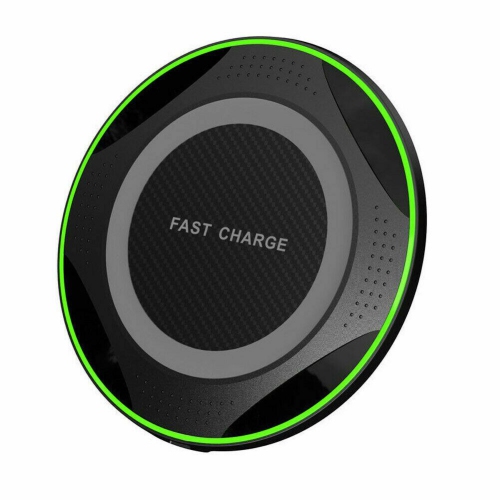
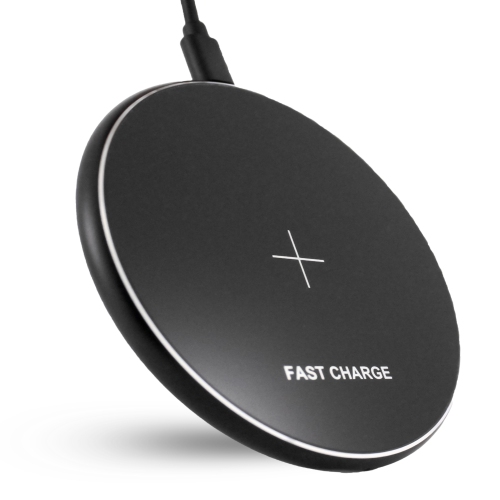
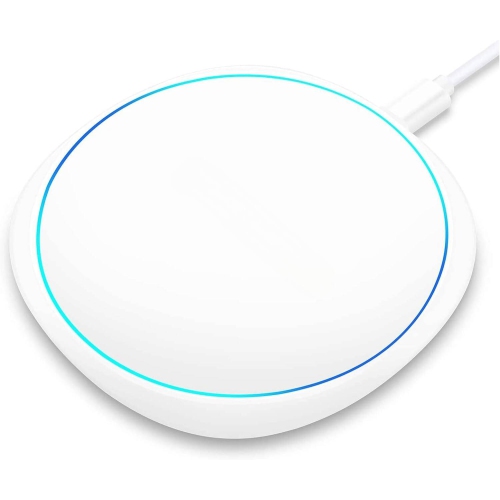
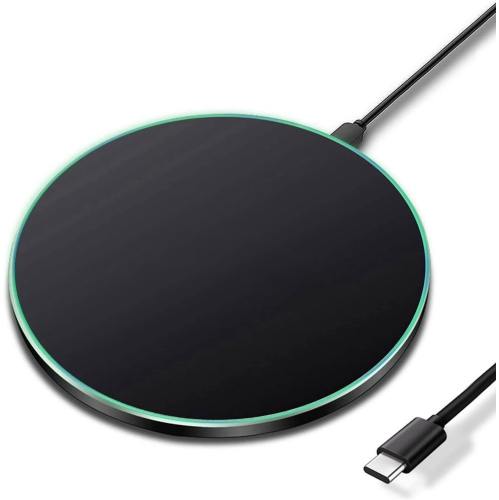
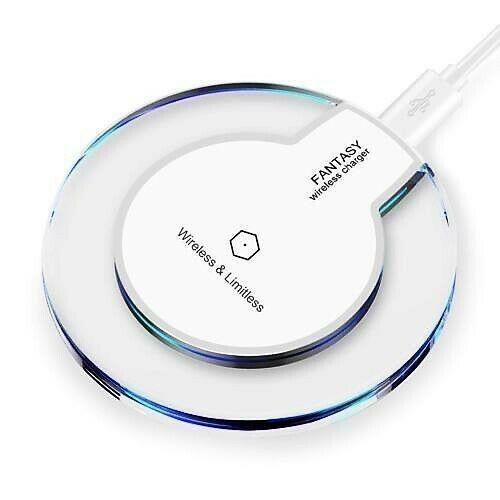
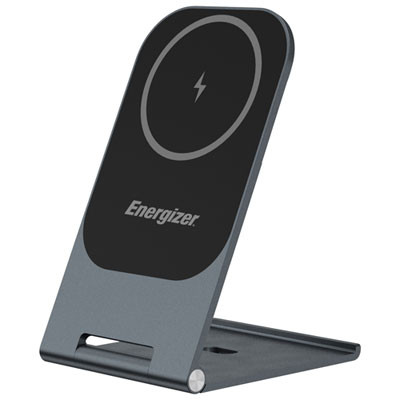
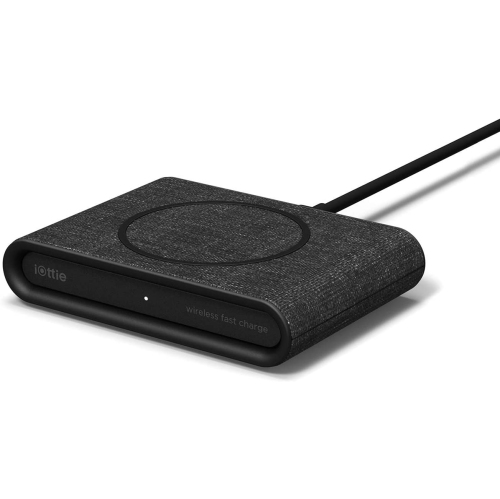
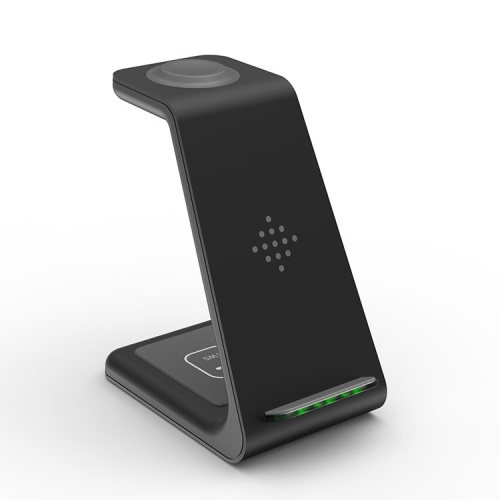
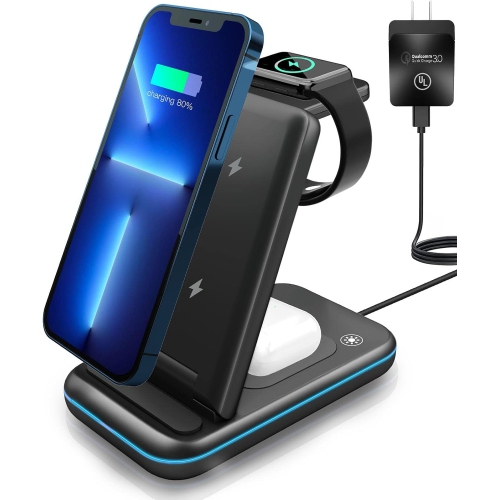
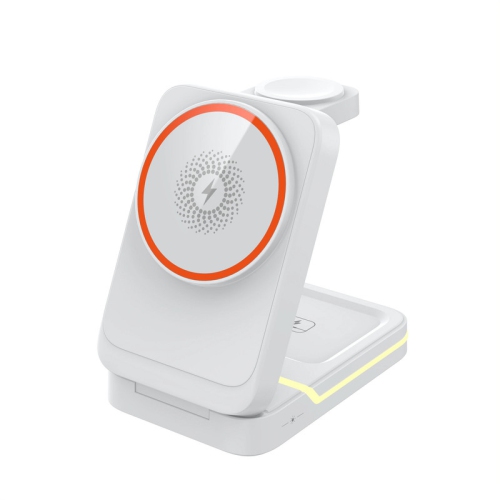
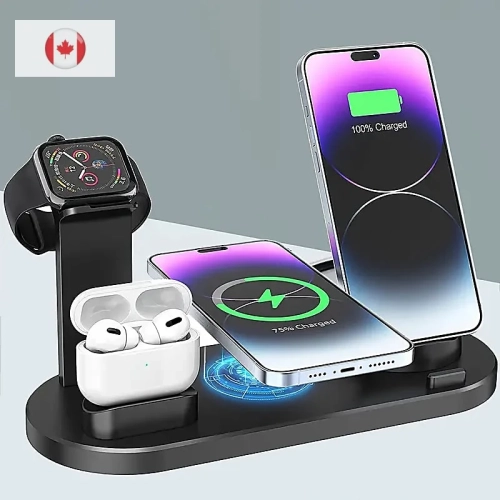
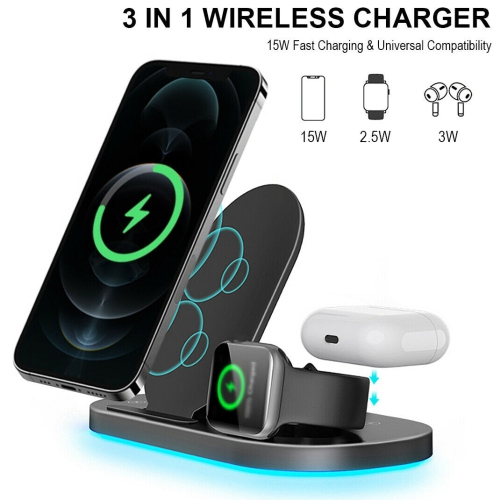
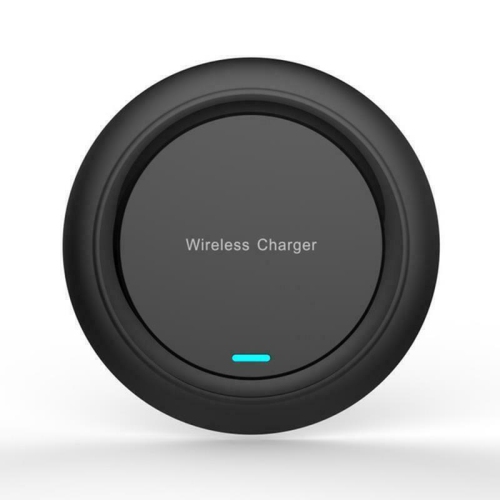
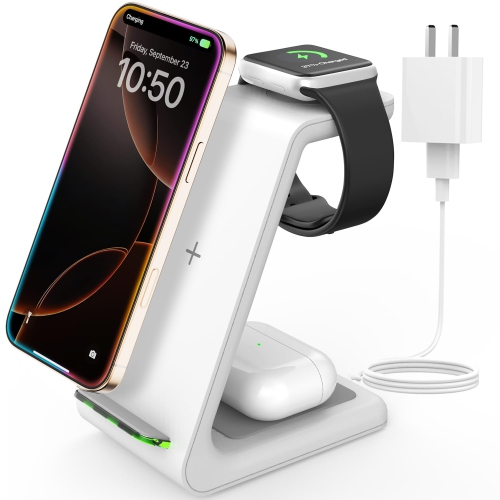
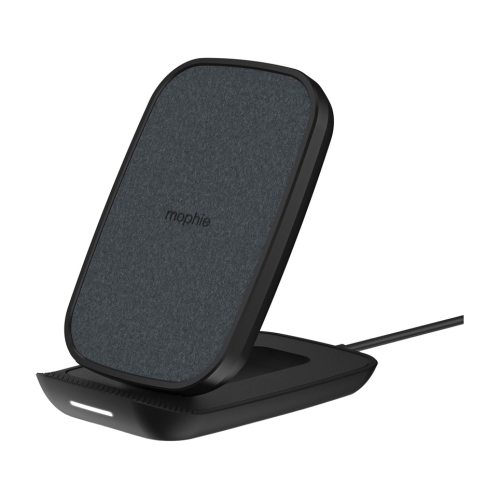
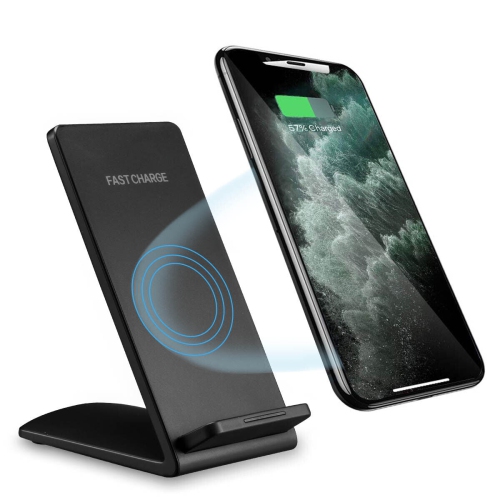
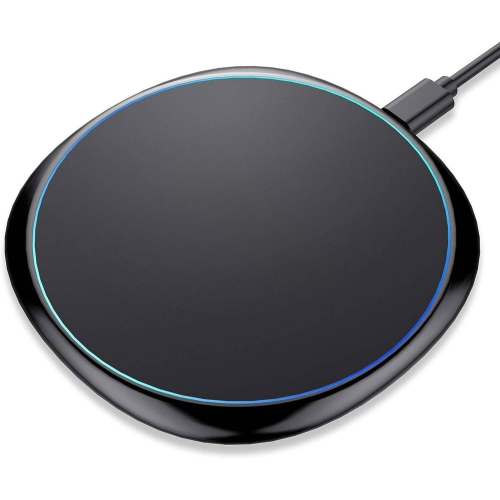
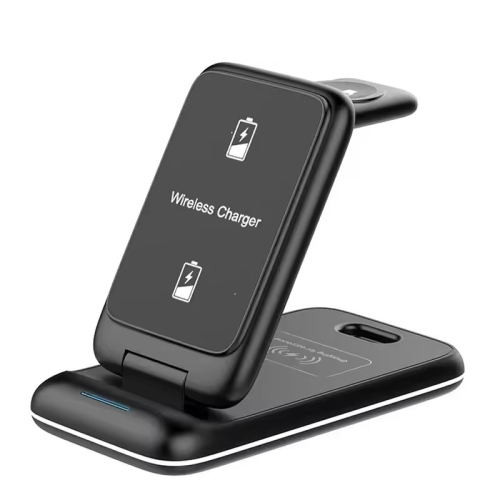
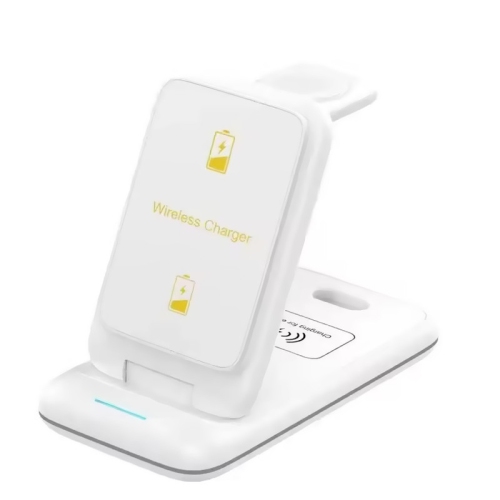
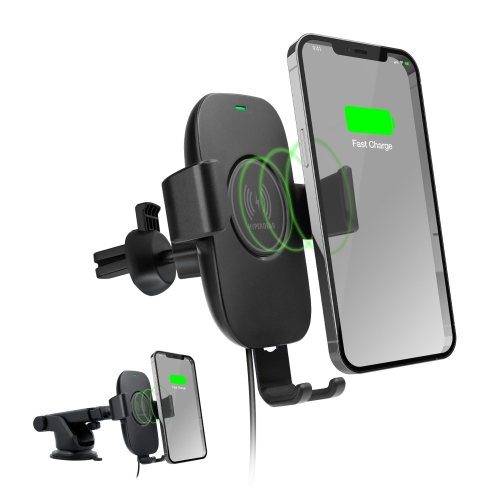
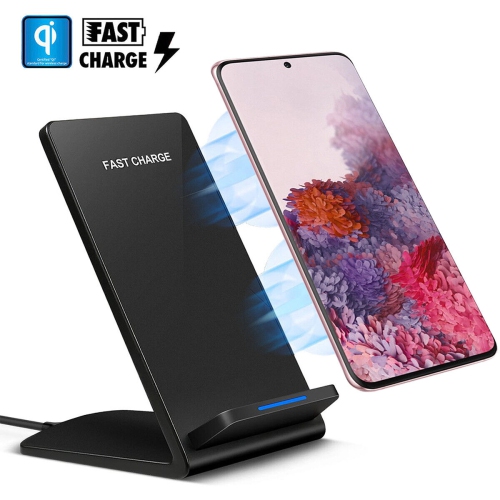
The shape of the charger is an important consideration. A flat pad takes up little space and works well beside a bed or on a compact desk, while an angled stand keeps the screen visible for incoming calls, timers, recipes, video calls or navigation. A stand can also make it easier to check the charging status at a glance without lifting the phone. Look for a stable base and a charging surface with enough grip to keep the phone from sliding when you tap the screen. Power output, cable length and placement all affect how practical the setup will be. A longer cable can be useful when an outlet is behind a nightstand or at the far side of a desk, while a shorter cable can help keep a tidy workstation uncluttered. Wireless charging accessories are also handy in shared spaces because they offer a simple place for family members or guests to recharge compatible phones without searching for the right cable. They can make thoughtful gifts for someone who spends long hours at a desk, keeps a phone beside the bed, travels between rooms at home or frequently misplaces charging cables. For users who prefer the familiar feel of a cable, a wireless charger can serve as a convenient secondary option rather than a complete replacement, providing easy top-ups during reading, work breaks or quiet evenings.
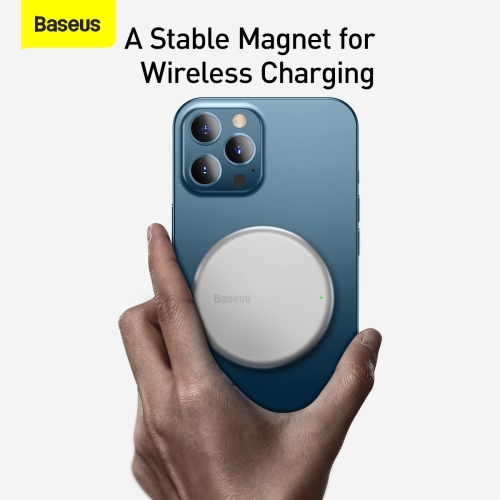
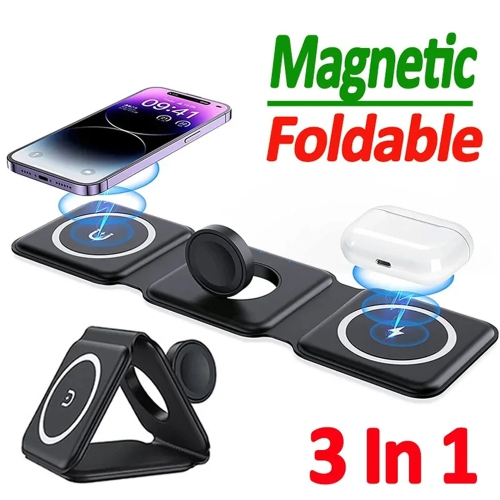
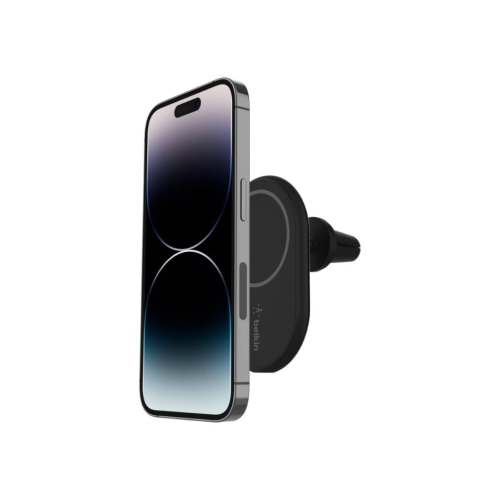
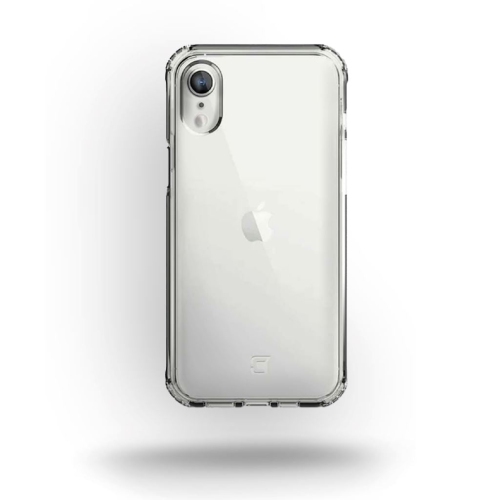
Before choosing an iPhone 8 wireless charger, check the phone case and the intended location. Most thin, standard cases allow wireless charging to work, but thick cases, metal components, wallets, magnetic plates and other dense materials can interfere with the connection or prevent the phone from sitting close enough to the charging surface. If charging is inconsistent, remove the case and try again, then make sure there are no cards, coins or other objects between the phone and the charger. The iPhone 8 does not have built-in magnetic alignment, so it will not snap into place on a magnetic charging surface; the phone must be positioned manually over the charging area. Keeping the pad or stand on a level surface can help maintain that alignment, particularly overnight or when the phone is picked up and replaced repeatedly. It is also sensible to choose a charger from a reputable category of Qi-certified accessories and to use the recommended power adapter for reliable performance. Wireless charging can produce some warmth during use, especially when the phone is busy, the battery is low or the case is thick, so leaving space around the charger helps with airflow. Those comparing charging options for a different model can also browse Iphone Se Wireless Charging accessories. With the right size, shape and power setup, wireless charging can turn an ordinary surface into a dependable charging station that fits naturally into morning routines, workdays, travel packing and the cooler months spent indoors.
The shape of the charger is an important consideration. A flat pad takes up little space and works well beside a bed or on a compact desk, while an angled stand keeps the screen visible for incoming calls, timers, recipes, video calls or navigation. A stand can also make it easier to check the charging status at a glance without lifting the phone. Look for a stable base and a charging surface with enough grip to keep the phone from sliding when you tap the screen. Power output, cable length and placement all affect how practical the setup will be. A longer cable can be useful when an outlet is behind a nightstand or at the far side of a desk, while a shorter cable can help keep a tidy workstation uncluttered. Wireless charging accessories are also handy in shared spaces because they offer a simple place for family members or guests to recharge compatible phones without searching for the right cable. They can make thoughtful gifts for someone who spends long hours at a desk, keeps a phone beside the bed, travels between rooms at home or frequently misplaces charging cables. For users who prefer the familiar feel of a cable, a wireless charger can serve as a convenient secondary option rather than a complete replacement, providing easy top-ups during reading, work breaks or quiet evenings.
Before choosing an iPhone 8 wireless charger, check the phone case and the intended location. Most thin, standard cases allow wireless charging to work, but thick cases, metal components, wallets, magnetic plates and other dense materials can interfere with the connection or prevent the phone from sitting close enough to the charging surface. If charging is inconsistent, remove the case and try again, then make sure there are no cards, coins or other objects between the phone and the charger. The iPhone 8 does not have built-in magnetic alignment, so it will not snap into place on a magnetic charging surface; the phone must be positioned manually over the charging area. Keeping the pad or stand on a level surface can help maintain that alignment, particularly overnight or when the phone is picked up and replaced repeatedly. It is also sensible to choose a charger from a reputable category of Qi-certified accessories and to use the recommended power adapter for reliable performance. Wireless charging can produce some warmth during use, especially when the phone is busy, the battery is low or the case is thick, so leaving space around the charger helps with airflow. Those comparing charging options for a different model can also browse Iphone Se Wireless Charging accessories. With the right size, shape and power setup, wireless charging can turn an ordinary surface into a dependable charging station that fits naturally into morning routines, workdays, travel packing and the cooler months spent indoors.
Top selling and popular products
-
 Your price for this item is $34.99
 -
 Your price for this item is $39
 -
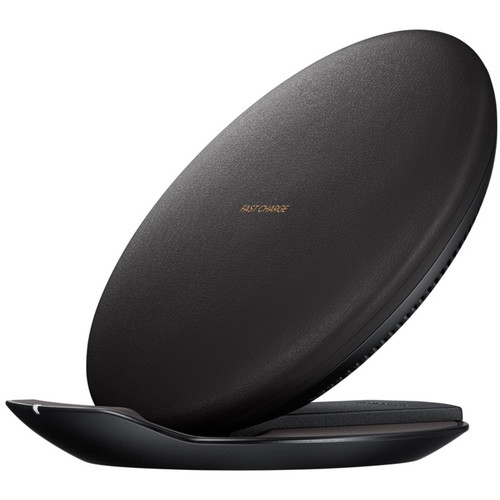 Your price for this item is $73.92
 -
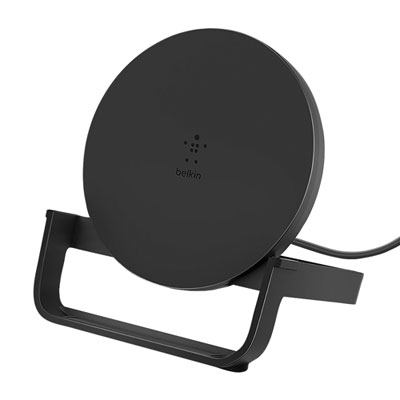 Your price for this item is $39.95
 -
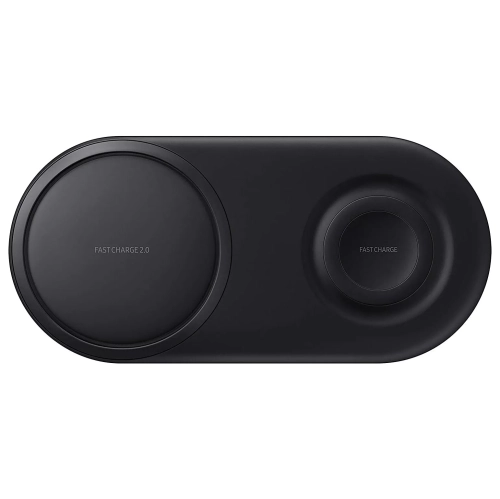 Your price for this item is $74.99
 -
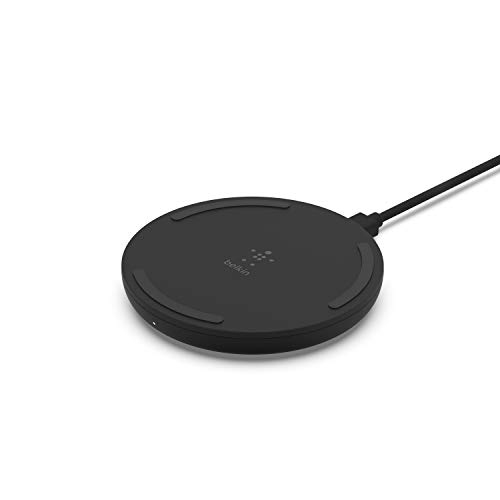 Your price for this item is $39.99
 -
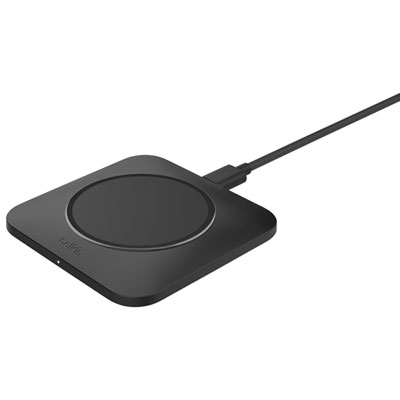 Your price for this item is $49.99
 -
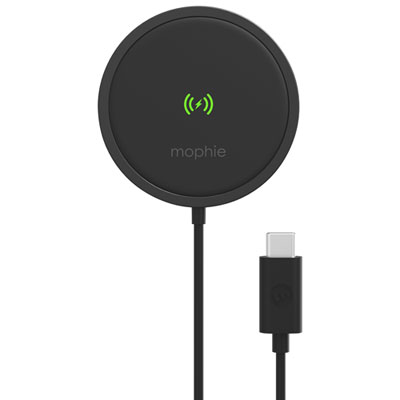 Your price for this item is $43.97
Discover more categories related to Iphone 8 Wireless Charging
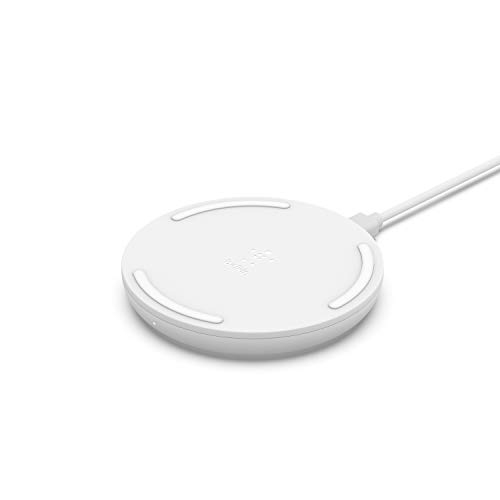
Top Collections:
Pokemon Centers, Budget 4K TVs, Best Budget Office Chairs, Kindle Devices, Canon G7X Cameras, Apple iPhones 16, iPhone 15 Apple, Laptops for Business Work, Xiaomi Phones, Flip Phones
Some products may be subject to Environmental Handling Fees
(EHF) depending on your province.
Learn more about EHFs.