Streaming Lights
Create the perfect ambiance and enhance your streaming experience with our collection of streaming lights. Designed to add a touch of professional lighting to your videos, these lights are a game-changer for content creators, vloggers, and streamers alike. Whether you're recording tutorials, live streaming gameplay, or hosting virtual events, our streaming lights offer adjustable brightness levels and customizable color options to ensure you always look your best on camera. With easy setup and compatibility with various devices, these lights are a must-have accessory for anyone looking to elevate their streaming game.
Sort
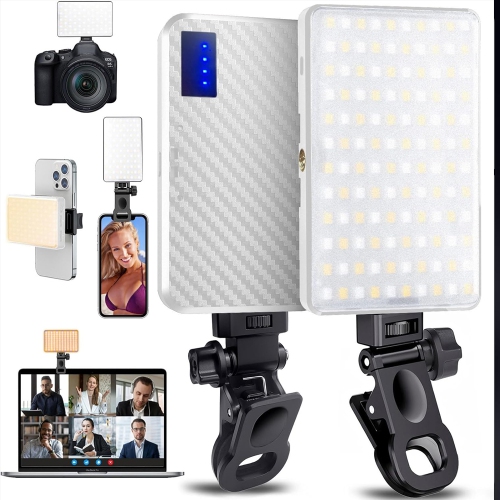
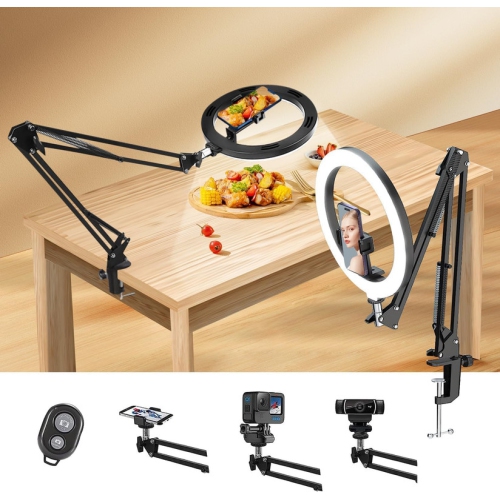
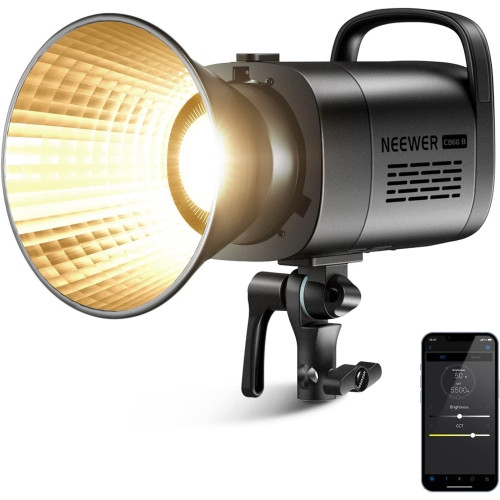
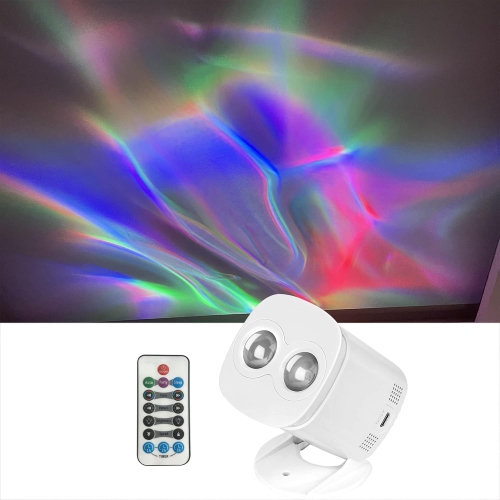
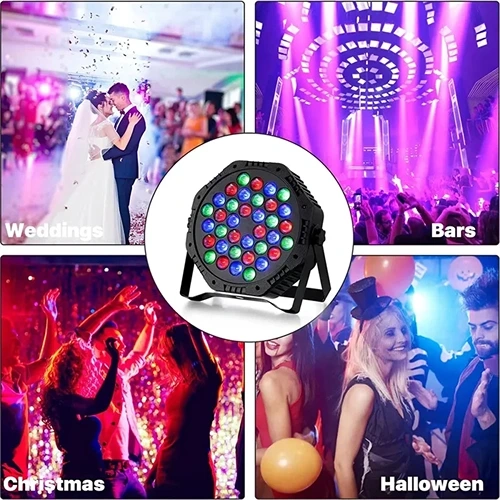

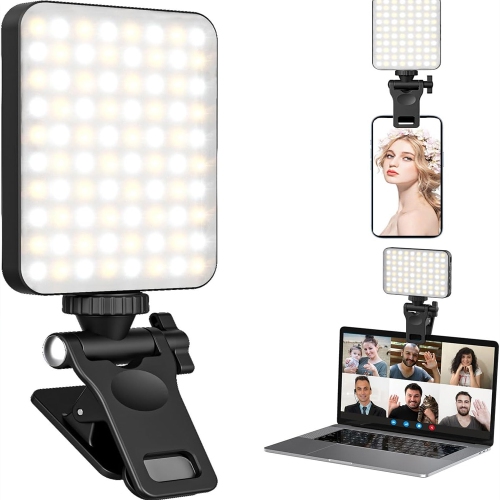
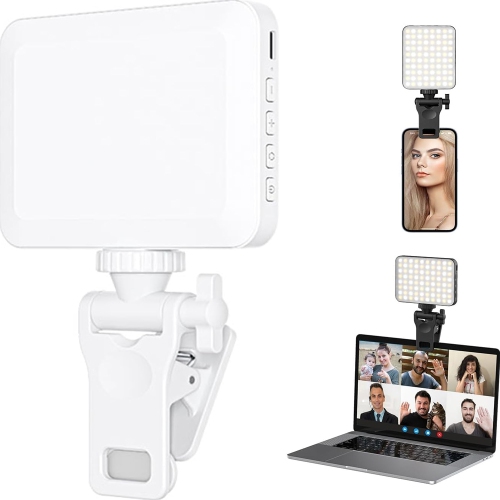
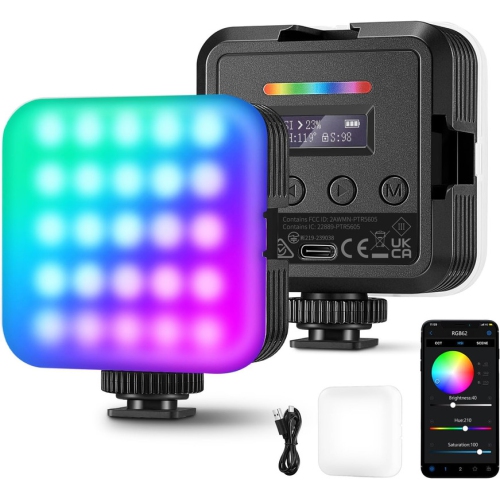
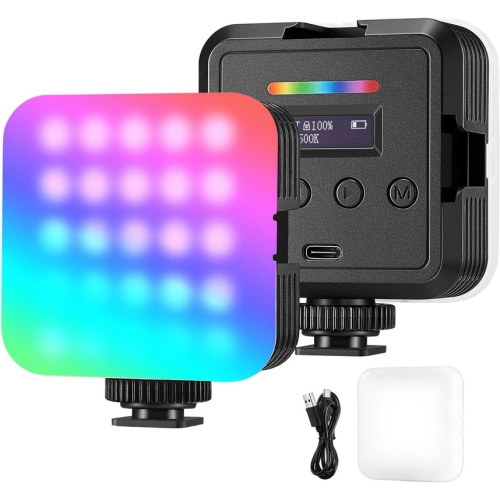
Streaming Lights
Streaming lights help create a clearer, more polished picture for live broadcasts, video calls, tutorials, gaming sessions, podcasts and recorded content. A well-lit setup can make facial expressions easier to see, reduce distracting shadows and help your camera produce a more balanced image when room lighting changes. The most important light is usually the key light, which provides the main illumination for your face. Place it slightly to one side of the camera and above eye level, angled towards you at roughly 45 degrees. This position adds gentle definition to your features without making the image look flat. Avoid placing a bright source directly behind you, as it can leave your face in shadow, and avoid relying solely on a ceiling fixture, which may create dark areas beneath your eyes and chin. Ring lights are popular for close-up streaming because their circular shape spreads light evenly around the camera, while LED panels offer more control over direction, brightness and placement. Compact clip-on or desk-mounted lights can be useful when space is limited, especially for a bedroom workstation, shared office or temporary streaming area. When choosing streaming lights, consider the size of your desk, the height of your monitor, the available mounting points and whether you need a setup that can be packed away between sessions. Adjustable brightness is helpful for balancing a bright window during the day or a dim room during the cooler months, while adjustable colour temperature lets you create a clean daylight appearance or a warmer, more relaxed look. A setting in the range of 5000K to 5600K is often suitable for a neutral daylight effect, though the best choice depends on your room, skin tone and camera settings. Controls that are easy to reach, stable stands and flexible positioning can make a noticeable difference when you are adjusting your setup moments before going live.
A simple streaming light arrangement can include a key light, a softer fill light and an optional rim or background light. The fill light sits on the opposite side of the key light at a lower brightness, reducing the heavier shadow that the main light creates. It does not need to be as powerful as the key light; its purpose is to even out contrast while preserving some depth. If you have a white wall nearby, angling a light towards it can create a softer reflected glow than pointing the light directly at your face. Diffusers, frosted panels and fabric covers can also help soften harsh illumination, particularly when the light is positioned close to your desk. A rim light placed behind or slightly to the side can separate you from a darker background, while RGB LED strips, neon-style rope lights and smart light bars can add colour behind a monitor, along a shelf or around the edge of a desk. These accent lights are not a substitute for a key light, but they can give a streaming space more atmosphere and help establish a consistent visual style. Look for lighting with smooth dimming rather than a few abrupt brightness steps, especially if you stream for extended periods. Colour effects, preset scenes and app or remote controls may be useful when you want to change the background without interrupting your broadcast. Power options are also worth considering: USB-powered lights can connect conveniently to a computer or hub, while lights with dedicated adapters may offer greater output. Check the cable length, mounting hardware and stand footprint before buying, since a light that looks compact may still occupy valuable room beside a keyboard, microphone or second monitor. For additional options that can work in smaller spaces or complement a larger arrangement, explore Small Lights.
Streaming lights can suit a wide range of users, from new creators building a first desk setup to experienced broadcasters refining the look of a dedicated room. Gamers may use a bright, adjustable key light to keep their face visible during long sessions, paired with coloured background lighting that matches their room or on-screen theme. Online instructors, musicians, artists and reviewers can benefit from even illumination that shows detail without excessive glare, while remote workers may prefer a compact light that improves video meetings and can be tucked away after the workday. Content creators who record with a phone or laptop can start with one well-positioned light and add a fill or background light as their space develops. Streaming lights can also make a practical gift for a student, hobbyist, podcaster or family member who enjoys sharing performances, demonstrations or live conversations online. When setting up, begin with the key light and check the image on your camera before adding extra sources. Move the light farther away if the highlights look harsh, lower the brightness if your face appears washed out, and adjust the angle if shadows fall across your eyes. Keep the room’s existing lamps and windows in mind, since mixed colour temperatures can make one side of the image appear blue while the other looks yellow. During bright late-summer afternoons, a window may provide enough ambient light, but a controllable fixture becomes more valuable as daylight fades earlier and indoor activities become more common. In the same way, a softly lit background can make a comfortable streaming corner feel inviting during the cooler months without distracting from the person on camera. Choosing streaming lights with dependable controls, suitable mounting options and enough flexibility for both face lighting and background accents makes it easier to create a polished setup that works for broadcasts, recordings, calls and creative projects.
A simple streaming light arrangement can include a key light, a softer fill light and an optional rim or background light. The fill light sits on the opposite side of the key light at a lower brightness, reducing the heavier shadow that the main light creates. It does not need to be as powerful as the key light; its purpose is to even out contrast while preserving some depth. If you have a white wall nearby, angling a light towards it can create a softer reflected glow than pointing the light directly at your face. Diffusers, frosted panels and fabric covers can also help soften harsh illumination, particularly when the light is positioned close to your desk. A rim light placed behind or slightly to the side can separate you from a darker background, while RGB LED strips, neon-style rope lights and smart light bars can add colour behind a monitor, along a shelf or around the edge of a desk. These accent lights are not a substitute for a key light, but they can give a streaming space more atmosphere and help establish a consistent visual style. Look for lighting with smooth dimming rather than a few abrupt brightness steps, especially if you stream for extended periods. Colour effects, preset scenes and app or remote controls may be useful when you want to change the background without interrupting your broadcast. Power options are also worth considering: USB-powered lights can connect conveniently to a computer or hub, while lights with dedicated adapters may offer greater output. Check the cable length, mounting hardware and stand footprint before buying, since a light that looks compact may still occupy valuable room beside a keyboard, microphone or second monitor. For additional options that can work in smaller spaces or complement a larger arrangement, explore Small Lights.
Streaming lights can suit a wide range of users, from new creators building a first desk setup to experienced broadcasters refining the look of a dedicated room. Gamers may use a bright, adjustable key light to keep their face visible during long sessions, paired with coloured background lighting that matches their room or on-screen theme. Online instructors, musicians, artists and reviewers can benefit from even illumination that shows detail without excessive glare, while remote workers may prefer a compact light that improves video meetings and can be tucked away after the workday. Content creators who record with a phone or laptop can start with one well-positioned light and add a fill or background light as their space develops. Streaming lights can also make a practical gift for a student, hobbyist, podcaster or family member who enjoys sharing performances, demonstrations or live conversations online. When setting up, begin with the key light and check the image on your camera before adding extra sources. Move the light farther away if the highlights look harsh, lower the brightness if your face appears washed out, and adjust the angle if shadows fall across your eyes. Keep the room’s existing lamps and windows in mind, since mixed colour temperatures can make one side of the image appear blue while the other looks yellow. During bright late-summer afternoons, a window may provide enough ambient light, but a controllable fixture becomes more valuable as daylight fades earlier and indoor activities become more common. In the same way, a softly lit background can make a comfortable streaming corner feel inviting during the cooler months without distracting from the person on camera. Choosing streaming lights with dependable controls, suitable mounting options and enough flexibility for both face lighting and background accents makes it easier to create a polished setup that works for broadcasts, recordings, calls and creative projects.
Top selling and popular products
-
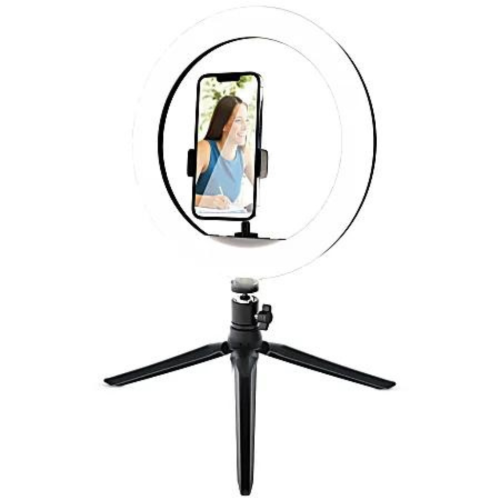 Your price for this item is $24.95
 -
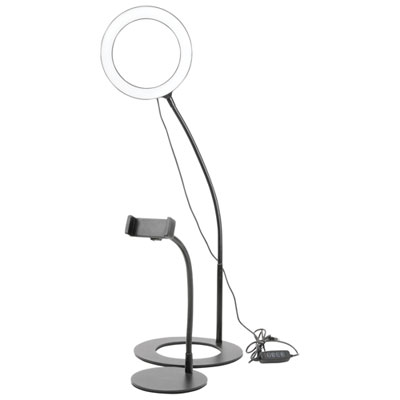 Your price for this item is $29.99
 -
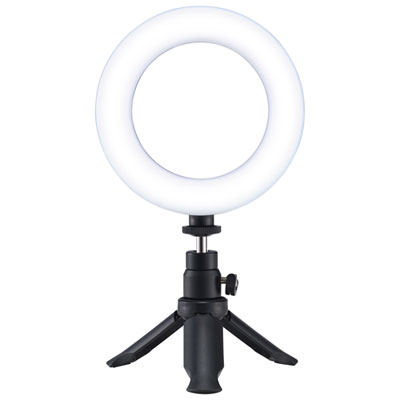 Your price for this item is $19.99
 -
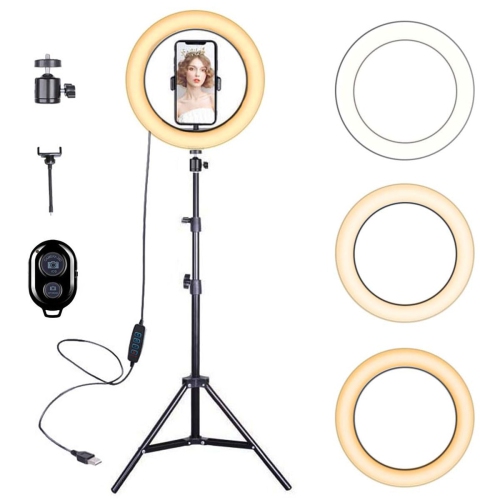 Your price for this item is $24.99
 -
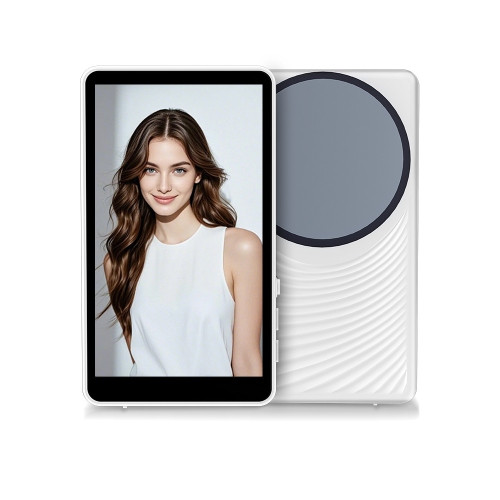 Your price for this item is $65.99
 -
![VIVIDER (Tm) Selfie Ring Light With Cell Phone Holder Stand for Live Stream/makeup, Led Camera Lighting [3-Light Mode] [10-Level Brightness]](https://multimedia.bbycastatic.ca/multimedia/products/500x500/150/15002/15002237.jpg) Your price for this item is $59.99
Your price for this item is $59.99 -
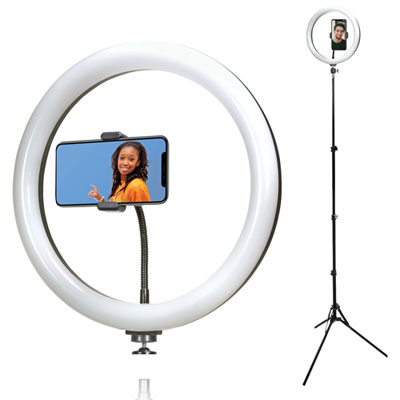 Your price for this item is $39.99
 -
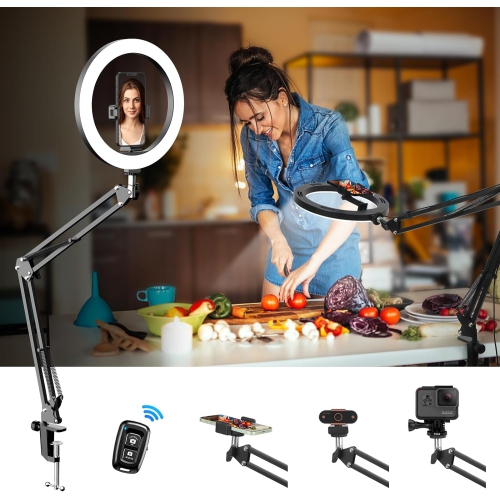 Your price for this item is $84.99
Discover more categories related to Streaming Lights
Top Collections:
Pokemon Centers, Kindle Devices, Budget Smartphones, Budget 4K TVs, Apple iPhones 16, Canon G7X Cameras, iPhone 15 Apple, Alarm Clock, Budget-Friendly Wireless Earbuds, iPhone 14 256GB
Some products may be subject to Environmental Handling Fees
(EHF) depending on your province.
Learn more about EHFs.