1080p Gaming PCs
Looking to take your gaming experience to the next level? Look no further than our selection of 1080p Gaming PCs. With their high-definition displays and powerful processors, these gaming machines will immerse you in stunning visuals and deliver smooth gameplay. Whether you're a casual gamer or a hardcore enthusiast, our range of 1080p Gaming PCs offers something for everyone. Get ready to dominate the virtual world with incredible graphics and lightning-fast performance.
Sort
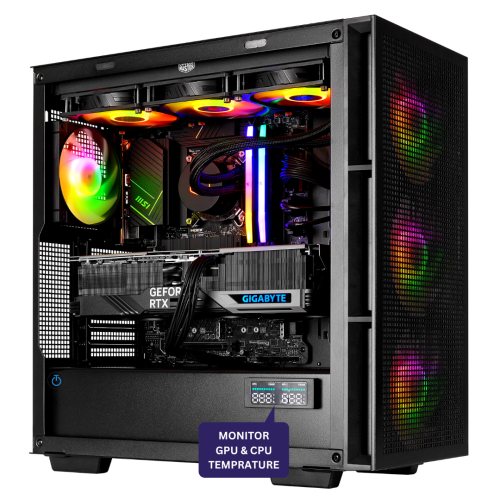
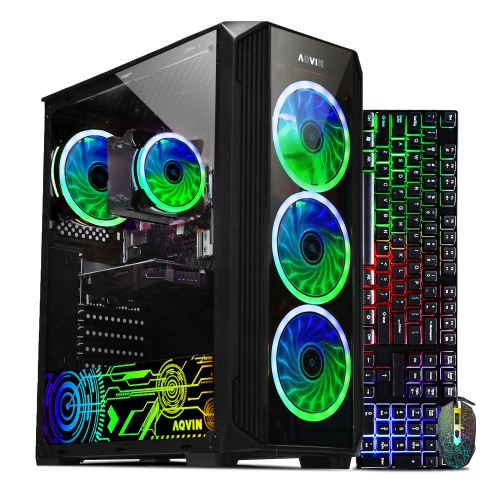
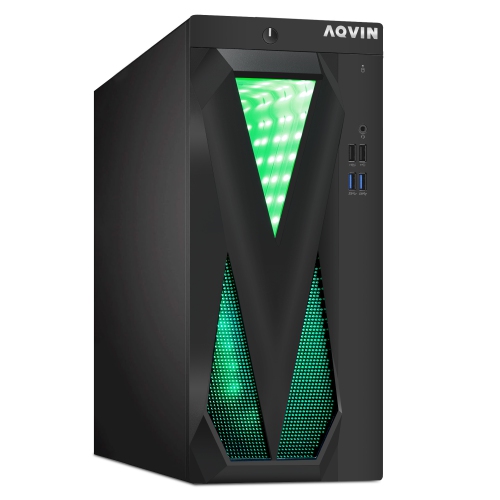
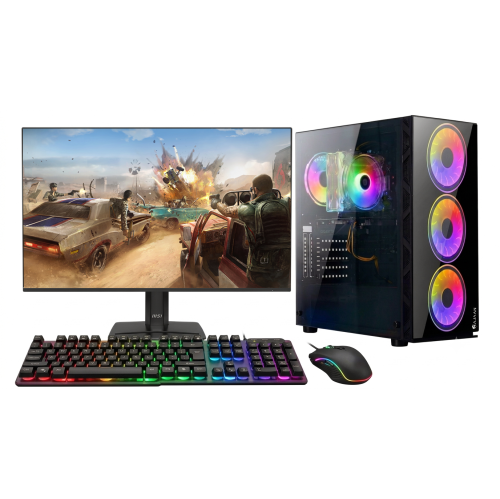

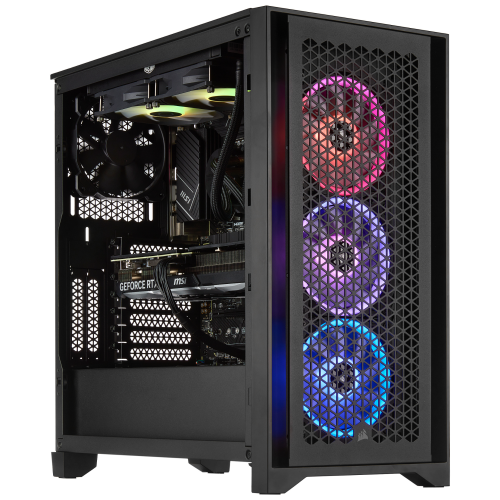
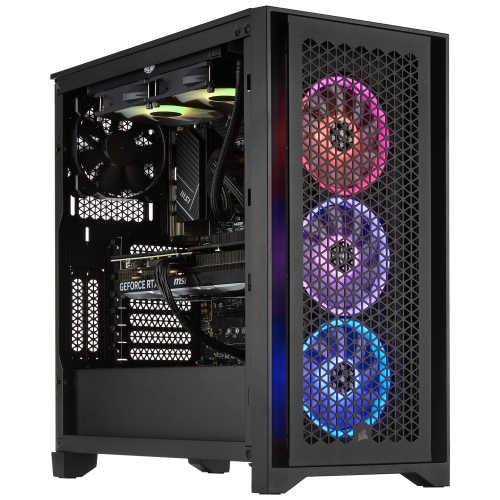
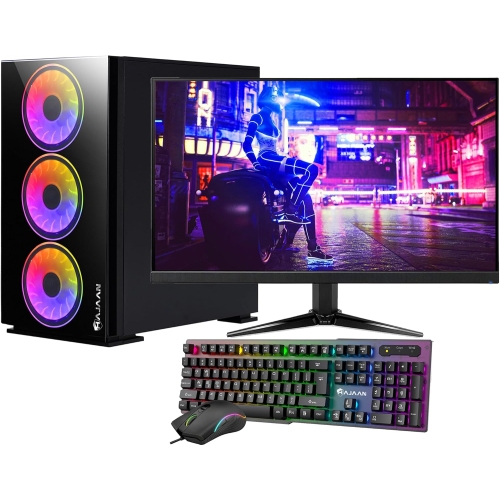
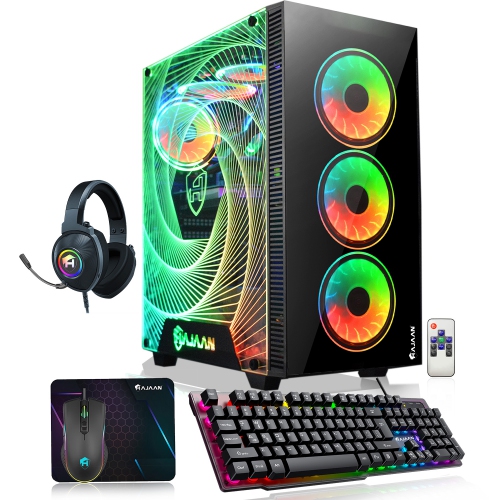
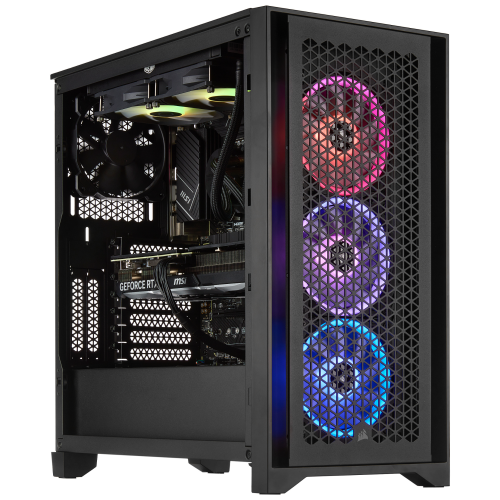
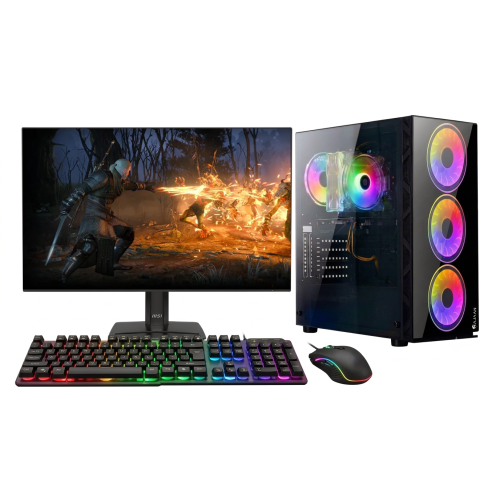
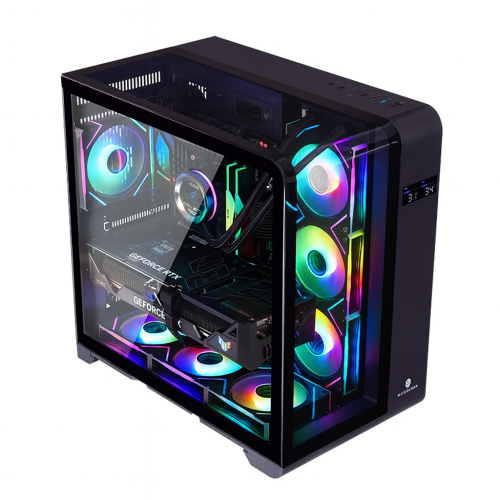
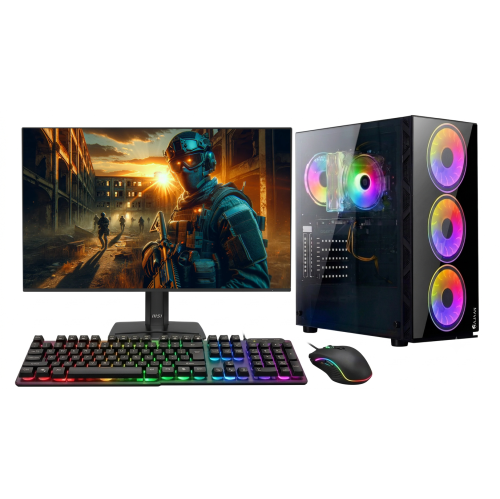
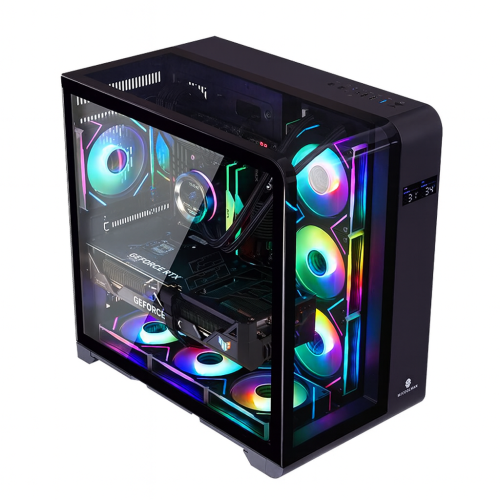
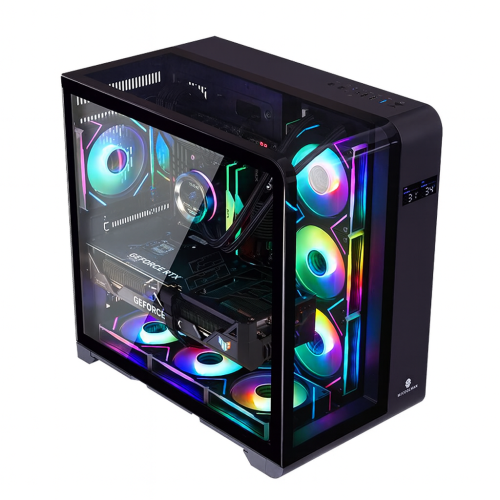
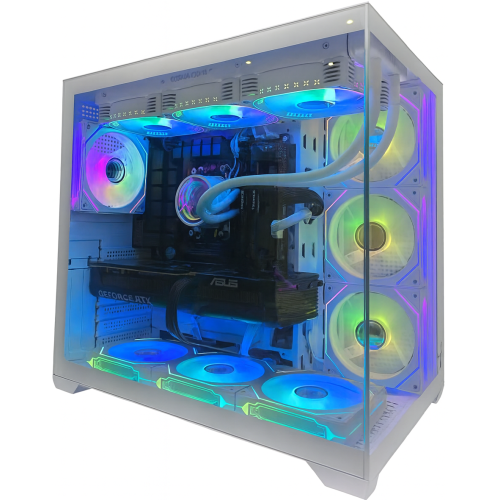
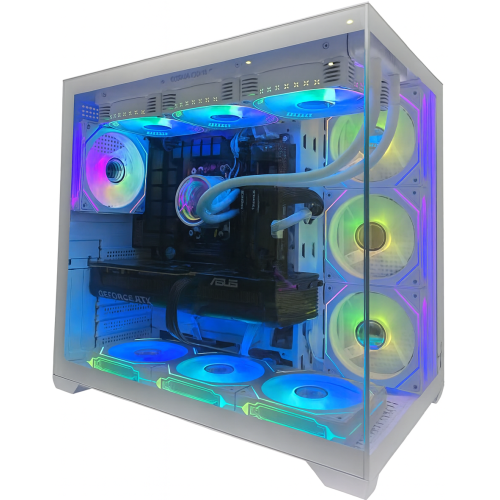


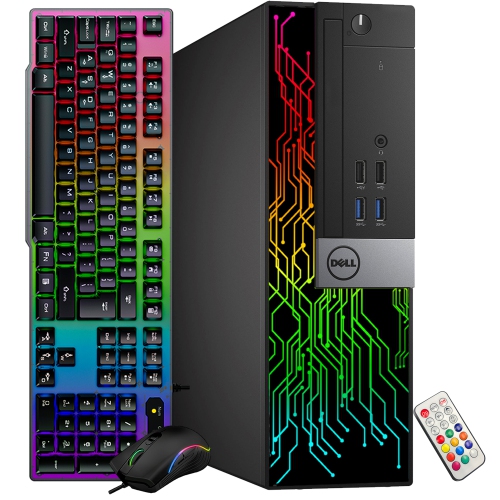
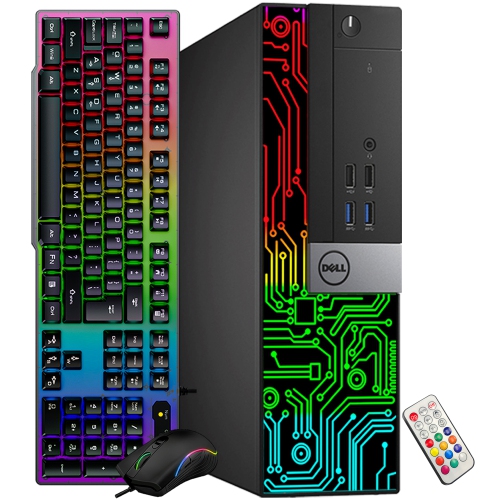
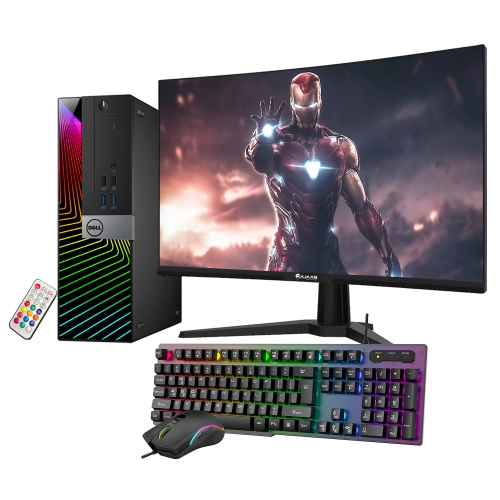
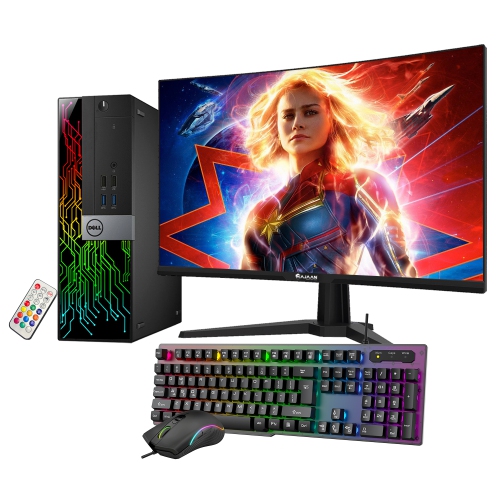
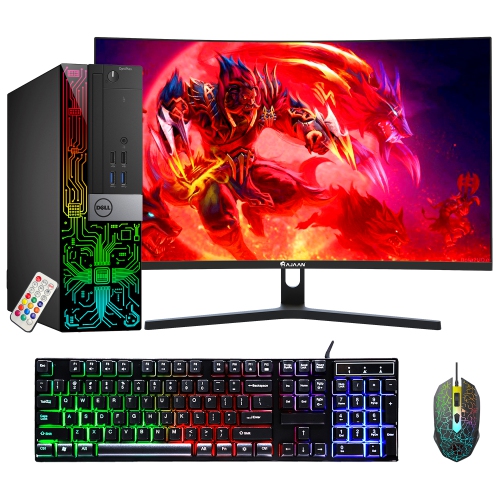
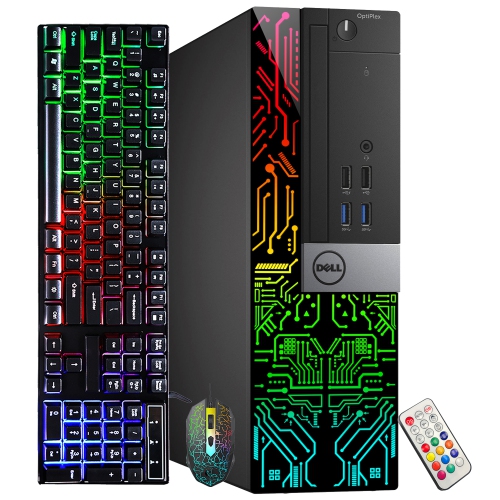
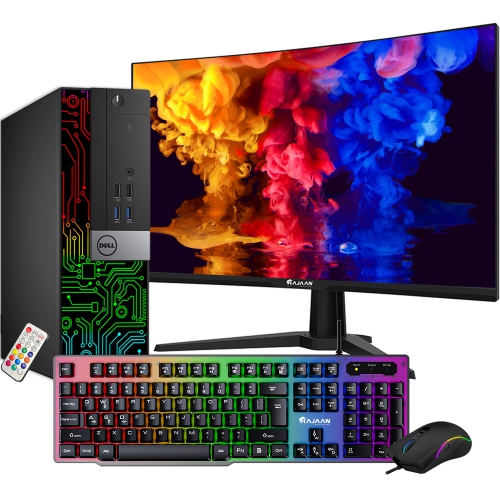
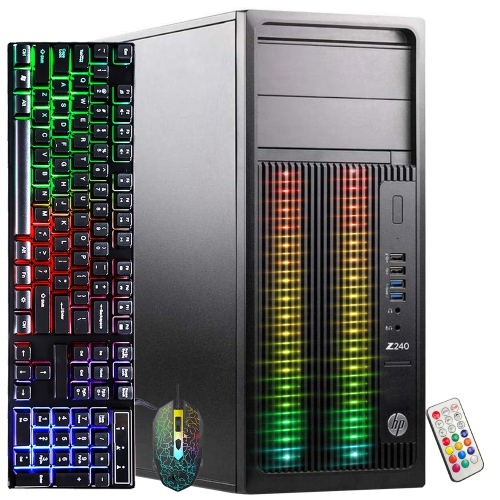
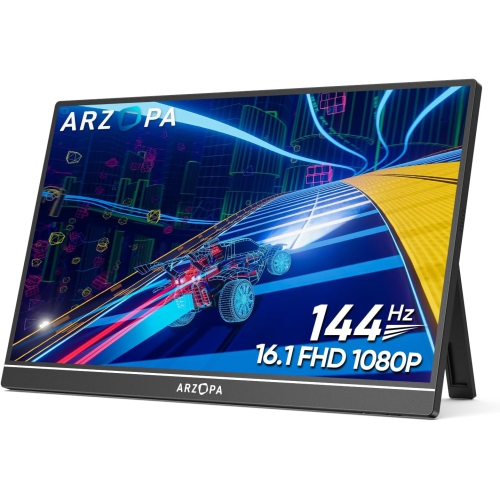
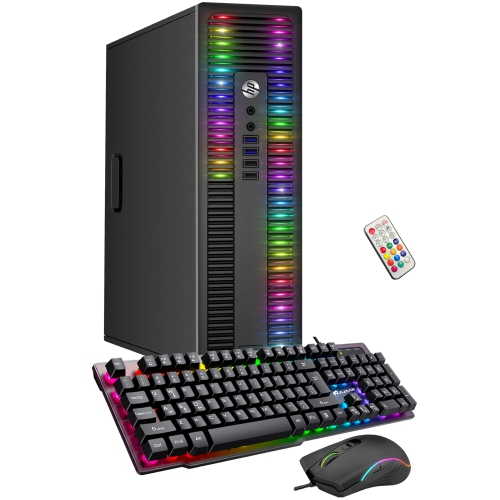
Balanced performance, storage, and setup considerations for 1080p gaming
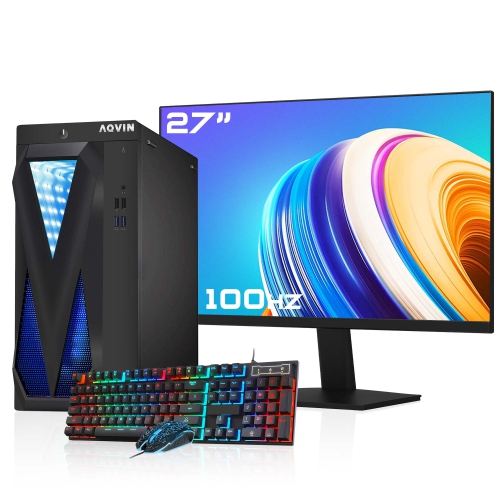
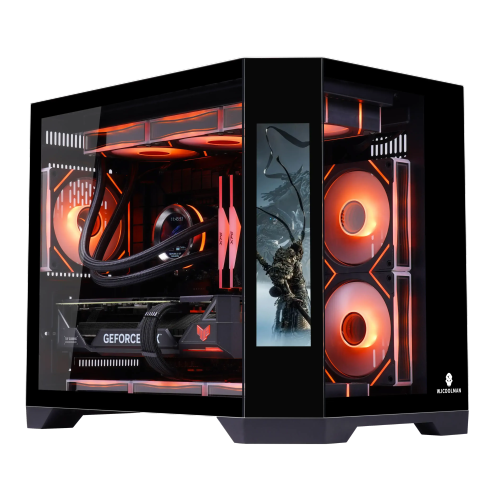
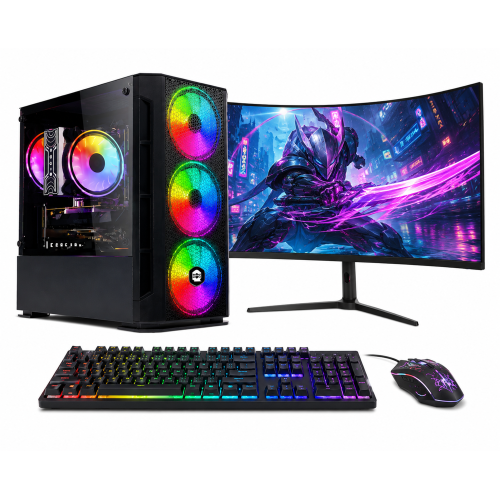
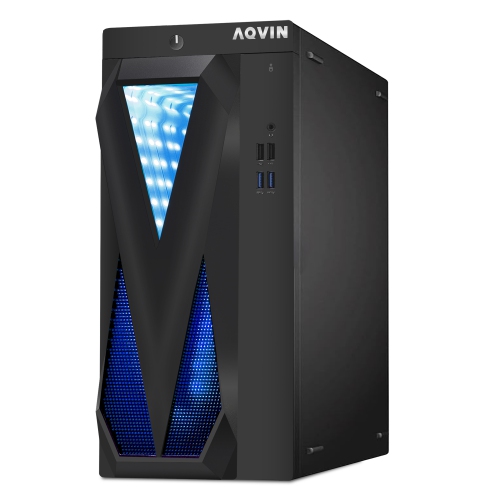
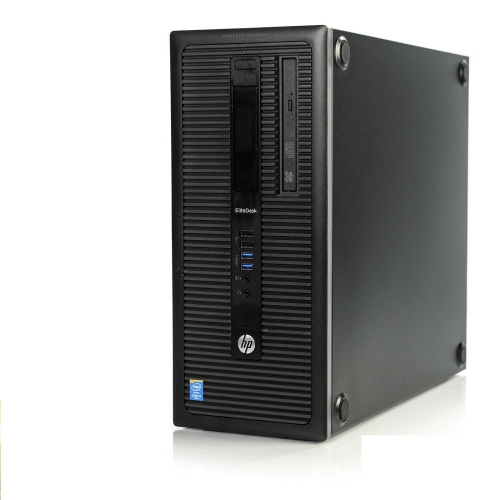
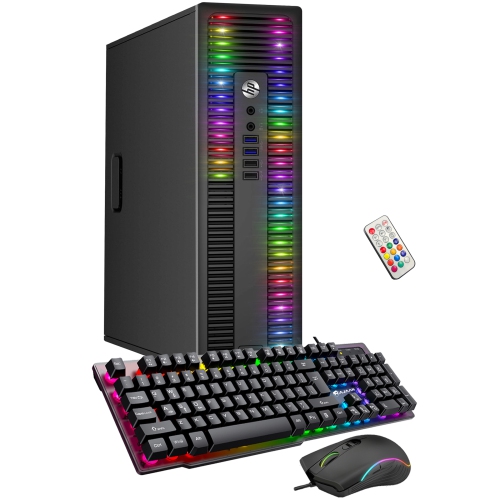
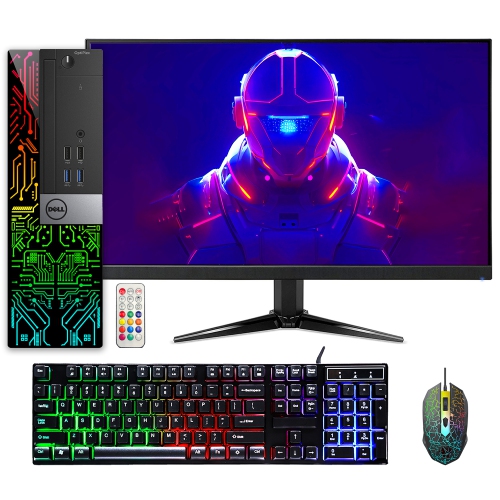
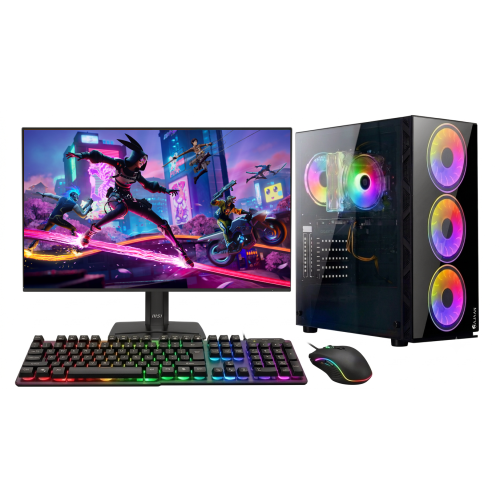
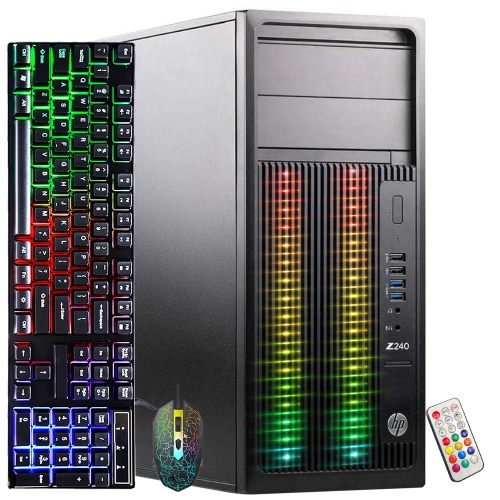
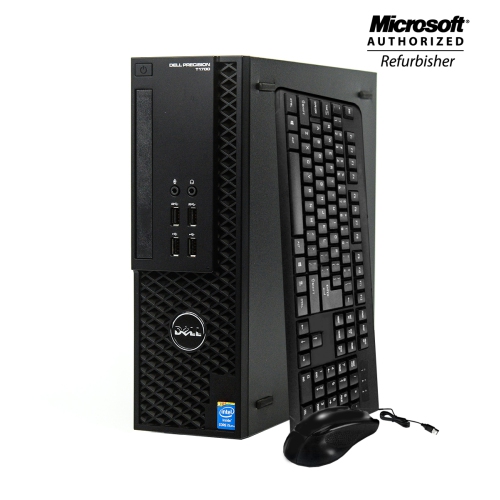
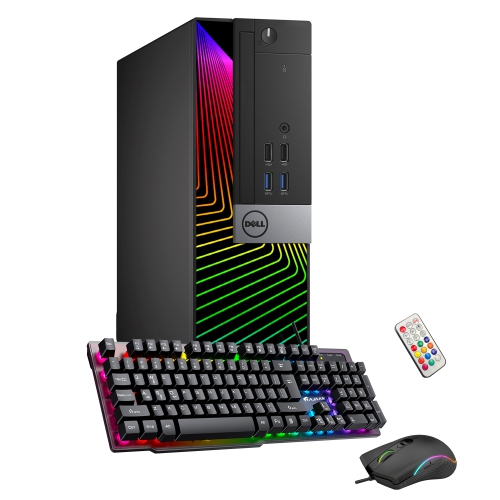
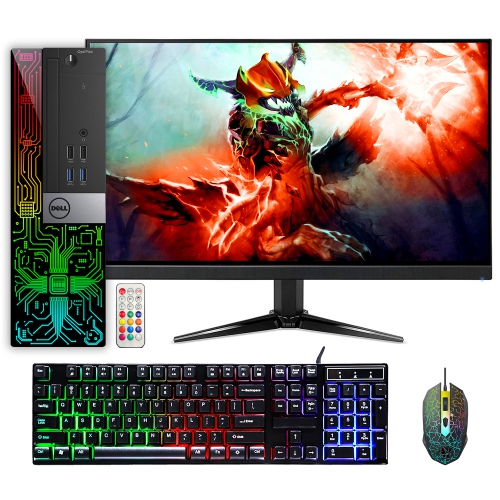
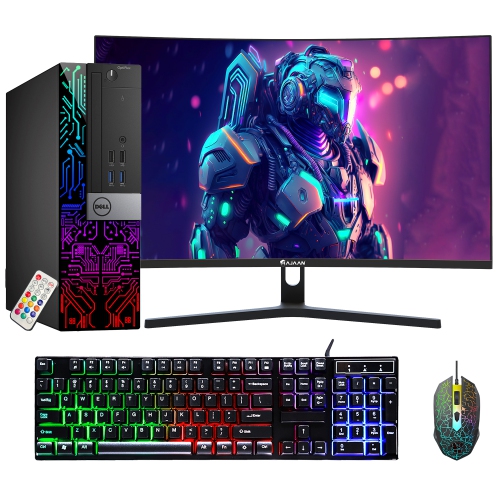
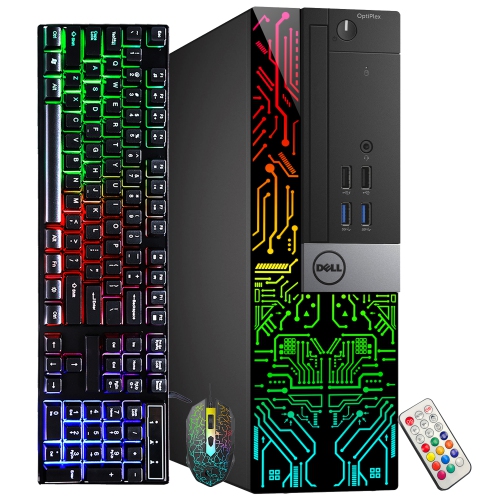
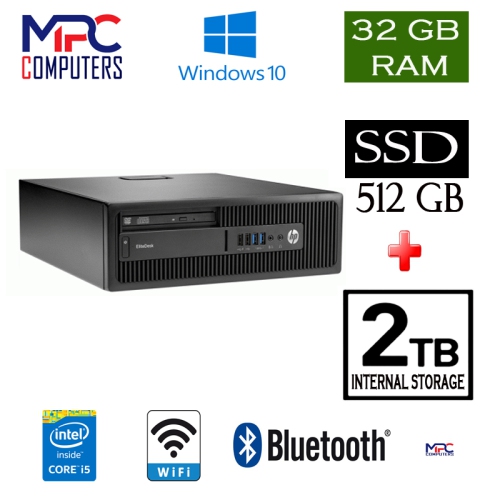
1080p gaming PCs are designed for smooth, responsive play at 1920 x 1080 resolution, making them a practical choice for players who want strong performance without building an oversized or overly complex setup. At this resolution, a well-balanced computer can deliver high frame rates in popular competitive games while still handling visually rich adventure, strategy, simulation, and role-playing titles with attractive detail settings. A capable mid-range processor, such as a modern six-core or eight-core chip, gives games the processing power they need for quick inputs, busy multiplayer matches, and worlds filled with moving characters and effects. The graphics card has the greatest influence on visual performance, so look for a dedicated graphics card rather than relying on integrated graphics when gaming is the main purpose. Many 1080p gaming PCs include an entry-level to mid-range dedicated graphics card that can make the most of a 1080p monitor, with enough headroom for higher refresh rates and settings adjustments. Sixteen gigabytes of memory is a sensible starting point for modern gaming, while 32GB can be useful for players who keep browsers, voice chat, recording software, or other applications open alongside a game. Solid state storage helps the computer start quickly and reduces loading times compared with older mechanical drives. A 500GB drive can hold an operating system and a selection of games, while a 1TB drive offers more room for larger libraries, downloadable content, creative applications, and personal files. Buyers who want to compare compatible graphics hardware can browse 1080p Graphics Cards alongside these computers to better understand available performance levels and features.
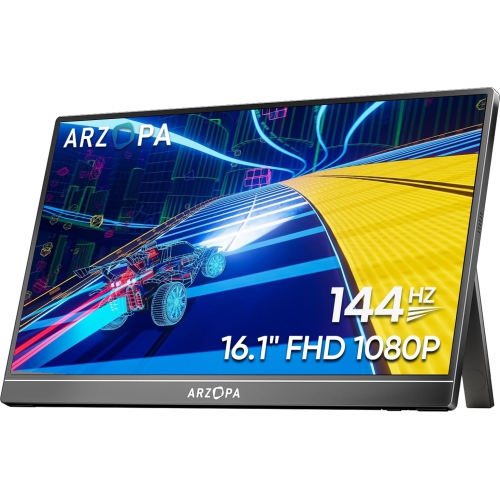
When choosing among 1080p gaming PCs, consider the type of games you play, the monitor connected to the computer, and the way the system will be used from day to day. Fast-paced competitive games benefit from a high refresh rate and consistent frame delivery, while cinematic single-player games may place more emphasis on graphical detail, lighting, texture quality, and visual effects. A computer that includes a DisplayPort or HDMI connection can work with a broad selection of gaming monitors, but it is worth checking the available outputs and matching them to the monitor’s resolution and refresh rate. A dedicated graphics card with more memory can provide added flexibility for texture-heavy games and future software updates, while a stronger processor can be helpful for simulation games, large strategy maps, streaming, and multitasking. Cooling is another important consideration. Gaming components generate heat under load, so a case with thoughtful airflow and a suitable combination of fans helps maintain consistent performance during a long session. Check the size of the case as well, particularly if the computer will sit in a compact desk compartment or beside a monitor. A tower with accessible ports makes it easier to connect a headset, controller, external drive, microphone, or other accessories without reaching behind the desk. Wireless networking can be convenient for rooms without a nearby network cable, while a wired Ethernet connection is often preferred for a stable online connection. It is also useful to review the available memory and storage slots, since these can make future upgrades simpler if a growing game library or new software eventually calls for more space.
1080p gaming PCs can suit a wide range of players, from someone moving up from a basic home computer to an experienced gamer who prefers a focused and efficient desktop setup. They are a strong option for a first gaming computer because the 1080p resolution is widely supported, monitors are available in many sizes and refresh rates, and the hardware requirements are generally more approachable than those associated with higher-resolution gaming. They can also make thoughtful gifts for students, family members, or friends who enjoy online multiplayer games, creative projects, livestreams, or virtual social spaces. For a younger player, consider the desk space, noise level, parental controls, and the accessories needed to get started, such as a keyboard, mouse, headset, and monitor. For a student or home user, a gaming PC can also serve as a versatile everyday computer for schoolwork, video calls, photo editing, streaming, and browsing between game sessions. During the cooler months, a desktop can become the centre of a comfortable indoor setup, with a monitor, speakers, and lighting arranged for everything from a short evening match to a longer weekend campaign. Before making a purchase, compare the processor, graphics card, memory, storage capacity, operating system, case dimensions, connectivity, and included warranty details rather than judging a computer by one component alone. The best fit is a balanced system that delivers the frame rates you expect at 1080p, leaves enough storage for the games you play, and fits naturally into your room, desk, and daily routine.
When choosing among 1080p gaming PCs, consider the type of games you play, the monitor connected to the computer, and the way the system will be used from day to day. Fast-paced competitive games benefit from a high refresh rate and consistent frame delivery, while cinematic single-player games may place more emphasis on graphical detail, lighting, texture quality, and visual effects. A computer that includes a DisplayPort or HDMI connection can work with a broad selection of gaming monitors, but it is worth checking the available outputs and matching them to the monitor’s resolution and refresh rate. A dedicated graphics card with more memory can provide added flexibility for texture-heavy games and future software updates, while a stronger processor can be helpful for simulation games, large strategy maps, streaming, and multitasking. Cooling is another important consideration. Gaming components generate heat under load, so a case with thoughtful airflow and a suitable combination of fans helps maintain consistent performance during a long session. Check the size of the case as well, particularly if the computer will sit in a compact desk compartment or beside a monitor. A tower with accessible ports makes it easier to connect a headset, controller, external drive, microphone, or other accessories without reaching behind the desk. Wireless networking can be convenient for rooms without a nearby network cable, while a wired Ethernet connection is often preferred for a stable online connection. It is also useful to review the available memory and storage slots, since these can make future upgrades simpler if a growing game library or new software eventually calls for more space.
1080p gaming PCs can suit a wide range of players, from someone moving up from a basic home computer to an experienced gamer who prefers a focused and efficient desktop setup. They are a strong option for a first gaming computer because the 1080p resolution is widely supported, monitors are available in many sizes and refresh rates, and the hardware requirements are generally more approachable than those associated with higher-resolution gaming. They can also make thoughtful gifts for students, family members, or friends who enjoy online multiplayer games, creative projects, livestreams, or virtual social spaces. For a younger player, consider the desk space, noise level, parental controls, and the accessories needed to get started, such as a keyboard, mouse, headset, and monitor. For a student or home user, a gaming PC can also serve as a versatile everyday computer for schoolwork, video calls, photo editing, streaming, and browsing between game sessions. During the cooler months, a desktop can become the centre of a comfortable indoor setup, with a monitor, speakers, and lighting arranged for everything from a short evening match to a longer weekend campaign. Before making a purchase, compare the processor, graphics card, memory, storage capacity, operating system, case dimensions, connectivity, and included warranty details rather than judging a computer by one component alone. The best fit is a balanced system that delivers the frame rates you expect at 1080p, leaves enough storage for the games you play, and fits naturally into your room, desk, and daily routine.
Top selling and popular products
-
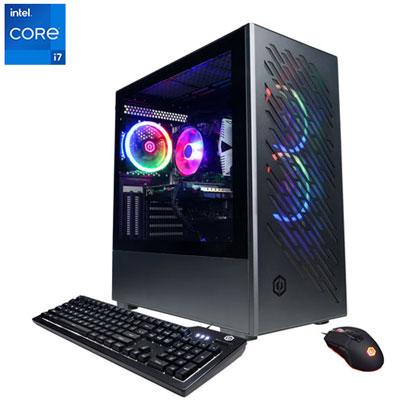 Your price for this item is $1969.99
 -
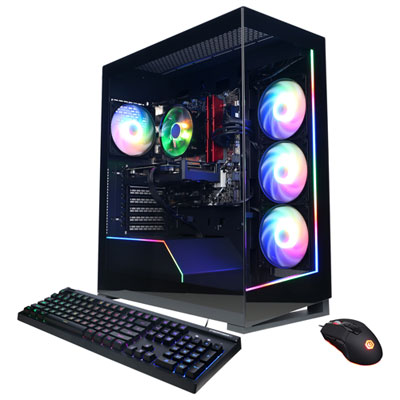 Your price for this item is $1059.99
 -
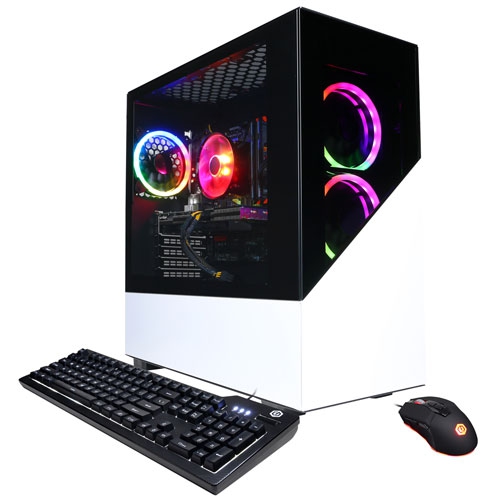 Your price for this item is $1274.97
 -
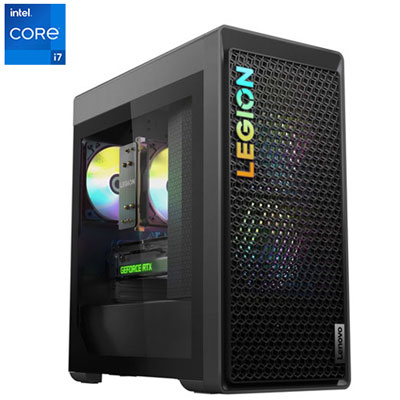 Your price for this item is $2499.95
 -
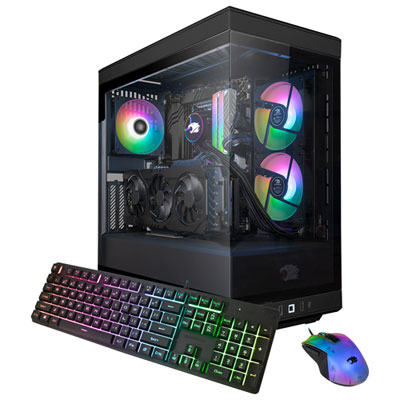 Your price for this item is $2309.99
 -
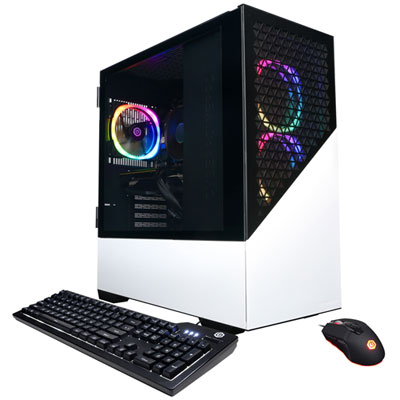 Your price for this item is $1669.99
 -
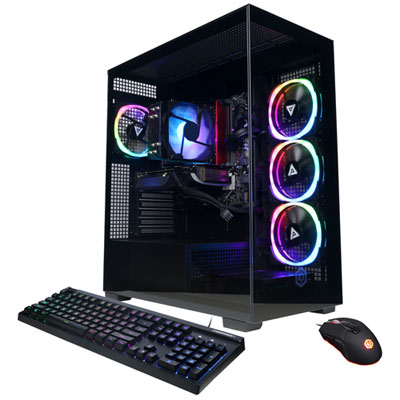 Your price for this item is $1839.99
 -
 Your price for this item is $2399.99
Discover more categories related to 1080p Gaming PCs
Top Collections:
Pokemon Centers, Kindle Devices, Best Budget Office Chairs, Apple iPhones 16, Best Laptops for Writers, iPhone 15 Apple, Canon G7X Cameras, Refurbished Apple Laptops, Alarm Clock, Motorola Razr Phones
Some products may be subject to Environmental Handling Fees
(EHF) depending on your province.
Learn more about EHFs.