13 Inch Laptops
Discover the ideal balance of portability and performance with 13 inch laptops, designed to fit seamlessly into your busy lifestyle. Whether you’re working on the go, studying at your favourite café, or streaming your favourite shows at home, these compact devices offer versatile solutions for everyday tasks. Explore a wide selection of 13 inch laptops to find the perfect match for your needs, combining sleek design with the convenience of easy travel and effortless productivity.
Sort
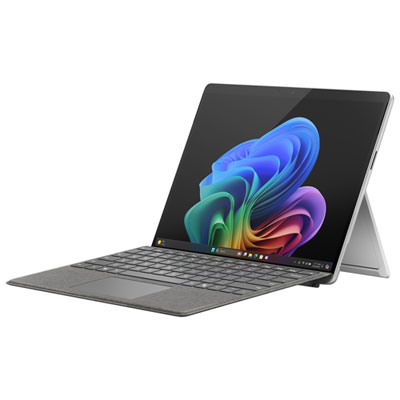
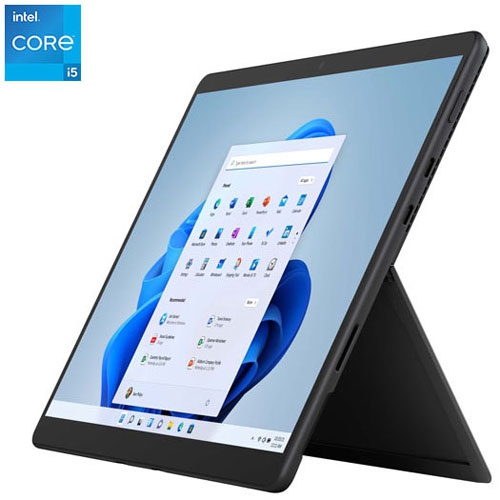

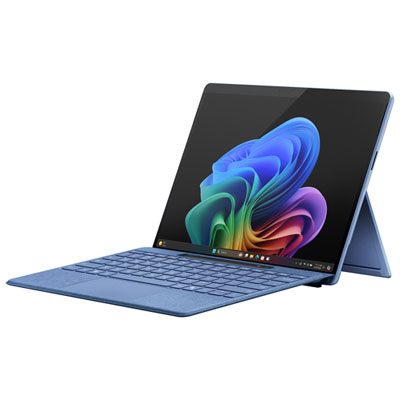
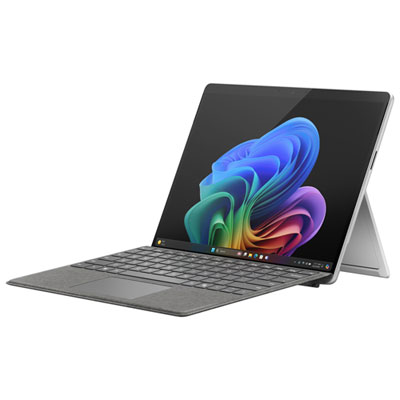
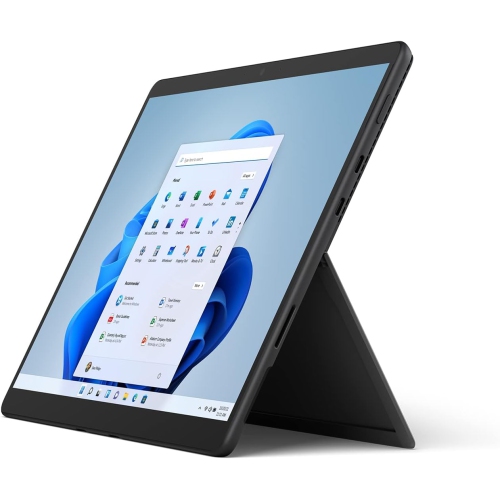
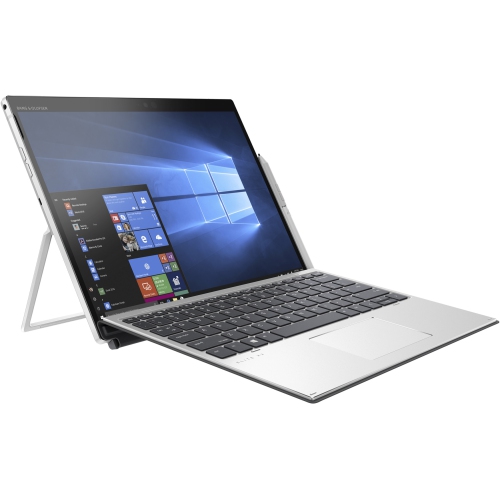
Compact laptops balance typing comfort with everyday portability
13-inch laptops combine a compact screen with the familiar comfort of a built-in keyboard, making them a practical fit for school, work, travel, and everyday computing. The screen measurement refers to the diagonal distance across the display, not the width of the laptop, so overall dimensions can differ even within the same size category. Slim display borders can leave more room for the screen without making the body much larger, while weight, thickness, and charger size all affect how easily a laptop travels. For someone moving between lectures, working from a café, or carrying a computer on public transit, those details matter as much as the screen size itself. A smaller laptop can fit comfortably on a lecture hall desk or a crowded kitchen table, then connect to a larger monitor at home when more workspace is needed. This size is particularly well suited to writing assignments, managing spreadsheets, joining video calls, browsing, and streaming. More demanding work is possible with suitable hardware, but screen size alone does not indicate processing power or graphics capability. Display quality also shapes the daily experience: higher resolution can make text look sharper, while brightness and screen finish influence visibility beside a window. A taller screen shape provides more vertical room for documents and web pages, which can reduce scrolling when reading lengthy notes. Touch support offers another way to navigate, though it is not included on every laptop. For people who want a keyboard for typing and a folding design for handwritten notes or presentations, 13-inch 2-in-1 laptops bring those uses together in a compact computer. Hinge movement, pen compatibility, and whether a pen is included vary by model. A traditional clamshell design remains a straightforward choice for those who mainly type, use a trackpad, and prefer a screen that stays upright throughout the day. Either style can serve as a main computer when its capabilities match the tasks it needs to handle.
Performance in a 13-inch laptop depends on the processor, memory, storage, graphics, and cooling working together. Everyday tasks such as email, document editing, and online research generally need less processing power than editing high-resolution photos, compiling code, or exporting video. Memory becomes especially important when several applications stay open at once. Someone following a video lecture while taking notes and switching among numerous browser tabs benefits from more headroom than someone using a single application at a time. For many mixed school and office workloads, 16 GB of memory offers useful flexibility, although software requirements should determine the final choice. Storage capacity deserves similar attention. Documents take relatively little space, but photo libraries, downloaded videos, games, and large project files can fill a drive much faster. Solid-state storage helps applications open promptly and keeps the system responsive; capacity determines how much can be saved locally. Some thin laptops have memory or storage that cannot be upgraded, making the original configuration important for longer-term use. Integrated graphics are often suitable for everyday computing and lighter creative tasks, while demanding games and professional graphics workloads may require capabilities beyond those of many compact laptops. Software compatibility matters just as much as hardware specifications, particularly for course applications, workplace security tools, specialized design programs, and older accessories. Battery life also varies with the workload. Screen brightness, video calls, wireless connections, and intensive applications can all shorten time between charges, so a stated maximum is not a promise for every routine. For a day spent moving between rooms, carrying a suitable charger provides flexibility without depending entirely on battery estimates. Charging through USB-C can simplify a travel setup when supported, but the charger and cable must meet the laptop’s power requirements. Wi-Fi capability, webcam clarity, microphone quality, and speaker placement round out the experience, especially when a quiet corner becomes a temporary meeting space. Clear calls and a dependable connection can matter more in that moment than a small difference in processing speed.
The physical details of a 13-inch laptop become more noticeable with daily handling. Aluminium housings can provide a firm, polished feel, while well-designed plastic bodies can also be light and durable; material alone does not determine build quality. A stable hinge, a keyboard deck that resists excessive flex, and a lid that closes evenly are useful signs of solid construction. Keyboard spacing, key travel, and trackpad size deserve attention in a compact chassis, especially for anyone writing essays or typing reports for hours. A backlit keyboard can help in a dim room, while a comfortable palm rest makes longer sessions easier. Port selection affects how smoothly the laptop fits into an existing setup. A mouse, external drive, monitor, memory card, or wired headset may need a built-in connection or an adapter, and not every USB-C port supports the same display, data, or charging functions. At a permanent desk, an external keyboard and mouse allow the laptop screen to sit higher on a stand, helping create a more comfortable working position. When travelling, a padded sleeve should match the computer’s actual width, depth, and thickness rather than relying only on the stated screen size. Keeping the charger separate from the lid also helps prevent pressure against the display inside a bag. Routine care is simple: close the laptop before carrying it, keep drinks away from the keyboard, and use it on a firm surface that leaves ventilation openings clear. A soft microfibre cloth and cleaning methods approved by the manufacturer help protect the screen and finish. During the cooler months, let a laptop brought in from the cold reach room temperature before switching it on if condensation may be present. Regular software updates and file backups help keep an everyday computer useful beyond its first term or project. As a gift for a student, commuter, or frequent traveller, a 13-inch laptop is most thoughtful when its keyboard layout, software support, portability, and performance suit the recipient’s actual routine.
Performance in a 13-inch laptop depends on the processor, memory, storage, graphics, and cooling working together. Everyday tasks such as email, document editing, and online research generally need less processing power than editing high-resolution photos, compiling code, or exporting video. Memory becomes especially important when several applications stay open at once. Someone following a video lecture while taking notes and switching among numerous browser tabs benefits from more headroom than someone using a single application at a time. For many mixed school and office workloads, 16 GB of memory offers useful flexibility, although software requirements should determine the final choice. Storage capacity deserves similar attention. Documents take relatively little space, but photo libraries, downloaded videos, games, and large project files can fill a drive much faster. Solid-state storage helps applications open promptly and keeps the system responsive; capacity determines how much can be saved locally. Some thin laptops have memory or storage that cannot be upgraded, making the original configuration important for longer-term use. Integrated graphics are often suitable for everyday computing and lighter creative tasks, while demanding games and professional graphics workloads may require capabilities beyond those of many compact laptops. Software compatibility matters just as much as hardware specifications, particularly for course applications, workplace security tools, specialized design programs, and older accessories. Battery life also varies with the workload. Screen brightness, video calls, wireless connections, and intensive applications can all shorten time between charges, so a stated maximum is not a promise for every routine. For a day spent moving between rooms, carrying a suitable charger provides flexibility without depending entirely on battery estimates. Charging through USB-C can simplify a travel setup when supported, but the charger and cable must meet the laptop’s power requirements. Wi-Fi capability, webcam clarity, microphone quality, and speaker placement round out the experience, especially when a quiet corner becomes a temporary meeting space. Clear calls and a dependable connection can matter more in that moment than a small difference in processing speed.
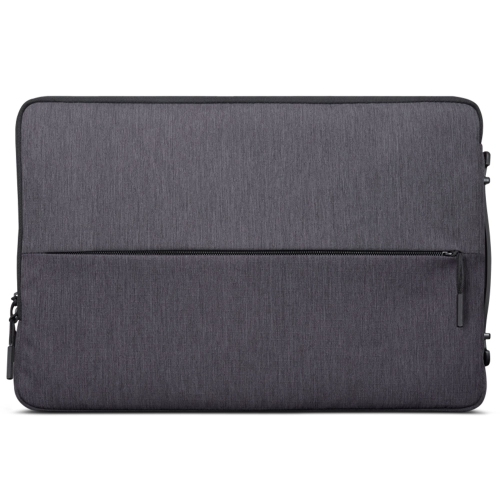
The physical details of a 13-inch laptop become more noticeable with daily handling. Aluminium housings can provide a firm, polished feel, while well-designed plastic bodies can also be light and durable; material alone does not determine build quality. A stable hinge, a keyboard deck that resists excessive flex, and a lid that closes evenly are useful signs of solid construction. Keyboard spacing, key travel, and trackpad size deserve attention in a compact chassis, especially for anyone writing essays or typing reports for hours. A backlit keyboard can help in a dim room, while a comfortable palm rest makes longer sessions easier. Port selection affects how smoothly the laptop fits into an existing setup. A mouse, external drive, monitor, memory card, or wired headset may need a built-in connection or an adapter, and not every USB-C port supports the same display, data, or charging functions. At a permanent desk, an external keyboard and mouse allow the laptop screen to sit higher on a stand, helping create a more comfortable working position. When travelling, a padded sleeve should match the computer’s actual width, depth, and thickness rather than relying only on the stated screen size. Keeping the charger separate from the lid also helps prevent pressure against the display inside a bag. Routine care is simple: close the laptop before carrying it, keep drinks away from the keyboard, and use it on a firm surface that leaves ventilation openings clear. A soft microfibre cloth and cleaning methods approved by the manufacturer help protect the screen and finish. During the cooler months, let a laptop brought in from the cold reach room temperature before switching it on if condensation may be present. Regular software updates and file backups help keep an everyday computer useful beyond its first term or project. As a gift for a student, commuter, or frequent traveller, a 13-inch laptop is most thoughtful when its keyboard layout, software support, portability, and performance suit the recipient’s actual routine.
Top selling and popular products
-
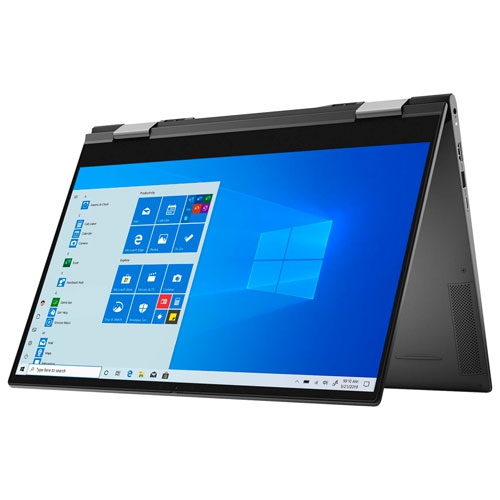 Your price for this item is $1434.97
 -
 Your price for this item is $699
 -
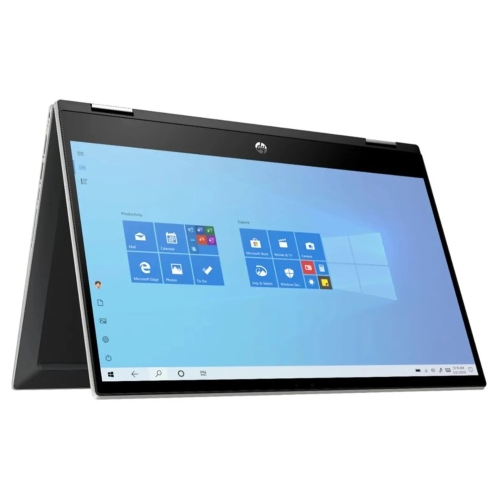 Your price for this item is $349.95
 -
 Your price for this item is $789
 -
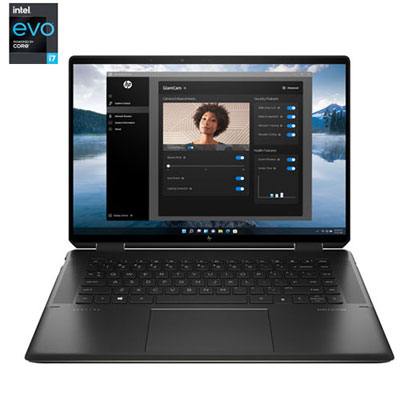 Your price for this item is $2099.99
 -
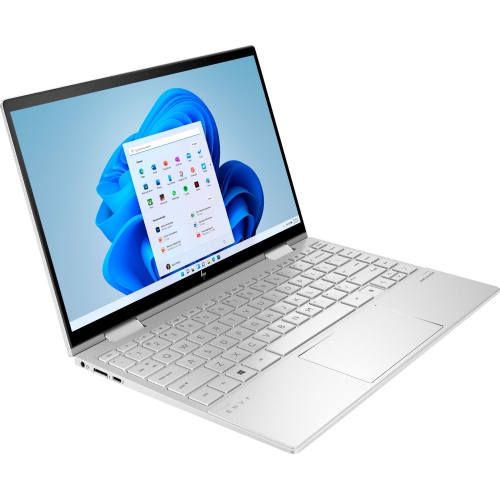 Your price for this item is $1499.99
 -
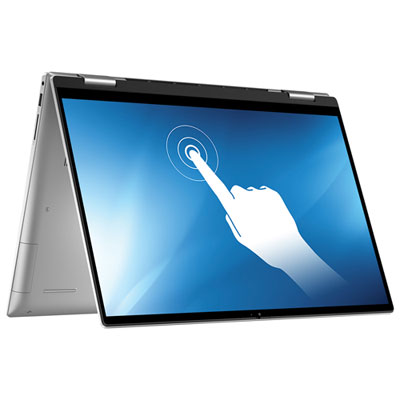 Your price for this item is $1199.97
 -
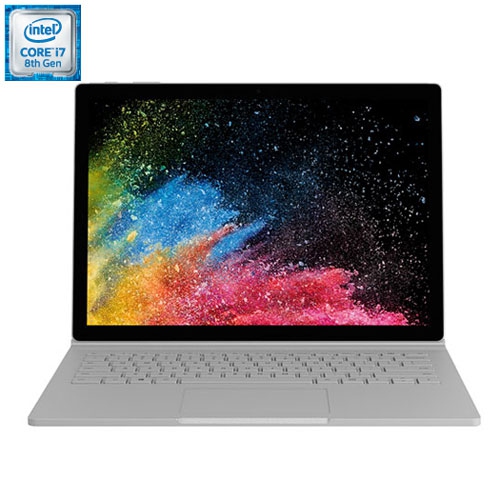 Your price for this item is $899
Discover more categories related to 13 Inch Laptops



Top Collections:
Pokemon Centers, Kindle Devices, Best Budget Office Chairs, Apple iPhones 16, Best Laptops for Writers, iPhone 15 Apple, Canon G7X Cameras, Refurbished Apple Laptops, Alarm Clock, Motorola Razr Phones
Some products may be subject to Environmental Handling Fees
(EHF) depending on your province.
Learn more about EHFs.