3D Modeling Laptops
If you're in the market for a powerful and versatile laptop that can handle complex 3D modeling tasks with ease, you've come to the right place. Our selection of 3D modeling laptops is carefully curated to meet the demands of graphic designers, architects, engineers, and other creative professionals looking for top-notch performance and reliability. Whether you're creating stunning visual effects, designing intricate architectural models, or developing immersive virtual reality experiences, these laptops are designed to deliver exceptional speed, precision, and rendering capabilities to bring your ideas to life. Explore our range of cutting-edge features and advanced technology to find the perfect 3D modeling laptop that suits your needs and unleashes your creativity.





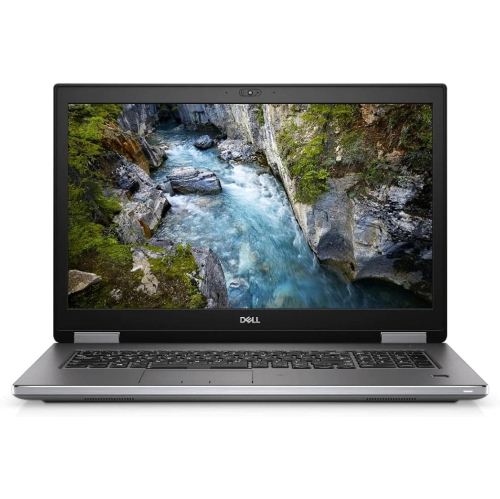
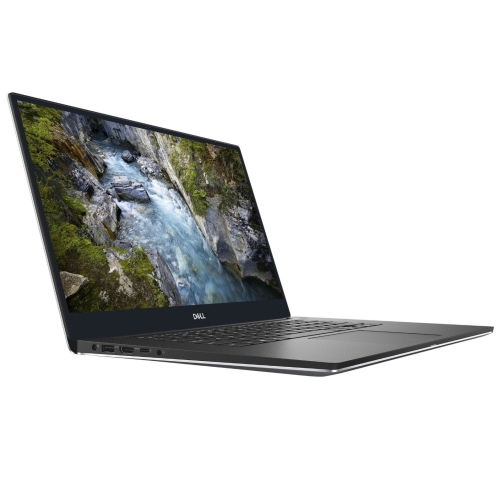
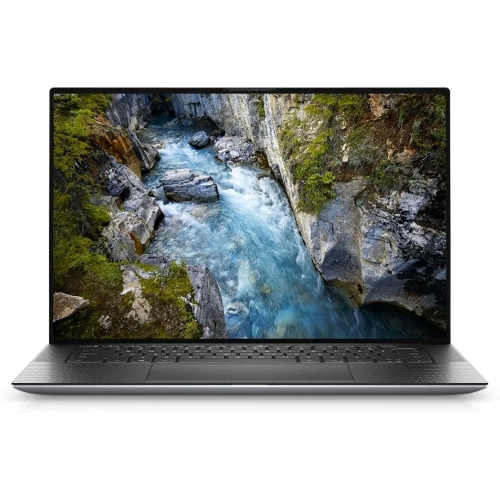


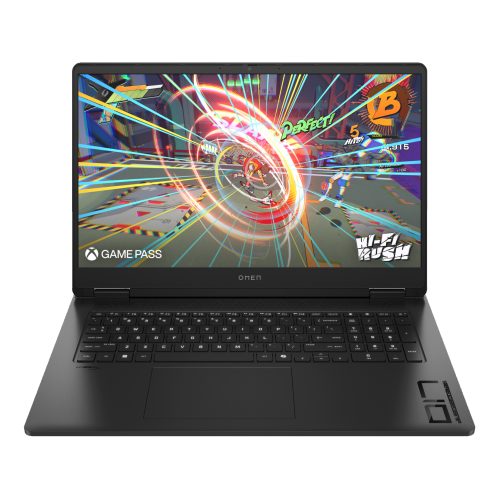



Why complex models need more than powerful graphics
Graphics memory, storage capacity, and display quality become especially noticeable as projects grow. Video memory holds resources used by the graphics processor, including textures and scene data; when a GPU-rendered scene exceeds the available capacity, performance can fall or the rendering method may need to change, depending on the application. High-resolution surface textures, dense geometry, and detailed lighting can make graphics memory an important consideration even when the final image is relatively small. Laptop graphics processors with similar names can also perform differently because their power limits and cooling designs vary. A chassis designed to sustain demanding workloads can matter as much as peak speed during a brief task, particularly for long renders or repeated previews. Solid-state storage helps with loading software, opening projects, and accessing asset libraries. A 1TB drive offers useful working space for many creators, although substantial texture collections, simulation caches, and saved project versions can fill it quickly. External storage can hold archives and shared assets, while a separate backup protects work if the laptop is lost or a drive fails. The screen is where small modelling decisions become visible: sharp resolution helps reveal edges and surface detail, and enough workspace makes it easier to keep tool panels open without crowding the viewport. A 15-inch or 16-inch display often offers a useful balance between workspace and portability, while a larger screen can be appealing for a laptop that spends most of its time on a desk. Accurate colour and suitable colour-gamut coverage matter for material development and presentation work, especially when digital finishes need to look consistent across displays. Brightness and reflection handling also affect how clearly subtle shading can be seen under different indoor lighting. An external monitor can provide more room for drawings and reference images, but the laptop needs compatible display connections. Ports for a mouse, pen tablet, external drive, or docking station help turn a portable computer into a practical workstation without making every session depend on a collection of adapters.
Everyday comfort and construction deserve attention alongside performance. A sturdy chassis, well-supported hinges, and a keyboard with a comfortable layout are valuable when a laptop is carried regularly and used for long stretches. Aluminium and magnesium-alloy housings can provide rigidity, while well-built reinforced plastic designs can also hold up to everyday handling; material alone does not determine durability. Overall weight should include the power adapter, especially for someone travelling between classes or carrying a laptop to site meetings. A compact machine is easier to pack, but a roomier design may allow a larger display, more connections, and stronger sustained performance. Keyboard shortcuts are central to many modelling workflows, so key spacing, arrow-key placement, and access to frequently used commands can affect comfort more than decorative features. A precise mouse is often helpful for selecting vertices and navigating complex geometry, while a pen tablet can make sculpting and texture painting feel more direct. For projects that extend into rigging characters, testing movement, or producing animated sequences, laptops for animation support closely related creative workflows, with similar attention to graphics performance, memory, and display quality. Battery life is useful for taking notes, reviewing models, or presenting concepts away from a socket, but intensive rendering uses much more power than light office work. Many high-performance laptops deliver their strongest results when connected to their supplied power adapter. Day-to-day care helps protect both the machine and the work stored on it: keep ventilation openings clear, use a firm surface during demanding tasks, and carry the laptop in a padded sleeve or compartment that fits securely. Follow the manufacturer's cleaning advice, avoid applying liquids directly to the screen or keyboard, and save project backups separately from the working drive. Memory and storage upgrade options vary, with some components permanently attached, so future project needs are worth considering at the outset. Whether the laptop is a student's first serious design computer or a portable workstation for an established creator, a balanced configuration supports the full process from rough shapes and revisions to finished visuals.
Top selling and popular products
-
 Your price for this item is $449
 -
 Your price for this item is $3099
 -
 Your price for this item is $664.05
 -
 Your price for this item is $599.68
 -
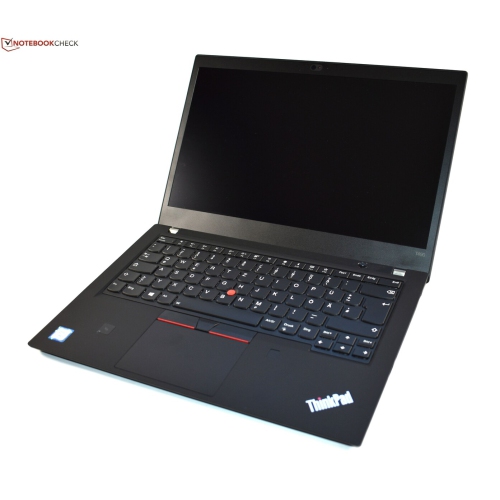 Your price for this item is $499.99
 -
 Your price for this item is $418.98
 -
 Your price for this item is $829
 -
 Your price for this item is $999.95