Anti Glare Monitors
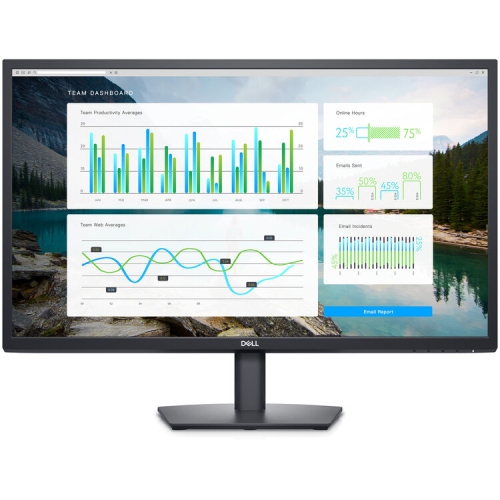
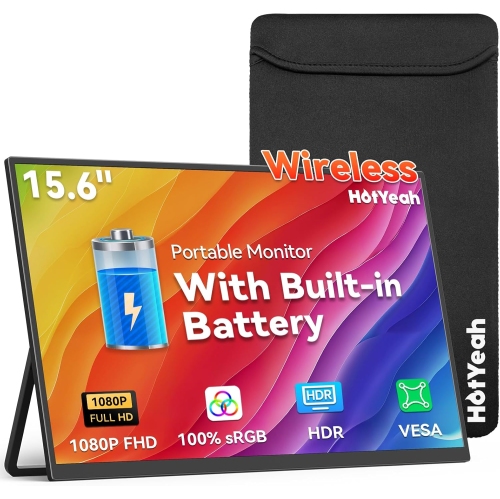
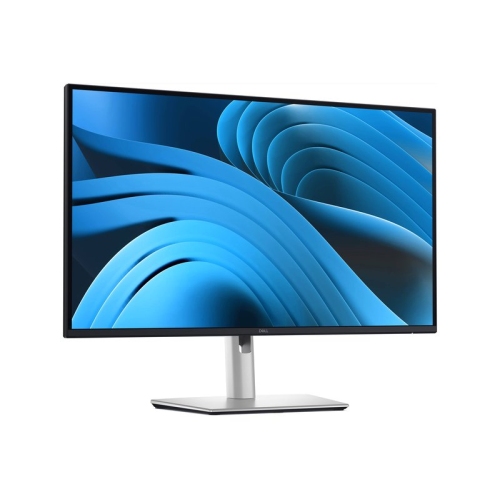
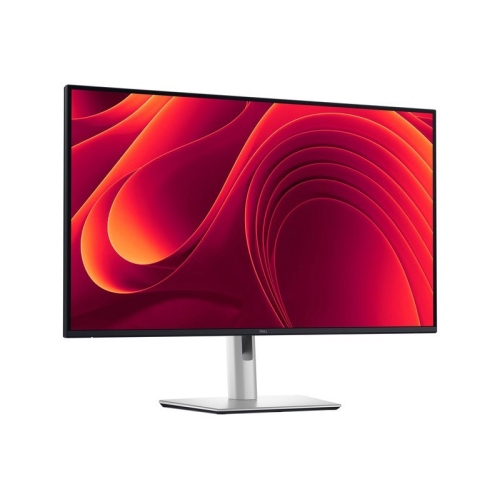
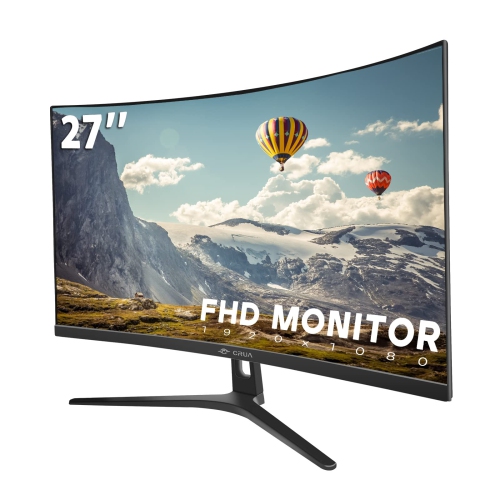
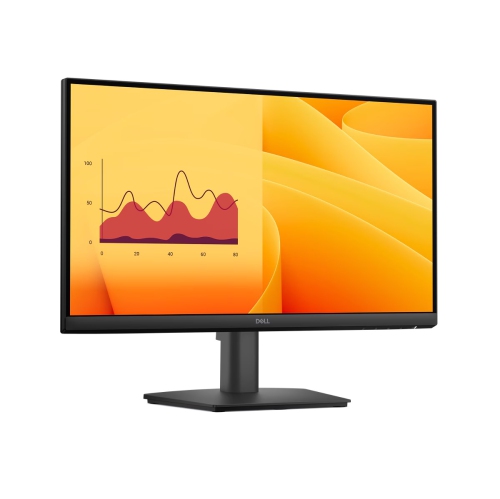
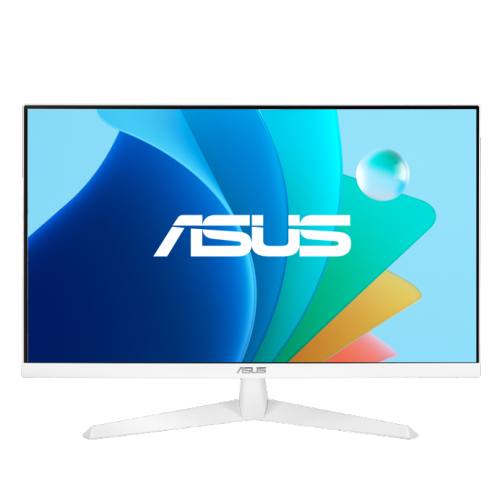
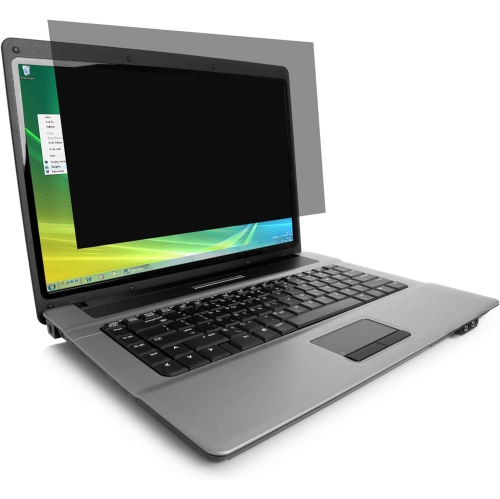
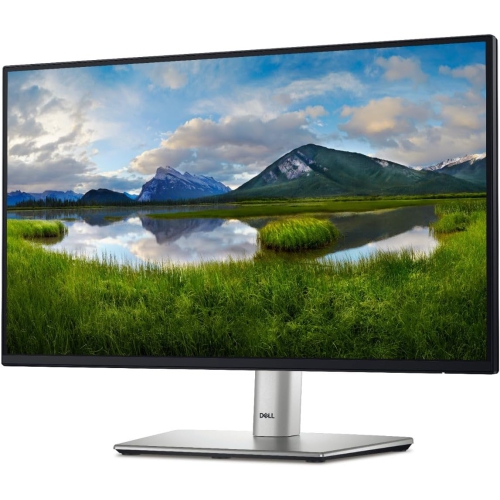
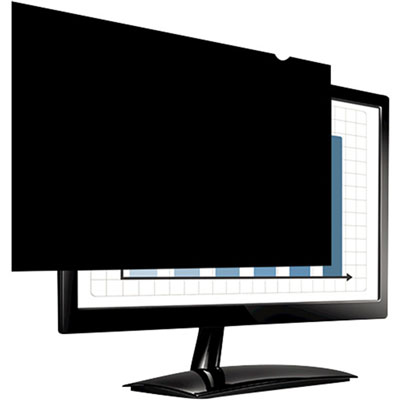
If you're looking to reduce eye strain and enhance your viewing experience, look no further than these anti-glare monitors. Designed with advanced technology, these monitors are equipped to minimize glare and reflections, ensuring clear and comfortable visuals even in brightly lit environments. Whether you're a gamer, a professional content creator, or simply someone who spends long hours in front of the screen, this range of anti-glare monitors offers the perfect solution for improved visibility and eye comfort.
Sort



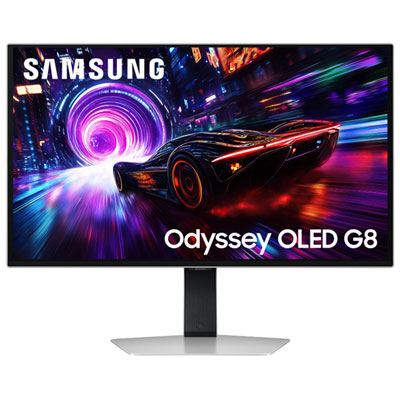
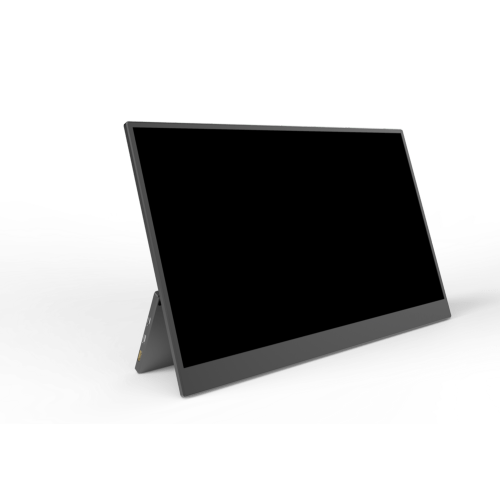
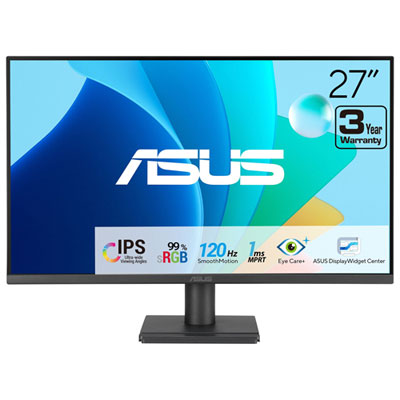
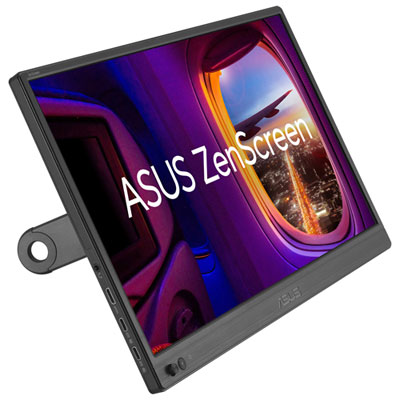
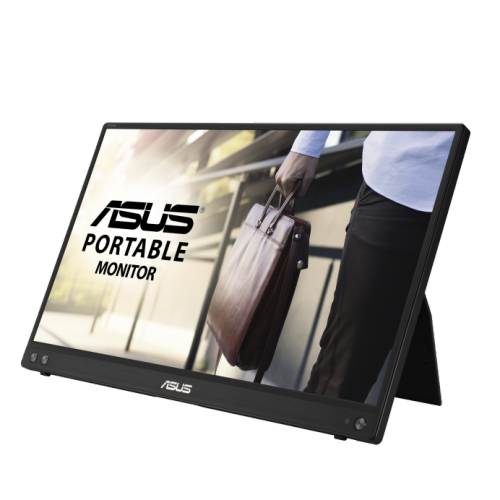
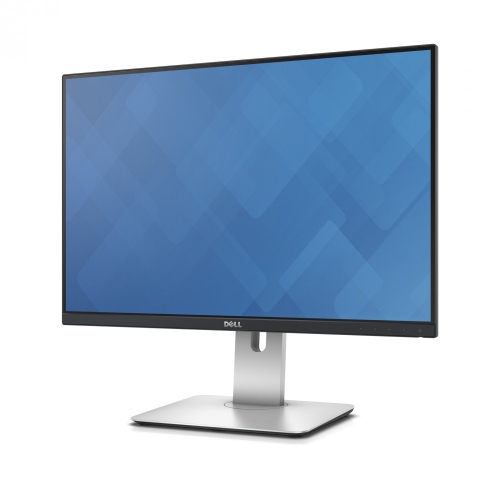
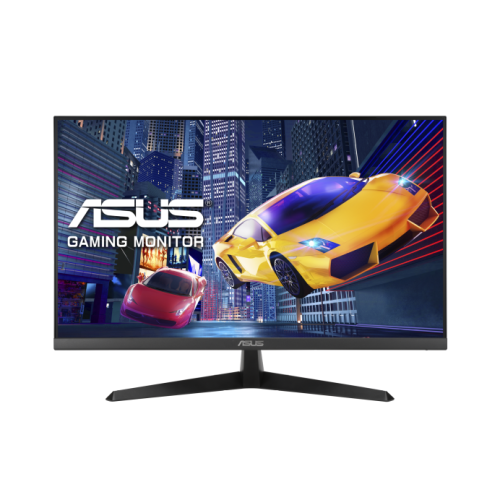
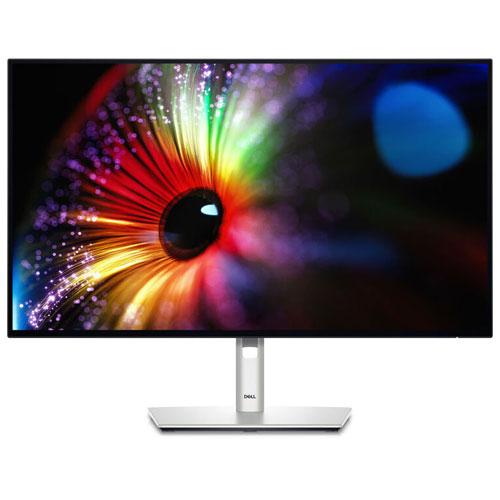

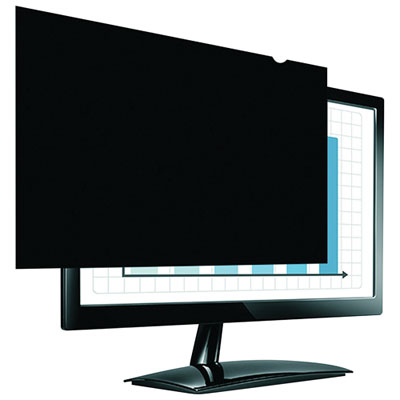
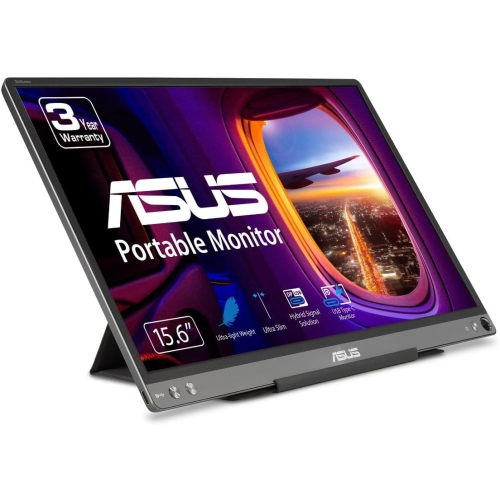
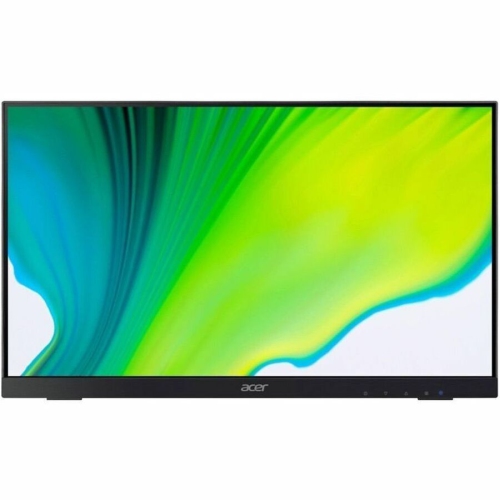
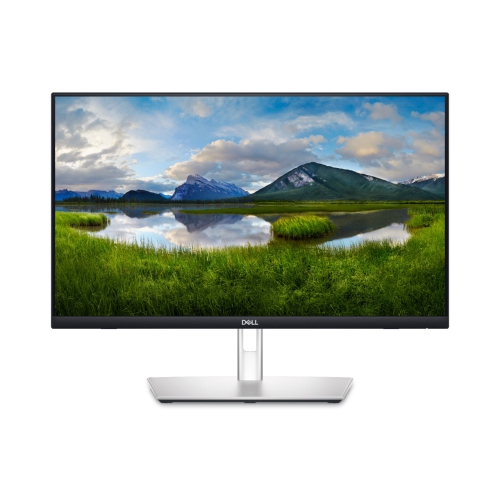
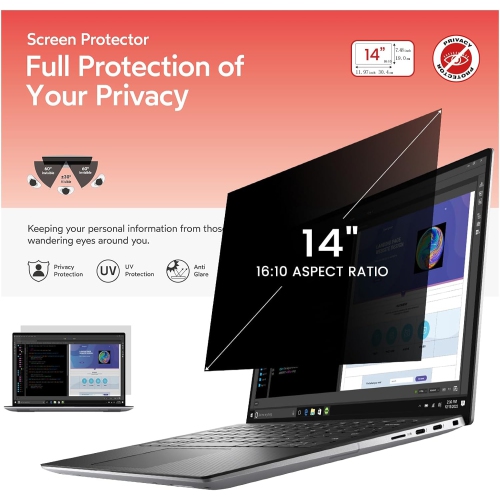
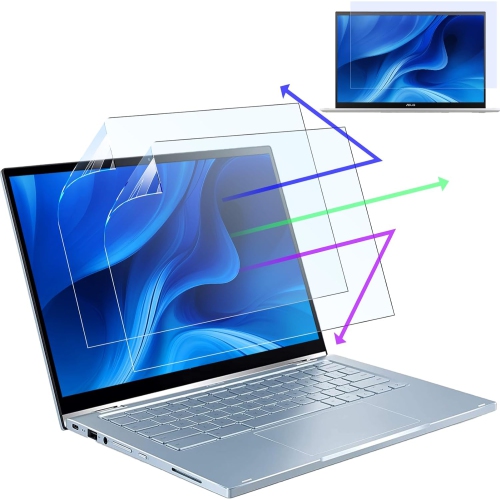
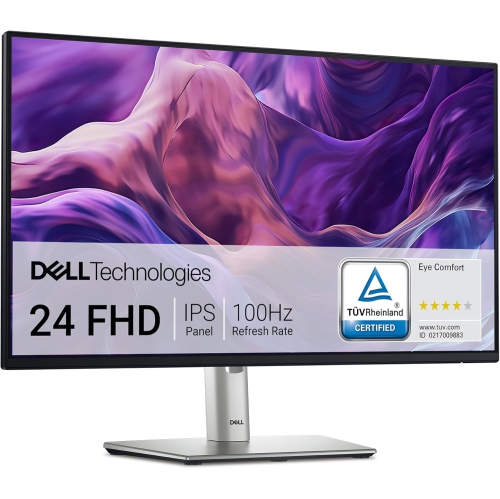
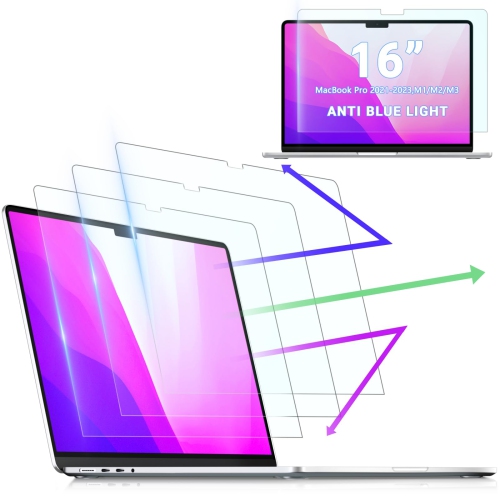
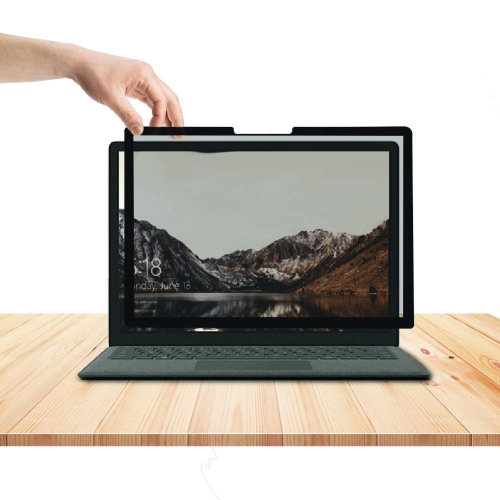
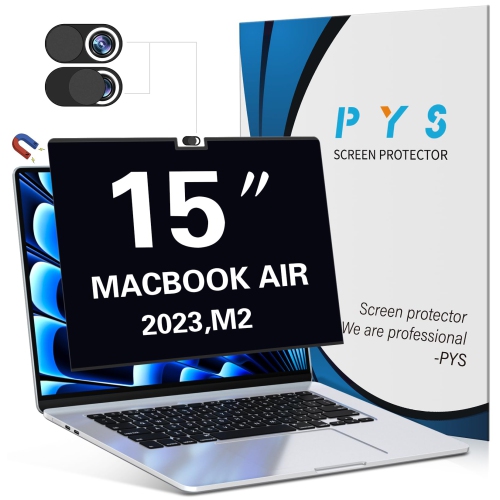
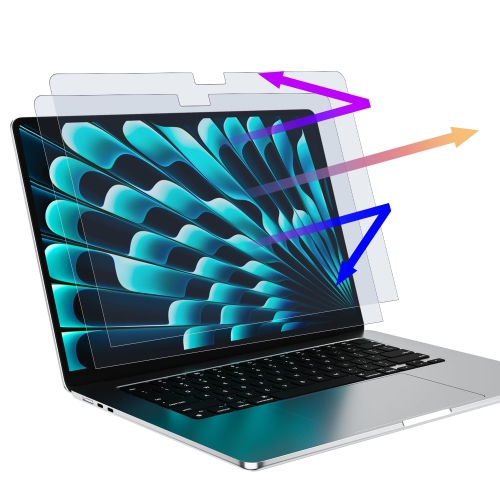
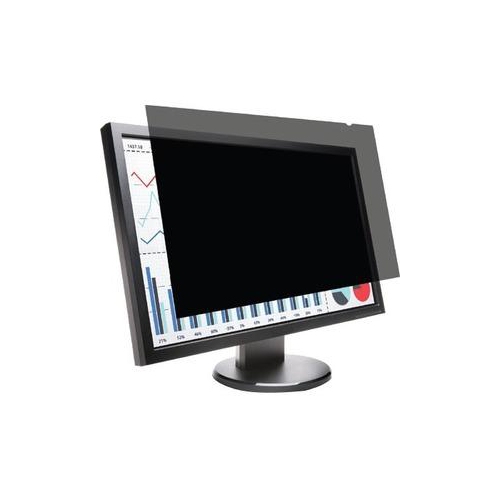

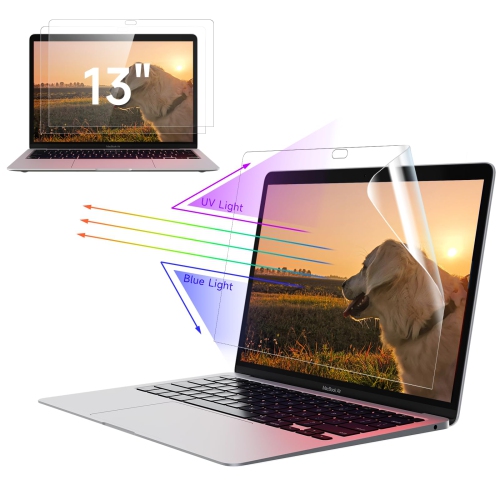
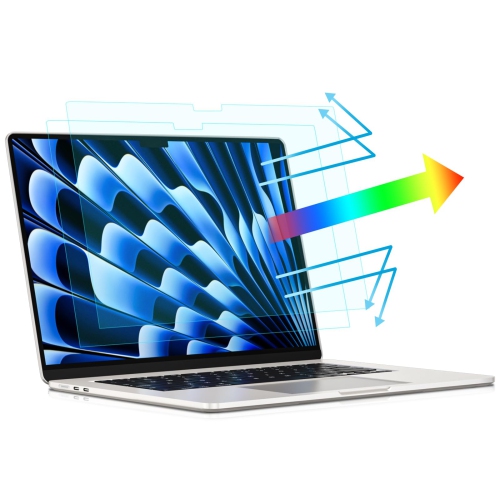
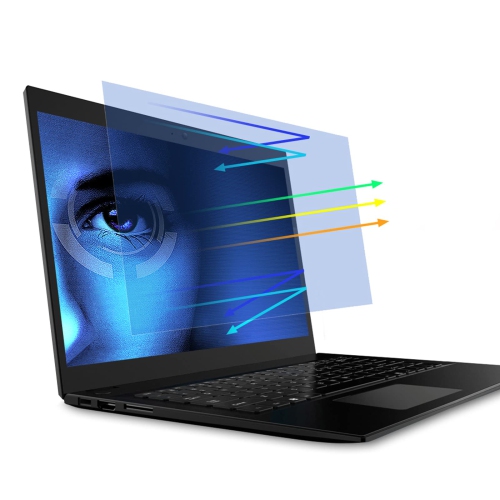
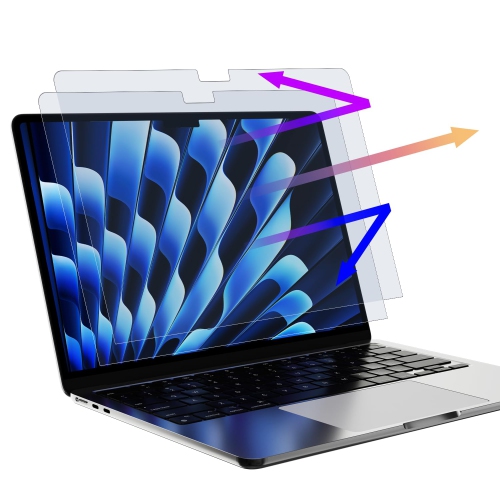
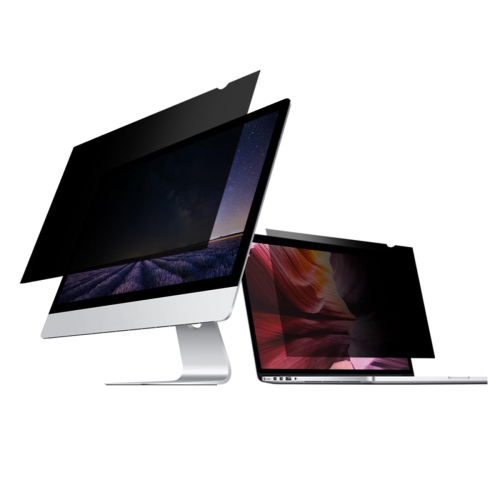
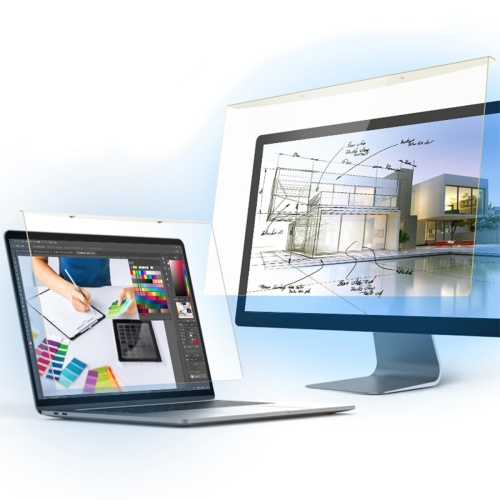
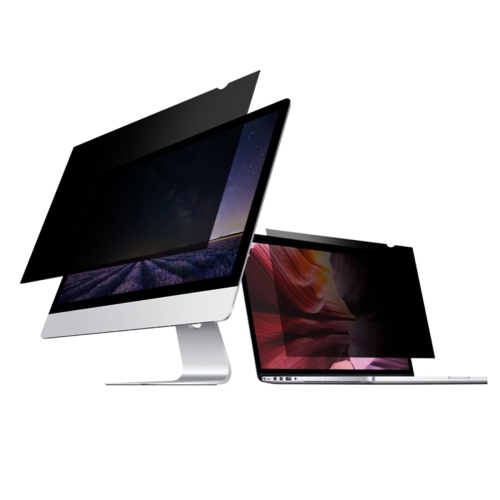
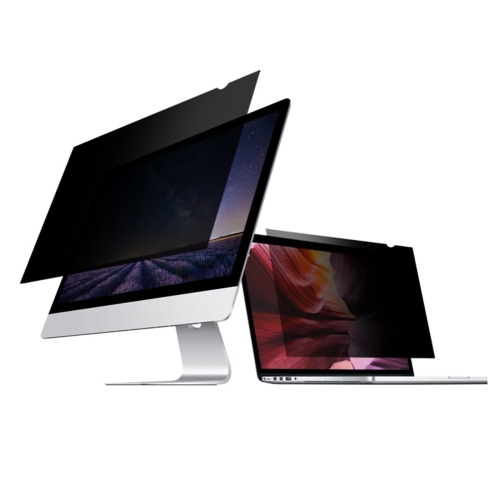
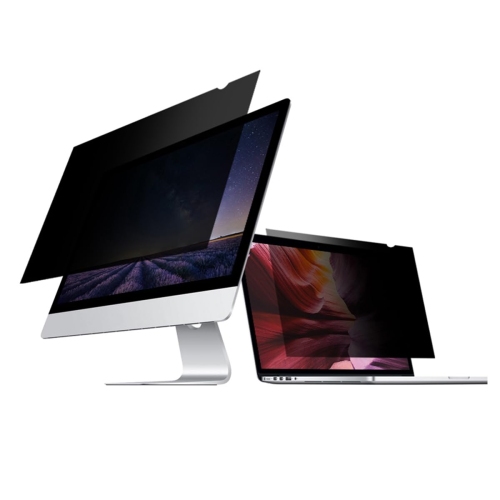
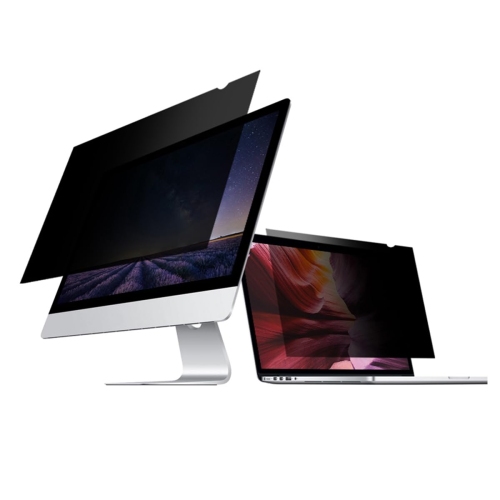
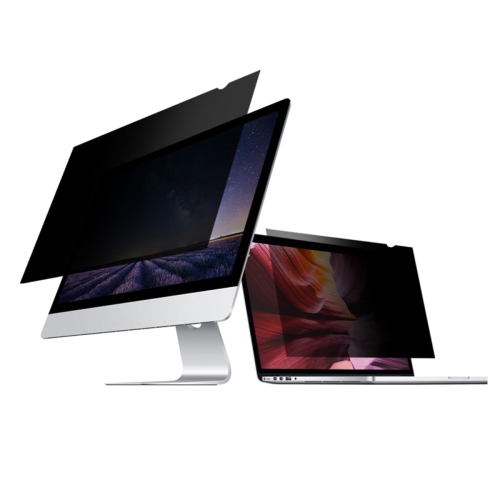
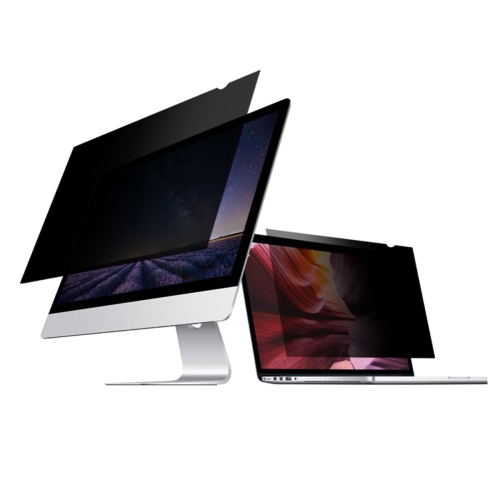
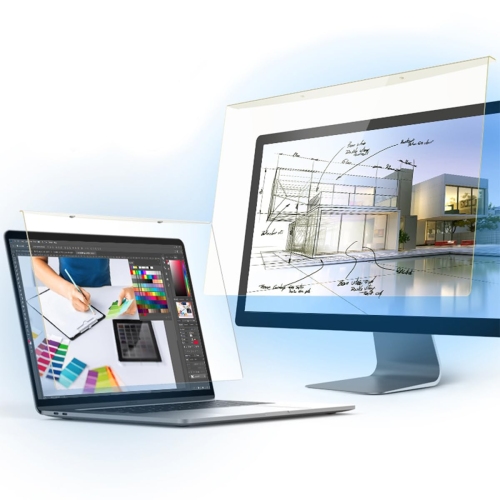
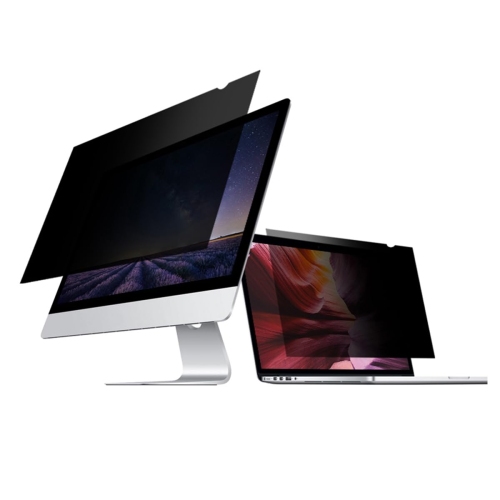
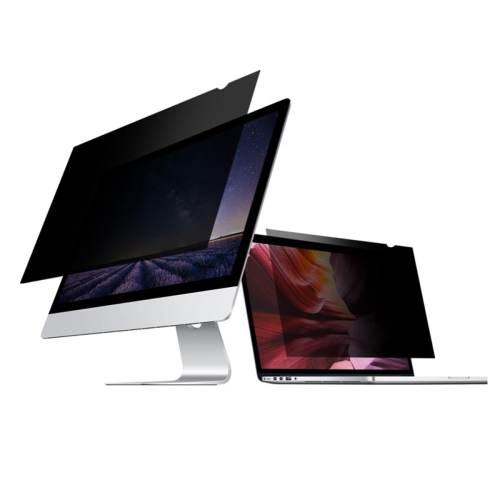
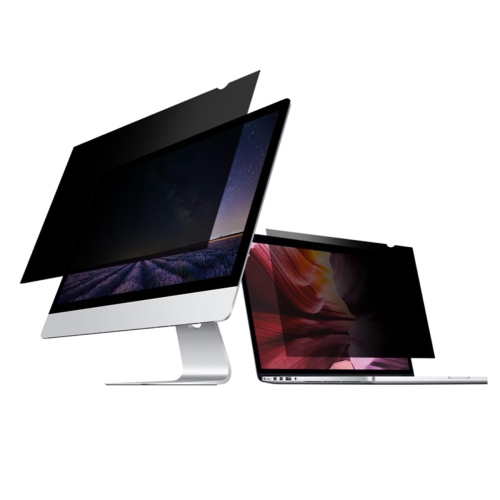
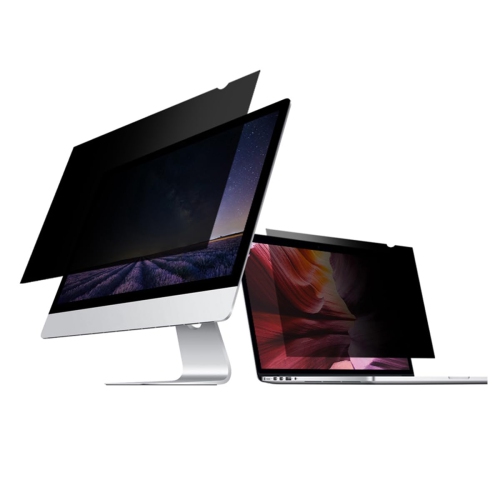
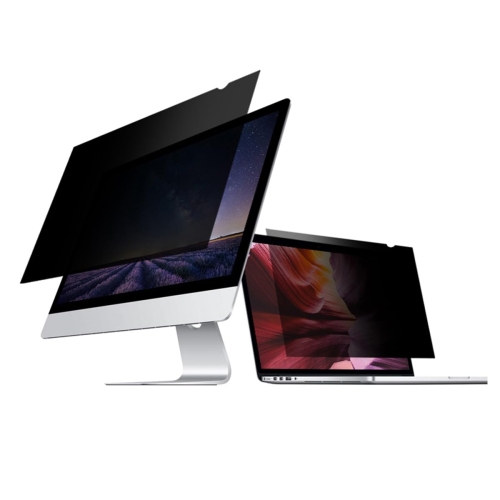
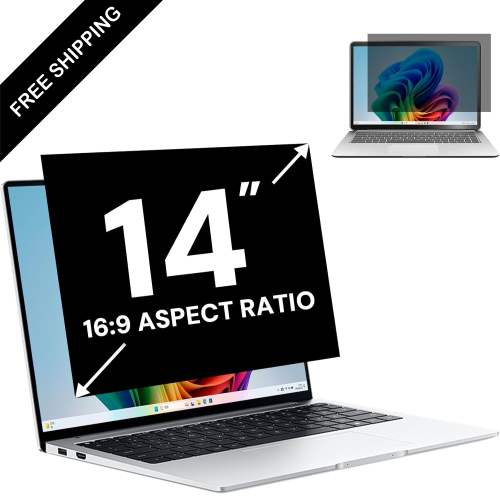
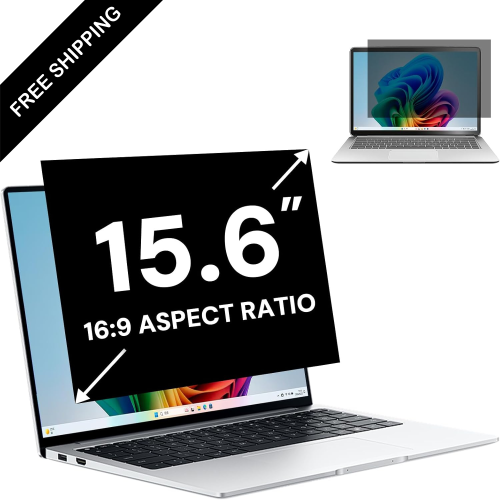
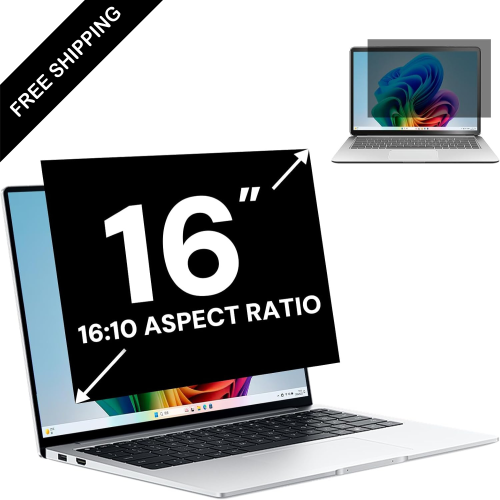


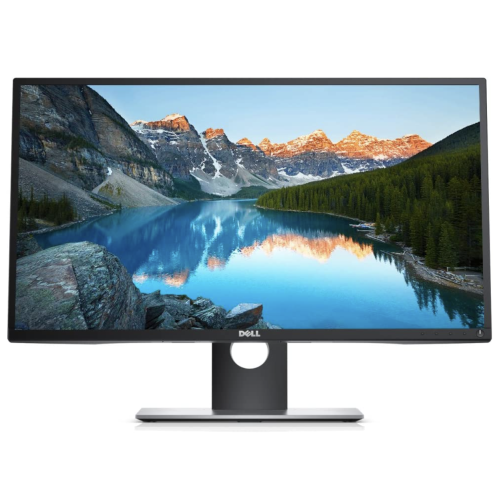
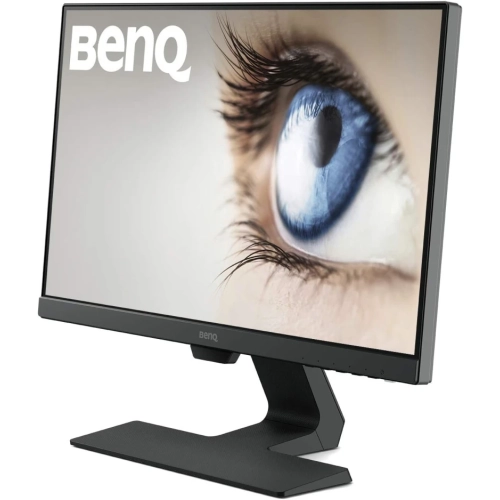
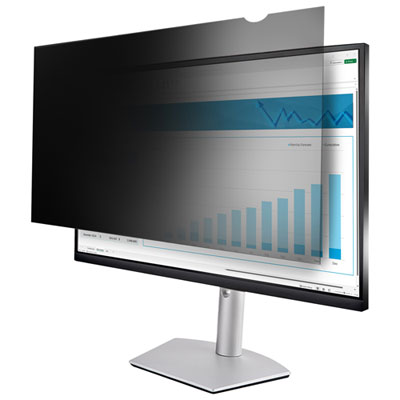

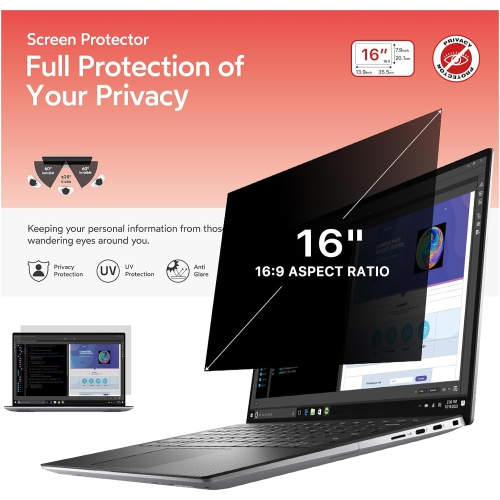
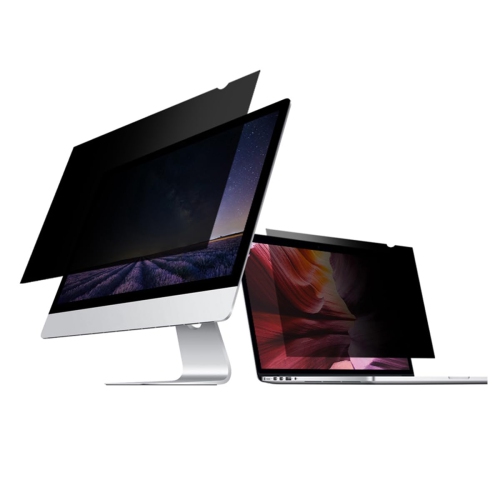
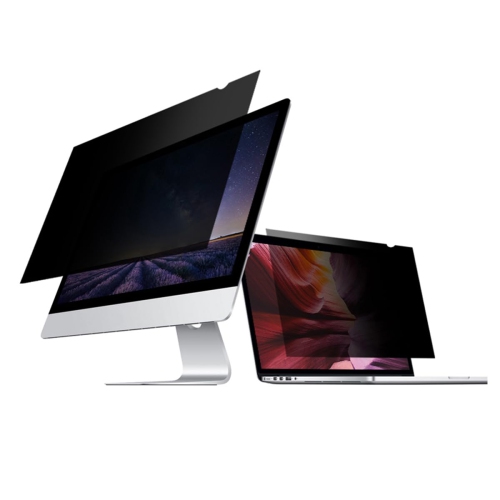
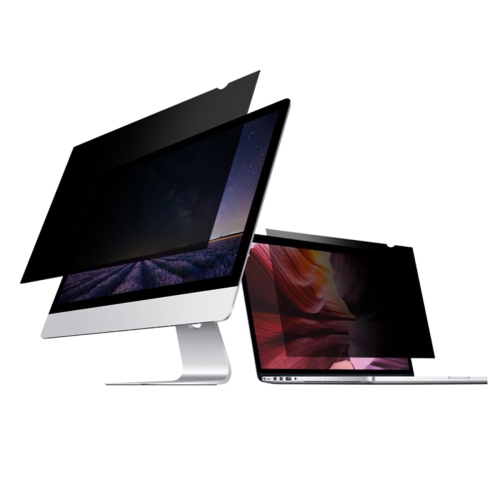
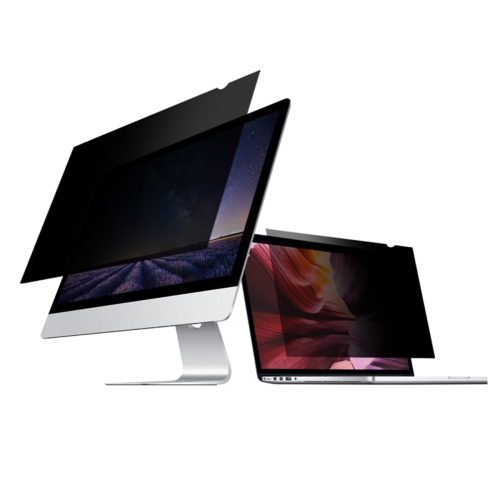
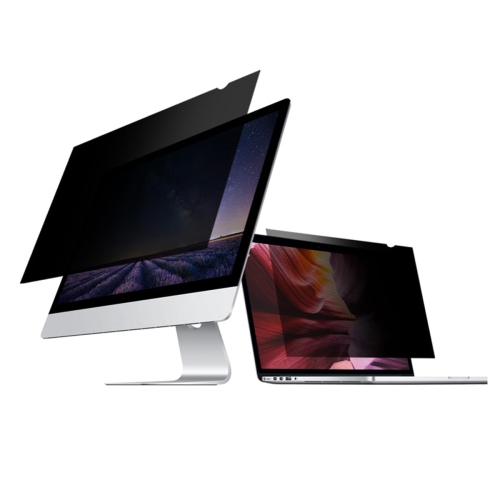
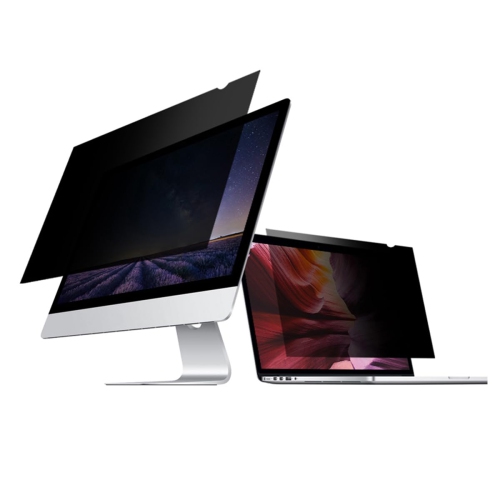
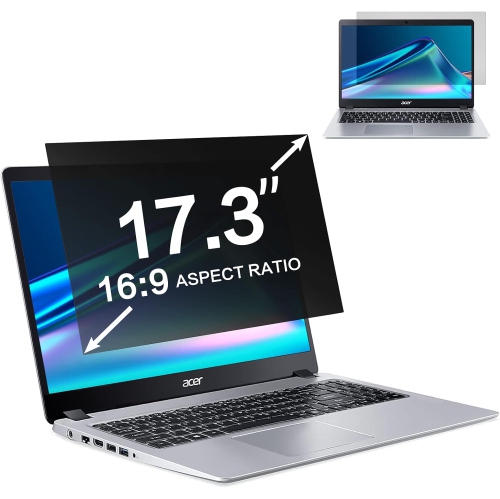
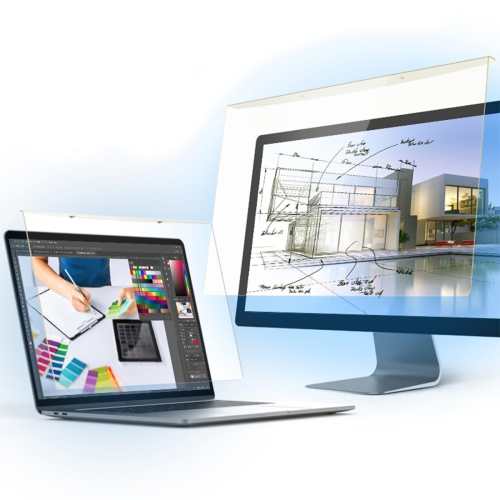
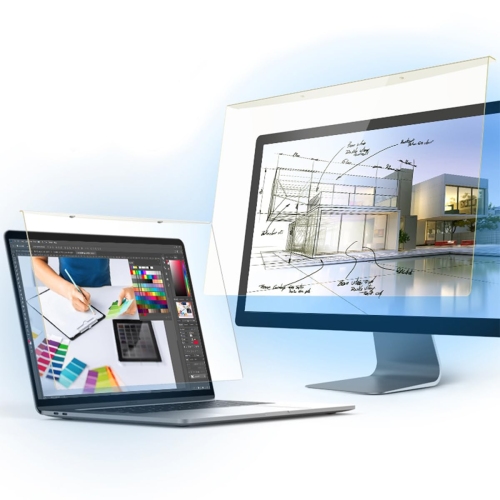
![GENERIC [3 Pack] 15.6 Inch Laptop Screen Protector, Anti Glare Anti-Fingerprint Screen Protector](https://multimedia.bbycastatic.ca/multimedia/products/500x500/197/19786/19786859.jpeg)
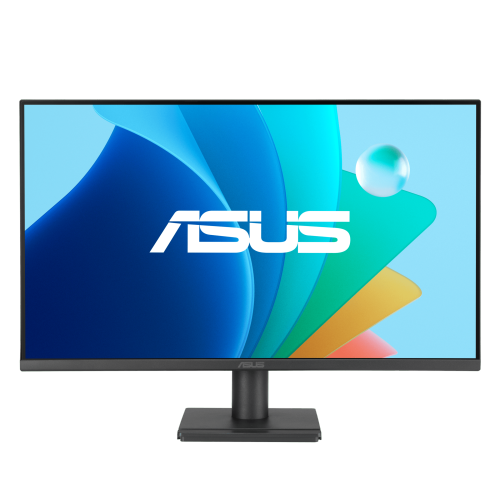
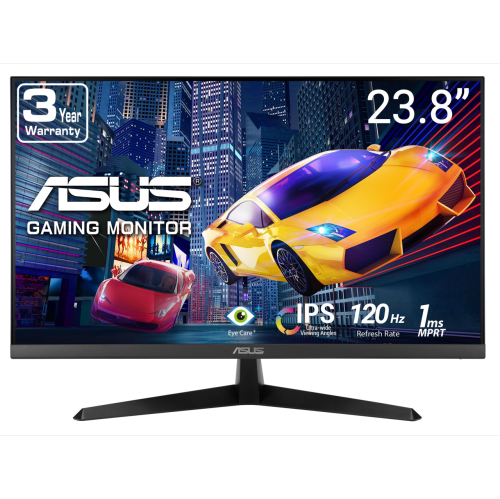
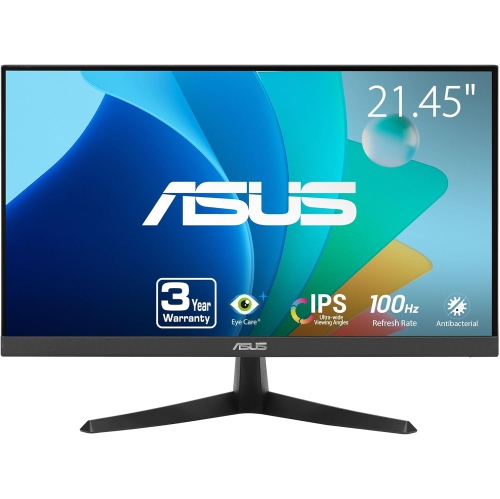
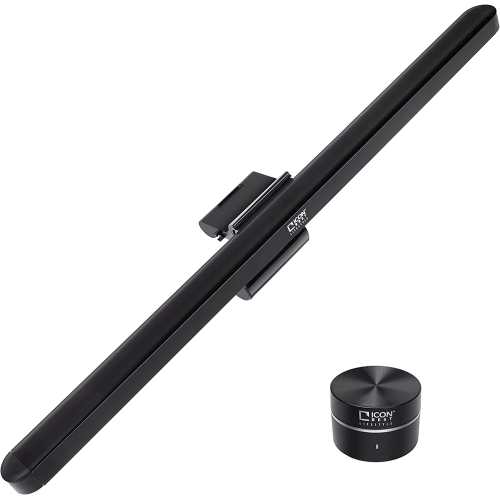
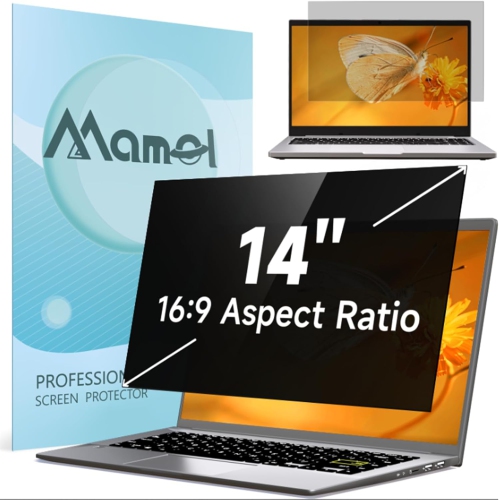
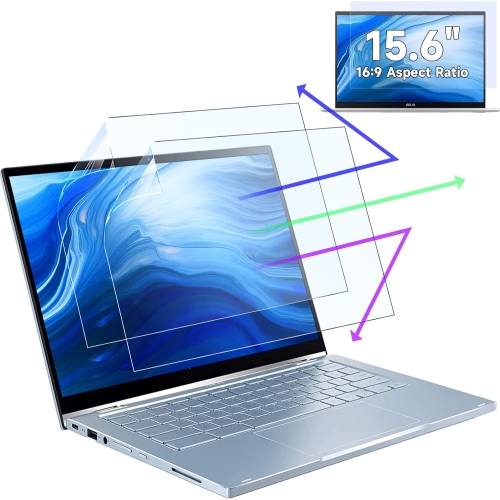

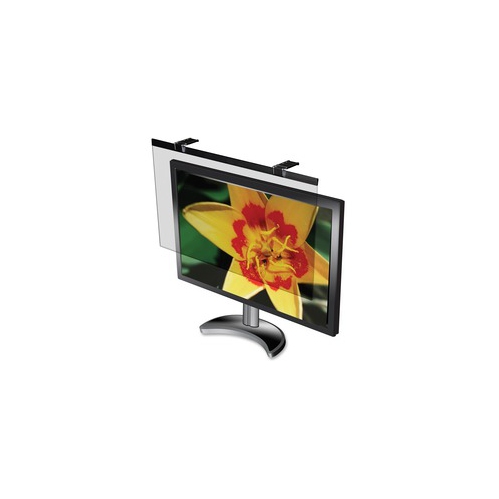
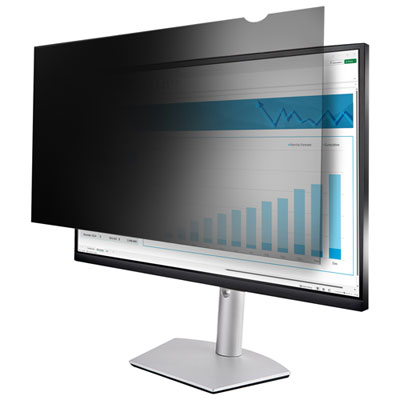
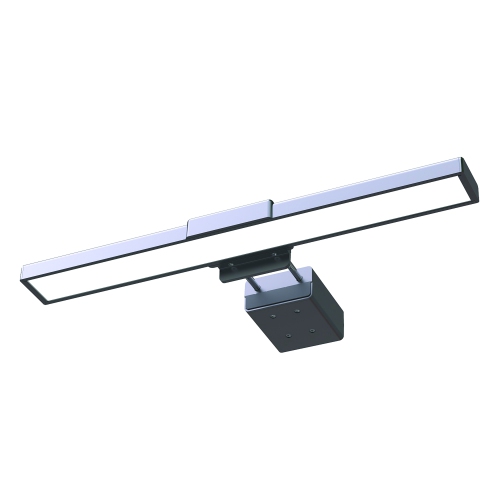
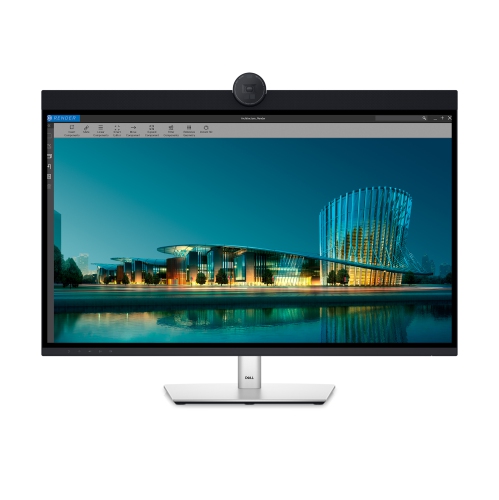
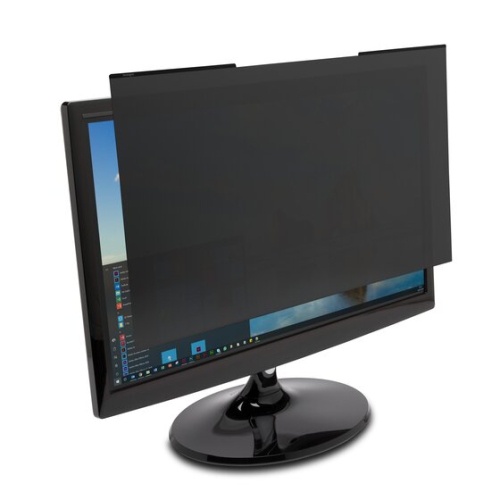
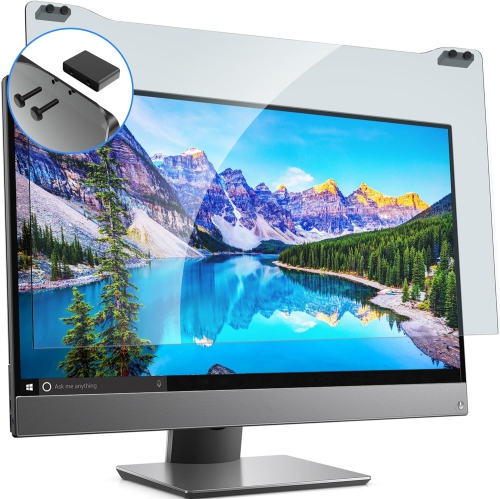
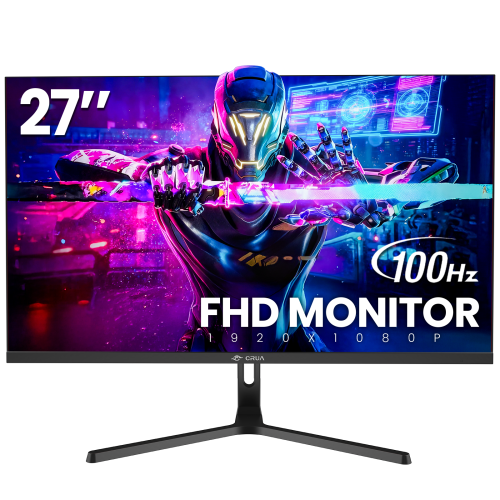
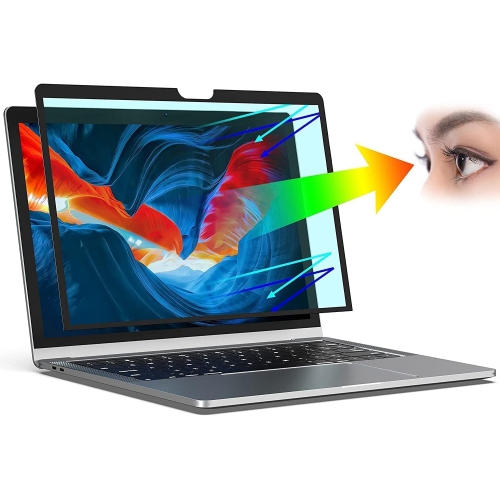
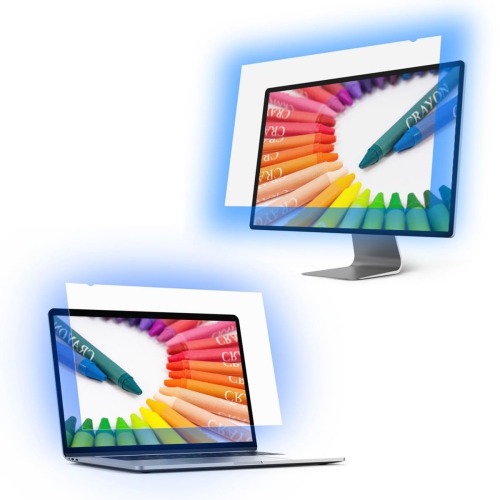
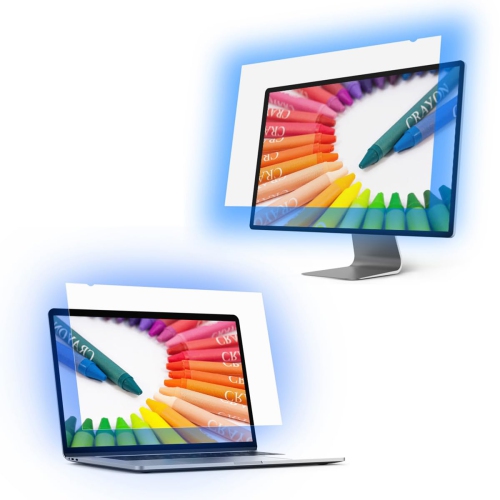
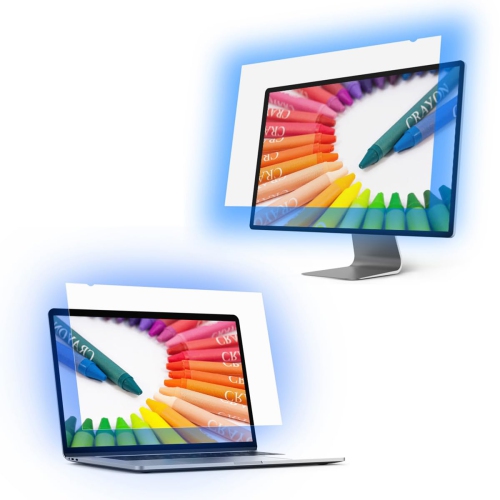
![PYS [3-Pack] Screen Protector for Macbook Pro 14 Inch, Anti Light Screen Filter, Matte Anti-Glare Film, In Blue](https://multimedia.bbycastatic.ca/multimedia/products/500x500/188/18887/18887391.jpeg)
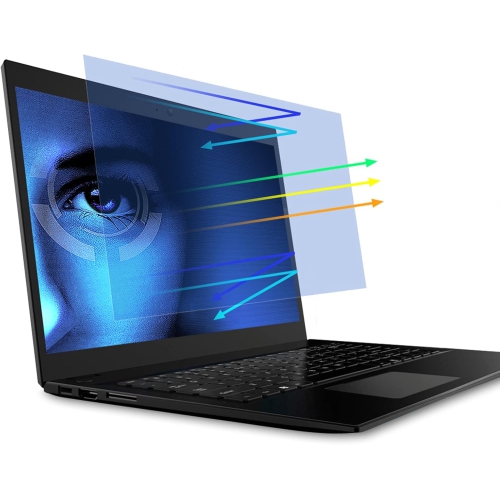
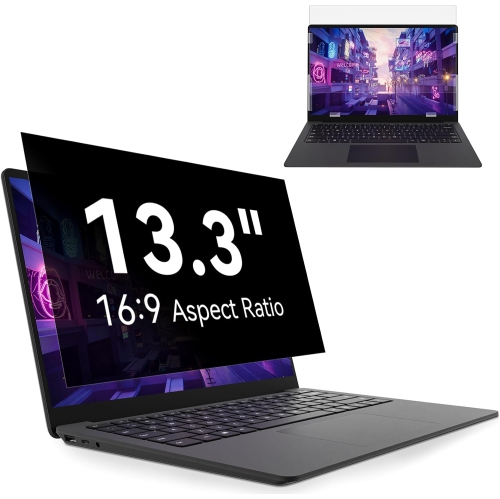
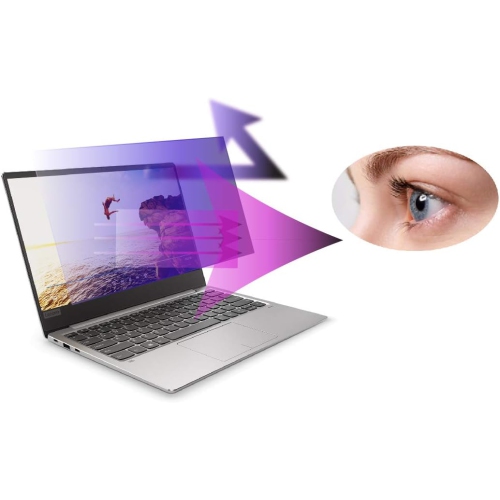
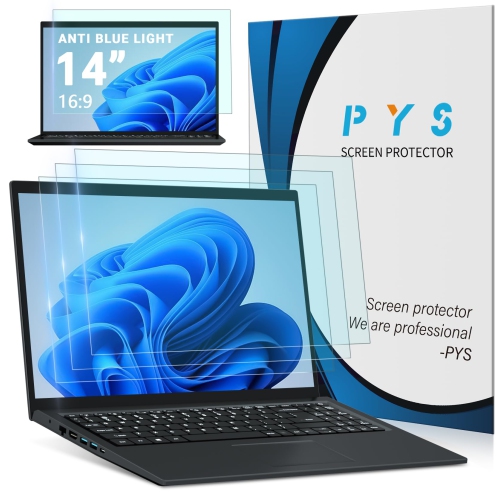
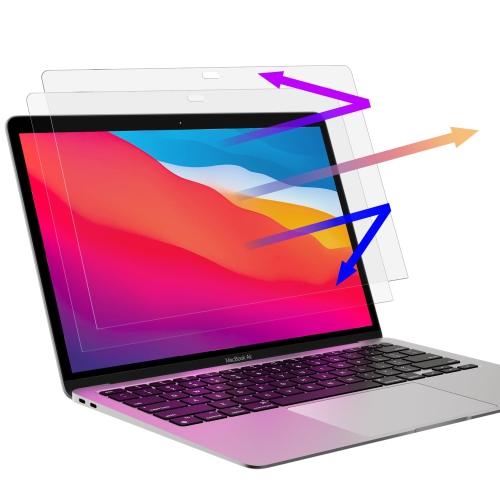
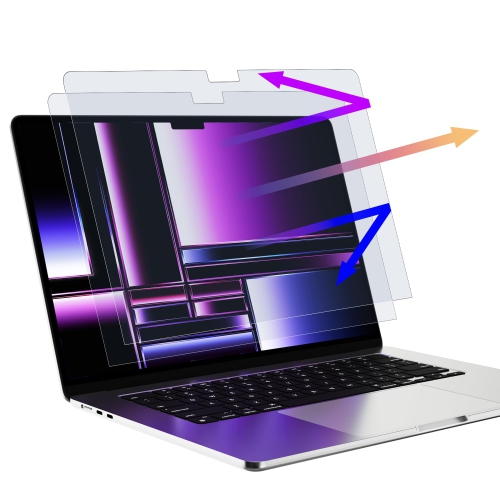
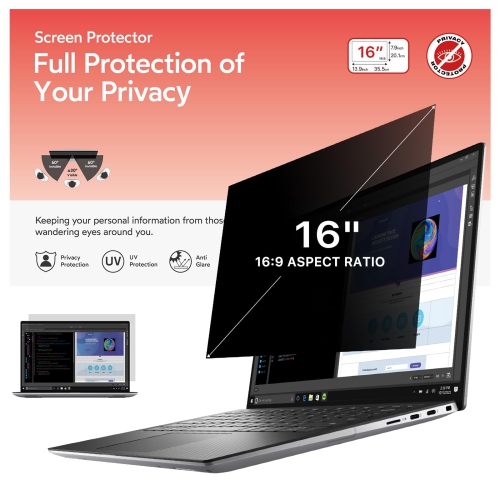
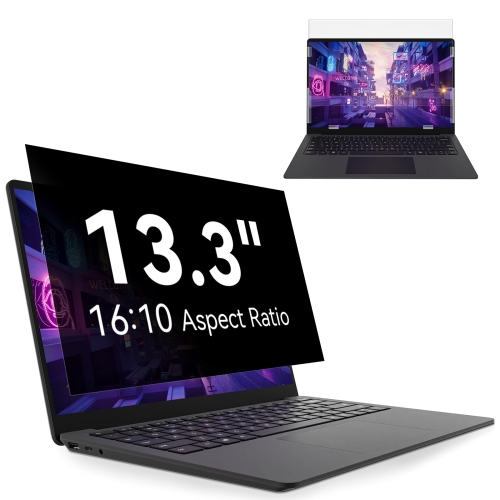
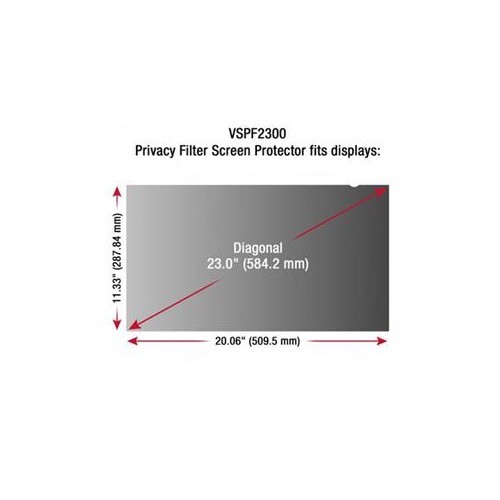
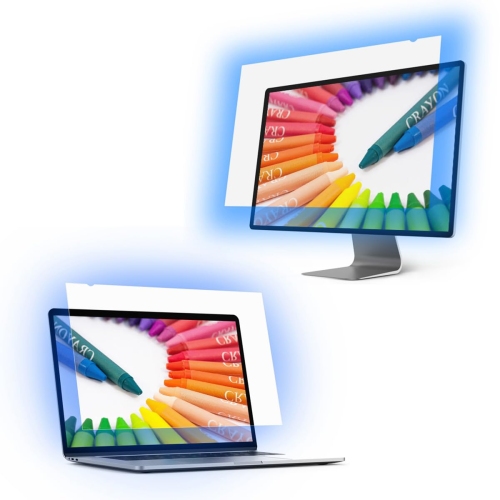
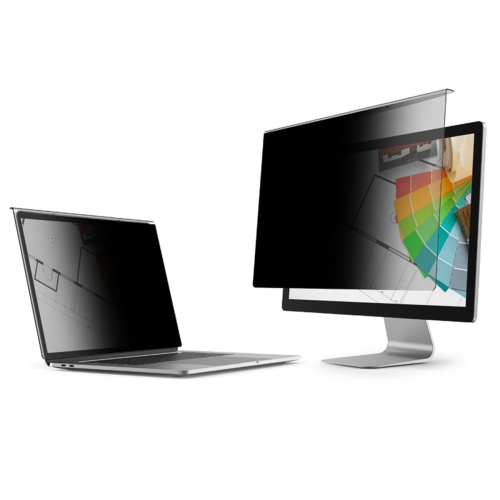
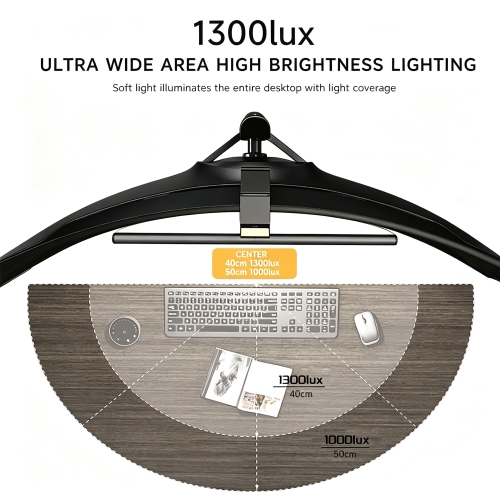
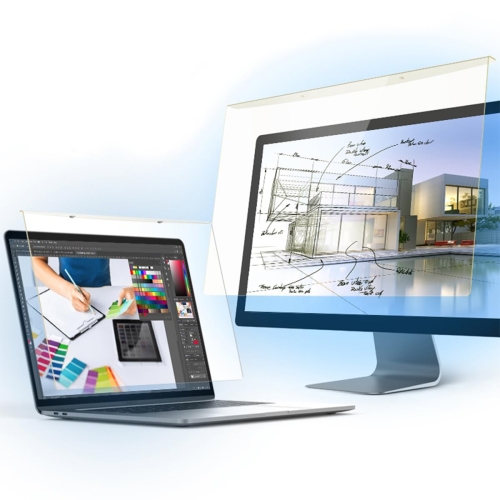
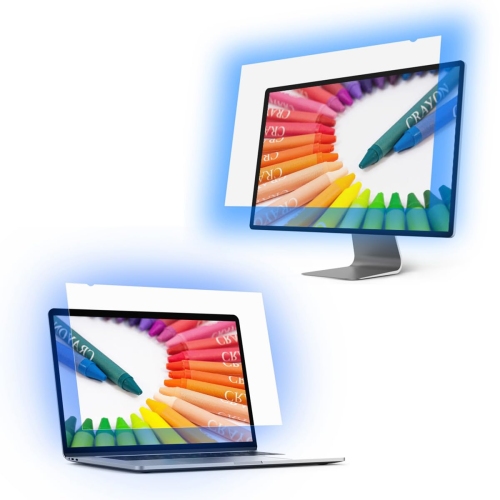
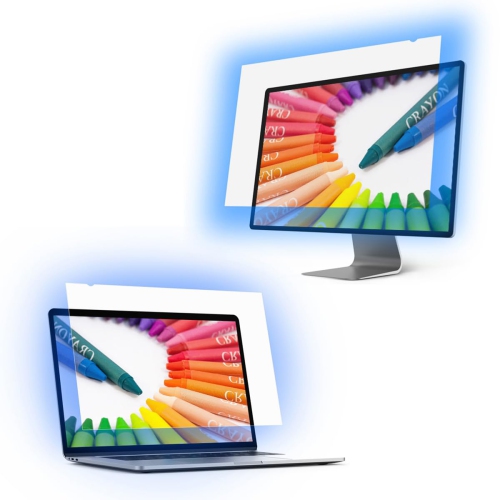
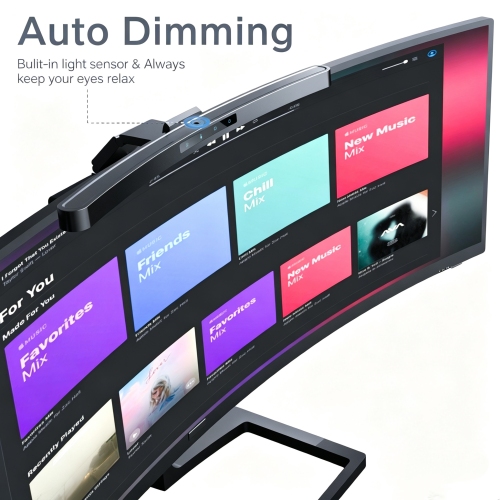
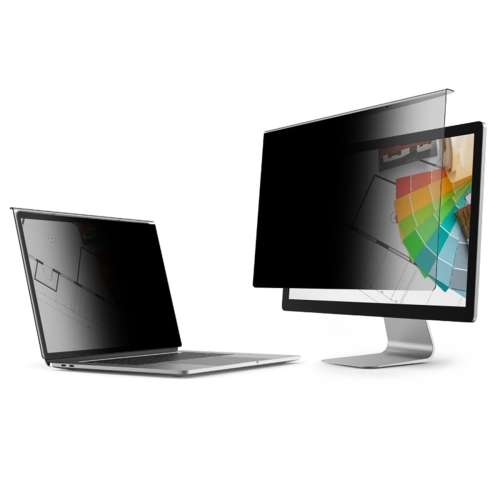
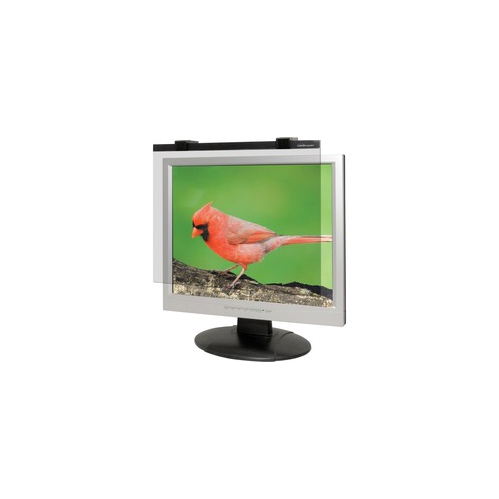
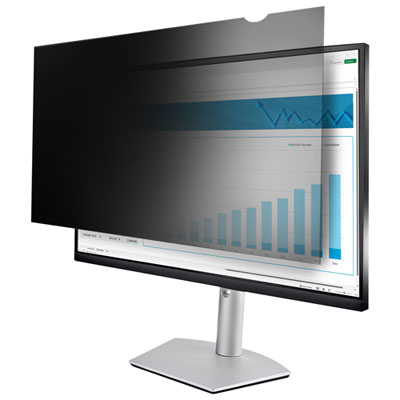
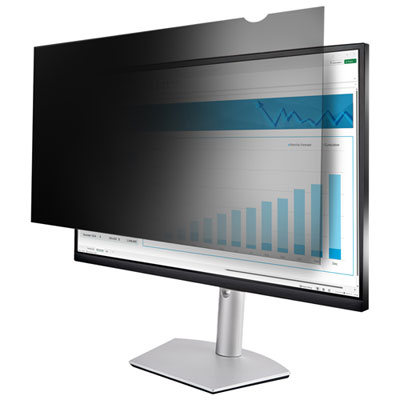
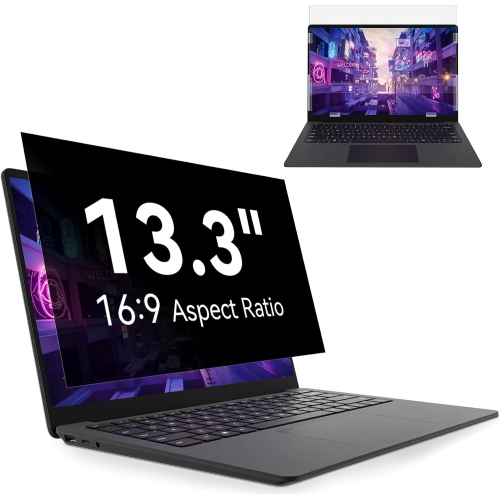
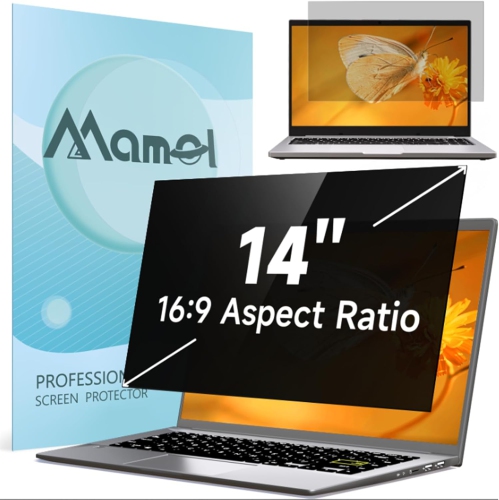
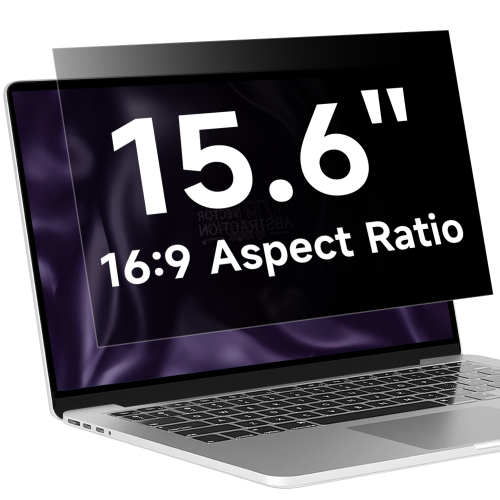
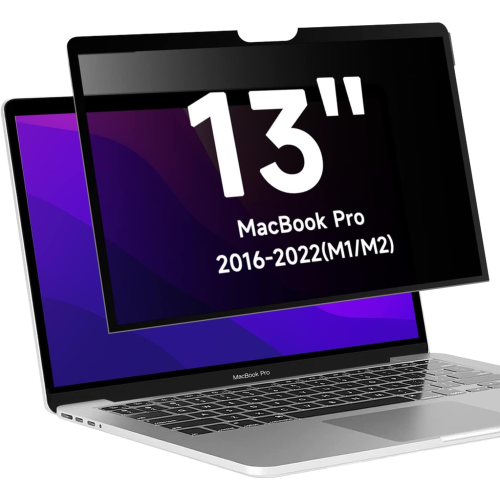
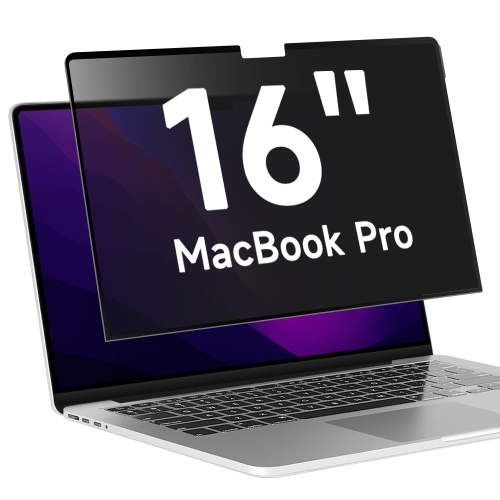
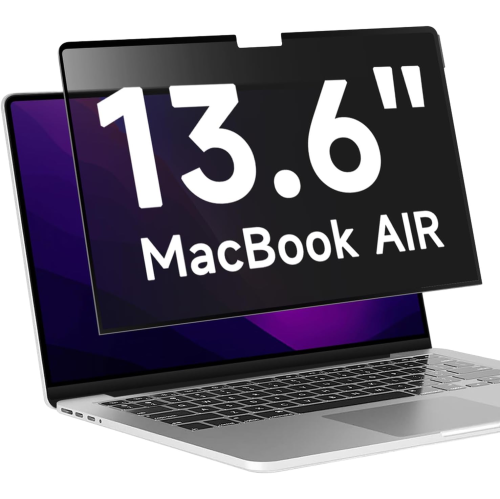
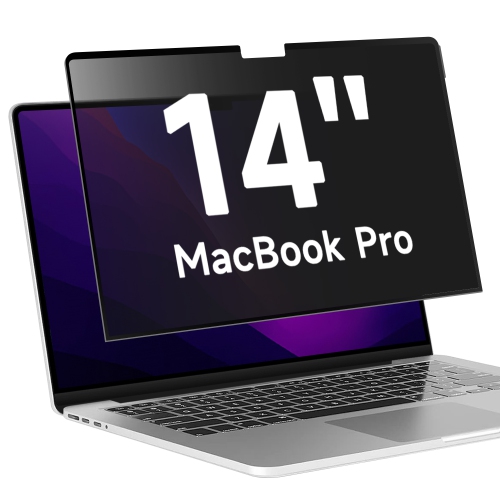
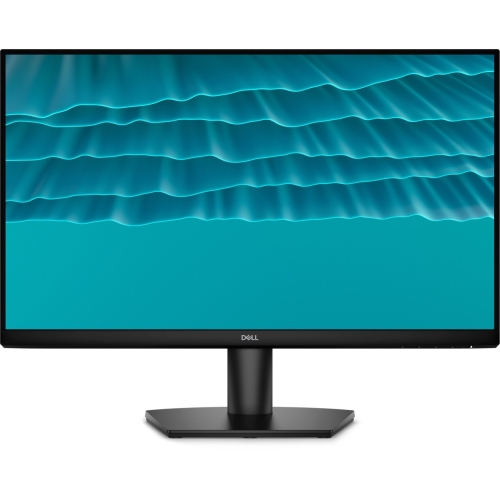
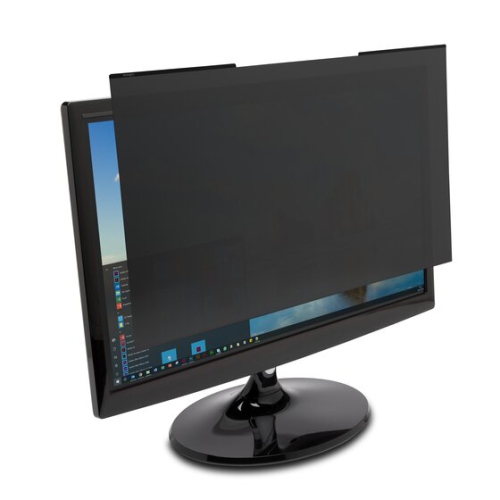
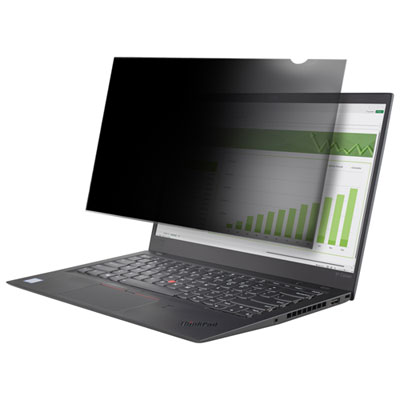
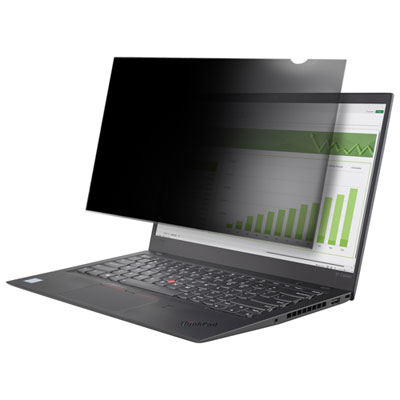
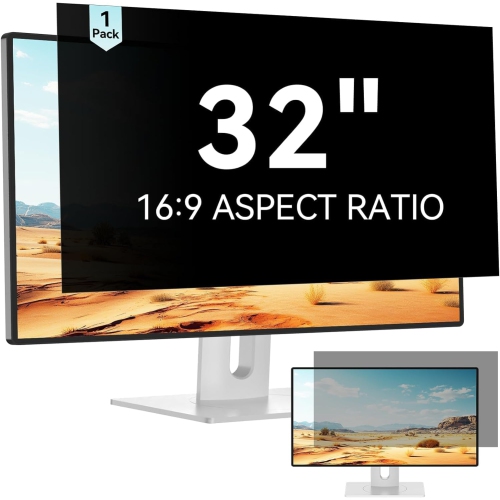
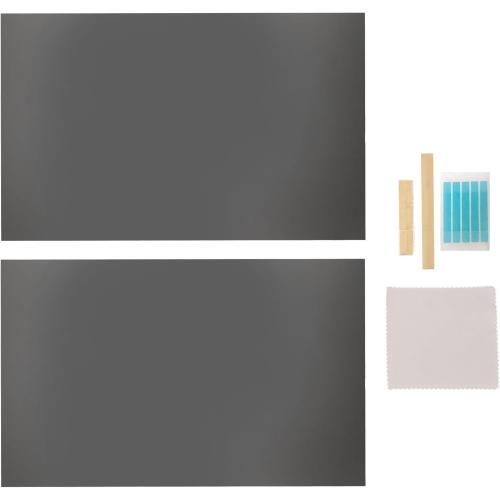
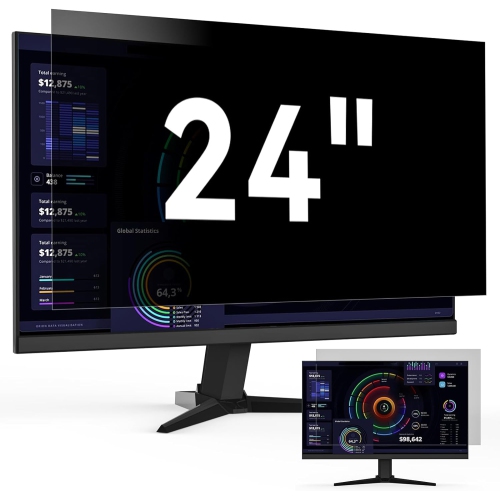
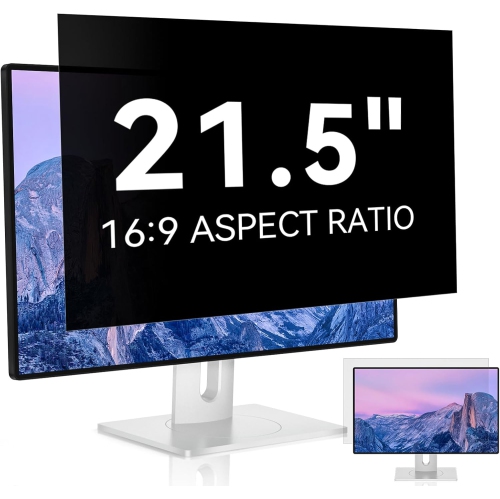
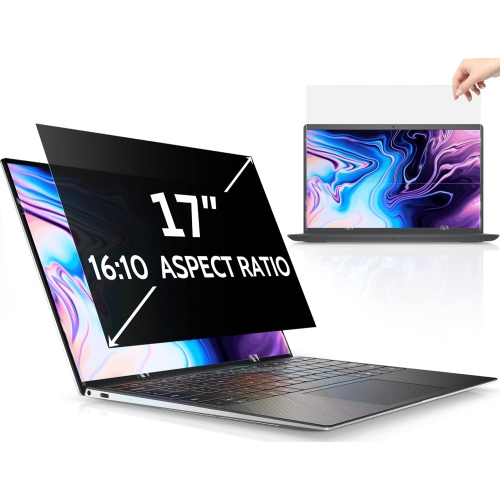
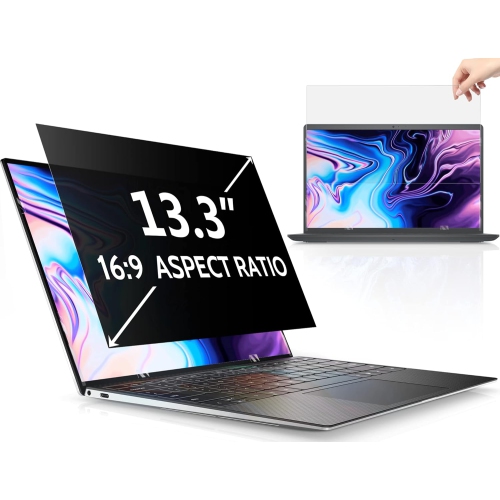
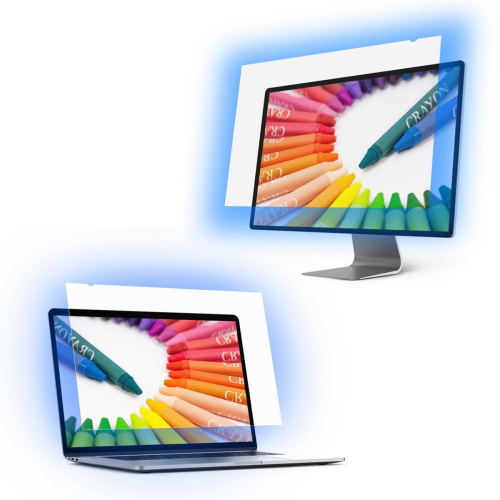
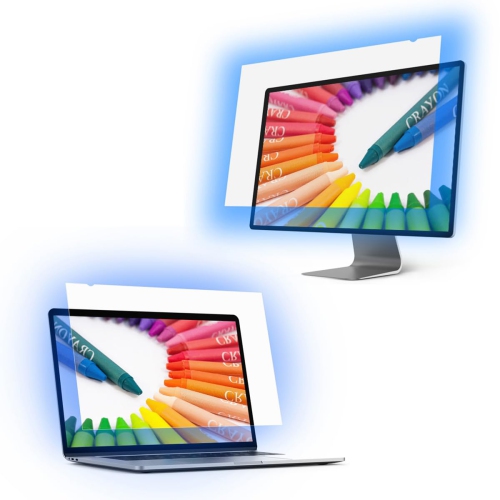
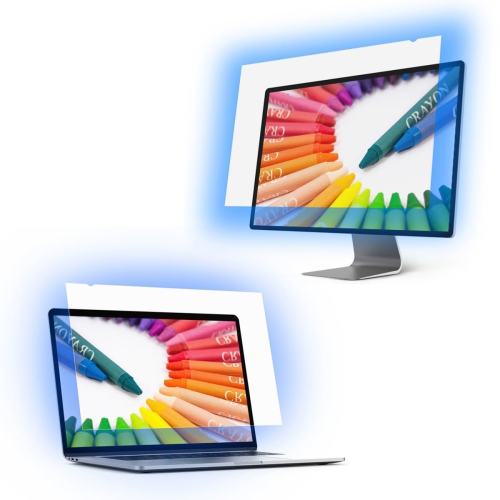
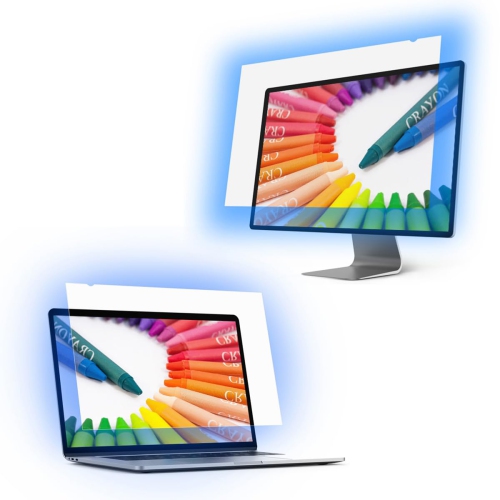
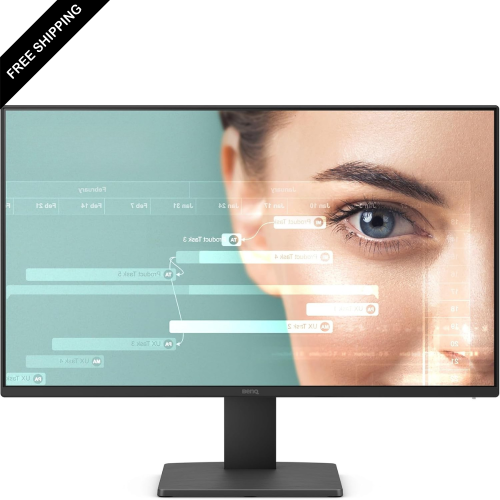
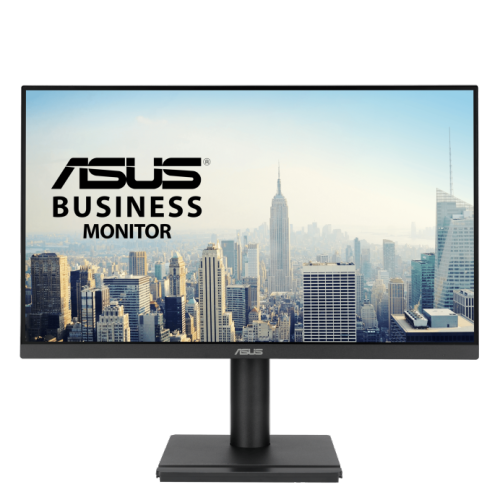
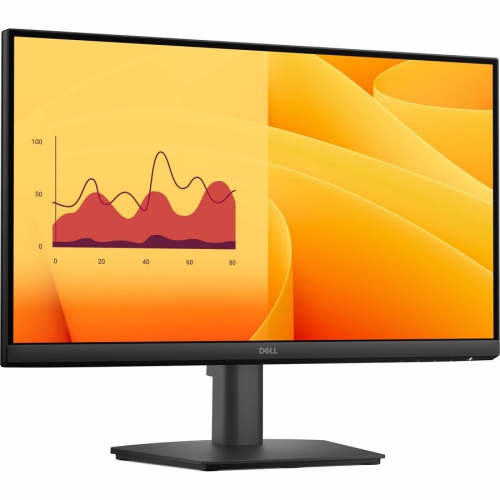
Less glare means more comfortable viewing in bright rooms
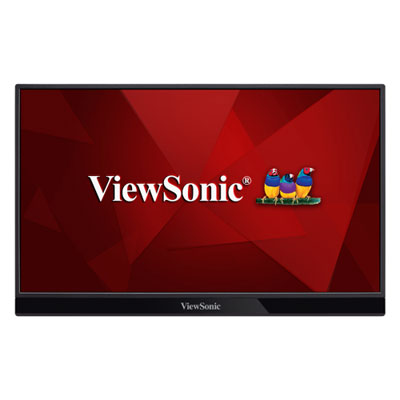
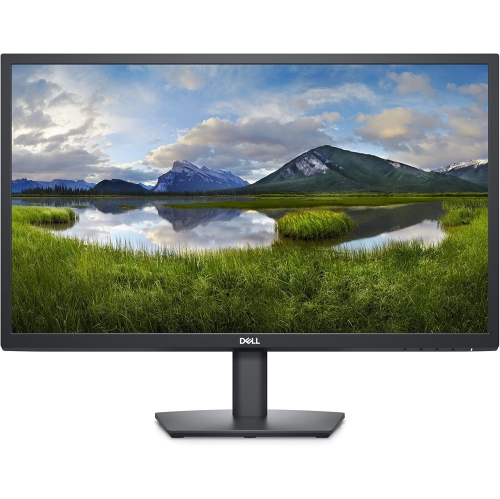
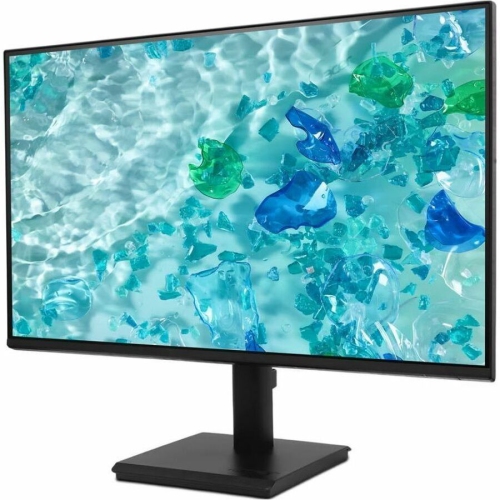
Anti-glare monitors are designed to make on-screen content easier to see when a workspace has overhead lighting, windows, lamps, or other sources of glare. Their screens typically use a matte or specially treated surface that scatters incoming light instead of reflecting it directly back toward the viewer like a mirror. This can reduce bright patches, distracting reflections, and the need to shift a screen or adjust a desk whenever daylight changes. Many modern desktop monitors include an anti-glare finish as a standard feature, making them a practical choice for home offices, classrooms, reception desks, shared workspaces, and everyday computer use. A matte panel can be particularly helpful for people who spend long periods reading documents, entering information, attending video meetings, browsing the web, or working with spreadsheets. It can also make a more comfortable difference in rooms where curtains are often open or where ceiling fixtures sit directly above a desk. For a computer setup in a sunny room, a screen with anti-glare treatment may remain more consistent and readable throughout the day, while a glossy screen can show reflections of windows, furniture, or the person sitting in front of it. Anti-glare monitors are available in a variety of sizes, resolutions, refresh rates, and panel types, so the right choice depends on how the display will be used. Compact models can suit smaller desks, dorm rooms, and reception counters, while larger displays provide more room for side-by-side documents, creative projects, detailed spreadsheets, and multitasking. Screen resolution affects how sharp text and images appear, with higher resolutions generally providing more working detail on larger panels. Adjustable stands, height settings, tilt, swivel, and VESA compatibility can also make a difference when creating a comfortable viewing position. A monitor that can be positioned at the right height and distance helps keep the screen aligned with the user’s natural line of sight and makes it easier to adapt a workstation for different people.
When comparing anti-glare monitors, it is useful to consider the balance between reflection control and image appearance. A matte finish diffuses light across the surface, helping to hide mirror-like reflections, fingerprints, and minor smudges. The trade-off is that some matte screens can make bright whites look slightly softer, grainier, or hazier when viewed very closely, and colours may appear a little less saturated than they would on a highly glossy panel. Glossy displays can deliver vivid-looking colours and deep blacks in a controlled, dim room, but their reflective surface may become distracting near a window or under strong lighting. For office work, schoolwork, general browsing, and shared spaces, many people prefer the practical visibility of an anti-glare matte finish. For photo editing, video production, digital art, or other colour-sensitive tasks, shoppers may want to review the monitor’s colour coverage, factory calibration, brightness range, contrast, and panel technology alongside its anti-glare specification. An IPS panel is often valued for wide viewing angles and consistent colour across the screen, while other panel types may appeal to shoppers who prioritize contrast, response time, or a particular budget. Gamers can look at refresh rate, response time, adaptive sync support, resolution, and connectivity, since anti-glare treatment is only one part of the overall display experience. Ports should match the computer and accessories being used; HDMI and DisplayPort are common, while USB-C can be convenient for compatible laptops when video, data, and charging are supported. Built-in speakers, a headphone jack, USB ports, and blue-light or low-flicker settings may add convenience, although these features vary by model. It is also worth checking the included stand, power requirements, wall-mount compatibility, warranty details, and the amount of desk space available. Even a carefully chosen screen can be difficult to use if the stand does not fit the desk or the available ports do not match the computer.
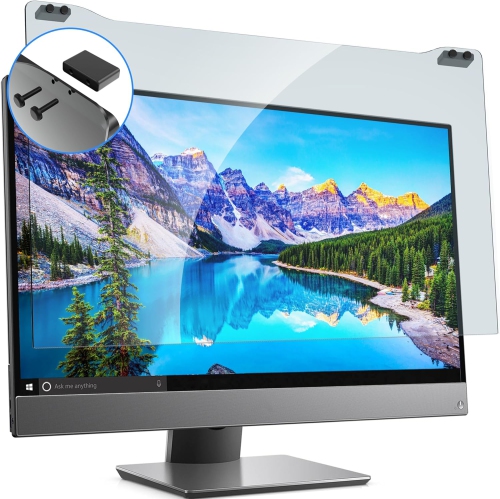
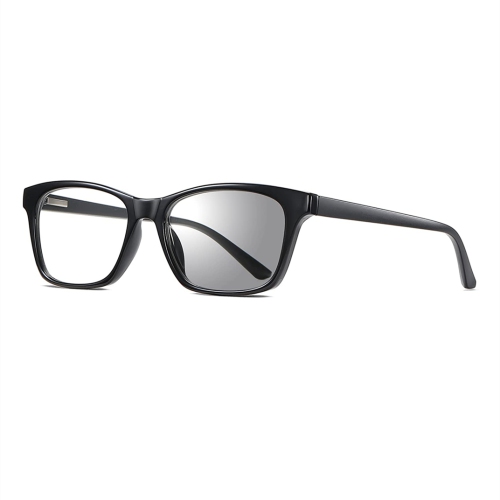
Anti-glare monitors can suit a wide range of users, including students moving between assignments, professionals working through detailed reports, families sharing a home computer, and anyone building a more focused desk setup during the cooler months or brighter stretches of the year. They can be a thoughtful gift for someone starting a new job, setting up a study area, upgrading a shared family workstation, or replacing an older display that has limited screen space. A monitor used for remote work may make it easier to keep email, documents, and meeting windows visible without constantly rearranging them, while a second anti-glare display can help users compare files, follow instructions, or monitor messages without covering the main task. For entertainment, the right combination of resolution, contrast, refresh rate, and speakers can create a more enjoyable experience for streaming, browsing, and casual gaming, particularly when the room cannot be kept dark. Placement still matters: avoid positioning the screen directly opposite a bright window, angle it away from the strongest light source, and keep the top of the display close to eye level. Soft, balanced room lighting can further reduce harsh contrast between the screen and its surroundings. People who are especially sensitive to reflections may also explore accessories such as monitor hoods, adjustable task lighting, or Anti Glare Glasses for Computer, while remembering that these options complement rather than replace a suitable display position. By considering the room, viewing habits, desk size, computer connections, and the type of work or entertainment involved, shoppers can choose an anti-glare monitor that provides clear, dependable viewing across everyday tasks.
When comparing anti-glare monitors, it is useful to consider the balance between reflection control and image appearance. A matte finish diffuses light across the surface, helping to hide mirror-like reflections, fingerprints, and minor smudges. The trade-off is that some matte screens can make bright whites look slightly softer, grainier, or hazier when viewed very closely, and colours may appear a little less saturated than they would on a highly glossy panel. Glossy displays can deliver vivid-looking colours and deep blacks in a controlled, dim room, but their reflective surface may become distracting near a window or under strong lighting. For office work, schoolwork, general browsing, and shared spaces, many people prefer the practical visibility of an anti-glare matte finish. For photo editing, video production, digital art, or other colour-sensitive tasks, shoppers may want to review the monitor’s colour coverage, factory calibration, brightness range, contrast, and panel technology alongside its anti-glare specification. An IPS panel is often valued for wide viewing angles and consistent colour across the screen, while other panel types may appeal to shoppers who prioritize contrast, response time, or a particular budget. Gamers can look at refresh rate, response time, adaptive sync support, resolution, and connectivity, since anti-glare treatment is only one part of the overall display experience. Ports should match the computer and accessories being used; HDMI and DisplayPort are common, while USB-C can be convenient for compatible laptops when video, data, and charging are supported. Built-in speakers, a headphone jack, USB ports, and blue-light or low-flicker settings may add convenience, although these features vary by model. It is also worth checking the included stand, power requirements, wall-mount compatibility, warranty details, and the amount of desk space available. Even a carefully chosen screen can be difficult to use if the stand does not fit the desk or the available ports do not match the computer.
Anti-glare monitors can suit a wide range of users, including students moving between assignments, professionals working through detailed reports, families sharing a home computer, and anyone building a more focused desk setup during the cooler months or brighter stretches of the year. They can be a thoughtful gift for someone starting a new job, setting up a study area, upgrading a shared family workstation, or replacing an older display that has limited screen space. A monitor used for remote work may make it easier to keep email, documents, and meeting windows visible without constantly rearranging them, while a second anti-glare display can help users compare files, follow instructions, or monitor messages without covering the main task. For entertainment, the right combination of resolution, contrast, refresh rate, and speakers can create a more enjoyable experience for streaming, browsing, and casual gaming, particularly when the room cannot be kept dark. Placement still matters: avoid positioning the screen directly opposite a bright window, angle it away from the strongest light source, and keep the top of the display close to eye level. Soft, balanced room lighting can further reduce harsh contrast between the screen and its surroundings. People who are especially sensitive to reflections may also explore accessories such as monitor hoods, adjustable task lighting, or Anti Glare Glasses for Computer, while remembering that these options complement rather than replace a suitable display position. By considering the room, viewing habits, desk size, computer connections, and the type of work or entertainment involved, shoppers can choose an anti-glare monitor that provides clear, dependable viewing across everyday tasks.
Top selling and popular products
-
 Your price for this item is $34.95
 -
 Your price for this item is $129.99
 -
 Your price for this item is $69.99
 -
 Your price for this item is $69.99
 -
 Your price for this item is $99.99
 -
 Your price for this item is $124
 -
 Your price for this item is $256.68
 -
 Your price for this item is $300
Discover more categories related to Anti Glare Monitors

Top Collections:
Pokemon Centers, Kindle Devices, Best Budget Office Chairs, Apple iPhones 16, Best Laptops for Writers, iPhone 15 Apple, Canon G7X Cameras, Refurbished Apple Laptops, Alarm Clock, Motorola Razr Phones
Some products may be subject to Environmental Handling Fees
(EHF) depending on your province.
Learn more about EHFs.