B760 Motherboards
If you're looking for a high-performance motherboard to take your computing experience to the next level, this collection of B760 motherboards offers cutting-edge technology and exceptional features to enhance your system's capabilities. Whether you are a gaming enthusiast, a content creator, or a professional seeking reliable hardware, these motherboards are designed to deliver speed, efficiency, and seamless performance. Explore this range of B760 motherboards and discover the perfect match for your needs.
Sort
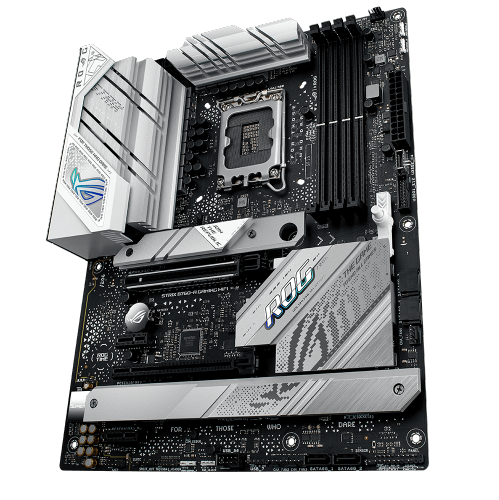
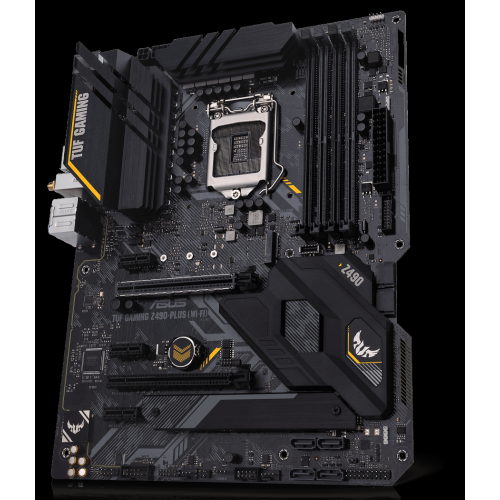
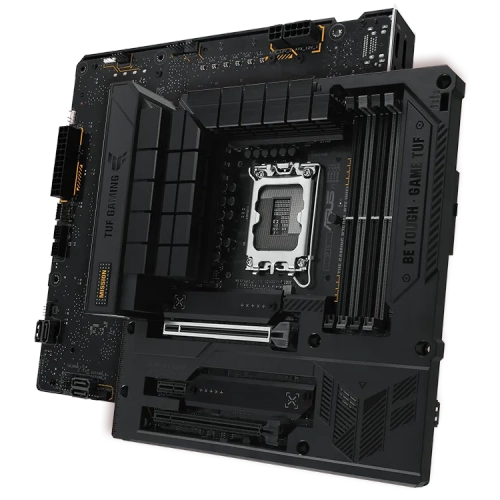
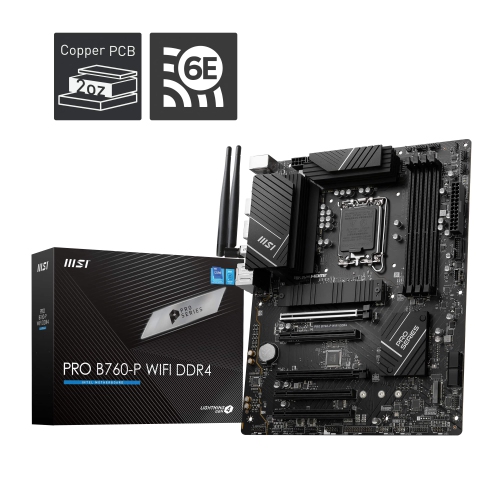
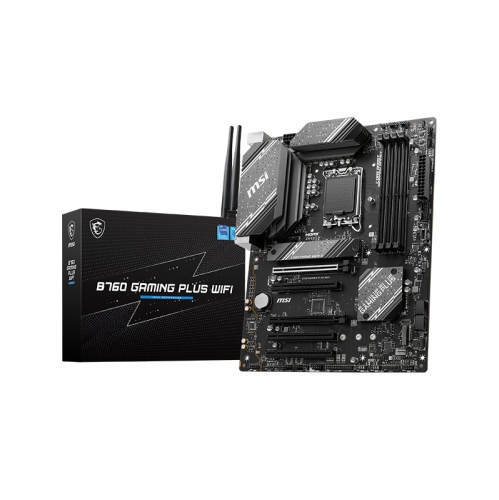
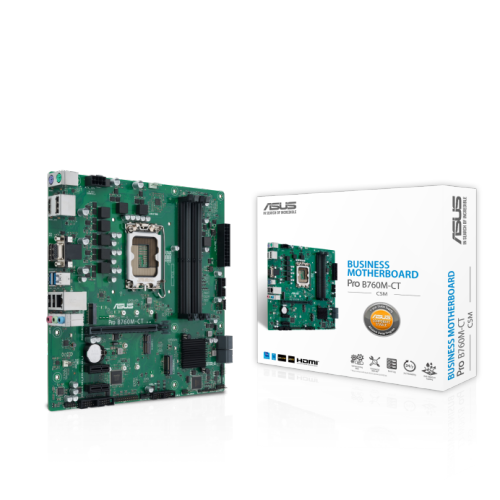
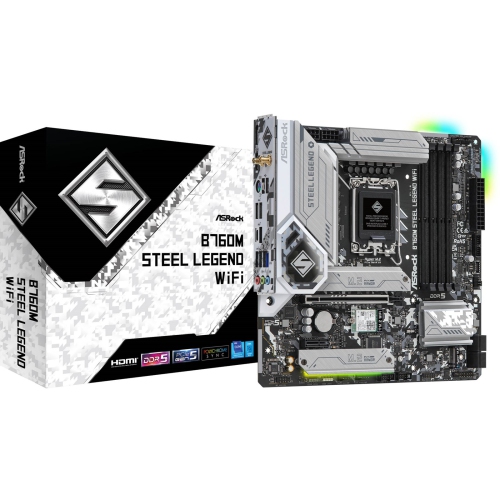
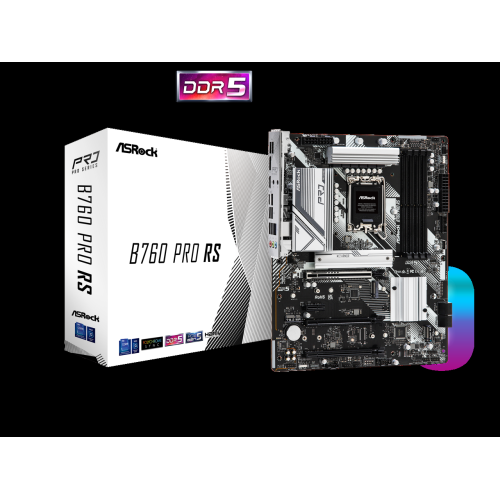
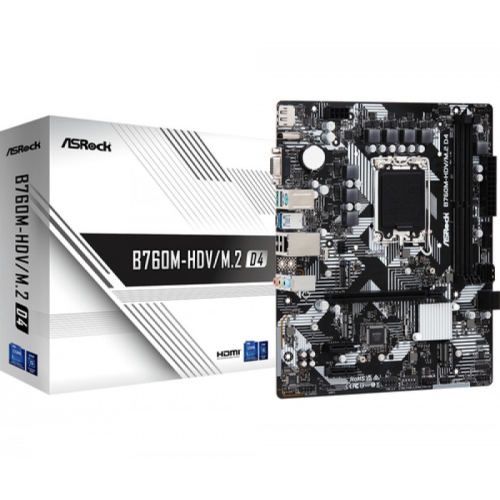
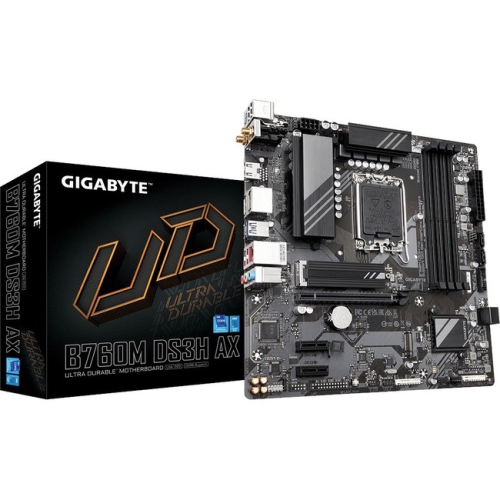
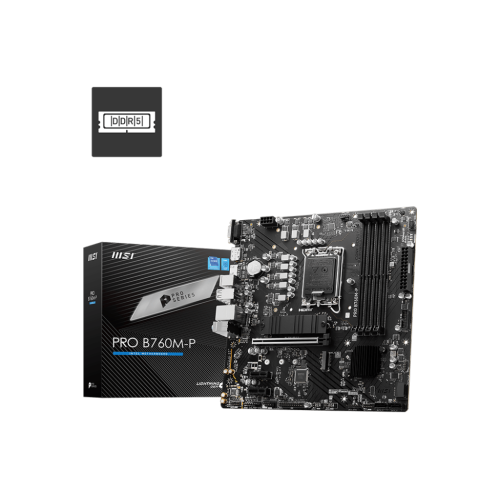
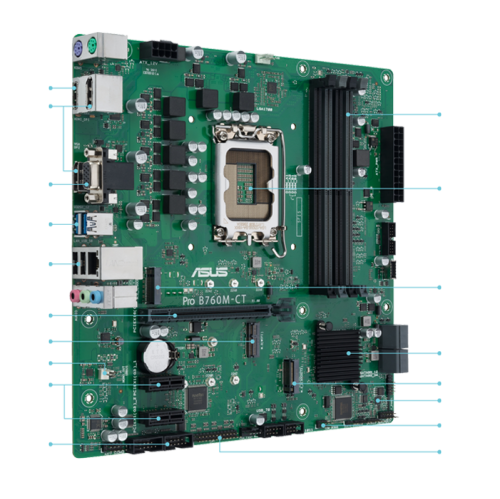
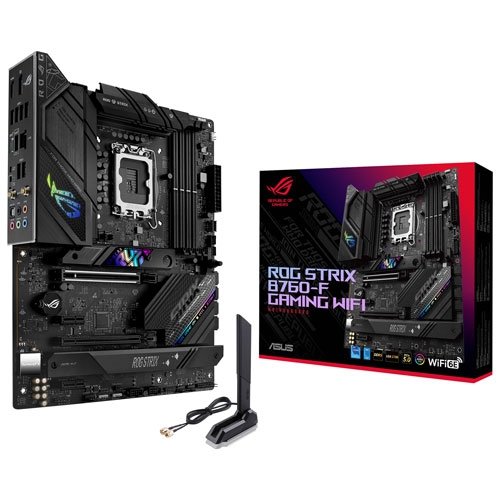

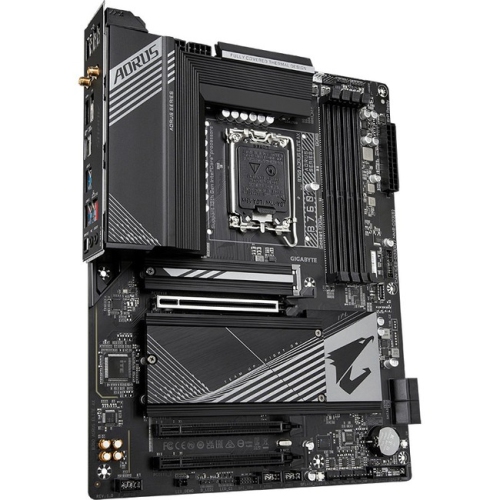
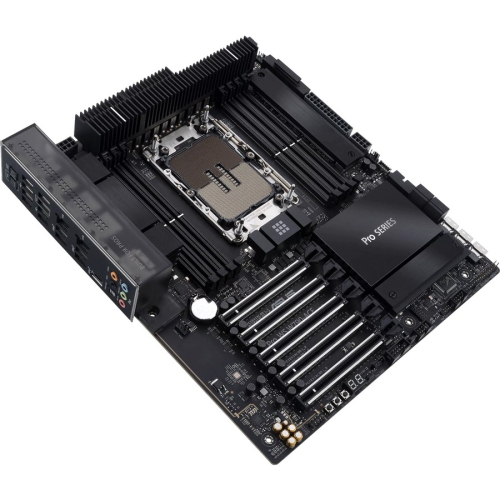
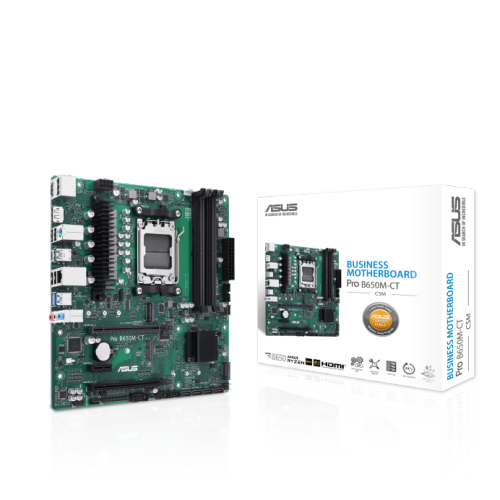
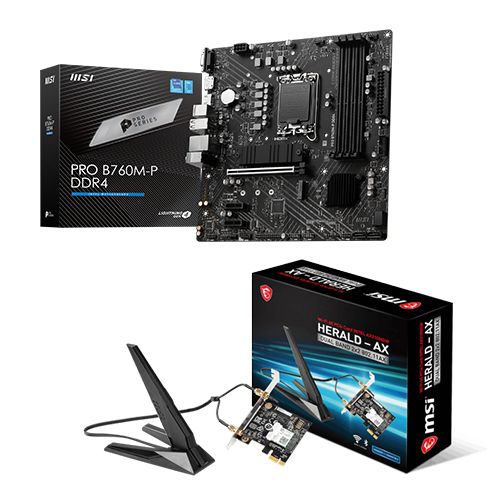
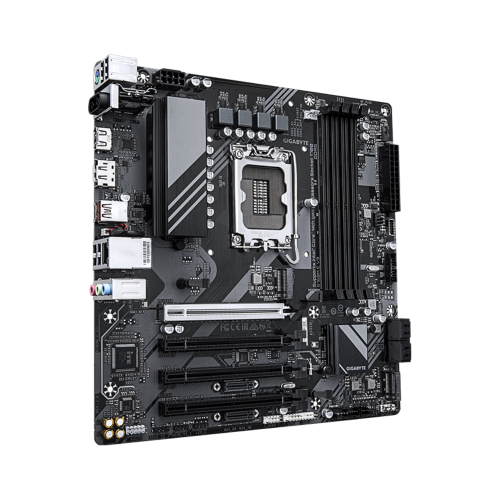
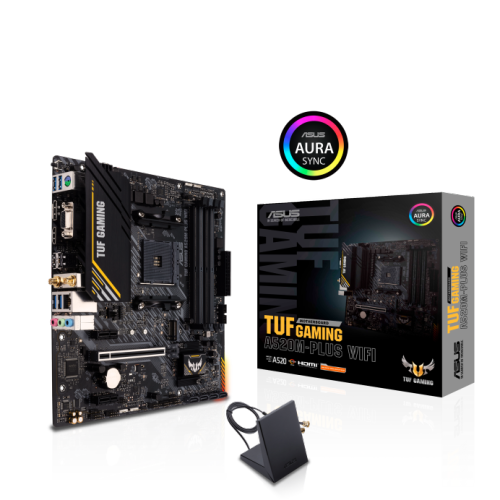
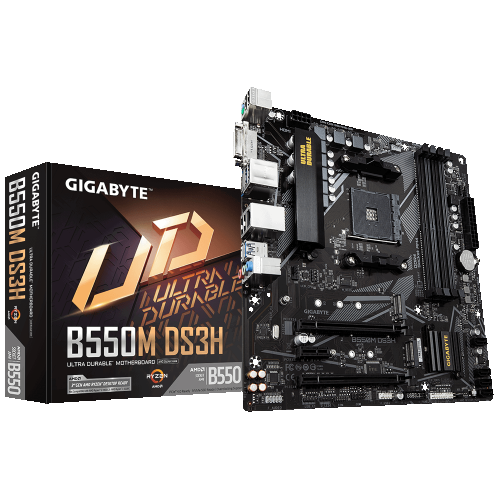
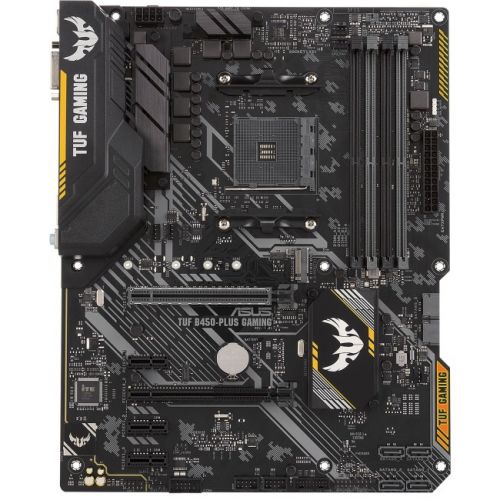
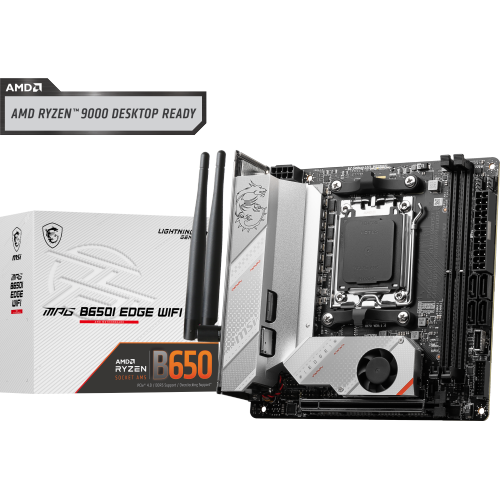
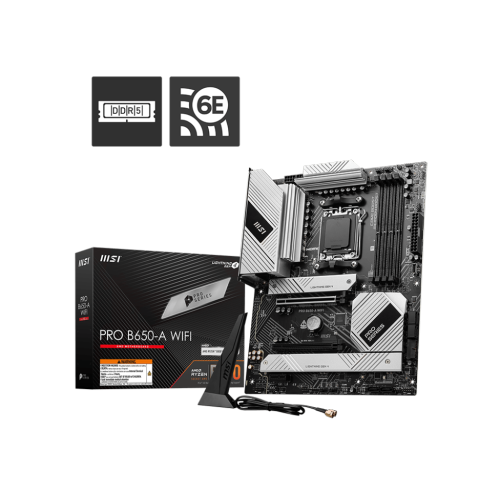
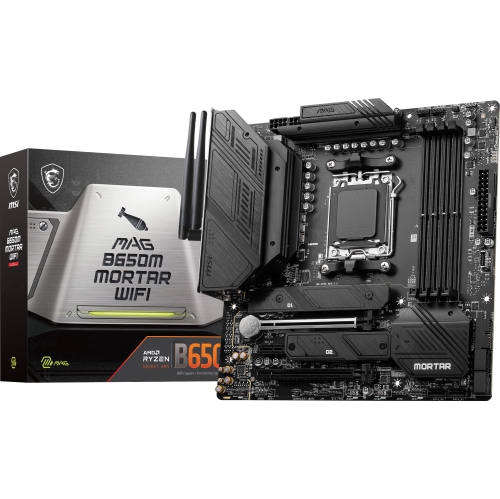
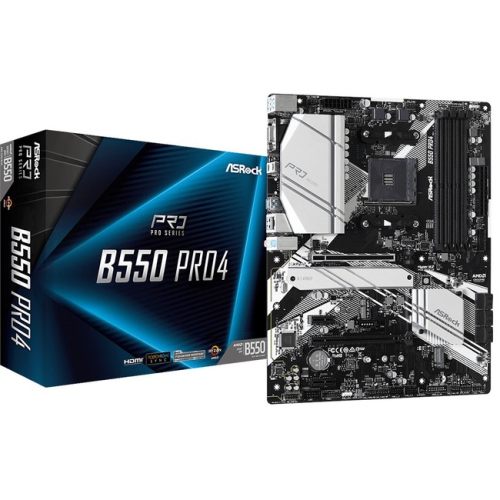
A practical foundation for versatile Intel desktop builds
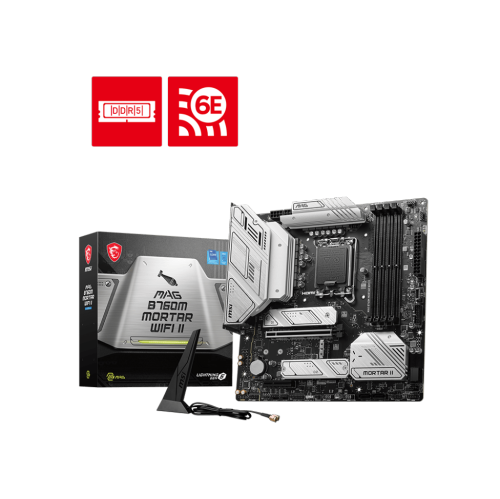
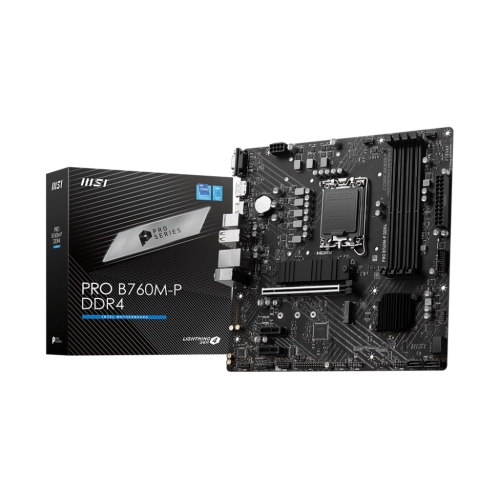
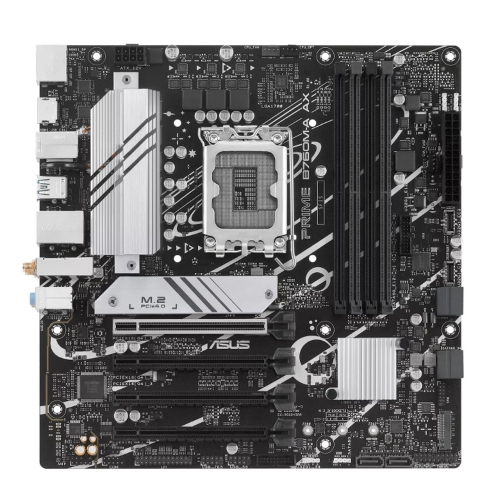
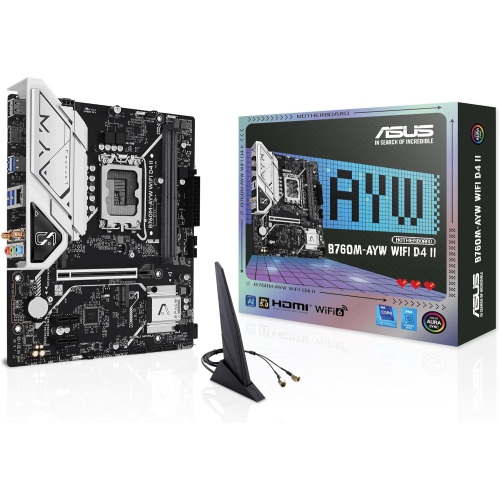
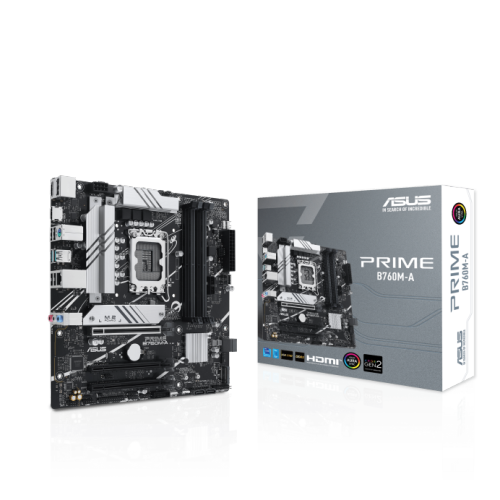
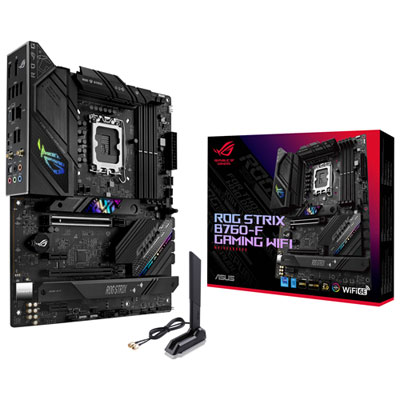
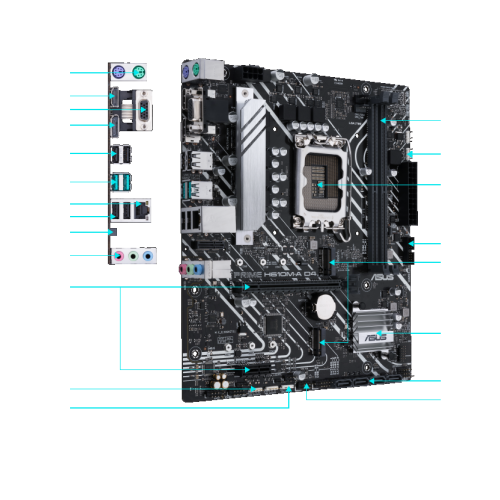
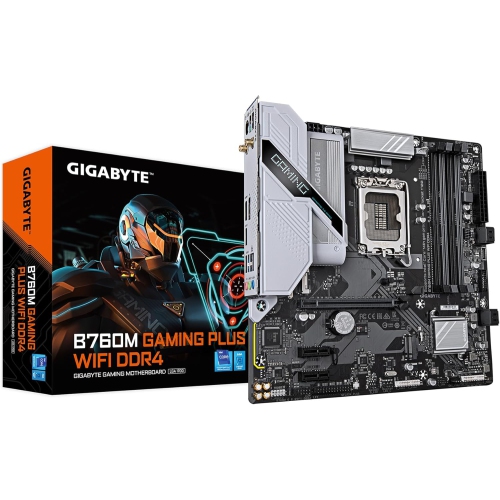
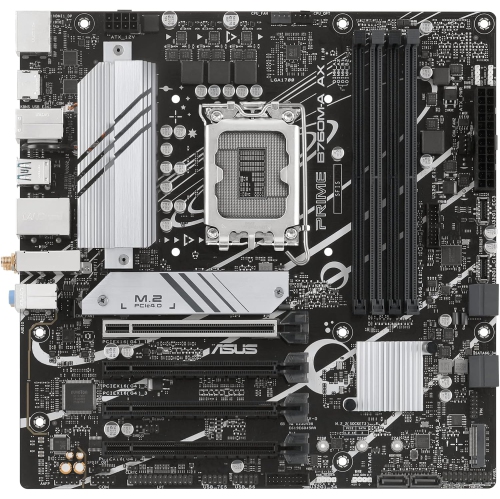
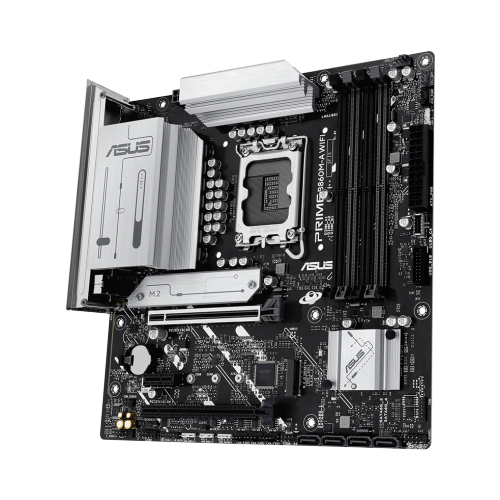
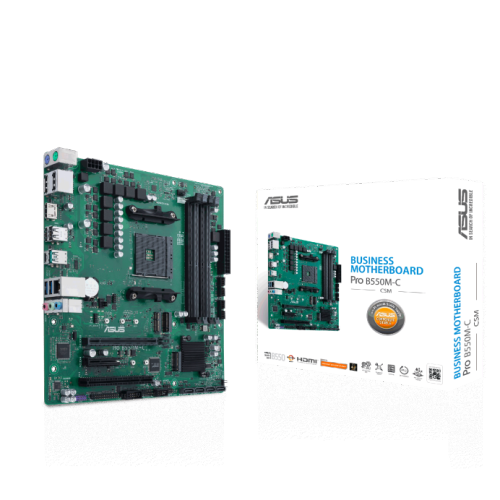
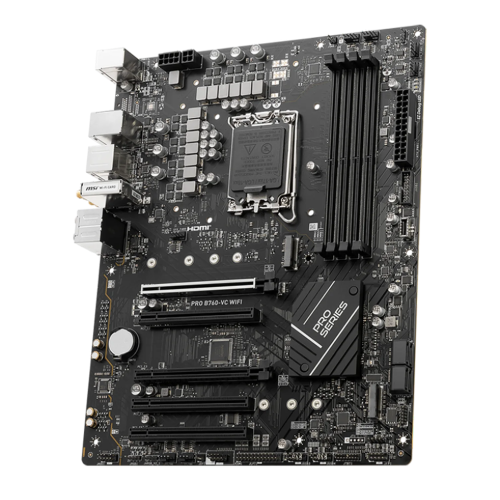
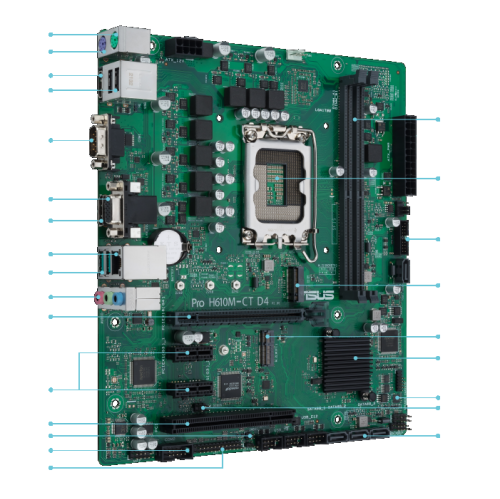
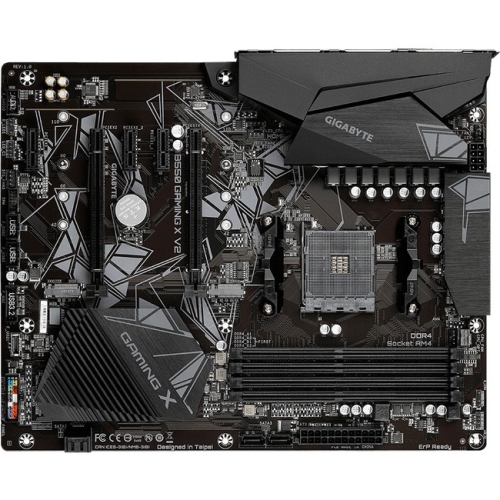
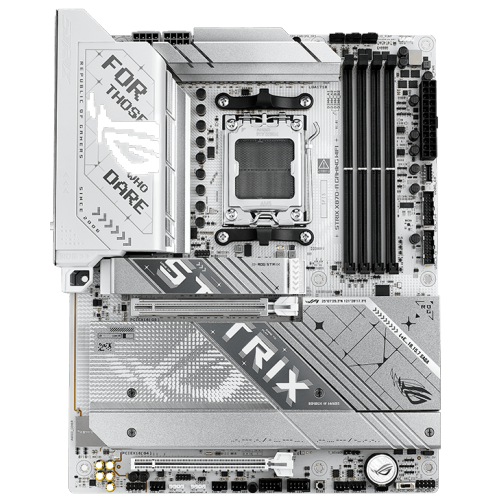
B760 motherboards are a practical foundation for desktop computers built around Intel 12th, 13th, or 14th Generation Core processors. Using the LGA 1700 socket, this chipset suits a wide range of home, school, office, gaming, and creative systems, making it a popular choice for shoppers who want modern features without moving into a higher-tier enthusiast platform. B760 boards are available in several sizes, including full ATX and compact Micro-ATX designs, so the right option depends on the computer case, expansion needs, and workspace. A full-size ATX motherboard generally provides more PCIe slots, memory slots, fan headers, and room for additional storage, while a Micro-ATX board can be a better fit for a smaller case or a straightforward build with one graphics card and a few drives. Check the case specifications before purchasing, since a motherboard and case must support the same form factor. It is also important to match the board’s memory type to the RAM you plan to use. Some B760 motherboards are designed for DDR4 memory, which can help keep the cost of an upgrade manageable when compatible RAM is already on hand. Other versions use DDR5 memory, offering access to newer memory technology for shoppers assembling a new computer. DDR4 and DDR5 are not interchangeable, so confirm the motherboard’s specifications before ordering memory. Processor support should also be checked carefully, particularly with older inventory and 14th Generation chips, as a BIOS update may be required in some cases before the system will start. A board with a suitable BIOS version, or a model with a convenient BIOS update feature, can make installation smoother for a first-time builder.
For storage and graphics, B760 motherboards provide a strong selection of current connections for everyday computing and demanding workloads alike. Many include one or more M.2 slots for PCIe NVMe solid-state drives, allowing the operating system, applications, games, and project files to load quickly without relying solely on traditional 2.5-inch drives. SATA ports remain useful for adding larger storage drives, archival space, or an existing drive from a previous computer. Depending on the model, the primary graphics slot may support PCIe 4.0 or PCIe 5.0, giving shoppers flexibility when selecting a modern graphics card. PCIe generations are designed to work across compatible versions, although the final performance depends on the components installed together. Look at the slot layout as well as the headline specifications, especially if you plan to use a large graphics card, a capture card, a sound card, or other expansion hardware. Rear-panel connectivity can make an everyday difference as well. Common features may include USB-A ports, USB-C connectivity, audio jacks, video outputs for processors with integrated graphics, and wired Ethernet. Select models include 2.5G Ethernet for fast compatible networks, while built-in Wi-Fi 6 or Wi-Fi 6E can be helpful in a room where running a network cable is inconvenient. Wireless capability varies, and some boards require a separate adapter, so confirm whether Wi-Fi and Bluetooth are included before choosing. Pay attention to internal headers for front-panel USB ports, case fans, RGB lighting, and cooling pumps if you are planning a more elaborate build. A motherboard is the connection point for nearly every component, and taking a few minutes to compare these details can prevent surprises once the case is open and the build is underway.
B760 motherboards can be a thoughtful choice for someone building a computer for competitive gaming, digital art, video editing, coding, music production, remote work, or general family use. They are also useful for upgrading an older desktop when the existing platform no longer has the connections or processor support needed for newer software. A practical build might pair a B760 board with an Intel processor, DDR4 or DDR5 memory as appropriate, an NVMe drive, and a dedicated graphics card, while a simpler home or office system may use integrated graphics if the selected processor supports them. For gaming, focus on the graphics card, cooling, power supply, and storage alongside the motherboard rather than treating the board as an isolated purchase. For creative applications, look for enough memory slots, fast storage connections, and rear or internal ports that suit your peripherals. For a quiet everyday computer, fan headers and case compatibility deserve as much attention as expansion potential. Shoppers comparing Intel-based options with another desktop platform may also wish to browse X670 Motherboards to understand how socket, memory, and expansion requirements differ. Before finalizing a B760 motherboard, verify the processor generation, BIOS support, memory standard, form factor, graphics-card clearance, storage interfaces, network features, and power connections. During the warmer months or cooler months alike, a well-matched motherboard helps create a dependable desktop that can handle daily tasks, long gaming sessions, coursework, and creative projects with room for future upgrades. For a gift, it is best suited to a computer enthusiast who has already chosen compatible components, since motherboard size, socket type, RAM generation, and case layout are highly personal parts of a PC build.
For storage and graphics, B760 motherboards provide a strong selection of current connections for everyday computing and demanding workloads alike. Many include one or more M.2 slots for PCIe NVMe solid-state drives, allowing the operating system, applications, games, and project files to load quickly without relying solely on traditional 2.5-inch drives. SATA ports remain useful for adding larger storage drives, archival space, or an existing drive from a previous computer. Depending on the model, the primary graphics slot may support PCIe 4.0 or PCIe 5.0, giving shoppers flexibility when selecting a modern graphics card. PCIe generations are designed to work across compatible versions, although the final performance depends on the components installed together. Look at the slot layout as well as the headline specifications, especially if you plan to use a large graphics card, a capture card, a sound card, or other expansion hardware. Rear-panel connectivity can make an everyday difference as well. Common features may include USB-A ports, USB-C connectivity, audio jacks, video outputs for processors with integrated graphics, and wired Ethernet. Select models include 2.5G Ethernet for fast compatible networks, while built-in Wi-Fi 6 or Wi-Fi 6E can be helpful in a room where running a network cable is inconvenient. Wireless capability varies, and some boards require a separate adapter, so confirm whether Wi-Fi and Bluetooth are included before choosing. Pay attention to internal headers for front-panel USB ports, case fans, RGB lighting, and cooling pumps if you are planning a more elaborate build. A motherboard is the connection point for nearly every component, and taking a few minutes to compare these details can prevent surprises once the case is open and the build is underway.
B760 motherboards can be a thoughtful choice for someone building a computer for competitive gaming, digital art, video editing, coding, music production, remote work, or general family use. They are also useful for upgrading an older desktop when the existing platform no longer has the connections or processor support needed for newer software. A practical build might pair a B760 board with an Intel processor, DDR4 or DDR5 memory as appropriate, an NVMe drive, and a dedicated graphics card, while a simpler home or office system may use integrated graphics if the selected processor supports them. For gaming, focus on the graphics card, cooling, power supply, and storage alongside the motherboard rather than treating the board as an isolated purchase. For creative applications, look for enough memory slots, fast storage connections, and rear or internal ports that suit your peripherals. For a quiet everyday computer, fan headers and case compatibility deserve as much attention as expansion potential. Shoppers comparing Intel-based options with another desktop platform may also wish to browse X670 Motherboards to understand how socket, memory, and expansion requirements differ. Before finalizing a B760 motherboard, verify the processor generation, BIOS support, memory standard, form factor, graphics-card clearance, storage interfaces, network features, and power connections. During the warmer months or cooler months alike, a well-matched motherboard helps create a dependable desktop that can handle daily tasks, long gaming sessions, coursework, and creative projects with room for future upgrades. For a gift, it is best suited to a computer enthusiast who has already chosen compatible components, since motherboard size, socket type, RAM generation, and case layout are highly personal parts of a PC build.
Top selling and popular products
-
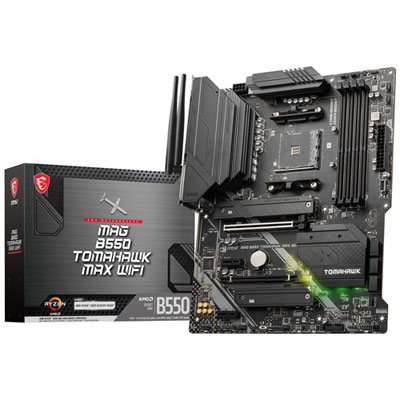 Your price for this item is $224.99
 -
 Your price for this item is $239.99
 -
 Your price for this item is $286.68
 -
 Your price for this item is $349.99
 -
 Your price for this item is $361
 -
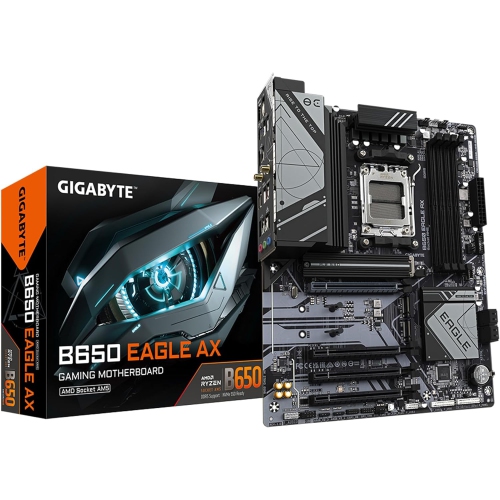 Your price for this item is $209.99
 -
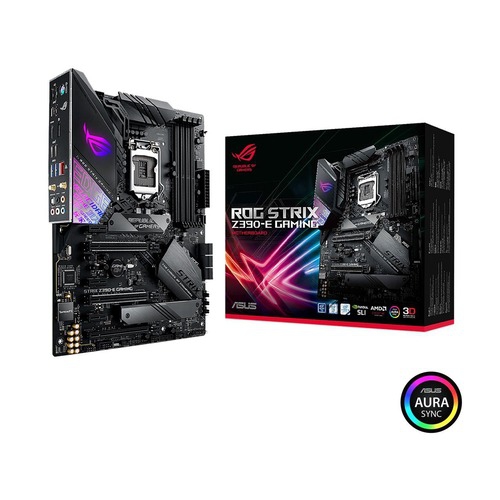 Your price for this item is $350
 -
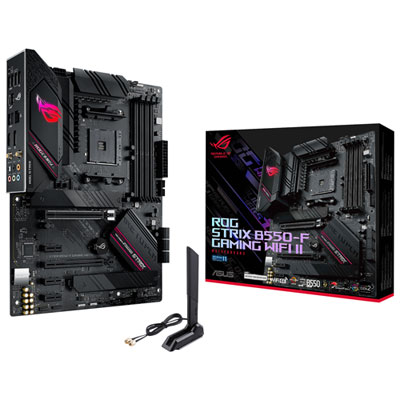 Your price for this item is $259.99
Discover more categories related to B760 Motherboards
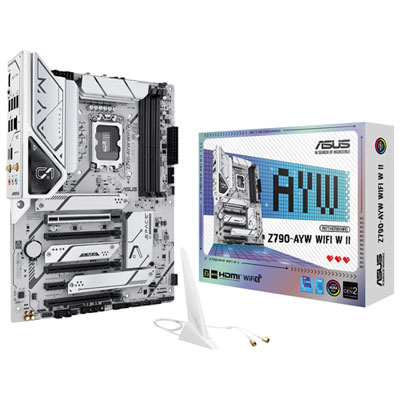
Top Collections:
Pokemon Centers, Kindle Devices, Best Budget Office Chairs, Apple iPhones 16, Best Laptops for Writers, iPhone 15 Apple, Canon G7X Cameras, Refurbished Apple Laptops, Alarm Clock, Motorola Razr Phones
Some products may be subject to Environmental Handling Fees
(EHF) depending on your province.
Learn more about EHFs.