Back To School Curved Monitors For Students
Find back-to-school curved monitors for students to build a study setup for coursework, research, and online classes. Compare screen sizes, resolutions, and connection options to choose a display that fits your desk, works with your laptop or desktop, and gives you room to view notes alongside assignments.











FAQ
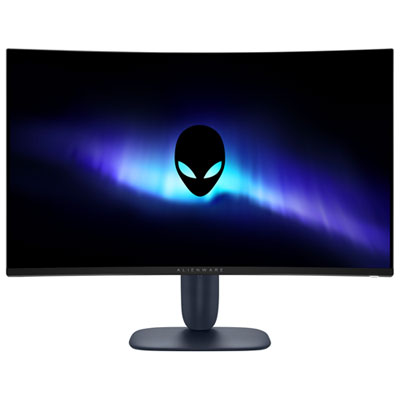
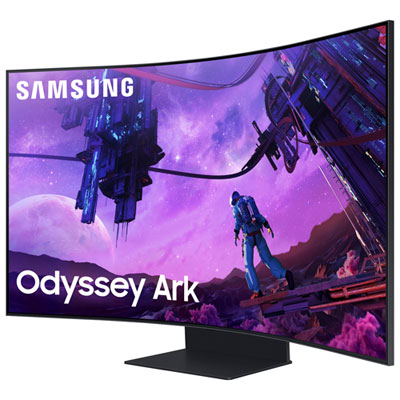
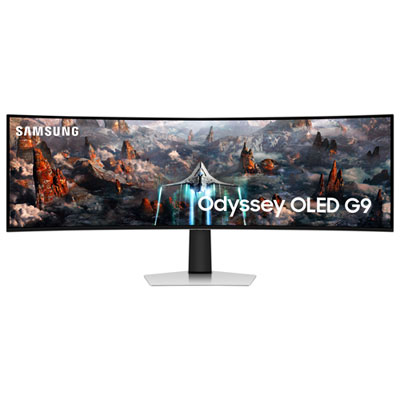
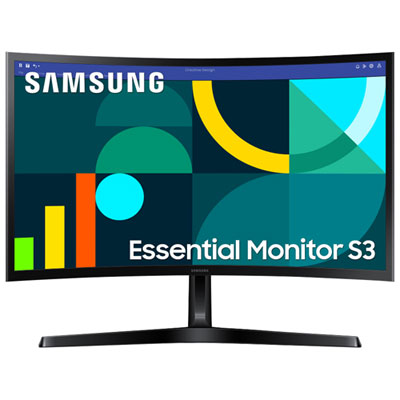
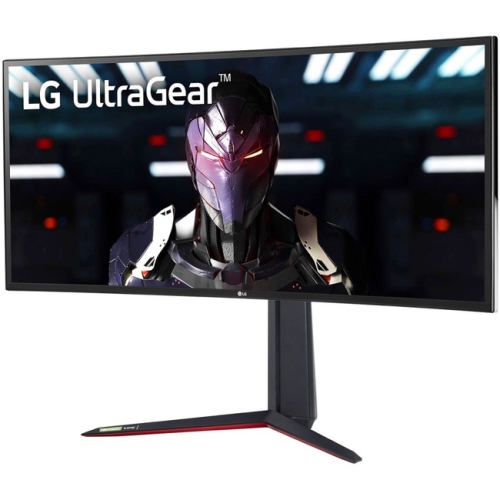
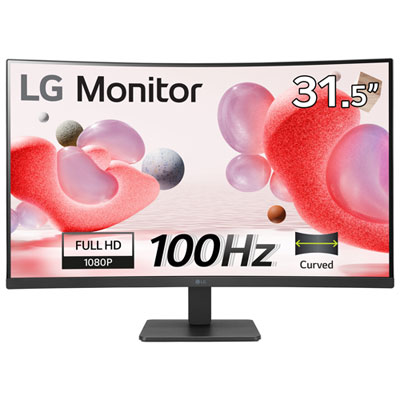
A curved monitor has a display that curves inward rather than remaining flat. It connects to a compatible laptop or desktop and displays coursework, documents, video lectures, and other content. Curved monitors are available with different panel technologies, resolutions, and connection options.
Check the laptop’s video outputs and the monitor’s inputs, such as HDMI, DisplayPort, or USB-C with video support. Not every USB-C port supports video, so confirm the specifications for both devices. Some setups require a compatible adapter or docking station.
Some curved monitors have built-in speakers, while others require separate speakers or headphones. A headphone output, microphone, and webcam are separate features and are not included on every monitor. Check the listed audio and camera features when planning a setup for online classes.
Yes, compatible laptops typically offer extended and mirrored display modes. Extended mode creates separate desktop areas, so students can place lecture notes on one display and an assignment on the other. Mirrored mode shows the same content on both displays. These options are usually found in the operating system’s display settings.
Resolution describes the number of pixels displayed horizontally and vertically. Refresh rate, measured in hertz (Hz), describes how many times the display updates per second. These are separate specifications, and the available settings depend on the monitor, laptop, cable, and connection used.
Top selling and popular products
Discover more categories related to Back To School Curved Monitors For Students
Some products may be subject to Environmental Handling Fees (EHF) depending on your province. Learn more about EHFs.