Back To School Gaming Laptops for Students
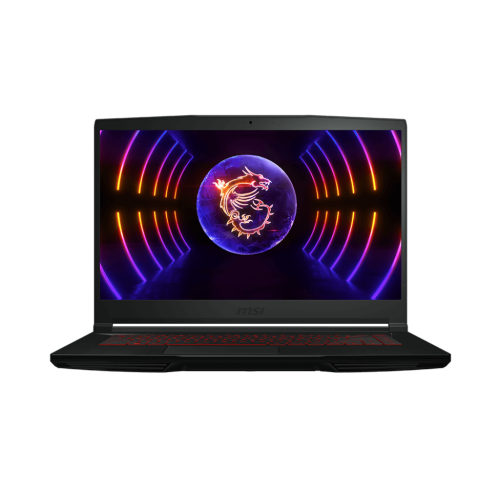
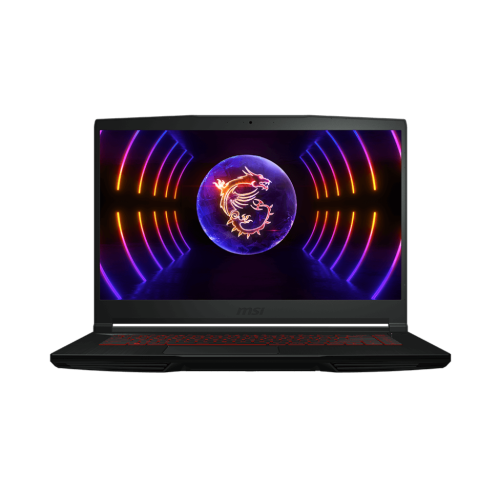
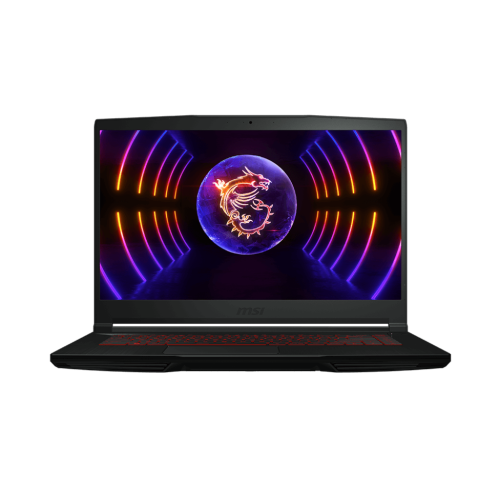
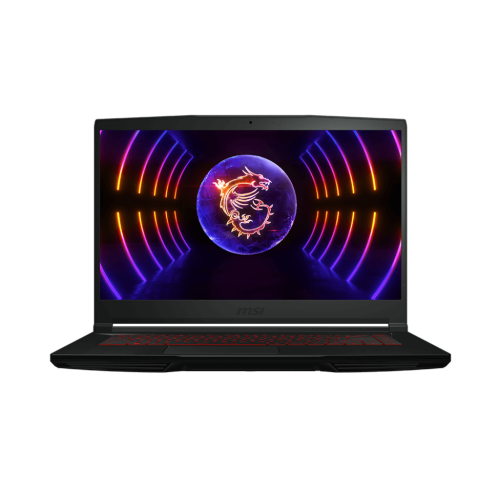
Find back-to-school gaming laptops for students that balance coursework with time to play. Explore laptops for study sessions and PC gaming, comparing graphics, processor performance, memory, and storage to suit your classes and favourite games. Consider battery life, weight, and screen size if you’ll be carrying your laptop between home and campus.
FAQ
Look for a dedicated graphics card, a current-generation processor, an SSD and a keyboard layout that suits your coursework. Check your school’s hardware and operating system requirements, especially for programs that use design, engineering or media software.
Gaming laptops can run school software that is compatible with their operating system and hardware. Before choosing one, check the requirements for your course applications, online learning platform and exam software. Some programs require a particular operating system or software licence.
USB-A and USB-C ports connect accessories such as mice, keyboards and external drives. HDMI or a USB-C port with video support can connect an external monitor. Wi-Fi supports wireless connectivity, while an Ethernet port provides a wired network connection where available. Port capabilities vary, so check their listed functions.
Create separate folders for each course and keep game installations in a dedicated library folder. Use a calendar for assignment deadlines and back up coursework regularly to cloud storage or an external drive. Separate browser profiles can also keep school accounts and personal browsing distinct.
A mouse, headset with a microphone and external keyboard can be useful for both coursework and gaming. An external drive provides another place to store backups, while a USB hub adds connections for peripherals. Check accessory compatibility with the laptop’s ports and operating system.
Top selling and popular products
Discover more categories related to Back To School Gaming Laptops for Students


Some products may be subject to Environmental Handling Fees (EHF) depending on your province. Learn more about EHFs.