Back To School iPads For Students
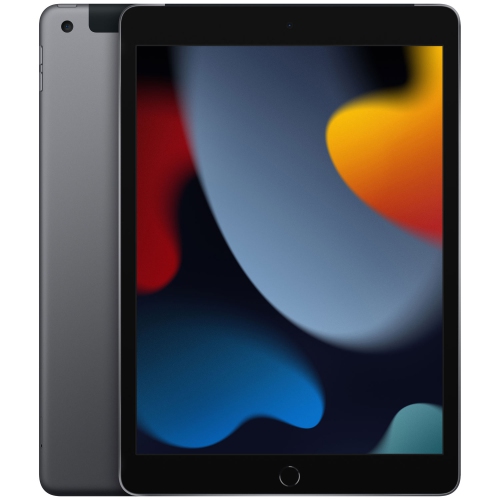
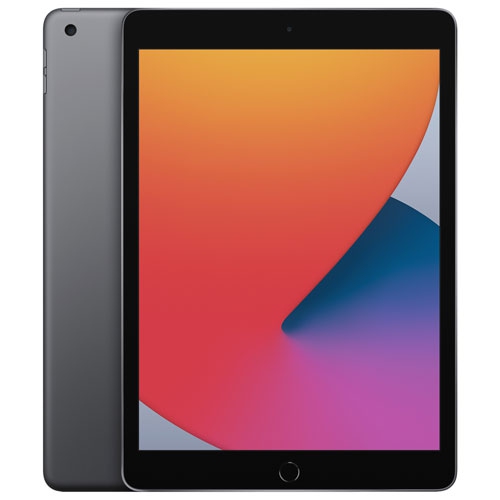
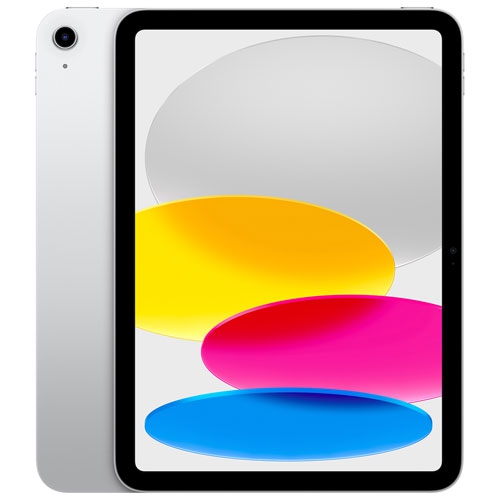
Shop back-to-school iPads for students to find an Apple tablet for taking notes, reading course materials, and keeping assignments organized. Compare screen sizes, storage options, and prices to choose an iPad that fits your coursework and budget, and check keyboard and Apple Pencil compatibility if you plan to type essays or annotate notes.





FAQ
Students can use apps for word processing, presentations, spreadsheets, digital notebooks and course management. Many schools also provide access to learning platforms through apps or a web browser. Check your school’s software requirements, as some courses require desktop applications that are not available on iPadOS.
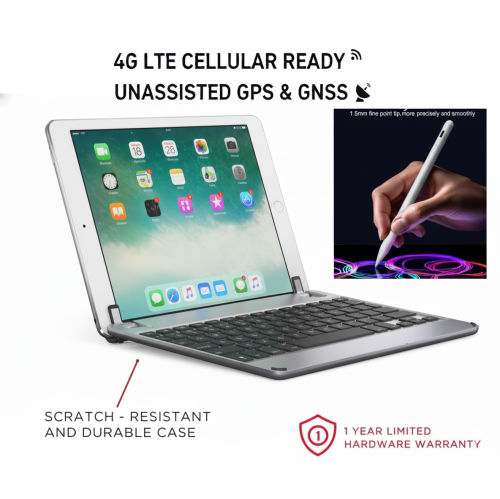
iPads support compatible keyboards for typing assignments, while supported Apple Pencil models allow handwritten notes and document annotation. Accessory compatibility varies by iPad model and generation, so check both before choosing a keyboard, stylus or case.
The Files app lets students organise documents into folders by subject, course or assignment. Compatible cloud storage services can also appear in Files, keeping coursework accessible alongside locally saved documents. Digital notebook apps offer additional ways to group class notes and annotate PDFs.
Many apps let students read downloaded materials, draft assignments and work on saved notes without Wi-Fi. Download the files you need in advance and check whether each app supports offline access. Online quizzes, streaming lessons and cloud syncing generally require an internet connection.
Review your school’s device requirements, required applications and assignment submission formats. Some classes rely on desktop software, browser extensions or connected equipment that may not work with an iPad. Confirm those requirements with your school before deciding whether an iPad will be your main device or a companion to a computer.
Top selling and popular products
Discover more categories related to Back To School iPads For Students
Some products may be subject to Environmental Handling Fees (EHF) depending on your province. Learn more about EHFs.