Back To School Laptops For Presentations
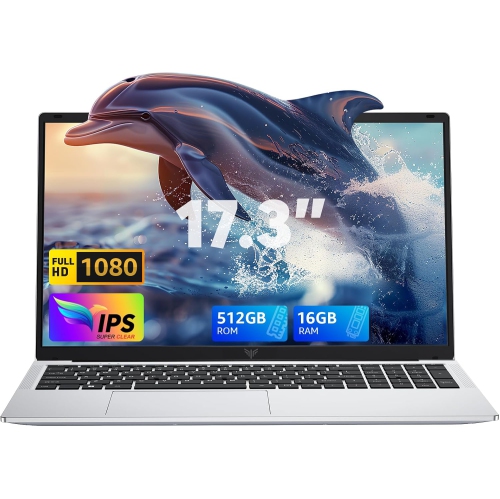
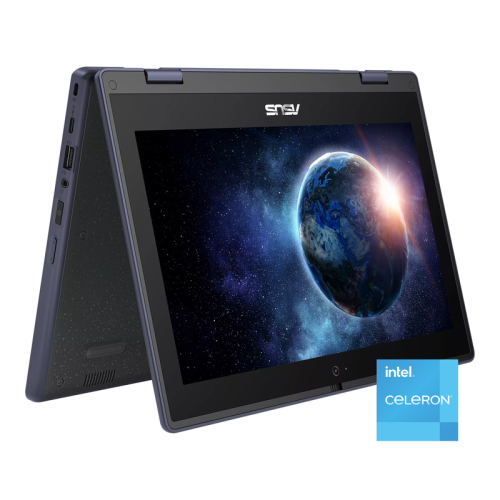
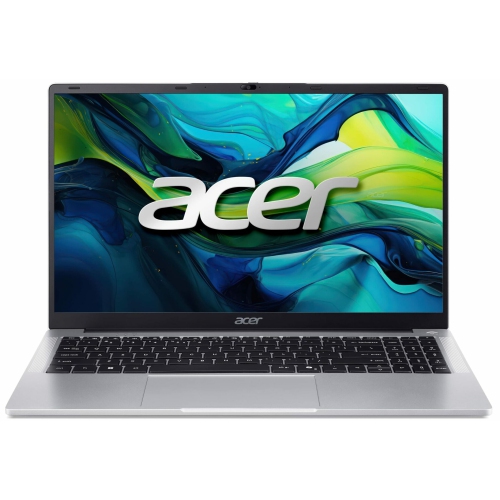
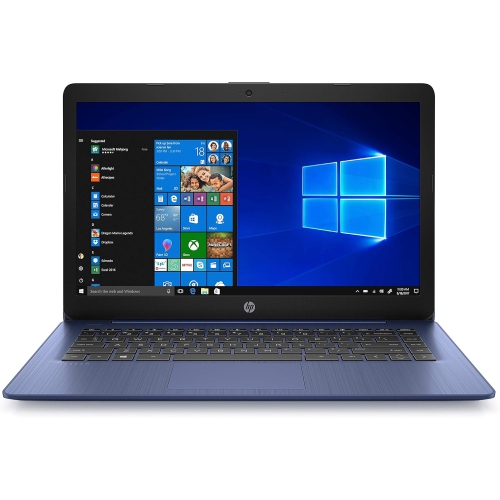
Find back-to-school laptops for presentations, from building class slideshows to sharing group projects. Compare models by screen size, portability, and performance for everyday coursework, and check for ports that match your classroom’s projector or display. A clear webcam and microphone are also worth considering for presenting in online classes.










FAQ
Common options include HDMI for connecting to projectors or displays, USB-A for accessories and USB-C for compatible docks or adapters. Not every USB-C port supports video output, so check the laptop’s specifications and the classroom display’s connection requirements.
Students can create presentations with Microsoft PowerPoint, Google Slides and other presentation apps. Apple Keynote is also available on Mac laptops. Software compatibility and available features vary by operating system, and some schools provide access to presentation tools through student accounts.
Presenter view shows speaker notes, slide previews and presentation controls on the laptop while the audience sees the slideshow on a separate display. It typically requires an extended desktop setup rather than screen mirroring, along with presentation software that supports the feature.
Common formats include PPTX for editable PowerPoint presentations and PDF for sharing slides with a consistent layout. Browser-based tools may also let students share a presentation through a link. When moving between apps, check fonts, animations and embedded media, as these may not transfer exactly.
Presentations saved locally can often be opened without Wi-Fi if compatible software is installed. Browser-based tools may require offline access to be set up in advance. Linked videos, online images and other web-based content may still need an internet connection.
Top selling and popular products
Discover more categories related to Back To School Laptops For Presentations

Some products may be subject to Environmental Handling Fees (EHF) depending on your province. Learn more about EHFs.