Back To School Portable Monitor For Dorm Rooms
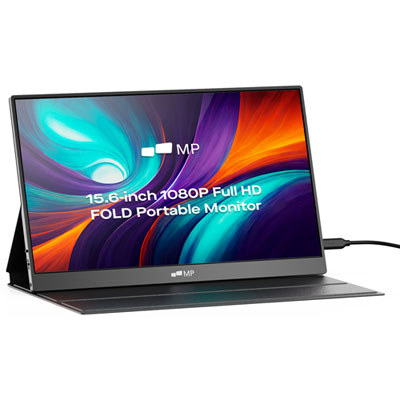
Back-to-school portable monitors for dorm rooms add a second screen to your study setup without taking up much desk space. Browse portable displays for keeping notes, research, and assignments side by side, and compare screen size, resolution, and connection options to find a fit for your laptop and workspace.







FAQ
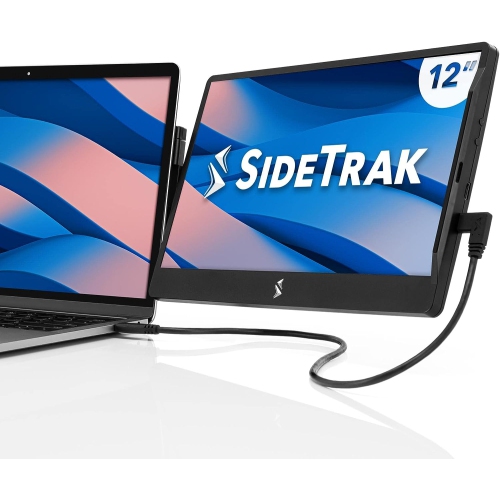
Portable monitors commonly connect through USB-C or HDMI. For a USB-C connection, your laptop’s port must support video output, such as DisplayPort Alt Mode. HDMI connections typically require a separate power cable for the monitor. Check the connection requirements of both devices before choosing cables or adapters.
Some portable monitors receive power and video through one compatible USB-C connection. Others require a separate USB power connection or wall adapter, particularly when using HDMI. Models with built-in batteries also exist, so review the monitor’s power requirements when planning your dorm desk setup.
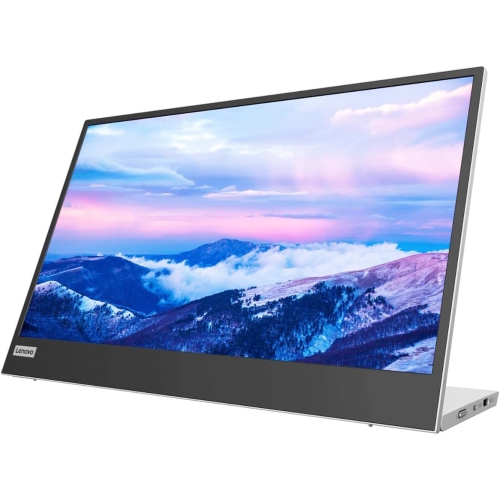
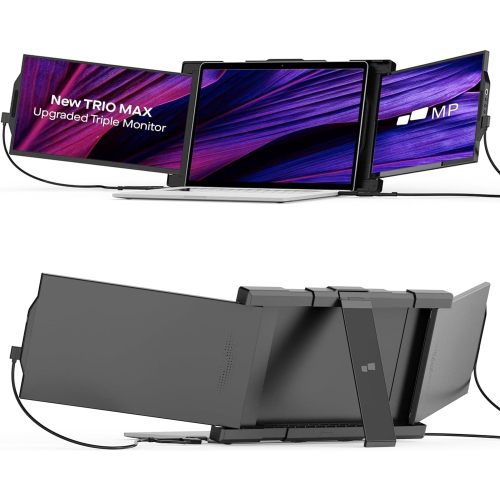
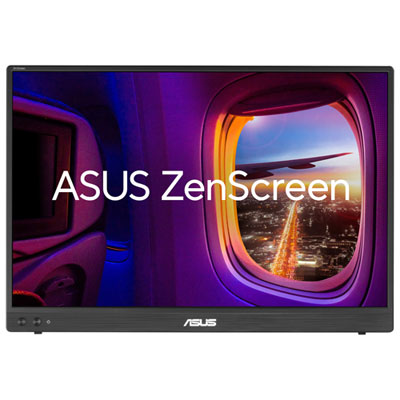
Portable monitors may include an integrated kickstand, a folding cover that doubles as a stand, or a detachable stand. Some support compatible mounting accessories. Look for adjustable viewing angles and check whether the stand supports portrait orientation if you plan to display documents vertically.
Yes, compatible laptops generally let you choose between mirroring and extending the display. Mirroring shows the same content on both screens, while extending lets you place different windows on each screen, such as course notes on one and a document on the other. These options are usually available in your operating system’s display settings.
Some portable monitors have built-in speakers or a headphone jack, while others have no audio output. HDMI and compatible USB-C connections can carry audio, but you may need to select the monitor in your laptop’s sound settings. You can also keep audio routed through your laptop or connected headphones.
Top selling and popular products
Discover more categories related to Back To School Portable Monitor For Dorm Rooms

Some products may be subject to Environmental Handling Fees (EHF) depending on your province. Learn more about EHFs.