Back To School USB Flash Drive For Class Notes
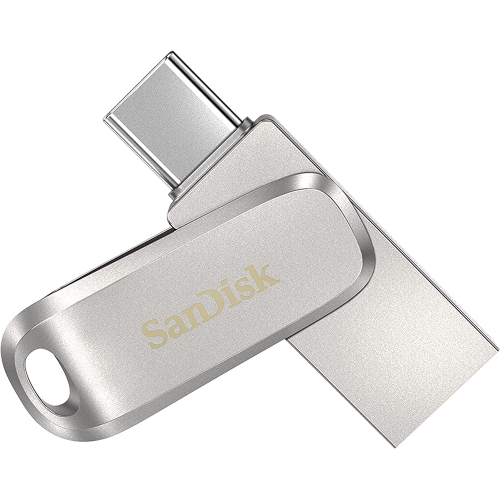
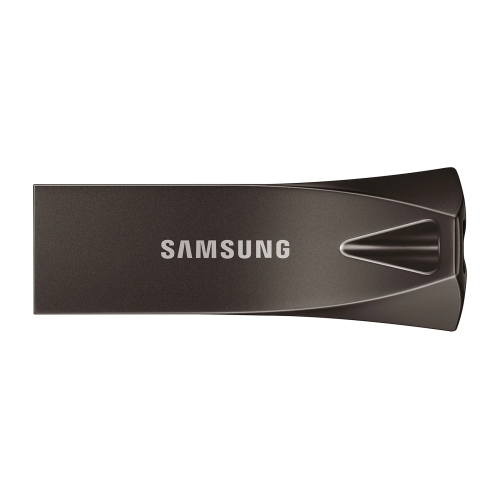
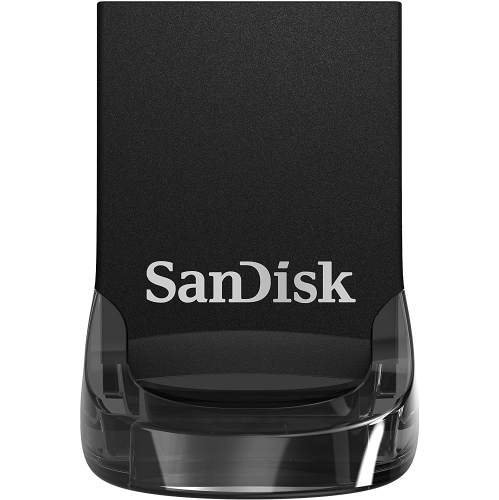
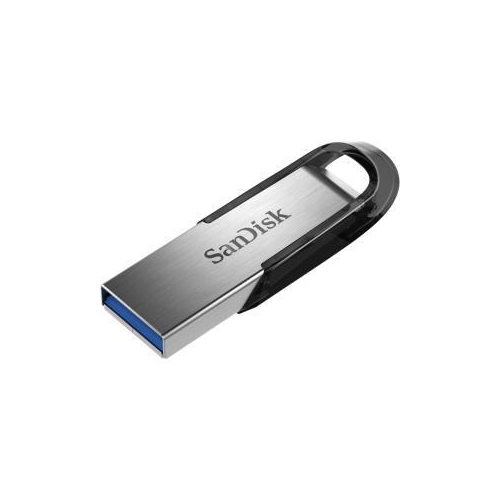
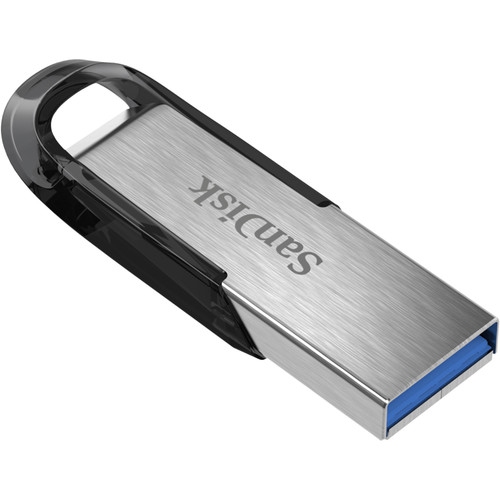
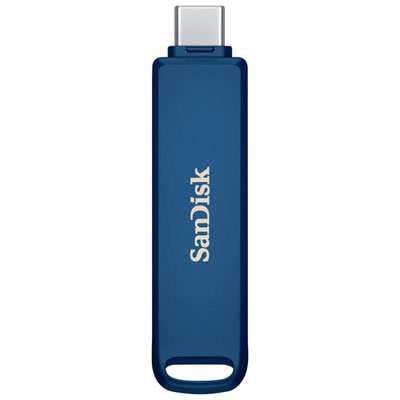
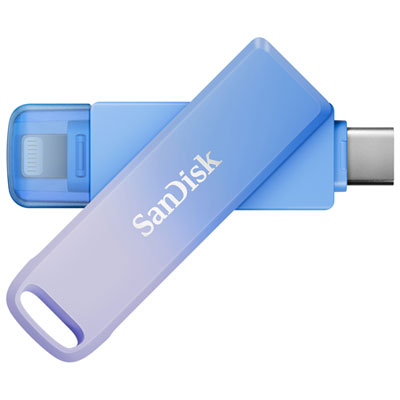
Keep class notes and assignments handy with back-to-school USB flash drives for transferring files between compatible computers. Browse the selection and compare storage capacity and USB connector types to find a portable drive that fits your coursework and works with your laptop or school computer.

FAQ
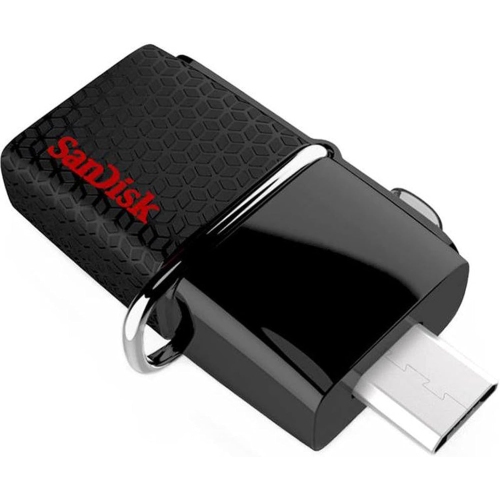
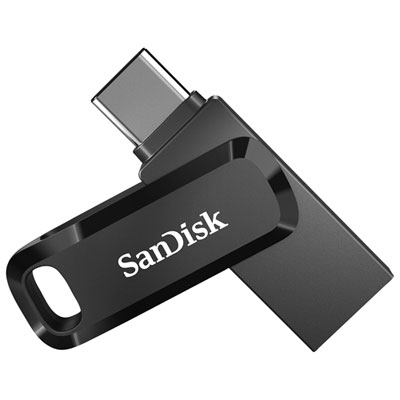
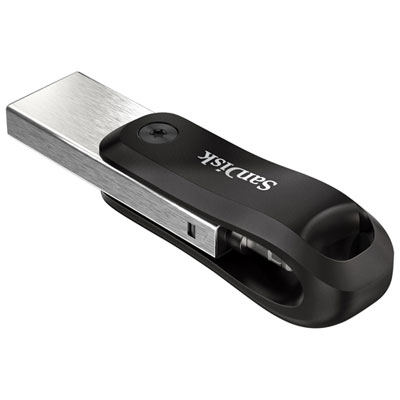
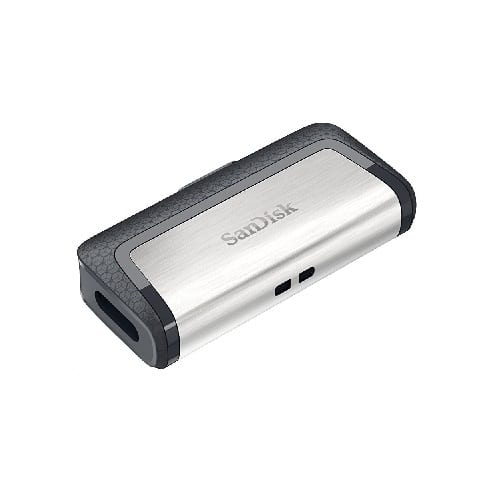
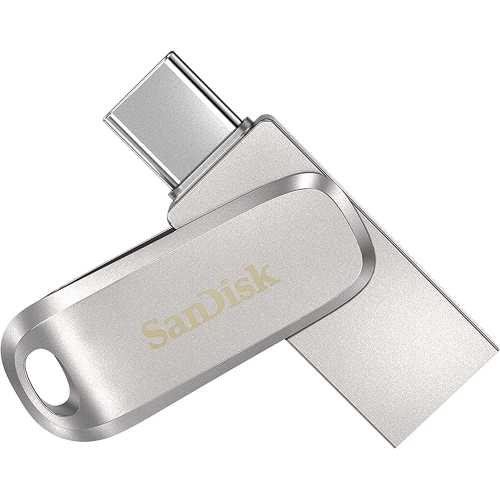
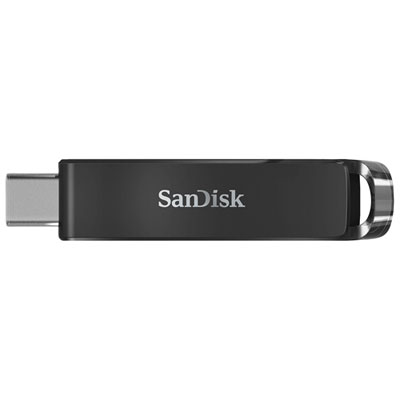
Check which USB ports your school and personal devices have. USB-A and USB-C connectors fit different ports, while dual-connector drives offer both options. Confirm that the drive works with your device’s operating system and that your school permits USB storage on shared computers.
Create a folder for each course, then add subfolders for lectures, assignments and study materials. Use consistent file names that include the date and topic, such as 2026-09-15_Biology_Cell_Notes. A separate folder for each term can keep past coursework distinct from current classes.
A USB flash drive can store documents, PDFs, presentations, spreadsheets and other class files. Opening or editing them requires a compatible app on the device you are using. PDFs are convenient for reading notes across devices, while editable document formats let you continue working on assignments.
Many tablets support USB storage through a compatible port or adapter. If your tablet supports the drive’s file system, you can use its file-management app to copy notes between the tablet and the drive. Notes stored inside an app may need to be exported as documents or PDFs first.
You generally do not need an internet connection to open files stored on the drive, provided your device has a compatible app that works offline. Download cloud-based notes and copy the actual files to the drive before class. A saved shortcut or web link still requires access to its online destination.
Top selling and popular products
Discover more categories related to Back To School USB Flash Drive For Class Notes

Some products may be subject to Environmental Handling Fees (EHF) depending on your province. Learn more about EHFs.