Best Computer Mice for Work
Find the best computer mice for work, ranked by user review ratings to help you compare options for your daily routine. From navigating spreadsheets to tackling detailed projects, the right mouse can make everyday tasks feel smoother. Explore options with the comfort, precision, and connectivity you need for your workspace.
What to look for in computer mice for work
1. Comfort and Fit
2. Connectivity and Compatibility
3. Tracking and Precision
4. Productivity Features
-
1
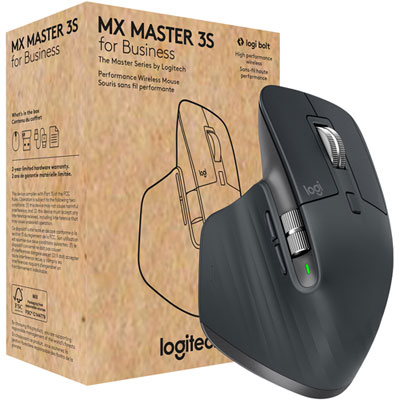
Logitech MX Master 3S Business Wireless Mouse - Graphite
About this product
A graphite wireless mouse with an 8,000dpi sensor for precise tracking on any surface.
(12)$161.99 Your price for this item is $161.99 -
2
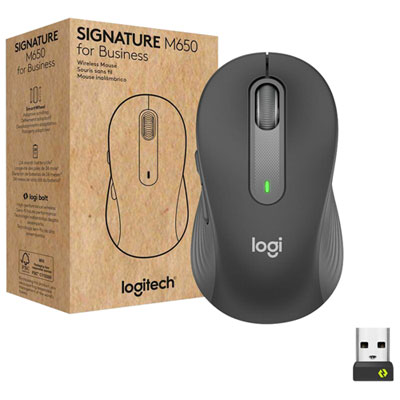
Logitech Signature M650 for Business 4000 DPI Business Wireless Mouse For Small to Medium Sized Hands - Graphite
About this product
A graphite wireless mouse featuring ergonomic design, customizable buttons, and SilentTouch technology for quiet operation.
(8)$69.99 Your price for this item is $69.99 -
3
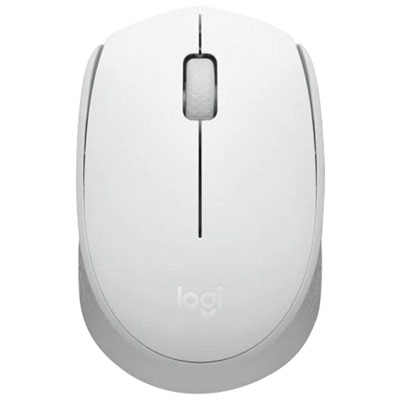
Logitech M170 1000 DPI Bluetooth Optical Mouse - Off-White
About this product
An off-white wireless optical mouse featuring 1000 DPI precision, plug-and-play USB receiver, and power-saving mode.
(1)$34.99 Your price for this item is $34.99 -
4
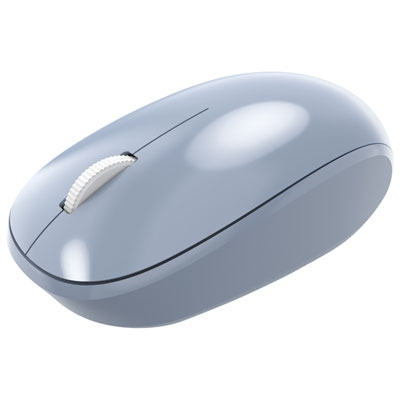
Incase Designed by Microsoft Bluetooth Optical Mouse - Pastel Blue - Only at Best Buy
About this product
A pastel blue Bluetooth optical mouse offering precise 1,000dpi tracking and smooth performance for daily tasks.
(1)$29.99Your price for this item is $29.99SAVE $5 -
5
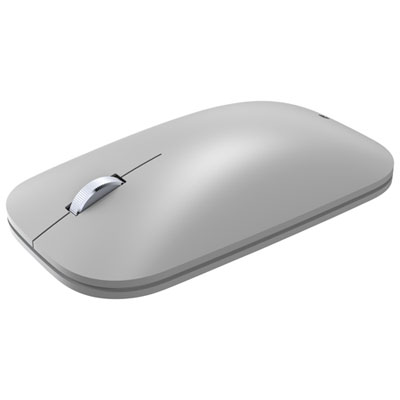
Incase Designed by Microsoft Modern Mobile Bluetooth BlueTrack Mouse - Platinum - Only at Best Buy
About this product
A lightweight platinum mouse with BlueTrack Technology for smooth, precise tracking and easy navigation anywhere.
(9)$49.99Your price for this item is $49.99SAVE $10 -
6
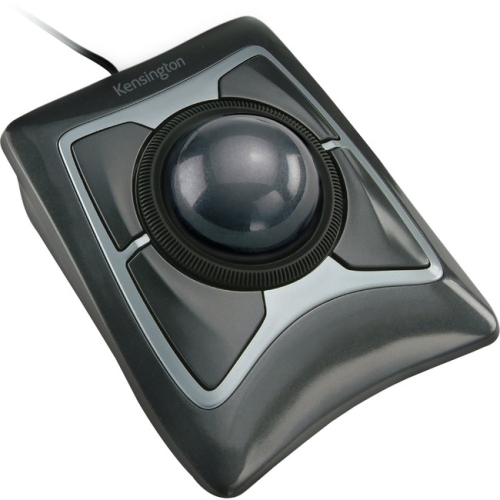
ACCO Kensington Expert Mouse Wired Trackball K64325 - Black/silver, PC/mac Compatible
About this product
A wired optical trackball offering precise cursor control and comfort, compatible with PC and Mac in black and silver.
(19)$88.99Your price for this item is $88.99SAVE $15 -
7
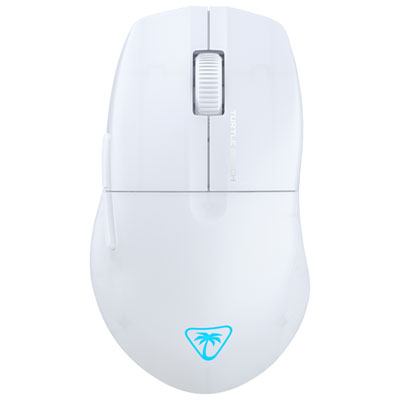
Turtle Beach Pure SEL 8000 DPI Gaming Mouse - White - Only at Best Buy
About this product
A white gaming mouse with 8,000 DPI sensor, ergonomic shape, semi-translucent shell, and RGB lighting.
What customers like
(25)$37.98Your price for this item is $37.98SAVE $12 -
8
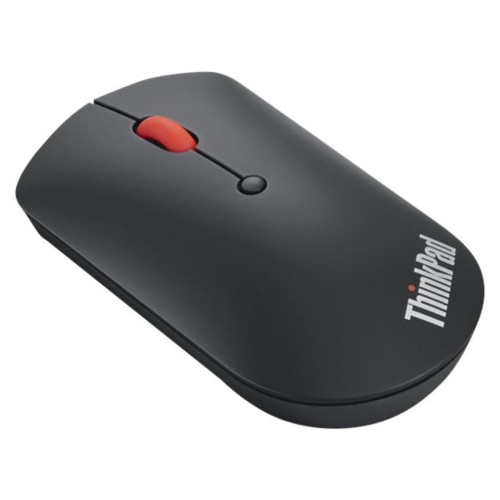
LENOVO Thinkpad 2400 Dpi Bluetooth Optical Mouse - - (4Y50X88822) In Black
About this product
A wireless black optical mouse featuring Bluetooth connectivity, 2400 dpi sensitivity, and a convenient scroll wheel.
What customers like
(837)$56.99Your price for this item is $56.99SAVE $10 -
9
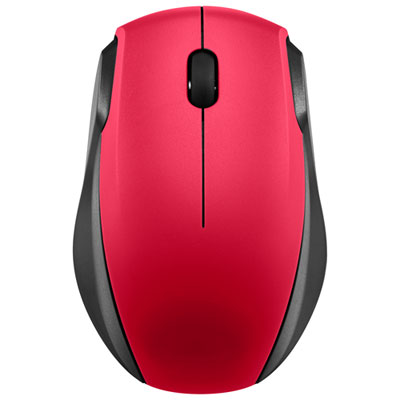
Insignia Wireless Optical Mouse - Red - Only at Best Buy
About this product
A red wireless optical mouse with 2.4GHz connectivity and smart sleep mode for extended battery life.
What customers like
(503)$15.99 Your price for this item is $15.99 -
10
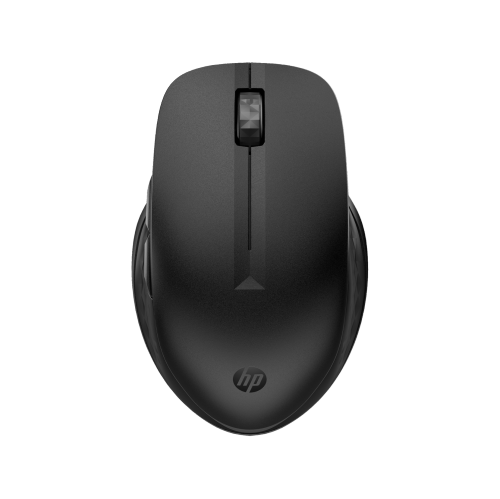
HP 435 Multi-Device 4000 Dpi Bluetooth Wireless Multi Surface Mouse - - (3B4Q5Ut#aba) In Black
About this product
A black Bluetooth wireless mouse with 4000 DPI, multi-surface sensor, and programmable buttons for versatility.
What customers like
(7)$31.99Your price for this item is $31.99SAVE $6
FAQ
Consider the connection type, button layout, scroll wheel options and compatibility with your computer. For office use, you may also want quiet-click buttons, adjustable pointer sensitivity or programmable controls. Some mice include horizontal scrolling for navigating spreadsheets.
Wired mice connect through a USB cable and draw power from the computer. Wireless mice use Bluetooth or a USB receiver and require replaceable batteries or charging. Bluetooth models can connect without occupying a USB port, while receiver-based models need a compatible port.
Some wireless mice support pairing with multiple computers and include a button for switching between them. Depending on the model, connections may use Bluetooth, a USB receiver or both. Check the supported device count and connection options if you alternate between a work laptop and a desktop.
Programmable buttons let you assign actions such as copying, pasting, opening an application or navigating browser tabs. Customization usually requires the mouse manufacturer's software. Some models store settings onboard, while others rely on software installed on each computer.
Check the mouse's supported operating systems and whether it requires Bluetooth, USB-A or USB-C. Basic pointer and click functions may work without additional software, but custom buttons and advanced settings can require a compatible app. If your work computer has installation restrictions, confirm whether the required software is permitted.
Top selling and popular products
Discover more categories related to Best Computer Mice for Work

Some products may be subject to Environmental Handling Fees (EHF) depending on your province. Learn more about EHFs.