Best CPU Air Coolers

Keep your processor cool with some of the best CPU air coolers, ranked by user review ratings. Whether you’re building a gaming PC, upgrading your workstation, or looking for quieter cooling, compare options with your needs in mind. Consider socket compatibility, case clearance, and cooling capacity to find the right fit for your setup.

Read More

What to look for in CPU air coolers

1. Socket Compatibility and Clearance

Confirm that the cooler supports your CPU socket and includes the required mounting hardware. Check its height against your case’s CPU cooler clearance, and make sure the heatsink and fans leave enough room for your RAM and nearby motherboard components.

2. Cooling Performance

Choose a cooler suited to your processor’s heat output and workload, especially for demanding gaming or content creation. Larger heatsinks and dual-tower designs can offer greater cooling capacity, but manufacturer thermal ratings are not directly comparable across brands.

3. Fan Noise and Control

Look for independent noise testing alongside cooling results to understand how a cooler performs under load. PWM fans let a compatible motherboard adjust fan speed with temperature, helping balance cooling and quiet operation.

4. Installation and Maintenance

Look for clear mounting instructions, accessible fan clips, and included thermal paste to simplify setup. A design that makes fans easy to remove can also make dust cleaning more convenient.
Citrus catapult arrow
  1. 1

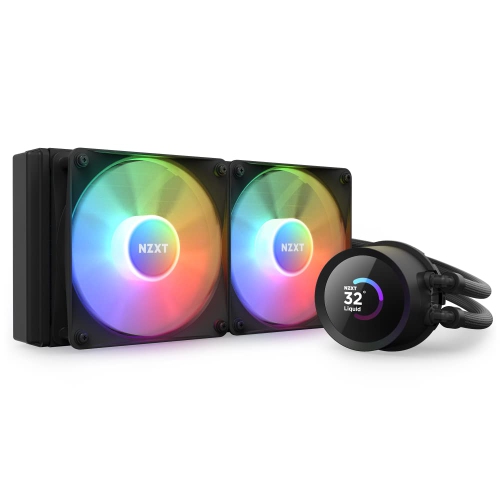
    NZXT T120 T120 Cpu Air Cooler (Rc-Tn120-B1)

    About this product

    A sleek black air cooler designed for efficient CPU cooling and quiet PC performance.

    (7)
    $89.68 Your price for this item is $89.68
  2. 2

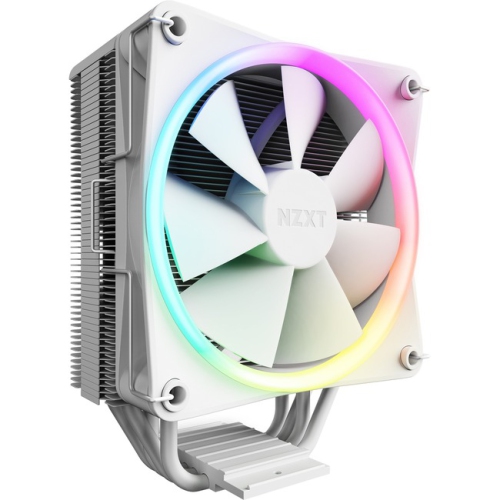
    NZXT T120 RGB T120 RGB Cpu Air Cooler With RGB (Rc-Tr120-W1)

    About this product

    An RGB CPU air cooler delivering efficient cooling performance with customizable lighting effects.

    (6)
    $96.68 Your price for this item is $96.68
  3. 3

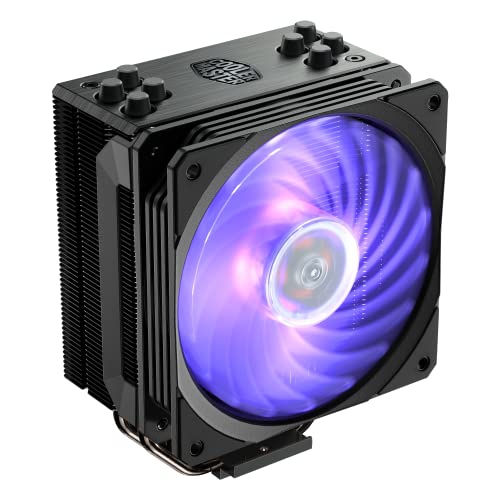
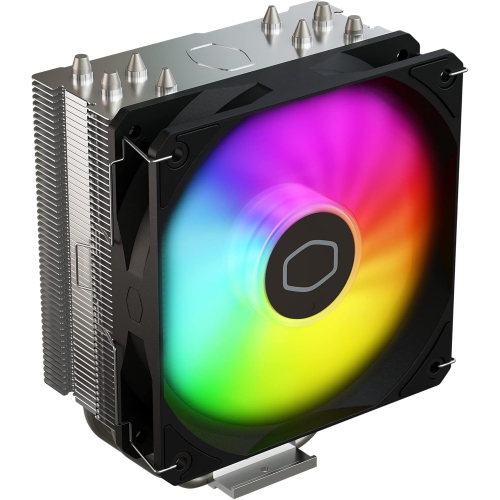
    COOLER MASTER Hyper 212 Edition RGB Cpu Air, Sf120R RGB Fan, Anodized Gun-Metal, Brushed Nickel Fins, 4 Copper Direct Contact Heat Pipes for Amd

    About this product

    An RGB CPU air cooler featuring a gun-metal anodized finish, brushed nickel fins, and copper heat pipes.

    What customers like

    • Great value for the price
    • Attractive RGB lighting and design
    • Quiet and silent operation
    • Easy installation process
    • Effective cooling performance
    (175)
    $70.68 Your price for this item is $70.68
  4. 4

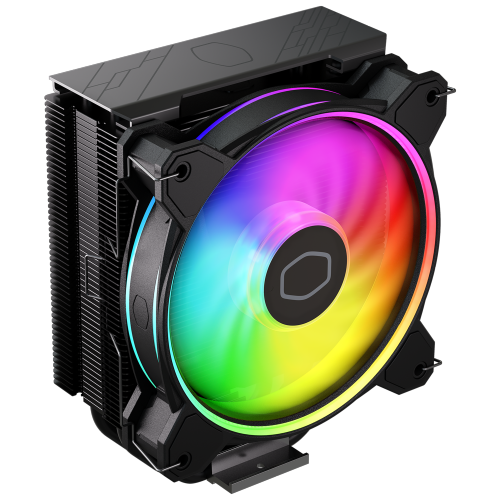
    COOLER MASTER Hyper 212 Halo Cpu Cooler W/ 120MM Fan (Rr-S4Kk-20Pa-R1) In Black

    About this product

    A black CPU cooler designed for efficient heat dissipation and enhanced PC performance.

    What customers like

    • Great value for the price
    • Excellent cooling performance
    • Attractive RGB lighting and design
    • Quiet operation
    • Easy installation process
    (672)
    $43.99
    SAVE $17
    Your price for this item is $43.99
  5. 5

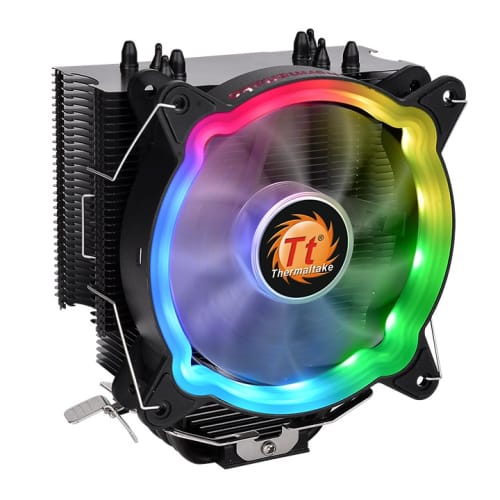
    THERMALTAKE Ux200 Se Ux200 Se Argb Lighting Cpu Cooler (Cl-P105-Al12Sw-A)

    About this product

    A black CPU cooler fan featuring high airflow blades, U-shape copper heatpipes, and vibrant ARGB lighting.

    (8)
    $55.68 Your price for this item is $55.68
  6. 6

    COOLER MASTER R4-120R-20PC-R1 Master Fan Mf120R Air Balance Argb- 120MM Addressable Argb Case Fan Computer Cases Cpu Coolers And Radiators

    About this product

    A 120mm addressable ARGB case fan with air balance technology for CPU coolers and chassis intake.

    What customers like

    • Good cooling performance
    • Colorful design
    • Affordable price
    • Easy installation
    • Quiet operation
    (28)
    $49.99
    SAVE $10
    Your price for this item is $49.99
  7. 7

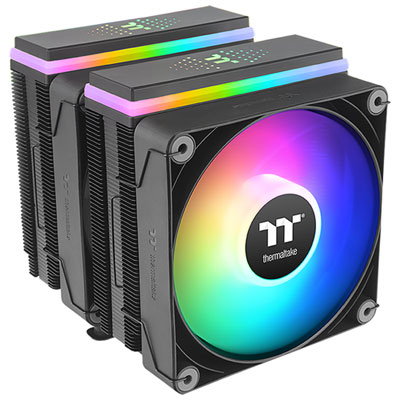
    Thermaltake ASTRIA 600 ARGB CPU Cooler - Black

    About this product

    A black dual-tower CPU cooler with U-shape copper heat pipes and ARGB meteor-shower lighting effects.

    (3)
    $84.98 Your price for this item is $84.98
  8. 8

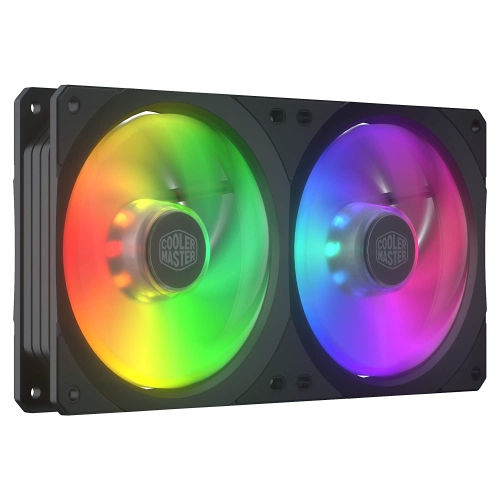
    COOLER MASTER Coolermaster Fn Mfx-B2D2-18Npa-R1 Masterfan Sf240R Argb Retail

    About this product

    A dual ARGB case fan offering customizable lighting and optimized airflow for PC cooling systems.

    $86.68 Your price for this item is $86.68
  9. 9

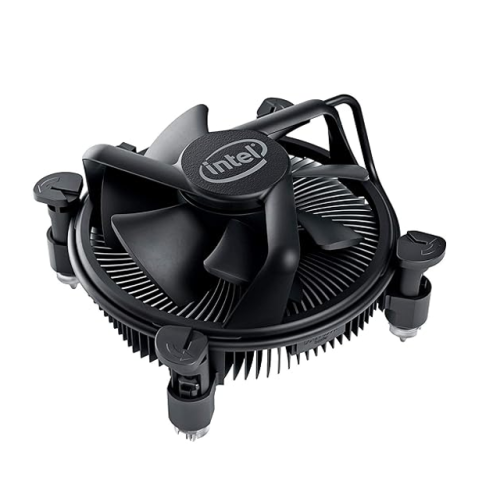
    INTEL Refurbished (Good) Copper Core Aluminum Cpu Fan And Heatsink K69237-001

    About this product

    A refurbished copper core aluminum CPU fan and heatsink designed for efficient cooling performance.

    $14.99
    SAVE $10
    Your price for this item is $14.99
  10. 10

    COOLER MASTER Refurbished (Good) Cyberpowerpc Coolermaster Cpu Cooler C Series Et9430-4301 (Df1202512Rfmn )

    About this product

    A refurbished CPU cooler designed for efficient heat dissipation and reliable performance in desktop computers.

    $31.99
    SAVE $18
    Your price for this item is $31.99

Why bigger heatsinks do not always mean better cooling

The best CPU air coolers balance cooling capacity, noise, and physical fit for the computer they support. A large heatsink alone does not guarantee the best result: the cooler needs a compatible mounting system, enough clearance inside the case, and access to fresh air. CPU air coolers transfer heat from the processor’s heat spreader through a metal base and heat pipes into a stack of thin fins, where a fan moves that heat into the case airflow. Copper is commonly used in bases and heat pipes because it conducts heat well, while aluminium fins provide a broad surface area without excessive weight. Some designs have nickel-plated bases or heat pipes, and others use exposed heat pipes that make direct contact with the processor’s heat spreader. Single-tower coolers offer a practical balance of size and cooling capacity for many everyday desktops and gaming PCs. Dual-tower designs add fin area and often use two fans, making them well suited to processors that produce more heat during demanding tasks. Low-profile coolers serve a different purpose, fitting into shallow cases where a tall tower would prevent the side panel from closing. For someone playing games after work, a well-matched air cooler can keep processor temperatures controlled without a distracting fan rush beside the desk. For someone exporting video, compiling software, or rendering a detailed scene, sustained cooling capacity matters because the processor may stay busy for much longer stretches. Effective cooling helps a processor maintain its intended performance and reduces the likelihood of thermal throttling, although it cannot overcome every power limit or airflow restriction. The strongest match is therefore not always the largest design; it is the cooler that handles the expected workload at an acceptable sound level while fitting comfortably around the rest of the build. Air cooling also appeals to people who prefer a straightforward design without a liquid-cooling pump, with routine attention focused mainly on dust removal and fan operation.

Compatibility begins with the processor socket, but the space around that socket is just as important. A cooler must include mounting hardware for the exact socket in use; support for a processor family name alone is not enough to confirm fit. Case specifications usually state a maximum CPU cooler height, which should be compared with the cooler’s installed dimensions rather than the heatsink alone. Tall memory heat spreaders can sit beneath the front fan of a tower cooler, and raising that fan to clear the memory also increases the overall height. A build that looks spacious with the side panel off can become a tight squeeze once the panel is back in place. Motherboard power-delivery heatsinks, the position of the upper expansion slot, and access to nearby connectors can also affect installation, particularly in compact systems. Offset heatsinks and shorter fin stacks may provide useful clearance, but their dimensions still need to suit the specific layout. For a small desktop on a shared work surface, a low-profile design may offer the necessary fit, with less thermal headroom than a larger tower. In a roomy workstation, a dual-tower cooler may be a better match for prolonged processor-heavy work, provided the mounting system and case can accommodate it. Shoppers comparing High Performance CPU Coolers will find that heat output under sustained load is more useful context than processor branding alone. Published cooler wattage ratings are not standardized across manufacturers, so they are not a reliable standalone basis for comparison. Processor power settings, room temperature, case ventilation, and workload all influence the temperatures a system reaches. A gaming PC that mostly runs short bursts of CPU activity can have different needs from a machine processing a long video export, even when both use the same processor. With demanding processors, air cooling may also involve a trade-off between maximum sustained power and quieter operation. Allowing space for airflow and choosing realistic thermal headroom can make a build easier to live with as workloads change.

Noise quality is another reason CPU air coolers deserve attention beyond their size and fan count. Larger fans can often move useful amounts of air at lower rotational speeds, although blade design, heatsink resistance, bearings, and fan control all affect the sound heard at the desk. A four-pin PWM fan allows a compatible motherboard to adjust fan speed according to its control settings, helping the system stay quieter during light tasks and increase airflow when the processor gets busy. A smoothly configured fan curve can limit abrupt changes in sound when opening applications or switching between tasks. For a computer used for voice calls, music recording, or late-night gaming, that steady behaviour may matter more than a small temperature difference under an extreme test load. Case airflow remains part of the picture: a tower cooler typically works well when its fan direction follows the case’s main intake-to-exhaust path, rather than pushing against it. Installation quality matters too. Thermal paste fills microscopic gaps between the processor and cooler base, while even mounting pressure helps establish effective contact. Any protective film on the contact surface needs to be removed before installation, and the mounting hardware should be tightened according to the cooler’s directions. Once installed, an air cooler generally needs little attention beyond periodic inspection and cleaning. Dust collecting between the fins can restrict airflow, especially in a home with pets or a computer sitting close to the floor. With the system powered off and unplugged, careful cleaning using methods suitable for computer components helps preserve airflow without bending the thin fins; fan blades should be held still when using compressed air. Replaceable fans and secure mounting hardware can support a long service life, though moving a cooler to a future computer still depends on socket support and fit. For a PC enthusiast, an air cooler can also make a thoughtful gift when the processor socket, case clearance, and memory height are already known. Whether the goal is a quieter home office, a tidy compact desktop, or dependable cooling through lengthy gaming sessions, the most useful features are those that suit the complete system.
Read More

FAQ

Some products may be subject to Environmental Handling Fees (EHF) depending on your province. Learn more about EHFs.