Best External Hard Drives for Gaming Laptop
The best external hard drives for gaming laptops offer extra space for growing game libraries, backups, and saved files. Explore options ranked by user review ratings, and compare storage capacity, transfer speeds, and portability to find the right fit for your setup. Whether you’re freeing up internal storage or keeping your collection close at hand, an external hard drive can help you make room for more games.
What to look for in external hard drives for gaming laptops
1. Storage Capacity
2. Drive Speed
3. Connection Compatibility
4. Portability and Power
-
1
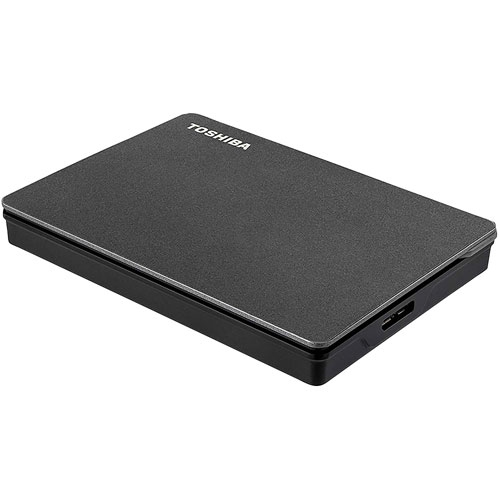
TOSHIBA Canvio Gaming 2Tb USB 3.0 External Hard Drive (HDtx120Xk3Aa)
About this product
A sleek, lightweight external hard drive with 2TB capacity and USB 3.0 for fast game storage.
(3)$210.99 Your price for this item is $210.99 -
2
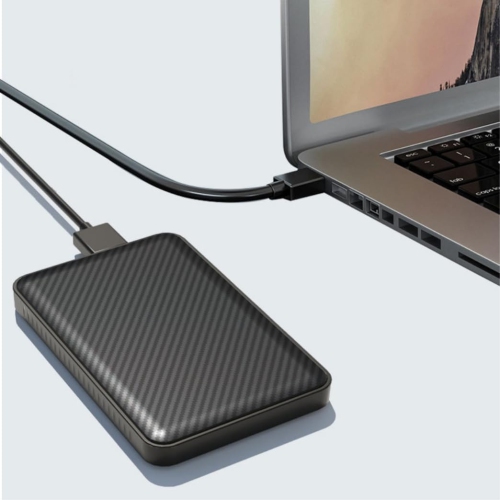
GREEN SCENIC 320 GB External Mobile Hard Drive - USB 3.0 2.5-Inch Portable Hard Drive Ultra-Thin External Hard Drive 5GBps High Speed Hard
About this product
An ultra-thin green external hard drive offering 320GB storage and high-speed USB 3.0 file transfers.
(1)$49.99 Your price for this item is $49.99 -
3
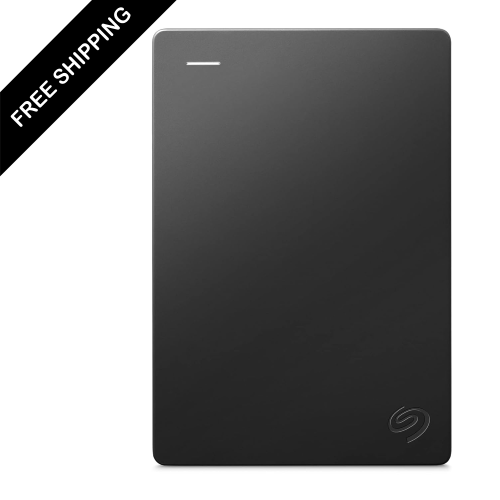
LDAS ELECTRONICS Portable 2Tb External Hard Drive Portable HDD – USB 3.0 for PC, Mac, Ps4, & Xbox - 1-Year Rescue Service In Black
About this product
A portable black external hard drive offering 2TB storage and USB 3.0 connectivity for multiple devices.
(1)$214.99Your price for this item is $214.99SAVE $85 -
4
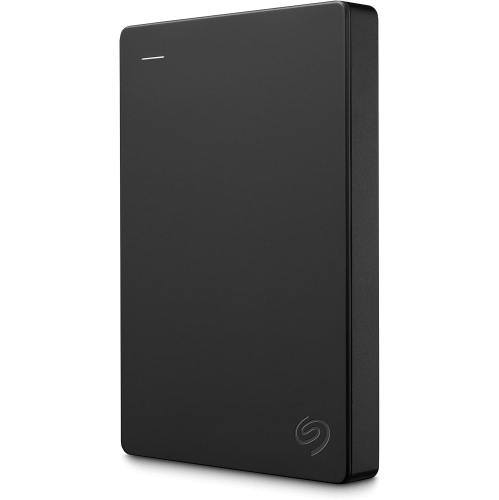
SEAGATE Portable 1Tb External Hard Drive HDD – USB 3.0 for PC, Mac, Ps4, & Xbox, 1-Year Rescue Service (Stgx1000400) In Black
About this product
A portable black external hard drive offering 1TB storage and USB 3.0 connectivity for multiple devices.
What customers like
(53)$192.99Your price for this item is $192.99SAVE $13 -
5
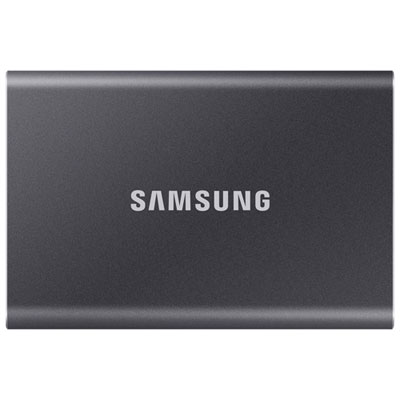
Samsung T7 2TB USB 3.2 External Solid State Drive (MU-PC2T0T/AM) - Grey - English
About this product
A portable grey SSD offering 2TB storage and ultra-fast USB 3.2 read/write speeds for secure backups.
What customers like
(2,468)$649.99 Your price for this item is $649.99 -
6
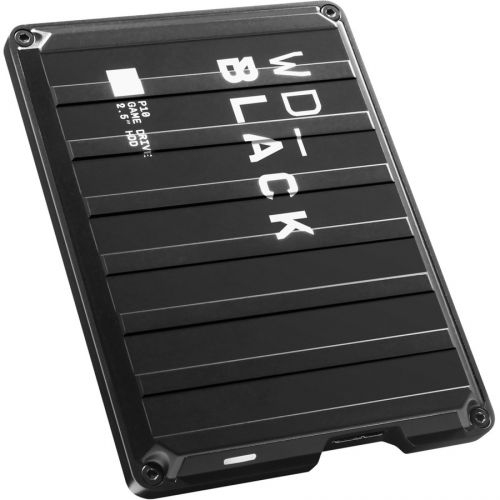
WESTERN DIGITAL Wd P10 Wdba3A0040Bbk 4 Tb Hard Drive - 2.5" Drive - External - Portable - In Black
About this product
A portable external hard drive in black with 4TB capacity and fast USB 3.2 connectivity.
What customers like
(1,155)$329.99Your price for this item is $329.99SAVE $100 -
7
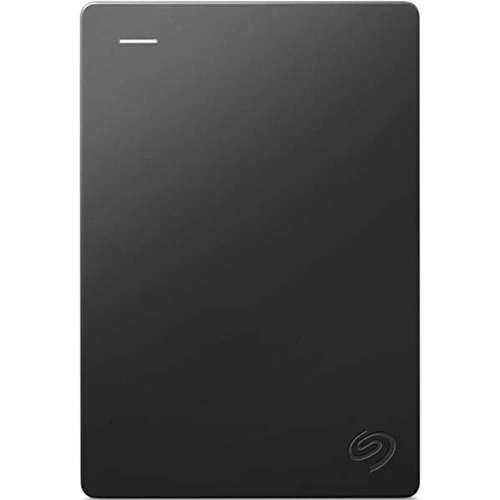
SEAGATE Portable 2Tb External Hard Drive Portable HDD – USB 3.0 for PC, Mac, Ps4, & Xbox - 1-Year Rescue Service (Stgx2000400) In Black
About this product
A portable 2TB external hard drive with USB 3.0 connectivity, compatible with PC, laptop, and Mac.
What customers like
(139)$251.68 Your price for this item is $251.68 -
8
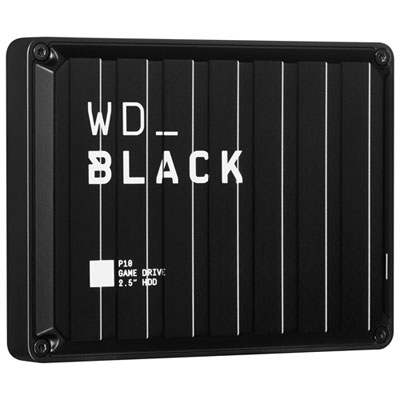
WD_BLACK P10 Game Drive 5TB USB 3.2 Portable External Hard Drive (WDBA3A0050BBK-WESN)
About this product
A high-performance black portable hard drive offering 5TB storage for expanded gaming on console or PC.
What customers like
(536)$414.99 Your price for this item is $414.99 -
9
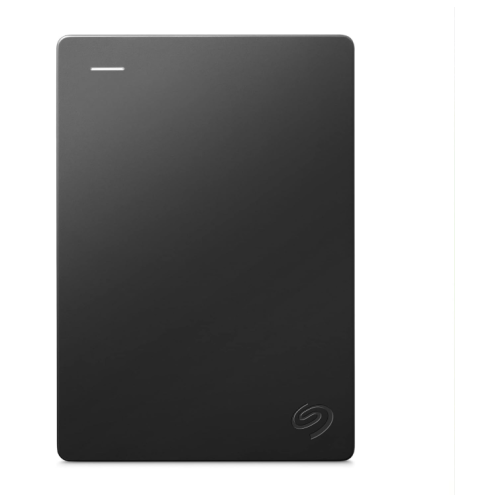
SEAGATE Portable 5Tb External Hard Drive HDD – USB 3.0 for PC, Mac, Ps4, & Xbox - 1-Year Rescue Service (Stgx5000400) In Black
About this product
A portable black external hard drive offering 5TB storage and USB 3.0 compatibility for multiple devices.
What customers like
(92)$369.99Your price for this item is $369.99SAVE $130
FAQ
Check the drive’s operating system compatibility, connection type and power requirements. Confirm that your laptop has a matching port or a compatible adapter, and check whether the drive draws power through USB or requires a separate power adapter.
Many PC game launchers let you choose an external hard drive as an installation location. You may need to create a game library folder on the drive through the launcher’s settings. Support varies by game and launcher, and the drive must remain connected while you play games installed on it.
An external hard drive stores data on spinning magnetic platters, while an external SSD uses flash memory with no moving mechanical parts. Both can connect to a gaming laptop through USB, but they use different storage technologies. Check the product specifications to confirm which type you are buying.
NTFS is commonly used for game libraries on Windows laptops. For a Mac, the appropriate format depends on your macOS version and the game launcher’s requirements. Although exFAT supports file sharing between Windows and macOS, some game installations require a different format.
Yes, multiple launchers can generally keep their game libraries on the same external hard drive. Set up a separate library folder for each launcher and select it in that launcher’s storage or installation settings. Each launcher manages its own installations, updates and account requirements.
Top selling and popular products
Discover more categories related to Best External Hard Drives for Gaming Laptop


Some products may be subject to Environmental Handling Fees (EHF) depending on your province. Learn more about EHFs.