Best External Storage Devices
Keep your files close at hand with the best external storage devices, ranked by customer review ratings. Whether you need extra room for photos and videos, a backup for important documents, or portable storage for work and school, explore options that suit your needs. Compare storage capacity, transfer speeds, and device compatibility to find the right fit for your setup.
What to look for in external storage devices
1. Storage Capacity
2. Drive Type and Speed
3. Device Compatibility
4. Portability and Protection
-
1
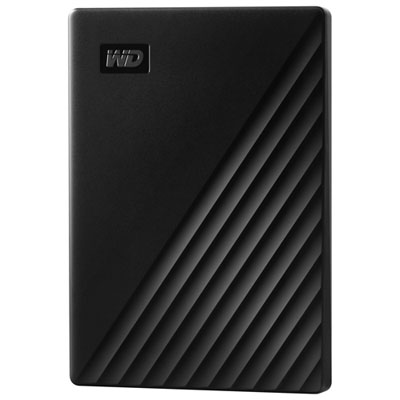
WD My Passport 1TB USB Portable External Hard Drive (WDBYVG0010BBK-WESN) - Black
About this product
A slim black portable hard drive offering 1TB storage with password protection and hardware encryption.
What customers like
(2,569)$214.99 Your price for this item is $214.99 -
2
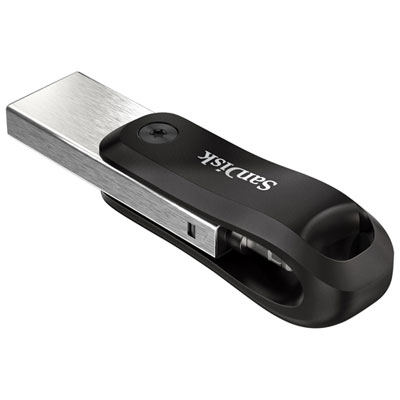
SanDisk iXpand 256GB USB 3.0 / Lightning Flash Drive
About this product
A versatile black and silver flash drive with Lightning and USB 3.0 connectors for secure file transfers.
What customers like
(1,405)$169.99 Your price for this item is $169.99 -
3

WESTERN DIGITAL Wd My Passport Wdbyvg0020Brd-Wesn 2 Tb Portable Hard Drive - External - In Red
About this product
A red portable external hard drive offering 2TB storage, USB 3.0 connectivity, and 256-bit encryption.
What customers like
(1,336)$280.68 Your price for this item is $280.68 -
4
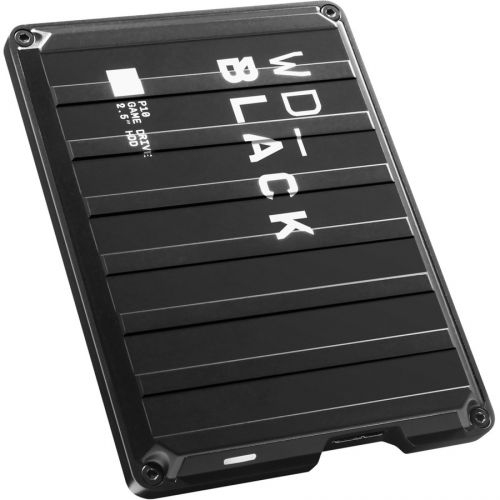
WESTERN DIGITAL Wd P10 Wdba3A0040Bbk 4 Tb Hard Drive - 2.5" Drive - External - Portable - In Black
About this product
A portable external hard drive in black with 4TB capacity and fast USB 3.2 connectivity.
What customers like
(1,155)$329.99Your price for this item is $329.99SAVE $100 -
5
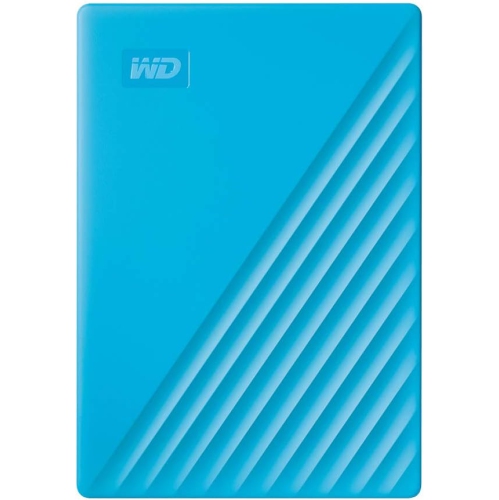
WESTERN DIGITAL Wd My Passport Wdbyvg0020Bbl-Wesn 2 Tb Portable Hard Drive - External - In Blue
About this product
A blue portable external hard drive offering 2TB storage, USB 3.0 connectivity, and 256-bit encryption.
What customers like
(1,069)$292.68 Your price for this item is $292.68 -
6
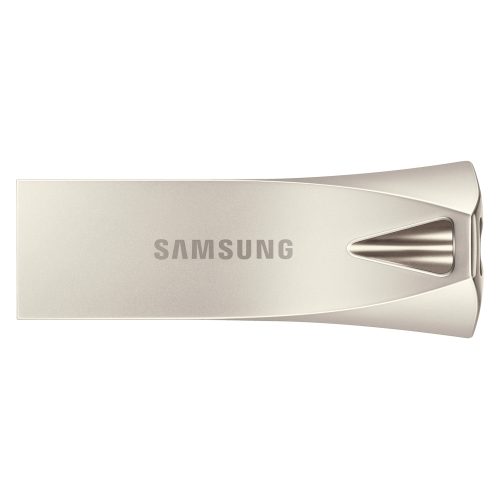
SAMSUNG 128GB USB 3.1 Flash Drive Bar Plus Champagne Up to 400Mb/s (Muf-128Be3) In Silver
About this product
A durable silver USB 3.1 flash drive offering 128GB storage and up to 400MB/s read speed.
What customers like
(208)$70.91Your price for this item is $70.91SAVE $48 -
7
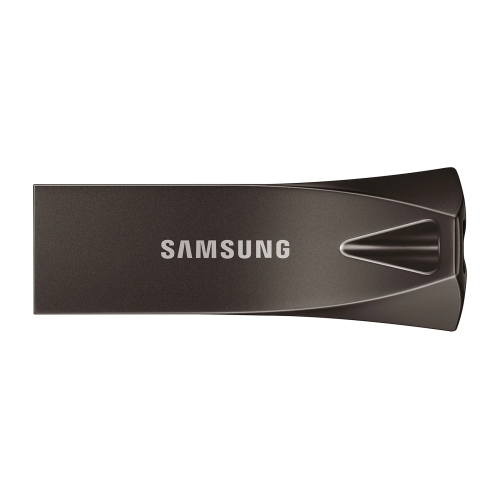
SAMSUNG 128GB USB 3.1 Flash Drive Bar Plus Titan Up to 300Mb/s (Muf-128Be4) In Gray
About this product
A durable gray USB 3.1 flash drive offering 128GB storage and transfer speeds up to 300MB/s.
What customers like
(164)$70.91Your price for this item is $70.91SAVE $48 -
8
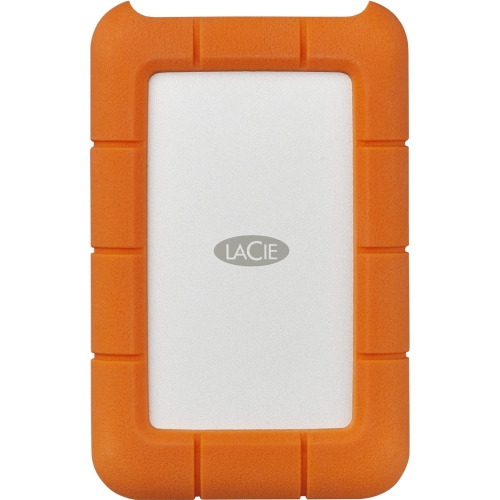
LACIE Rugged 4Tb USB-C Portable External Hard Drive (Stfr4000800)
About this product
A rugged portable external hard drive with 4TB capacity and USB-C connectivity for versatile data storage.
What customers like
(39)$332.99Your price for this item is $332.99SAVE $58 -
9
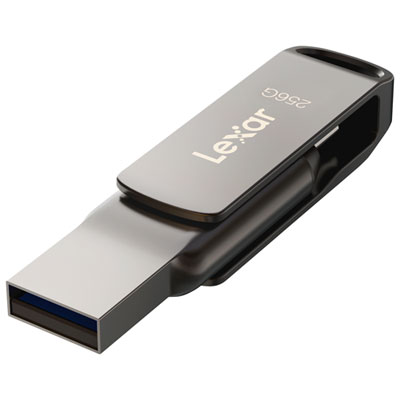
Lexar JumpDrive Dual Drive D400 256GB USB 3.1 + USB-C Flash Drive
About this product
A dual USB 3.1 and USB-C flash drive in black titanium with 256GB storage and secure data protection.
(12)$74.99Your price for this item is $74.99SAVE $10
FAQ
Common types include external hard disk drives (HDDs), external solid-state drives (SSDs), and USB flash drives. HDDs store data on spinning magnetic platters, while SSDs and USB flash drives use flash memory. Desktop external drives often require a separate power adapter, while many portable models draw power through their USB connection.
External storage devices commonly connect through USB, and some support Thunderbolt. USB-A and USB-C describe connector shapes, while standards such as USB 3.2 and USB4 describe the connection technology. Check the device, cable, and computer specifications to confirm compatibility, as a USB-C port does not necessarily support Thunderbolt.
Many external storage devices work with both Windows and macOS, but the file system matters. exFAT supports reading and writing on both platforms. NTFS is commonly used with Windows, while APFS is designed for Apple systems. Some drives may need to be reformatted or require additional software for use across platforms.
Formatting sets up a file system that determines how files are organised and accessed on the device. Common file systems include exFAT, NTFS, and APFS. The appropriate choice depends on the computers, consoles, or other equipment you plan to connect. Reformatting an existing drive erases its contents.
External storage keeps files on a physical device that you connect to compatible equipment. Cloud storage keeps files on a provider’s remote servers and is typically accessed through an internet connection. External storage can be accessed without internet service, while cloud services often include account-based access and file syncing across devices.
Top selling and popular products
Discover more categories related to Best External Storage Devices
Some products may be subject to Environmental Handling Fees (EHF) depending on your province. Learn more about EHFs.