Best Home Office Printers
Find the best home office printers for your workspace, ranked by customer review ratings. Whether you print everyday documents, detailed reports, or colourful presentations, explore top-rated options and compare features such as Wi-Fi connectivity, scanning, and two-sided printing to find the right fit for your workflow and budget.
What to look for in home office printers
1. Printer Type
2. Print Quality and Speed
3. Connectivity and Office Features
4. Running Costs and Size
-
1
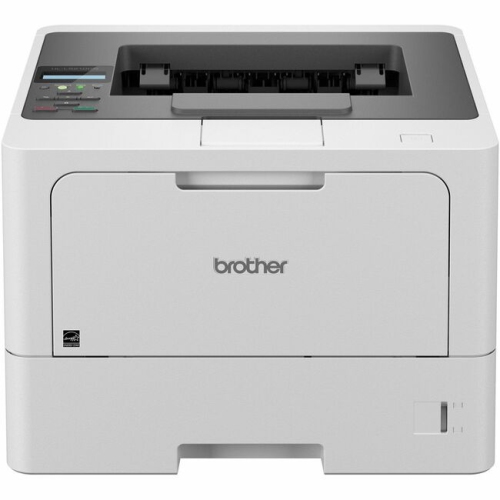
BROTHER Hll5210Dn Hl-L5210Dn Business Monochrome Laser Printer (Hll5210Dn)
About this product
A high-performance monochrome laser printer perfect for business use.
(10)$494.45Your price for this item is $494.45SAVE $148 -
2
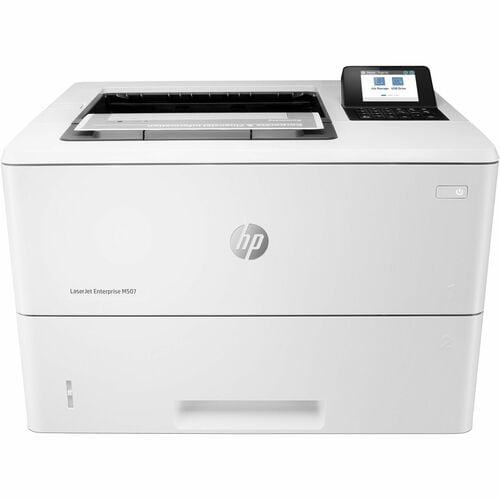
HP Laserjet M507 Monochrome Desktop Laser Printer - - (1Pv87A#bgj) In White
About this product
A white monochrome laser printer offering 45 ppm speed, automatic duplexing, and Ethernet connectivity.
What customers like
(66)$1,092.99Your price for this item is $1092.99SAVE $202 -
3
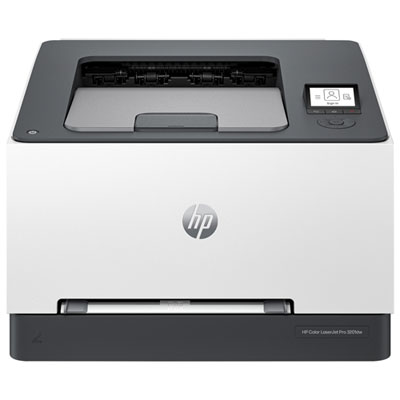
HP LaserJet Pro 3201dw Colour Wireless Laser Printer
About this product
A wireless laser printer offering fast, high-quality two-sided colour printing in a compact, space-saving design.
What customers like
(154)$349.99Your price for this item is $349.99SAVE $100 -
4
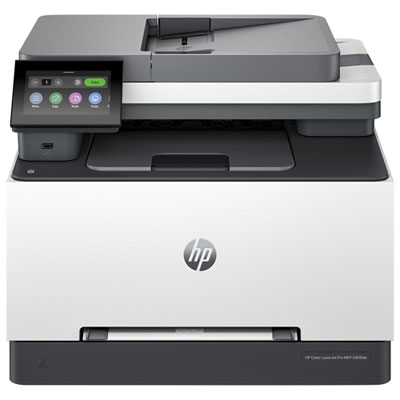
HP Colour LaserJet Pro 3301fdw Wireless All-In-One Inkjet Printer
About this product
A wireless all-in-one printer offering fast, high-quality colour printing, scanning, copying, and faxing for offices.
What customers like
(336)$499.99Your price for this item is $499.99SAVE $200 -
5
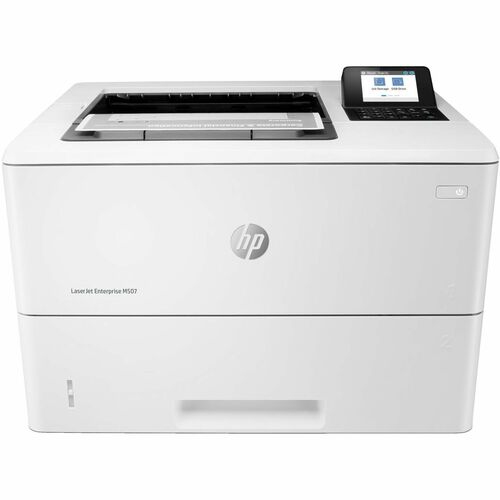
HP Laserjet M507 Monochrome Desktop Laser Printer - - (1Pv86A#bgj) In White
About this product
A high-speed white monochrome laser printer offering 45 ppm, 1200 x 1200 dpi, Ethernet, and USB connectivity.
What customers like
(66)$872.99Your price for this item is $872.99SAVE $162 -
6
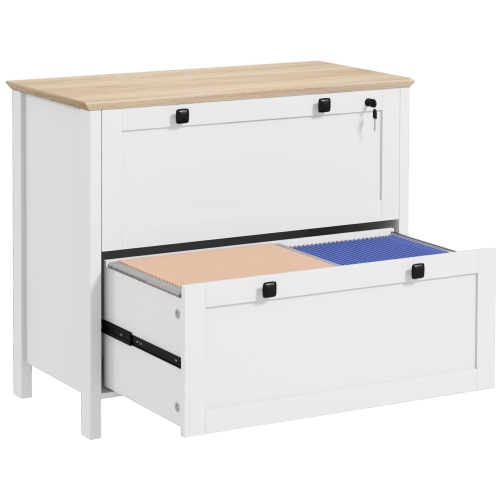
HOMCOM Lateral File Cabinet w 2 Drawer, Lockable Filing Cabinet w Adjustable Hanging Bar for Letter, A4 And Legal Size, Home Office Printer Stand
About this product
A white lockable filing cabinet with two drawers and adjustable hanging bars for multiple paper sizes.
(1)$154.99Your price for this item is $154.99SAVE $75 -
7
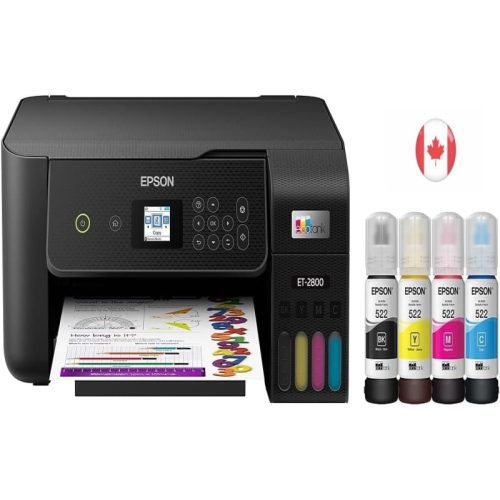
EPSON
About this product
A hassle-free wireless all-in-one printer that offers cartridge-free printing, scanning, and copying in sleek black design.
$349.00Your price for this item is $349SAVE $50 -
8
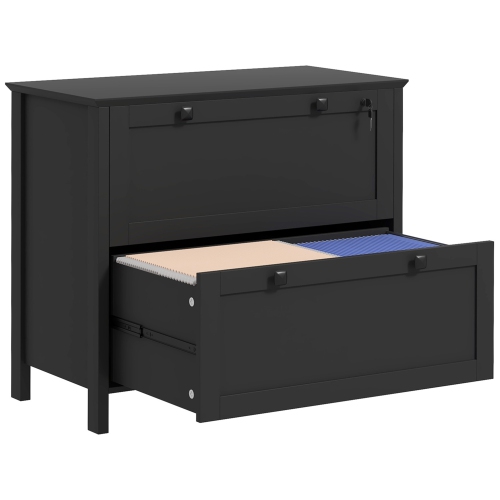
HOMCOM Lateral File Cabinet w 2 Drawer, Lockable Filing Cabinet w Adjustable Hanging Bar for Letter, A4 And Legal Size, Home Office Printer Stand
About this product
A black 2-drawer filing cabinet with adjustable hanging bar for letter, A4, and legal size documents, with lock.
$159.99Your price for this item is $159.99SAVE $70 -
9
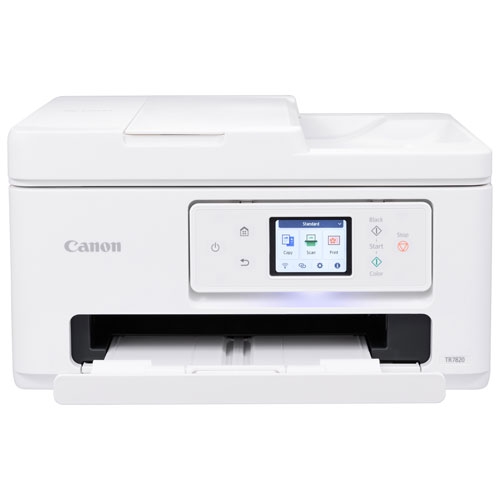
CANON - Pixma Tr7820 Wireless All-In-One Inkjet Printer
About this product
An all-in-one wireless inkjet printer with a 2.7" touch LCD and easy-to-replace cartridges.
$104.99Your price for this item is $104.99SAVE $45 -
10
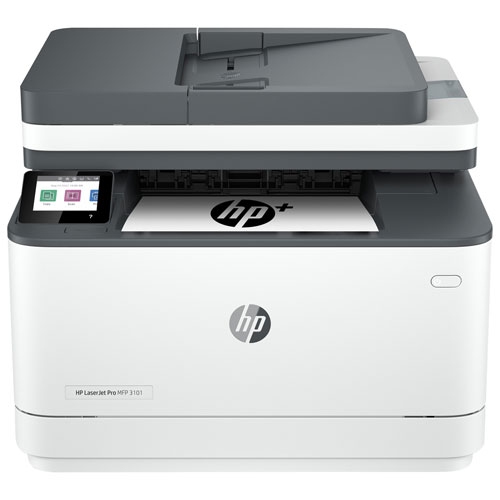
HP - Laserjet Pro 3101Fdw Monochrome Wireless All-In-One Laser Printer
About this product
A versatile monochrome laser printer with print, scan, copy, and fax capabilities, double-sided printing, and direct Wi-Fi and mobile printing.
$390.00 Your price for this item is $390
FAQ
Consider whether you need printing only or an all-in-one model with scanning and copying. Other features to compare include automatic two-sided printing, an automatic document feeder, Wi-Fi connectivity and support for your computer’s operating system.
Inkjet printers use liquid ink supplied through cartridges or refillable tanks, while laser printers use toner powder. Both types are available with different functions and connectivity options. When comparing models, check whether they support colour printing or black-and-white printing only.
Common connection options include USB for a direct connection to a computer, Ethernet for a wired network and Wi-Fi for a wireless network. Some printers also support Wi-Fi Direct, which allows compatible devices to connect without a router. Available connections vary by model.
Automatic two-sided printing, also called duplex printing, prints on both sides of a sheet without requiring you to turn it over manually. An automatic document feeder passes multiple pages through the scanner for scanning or copying. Two-sided scanning is a separate feature, so check for it if your work involves double-sided documents.
Many home office printers support mobile printing through Apple AirPrint, Mopria or a manufacturer’s app. Compatibility depends on the printer and your device’s operating system. Check the supported printing services and whether setup requires an app or a shared Wi-Fi network.
Top selling and popular products
Discover more categories related to Best Home Office Printers

Some products may be subject to Environmental Handling Fees (EHF) depending on your province. Learn more about EHFs.