Best iPad Stands for Bed

Find a comfortable angle for streaming, reading, or video calls with the best iPad stands for bed, ranked by user review ratings. Whether you’re catching up on a favourite series or browsing before bedtime, a stand can help keep your screen in view without having to hold it. Compare options to find the right fit for your tablet and bedside setup.

Read More

What to look for in iPad stands for bed

1. iPad Compatibility

Check that the holder supports your iPad’s dimensions and weight, including any case you plan to keep on. Look for grips that leave the charging port, buttons, and speakers accessible.

2. Stand Style and Placement

Choose a cushioned lap stand for resting on your lap or bedding, a clamp mount for a compatible bed frame or bedside table, or a floor stand for placement beside the bed. Check clamp opening limits and base dimensions to make sure the stand fits your space.

3. Viewing Adjustments

Look for adjustable height, tilt, and rotation so you can position your iPad comfortably while sitting up or reclining. An extendable arm can bring the screen closer, while portrait and landscape rotation adds flexibility for reading and watching videos.

4. Stability and Ease of Use

A sturdy base or secure clamp helps reduce wobble when you tap the screen. For use above your body, choose a holder designed for that position with a secure locking mechanism, and check that adjustment controls are easy to reach.
Citrus catapult arrow
  1. 1

    About this product

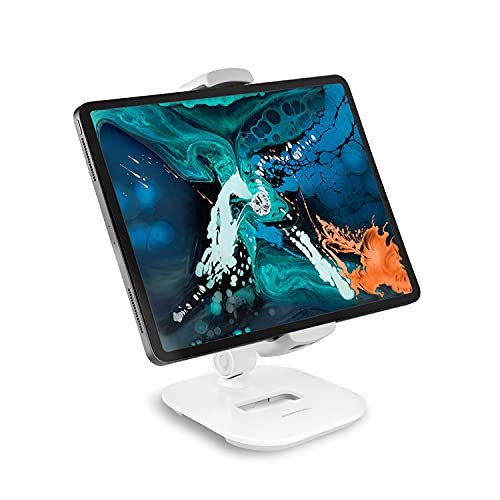
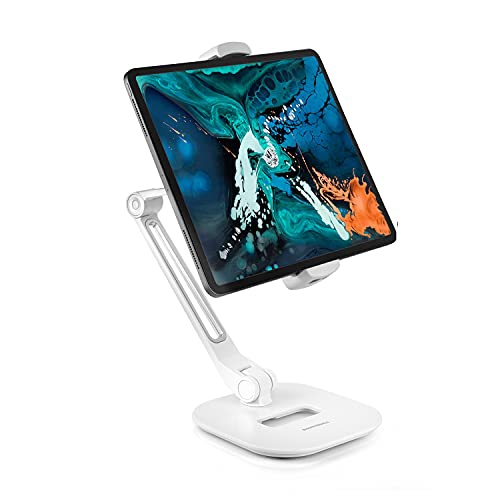
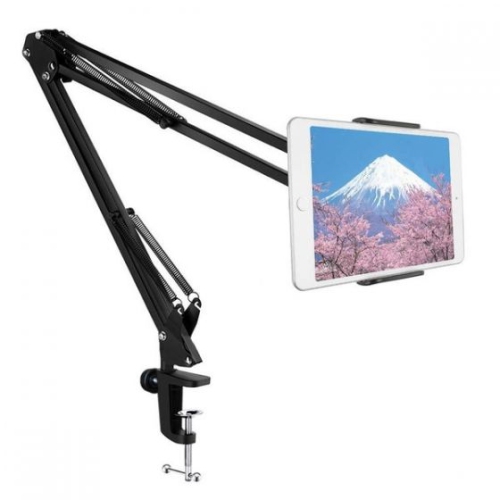
    An adjustable white stand offering ergonomic viewing for tablets and smartphones with a fully flexible arm.

    (1)
    $49.99 Your price for this item is $49.99
  2. 2

    About this product

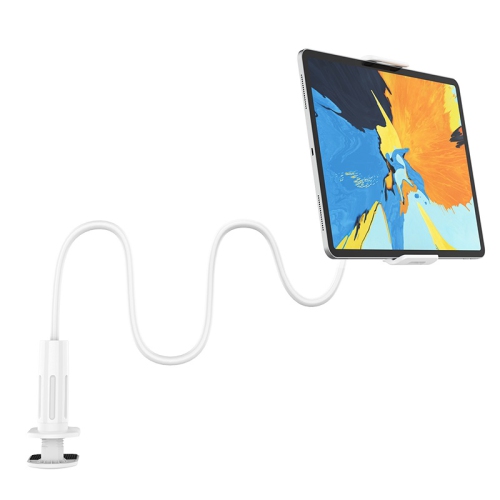
    A white 360-degree rotating holder mount designed for hands-free use with tablets and smartphones.

    $12.99
    SAVE $14
    Your price for this item is $12.99
  3. 3

    About this product

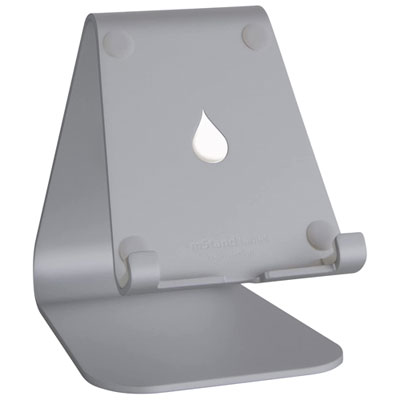
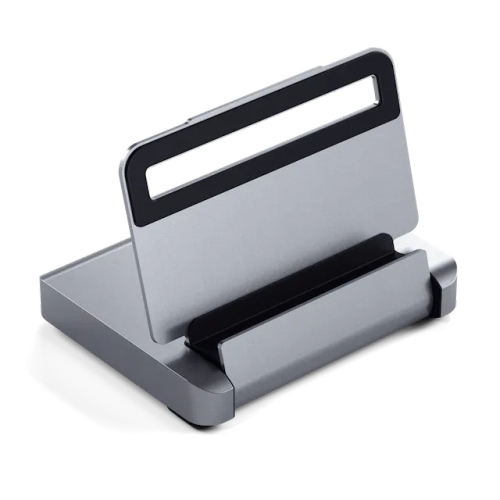
    A space grey stand that supports iPads in portrait or landscape mode for ergonomic, hands-free viewing.

    $39.99 Your price for this item is $39.99
  4. 4

    About this product

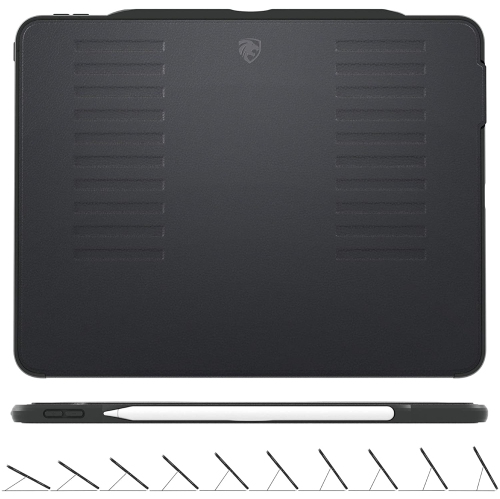
    A slim black protective case with magnetic stand and sleep/wake cover for iPad 10.2" models.

    (11)
    $79.99 Your price for this item is $79.99
  5. 5

    About this product

    An ergonomic white stand with a fully adjustable arm for comfortable viewing of tablets and smartphones.

    (3)
    $59.99 Your price for this item is $59.99
  6. 6

    About this product

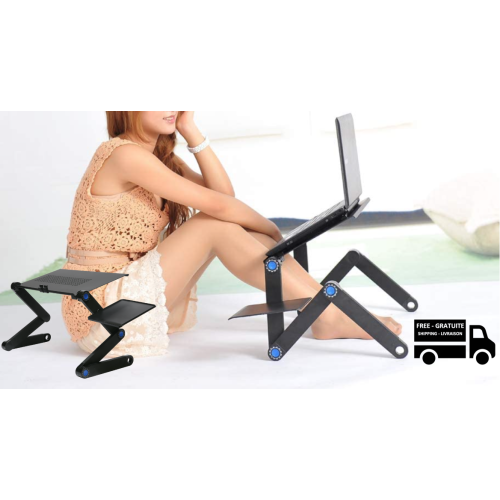
    A versatile black foldable laptop table with ventilated bottom, mini mouse pad, and multiple adjustable formats.

    $79.99 Your price for this item is $79.99
  7. 7

    About this product

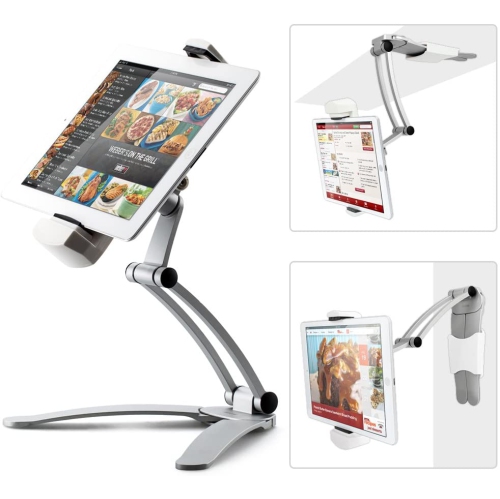
    An adjustable silver aluminum stand mount that securely holds tablets and phones from 4" to 12.9".

    $19.99
    SAVE $40
    Your price for this item is $19.99
  8. 8

    About this product

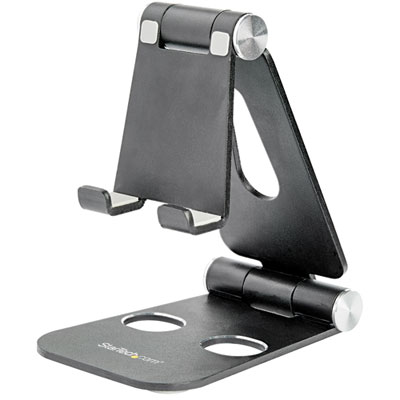
    A foldable stand that securely holds smartphones and tablets up to 800g for convenient hands-free viewing.

    $54.99 Your price for this item is $54.99
  9. 9

    About this product

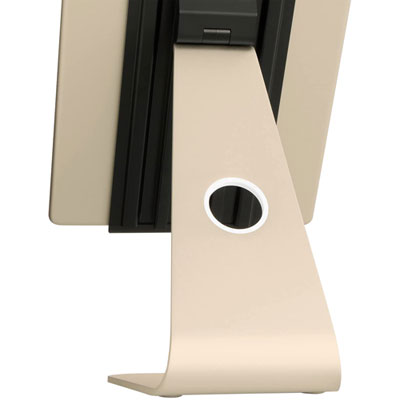
    An adjustable gold stand that enhances audio and offers convenient cable management for your iPad Pro.

    $89.99 Your price for this item is $89.99
  10. 10

    About this product

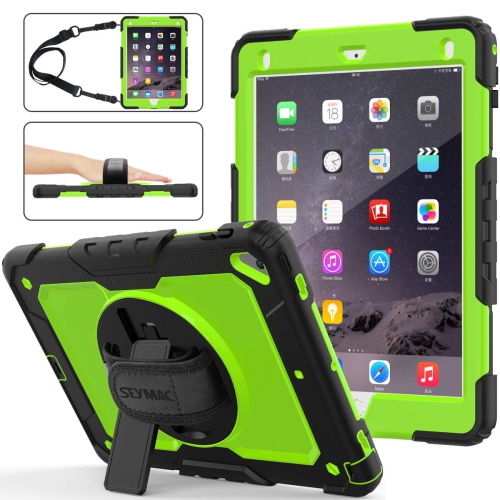
    A rugged three-layer hybrid case offering drop protection and a 360° rotating stand for versatile viewing.

    $57.96
    SAVE $14
    Your price for this item is $57.96

Best iPad Stands for Bed

The best iPad stands for bed suit both the way you relax and the space around your mattress. Soft pillow stands support a tablet on your lap or bedding, clamp-mounted arms raise the screen without taking up mattress space, and floor stands sit beside the bed without attaching to furniture. Each style offers a different balance of comfort, reach, and stability. For reading a novel against a stack of pillows, a cushioned holder keeps the screen within easy reach for page turns. For watching a film while reclining, an adjustable arm can bring the display closer to eye level without requiring a constant grip. Someone who switches between reading, video calls, and tapping through recipes or articles may prefer a firmer support that moves less when touched. Pillow-style tablet holders commonly use a foam core with a fabric cover, creating a broad resting surface that feels softer against the legs than a rigid base. Multiple grooves or angled faces can provide different viewing positions, while a raised ledge helps keep the tablet from sliding forward. The depth of that ledge matters: it should support the device securely without covering the bottom of the screen or making swipe gestures awkward. A wide pillow base generally settles more evenly across the lap, although thick duvets and loosely piled blankets can still leave it tilted. Some designs include a pocket for a charging cable, glasses, or a stylus, keeping small essentials from disappearing between the sheets. These holders are particularly suited to relaxed browsing and reading, where the tablet stays close and occasional repositioning is simple. They can also make thoughtful gifts for avid readers, students watching course videos, or anyone who regularly holds a tablet through a full episode. A soft stand supports the device rather than the body, so comfortable positioning still depends on how the user sits or reclines. The most useful shape is one that keeps the display visible without encouraging a bent neck or raised shoulders.

Clamp-mounted iPad stands for bed free up lap space and offer more control over where the screen sits. A flexible gooseneck can bend into position, while an articulated arm uses joints to adjust height, reach, and angle. Gooseneck designs can be convenient for hands-free viewing, but longer flexible arms may wobble after a tap, especially when stretched far from the mounting point. Jointed arms can offer a firmer feel, though their stability depends on the construction, adjustment mechanisms, and weight of the tablet. Keeping the arm within its intended reach and tightening adjustments as directed helps maintain a steady position. The furniture connection deserves as much attention as the tablet holder. A clamp needs an accessible, solid edge that falls within its stated opening range; an upholstered headboard, rounded rail, or delicate bedside table may not provide a suitable attachment point. Protective pads can help cushion contact, but they do not make every surface suitable for clamping. Floor-standing tablet holders offer another approach, using a weighted base beside the bed and an upright support that brings the screen into reach. They work well where there is no practical clamping surface, provided there is enough clear floor space for the base. Base dimensions, clearance beneath the bed frame, and the position of bedside drawers all affect how neatly a stand fits. An extended arm also needs to stay within the manufacturer's positioning limits to avoid tipping. For any elevated holder, the tablet should be fully seated and securely retained before use; positioning it slightly to the side rather than directly above the face is a sensible precaution. Charging cables need enough slack for adjustment without crossing a walking route or pulling on the port. For shoppers whose bedside setup also involves a notebook computer, Laptop Stands for Bed provide a separate category of supports designed around a larger device and typing surface. A tablet arm should never carry a laptop unless it is expressly designed and rated for that purpose.

Fit is essential when comparing bedside tablet stands, and screen size alone does not establish compatibility. An 11-inch or 13-inch display measurement describes the screen diagonally, not the tablet's complete width, height, thickness, or weight. The holder's stated device dimensions and load limit should accommodate the tablet as it will actually be used, including any case. A thick protective case, folding cover, or attached stylus can interfere with gripping points even when the bare device would fit. Adjustable jaws should hold the edges without pressing buttons, blocking speakers, or obstructing the charging connection. Portrait rotation is useful for books and long articles, while landscape positioning suits films and many video calls; enough clearance around the holder makes switching between them easier. Materials influence the feel and upkeep of a stand as well as its appearance. Metal arms and bases can provide rigidity, but joint quality and secure fasteners matter just as much as the material itself. Lightweight plastic holders are easier to move, while padded contact points help limit direct rubbing against the tablet's finish. Fabric-covered foam stands offer a softer touch and a choice of colours, though their care requirements vary. A removable cover is convenient only if its washing instructions suit the intended routine; otherwise, spot cleaning may be necessary. Rigid surfaces can generally be wiped with a soft cloth according to the manufacturer's directions, keeping moisture away from joints and adjustment mechanisms. Regular checks for loose fittings, cracked plastic, worn pads, or sagging fabric help identify when support is no longer dependable. Intended use also shapes which details matter most. Frequent screen tapping favours a stable holder close to the body, while long viewing sessions benefit from easy angle adjustments and unobstructed charging access. Anyone with limited grip strength may appreciate reduced holding effort, but stiff clamps and small tightening knobs can make setup difficult. For shared bedrooms or occasional use, a folding design or an arm that moves aside can keep the bedside area easier to navigate. A well-matched stand makes ordinary tablet use more comfortable without adding unnecessary bulk to the space.
Read More

FAQ

Some products may be subject to Environmental Handling Fees (EHF) depending on your province. Learn more about EHFs.