Best Laptops for Software Developers
Find the best laptops for software developers, ranked by user review ratings to help you compare options for your coding needs. Whether you’re building apps, running virtual machines, or managing large codebases, look for a powerful processor, ample memory, and fast storage to keep your workflow moving. A comfortable keyboard and a clear display can also make a difference during long coding sessions.
What to look for in laptops for software developers
1. Processor and Performance
2. Memory and Storage
3. Operating System Compatibility
4. Comfort and Connectivity
-
1

APPLE Refurbished (Good) - Macbook Pro 13.3" Laptop (Intel Core I5 2Ghz/256GB SSD/8GB Ram) - Space - En (2016 Model) In Grey
About this product
A refurbished grey laptop featuring an Intel Core i5 processor, 256GB SSD, and 8GB RAM.
What customers like
(2,467)$549.77Your price for this item is $549.77SAVE $650 -
2

APPLE Refurbished (Good) - Macbook Pro With Touch Bar 15.4" - Space (Intel Core I7 2.6Ghz/512GB/16GB Ram) - (2018 Model) English In Grey
About this product
A refurbished grey laptop featuring a 6-core i7 processor, 16GB RAM, 512GB storage, and Touch Bar.
What customers like
(890)$597.77Your price for this item is $597.77SAVE $901 -
3
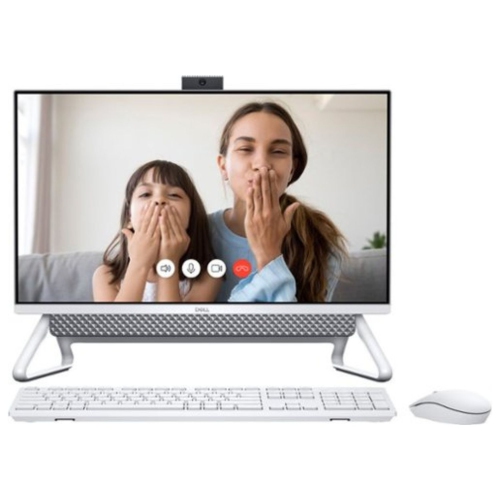
DELL Inspiron 15.6″ Touchscreen Laptop – Intel Core I7-1165G7, 256 GB SSD, Intel Iris Xe Graphics, Windows 11, Fhd Display, Wi-Fi & Bluetooth
About this product
A versatile touchscreen laptop featuring an Intel Core i7 processor, 256GB SSD, and Intel Iris Xe graphics.
What customers like
(219)$1,614.05Your price for this item is $1614.05SAVE $84 -
4
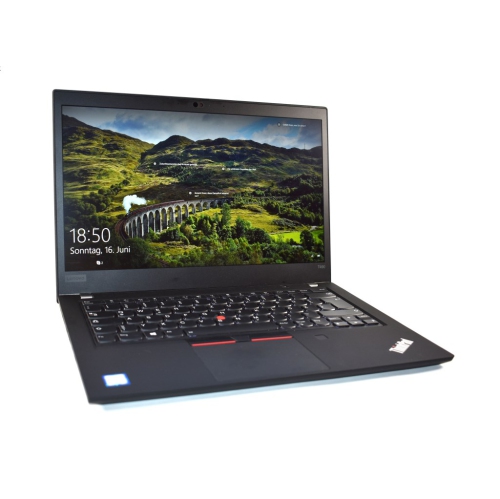
LENOVO Refurbished (Good) - Thinkpad T490S 14" Touchscreen Laptop - Intel Core I7-8565U - 8GB Ddr4 - 256GB SSD - Windows 10 - - English In Black
About this product
A refurbished black laptop featuring an Intel Core i7, 8GB RAM, 256GB SSD, and touchscreen display.
What customers like
(110)$399.99Your price for this item is $399.99SAVE $199 -
5
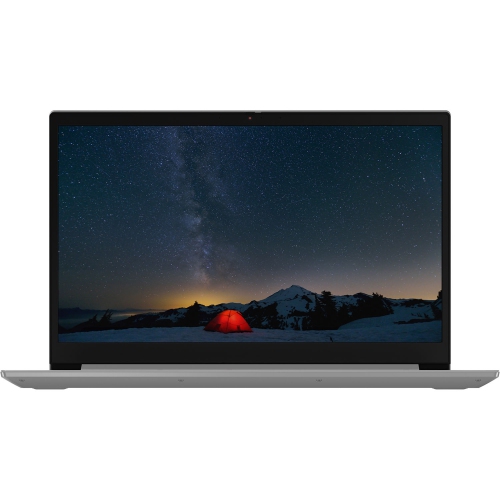
LENOVO Thinkbook 15 15.6" Business Laptop - Intel Core I5-1035G1 - 8GB Ddr4 - 256GB SSD - Windows 10 Home - In Grey
About this product
A sleek mineral grey laptop featuring Intel Core i5, 256GB SSD, 8GB RAM, and Windows 10 Home.
$895.00 Your price for this item is $895 -
6
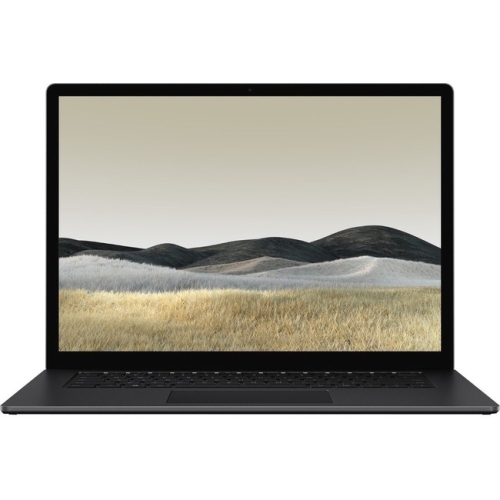
MICROSOFT Surface Laptop 3 15" Touchscreen Laptop - Intel Core I7-1065G7 - 16GB Lpddr4X - 512GB SSD - Windows 10 Pro - Matte In Black
About this product
A sleek matte black touchscreen notebook with Intel Core i7, 16GB RAM, and 512GB SSD storage.
$1,699.60Your price for this item is $1699.60SAVE $1100 -
7
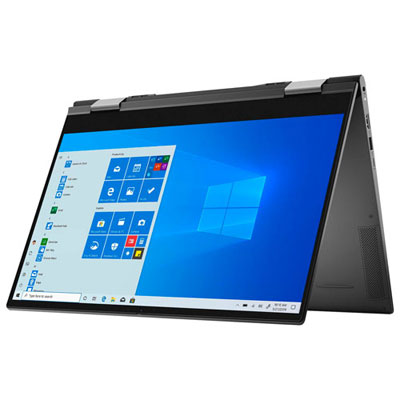
Open Box - Dell Inspiron 7000 15.6" Touchscreen 2-in-1 Laptop - Intel Core i7-1165G7 - 16GB LPDDR4x - 1TB SSD - Windows 10 Home - Black
About this product
A versatile black 2-in-1 laptop with 4K touchscreen, Intel Core i7, 16GB RAM, and 1TB SSD.
(2)$1,299.97 Your price for this item is $1299.97 -
8
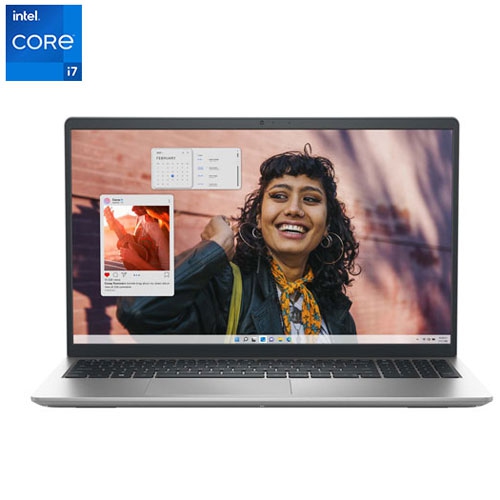
DELL - Inspiron 15.6" 120Hz Touchscreen Laptop - Intel Core I7-1355U - 16GB Ddr4 - 1Tb SSD - Windows 11 Home - Platinum In Silver
About this product
A sleek silver touchscreen laptop featuring an Intel Core i7 processor, 16GB RAM, and 1TB SSD.
$1,290.00 Your price for this item is $1290 -
9
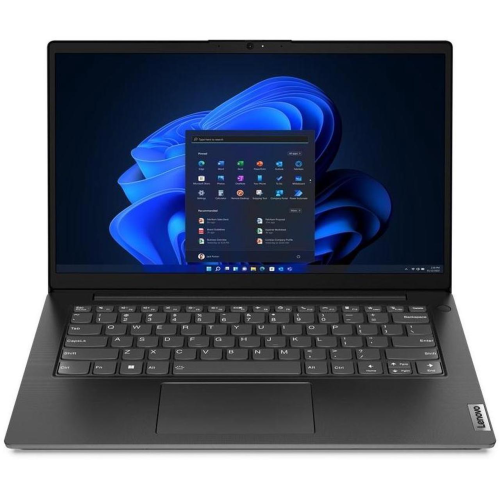
LENOVO V14 G4 Iru 14" Laptop - Intel Core I7-1355U - 24GB Ddr4 - 1Tb SSD - Intel Iris Xe - Windows 11 Pro - Business - English In Black
About this product
A powerful laptop featuring a 10-core Intel i7 processor, 24GB RAM, 1TB SSD, and Wi-Fi 6.
$1,095.77Your price for this item is $1095.77SAVE $550 -
10
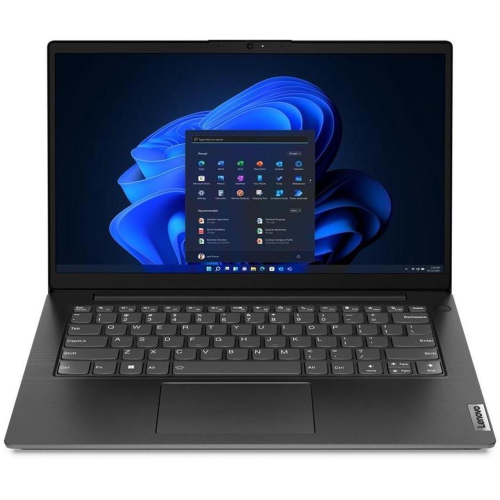
LENOVO V14 G4 Iru 14" Laptop - Intel Core I7-1355U - 16GB Ddr4 - 1Tb SSD - Intel Iris Xe - Windows 11 Pro - Business Black
About this product
A powerful laptop featuring a 10-core Intel Core i7, 16GB RAM, 1TB SSD, and Wi-Fi 6.
$1,026.99Your price for this item is $1026.99SAVE $550
FAQ
Look for a modern multi-core processor, ample RAM, an SSD, a comfortable keyboard, and a clear display. Compatibility with your development tools is also important. Developers who work with containers, virtual machines, or multiple projects should pay particular attention to memory and processor specifications.
Windows, macOS, and Linux all support a broad range of development tools. Windows supports .NET development and Linux tools through Windows Subsystem for Linux. macOS is required to run Xcode for native Apple platform development. Linux is widely used for server-side programming and open-source projects. Choose based on your target platforms and required software.
Consider core count, single-core performance, and processor architecture. Multiple cores can support parallel compilation and simultaneous development tasks, while single-core performance matters for tasks that cannot be split across cores. Check whether your tools, dependencies, and virtual machine images support the laptop’s x86 or ARM architecture.
Integrated graphics are generally sufficient for web development, scripting, and many business applications. A dedicated graphics card may be relevant for 3D game development, graphics programming, or local machine learning workloads. Check your development frameworks for any GPU hardware and driver requirements.
USB-A and USB-C ports can connect peripherals, test devices, and external drives. USB-C ports with DisplayPort support, Thunderbolt ports, or HDMI outputs can connect external monitors. Wi-Fi supports wireless networking, while built-in Ethernet or a compatible adapter provides a wired option. Check the supported functions of each port, as USB-C capabilities vary.
Top selling and popular products
Discover more categories related to Best Laptops for Software Developers

Some products may be subject to Environmental Handling Fees (EHF) depending on your province. Learn more about EHFs.