Best Laptops Under $600

Find the best laptops under $600 for everyday tasks, from browsing and streaming to schoolwork and staying connected. Ranked by customer review ratings, this selection highlights budget-friendly options to help you compare laptops and find the right fit for your needs.

Read More

What to look for in laptops under $600

1. Performance and Memory

Choose a processor suited to your everyday tasks, such as web browsing, video calls, and schoolwork. Aim for at least 8 GB of RAM for smoother multitasking, especially if you keep several apps or browser tabs open.

2. Operating System and App Compatibility

Windows laptops support a wide range of desktop software, while Chromebooks are well suited to browser-based tasks and Google apps. Check that your preferred programs and any school or workplace requirements are supported before choosing.

3. Display and Portability

A Full HD display can make text and images look sharper than a lower-resolution screen of a similar size. Consider a smaller, lighter laptop for commuting or a larger screen for working at a desk, and compare battery-life estimates with your daily routine in mind.

4. Storage and Connectivity

An SSD helps with quick startup and app loading, while 256 GB or more provides useful space for documents, photos, and programs. Check for the USB ports, HDMI output, Wi-Fi capabilities, and headphone connection you need for your accessories.
Citrus catapult arrow
  1. 1

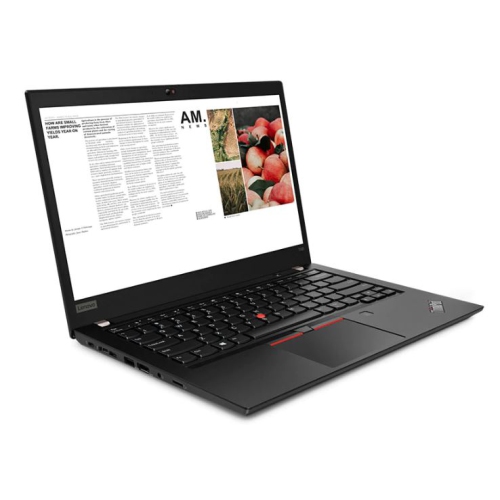
    LENOVO Refurbished (Excellent) - Thinkpad T490 14" Fhd Touchscreen Business Laptop - Intel Core I7-8665U - 16GB Ddr4 - 256GB SSD - Windows 11 Pro -

    About this product

    A refurbished laptop with a 2K display, Intel Core i7, 16GB RAM, and 1TB SSD.

    (4)
    $459.99
    SAVE $540
    Your price for this item is $459.99
  2. 2

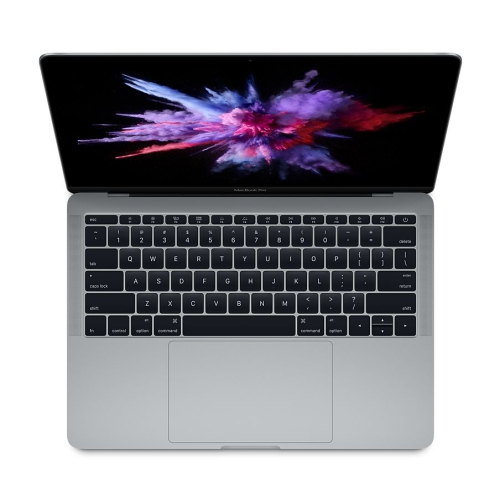
    APPLE (Refurbished Excellent)- Macbook Pro 13.3" W/touch Bar Mv982Ll/a (Mid 2019, A2159)-Intel Core I7 2.8Ghz-16GB Ram-256GB SSD-Space Gray-1 Year

    About this product

    A powerful grey laptop featuring an Intel Core i7 processor, 16GB RAM, and Retina display.

    (3)
    $549.99
    SAVE $149
    Your price for this item is $549.99
  3. 3

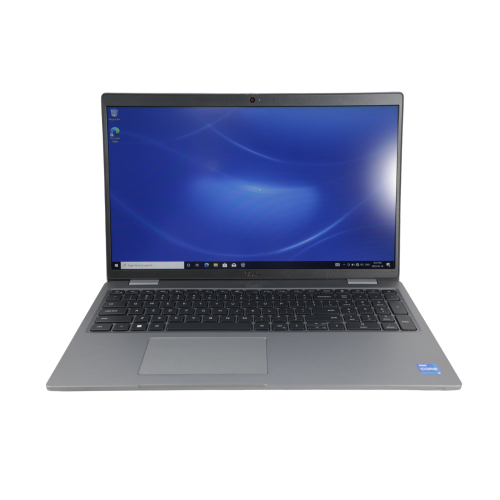
    DELL Refurbished (Excellent) - Latitude 5520 15.6" Laptop - Intel I5-1135G7 - 16GB Ram - 256GB SSD - Windows 10

    About this product

    A refurbished laptop featuring an Intel i5 processor, 16GB RAM, and a 256GB SSD.

    (2)
    $449.99
    SAVE $450
    Your price for this item is $449.99
  4. 4

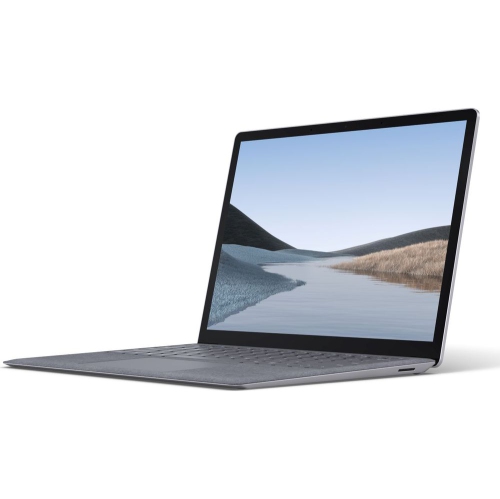
    MICROSOFT Refurbished (Good) - Surface Laptop 3 13.5" - Intel Core I5-1035G7 - 8GB Ram - 256GB SSD - Windows 11 - In Platinum

    About this product

    A refurbished Microsoft Surface Laptop 3 15" with Intel Core i5, 256GB SSD, and 8GB RAM.

    (2)
    $348.00
    SAVE $550
    Your price for this item is $348
  5. 5

    LENOVO Refurbished Good - Flex 5 15.6" Fhd Touchscreen 2-In-1 Laptop - Intel Core I5 8Th Gen - 8GB Ram - 256GB SSD - Windows 11 Home - Ebony

    About this product

    A versatile 15.6" 2-in-1 touchscreen laptop with a 300-degree hinge and Windows 11.

    (2)
    $469.95
    SAVE $30
    Your price for this item is $469.95
  6. 6

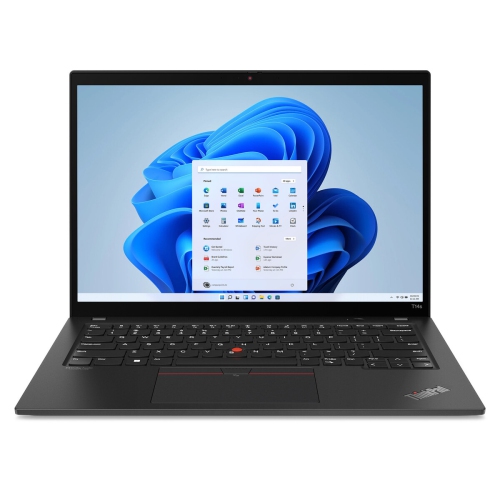
    LENOVO Refurbished (Excellent) - Thinkpad T14 Gen 2 14" Laptop - Intel Core I7-1185G7 - 16GB Ram - 256GB SSD - Windows 11 Pro

    About this product

    A refurbished Lenovo Thinkpad T14 Gen 2 laptop with a 14" touchscreen, Intel Core i7 processor, and Windows 11 Pro.

    (2)
    $519.98
    SAVE $79
    Your price for this item is $519.98
  7. 7

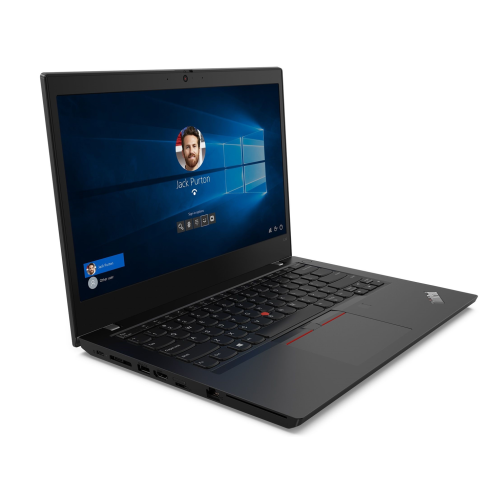
    LENOVO Refurbished (Good) - Thinkpad L14 Gen 2 Intel® Core I5-1135G7, 8GB Ram, 256GB SSD, 14" (1920X1080) Touch Wifi+Bt

    About this product

    A refurbished laptop featuring an Intel Core i5, 8GB RAM, 256GB SSD, and 14" FHD touchscreen.

    (2)
    $398.00
    SAVE $192
    Your price for this item is $398
  8. 8

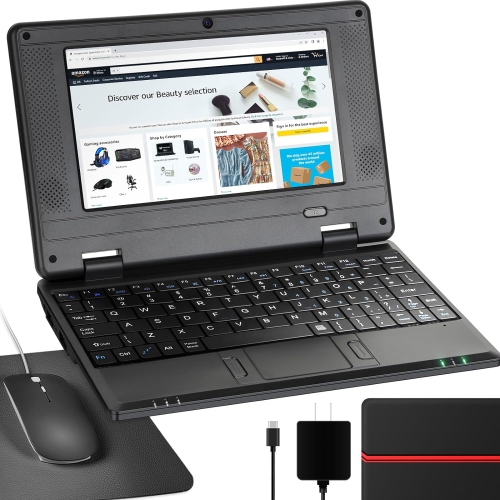
    NBD 7" Android 12 Netbook - Quad Core - 2GB Ram - 32GB Storage - Wifi/bluetooth/webcam - - Bag, Mouse & Mouse Pad Included In Black

    About this product

    A lightweight 7-inch IPS screen netbook with Android 12.0, ideal for kids' learning and entertainment.

    (1)
    $159.99
    SAVE $30
    Your price for this item is $159.99
  9. 9

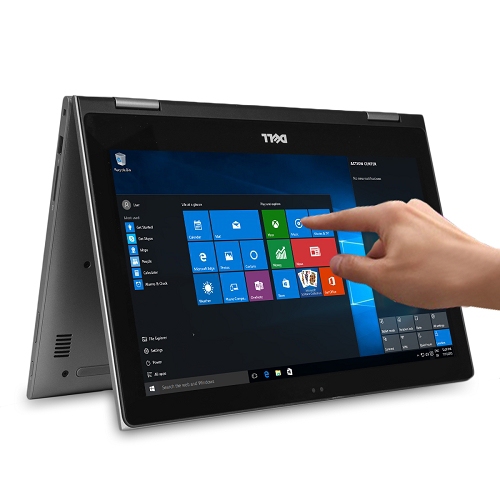
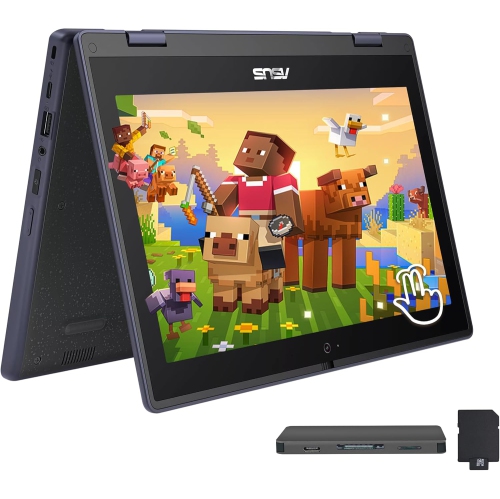
    ASUS 11.6" HD Touchscreen 2-In-1 Student Laptop - Intel Celeron N100 - 4GB Ddr4 - 288GB Storage (128GB SSD+160GB Dock) - Windows 11 Pro - In Gray

    About this product

    A rugged, spill-resistant grey 2-in-1 laptop with touchscreen, Intel Celeron N100, and 288GB storage.

    (1)
    $519.00
    SAVE $230
    Your price for this item is $519
  10. 10

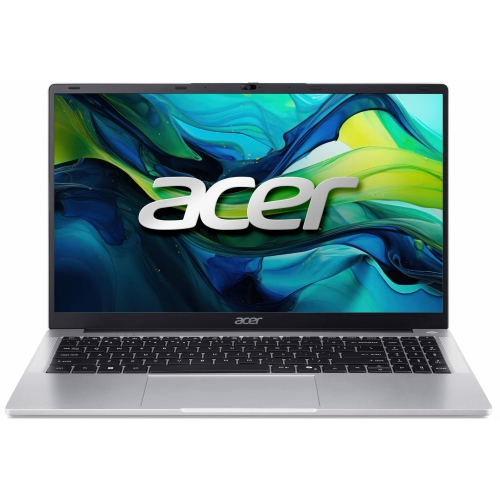
    ACER - Aspire Lite 15.6" Laptop - Intel Celeron N4500 - 4GB Lpddr4X - 128GB Emmc - Windows 11 S Mode - - W/ 1 Year Warranty In Silver

    About this product

    A versatile laptop featuring a 15.6" Full HD display, Intel Celeron processor, 4GB RAM, and 128GB storage.

    (1)
    $325.00
    SAVE $24
    Your price for this item is $325

Why everyday routines matter more than standout laptop specs

The Laptops Under $600 collection centres on a familiar need: a practical computer for everyday tasks, from writing assignments and managing household paperwork to joining video calls and watching a favourite series. The best laptop for these routines is one whose performance, screen, keyboard, and portability suit the way it will actually be used. A student moving between classrooms may appreciate a lighter design that slips into a backpack, while someone working mainly at a kitchen table may prefer a larger display with room for a document and a browser window side by side. For web browsing, email, and straightforward word processing, an entry-level processor can be sufficient; heavier spreadsheets, frequent multitasking, and creative applications place greater demands on the hardware. Memory also makes a noticeable difference when several tasks overlap. For many everyday workloads, 8GB of RAM is a practical starting point, while 16GB gives more breathing room for multiple applications and a busy browser session. A solid-state drive helps applications open promptly and makes the computer feel more responsive during routine use. Storage capacity matters separately from speed: someone who keeps coursework, photos, and downloaded videos on the laptop will need more local space than someone who mainly works with online files. A 256GB drive can accommodate everyday documents and applications, while 512GB leaves more room for growing folders and larger downloads; usable capacity is lower after the operating system and other software are installed. These specifications work together rather than acting as isolated measures of quality. A well-balanced everyday laptop may be more useful than one with a single impressive specification paired with limited memory or cramped storage. Ordinary routines reveal what matters most: opening a class presentation while taking notes, keeping a household spreadsheet beside an email, or switching from a video call to a shared document without losing the thread. Demanding games, complex three-dimensional work, and intensive video editing usually call for a different level of hardware, so intended use remains central to a good fit.

Screen size and physical design shape how comfortable a laptop feels long after the specifications have been compared. A 14-inch display often suits people who carry their computer regularly, while a 15.6-inch screen provides a broader view for spreadsheets, reading, and entertainment. Screen resolution deserves attention alongside those measurements. Full HD resolution generally makes text and interface details clearer than lower-resolution alternatives at similar sizes, and it can make side-by-side windows easier to use. An anti-glare finish can reduce distracting reflections from overhead lights, although brightness and viewing angles still affect visibility near a window. Keyboard layout is another everyday detail with lasting importance. Well-spaced keys, clear lettering, and a comfortable palm rest help during longer typing sessions, while a numeric keypad can be useful for entering figures. A responsive touchpad matters when there is no room for a mouse, whether the laptop is balanced on a small desk or used at a library table. For online lessons and conversations with family, webcam quality, microphone clarity, and speaker placement influence the experience as much as the screen does. A headset can help keep calls private in shared spaces. Connections determine how easily the computer fits into an existing setup: USB ports accommodate accessories, an HDMI output can connect a compatible display, and a memory card reader may simplify photo transfers. USB-C capabilities vary, so a port’s shape alone does not confirm charging or external-display support. Reliable Wi-Fi is important for cloud-based work and streaming, though connection quality also depends on the home network. Battery life is best considered in the context of real tasks rather than a single headline figure. Video calls, higher screen brightness, and demanding applications generally use more power than light document work. The weight of the charger also becomes part of the daily load for anyone carrying the laptop. Together, these practical details distinguish a computer that simply fits on a desk from one that fits naturally into a routine.

Materials, construction, and care contribute to how well an everyday laptop holds up through repeated use. Plastic housings can keep a design light, while metal panels may provide a firmer feel; neither material alone establishes durability. Hinge stability, the firmness of the keyboard deck, and the way the lid closes are useful details to consider alongside the casing. A padded sleeve or a dedicated laptop compartment helps protect against scratches and minor bumps during travel, especially when a bag also holds textbooks, charging cables, or lunch containers. At home, a firm, flat surface keeps ventilation openings clear more effectively than a duvet or sofa cushion. Drinks kept away from the keyboard and cables positioned out of walking paths can prevent avoidable damage. Cleaning is usually straightforward: a soft, lint-free cloth removes dust and fingerprints, with the manufacturer’s care instructions taking priority for the screen and casing. Liquid should not be sprayed directly onto the computer. Software upkeep matters too, including security updates, sensible file organisation, and a separate backup of important documents and photos. A laptop intended for school or work also needs an operating system that supports the required applications, exam tools, printers, and accessories. Browser-based tasks can be flexible, but specialised software may have requirements that deserve attention before choosing a computer. Memory and storage are not upgradeable in every design, making the original configuration particularly important when needs are likely to grow. For a gift recipient, familiar software, readable text, and a comfortable keyboard may be more meaningful than an unusually thin profile. A teenager tackling assignments, a parent organising family records, or a relative keeping in touch through video calls can each benefit from a laptop tailored to those routines. The strongest match is a capable, comfortable machine with enough room for the work ahead, useful connections for the devices already at home, and a design that is manageable to carry and care for throughout everyday life.
Read More

FAQ

Some products may be subject to Environmental Handling Fees (EHF) depending on your province. Learn more about EHFs.