Best Mid Range Graphics Cards
Find the best mid-range graphics cards for smooth gaming, sharp visuals, and reliable everyday performance without stretching your budget. Ranked by user review ratings, this selection highlights options that balance price and performance, whether you’re upgrading your current PC or building a new one. Compare video memory, power requirements, and display connections to find the right fit for your setup.
What to look for in mid-range graphics cards
1. Gaming Performance
2. Video Memory
3. Graphics Features
4. PC Compatibility
-
1
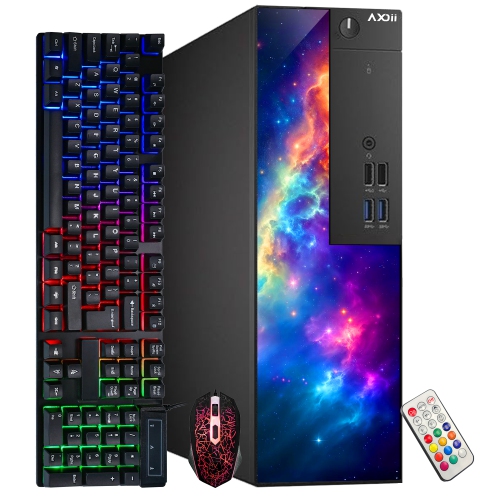
AXOII Refurbished (Good) - Gaming PC - Rx 550 4GB, Intel Core I5, 16GB Memory, 512GB SSD, Win 11 Pro, RGB
About this product
A refurbished RGB gaming desktop featuring an Intel Core i5-6500, Radeon RX 550, 16GB RAM, and 512GB SSD.
(1)$474.99Your price for this item is $474.99SAVE $55 -
2
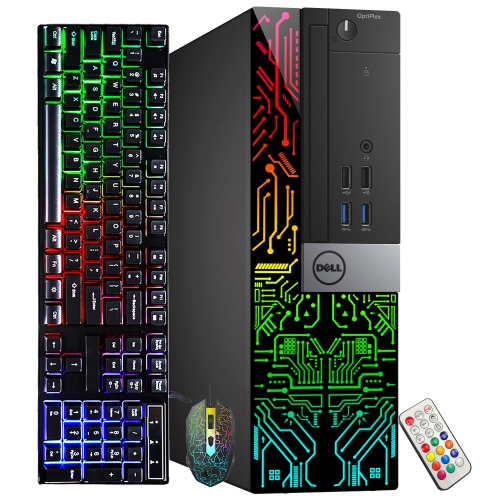
DELL Refurbished (Good) - Optiplex Gaming PC Small Form Factor - Rx 550 4GB, Intel Core I5-9500, 16GB Memory, 512GB SSD, Win 11 Pro, RGB
About this product
A refurbished desktop featuring an Intel i5-9500, Radeon RX 550 4GB, 16GB RAM, and RGB lighting.
(1)$584.99Your price for this item is $584.99SAVE $85 -
3
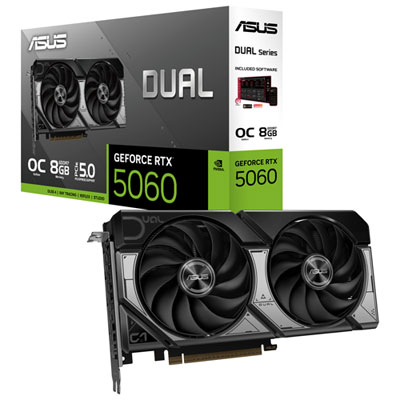
ASUS Dual GeForce RTX 5060 OC 8GB GDDR7 Video Card
About this product
A powerful graphics card with 8GB GDDR7 RAM, dual axial-tech fans, and advanced AI-accelerated performance.
What customers like
(31)$659.99 Your price for this item is $659.99 -
4
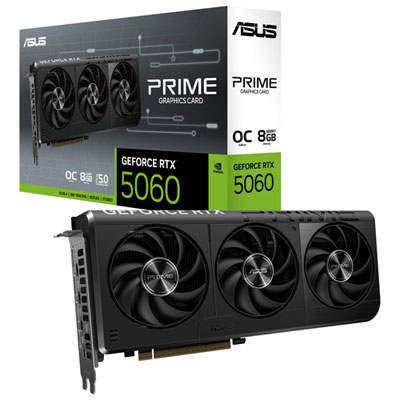
ASUS Prime GeForce RTX 5060 OC 8GB GDDR7 Video Card
About this product
A high-performance video card with 8GB GDDR7 RAM, 2,595MHz boost, and advanced cooling for smooth gaming.
What customers like
(41)$759.99 Your price for this item is $759.99 -
5
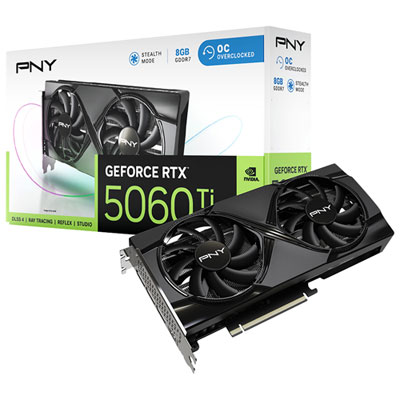
PNY GeForce RTX5060 Ti OC Dual-Fan 8GB GDDR7 Video Card
About this product
A dual-fan graphics card with 8GB GDDR7 memory and NVIDIA Blackwell architecture for ultra-responsive, high-resolution gaming.
What customers like
(75)$719.99 Your price for this item is $719.99 -
6
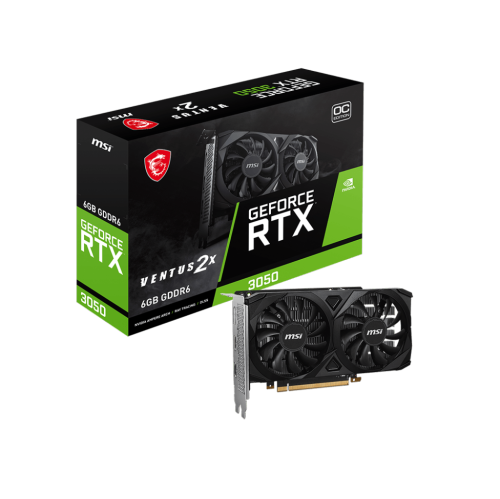
MSI Geforce Rtx 3050 Ventus 2X 6G Oc Gddr6 1492 Mhz Boost PCi-E 4.0 96-Bit HDMI 2.1 X 2 Display Port 1.4 X 1
About this product
A powerful graphics card featuring 6GB GDDR6, 1492 MHz boost, PCIe 4.0, HDMI 2.1, and DisplayPort.
(2)$379.99 Your price for this item is $379.99 -
7
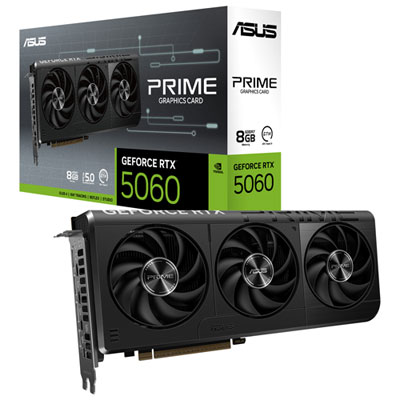
ASUS Prime GeForce RTX 5060 8GB GDDR7 Video Card
About this product
An advanced video card featuring 8GB GDDR7 memory, AI acceleration, and efficient cooling with axial-tech fans.
What customers like
(34)$689.99 Your price for this item is $689.99 -
8
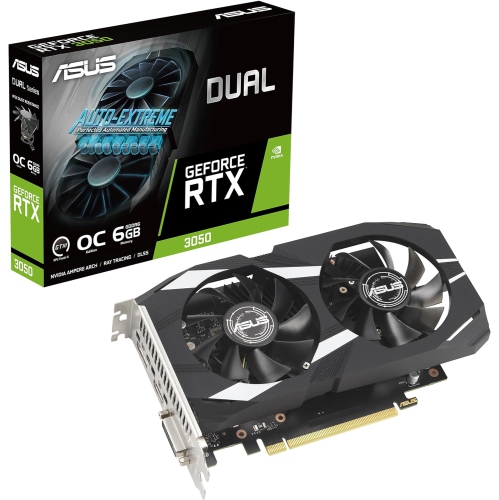
ASUS Dual Nvidia Geforce Rtx 3050 6GB Oc Edition Gaming Graphics Card - PCie 4.0, 6GB Gddr6 Memory, HDMI 2.1, Displayport 1.4A
About this product
A powerful gaming graphics card with 6GB GDDR6 memory, PCIe 4.0, HDMI 2.1, and DisplayPort 1.4a.
What customers like
(22)$485.70Your price for this item is $485.70SAVE $48 -
9
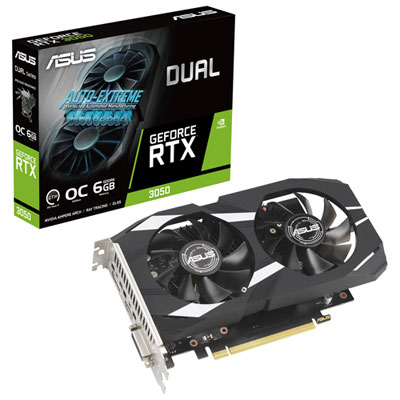
ASUS Dual GeForce RTX 3050 OC 6GB GDDR6 Video Card
About this product
A powerful and compact video card with advanced cooling technology for optimal performance.
What customers like
(28)$419.99 Your price for this item is $419.99 -
10
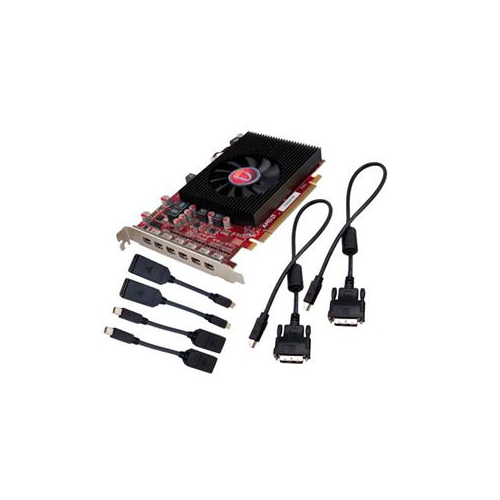
VISIONTEK Radeon HD 7750 Graphic Card - 2 GB Gddr5
About this product
A high-performance graphics card with 2GB GDDR5 memory for smooth visuals and enhanced gaming experiences.
(3)$284.99Your price for this item is $284.99SAVE $50
FAQ
Compare the graphics architecture, memory technology, display connections, supported graphics APIs, and software features. For gaming, check which technologies your favourite titles support. For creative work, review your applications’ requirements for GPU acceleration and video encoding.
Graphics memory, often called VRAM, is dedicated to the graphics card and stores resources such as textures and frame data. System memory, or RAM, serves the processor and running applications. A dedicated mid-range graphics card typically has its own VRAM rather than relying solely on shared system memory.
Review your motherboard’s PCIe support, your power supply’s connector types and wattage rating, and the card’s operating system requirements. If you have a prebuilt desktop, also check the manufacturer’s documentation for graphics card upgrade restrictions.
Many mid-range graphics cards offer DisplayPort and HDMI connections, though the combination varies by model. Match the card’s outputs to your monitor’s inputs, and check the connection versions for the resolution, refresh rate, and display features you intend to use.
You generally need a graphics driver that supports both the card and your operating system. The GPU manufacturer may also offer software for display settings, game profiles, screen recording, and driver updates. Some creative applications require particular driver versions, so check their documentation before installation.
Top selling and popular products
Discover more categories related to Best Mid Range Graphics Cards

Some products may be subject to Environmental Handling Fees (EHF) depending on your province. Learn more about EHFs.