Best Tablets for Making YouTube Videos
Bring your YouTube ideas to life with a tablet for filming, editing, and uploading videos. Explore the best tablets for making YouTube videos, ranked by user review ratings, to find an option that fits your creative workflow. Look for sharp cameras, responsive performance, and a clear display to help you create at home or on the go.
What to look for in tablets for making YouTube videos
1. Camera and Audio Quality
2. Editing Performance and App Support
3. Display and Storage
4. Battery Life and Connectivity
-
1
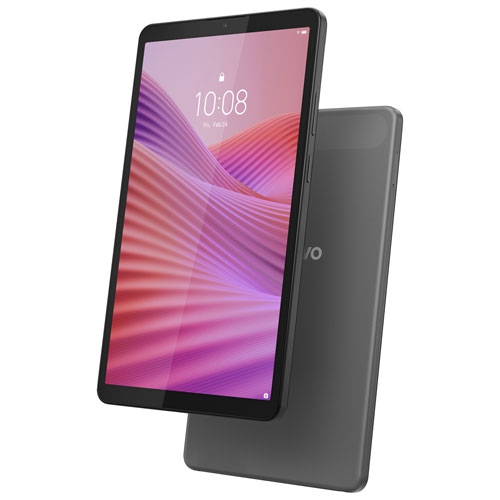
LENOVO Refurbished (Excellent) - Tab One 8.7" 64GB Android 14 Tablet With Mediatek Helio G85 8-Core Processor - Luna In Grey
About this product
A grey Android tablet featuring an 8-core processor, 64GB storage, dual cameras, and built-in speakers.
(2)$129.99Your price for this item is $129.99SAVE $30 -
2
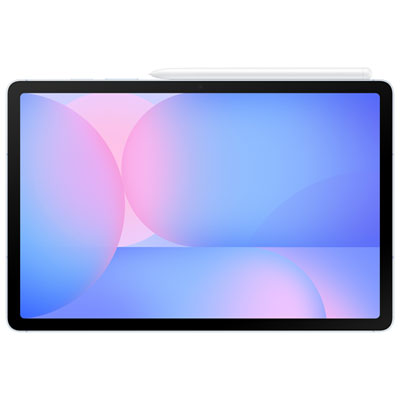
Samsung Galaxy Tab S10 FE 10.9" 128GB Android Tablet with Exynos 1580 Processor - Blue
About this product
A blue tablet with a 10.9" screen, Exynos 1580 processor, and S Pen for creativity.
What customers like
(75)$599.99 Your price for this item is $599.99 -
3
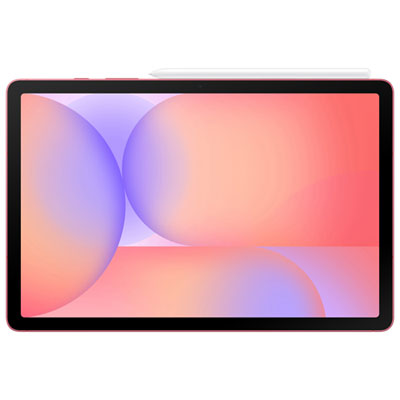
Samsung Galaxy Tab S10 Lite 10.9" 256GB Android Tablet with Exynos 1380 Processor - Red
About this product
A slim red tablet featuring a 10.9" display, Exynos 1380 processor, and included S Pen.
What customers like
(328)$549.99 Your price for this item is $549.99 -
4
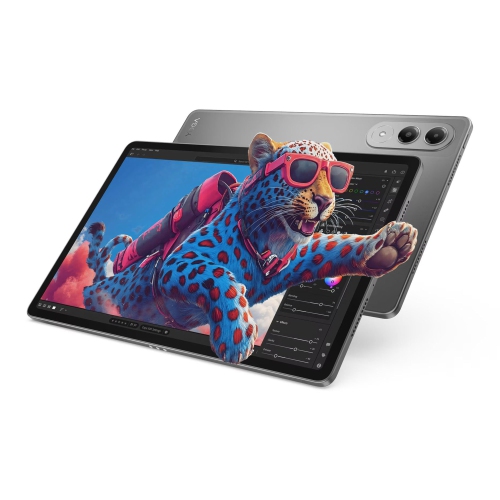
LENOVO Yoga Tab, 11.1", 12GB, 256GB
About this product
A versatile tablet featuring an 11.1" 800-nit display, 12GB RAM, and 256GB storage.
What customers like
(31)$589.99Your price for this item is $589.99SAVE $280 -
5

Samsung Galaxy Tab S10 Lite 10.9" 128GB Android Tablet with Exynos 1380 Processor - Grey
About this product
A slim grey tablet featuring a 10.9" display, Exynos 1380 processor, S Pen, and Galaxy AI.
What customers like
(856)$399.99 Your price for this item is $399.99 -
6

SAMSUNG Galaxy Tab A9+ | 4GB (Ram) + 64GB | Wi-Fi | In Silver
About this product
A sleek silver tablet featuring a vibrant 11" display, 4GB RAM, and 64GB storage for smooth multitasking.
What customers like
(2,441)$499.99 Your price for this item is $499.99 -
7
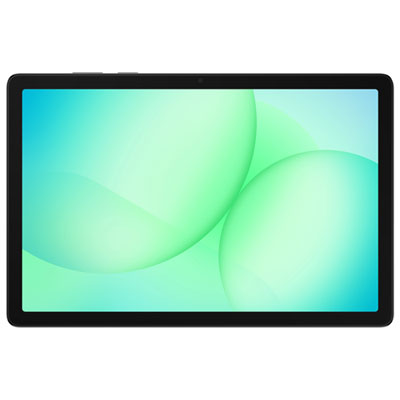
Samsung Galaxy Tab A11+ (Plus) 11" 128GB Android Tablet with MediaTek MT8775 Processor - Grey
About this product
A grey tablet featuring a vibrant 11" display, quad Dolby speakers, and fast MediaTek MT8775 performance.
What customers like
(188)$269.99 Your price for this item is $269.99 -
8
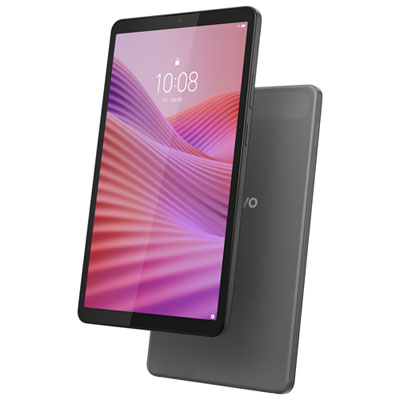
Lenovo Tab One 8.7" 64GB Android 14 Tablet with MediaTek Helio G85 8-Core Processor - Luna Grey
About this product
A sleek Luna Grey tablet featuring an 8-core processor, 64GB storage, and dual cameras for versatility.
What customers like
(96)$159.99Your price for this item is $159.99SAVE $10 -
9
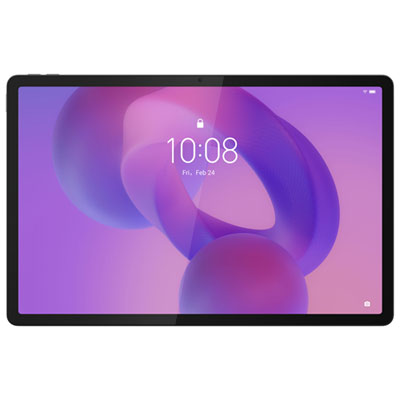
Lenovo Idea Tab Pro 12.7" 256GB Android 14 Tablet with MediaTek Dimensity 8300 Processor & Pen - Luna Grey
About this product
A powerful Android 14 tablet in Luna Grey with 3K display, Dimensity 8300 processor, and precision pen.
What customers like
(57)$399.99Your price for this item is $399.99SAVE $80
FAQ
Look for front- and rear-facing cameras, support for your preferred video editing apps, and connection options for microphones or external storage. A headphone connection or compatible audio adapter is useful for monitoring sound, while adjustable camera settings give you more control over your footage.
Tablet video editing apps can include trimming, clip arrangement, transitions, titles, voiceovers, colour adjustments, and multiple audio tracks. Available tools vary by app and operating system, so check compatibility and export options when planning your editing workflow.
Depending on compatibility, tablets can work with USB microphones, clip-on microphones, wireless microphone receivers, or microphones connected through an audio interface. Check the tablet’s port, any required adapters, and whether your recording app supports the external audio source.
Common transfer methods include a compatible USB cable, a memory card reader, cloud storage, or wireless file sharing. The available options depend on your devices and operating systems. Your editing app also needs to support the footage’s file format and codec.
Export the finished video from your editing app in a YouTube-supported format, then use the YouTube app or a supported browser to upload it. Add a title and description, choose the audience and visibility settings, and review any available thumbnail or caption options before publishing.
Top selling and popular products
Discover more categories related to Best Tablets for Making YouTube Videos


Some products may be subject to Environmental Handling Fees (EHF) depending on your province. Learn more about EHFs.