Best Tablets for Photo Editing
Find the best tablets for photo editing, ranked by user review ratings to help you compare customer favourites. Whether you’re retouching portraits or fine-tuning travel shots, look for a sharp display, responsive performance, and compatibility with your preferred editing apps. Explore the selection to find a tablet that suits your creative workflow and budget.
What to look for in tablets for photo editing
1. Display Quality
2. Processing Power
3. Editing Apps and Stylus Support
4. Storage and File Transfers
-
1
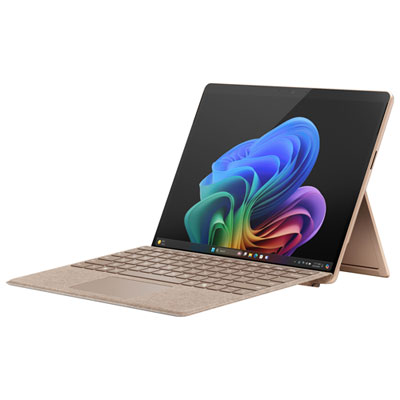
Microsoft Surface Pro (OLED) Copilot+ PC 13" 1TB Tablet with Snapdragon X Elite/16GB RAM (2024) - Dune - Device Only - Exclusive Retail Partner
About this product
An ultra-portable dune-colored tablet featuring a 13" OLED display, Snapdragon X Elite, and 16GB RAM.
(17)$3,049.99 Your price for this item is $3049.99 -
2
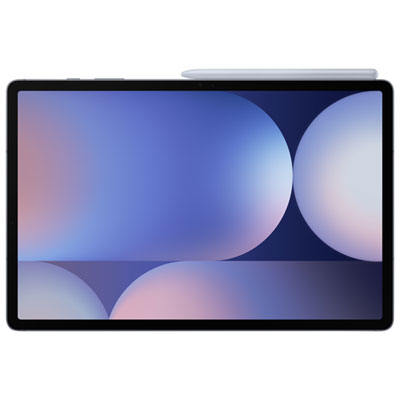
Samsung Galaxy Tab S10+ (Plus) 12.4" 512GB Android Tablet with MT6989 Processor - Grey
About this product
A powerful grey tablet featuring a dynamic AMOLED 2X display, MT6989 processor, and IP68 dust protection.
What customers like
(72)$1,799.99 Your price for this item is $1799.99 -
3
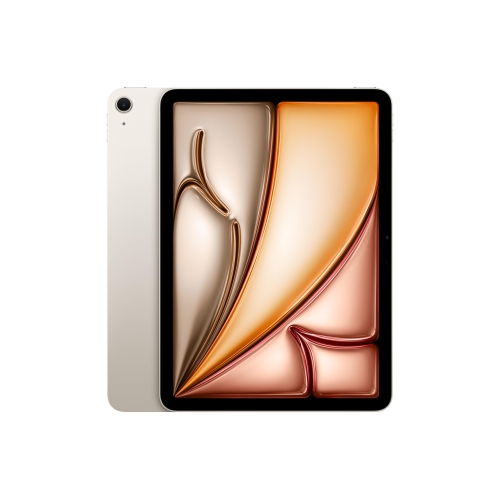
APPLE Refurbished (Excellent) - Ipad Air 11" 128GB With Wi-Fi (6Th Generation) - Starlight
About this product
An M2-powered tablet in Starlight with 128GB storage, Wi-Fi 6E, and Liquid Retina display.
What customers like
(203)$869.99Your price for this item is $869.99SAVE $230 -
4
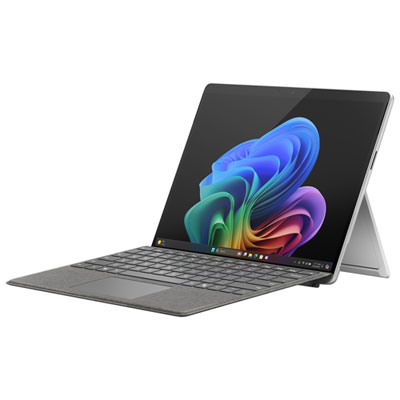
Microsoft Surface Pro (OLED) Copilot+ PC 13" 1TB Tablet with Snapdragon X Elite/16GB RAM (2024) - Platinum - Device Only
About this product
A platinum ultra-portable tablet featuring a 13" OLED display, Snapdragon X Elite, 16GB RAM, and 1TB storage.
What customers like
(25)$3,049.97 Your price for this item is $3049.97 -
5

APPLE Refurbished (Good) - Macbook Pro W/ Touch Bar 16" - Space (Intel Core I7 2.6Ghz/512GB SSD/16GB Ram) - En (2019 Model) In Grey
About this product
A refurbished grey laptop featuring an Intel Core i7 processor, 512GB SSD, 16GB RAM, and Touch Bar.
What customers like
(2,591)$783.85 Your price for this item is $783.85 -
6
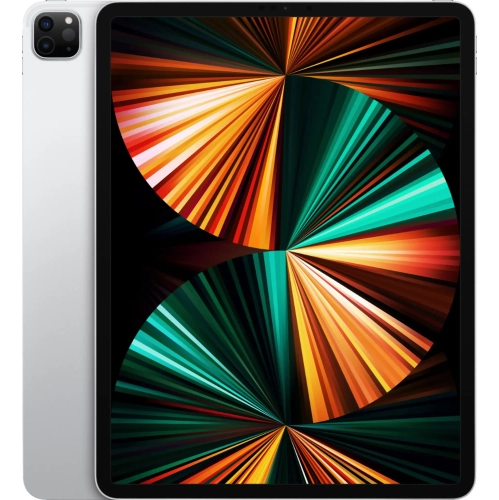
APPLE - 12.9-Inch Ipad Pro With Wi-Fi - 2Tb - In Silver
About this product
A powerful tablet in silver featuring the M1 chip, 2TB storage, and a stunning Liquid Retina XDR display.
What customers like
(20)$3,299.99 Your price for this item is $3299.99 -
7
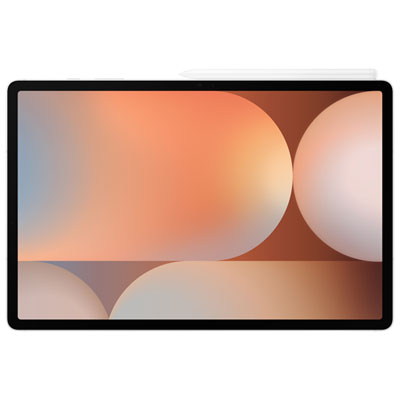
Samsung Galaxy Tab S10+ (Plus) 12.4" 512GB Android Tablet with MT6989 Processor - Silver
About this product
A sleek silver tablet featuring a dynamic AMOLED 2X display, MT6989 processor, and IP68 dust protection.
What customers like
(70)$1,799.97 Your price for this item is $1799.97 -
8
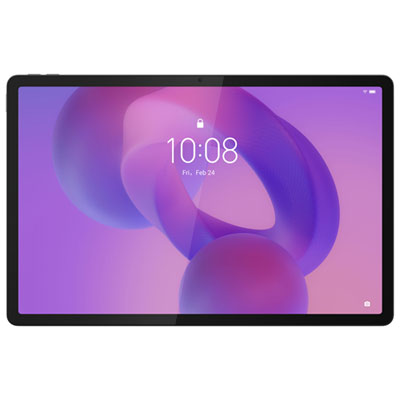
Lenovo Idea Tab Pro 12.7" 256GB Android 14 Tablet with MediaTek Dimensity 8300 Processor & Pen - Luna Grey
About this product
A powerful Android 14 tablet in Luna Grey with 3K display, Dimensity 8300 processor, and precision pen.
What customers like
(57)$399.99Your price for this item is $399.99SAVE $80 -
9
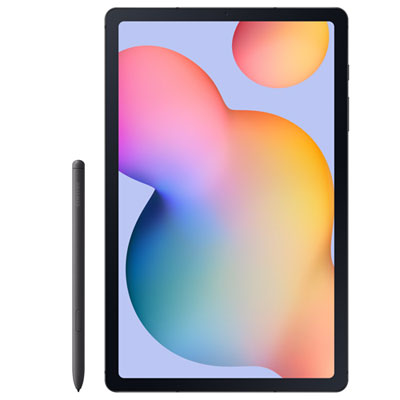
Samsung Galaxy Tab S6 Lite 10.4" 64GB Android Tablet with Exynos 1280 - Graphite
About this product
A slim graphite tablet with a 10.4" display, 64GB storage, Exynos 1280, and included S Pen.
What customers like
(74)$448.97 Your price for this item is $448.97 -
10
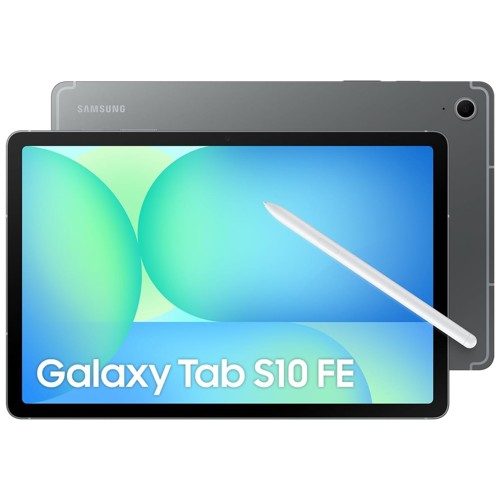
SAMSUNG Galaxy Tab S10 Fe Sm-X520 Tablet - 10.9" Wuxga+
About this product
A sleek gray tablet featuring a 10.9" WUXGA+ IPS display, 8GB RAM, and 128GB storage.
What customers like
(55)$844.99Your price for this item is $844.99SAVE $55
FAQ
Look for a colour-accurate display, compatibility with your preferred editing apps, and support for your photo file formats. Stylus support, external storage connections, and options for organizing and backing up your photo library are also worth considering.
Display specifications to review include colour accuracy, colour gamut coverage, and brightness controls. sRGB is commonly used for web images, while Display P3 offers a wider colour gamut. Check whether the tablet and your editing app support colour management, and turn off settings that automatically alter the screen’s colour tone when reviewing edits.
Many tablets support RAW editing through compatible apps. Support depends on the app, operating system, and camera’s RAW format, so check compatibility with your camera files. Available tools may include white balance adjustments, exposure controls, masking, and lens corrections.
A stylus is optional because many photo editing apps support touch controls. A compatible active stylus provides another input method for brushwork, selections, and masking. Features such as pressure sensitivity, palm rejection, and customizable buttons depend on both the tablet and the app.
Common options include a compatible memory card reader, a USB connection, cloud storage, or wireless transfer through a camera app. Available methods depend on your devices, ports, and operating systems. When moving edited photos to a computer, check whether your app can export editable files or only finished images.
Top selling and popular products
Discover more categories related to Best Tablets for Photo Editing


Some products may be subject to Environmental Handling Fees (EHF) depending on your province. Learn more about EHFs.