Black And White Toner Printers
Discover the perfect solution for all your monochrome printing needs with a black and white toner printer. Ideal for both home offices and businesses, these printers offer reliable performance and high-quality prints, ensuring your documents look sharp and professional every time. Whether you're printing reports, invoices, or other essential paperwork, a black and white toner printer delivers efficiency and consistency. Explore our selection to find the right model that fits your requirements and budget.
Sort
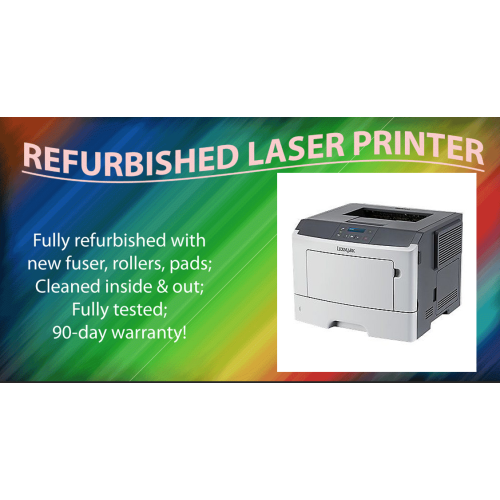
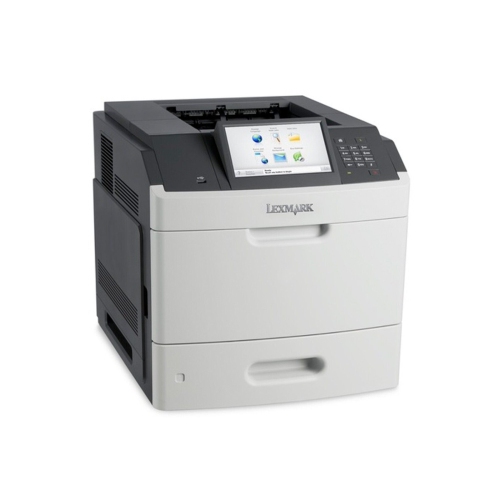
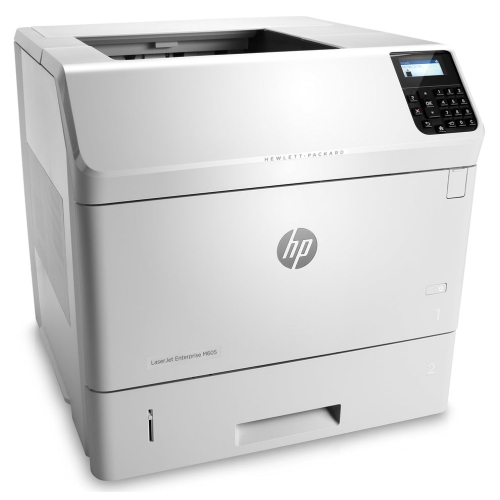
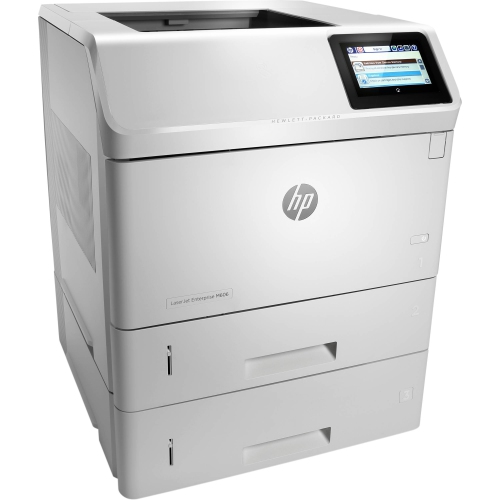
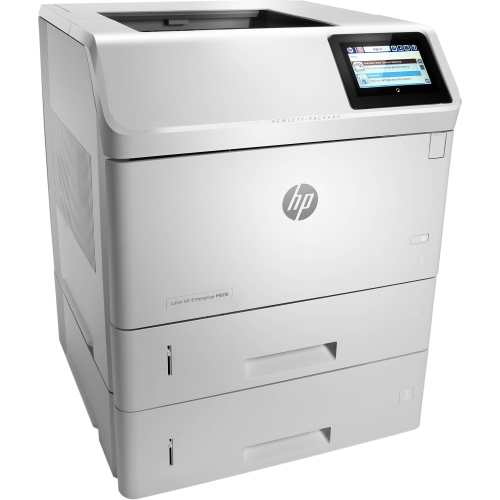
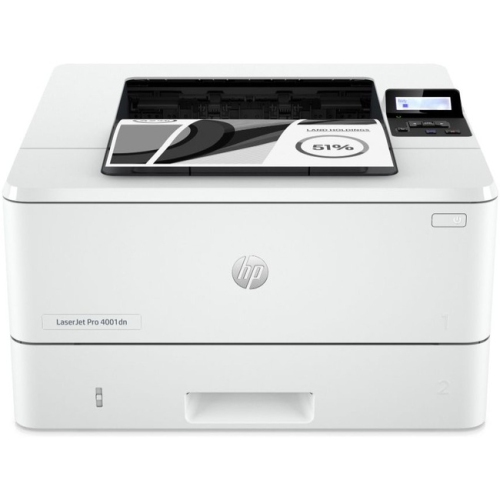
Crisp text that stands up to everyday handling
Black-and-white toner printers, also called monochrome laser printers, use dry toner powder rather than liquid ink to produce text and images in black and shades of grey. Inside the printer, an imaging drum helps transfer toner onto the paper, and a heated fuser bonds it to the surface. This process produces crisp lettering and clean lines that suit everyday documents, from school assignments and shipping labels to meeting agendas and lengthy reports. Properly fused toner resists smudging during normal handling, making it useful for pages that move straight from the output tray into a folder or someone’s hands. These printers are particularly well suited to households, students, home offices, and businesses that print mostly text and do not need colour output. A recipe with clear measurements, a contract with small type, or a spreadsheet with fine gridlines can all benefit from sharp monochrome printing. Photographs and colour-coded charts can still be printed in greyscale, although colours with similar brightness may be difficult to tell apart. For documents that rely on colour to communicate meaning, black-and-white printing has clear limits. Within the broader range of Toner Printers, monochrome designs keep the focus on black toner and document handling rather than colour output. Because toner is already a dry powder, it does not dry out between printing sessions the way liquid ink can. That makes this category practical for someone who prints several pages one day and leaves the machine idle for a few weeks. Print speed varies by model, but many monochrome laser printers are designed to handle multipage documents efficiently. The time it takes for the first page to appear also matters, especially when the usual task is a single return label or permission form rather than a long report. Everyday usefulness comes from matching those strengths to the documents that actually pass across a desk.
The main distinction within black-and-white toner printers is between print-only machines and multifunction designs that also scan and copy, with fax included on some models. A print-only unit suits a desk where digital files simply need to become paper documents, while an all-in-one can handle signed forms, receipts, and copies of household paperwork without a separate scanner. Many monochrome multifunction printers can scan in colour even though they print only in black and white; scanning capabilities depend on the model. A flatbed scanner is useful for a book page or a delicate original that should not travel through rollers. An automatic document feeder is more convenient for a stack of loose pages, and duplex scanning, where supported, captures both sides with less manual handling. Automatic two-sided printing is a separate feature that helps keep reports and handouts compact. Paper capacity also shapes the experience: a larger input tray needs fewer refills during busy stretches, while a manual feed slot or multipurpose tray can accommodate occasional envelopes or other supported media. Letter-size paper covers many household and office tasks, but legal-size support can matter for particular forms and records. Paper weight limits, envelope compatibility, and supported label types deserve attention because the fuser’s heat makes suitable media essential. Labels should be approved for laser printing, and thicker paper should stay within the printer’s stated specifications. Connection choices are equally practical. USB can provide a straightforward link to one computer, Ethernet supports a wired office network, and Wi-Fi allows placement away from the router when there is a suitable signal. Mobile printing and direct wireless connections vary, so compatibility with the phones, tablets, computers, and operating systems in use matters more than a wireless label alone. In a shared household, the difference between a smooth printing routine and repeated interruptions often comes down to these details: whether everyone can connect, whether a whole assignment fits in the tray, and whether a two-sided document needs to be flipped by hand.
Physical fit and routine care help a black-and-white toner printer remain a dependable part of the workspace. The closed dimensions do not tell the whole story: paper trays may extend, a scanner lid needs room to rise, and toner replacement can require clearance at the front or above the machine. A firm, level surface with the ventilation space specified by the manufacturer is preferable to a cramped shelf or an unstable side table. Most desktop printers combine a moulded plastic exterior with internal metal components, rollers, and heat-resistant parts, but the outer casing alone says little about long-term durability. Recommended monthly print volume is a more useful measure of intended workload than the maximum duty cycle, which should not be treated as a target for regular use. Someone printing a few forms each week has different needs from an office producing daily batches of invoices and packing slips. Toner yield is another useful specification, although the stated page count reflects defined test conditions rather than a guarantee for every document. Dense graphics, large areas of black, and heavily filled pages use more toner than lightly printed text. Cartridge and drum arrangements also vary: some designs combine them, while others use a separate drum that is replaced at its own interval. Knowing which components need attention helps keep maintenance predictable. Paper should be stored flat and dry, trays should not be overfilled, and guides should sit snugly against the paper without bending it. Dust on accessible surfaces can be removed as directed in the printer’s care instructions, while internal cleaning requires the specified procedure and time for hot parts to cool. Print noise and warm-up sounds are worth considering when a printer shares space with video calls or study time. For private documents, supported features such as PIN-protected print release can be useful in shared offices. Whether the routine involves coursework, client records, or household administration, a well-matched monochrome printer keeps the emphasis on readable pages, manageable upkeep, and reliable document handling.
The main distinction within black-and-white toner printers is between print-only machines and multifunction designs that also scan and copy, with fax included on some models. A print-only unit suits a desk where digital files simply need to become paper documents, while an all-in-one can handle signed forms, receipts, and copies of household paperwork without a separate scanner. Many monochrome multifunction printers can scan in colour even though they print only in black and white; scanning capabilities depend on the model. A flatbed scanner is useful for a book page or a delicate original that should not travel through rollers. An automatic document feeder is more convenient for a stack of loose pages, and duplex scanning, where supported, captures both sides with less manual handling. Automatic two-sided printing is a separate feature that helps keep reports and handouts compact. Paper capacity also shapes the experience: a larger input tray needs fewer refills during busy stretches, while a manual feed slot or multipurpose tray can accommodate occasional envelopes or other supported media. Letter-size paper covers many household and office tasks, but legal-size support can matter for particular forms and records. Paper weight limits, envelope compatibility, and supported label types deserve attention because the fuser’s heat makes suitable media essential. Labels should be approved for laser printing, and thicker paper should stay within the printer’s stated specifications. Connection choices are equally practical. USB can provide a straightforward link to one computer, Ethernet supports a wired office network, and Wi-Fi allows placement away from the router when there is a suitable signal. Mobile printing and direct wireless connections vary, so compatibility with the phones, tablets, computers, and operating systems in use matters more than a wireless label alone. In a shared household, the difference between a smooth printing routine and repeated interruptions often comes down to these details: whether everyone can connect, whether a whole assignment fits in the tray, and whether a two-sided document needs to be flipped by hand.
Physical fit and routine care help a black-and-white toner printer remain a dependable part of the workspace. The closed dimensions do not tell the whole story: paper trays may extend, a scanner lid needs room to rise, and toner replacement can require clearance at the front or above the machine. A firm, level surface with the ventilation space specified by the manufacturer is preferable to a cramped shelf or an unstable side table. Most desktop printers combine a moulded plastic exterior with internal metal components, rollers, and heat-resistant parts, but the outer casing alone says little about long-term durability. Recommended monthly print volume is a more useful measure of intended workload than the maximum duty cycle, which should not be treated as a target for regular use. Someone printing a few forms each week has different needs from an office producing daily batches of invoices and packing slips. Toner yield is another useful specification, although the stated page count reflects defined test conditions rather than a guarantee for every document. Dense graphics, large areas of black, and heavily filled pages use more toner than lightly printed text. Cartridge and drum arrangements also vary: some designs combine them, while others use a separate drum that is replaced at its own interval. Knowing which components need attention helps keep maintenance predictable. Paper should be stored flat and dry, trays should not be overfilled, and guides should sit snugly against the paper without bending it. Dust on accessible surfaces can be removed as directed in the printer’s care instructions, while internal cleaning requires the specified procedure and time for hot parts to cool. Print noise and warm-up sounds are worth considering when a printer shares space with video calls or study time. For private documents, supported features such as PIN-protected print release can be useful in shared offices. Whether the routine involves coursework, client records, or household administration, a well-matched monochrome printer keeps the emphasis on readable pages, manageable upkeep, and reliable document handling.
Top selling and popular products
-
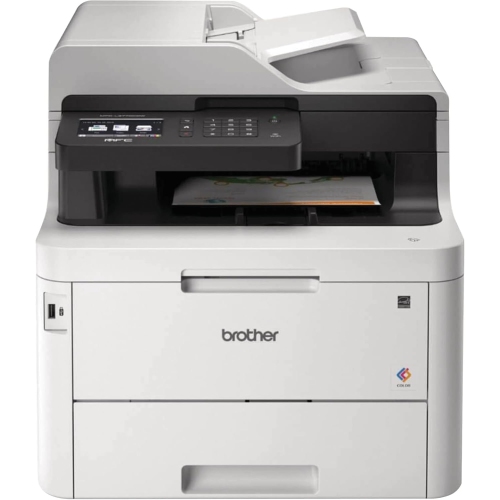 Your price for this item is $799
 -
 Your price for this item is $929.89
 -
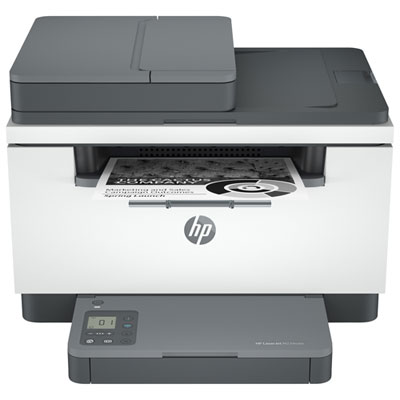 Your price for this item is $199.99
 -
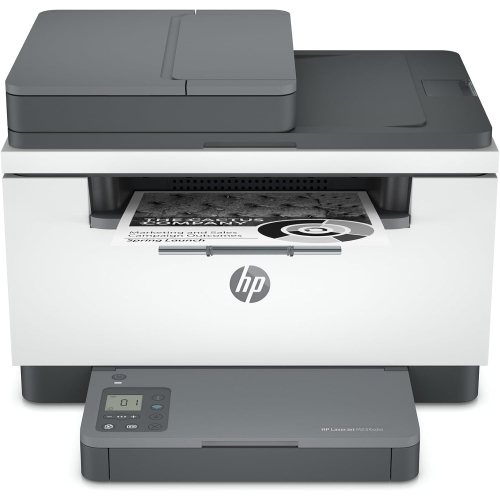 Your price for this item is $371.83
 -
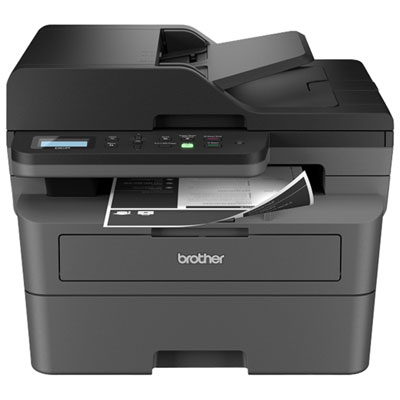 Your price for this item is $319.99
 -
 Your price for this item is $477.68
 -
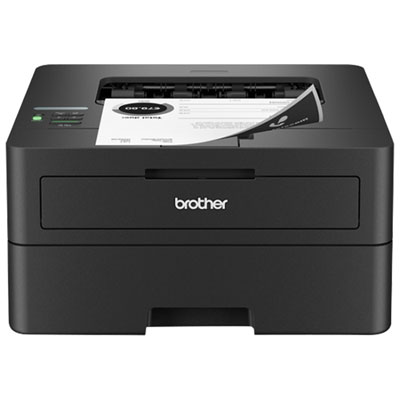 Your price for this item is $249.99
 -
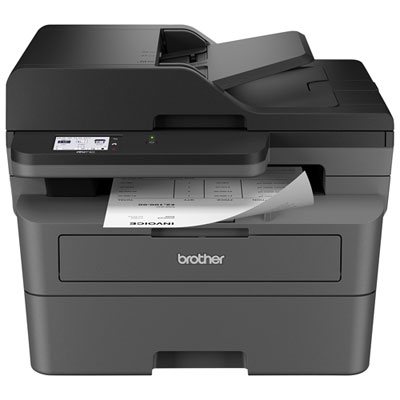 Your price for this item is $299.99
Discover more categories related to Black And White Toner Printers
Top Collections:
Pokemon Centers, Kindle Devices, Best Budget Office Chairs, Apple iPhones 16, Best Laptops for Writers, iPhone 15 Apple, Canon G7X Cameras, Refurbished Apple Laptops, Alarm Clock, Motorola Razr Phones
Some products may be subject to Environmental Handling Fees
(EHF) depending on your province.
Learn more about EHFs.