Computer Power Connectors
Power your computing needs with the right computer power connectors, essential components for ensuring a stable and reliable connection between your devices and their power sources. Whether you're building a custom PC, upgrading your setup, or simply replacing worn-out parts, having the correct connectors is crucial for maintaining performance and safety. Explore our wide selection of computer power connectors to find the perfect fit for your desktop, laptop, or other electronic devices. With options designed to meet various specifications and configurations, you can easily support all your tech requirements with confidence.
Sort


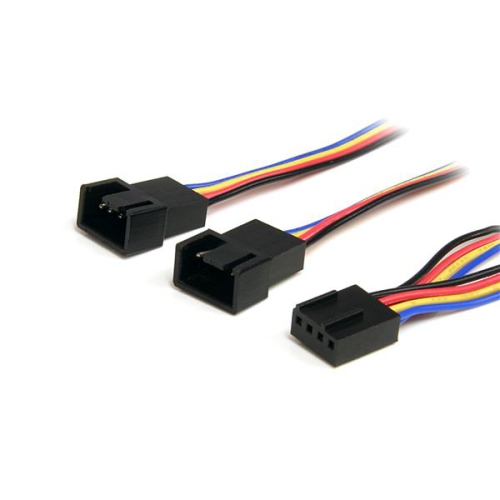
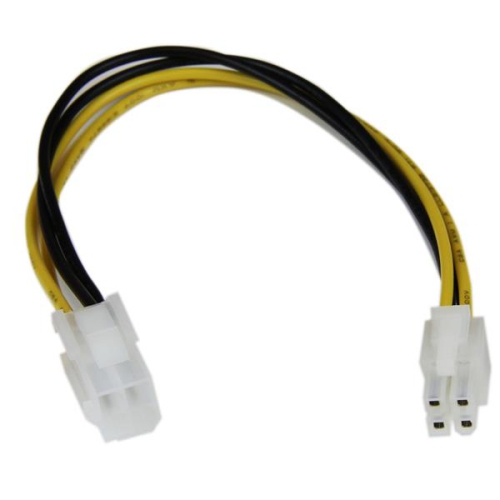
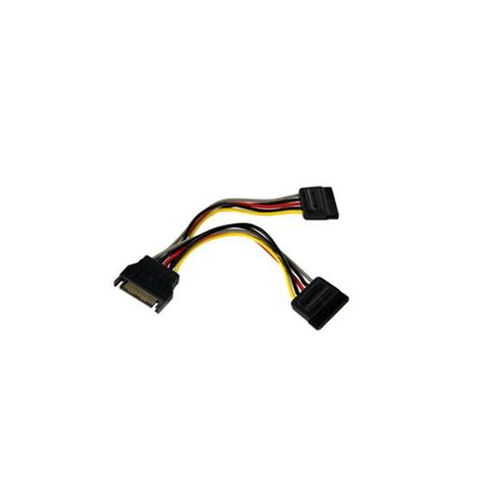
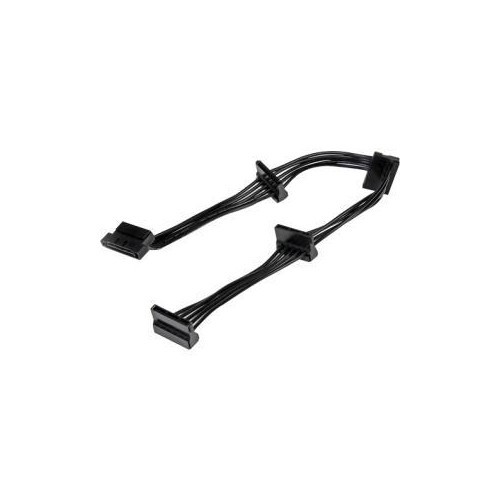
Power cable compatibility goes beyond a matching plug
Computer power connectors carry electricity from an outlet to a computer’s power supply, or from that power supply to the components inside the case. The category includes external AC power cords, internal DC power cables, replacement connectors, extensions, and adapters designed for particular connections. Although many plugs look familiar, their shapes, wiring, and electrical ratings determine where they belong. For a desktop computer, the external cord commonly has a grounded wall plug at one end and an IEC C13 connector at the other, which fits a matching C14 inlet on the power supply. Other computers and external power adapters may use different inlet shapes, so checking the existing connection is more reliable than judging by the size of the computer. A replacement AC cord needs the correct connector, a suitable electrical rating, and a wall plug appropriate for use in Canada. Internal connectors serve a different purpose: they distribute the power supply’s DC output to the motherboard, processor, graphics card, storage drives, and compatible accessories. These connections matter whether the project is a first desktop build, a workstation upgrade, or a repair that keeps a familiar family computer in service. Cable length also affects everyday fit. A tower beneath a desk may need enough reach to avoid pulling against the power inlet, while a compact system benefits from cabling that does not crowd the space around it. Laptop power connections require their own compatibility checks, particularly when an external adapter uses a barrel plug or USB-C connection. A matching plug shape alone does not establish that an adapter has the right voltage, polarity, power output, or charging support. For USB-C charging, both the cable and adapter must support the computer’s required power delivery. Across these applications, the useful distinction is between a connector that physically fits and a complete power connection designed to work with the equipment.
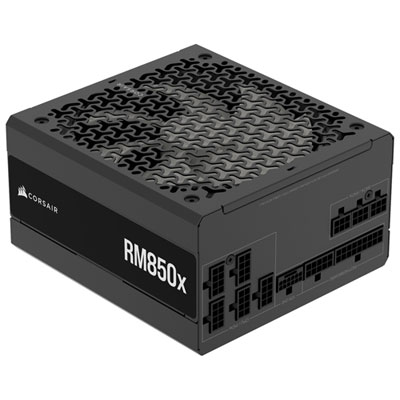
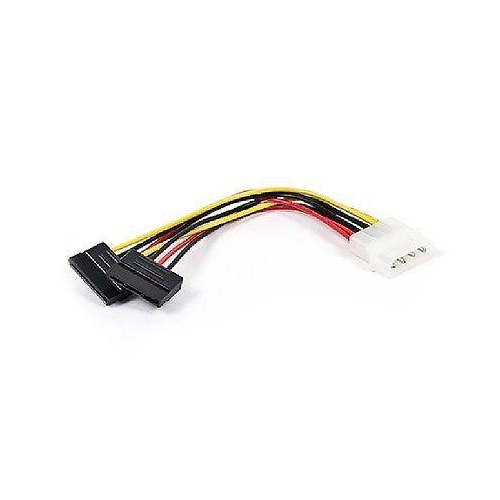
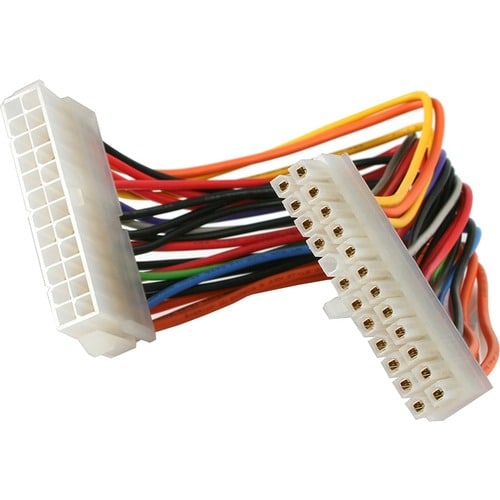
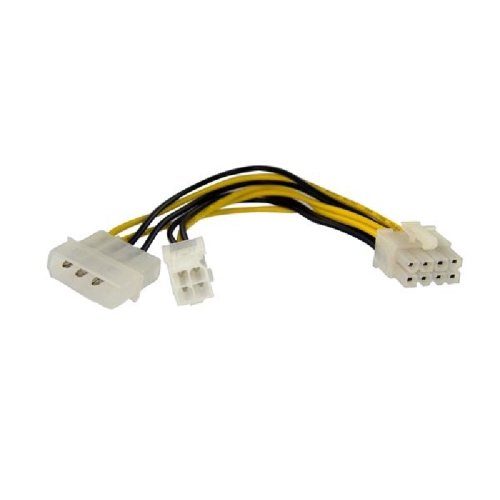
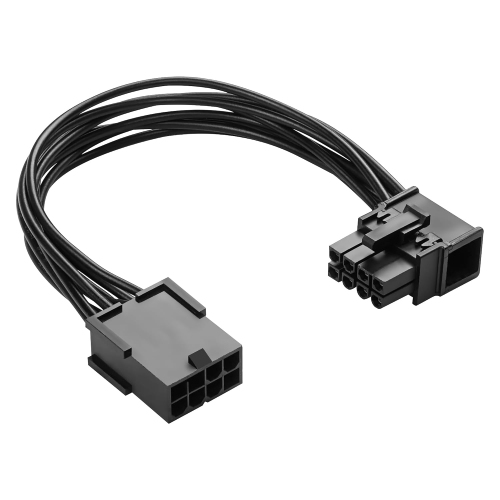
Inside a desktop PC, the main connector types have distinct roles. The 24-pin ATX connector supplies power to the motherboard; some cables use a 20+4-pin arrangement that joins together for a 24-pin socket. The 4+4-pin EPS/CPU connector provides dedicated processor power through a motherboard socket typically located near the processor area. Graphics cards with auxiliary power requirements may use 6-pin or 8-pin PCIe connections, with a 6+2-pin PCIe cable accommodating either format where supported. An 8-pin CPU connection and an 8-pin graphics card connection are not interchangeable, even though their pin counts are the same. Their keyed housings and wiring serve different purposes, making the cable’s intended use more important than its appearance. Some higher-power graphics cards use a 16-pin 12VHPWR or 12V-2x6 connection. These connections can support up to 600W in suitable configurations, but the supported power depends on the cable, power supply, graphics card, and manufacturer specifications. Full insertion, secure engagement, and adequate clearance near the plug are especially important with these connections. SATA power connectors have a wide, flat, 15-pin design used by many 2.5-inch solid-state drives, 3.5-inch hard drives, and compatible fan or lighting hubs. They supply power rather than data; a SATA storage drive generally needs a separate data connection, while an M.2 drive typically receives power through its motherboard slot. The larger legacy 4-pin peripheral connector, often called Molex, remains relevant to some older drives, fans, and accessories. It is different from a small motherboard fan connector. These distinctions help narrow a selection to the connection a component actually needs. Modular power supply cables require particular attention because the sockets on the power supply side are not universally wired. Even cables that fit the same socket, or come from power supplies bearing the same brand name, may be incompatible. Compatibility must be confirmed for the exact power supply model and cable type. An extension attaches to an existing compatible component-side cable, whereas a modular replacement cable connects directly to the power supply; the two are not substitutes for one another.
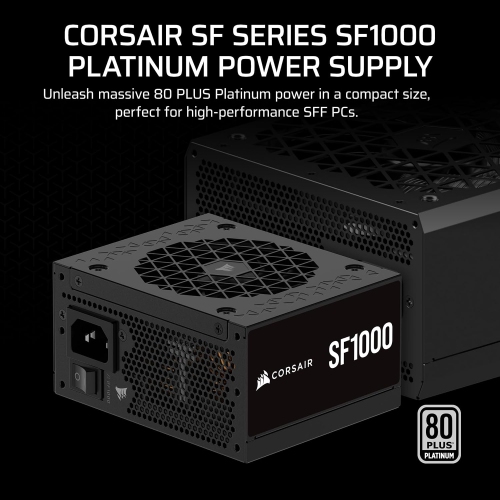
Construction and routing affect how comfortably computer power cables fit into a build. Cable assemblies commonly use stranded copper conductors, insulating jackets, moulded connector housings, and metal contacts secured inside the plugs. Suitable wire gauge, sound contact construction, and an electrical rating appropriate to the intended load matter more than decorative sleeving alone. Braided sleeves can give a visible build a tidy finish, while flatter cable arrangements may be easier to route behind a motherboard tray. Neither style guarantees electrical compatibility or quality. Connector depth and cable flexibility also matter: a side panel should close without pressing hard against a graphics card power plug, and a cable routed to the top of a tall case needs enough length to reach without tension. In a small-form-factor build, the dimensions of the power supply and the space reserved for cables deserve consideration together. Small Computer Power Supplies are relevant to compact systems, but a smaller enclosure does not remove the need to verify connector types, cable compatibility, and component power requirements. Extensions and adapters can help with particular layouts or supported connections, but they do not increase a power supply’s capacity or make an unsupported configuration suitable. Every added connection also needs room and secure engagement. For care, accessible cables benefit from occasional inspection for damaged insulation, loose housings, discolouration, or bent contacts. Power should be switched off and disconnected before cables are handled, and the power supply enclosure itself should remain closed. Pulling on the connector housing rather than the wires helps protect the cable assembly during removal, with any retaining latch released first. Connectors should stay clean and dry, without liquid cleaners applied to their contacts. A plug that resists insertion should prompt a compatibility and alignment check rather than extra force. For a gaming PC, home office tower, media computer, or older desktop being repaired, well-matched power connections support a layout that is secure, serviceable, and easier to maintain through later component changes.
Inside a desktop PC, the main connector types have distinct roles. The 24-pin ATX connector supplies power to the motherboard; some cables use a 20+4-pin arrangement that joins together for a 24-pin socket. The 4+4-pin EPS/CPU connector provides dedicated processor power through a motherboard socket typically located near the processor area. Graphics cards with auxiliary power requirements may use 6-pin or 8-pin PCIe connections, with a 6+2-pin PCIe cable accommodating either format where supported. An 8-pin CPU connection and an 8-pin graphics card connection are not interchangeable, even though their pin counts are the same. Their keyed housings and wiring serve different purposes, making the cable’s intended use more important than its appearance. Some higher-power graphics cards use a 16-pin 12VHPWR or 12V-2x6 connection. These connections can support up to 600W in suitable configurations, but the supported power depends on the cable, power supply, graphics card, and manufacturer specifications. Full insertion, secure engagement, and adequate clearance near the plug are especially important with these connections. SATA power connectors have a wide, flat, 15-pin design used by many 2.5-inch solid-state drives, 3.5-inch hard drives, and compatible fan or lighting hubs. They supply power rather than data; a SATA storage drive generally needs a separate data connection, while an M.2 drive typically receives power through its motherboard slot. The larger legacy 4-pin peripheral connector, often called Molex, remains relevant to some older drives, fans, and accessories. It is different from a small motherboard fan connector. These distinctions help narrow a selection to the connection a component actually needs. Modular power supply cables require particular attention because the sockets on the power supply side are not universally wired. Even cables that fit the same socket, or come from power supplies bearing the same brand name, may be incompatible. Compatibility must be confirmed for the exact power supply model and cable type. An extension attaches to an existing compatible component-side cable, whereas a modular replacement cable connects directly to the power supply; the two are not substitutes for one another.
Construction and routing affect how comfortably computer power cables fit into a build. Cable assemblies commonly use stranded copper conductors, insulating jackets, moulded connector housings, and metal contacts secured inside the plugs. Suitable wire gauge, sound contact construction, and an electrical rating appropriate to the intended load matter more than decorative sleeving alone. Braided sleeves can give a visible build a tidy finish, while flatter cable arrangements may be easier to route behind a motherboard tray. Neither style guarantees electrical compatibility or quality. Connector depth and cable flexibility also matter: a side panel should close without pressing hard against a graphics card power plug, and a cable routed to the top of a tall case needs enough length to reach without tension. In a small-form-factor build, the dimensions of the power supply and the space reserved for cables deserve consideration together. Small Computer Power Supplies are relevant to compact systems, but a smaller enclosure does not remove the need to verify connector types, cable compatibility, and component power requirements. Extensions and adapters can help with particular layouts or supported connections, but they do not increase a power supply’s capacity or make an unsupported configuration suitable. Every added connection also needs room and secure engagement. For care, accessible cables benefit from occasional inspection for damaged insulation, loose housings, discolouration, or bent contacts. Power should be switched off and disconnected before cables are handled, and the power supply enclosure itself should remain closed. Pulling on the connector housing rather than the wires helps protect the cable assembly during removal, with any retaining latch released first. Connectors should stay clean and dry, without liquid cleaners applied to their contacts. A plug that resists insertion should prompt a compatibility and alignment check rather than extra force. For a gaming PC, home office tower, media computer, or older desktop being repaired, well-matched power connections support a layout that is secure, serviceable, and easier to maintain through later component changes.
Top selling and popular products
-
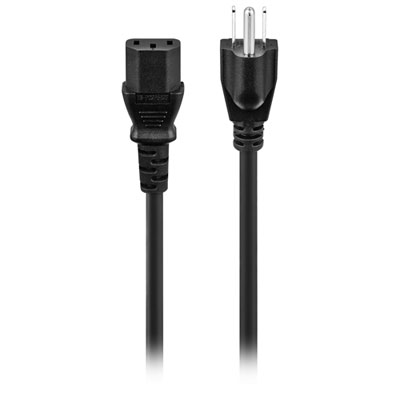 Your price for this item is $9.99
 -
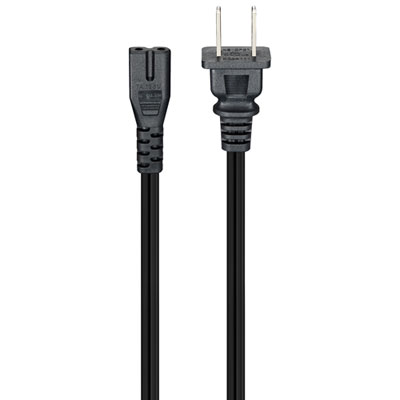 Your price for this item is $12.99
 -
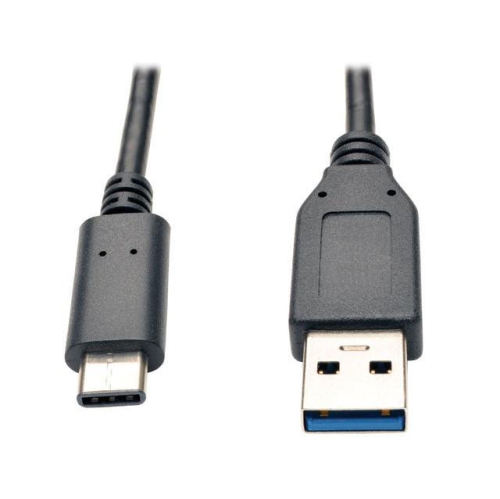 Your price for this item is $29.99
 -
 Your price for this item is $10
 -
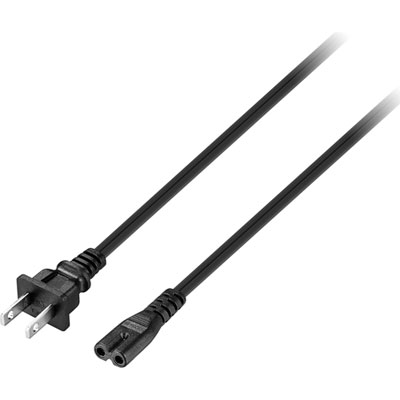 Your price for this item is $12.99
 -
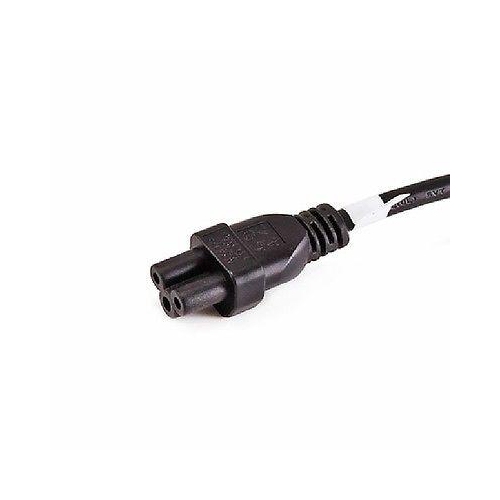 Your price for this item is $10
 -
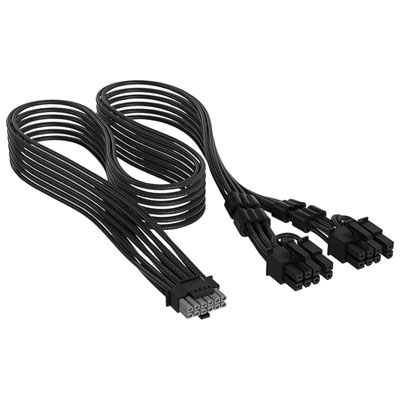 Your price for this item is $24.99
 -
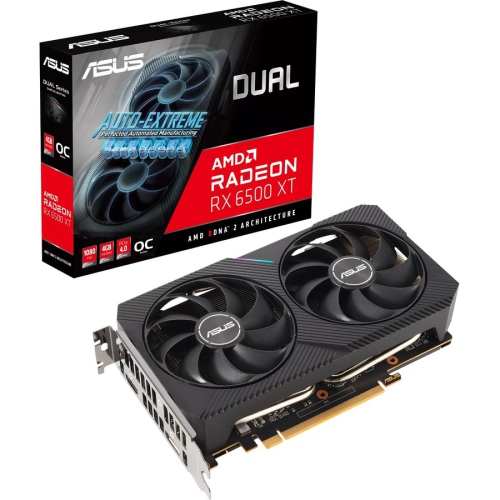 Your price for this item is $508.68
Discover more categories related to Computer Power Connectors
Top Collections:
Pokemon Centers, Kindle Devices, Best Budget Office Chairs, Canon G7X Cameras, Apple iPhones 16, Samsung Galaxy Phones, Refurbished Apple Laptops, Laptops for Students, iPhone 15 Apple, Budget Smartphones
Some products may be subject to Environmental Handling Fees
(EHF) depending on your province.
Learn more about EHFs.