Computers Under $250
Computers Under $250 make it easier than ever to find affordable options for work, school, or everyday use. Whether you’re shopping for a reliable device for home or need a budget-friendly solution for on-the-go productivity, there are plenty of choices that deliver value without stretching your wallet. Explore a wide selection of computers that combine practicality and performance at an accessible price point, making it simple to stay connected and get things done.
Sort
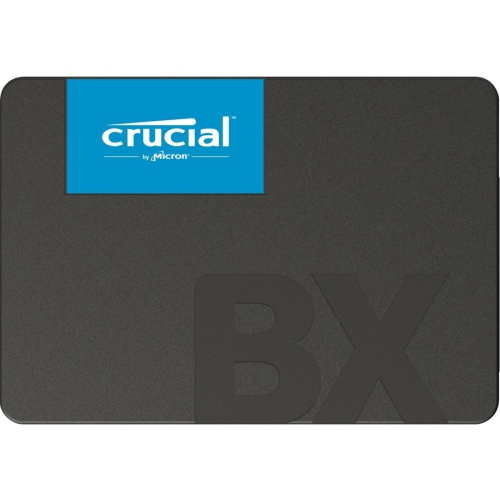
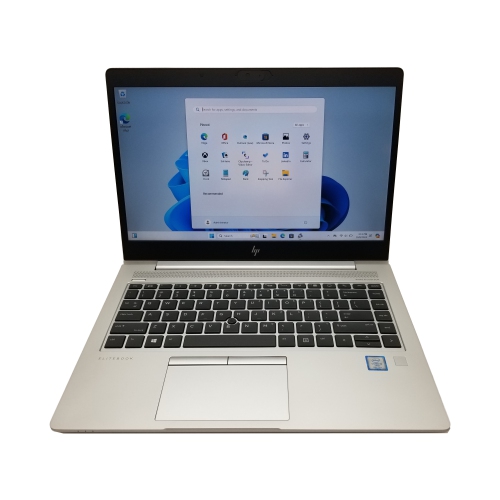
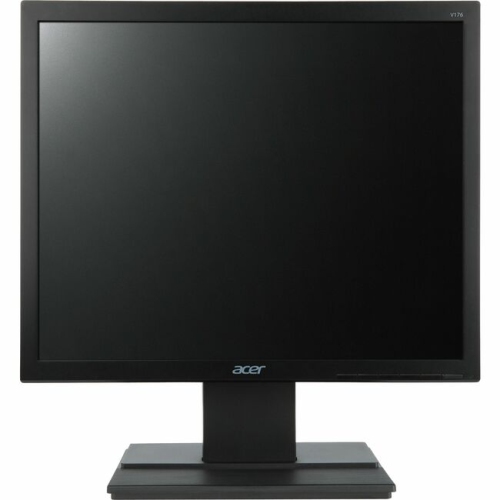
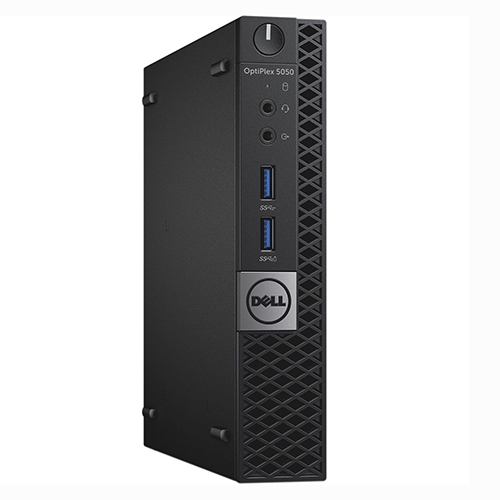
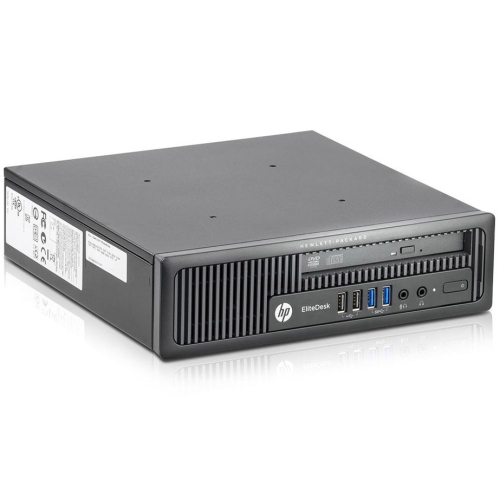
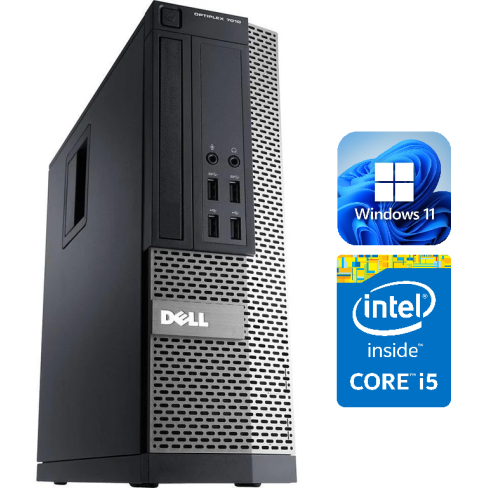
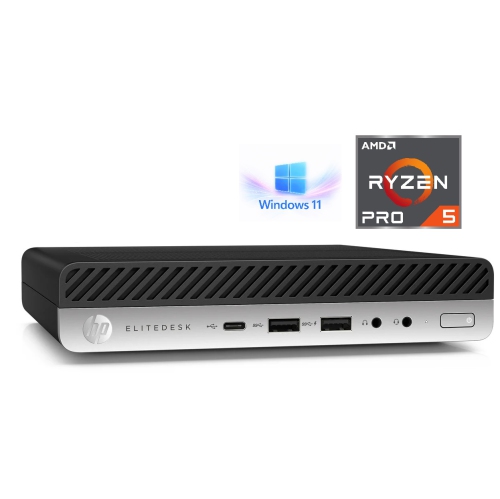
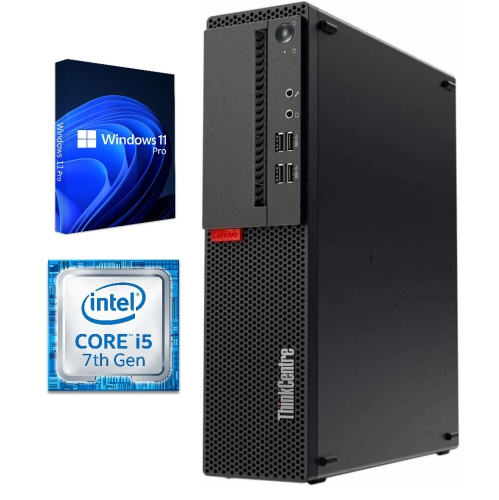
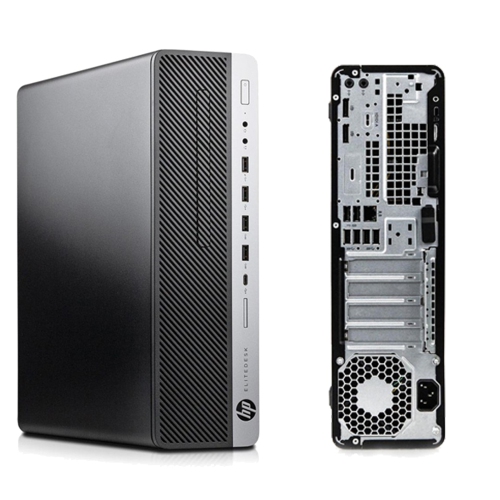
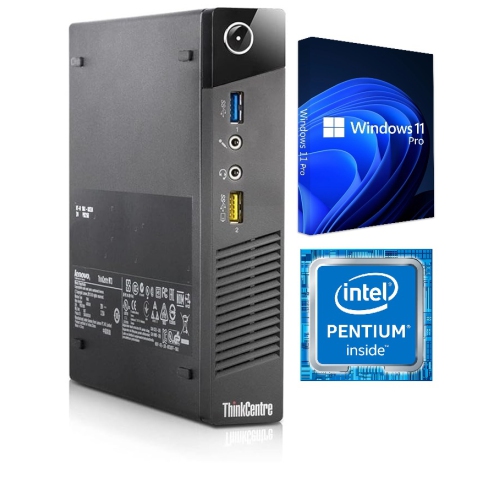
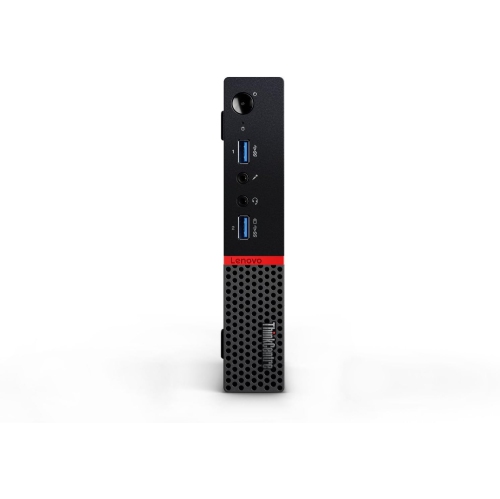
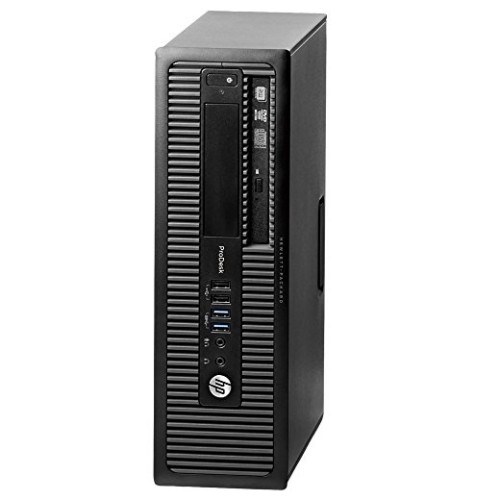
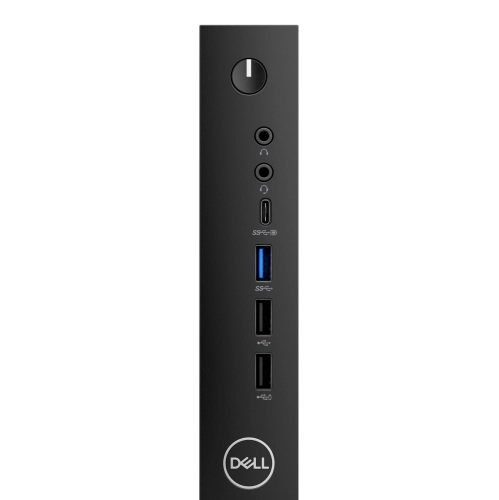
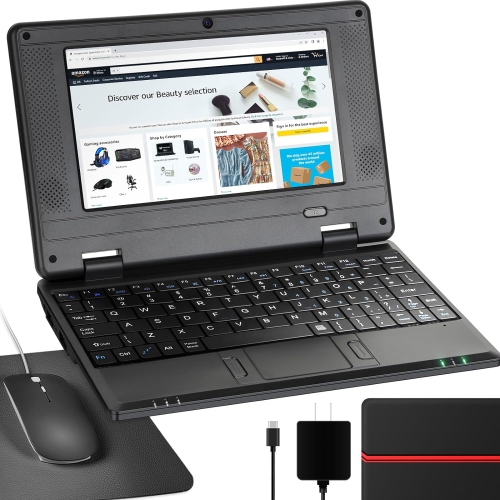
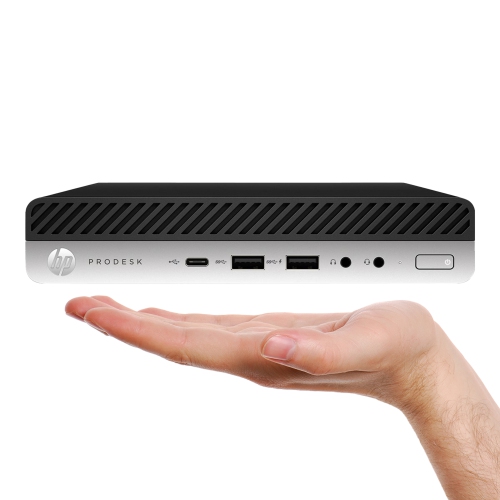
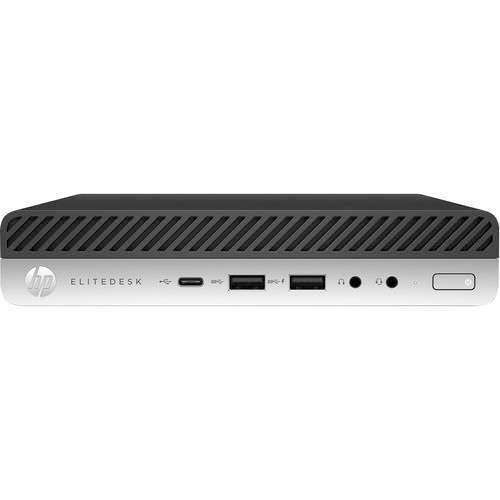
Everyday computing for study, streaming, and staying connected
When you’re looking for computers under $250, you’ll discover a range of devices designed to meet essential needs without stretching your budget. These affordable computers are a popular choice for students, casual users, and anyone seeking a secondary device for everyday tasks. Whether you’re outfitting a home office, setting up a study space, or searching for a practical gift for someone heading back to school, these budget-friendly options offer impressive value. Many models in this price range are compact and lightweight, making them easy to carry between classes, coffee shops, or from room to room at home. As the weather warms and routines shift, the portability of these devices becomes even more appealing for those who want to work or relax outdoors, or simply move freely around the house. While these computers may not be intended for demanding gaming or advanced creative work, they excel at web browsing, streaming, document editing, and video calls—tasks that make up the core of modern digital life.
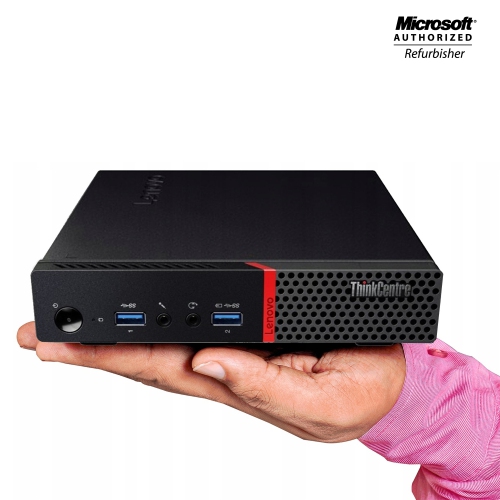
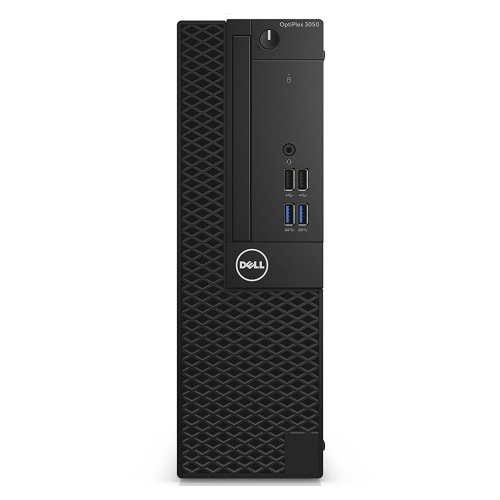
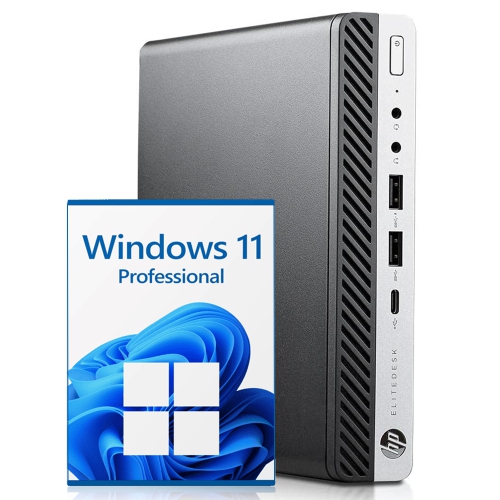
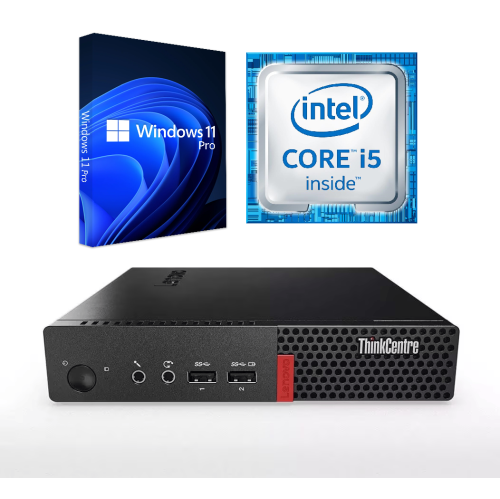
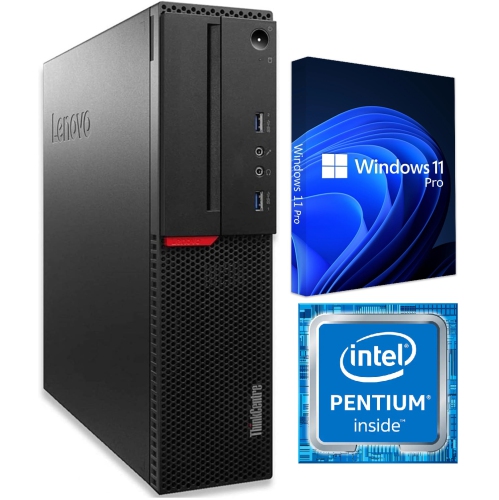
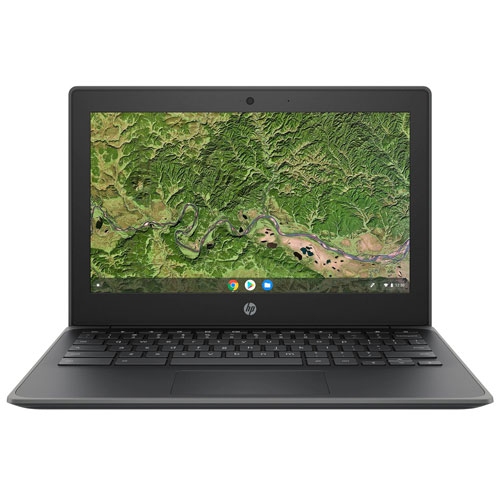
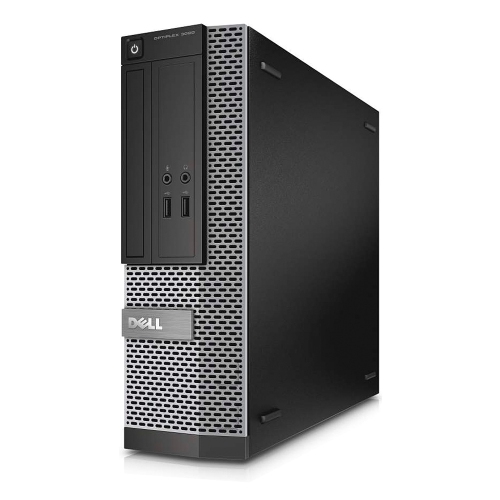
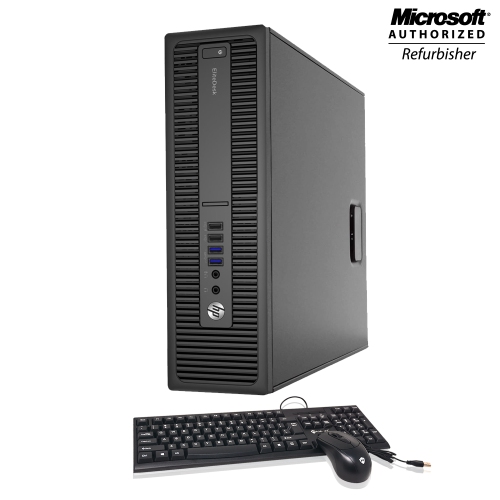
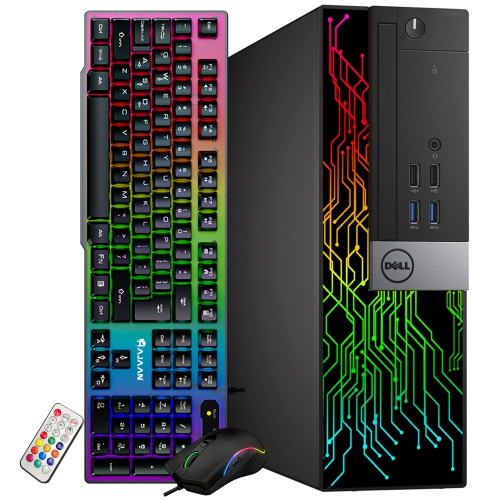
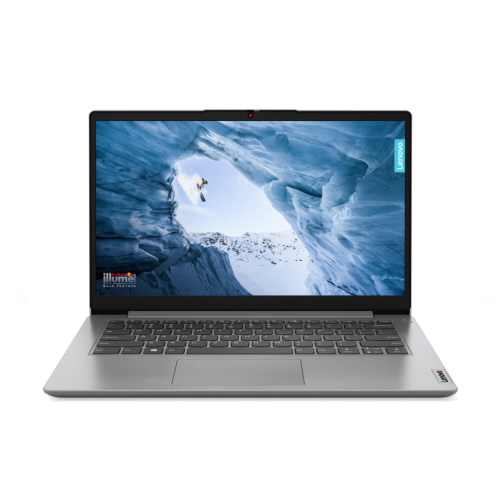
Most computers under $250 are entry-level Chromebooks, budget-friendly Windows laptops, and compact Mini PCs. Chromebooks in this category are known for their fast boot times, secure cloud-based environment, and ease of use, making them especially suitable for students and families. Windows laptops at this price point offer a familiar interface and compatibility with a wide range of software, ideal for those who need basic productivity tools or are transitioning from an older desktop. Mini PCs are gaining popularity for their space-saving design and silent operation, fitting easily into small workspaces or entertainment centres. Some shoppers may also find refurbished desktops on offer, providing enhanced performance at a similar price. These refurbished units can be a smart choice for those who want a bit more power for multitasking or prefer a traditional desktop setup. Storage and memory configurations typically range from 4GB to 8GB of RAM and 64GB to 256GB of storage, which is sufficient for light tasks and everyday files. If you’re wondering, “anything cheaper?”—this segment offers some of the most accessible entry points into personal computing, especially when factoring in seasonal sales and special offers.
When choosing a computer under $250, consider who will use it and how it will fit into their routine. These devices make thoughtful gifts for students preparing for a new school year, grandparents who want to stay connected with family, or anyone who needs a simple, reliable way to surf the web and manage daily tasks. They can also serve as a dedicated device for travel, a backup computer for the cottage, or a starter system for kids learning the basics of digital literacy. While storage may be limited compared to higher-end models, cloud services and external drives can help expand capacity as needed. For those seeking more options or slightly higher performance, you might also want to explore the selection of Computers Under $300, where you’ll find additional features and configurations that build on the value offered here. No matter your needs, shopping for computers under $250 is a practical way to stay connected, productive, and entertained, all while keeping your budget in check.
Most computers under $250 are entry-level Chromebooks, budget-friendly Windows laptops, and compact Mini PCs. Chromebooks in this category are known for their fast boot times, secure cloud-based environment, and ease of use, making them especially suitable for students and families. Windows laptops at this price point offer a familiar interface and compatibility with a wide range of software, ideal for those who need basic productivity tools or are transitioning from an older desktop. Mini PCs are gaining popularity for their space-saving design and silent operation, fitting easily into small workspaces or entertainment centres. Some shoppers may also find refurbished desktops on offer, providing enhanced performance at a similar price. These refurbished units can be a smart choice for those who want a bit more power for multitasking or prefer a traditional desktop setup. Storage and memory configurations typically range from 4GB to 8GB of RAM and 64GB to 256GB of storage, which is sufficient for light tasks and everyday files. If you’re wondering, “anything cheaper?”—this segment offers some of the most accessible entry points into personal computing, especially when factoring in seasonal sales and special offers.
When choosing a computer under $250, consider who will use it and how it will fit into their routine. These devices make thoughtful gifts for students preparing for a new school year, grandparents who want to stay connected with family, or anyone who needs a simple, reliable way to surf the web and manage daily tasks. They can also serve as a dedicated device for travel, a backup computer for the cottage, or a starter system for kids learning the basics of digital literacy. While storage may be limited compared to higher-end models, cloud services and external drives can help expand capacity as needed. For those seeking more options or slightly higher performance, you might also want to explore the selection of Computers Under $300, where you’ll find additional features and configurations that build on the value offered here. No matter your needs, shopping for computers under $250 is a practical way to stay connected, productive, and entertained, all while keeping your budget in check.
Top selling and popular products
-
 Your price for this item is $1599
 -
 Your price for this item is $1629.79
 -
 Your price for this item is $1999.99
 -
 Your price for this item is $1459.79
 -
 Your price for this item is $879
 -
 Your price for this item is $1199.99
 -
 Your price for this item is $1839
 -
 Your price for this item is $879
Discover more categories related to Computers Under $250
Top Collections:
Pokemon Centers, Kindle Devices, Best Budget Office Chairs, Apple iPhones 16, Best Laptops for Writers, iPhone 15 Apple, Canon G7X Cameras, Refurbished Apple Laptops, Alarm Clock, Motorola Razr Phones
Some products may be subject to Environmental Handling Fees
(EHF) depending on your province.
Learn more about EHFs.