DDR5 for Laptops
Upgrade your laptop's performance with the latest DDR5 memory technology. DDR5 for laptops provides faster speeds, improved power efficiency, and increased bandwidth compared to its predecessor. With this advanced memory module, you can enjoy seamless multitasking, smoother gaming experiences, and lightning-fast data transfer rates. Whether you're a student, professional, or avid gamer, DDR5 for laptops is the perfect choice to take your computing experience to the next level. Explore our wide selection of DDR5 memory options and find the perfect fit for your laptop today.
Sort
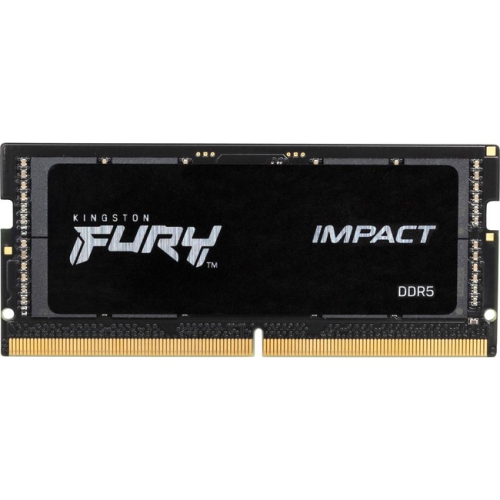
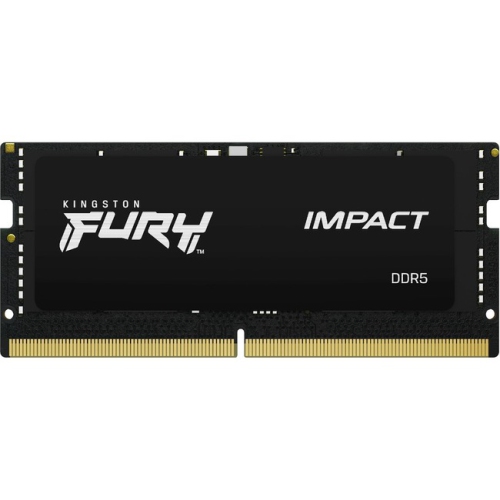
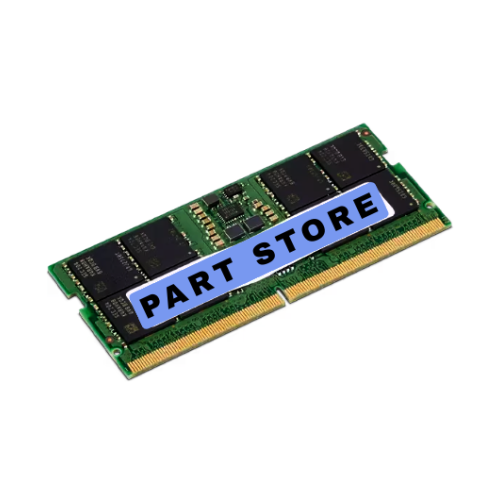
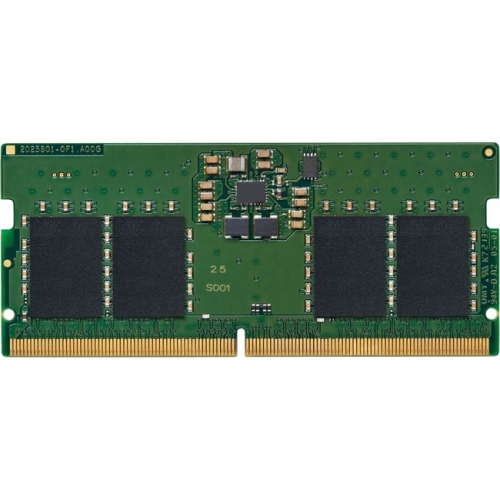
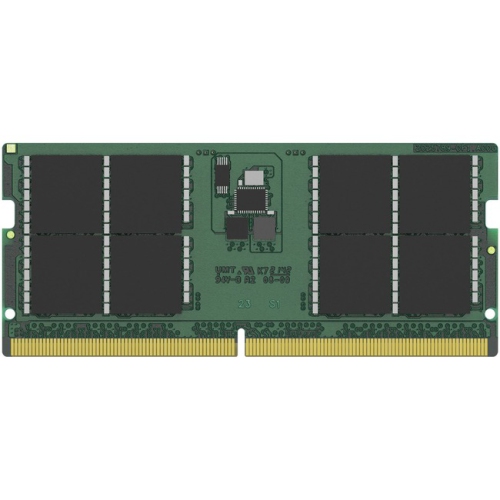
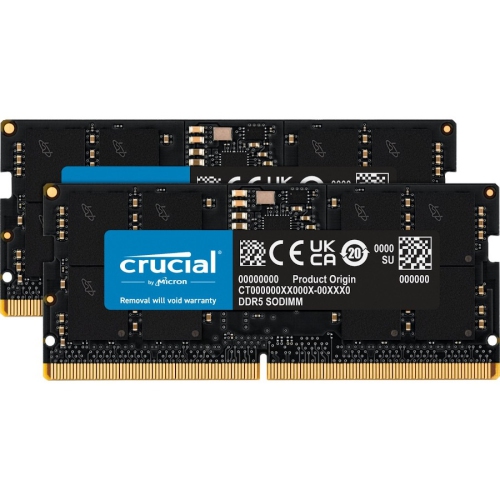
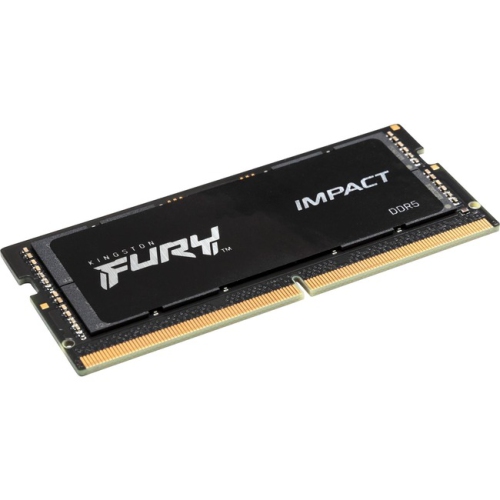
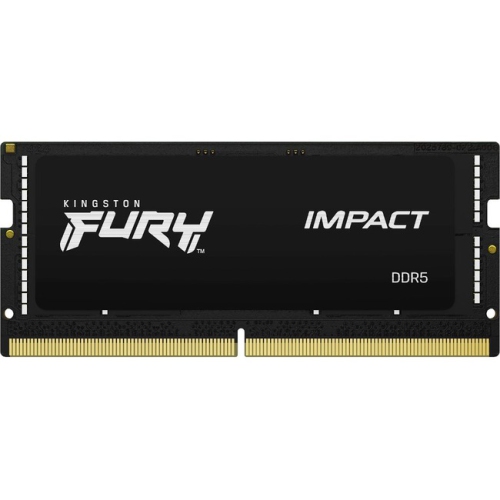
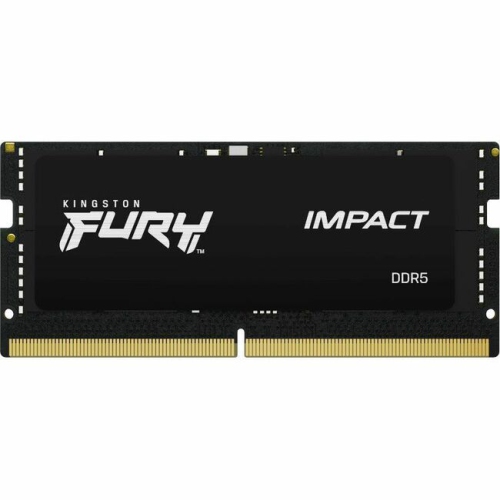
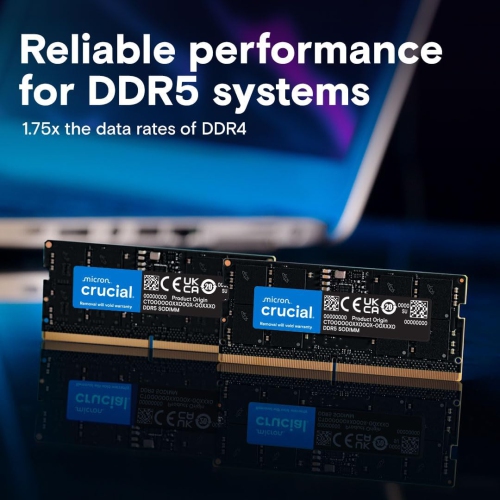
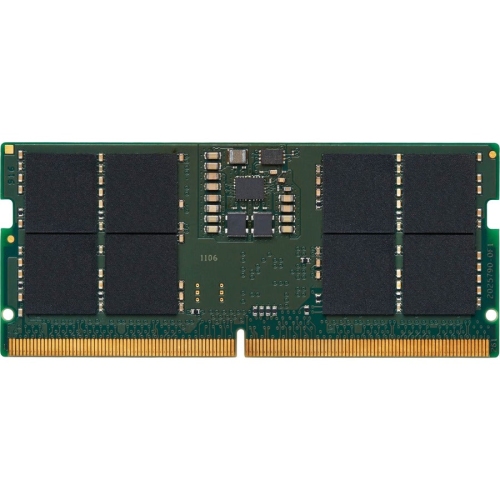


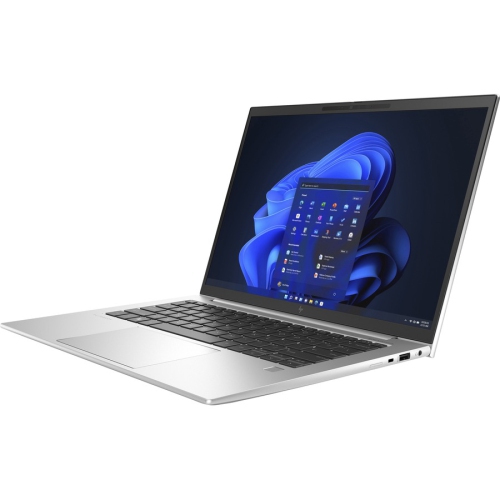

More responsive multitasking starts with the right memory
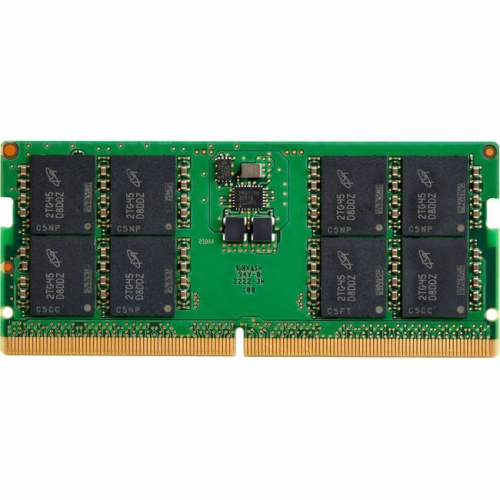
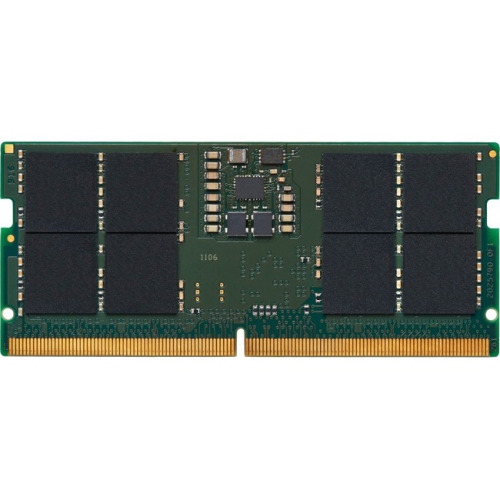
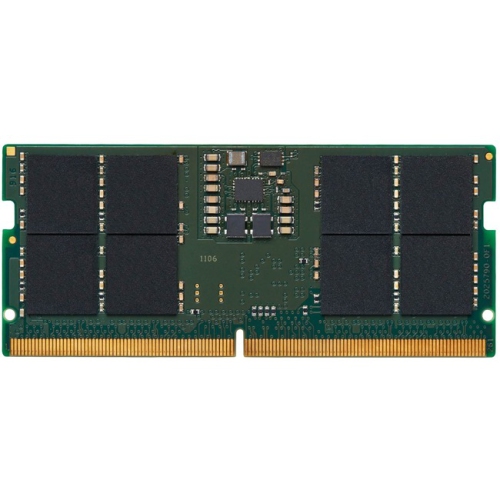
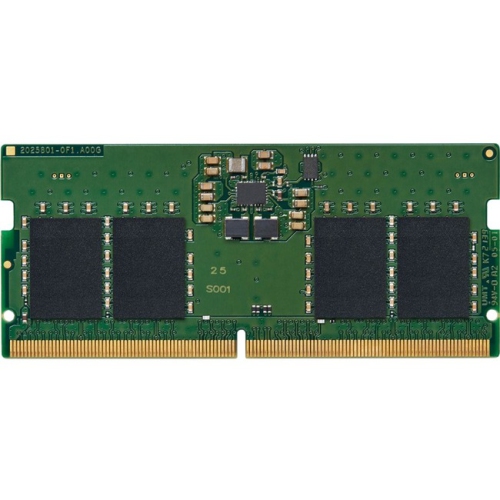
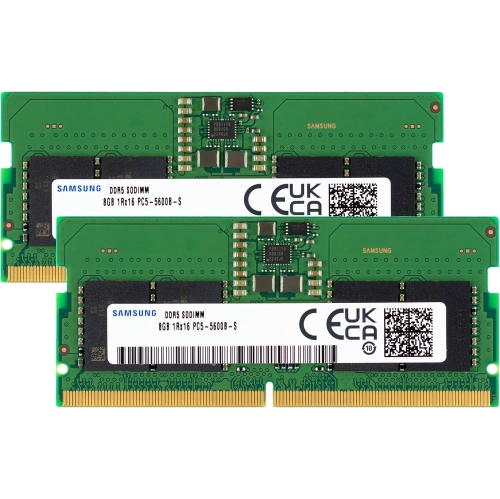
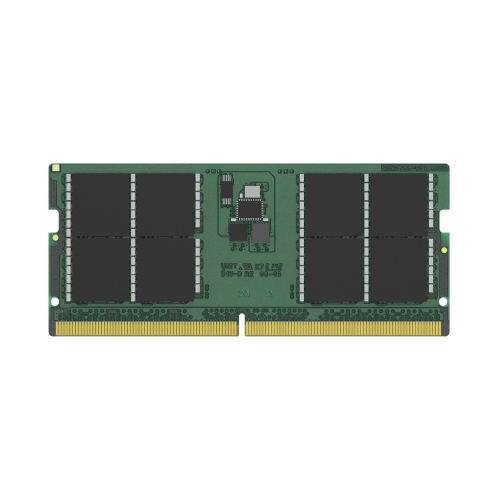
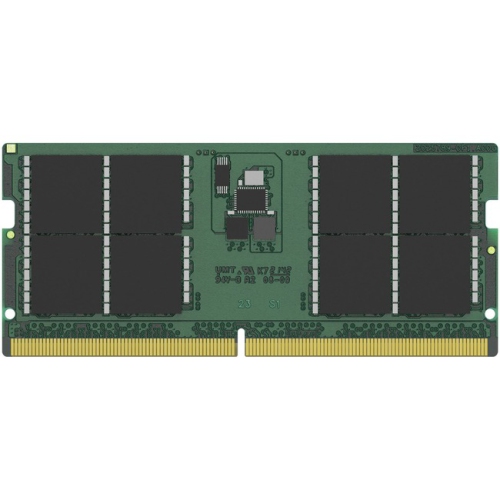
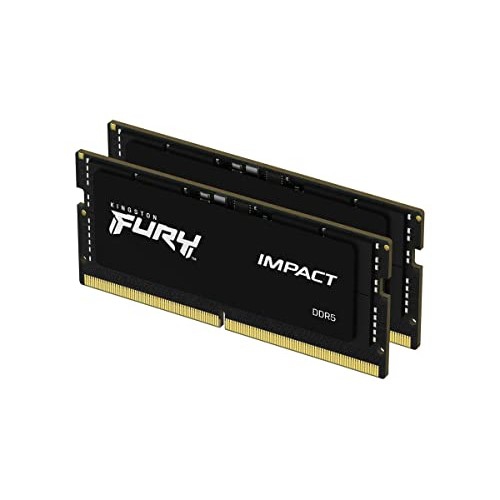
DDR5 for laptops can be a practical way to improve a compatible notebook’s responsiveness, especially when everyday work has grown beyond a few browser tabs and a document. Laptop DDR5 memory uses compact SO-DIMM modules designed for notebook computers and starts at transfer rates of 4800 MT/s, providing higher memory bandwidth than earlier DDR4 technology. In real use, additional memory can help a laptop keep more applications active at once, reduce slowdowns when switching between a video call, a spreadsheet and a large collection of browser tabs, and make demanding tasks feel more fluid. Students may use a DDR5 memory upgrade to keep research tabs, online course software and writing tools open together, while home users may notice the difference when organizing photos, streaming high-resolution video or running several everyday programs at the same time. For gaming laptops, more memory can support modern games alongside chat, recording or streaming applications, and for creative work it can help when editing photos, cutting video or working with large project files. A 16GB configuration is often a sensible starting point for general productivity, schoolwork and moderate multitasking, while 32GB or more may be better suited to gaming, content creation, software development, virtual machines and other memory-intensive workloads. Capacity is only one part of the decision: the module must also match the laptop’s supported memory type, speed, voltage, physical format and maximum capacity. DDR5 is not interchangeable with DDR4, and a DDR5 SO-DIMM will not fit or operate in a laptop designed for older memory. It is also important to check whether a laptop has one open slot, two accessible slots or memory that is permanently soldered to the motherboard. Many thin and light notebooks use soldered RAM to save space, which means a module cannot be added or replaced after purchase. A laptop’s support page or service manual is usually the most reliable source for upgrade information, and the existing memory layout can often be viewed in Windows by opening Task Manager, selecting the Performance tab and choosing Memory. This screen can show the installed capacity and memory speed, although the laptop’s technical specifications should be used to confirm the memory generation and upgrade limits before ordering. When two modules are installed as a matched kit, the system may be able to use dual-channel operation for improved bandwidth, but the laptop must support the combined capacity and configuration. Mixing modules can sometimes work, yet matching specifications helps reduce compatibility concerns and makes installation more straightforward.
When choosing DDR5 for laptops, begin with the way the computer is used rather than selecting the highest advertised speed or largest capacity automatically. A family laptop used for email, browsing, documents and video calls may benefit most from a balanced capacity that leaves enough headroom for several years of ordinary use. A student moving between a library desk, a classroom and a kitchen table may appreciate a reliable upgrade that keeps a laptop responsive while juggling online resources, presentations and group-work software. A gaming enthusiast may prioritize a larger matched kit to support current titles, background applications and game launchers without constantly closing programs. Someone who works with raw photographs, 4K footage, three-dimensional design files or large music projects may need additional capacity because these files can occupy memory quickly, particularly when several programs are open together. DDR5 operates at a lower standard voltage than DDR4, at 1.1V, and its design includes on-die error correction features intended to help maintain data integrity during normal operation; however, these characteristics do not make every module universally compatible, and they do not replace checking the laptop manufacturer’s specifications. Listed speeds are measured in MT/s, or mega-transfers per second, rather than traditional MHz, so comparing numbers across memory generations can be misleading if the underlying technology is different. Installation is usually completed by removing the laptop’s bottom panel, releasing the existing module if necessary and seating the new SO-DIMM at an angle before pressing it flat, but the exact process varies by model. Anyone who is not comfortable working around delicate clips, cables and internal components may prefer professional installation. Before opening the computer, back up important files, shut it down completely, disconnect the charger and follow the manufacturer’s service instructions. After installation, confirm that the full capacity is recognized in the operating system and run the laptop through the tasks it normally handles, such as launching applications, joining a video call or opening a large project. DDR5 memory can also be a thoughtful gift for a student, remote worker, gamer or creative hobbyist, but it is best given with the laptop model and upgrade information in hand so the recipient receives the correct format. If an older notebook uses a different memory generation, browsing DDR3 Laptops can provide useful context, although DDR3, DDR4 and DDR5 modules are separate technologies and should never be substituted for one another. During the warmer and cooler parts of the year alike, a well-matched memory upgrade can help extend the usefulness of a compatible laptop, whether it is used at a home office, on a campus, while travelling or in a quiet corner for an evening of gaming and creative work.
When choosing DDR5 for laptops, begin with the way the computer is used rather than selecting the highest advertised speed or largest capacity automatically. A family laptop used for email, browsing, documents and video calls may benefit most from a balanced capacity that leaves enough headroom for several years of ordinary use. A student moving between a library desk, a classroom and a kitchen table may appreciate a reliable upgrade that keeps a laptop responsive while juggling online resources, presentations and group-work software. A gaming enthusiast may prioritize a larger matched kit to support current titles, background applications and game launchers without constantly closing programs. Someone who works with raw photographs, 4K footage, three-dimensional design files or large music projects may need additional capacity because these files can occupy memory quickly, particularly when several programs are open together. DDR5 operates at a lower standard voltage than DDR4, at 1.1V, and its design includes on-die error correction features intended to help maintain data integrity during normal operation; however, these characteristics do not make every module universally compatible, and they do not replace checking the laptop manufacturer’s specifications. Listed speeds are measured in MT/s, or mega-transfers per second, rather than traditional MHz, so comparing numbers across memory generations can be misleading if the underlying technology is different. Installation is usually completed by removing the laptop’s bottom panel, releasing the existing module if necessary and seating the new SO-DIMM at an angle before pressing it flat, but the exact process varies by model. Anyone who is not comfortable working around delicate clips, cables and internal components may prefer professional installation. Before opening the computer, back up important files, shut it down completely, disconnect the charger and follow the manufacturer’s service instructions. After installation, confirm that the full capacity is recognized in the operating system and run the laptop through the tasks it normally handles, such as launching applications, joining a video call or opening a large project. DDR5 memory can also be a thoughtful gift for a student, remote worker, gamer or creative hobbyist, but it is best given with the laptop model and upgrade information in hand so the recipient receives the correct format. If an older notebook uses a different memory generation, browsing DDR3 Laptops can provide useful context, although DDR3, DDR4 and DDR5 modules are separate technologies and should never be substituted for one another. During the warmer and cooler parts of the year alike, a well-matched memory upgrade can help extend the usefulness of a compatible laptop, whether it is used at a home office, on a campus, while travelling or in a quiet corner for an evening of gaming and creative work.
Top selling and popular products
-
 Your price for this item is $449
 -
 Your price for this item is $3099
 -
 Your price for this item is $299.95
 -
 Your price for this item is $664.05
 -
 Your price for this item is $599.68
 -
 Your price for this item is $869.99
 -
 Your price for this item is $259
 -
 Your price for this item is $418.98
Discover more categories related to DDR5 for Laptops
Top Collections:
Pokemon Centers, Kindle Devices, Best Budget Office Chairs, Apple iPhones 16, Best Laptops for Writers, iPhone 15 Apple, Canon G7X Cameras, Refurbished Apple Laptops, Alarm Clock, Motorola Razr Phones
Some products may be subject to Environmental Handling Fees
(EHF) depending on your province.
Learn more about EHFs.