Decent Gaming Laptops
A gaming laptop is a high-performance portable computer designed for playing video games. They are not only powerful enough to run the latest games, but they are also compact enough to take anywhere. Here are some of the best options available.
Sort
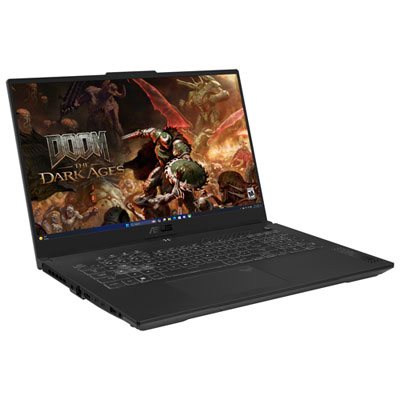
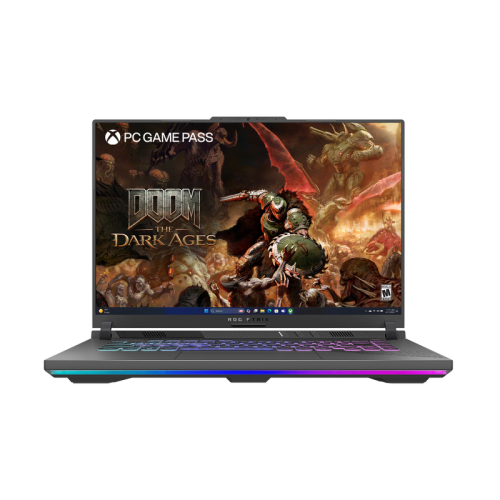
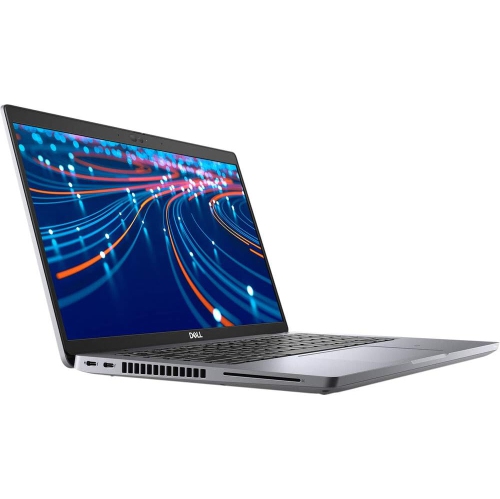
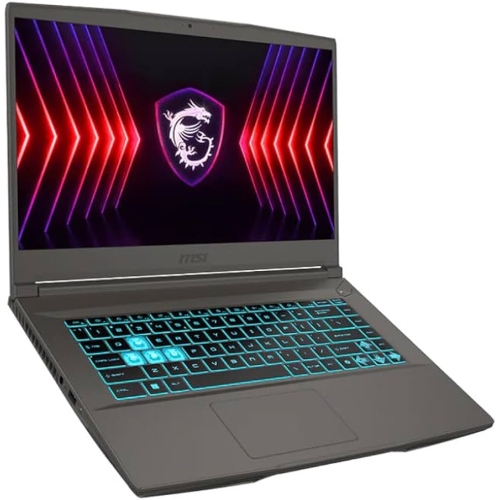
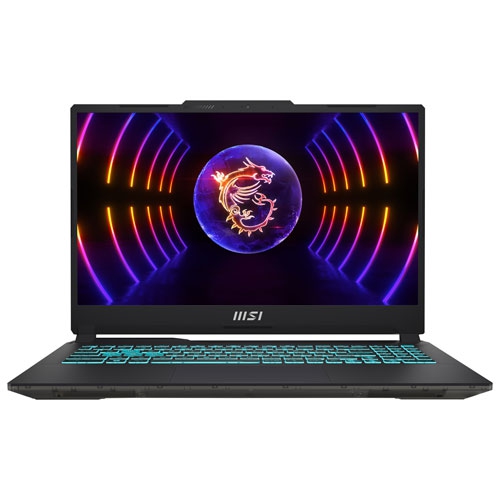
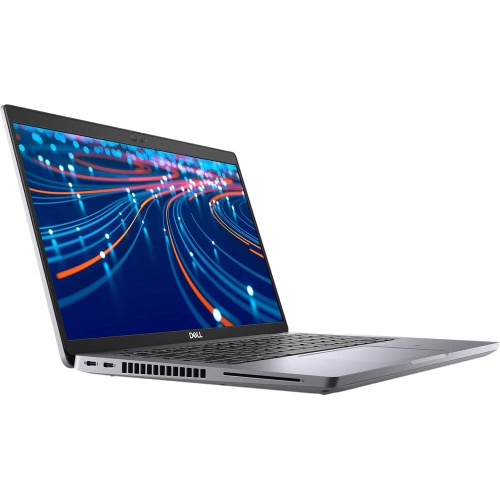
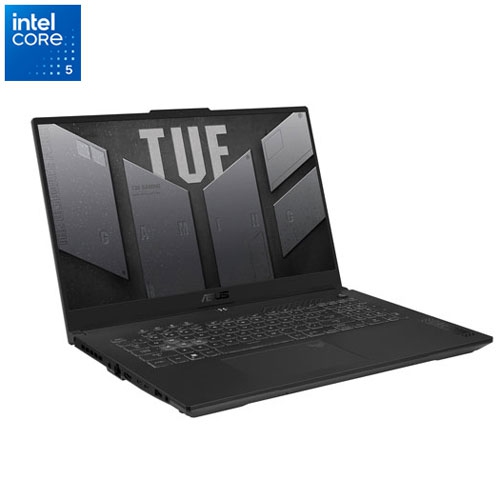
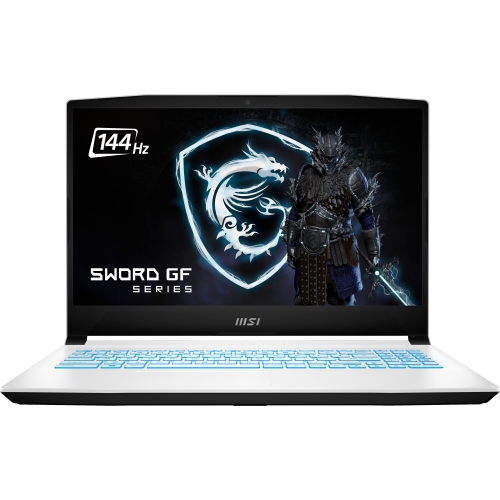

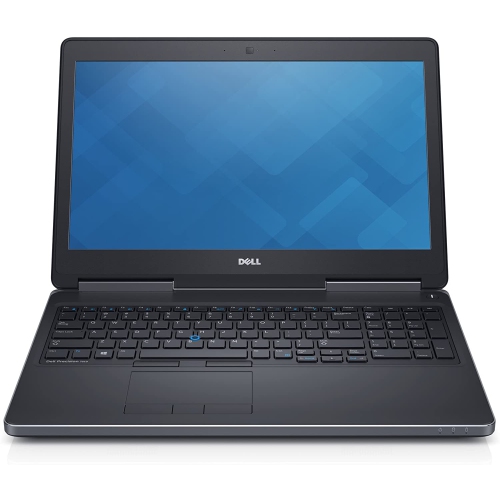
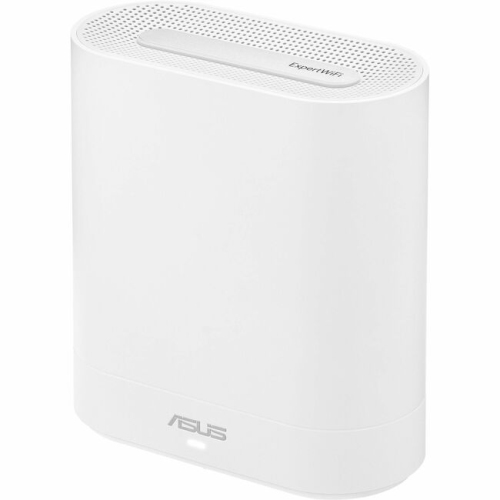
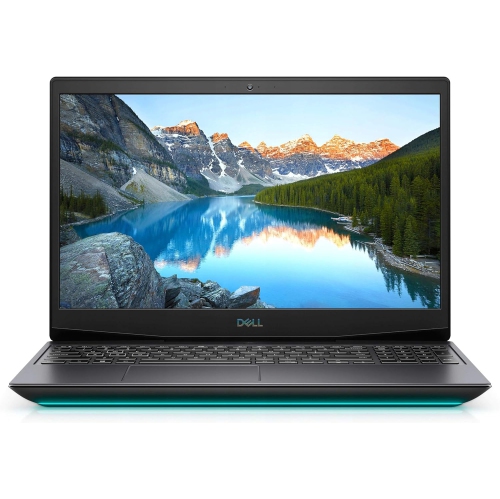
Smooth 1080p gaming meets everyday work and portability
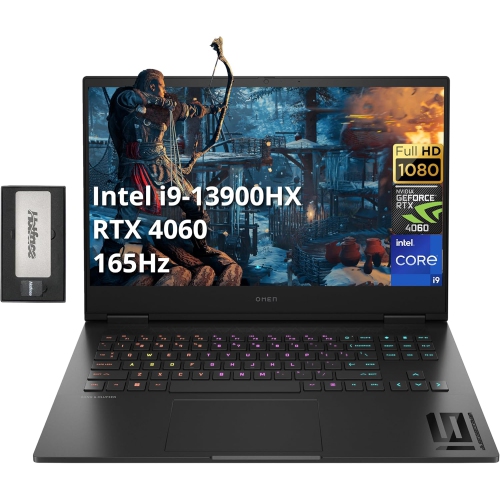
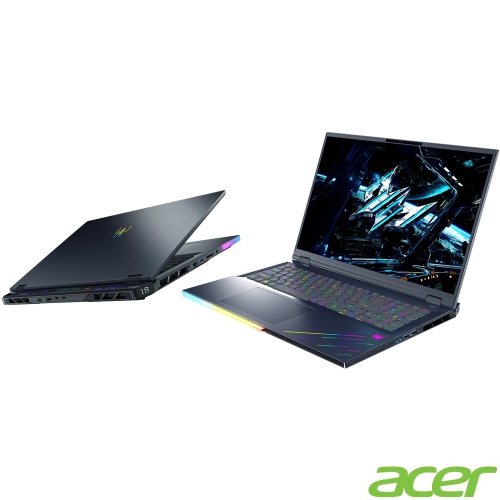
Decent gaming laptops bring together capable graphics, responsive everyday performance, and a design that fits comfortably into daily life. For many players, that means a laptop that runs favourite games smoothly at 1080p, handles schoolwork or office tasks without feeling sluggish, and travels easily between a desk and a friend’s place. The right balance depends on what gets played: fast-paced competitive games benefit from consistently high frame rates, while detailed adventure and role-playing games put more emphasis on graphics quality, video memory, and storage space. A dedicated graphics processor is a useful starting point for more demanding games, although integrated graphics can suit lighter titles and less demanding settings. Graphics performance also depends on the laptop’s power limits and cooling system, so two machines with similarly named components may deliver different results. A capable processor supports game logic, background applications, and tasks such as voice chat or streaming, but the processor and graphics hardware work best when neither is a significant bottleneck for the intended use. For general gaming and multitasking, 16 GB of system memory is a practical baseline; 32 GB can provide extra room for demanding games, creative projects, and several applications running together. A solid-state drive helps games load promptly and makes everyday navigation feel responsive. Around 1 TB of storage can be useful for a growing game library, though actual space needs vary considerably and some large games take up well over 100 GB each. These details matter in ordinary moments: joining a multiplayer session without a long loading delay, switching from a research document to a game launcher, or keeping voice chat open during a match. A decent gaming laptop does not need to run every game at its highest settings. Consistent performance at sensible settings, clear visuals, and controls that feel responsive often make a more noticeable difference than an ambitious specification that the rest of the system cannot fully support.
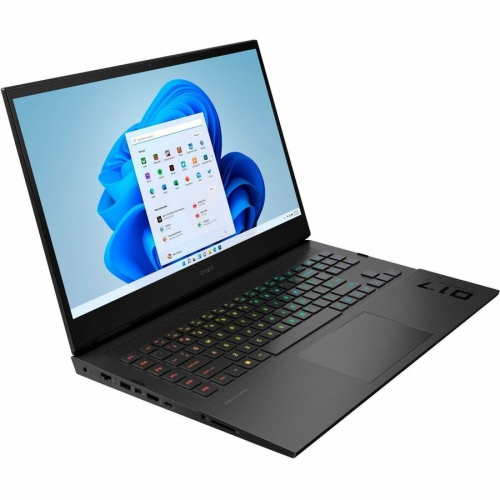
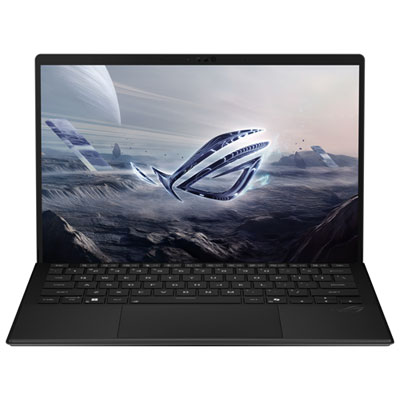
The screen, keyboard, and physical design shape the experience just as much as the internal hardware. A 15-inch or 16-inch display offers a practical middle ground between usable screen space and portability, while smaller laptops are easier to fit into a backpack and larger models give maps, menus, and detailed scenes more room. Screen resolution needs to suit the graphics processor: 1080p is a manageable target for many gaming systems, while higher resolutions produce finer detail but require more graphics power to maintain similar frame rates. A refresh rate of 144 Hz or higher can make movement look smoother when the laptop delivers enough frames, particularly in racing games and competitive shooters. Refresh rate alone does not determine display quality, however. Pixel response times, brightness, contrast, and colour reproduction all affect how clearly a moving scene appears and how pleasant the screen is for films, coursework, or photo editing. An adaptive-sync display can help reduce visible tearing when supported by the system. On the keyboard, a stable deck, comfortable key spacing, and clearly marked controls matter during both extended play and everyday typing. Backlighting helps identify keys in a dim room, while a number pad may appeal to someone who also works with spreadsheets. Plastic and metal chassis each have their place; sturdy hinges, well-fitted panels, and limited flex are more useful signs of solid construction than material alone. A slim metal body can feel reassuring in the hand, but durability still depends on construction and handling. Weight should include the power adapter when portability matters, since gaming laptops generally perform best while plugged in and their chargers can add noticeable bulk. Fan sound is another everyday consideration, especially in shared rooms or during voice calls. Headphones may make the fans less noticeable to the player, but thoughtful cooling and adjustable performance modes help a laptop suit different tasks. Full gaming performance and quiet operation are not always achievable at the same time.
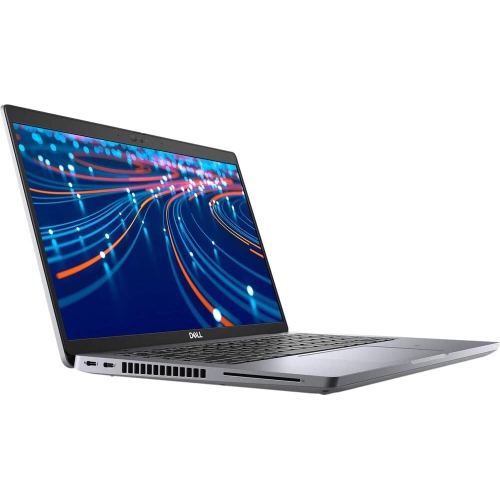
A gaming laptop’s usefulness also comes from how well it connects to the rest of a setup and holds up over time. Enough USB ports for a mouse, headset, and external storage can keep a desk straightforward, while a suitable display output makes it possible to connect a larger monitor. USB-C capabilities vary, so charging support, display output, and data speeds depend on the particular port rather than its shape alone. Some laptops accept USB-C charging for lighter use but still need their supplied adapter for full gaming performance. Reliable Wi-Fi is important for downloads and online play, and an Ethernet connection can offer a steadier alternative where a wired network is accessible. A built-in webcam and clear microphone are useful for group projects, remote meetings, and catching up with friends, even when gaming remains the main purpose. For a student moving between assignments and evening matches, or someone whose desk doubles as a workspace, that versatility can make one device easier to live with than separate systems. Gaming laptops can also be thoughtful gifts for teens or adults who enjoy PC games, provided the performance, size, and controls suit the recipient’s habits. Anyone interested in related designs can also explore Modern Gaming Laptops. Long-term ownership involves a few practical details beyond the initial specifications. Accessible memory slots or an additional storage slot may allow later upgrades, although some laptops have soldered memory or limited expansion options. Battery life varies with the workload, screen settings, and power mode; unplugged gaming usually drains the battery much faster than writing documents or browsing. A firm, flat surface keeps air vents clear, whereas bedding and soft cushions can obstruct airflow. Cleaning the exterior with suitable materials, following the manufacturer’s care instructions, and carrying the laptop in a padded compartment help protect its finish, ports, and display. With balanced hardware and sensible care, a decent gaming laptop can serve as a dependable place to play, study, create, and stay connected.
The screen, keyboard, and physical design shape the experience just as much as the internal hardware. A 15-inch or 16-inch display offers a practical middle ground between usable screen space and portability, while smaller laptops are easier to fit into a backpack and larger models give maps, menus, and detailed scenes more room. Screen resolution needs to suit the graphics processor: 1080p is a manageable target for many gaming systems, while higher resolutions produce finer detail but require more graphics power to maintain similar frame rates. A refresh rate of 144 Hz or higher can make movement look smoother when the laptop delivers enough frames, particularly in racing games and competitive shooters. Refresh rate alone does not determine display quality, however. Pixel response times, brightness, contrast, and colour reproduction all affect how clearly a moving scene appears and how pleasant the screen is for films, coursework, or photo editing. An adaptive-sync display can help reduce visible tearing when supported by the system. On the keyboard, a stable deck, comfortable key spacing, and clearly marked controls matter during both extended play and everyday typing. Backlighting helps identify keys in a dim room, while a number pad may appeal to someone who also works with spreadsheets. Plastic and metal chassis each have their place; sturdy hinges, well-fitted panels, and limited flex are more useful signs of solid construction than material alone. A slim metal body can feel reassuring in the hand, but durability still depends on construction and handling. Weight should include the power adapter when portability matters, since gaming laptops generally perform best while plugged in and their chargers can add noticeable bulk. Fan sound is another everyday consideration, especially in shared rooms or during voice calls. Headphones may make the fans less noticeable to the player, but thoughtful cooling and adjustable performance modes help a laptop suit different tasks. Full gaming performance and quiet operation are not always achievable at the same time.
A gaming laptop’s usefulness also comes from how well it connects to the rest of a setup and holds up over time. Enough USB ports for a mouse, headset, and external storage can keep a desk straightforward, while a suitable display output makes it possible to connect a larger monitor. USB-C capabilities vary, so charging support, display output, and data speeds depend on the particular port rather than its shape alone. Some laptops accept USB-C charging for lighter use but still need their supplied adapter for full gaming performance. Reliable Wi-Fi is important for downloads and online play, and an Ethernet connection can offer a steadier alternative where a wired network is accessible. A built-in webcam and clear microphone are useful for group projects, remote meetings, and catching up with friends, even when gaming remains the main purpose. For a student moving between assignments and evening matches, or someone whose desk doubles as a workspace, that versatility can make one device easier to live with than separate systems. Gaming laptops can also be thoughtful gifts for teens or adults who enjoy PC games, provided the performance, size, and controls suit the recipient’s habits. Anyone interested in related designs can also explore Modern Gaming Laptops. Long-term ownership involves a few practical details beyond the initial specifications. Accessible memory slots or an additional storage slot may allow later upgrades, although some laptops have soldered memory or limited expansion options. Battery life varies with the workload, screen settings, and power mode; unplugged gaming usually drains the battery much faster than writing documents or browsing. A firm, flat surface keeps air vents clear, whereas bedding and soft cushions can obstruct airflow. Cleaning the exterior with suitable materials, following the manufacturer’s care instructions, and carrying the laptop in a padded compartment help protect its finish, ports, and display. With balanced hardware and sensible care, a decent gaming laptop can serve as a dependable place to play, study, create, and stay connected.
Top selling and popular products
-
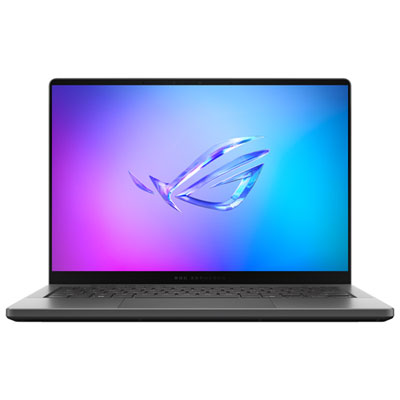 Your price for this item is $3299.99
 -
 Your price for this item is $3149
 -
 Your price for this item is $3399
 -
 Your price for this item is $3699
 -
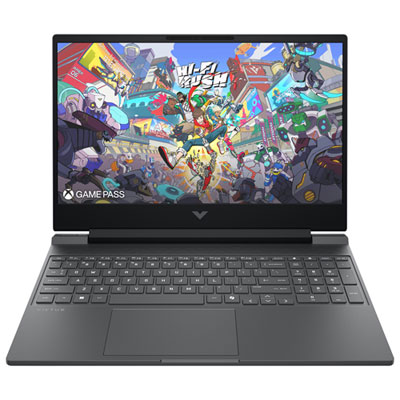 Your price for this item is $999.99
 -
 Your price for this item is $4118.21
 -
 Your price for this item is $3099.99
 -
 Your price for this item is $2199
Discover more categories related to Decent Gaming Laptops

Top Collections:
Pokemon Centers, Kindle Devices, Best Budget Office Chairs, Apple iPhones 16, Best Laptops for Writers, iPhone 15 Apple, Canon G7X Cameras, Refurbished Apple Laptops, Alarm Clock, Motorola Razr Phones
Some products may be subject to Environmental Handling Fees
(EHF) depending on your province.
Learn more about EHFs.