Dell Inspiron 15 3000
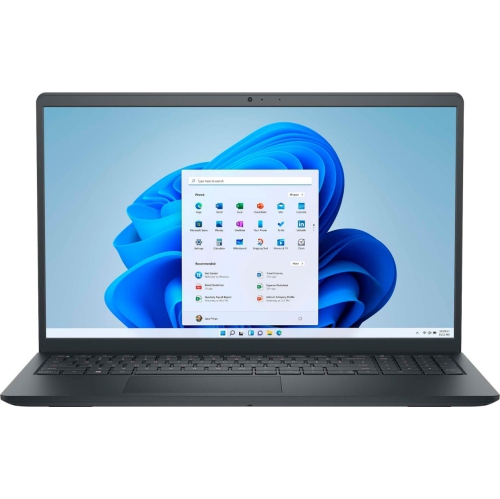
Discover reliable performance and everyday versatility with the Dell Inspiron 15 3000. Designed to meet a range of computing needs, this laptop combines practical design with user-friendly features, making it a great choice for work, school, or entertainment. Whether you're browsing the web, managing documents, or streaming your favorite content, the Dell Inspiron 15 3000 offers the convenience and functionality to help you stay productive and connected. Explore available configurations and find the right fit for your lifestyle.
Sort

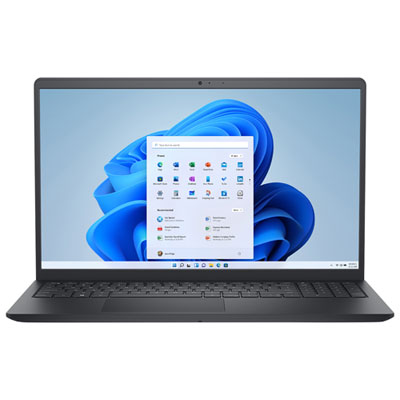

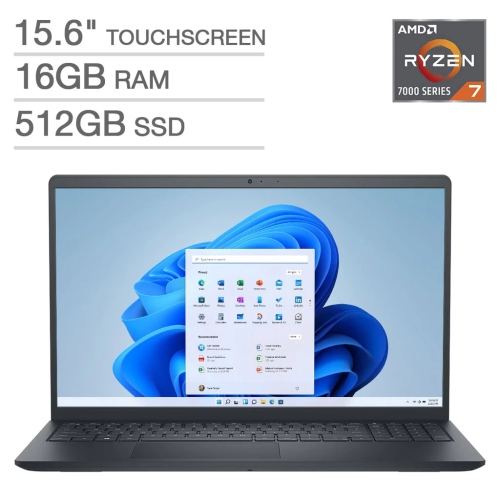
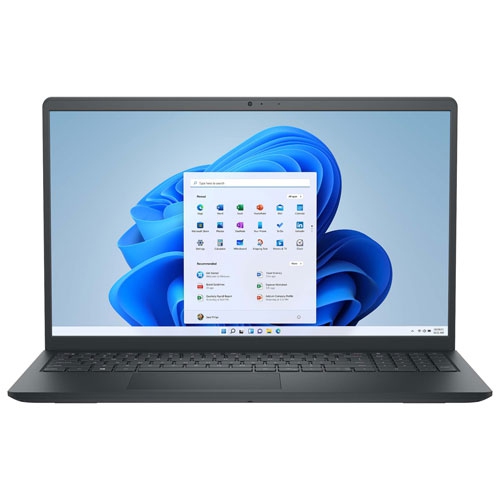
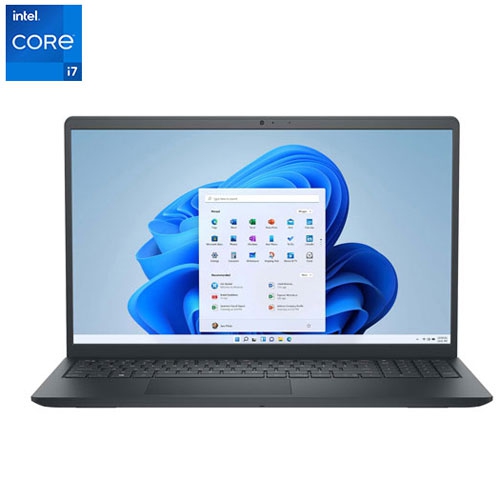
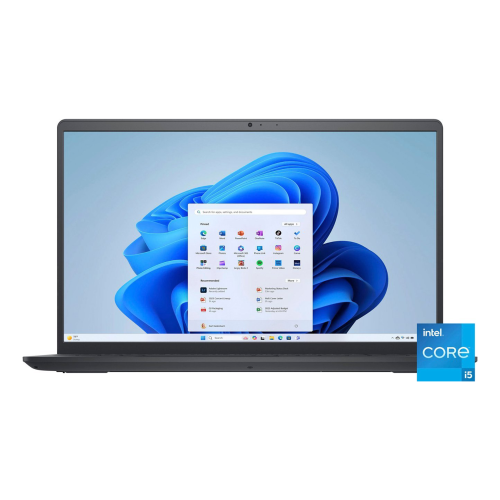
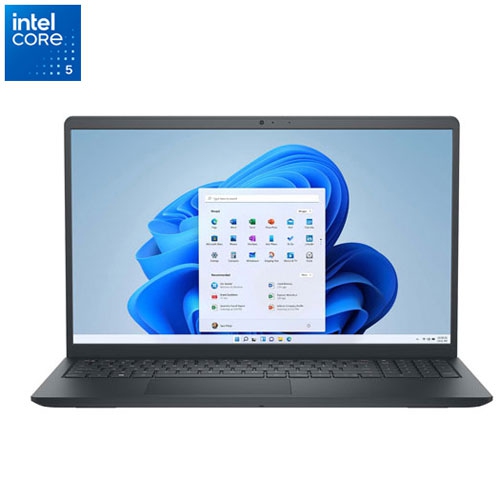

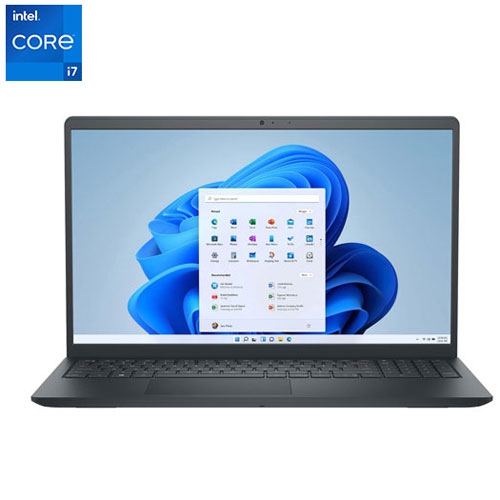
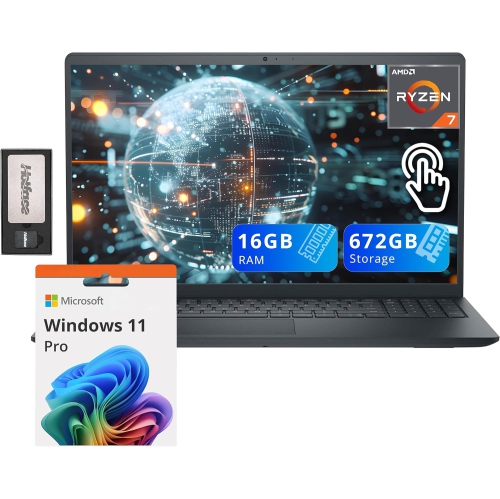

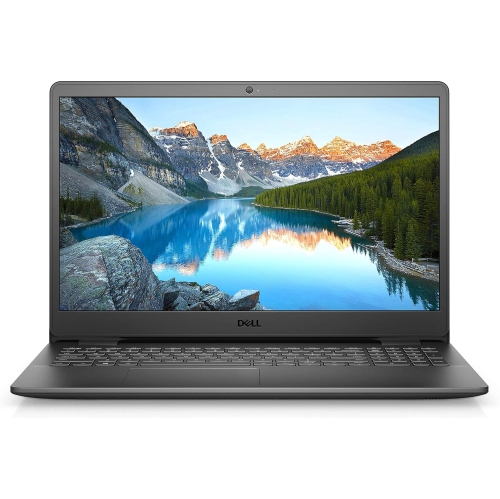

A 15.6-inch screen is only part of the picture
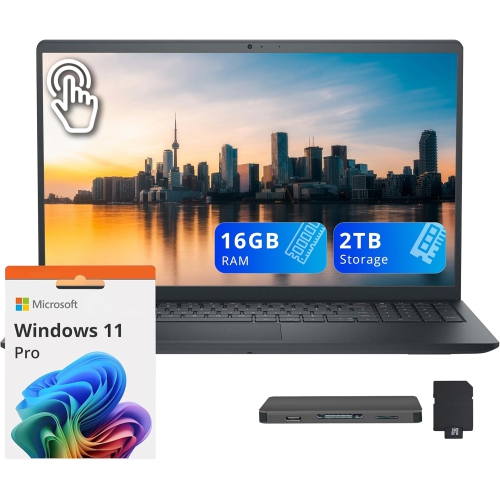
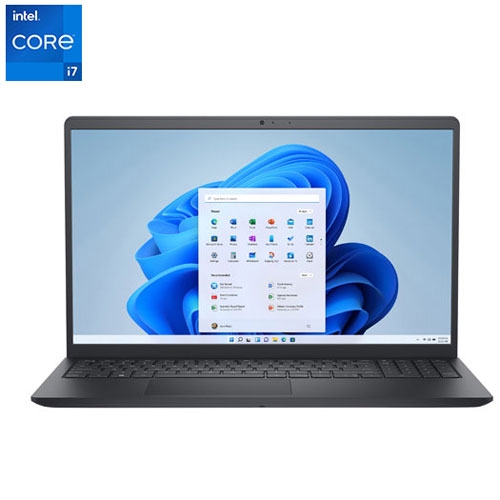
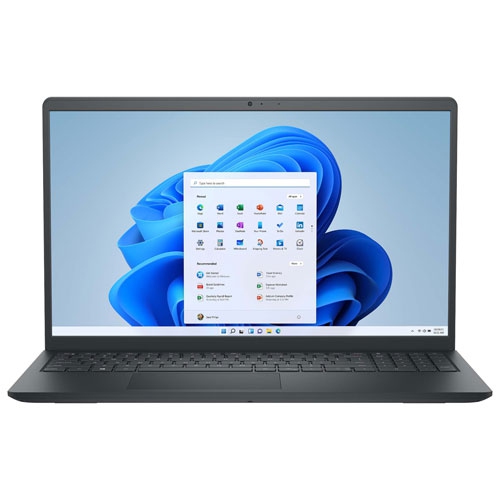
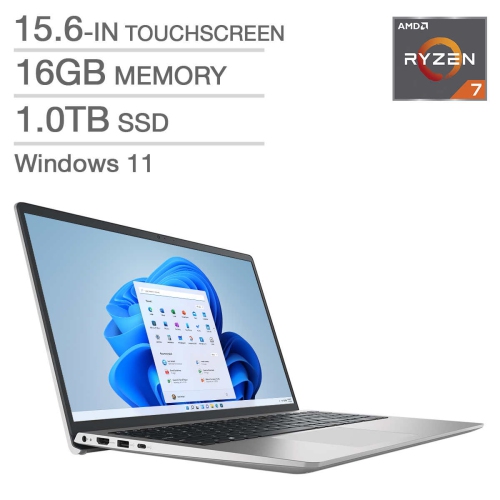
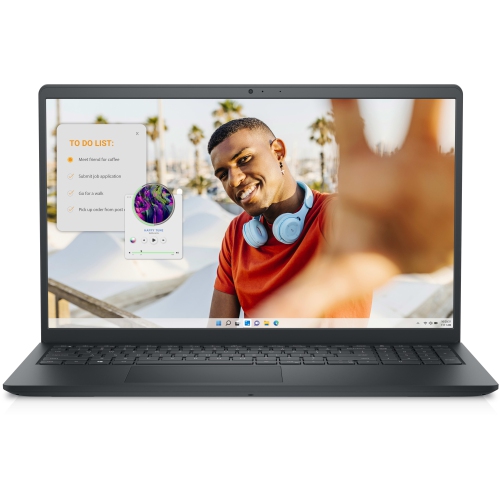
A 15.6-inch laptop offers a practical balance between a comfortable viewing area and the flexibility to move from a desk to a kitchen table or study space. Everyday notebooks in this size range are suited to web browsing, word processing, spreadsheets, video calls, and streaming, making them useful for students, home office users, and households that need a shared computer. The screen provides room to read an assignment beside a research document or keep a shopping list open alongside a browser without relying on a separate monitor. Within the broader Dell Inspiron family, specifications vary by series, generation, and configuration, so similar names and cases do not necessarily mean identical capabilities. Display resolution is one important distinction: a Full HD screen has 1920 × 1080 pixels and generally shows sharper text and finer detail than a lower-resolution panel of the same size. Touch functionality, panel type, brightness, and viewing angles can also differ. An anti-glare finish can help soften reflections from a nearby lamp, while a screen with wider viewing angles makes it easier for two people to look over a document together. Keyboard comfort matters just as much for someone typing lecture notes or answering emails throughout the day. Key spacing, palm-rest support, and touchpad responsiveness all affect how natural a laptop feels during longer sessions. A numeric keypad, where included, is useful for entering expenses or working through calculations, although its presence can shift the main typing area away from the centre of the chassis. Keyboard backlighting is a separate feature and should not be assumed from the laptop’s appearance. For someone receiving a laptop as a gift, familiar software, readable text, and straightforward connections may matter more than features intended for demanding creative work. A larger built-in screen can be especially welcome for a person moving from a smaller notebook, but comfortable viewing also depends on display scaling and the distance between the user and the screen.
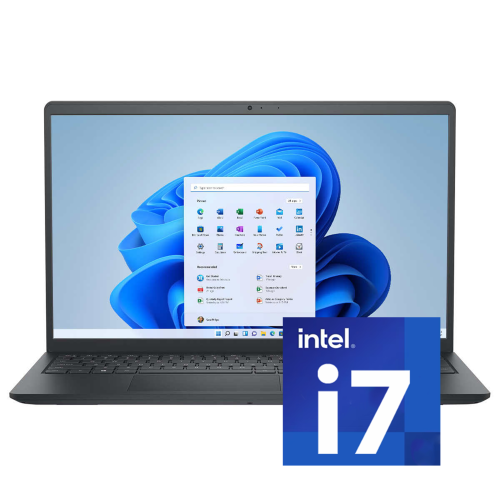
Performance depends on the combination of processor, memory, storage, and cooling rather than a single specification. Entry-level configurations can handle routine documents, email, and streaming, while more capable processors and additional memory provide greater flexibility when several applications are open together. Processor generation is worth checking alongside the processor tier, because similarly named chips from different years can have different capabilities. For a student switching between a video lecture, presentation slides, and browser tabs, 8GB of RAM may cover lighter use, while 16GB can provide more breathing room for multitasking. Requirements still depend on the applications involved, particularly for coursework that uses design, engineering, or data-analysis software. Storage affects both responsiveness and how much can be kept on the computer. A solid-state drive generally starts applications and loads files more quickly than a mechanical hard drive, and it has no moving parts. A 256GB SSD can suit documents and a modest collection of applications, whereas 512GB offers more space for photos, downloaded lectures, and larger files. Usable capacity will be lower than the stated total after formatting, the operating system, and installed software are accounted for. Neither memory nor storage should be assumed to be upgradeable; access, supported capacities, and component layouts vary. Integrated graphics are generally intended for everyday visuals, media playback, and lighter games rather than demanding gaming or complex 3D work. A large screen alone does not make a notebook a gaming or professional editing computer. Software compatibility deserves equal attention, especially with older hardware: the installed operating system, supported updates, and requirements of essential applications all influence everyday usefulness. Battery life also varies with battery condition, screen brightness, wireless activity, and workload. A long video meeting can use power differently from writing an offline document, so a quoted runtime is not a guarantee for every routine. Someone carrying a notebook between classes or meetings may find its weight, charger size, and access to an outlet as important as its processing power.
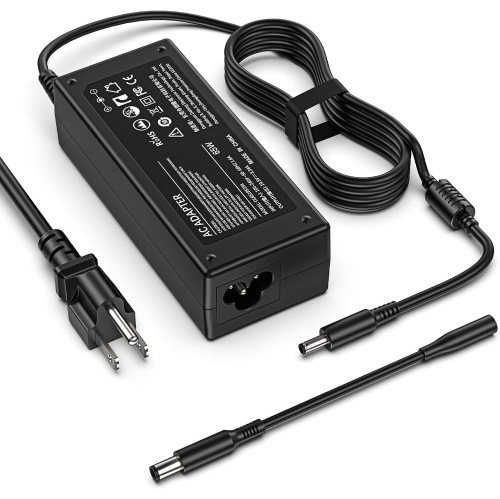
Connections and construction shape how comfortably a laptop fits into an existing setup. USB-A ports can accommodate many mice, keyboards, and external drives, while HDMI can provide a straightforward connection to a compatible monitor or television. A memory card reader may be helpful for transferring photos, and a headset jack offers an alternative to wireless audio. Port selection differs between configurations, so USB-C, wired Ethernet, and a card reader should each be verified rather than assumed. Even when USB-C is present, its support for charging, video output, and data transfer depends on the implementation. Wi-Fi compatibility matters for wireless networking, and Bluetooth support can simplify pairing with compatible accessories. For video calls, webcam placement, microphone clarity, and a comfortable screen angle influence the experience as much as display size. A separate keyboard and mouse can make longer desk sessions more comfortable when the laptop is raised on a stable stand. Many everyday notebook designs use moulded plastic housings, although materials and reinforcement vary. Durability depends on hinge construction, chassis support, and handling as well as the outer material. Lifting the computer by its base rather than its screen helps avoid unnecessary strain, and keeping objects off the keyboard before closing the lid protects the display. A padded sleeve or bag should fit the laptop’s actual width, depth, and thickness; the 15.6-inch measurement describes the screen diagonal, not the overall case dimensions. At home, placing the notebook on a firm surface keeps ventilation openings clearer than using it directly on bedding or a cushion. Routine care is simple: shut the laptop down before cleaning, use a soft lint-free cloth, and follow the manufacturer’s directions for any cleaning solution. Liquid should never be sprayed directly onto the screen or keyboard. Keeping drinks away from the work area, avoiding pressure on the lid during transport, and maintaining regular file backups help protect both the computer and the work stored on it. These practical details support a dependable everyday setup for coursework, household administration, remote work, and leisure.
Performance depends on the combination of processor, memory, storage, and cooling rather than a single specification. Entry-level configurations can handle routine documents, email, and streaming, while more capable processors and additional memory provide greater flexibility when several applications are open together. Processor generation is worth checking alongside the processor tier, because similarly named chips from different years can have different capabilities. For a student switching between a video lecture, presentation slides, and browser tabs, 8GB of RAM may cover lighter use, while 16GB can provide more breathing room for multitasking. Requirements still depend on the applications involved, particularly for coursework that uses design, engineering, or data-analysis software. Storage affects both responsiveness and how much can be kept on the computer. A solid-state drive generally starts applications and loads files more quickly than a mechanical hard drive, and it has no moving parts. A 256GB SSD can suit documents and a modest collection of applications, whereas 512GB offers more space for photos, downloaded lectures, and larger files. Usable capacity will be lower than the stated total after formatting, the operating system, and installed software are accounted for. Neither memory nor storage should be assumed to be upgradeable; access, supported capacities, and component layouts vary. Integrated graphics are generally intended for everyday visuals, media playback, and lighter games rather than demanding gaming or complex 3D work. A large screen alone does not make a notebook a gaming or professional editing computer. Software compatibility deserves equal attention, especially with older hardware: the installed operating system, supported updates, and requirements of essential applications all influence everyday usefulness. Battery life also varies with battery condition, screen brightness, wireless activity, and workload. A long video meeting can use power differently from writing an offline document, so a quoted runtime is not a guarantee for every routine. Someone carrying a notebook between classes or meetings may find its weight, charger size, and access to an outlet as important as its processing power.
Connections and construction shape how comfortably a laptop fits into an existing setup. USB-A ports can accommodate many mice, keyboards, and external drives, while HDMI can provide a straightforward connection to a compatible monitor or television. A memory card reader may be helpful for transferring photos, and a headset jack offers an alternative to wireless audio. Port selection differs between configurations, so USB-C, wired Ethernet, and a card reader should each be verified rather than assumed. Even when USB-C is present, its support for charging, video output, and data transfer depends on the implementation. Wi-Fi compatibility matters for wireless networking, and Bluetooth support can simplify pairing with compatible accessories. For video calls, webcam placement, microphone clarity, and a comfortable screen angle influence the experience as much as display size. A separate keyboard and mouse can make longer desk sessions more comfortable when the laptop is raised on a stable stand. Many everyday notebook designs use moulded plastic housings, although materials and reinforcement vary. Durability depends on hinge construction, chassis support, and handling as well as the outer material. Lifting the computer by its base rather than its screen helps avoid unnecessary strain, and keeping objects off the keyboard before closing the lid protects the display. A padded sleeve or bag should fit the laptop’s actual width, depth, and thickness; the 15.6-inch measurement describes the screen diagonal, not the overall case dimensions. At home, placing the notebook on a firm surface keeps ventilation openings clearer than using it directly on bedding or a cushion. Routine care is simple: shut the laptop down before cleaning, use a soft lint-free cloth, and follow the manufacturer’s directions for any cleaning solution. Liquid should never be sprayed directly onto the screen or keyboard. Keeping drinks away from the work area, avoiding pressure on the lid during transport, and maintaining regular file backups help protect both the computer and the work stored on it. These practical details support a dependable everyday setup for coursework, household administration, remote work, and leisure.
Top selling and popular products
-
 Your price for this item is $449
 -
 Your price for this item is $3099
 -
 Your price for this item is $299.95
 -
 Your price for this item is $664.05
 -
 Your price for this item is $599.68
 -
 Your price for this item is $869.99
 -
 Your price for this item is $259
 -
 Your price for this item is $418.98
Discover more categories related to Dell Inspiron 15 3000
Top Collections:
Pokemon Centers, Kindle Devices, Best Budget Office Chairs, Apple iPhones 16, Best Laptops for Writers, iPhone 15 Apple, Canon G7X Cameras, Refurbished Apple Laptops, Alarm Clock, Motorola Razr Phones
Some products may be subject to Environmental Handling Fees
(EHF) depending on your province.
Learn more about EHFs.