Dell IPS Monitors
Upgrade your viewing experience with our selection of high-quality IPS monitors. Whether you're a gamer, graphic designer, or simply someone who appreciates crisp and vibrant visuals, these monitors are designed to deliver stunning image clarity and accurate color reproduction. With a sleek and modern design, adjustable viewing angles, and a variety of screen sizes to choose from, our IPS monitors offer the perfect blend of style and functionality. Elevate your productivity and immerse yourself in an enhanced visual journey with our range of IPS monitors.
Sort

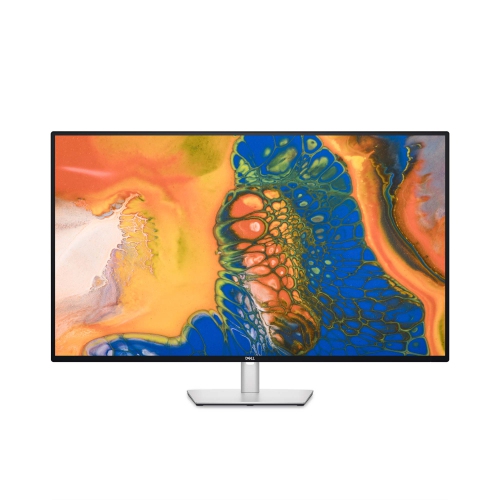
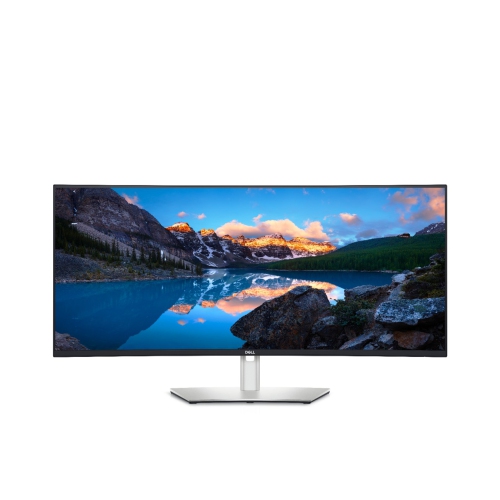
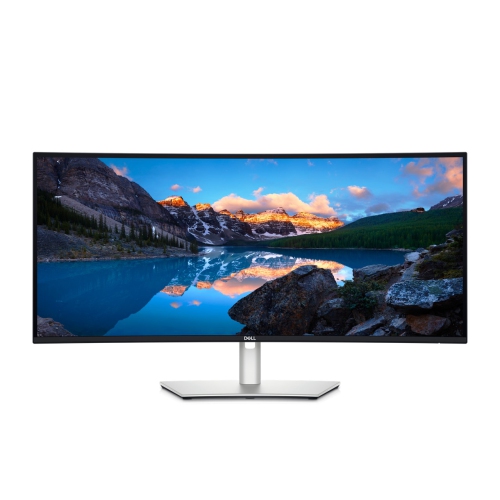
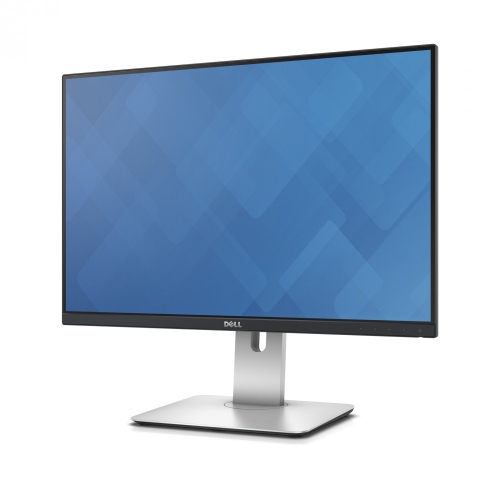
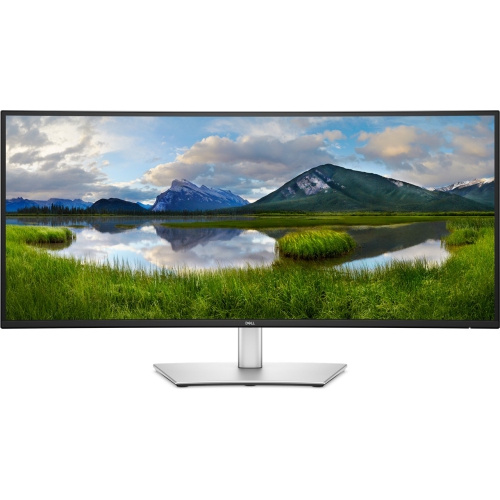
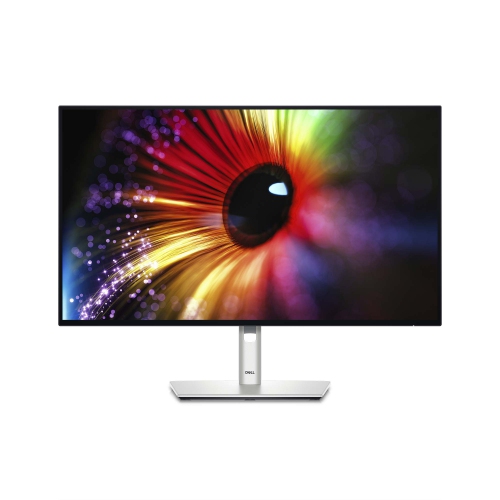
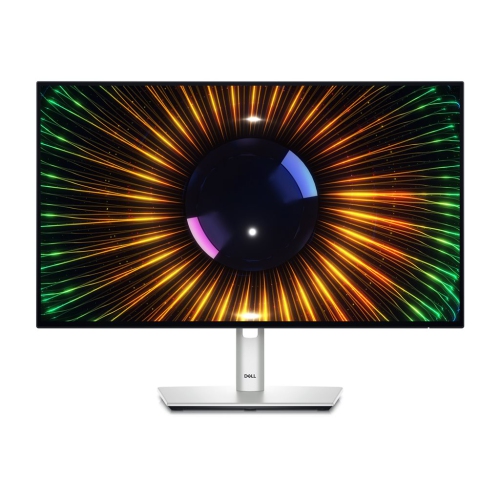
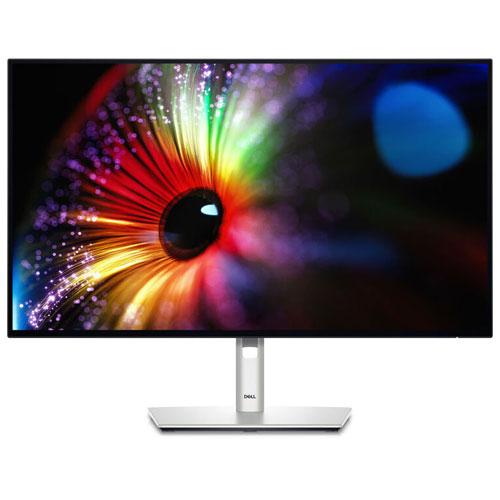
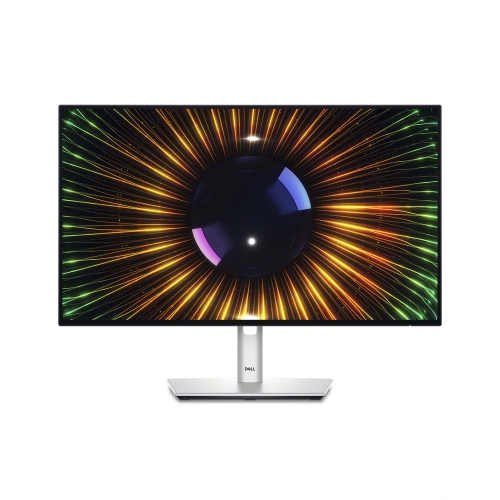
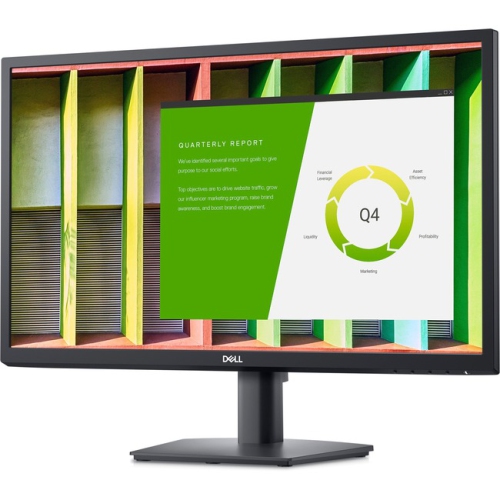
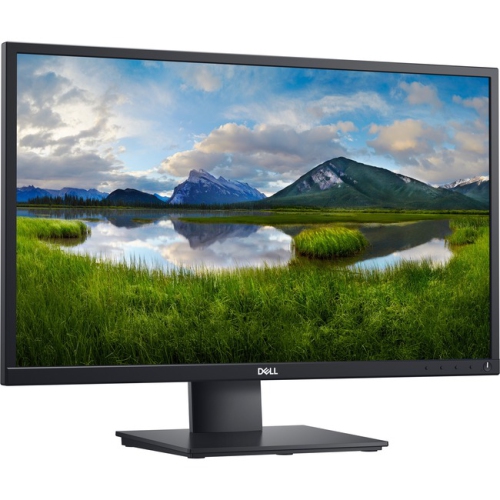
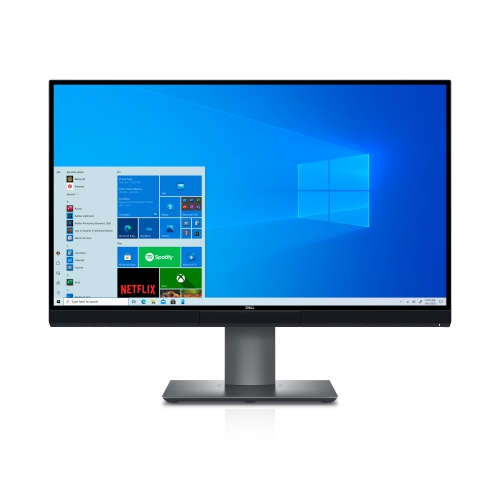
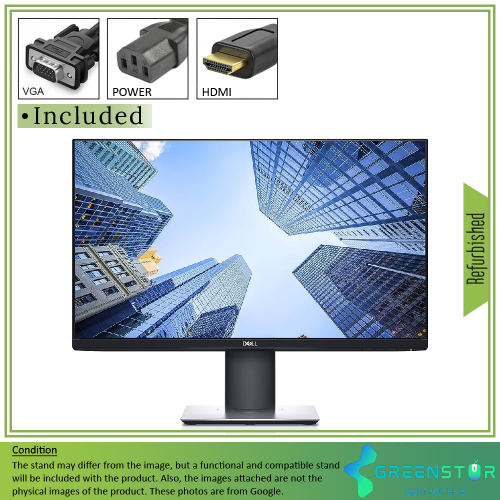
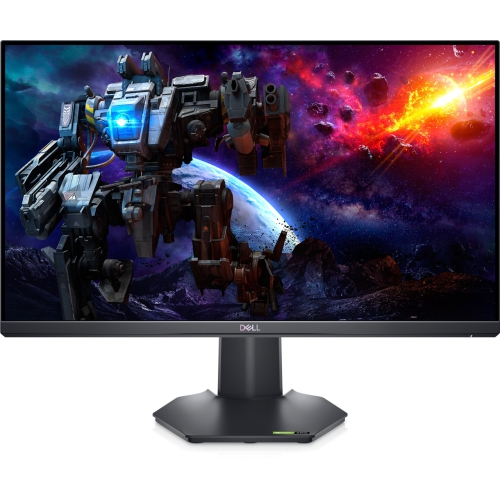
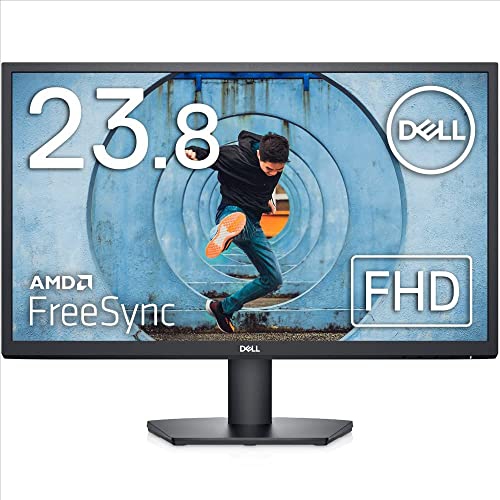
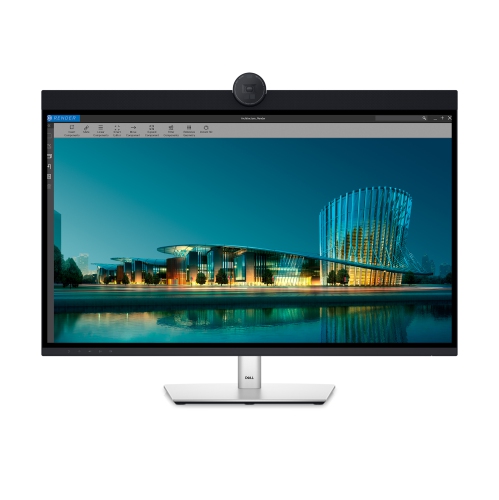
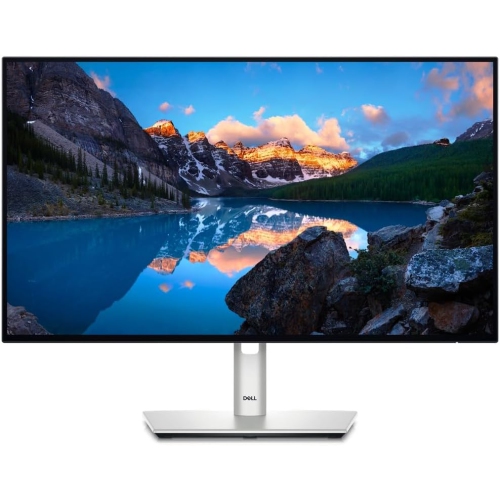
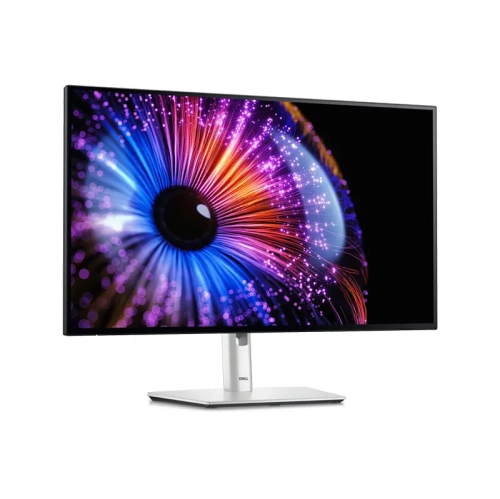
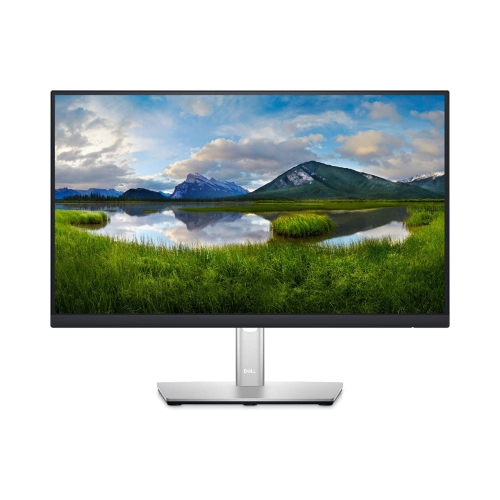

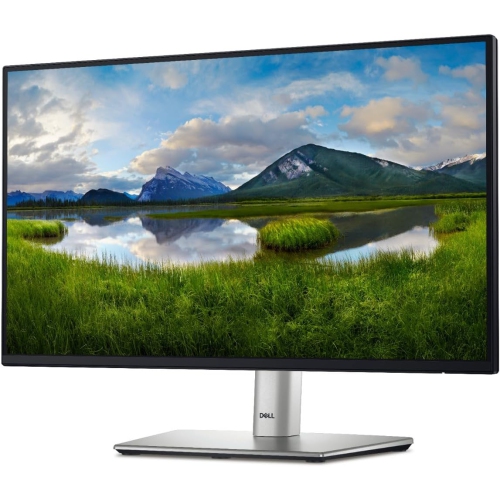
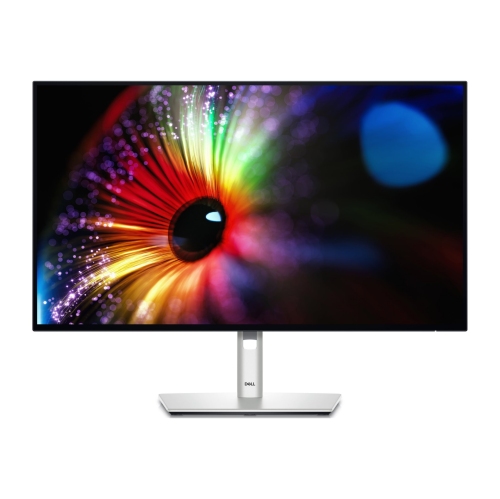
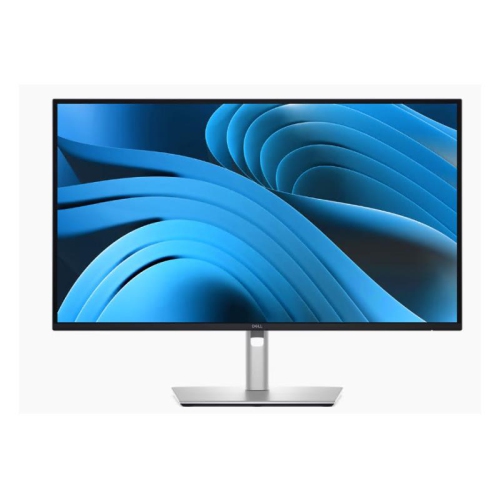
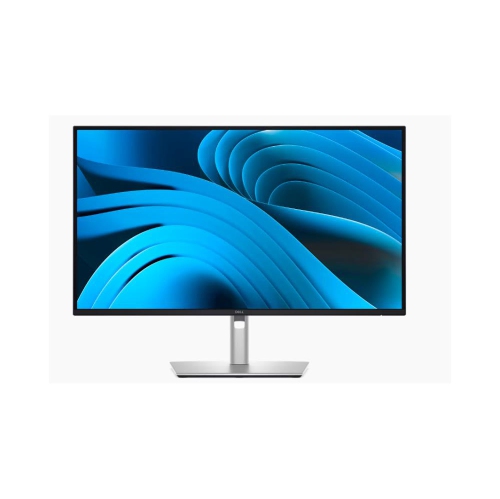
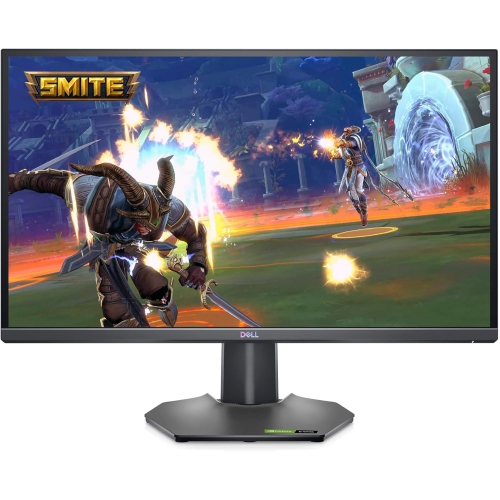
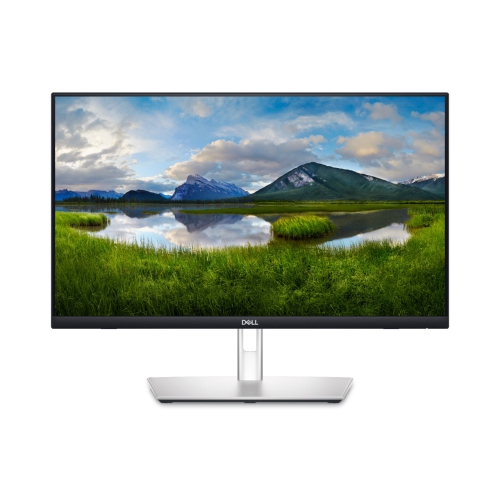
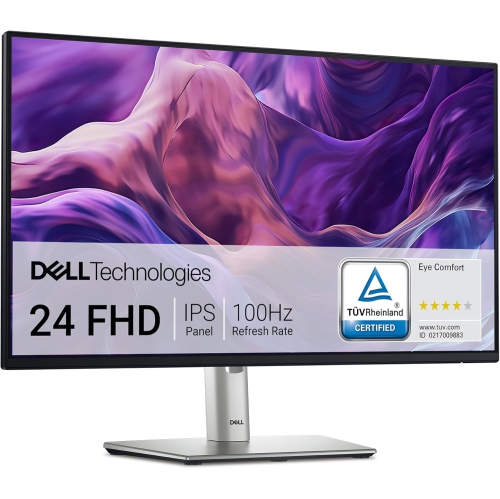
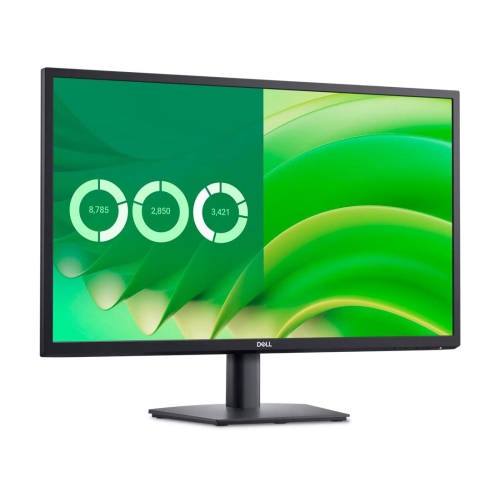
Key features for clearer, smoother everyday screen use
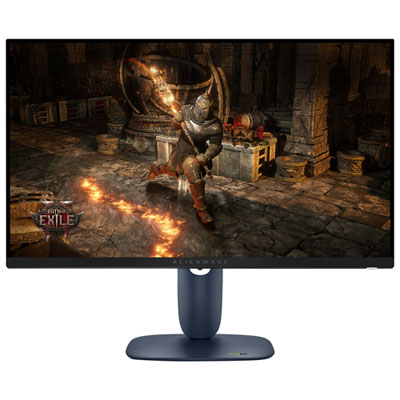
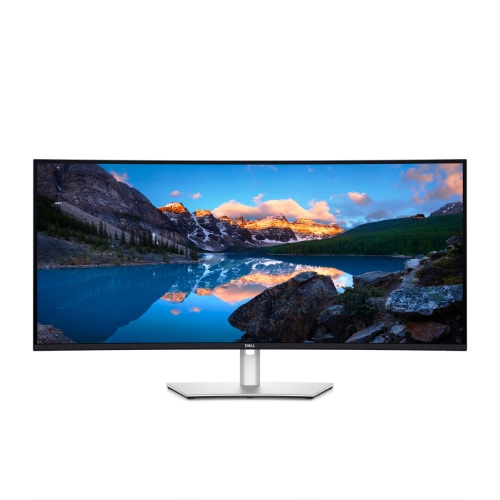
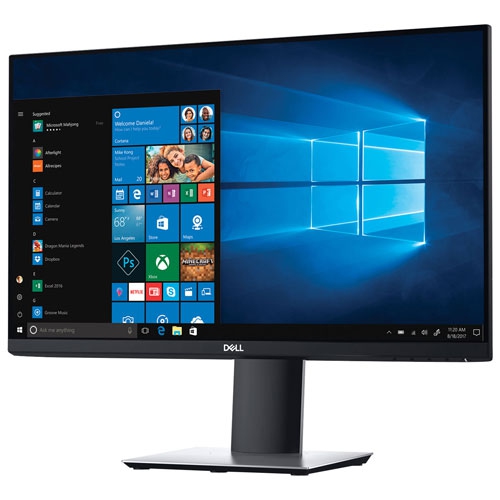
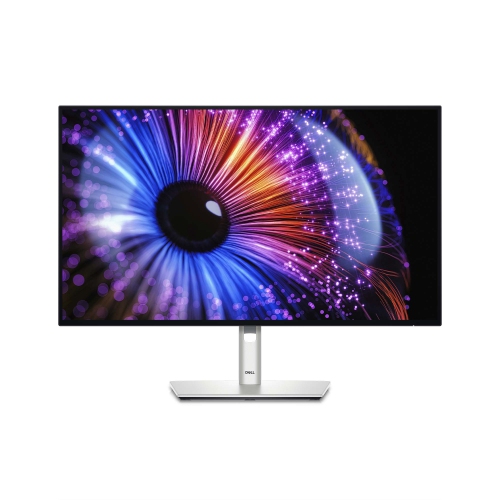
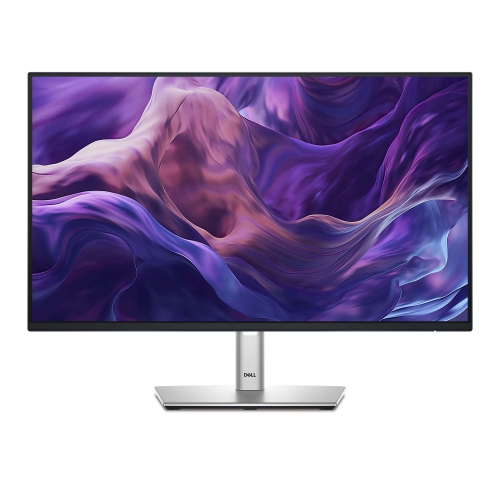
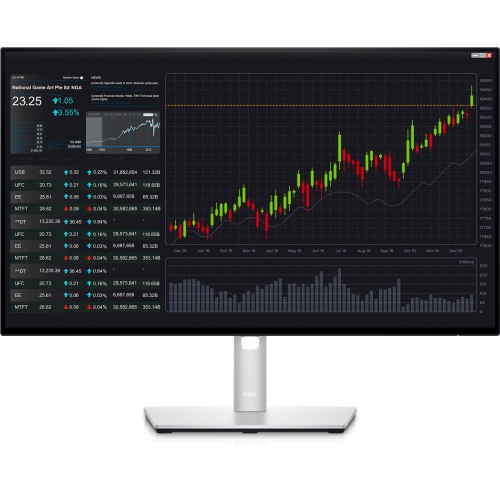
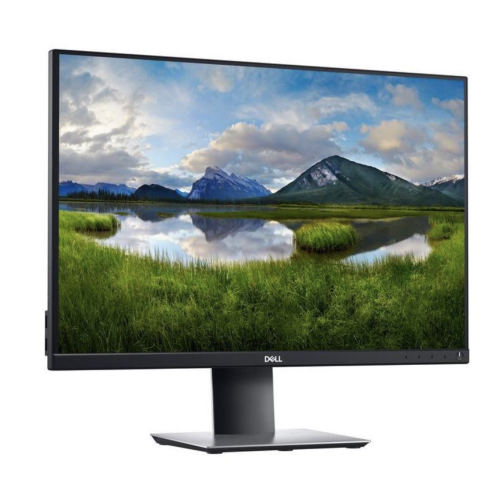
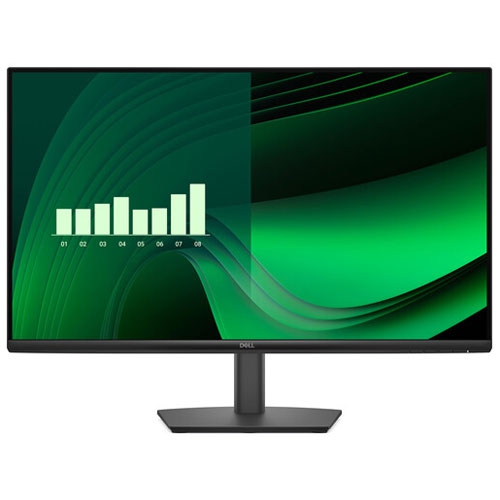
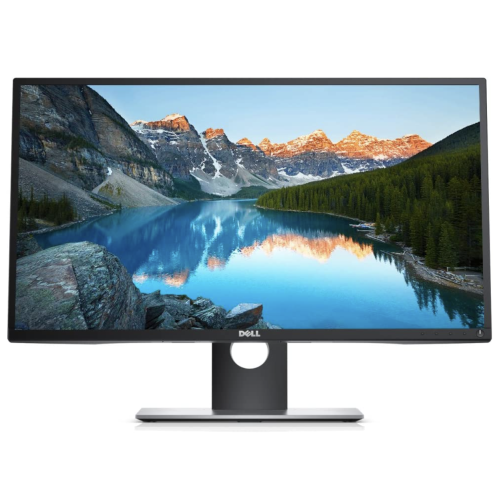
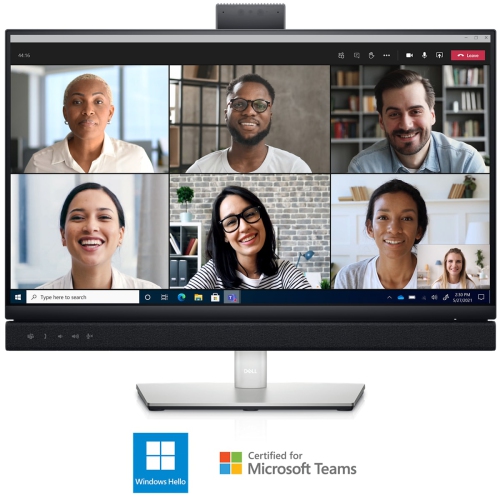
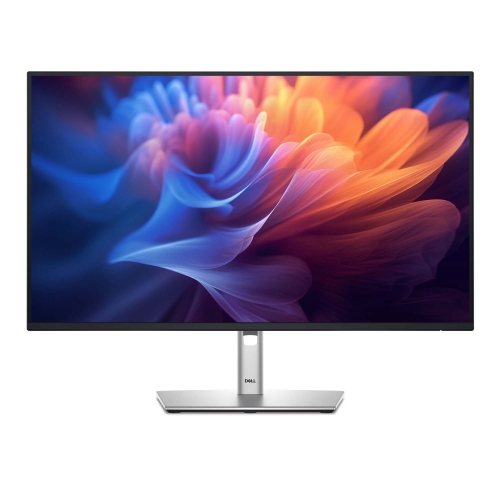
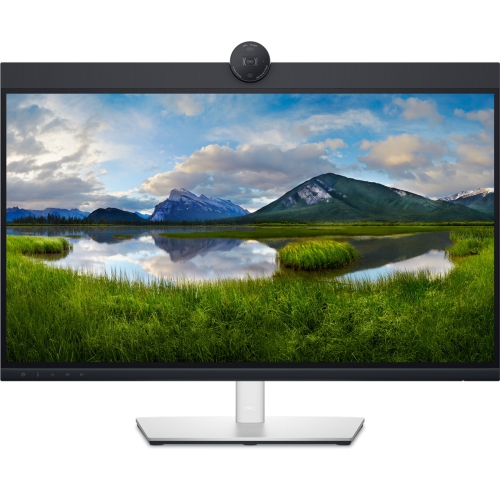
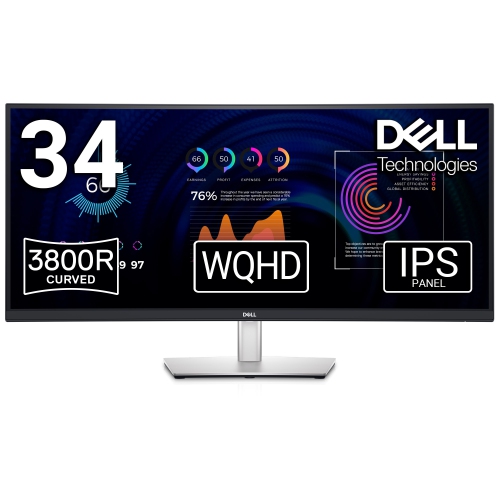
IPS monitors are a practical choice for home offices, study areas, creative workspaces and shared family computers because they offer clear, consistent images across a wide viewing angle. With viewing angles of up to 178 degrees, the picture remains easy to see when you are sitting slightly to one side, showing a presentation to someone nearby or checking a recipe while working at a kitchen counter. In-plane switching technology is especially valued for its accurate, natural-looking colour and dependable image quality, making it suitable for documents, spreadsheets, online classes, photo organization, streaming and everyday browsing. A Full HD resolution of 1920 x 1080 is often a sensible fit for general productivity, schoolwork and compact desks, while QHD at 2560 x 1440 provides more room for side-by-side windows and sharper text on a larger screen. For detailed photo editing, video work, high-resolution design files and immersive entertainment, 4K UHD at 3840 x 2160 delivers noticeably finer detail. Screen size also affects how the display feels in daily use: a smaller monitor can help preserve valuable desk space, a mid-sized screen offers a comfortable balance for most workstations, and a larger display can make timelines, dashboards and multiple documents easier to manage without constant resizing. Browse Dell Computer Monitors to compare display sizes, resolutions, features and connection options within this category.
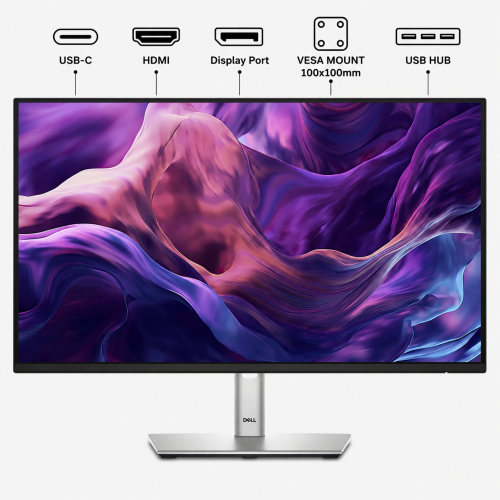
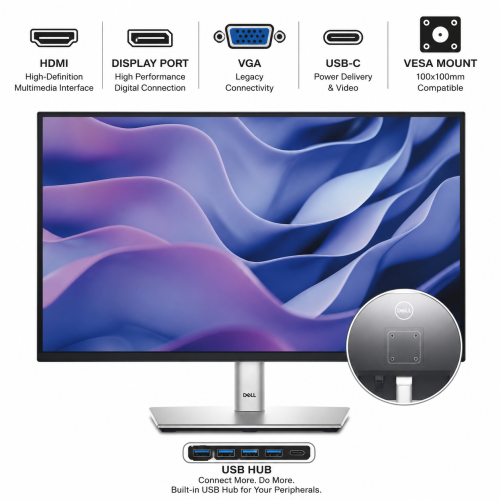
When choosing an IPS monitor, consider how it will be used throughout a typical day rather than focusing on one specification in isolation. A refresh rate around 100Hz or 120Hz can make scrolling through long webpages, moving windows and navigating menus feel smoother than a basic 60Hz display, while also helping everyday motion look more fluid. For office work, look for a stand that supports height adjustment, tilt, swivel and pivot movement so the screen can be positioned at eye level and turned toward a colleague. Pivot adjustment is useful for reading long documents, coding, editing portrait-oriented images or viewing web pages with less horizontal scrolling. More basic displays may offer tilt adjustment only, which can still work well on a riser or a carefully arranged desk, but a fully adjustable stand provides greater flexibility as your workspace changes. Connectivity is another important consideration. HDMI and DisplayPort connections are common for desktops, laptops and docking stations, while USB ports can make it easier to connect a keyboard, mouse, webcam or storage accessory close at hand. Some monitors include a built-in USB hub, reducing the need to reach behind a computer, and select models support USB-C for video, data and charging through one cable. This can create a cleaner laptop workstation, particularly when the monitor serves as the central connection point for a keyboard, mouse and other accessories. Professional users may also benefit from advanced USB-C or Thunderbolt connectivity, depending on their computer and workflow. Before purchasing, confirm that the monitor’s ports match the outputs on the computer, that the included cables meet your needs and that the stand will fit comfortably on the available desk surface.
IPS monitors can suit a wide range of people and make thoughtful gifts for students, remote workers, first-time home-office users, hobby photographers and anyone setting up a more capable computer station. A student may use one for virtual lectures, research notes and writing assignments, with enough resolution to keep reference material visible beside a document. Someone working from home may appreciate a second screen for email, video meetings, spreadsheets and project tools, especially during the cooler months when more time is spent indoors. A photographer or content creator may place greater importance on colour consistency, higher resolution and calibration, while a casual user may prefer a straightforward Full HD display with a comfortable refresh rate and simple connectivity. Built-in eye-comfort features, including low-blue-light modes and flicker reduction, can be helpful during extended sessions, although regular breaks and sensible screen positioning remain important. Place the top of the display near eye level, keep it at a comfortable viewing distance and adjust brightness to suit the room rather than leaving it excessively bright. Think about the rest of the setup as well: a monitor arm or riser may improve posture, speakers or headphones can complement media use, and a matching keyboard and mouse can turn a spare table into a welcoming study or work area. As the weather warms or during the cooler months, an IPS monitor can also make it easier to move between rooms or refresh a flexible workspace without giving up a clear, comfortable view. By balancing resolution, refresh rate, screen size, stand movement, connectivity and viewing comfort, shoppers can select a display that feels natural for everyday tasks and remains useful as their computer needs develop.
When choosing an IPS monitor, consider how it will be used throughout a typical day rather than focusing on one specification in isolation. A refresh rate around 100Hz or 120Hz can make scrolling through long webpages, moving windows and navigating menus feel smoother than a basic 60Hz display, while also helping everyday motion look more fluid. For office work, look for a stand that supports height adjustment, tilt, swivel and pivot movement so the screen can be positioned at eye level and turned toward a colleague. Pivot adjustment is useful for reading long documents, coding, editing portrait-oriented images or viewing web pages with less horizontal scrolling. More basic displays may offer tilt adjustment only, which can still work well on a riser or a carefully arranged desk, but a fully adjustable stand provides greater flexibility as your workspace changes. Connectivity is another important consideration. HDMI and DisplayPort connections are common for desktops, laptops and docking stations, while USB ports can make it easier to connect a keyboard, mouse, webcam or storage accessory close at hand. Some monitors include a built-in USB hub, reducing the need to reach behind a computer, and select models support USB-C for video, data and charging through one cable. This can create a cleaner laptop workstation, particularly when the monitor serves as the central connection point for a keyboard, mouse and other accessories. Professional users may also benefit from advanced USB-C or Thunderbolt connectivity, depending on their computer and workflow. Before purchasing, confirm that the monitor’s ports match the outputs on the computer, that the included cables meet your needs and that the stand will fit comfortably on the available desk surface.
IPS monitors can suit a wide range of people and make thoughtful gifts for students, remote workers, first-time home-office users, hobby photographers and anyone setting up a more capable computer station. A student may use one for virtual lectures, research notes and writing assignments, with enough resolution to keep reference material visible beside a document. Someone working from home may appreciate a second screen for email, video meetings, spreadsheets and project tools, especially during the cooler months when more time is spent indoors. A photographer or content creator may place greater importance on colour consistency, higher resolution and calibration, while a casual user may prefer a straightforward Full HD display with a comfortable refresh rate and simple connectivity. Built-in eye-comfort features, including low-blue-light modes and flicker reduction, can be helpful during extended sessions, although regular breaks and sensible screen positioning remain important. Place the top of the display near eye level, keep it at a comfortable viewing distance and adjust brightness to suit the room rather than leaving it excessively bright. Think about the rest of the setup as well: a monitor arm or riser may improve posture, speakers or headphones can complement media use, and a matching keyboard and mouse can turn a spare table into a welcoming study or work area. As the weather warms or during the cooler months, an IPS monitor can also make it easier to move between rooms or refresh a flexible workspace without giving up a clear, comfortable view. By balancing resolution, refresh rate, screen size, stand movement, connectivity and viewing comfort, shoppers can select a display that feels natural for everyday tasks and remains useful as their computer needs develop.
Top selling and popular products
-
 Your price for this item is $299
 -
 Your price for this item is $599
 -
 Your price for this item is $94.99
 -
 Your price for this item is $329.99
 -
 Your price for this item is $499
 -
 Your price for this item is $265.99
 -
 Your price for this item is $1299.97
 -
 Your price for this item is $249.99
Discover more categories related to Dell IPS Monitors
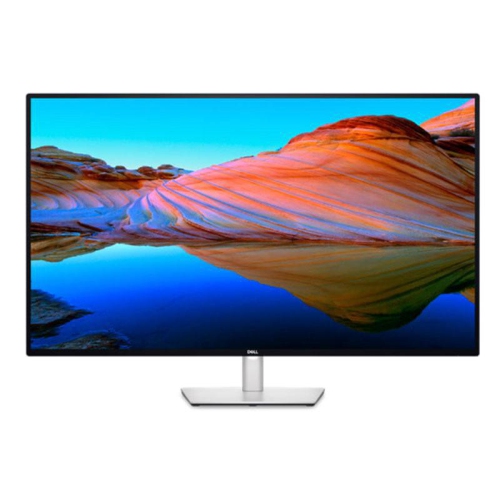
Top Collections:
Pokemon Centers, Kindle Devices, Best Budget Office Chairs, Apple iPhones 16, Best Laptops for Writers, iPhone 15 Apple, Canon G7X Cameras, Refurbished Apple Laptops, Alarm Clock, Motorola Razr Phones
Some products may be subject to Environmental Handling Fees
(EHF) depending on your province.
Learn more about EHFs.