Dell Ultrasharp U2723QE
Experience exceptional clarity and performance with the Dell Ultrasharp U2723QE. Perfect for both professional and home office setups, this monitor is designed to elevate your viewing experience while supporting a wide range of tasks. Discover how the Dell Ultrasharp U2723QE can enhance productivity and create a more immersive workspace, making it an ideal choice for those seeking quality and reliability in their display solutions.
Sort
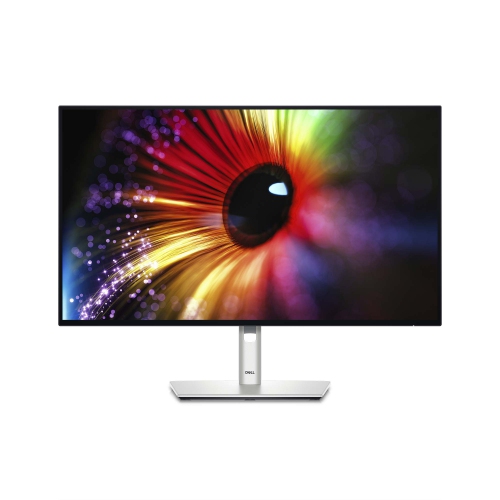
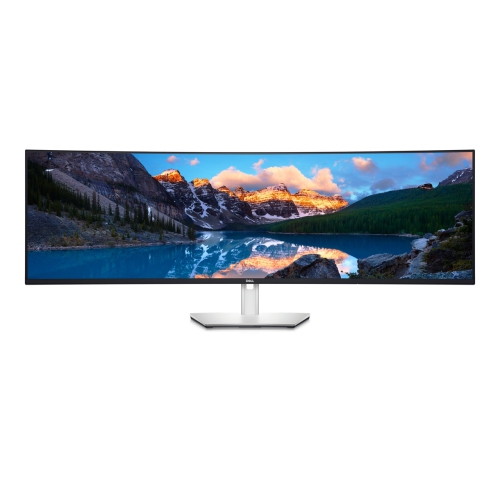
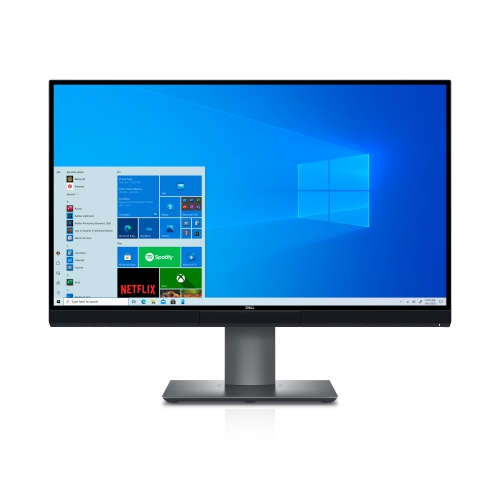
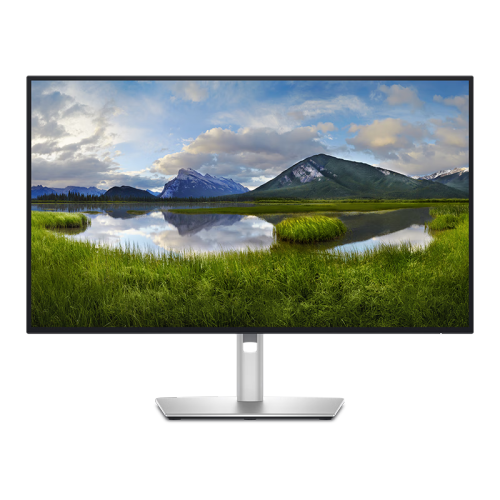
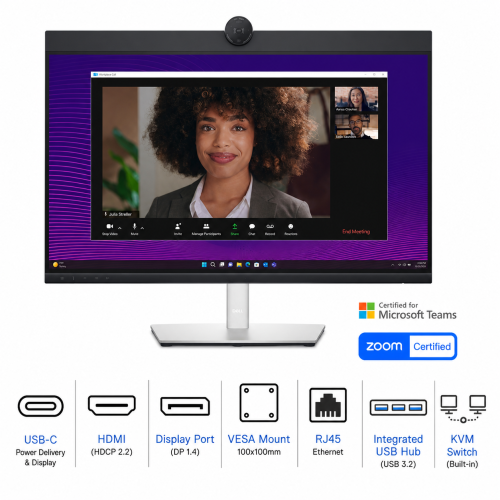
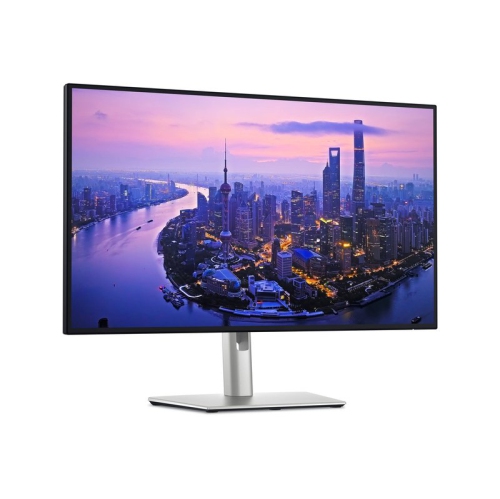
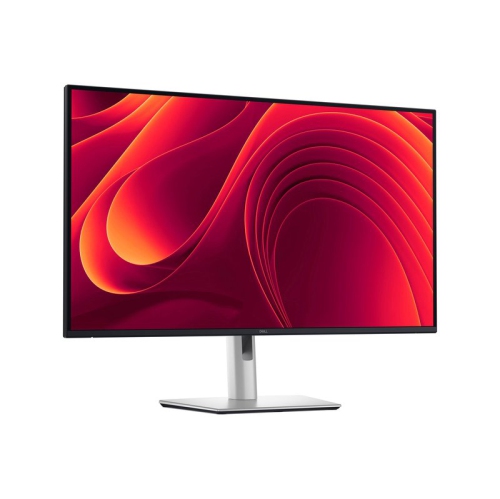
Advanced displays for precise colour and seamless multitasking
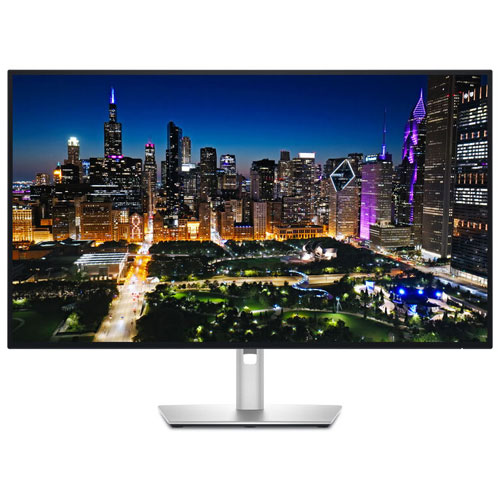
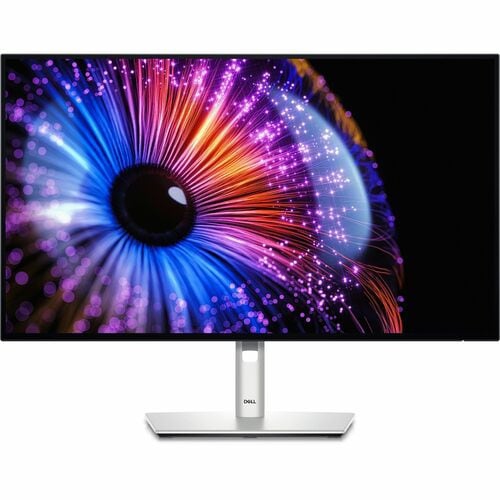
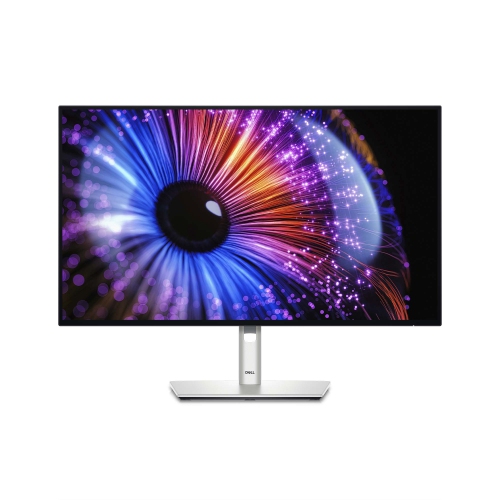
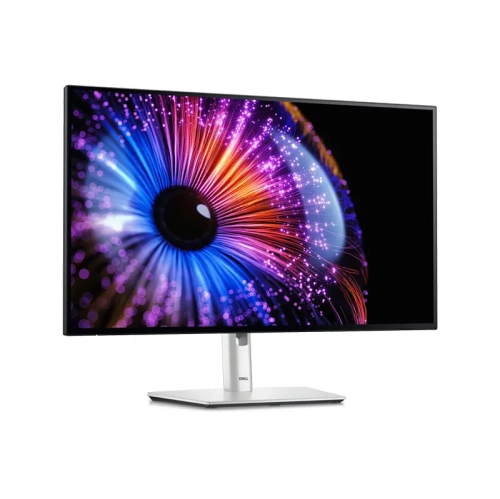
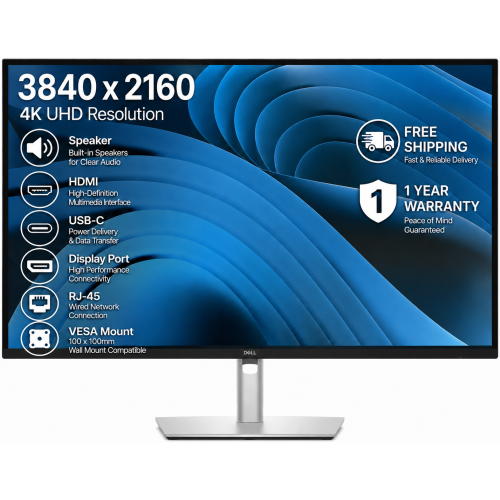
When exploring advanced monitor options for work, creative projects, or home office upgrades, it’s important to consider how the right display can elevate your productivity and overall experience. Monitors in this category are thoughtfully designed for those who value exceptional image clarity, vibrant colour accuracy, and versatile connectivity. Whether you’re editing high-resolution photos, managing complex spreadsheets, or setting up a dual-computer workstation, these displays offer features tailored to both professionals and enthusiasts. The crisp 4K UHD resolution ensures every detail stands out, making it easier to work on intricate designs or multi-task across several windows. The inclusion of IPS Black technology means deeper blacks and a richer contrast ratio, which is especially noticeable when reviewing creative content or working late into the evening. For those who spend long hours in front of a screen, built-in comfort features such as low blue light hardware help reduce eye strain, allowing you to stay focused and comfortable throughout your workday.
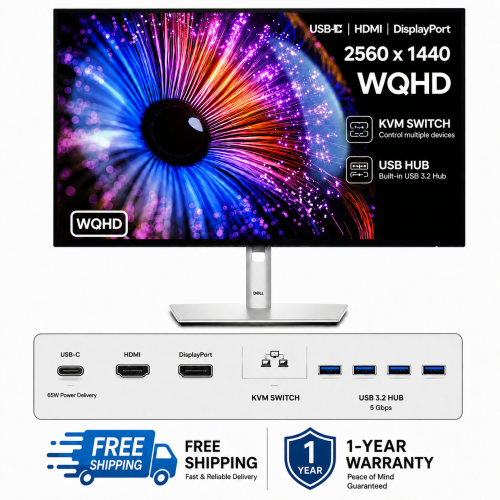
Spring is the perfect time to refresh your workspace, and monitors like those found at dell u2723qe best buy are a thoughtful gift for students heading into exam season, remote workers optimizing their home office, or anyone passionate about digital creativity. The ergonomic stands allow for full adjustability—tilt, swivel, pivot, and height—so you can customize your setup for maximum comfort, whether you’re seated at a desk or standing at a workstation. Extensive connectivity options, including USB-C with generous power delivery, HDMI, DisplayPort, and built-in Ethernet, transform your monitor into a central hub for all your devices. This makes it easy to charge your laptop, connect peripherals, and manage multiple computers using the integrated KVM switch. Features like Picture-in-Picture and Picture-by-Picture modes are invaluable for multitasking, letting you view content from two sources simultaneously—ideal for comparing documents, monitoring data feeds, or collaborating with colleagues. If you’re looking to expand your display setup even further, you might also be interested in the Dell Ultrasharp 32, which offers even more screen real estate for immersive workflows.
Choosing a monitor in this category is a smart investment for anyone who values efficiency, clarity, and adaptability in their workspace. Whether you’re outfitting a home office, upgrading your creative studio, or searching for a practical and impressive gift, these displays offer the performance and features to support a wide range of uses. Imagine editing photos with true-to-life colours, effortlessly switching between multiple computers during a busy workday, or enjoying the convenience of a single-cable connection that charges your laptop while keeping your desk tidy. These monitors are designed to keep up with your evolving needs, providing the reliability and versatility that professionals and enthusiasts expect. With the right display, you can transform any desk into a command centre for productivity and creativity, making every task feel more streamlined and enjoyable.
Spring is the perfect time to refresh your workspace, and monitors like those found at dell u2723qe best buy are a thoughtful gift for students heading into exam season, remote workers optimizing their home office, or anyone passionate about digital creativity. The ergonomic stands allow for full adjustability—tilt, swivel, pivot, and height—so you can customize your setup for maximum comfort, whether you’re seated at a desk or standing at a workstation. Extensive connectivity options, including USB-C with generous power delivery, HDMI, DisplayPort, and built-in Ethernet, transform your monitor into a central hub for all your devices. This makes it easy to charge your laptop, connect peripherals, and manage multiple computers using the integrated KVM switch. Features like Picture-in-Picture and Picture-by-Picture modes are invaluable for multitasking, letting you view content from two sources simultaneously—ideal for comparing documents, monitoring data feeds, or collaborating with colleagues. If you’re looking to expand your display setup even further, you might also be interested in the Dell Ultrasharp 32, which offers even more screen real estate for immersive workflows.
Choosing a monitor in this category is a smart investment for anyone who values efficiency, clarity, and adaptability in their workspace. Whether you’re outfitting a home office, upgrading your creative studio, or searching for a practical and impressive gift, these displays offer the performance and features to support a wide range of uses. Imagine editing photos with true-to-life colours, effortlessly switching between multiple computers during a busy workday, or enjoying the convenience of a single-cable connection that charges your laptop while keeping your desk tidy. These monitors are designed to keep up with your evolving needs, providing the reliability and versatility that professionals and enthusiasts expect. With the right display, you can transform any desk into a command centre for productivity and creativity, making every task feel more streamlined and enjoyable.
Top selling and popular products
-
 Your price for this item is $299
 -
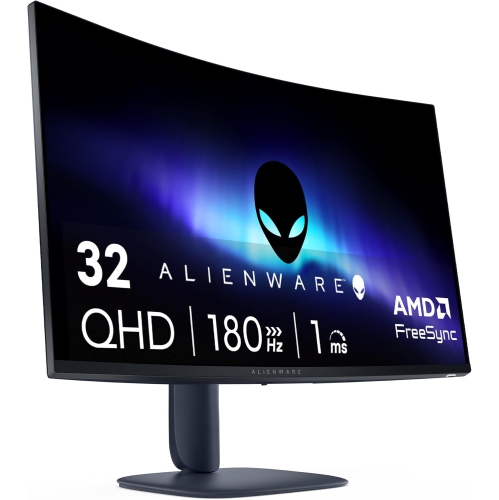 Your price for this item is $599
 -
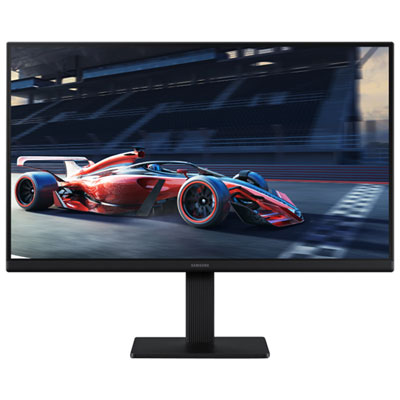 Your price for this item is $94.99
 -
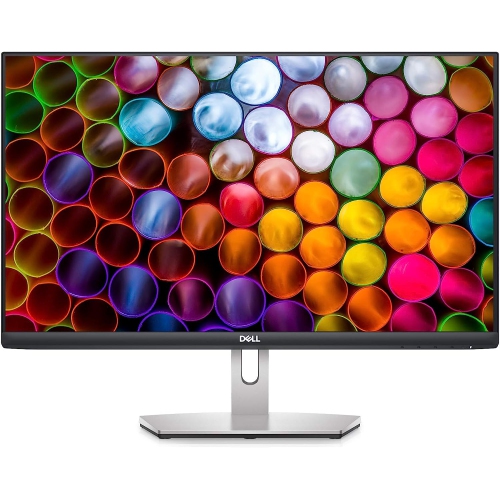 Your price for this item is $329.99
 -
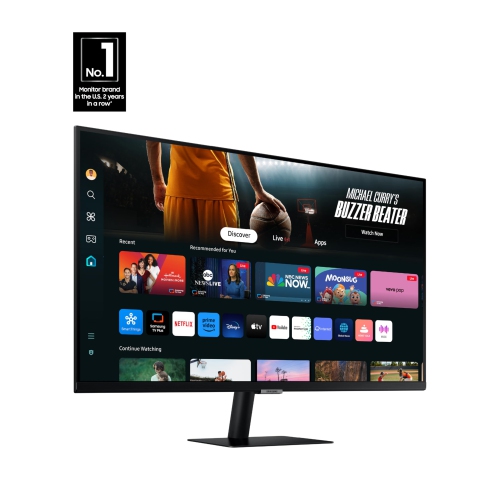 Your price for this item is $499
 -
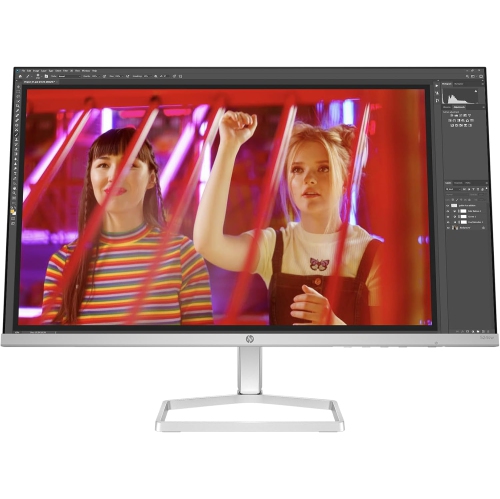 Your price for this item is $265.99
 -
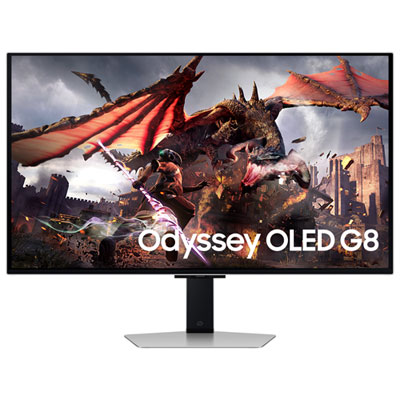 Your price for this item is $1299.97
 -
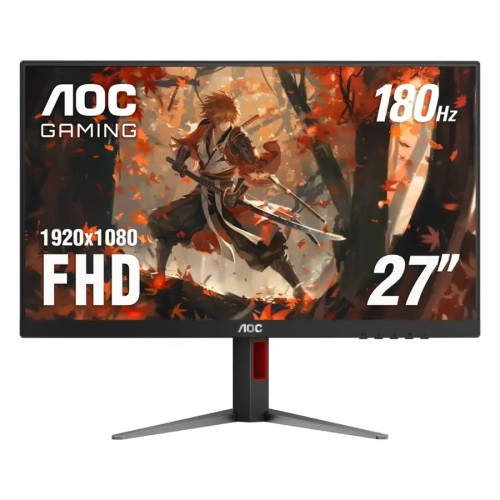 Your price for this item is $249.99
Discover more categories related to Dell Ultrasharp U2723QE
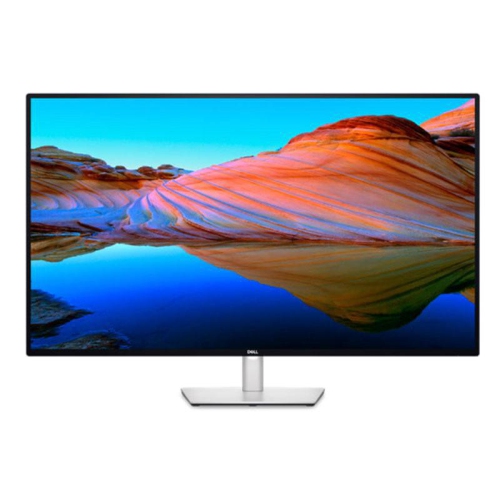
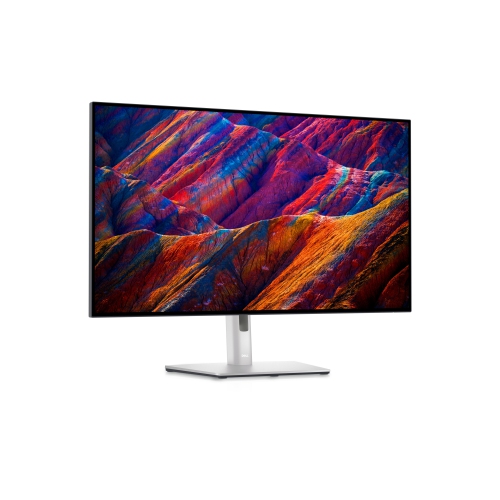
Top Collections:
Pokemon Centers, Kindle Devices, Best Budget Office Chairs, Apple iPhones 16, Best Laptops for Writers, iPhone 15 Apple, Canon G7X Cameras, Refurbished Apple Laptops, Alarm Clock, Motorola Razr Phones
Some products may be subject to Environmental Handling Fees
(EHF) depending on your province.
Learn more about EHFs.