Engineering Laptops
Dive into our selection of cutting-edge engineering laptops designed to meet the demanding needs of professionals in the field. From robust processing power to high-resolution displays, these laptops are engineered to handle complex simulations, CAD software, and data analysis with ease. Elevate your productivity and take your engineering work to new heights with these advanced devices tailored to meet the challenges of modern-day technology-driven industries.
Sort

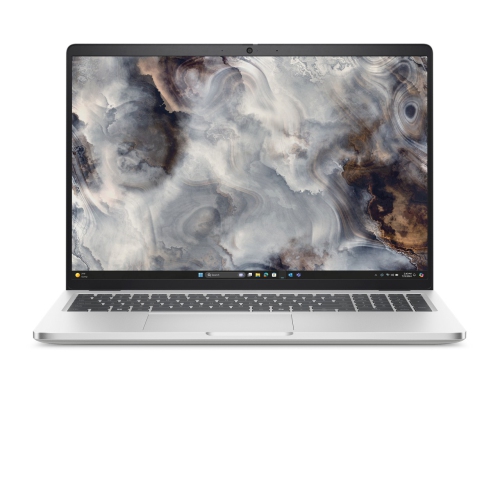


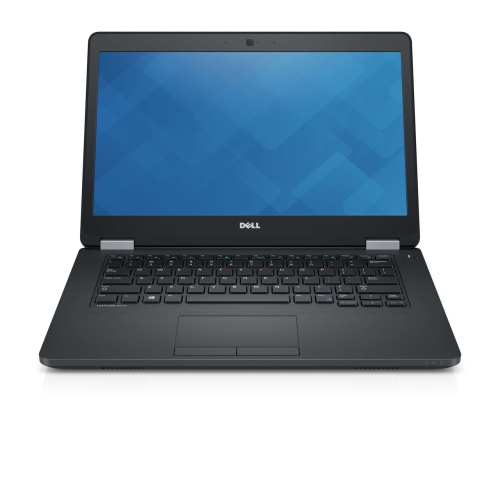
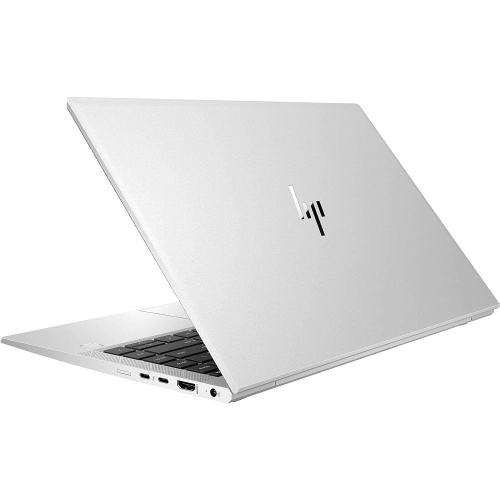

Key performance considerations for demanding technical workloads
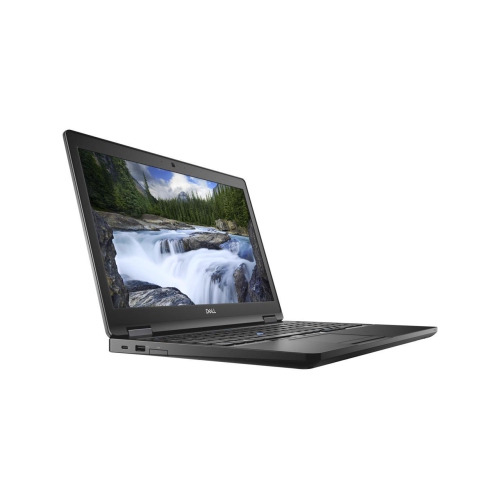
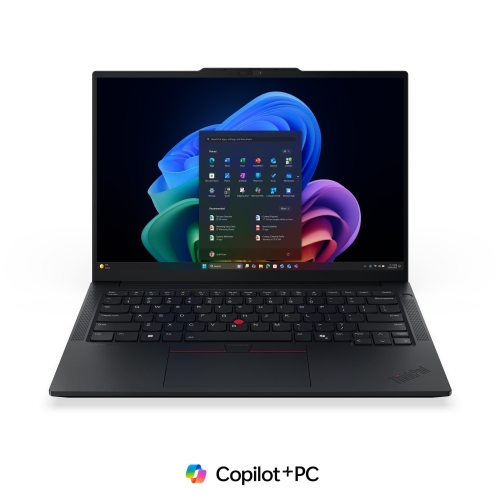
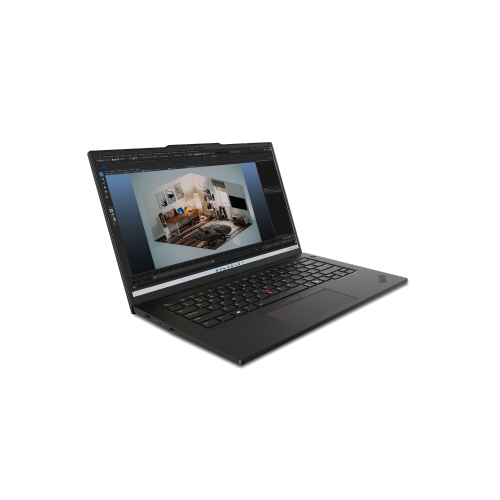
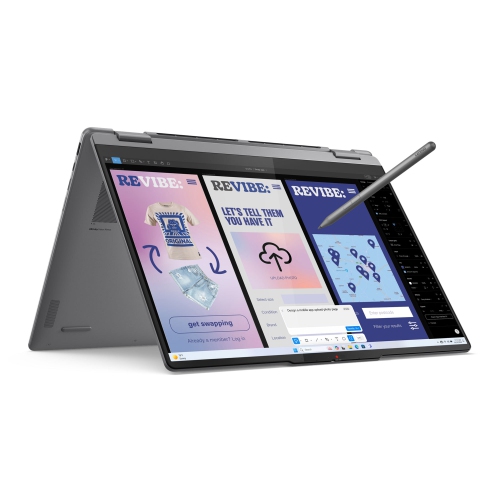
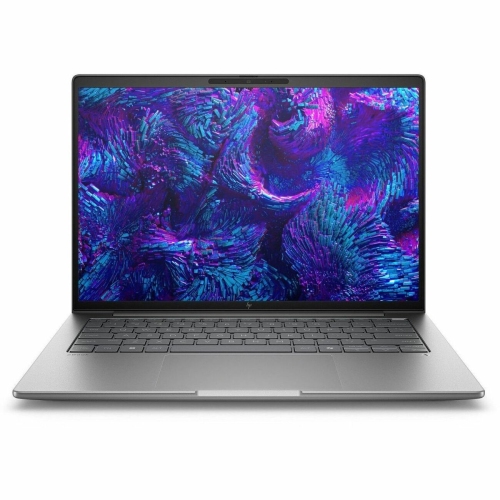
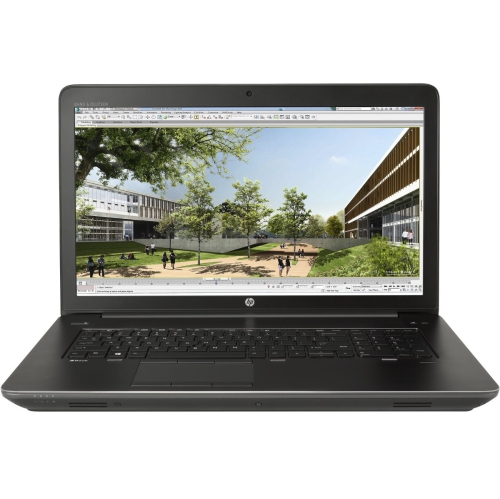
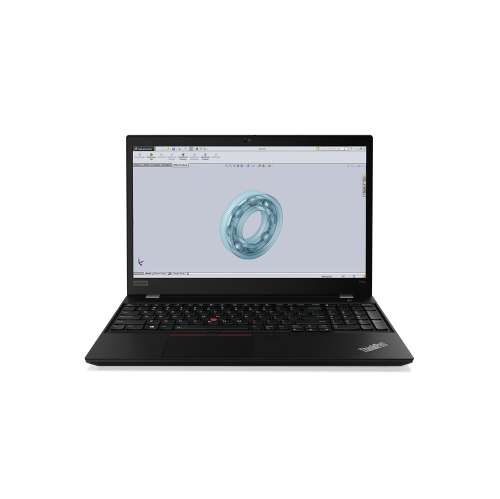
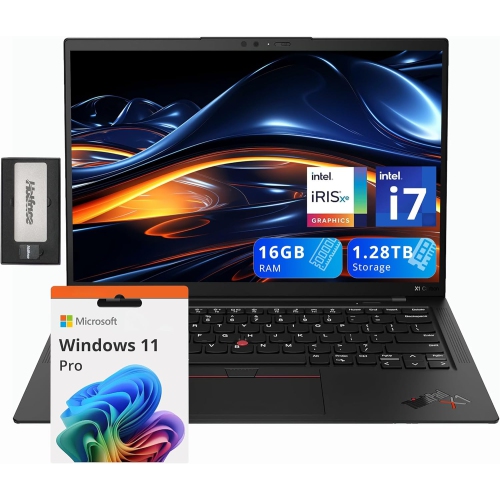
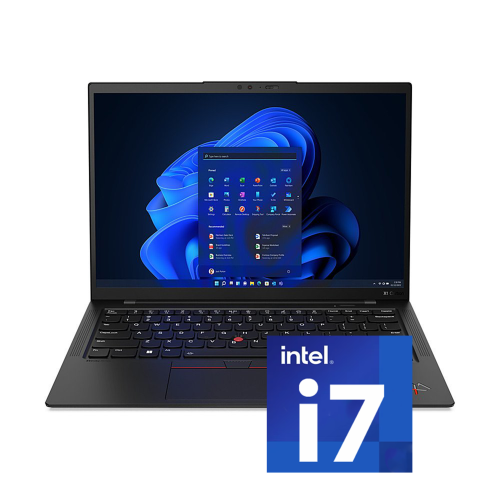
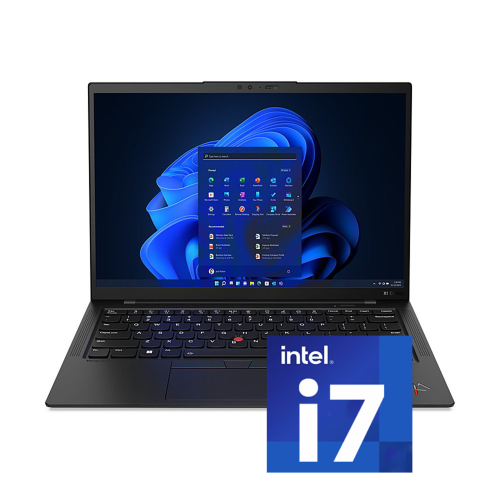
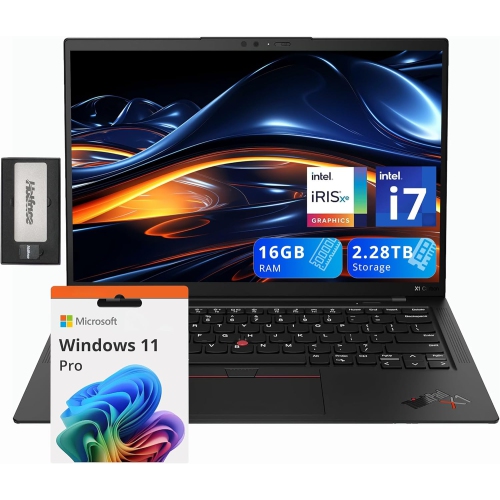
Engineering laptops are built for demanding technical work, from creating detailed CAD drawings and 3D assemblies to running simulations, compiling software and analysing large datasets. Unlike a basic laptop intended mainly for web browsing and office tasks, an engineering-focused computer needs a strong combination of processing power, memory, graphics performance and fast storage. A modern multi-core processor, such as an Intel Core i7 or i9, Intel Core Ultra 7 or 9, or AMD Ryzen 7 or 9, can handle intensive calculations, code compilation and complex multitasking with less slowdown. At least 16GB of RAM is a practical starting point for engineering students and everyday technical work, while 32GB or more is better for large assemblies, virtual machines, advanced rendering and running several demanding applications at once. A solid-state drive with 512GB of capacity provides quick start-up and application loading, but a 1TB or larger drive may be more suitable for users who work with extensive project files, local datasets, simulation results or multiple software installations. These details make it easier to find a configuration that feels responsive when moving between design software, reference documents, video calls and technical notes. For additional options built around demanding workloads, explore Powerful Laptops for Engineering Projects.
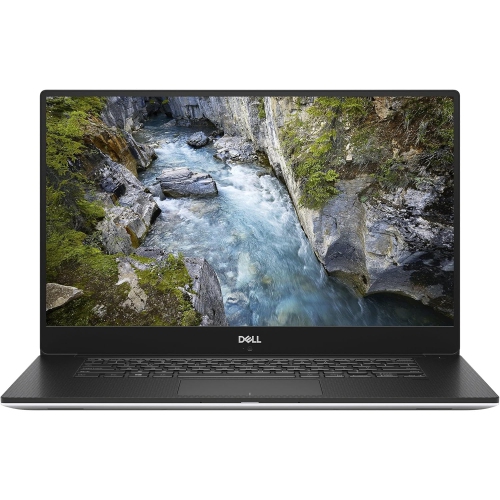
Graphics performance is especially important for mechanical engineering, architecture, civil engineering, industrial design and other disciplines that rely on 3D modelling or visual simulation. A dedicated graphics processor can render complex models more smoothly than integrated graphics, helping with orbiting assemblies, viewing detailed surfaces, generating realistic previews and working with large building or infrastructure plans. Professional workstation graphics may be worthwhile for specialised applications that benefit from certified drivers, while a capable dedicated NVIDIA or comparable graphics solution can suit many students, designers and technical professionals. Software compatibility should also guide the purchase. Windows remains a common choice for applications such as AutoCAD, SOLIDWORKS, Revit and other computer-aided design, building information modelling and engineering programs. macOS laptops can be an excellent fit for software development, programming, data analysis and general university work, although anyone in a mechanical, civil or manufacturing program should confirm that required Windows-only applications will run properly before choosing an operating system. Engineering laptops with bright, high-resolution displays make fine lines, measurements and dense code easier to inspect, while a 15-inch or 16-inch screen can provide more comfortable space for tool panels and side-by-side documents. A smaller 13-inch or 14-inch design may be easier to carry across campus, between job sites or to a client meeting. Battery life, keyboard comfort, webcam quality, port selection and wireless connectivity also matter because technical work often happens away from a permanent desk. USB-C, HDMI and other useful connections can simplify access to external monitors, projectors, storage devices and specialised equipment.
The right engineering laptop can support a wide range of users, including university and college students, professional engineers, programmers, architects, designers, researchers, contractors and hobbyists learning technical software. For students, a durable and portable computer can move from a morning lecture to a lab, library study session or group project without making it necessary to rely on a fixed workstation. It can also serve as a practical graduation or back-to-school gift for someone entering mechanical, electrical, computer, civil, software or aerospace engineering. A larger, higher-powered configuration may be preferable for a professional who regularly handles 3D assemblies, finite element analysis, rendering or multiple virtual environments, while someone focused on programming may value a comfortable keyboard, strong processor and long battery life over a high-end graphics card. Before purchasing, consider the software’s recommended specifications rather than only its minimum requirements, since demanding projects tend to grow in file size and complexity over time. It is also worth checking whether memory and storage can be upgraded, whether the charger is convenient to carry, and whether the laptop has enough cooling capacity for extended workloads. During the warmer part of the year and through the cooler months, a flexible engineering laptop can support work in classrooms, offices, studios and shared spaces, giving technical users a reliable way to develop ideas, test designs and keep projects moving wherever the work takes them.
Graphics performance is especially important for mechanical engineering, architecture, civil engineering, industrial design and other disciplines that rely on 3D modelling or visual simulation. A dedicated graphics processor can render complex models more smoothly than integrated graphics, helping with orbiting assemblies, viewing detailed surfaces, generating realistic previews and working with large building or infrastructure plans. Professional workstation graphics may be worthwhile for specialised applications that benefit from certified drivers, while a capable dedicated NVIDIA or comparable graphics solution can suit many students, designers and technical professionals. Software compatibility should also guide the purchase. Windows remains a common choice for applications such as AutoCAD, SOLIDWORKS, Revit and other computer-aided design, building information modelling and engineering programs. macOS laptops can be an excellent fit for software development, programming, data analysis and general university work, although anyone in a mechanical, civil or manufacturing program should confirm that required Windows-only applications will run properly before choosing an operating system. Engineering laptops with bright, high-resolution displays make fine lines, measurements and dense code easier to inspect, while a 15-inch or 16-inch screen can provide more comfortable space for tool panels and side-by-side documents. A smaller 13-inch or 14-inch design may be easier to carry across campus, between job sites or to a client meeting. Battery life, keyboard comfort, webcam quality, port selection and wireless connectivity also matter because technical work often happens away from a permanent desk. USB-C, HDMI and other useful connections can simplify access to external monitors, projectors, storage devices and specialised equipment.
The right engineering laptop can support a wide range of users, including university and college students, professional engineers, programmers, architects, designers, researchers, contractors and hobbyists learning technical software. For students, a durable and portable computer can move from a morning lecture to a lab, library study session or group project without making it necessary to rely on a fixed workstation. It can also serve as a practical graduation or back-to-school gift for someone entering mechanical, electrical, computer, civil, software or aerospace engineering. A larger, higher-powered configuration may be preferable for a professional who regularly handles 3D assemblies, finite element analysis, rendering or multiple virtual environments, while someone focused on programming may value a comfortable keyboard, strong processor and long battery life over a high-end graphics card. Before purchasing, consider the software’s recommended specifications rather than only its minimum requirements, since demanding projects tend to grow in file size and complexity over time. It is also worth checking whether memory and storage can be upgraded, whether the charger is convenient to carry, and whether the laptop has enough cooling capacity for extended workloads. During the warmer part of the year and through the cooler months, a flexible engineering laptop can support work in classrooms, offices, studios and shared spaces, giving technical users a reliable way to develop ideas, test designs and keep projects moving wherever the work takes them.
Top selling and popular products
-
 Your price for this item is $449
 -
 Your price for this item is $3099
 -
 Your price for this item is $299.95
 -
 Your price for this item is $664.05
 -
 Your price for this item is $599.68
 -
 Your price for this item is $869.99
 -
 Your price for this item is $259
 -
 Your price for this item is $418.98
Discover more categories related to Engineering Laptops


Top Collections:
Pokemon Centers, Kindle Devices, Best Budget Office Chairs, Apple iPhones 16, Best Laptops for Writers, iPhone 15 Apple, Canon G7X Cameras, Refurbished Apple Laptops, Alarm Clock, Motorola Razr Phones
Some products may be subject to Environmental Handling Fees
(EHF) depending on your province.
Learn more about EHFs.