Ergonomic Mice
Looking to upgrade your computer setup with a more comfortable and efficient mouse? Look no further than our selection of ergonomic mice. Designed with your comfort in mind, these innovative peripherals are perfect for long hours of work or gaming sessions. With their ergonomic shapes and customizable features, you can say goodbye to wrist strain and hello to improved productivity. Whether you're a professional or a casual user, our range of ergonomic mice has something to suit every need and budget. Explore our collection today and take the first step towards a more comfortable computing experience.
Sort
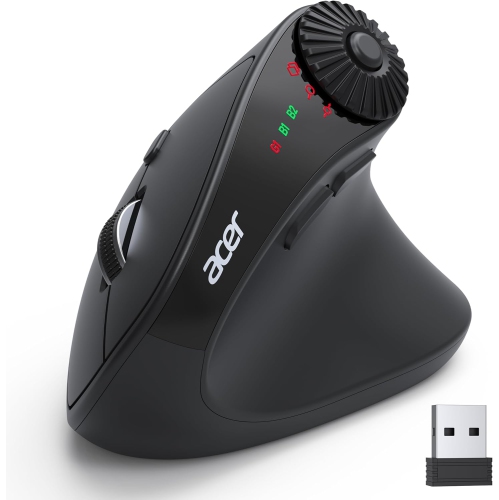
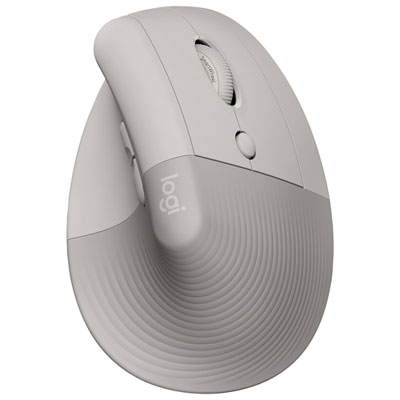
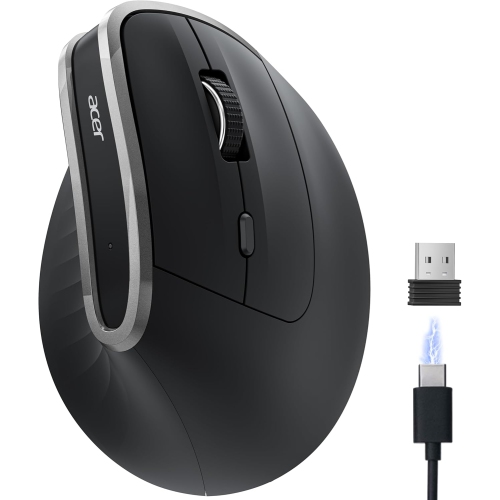
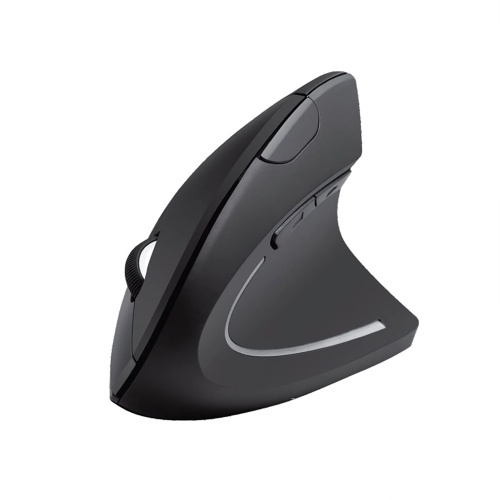
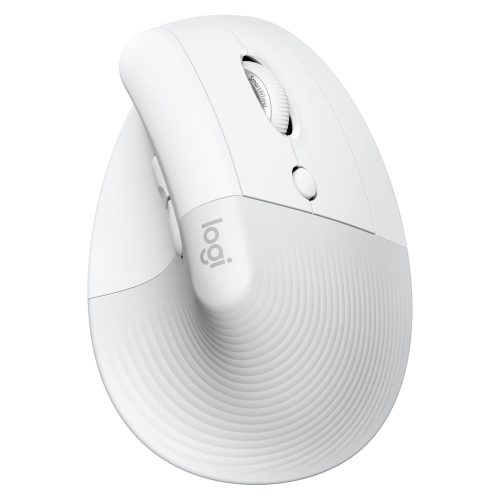
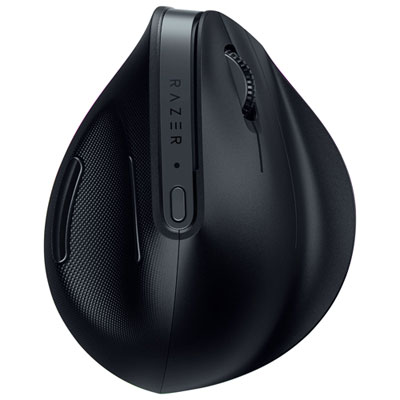
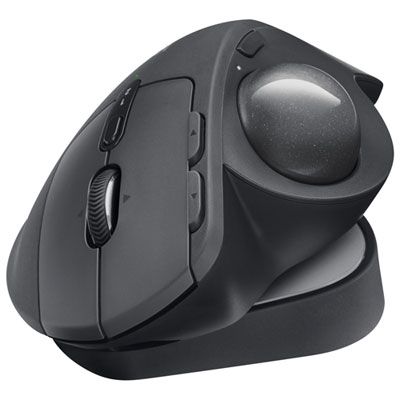
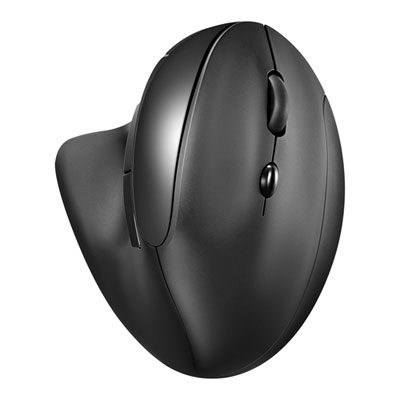
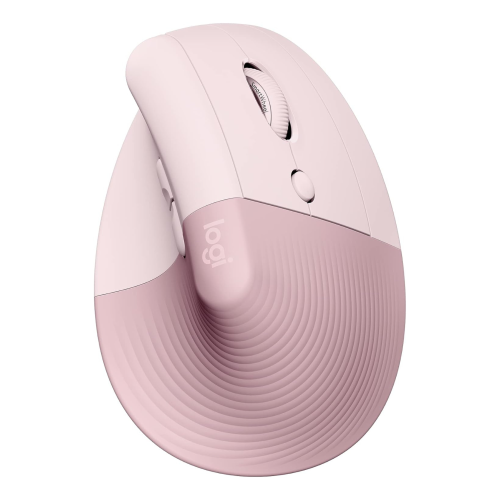
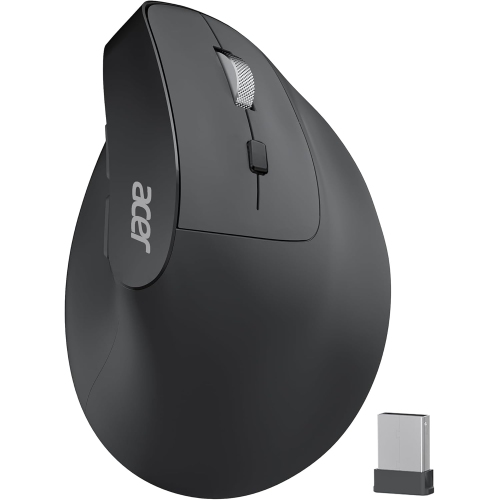
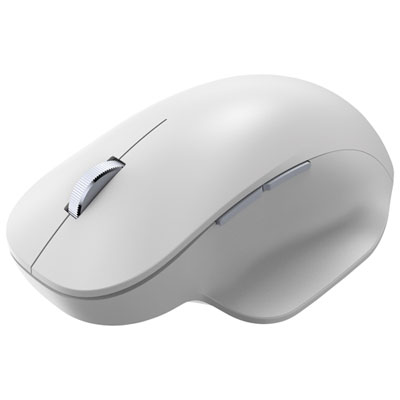
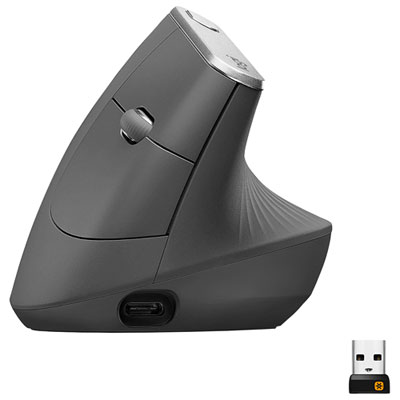
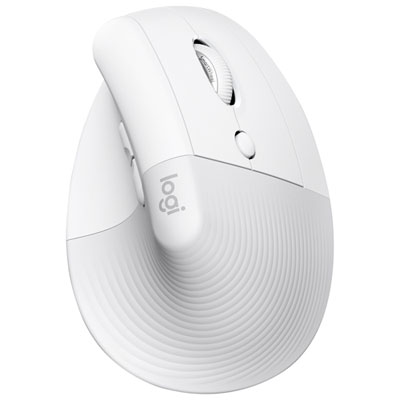
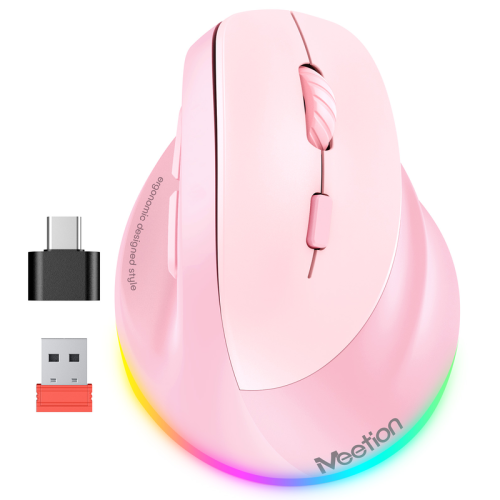
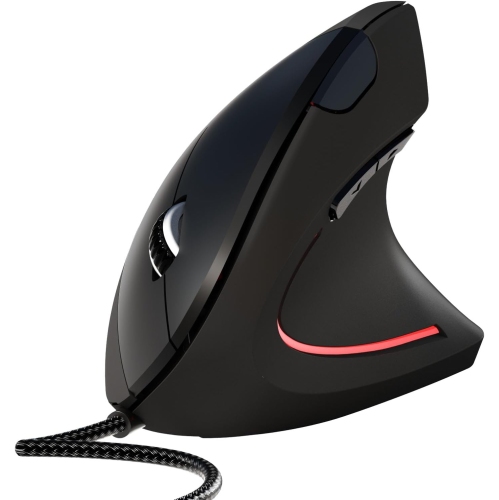
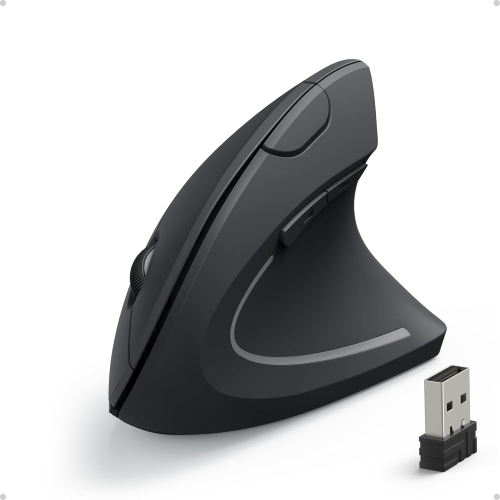
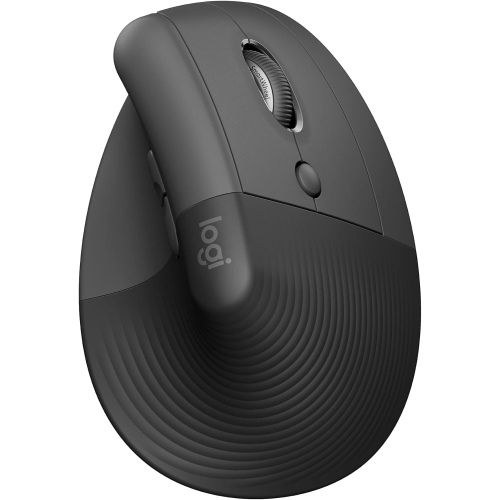
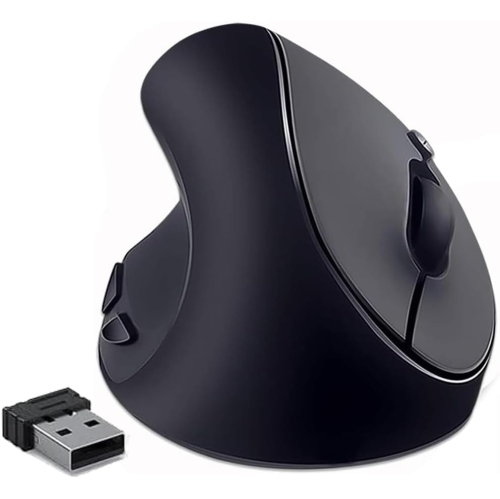
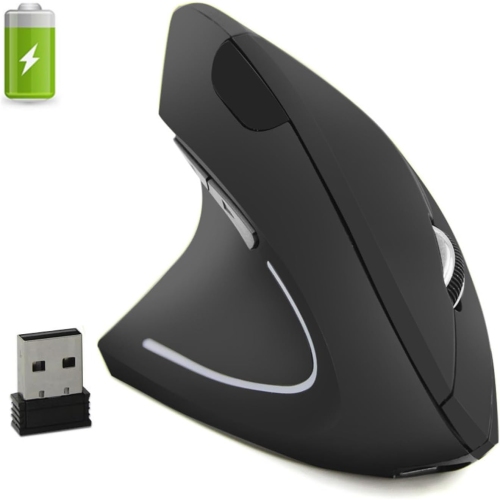
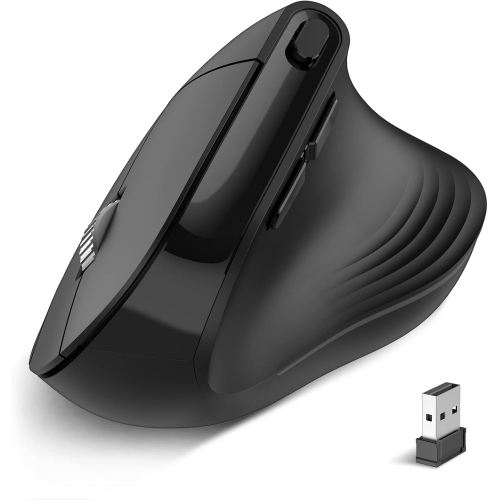
Supportive designs for more comfortable work and play
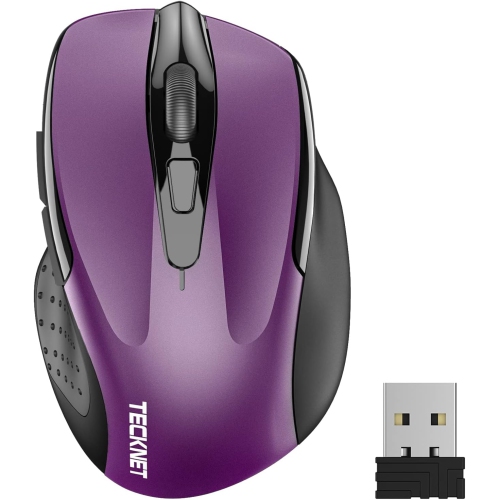
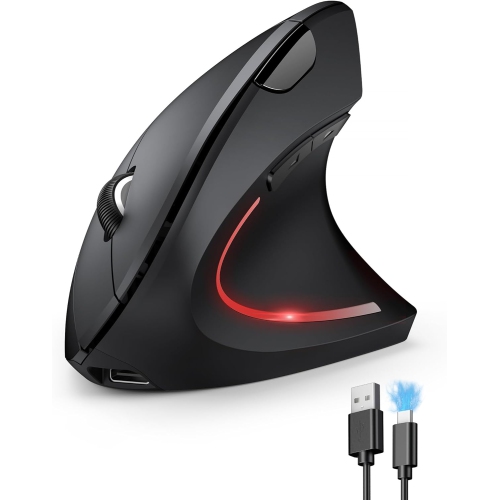
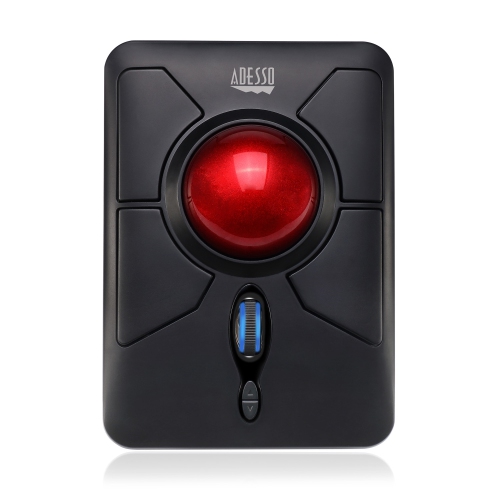
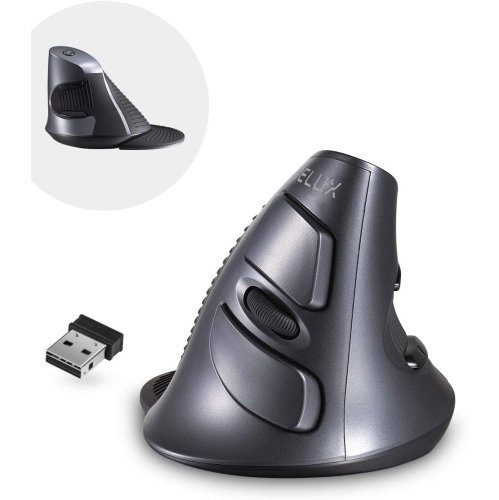
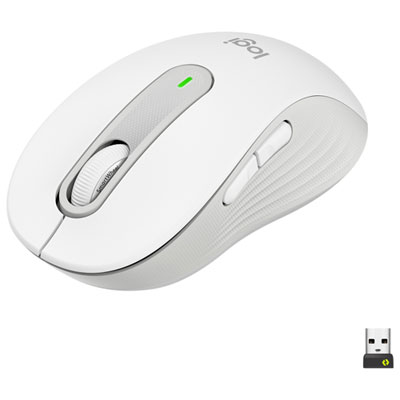
As workspaces evolve and more people spend extended hours at their desks, the importance of comfort and proper ergonomics becomes increasingly clear. An ergonomic mouse is designed to fit the natural curve of your hand, helping to reduce the strain that can come from repetitive movements and awkward wrist angles. Whether you’re working from a home office, gaming into the evening, or managing a busy schedule of creative projects, choosing an ergo mouse can make a noticeable difference in your daily comfort. These devices often feature sculpted shapes, vertical orientations, or trackball designs that encourage a more relaxed “handshake” posture, which can help alleviate tension in your wrist, forearm, and even your shoulder. As the weather warms and routines shift, it’s a good time to reassess your workspace setup and consider how an argonomic mouse could support your productivity and well-being through the changing seasons.
Ergonomic mice are especially beneficial for anyone who experiences discomfort during computer use, including students, office professionals, graphic designers, and gamers. They can also be a thoughtful gift for someone starting a new job, heading off to university, or upgrading their home office. When selecting a bestbuy ergonomic mouse, consider factors such as hand size, grip style, and the type of work you do most often. Some people prefer a vertical design for its natural wrist position, while others find a trackball offers the best support for minimizing movement. Adjustable DPI settings, programmable buttons, and wireless connectivity are features that can further tailor your experience, allowing you to work or play with greater precision and less fatigue. The right best buy ergonomic mouse can help prevent repetitive strain injuries, making it a smart investment for long-term health and comfort. For more insight into the top options available and expert recommendations, visit our curated list of the Best Ergonomic Mice to find the model that fits your needs and lifestyle.
Ergonomic mice are especially beneficial for anyone who experiences discomfort during computer use, including students, office professionals, graphic designers, and gamers. They can also be a thoughtful gift for someone starting a new job, heading off to university, or upgrading their home office. When selecting a bestbuy ergonomic mouse, consider factors such as hand size, grip style, and the type of work you do most often. Some people prefer a vertical design for its natural wrist position, while others find a trackball offers the best support for minimizing movement. Adjustable DPI settings, programmable buttons, and wireless connectivity are features that can further tailor your experience, allowing you to work or play with greater precision and less fatigue. The right best buy ergonomic mouse can help prevent repetitive strain injuries, making it a smart investment for long-term health and comfort. For more insight into the top options available and expert recommendations, visit our curated list of the Best Ergonomic Mice to find the model that fits your needs and lifestyle.
Top selling and popular products
-
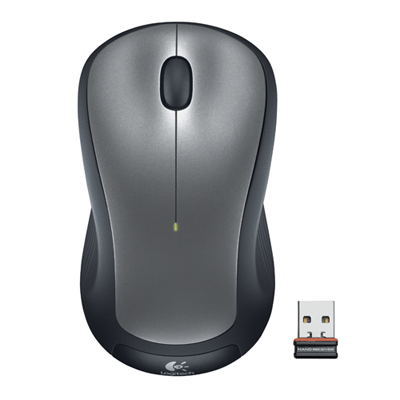 Your price for this item is $29.99
 -
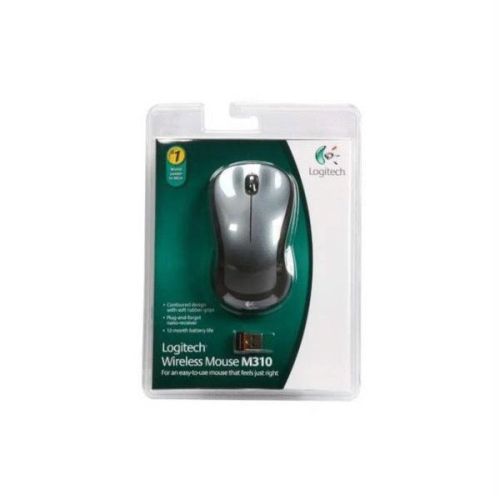 Your price for this item is $50.44
 -
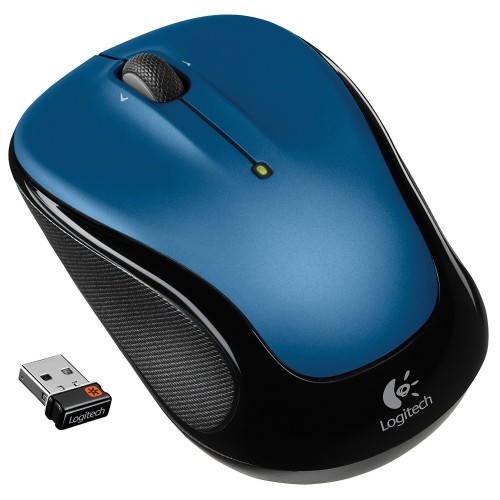 Your price for this item is $39.99
 -
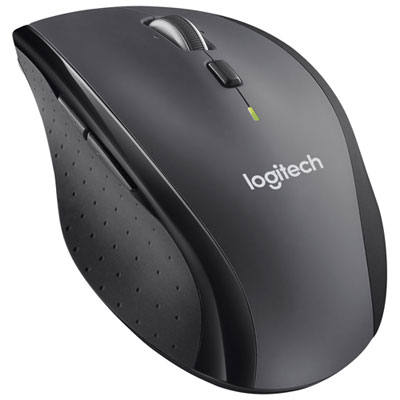 Your price for this item is $49.99
 -
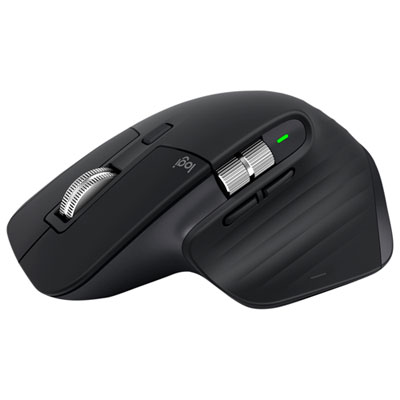 Your price for this item is $159.95
 -
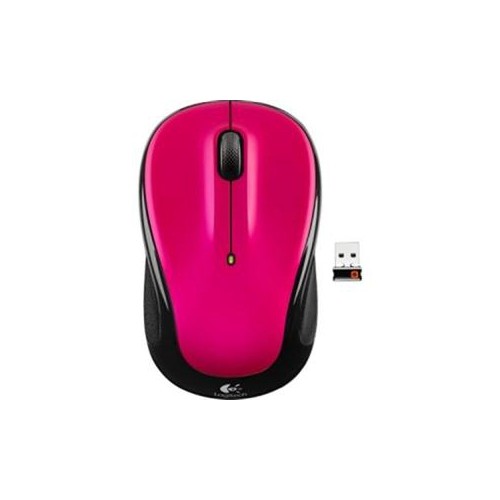 Your price for this item is $44.68
 -
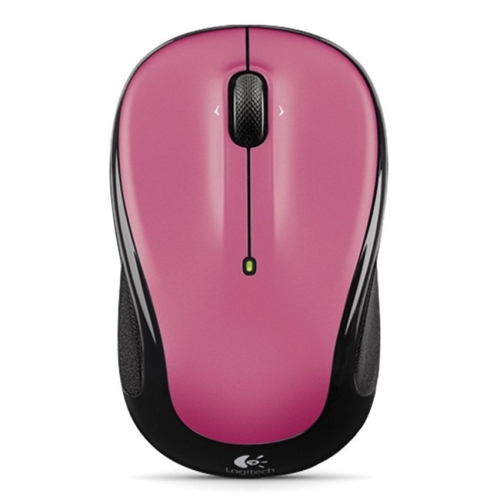 Your price for this item is $44.68
 -
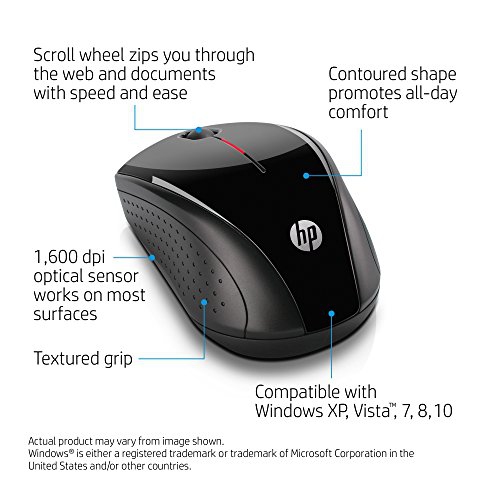 Your price for this item is $31
Discover more categories related to Ergonomic Mice
Top Collections:
Pokemon Centers, Kindle Devices, Best Budget Office Chairs, Apple iPhones 16, Best Laptops for Writers, iPhone 15 Apple, Canon G7X Cameras, Refurbished Apple Laptops, Alarm Clock, Motorola Razr Phones
Some products may be subject to Environmental Handling Fees
(EHF) depending on your province.
Learn more about EHFs.