Fast Photo Scanners
Looking to digitize your old photos quickly and easily? Our selection of fast photo scanners is here to help you preserve your memories with speed and efficiency. Say goodbye to endless hours spent scanning each photo individually - these high-speed scanners are designed to streamline the process, allowing you to digitize your entire photo collection in a fraction of the time. Whether you're a photography enthusiast looking to organize your portfolio or simply want to create digital backups of your family albums, these fast photo scanners are the perfect solution for all your scanning needs.
Sort
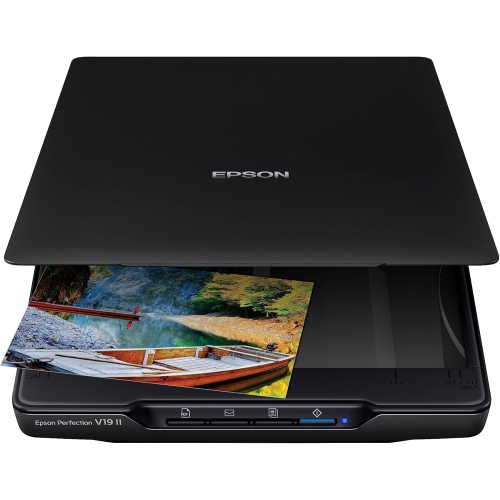
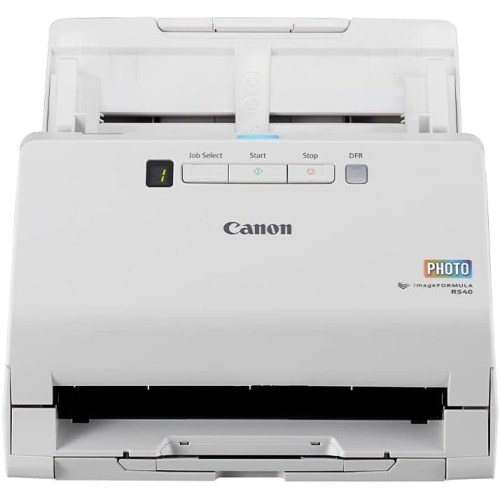
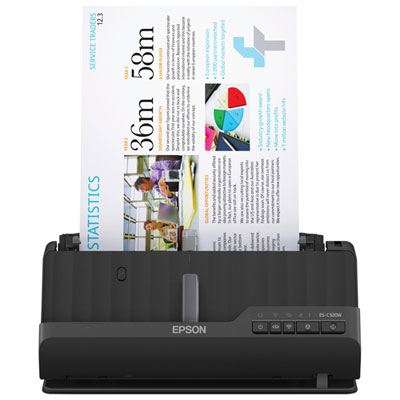
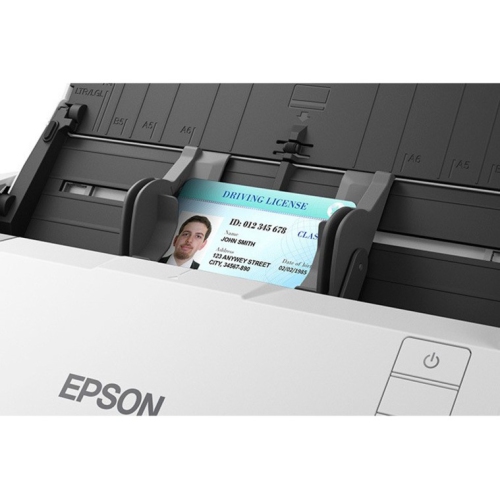

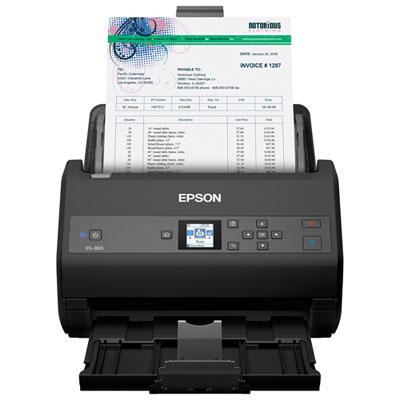
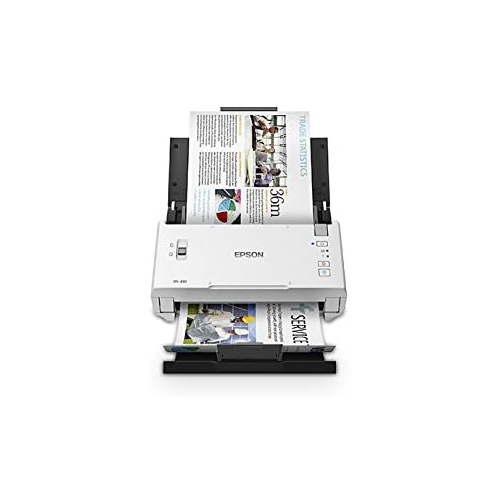

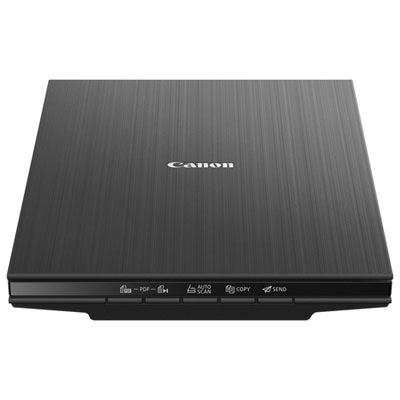
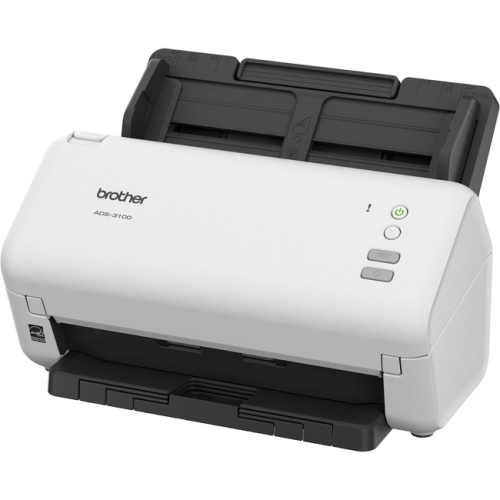
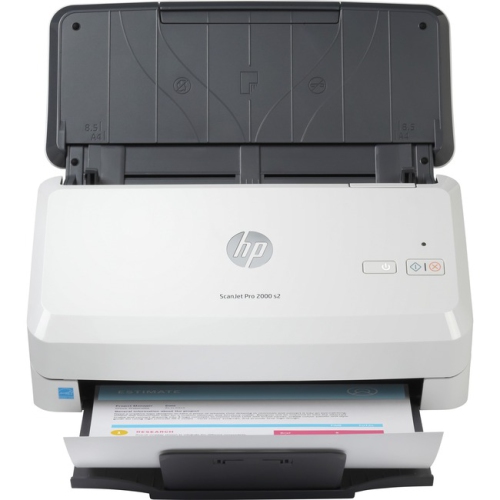
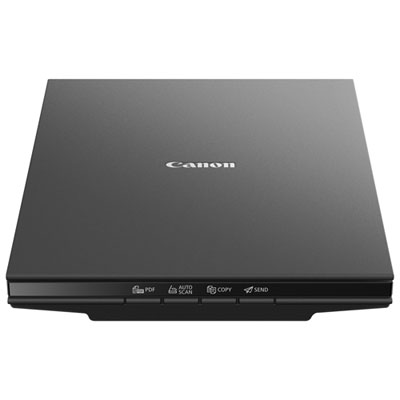
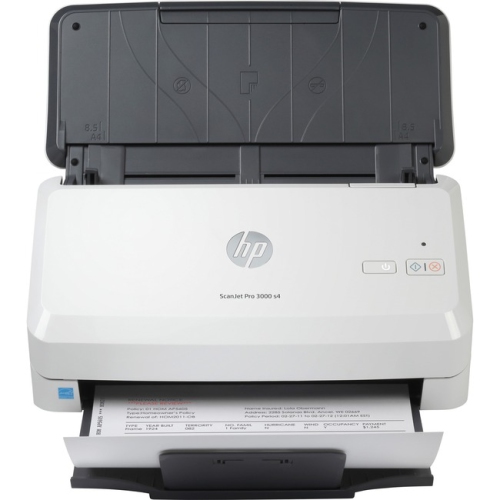
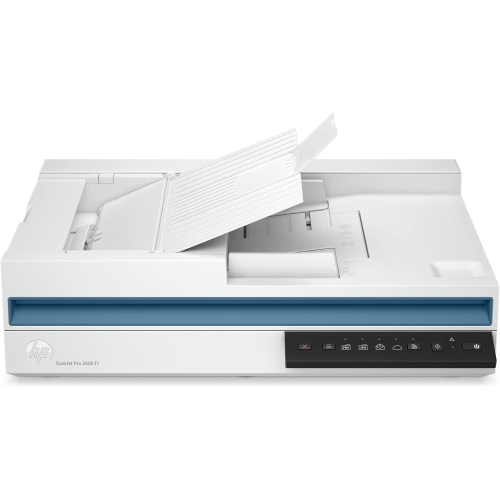
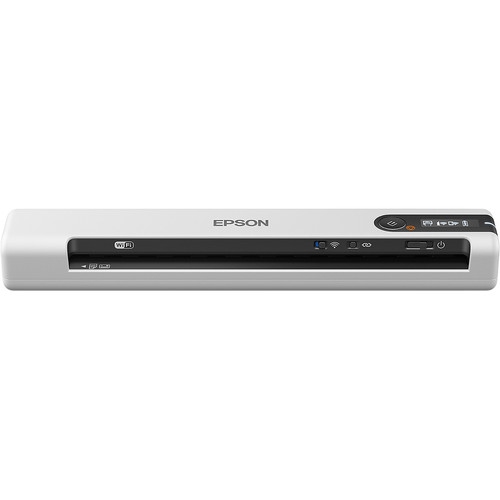
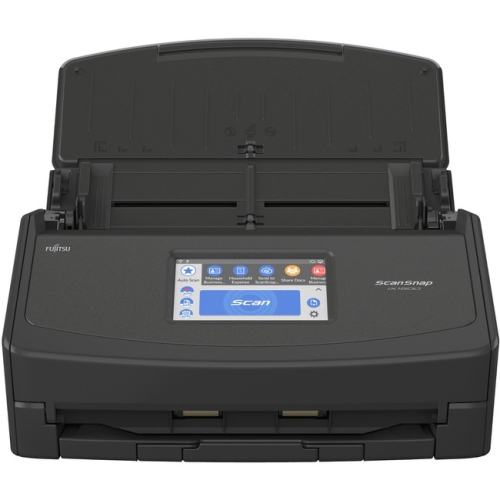
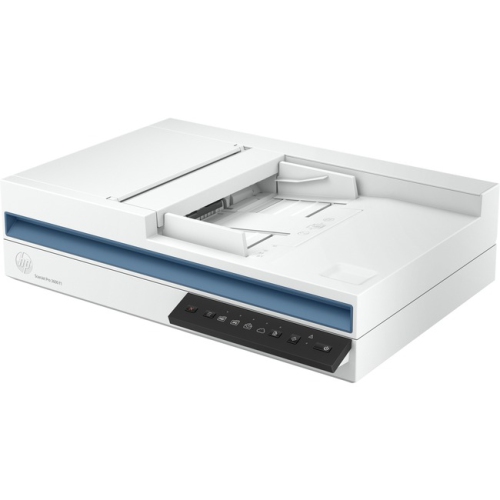
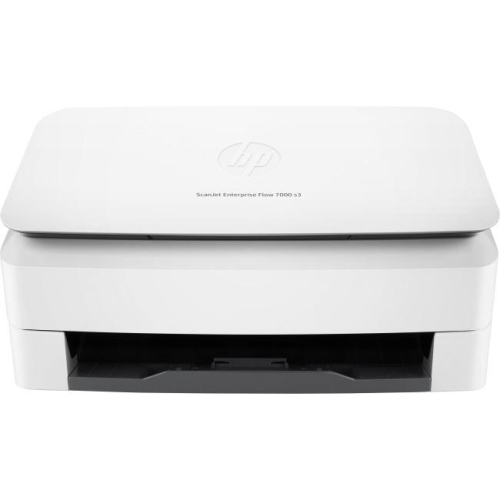
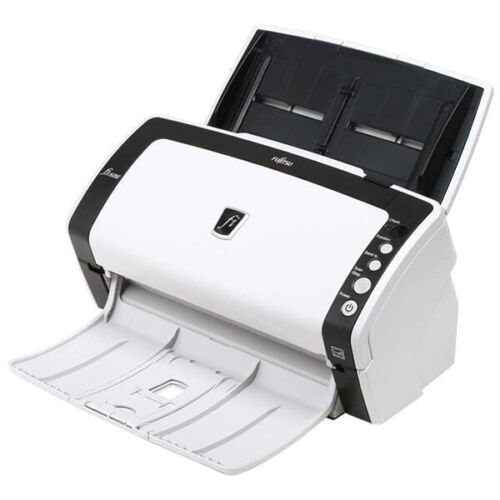
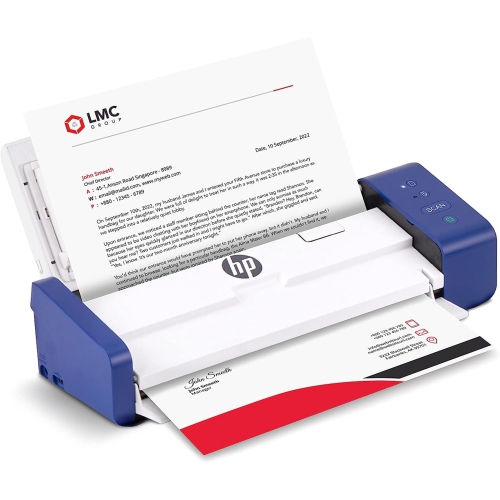
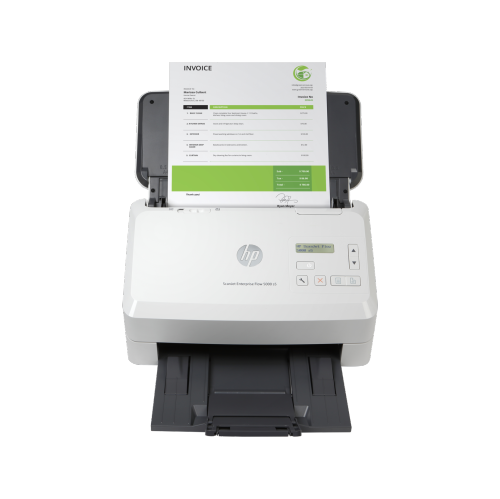
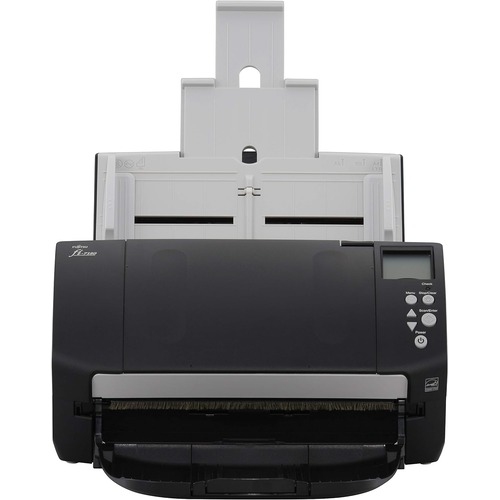
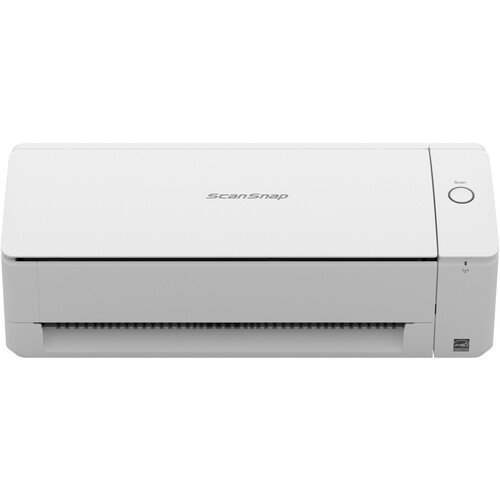
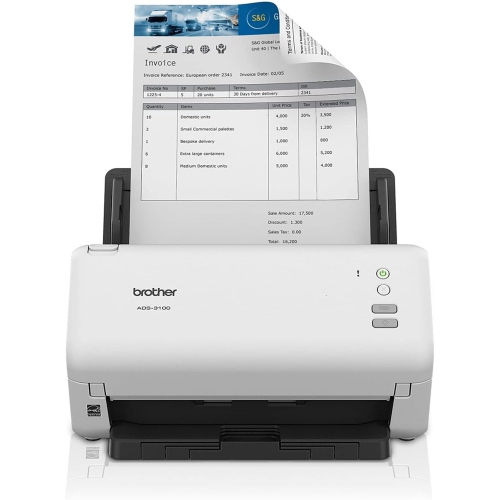
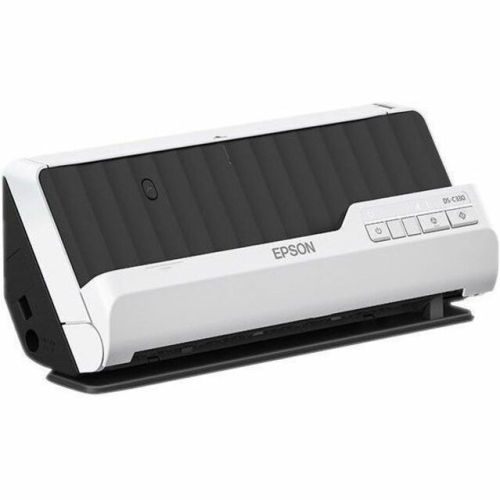
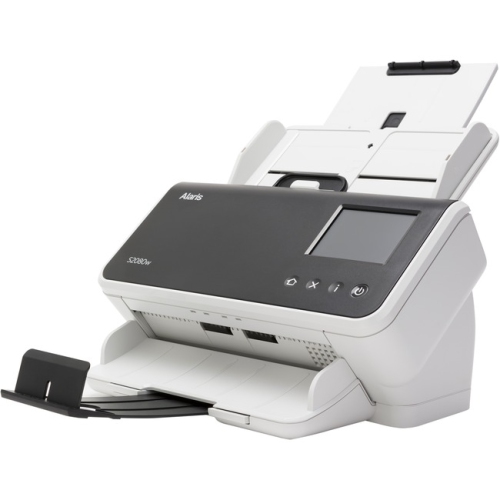
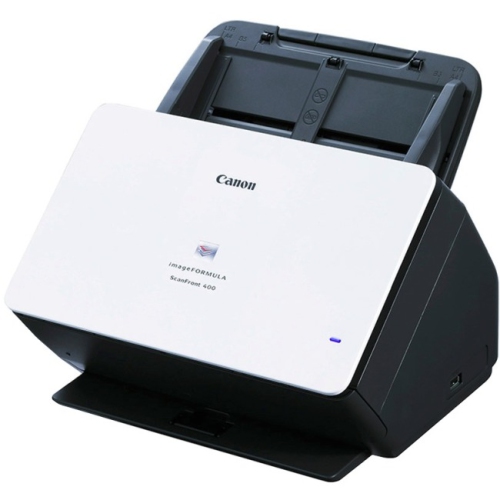
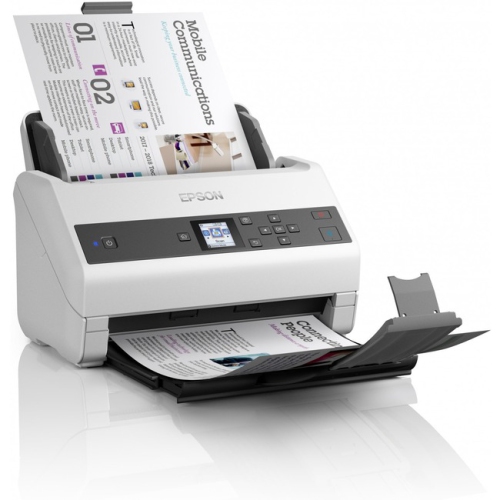
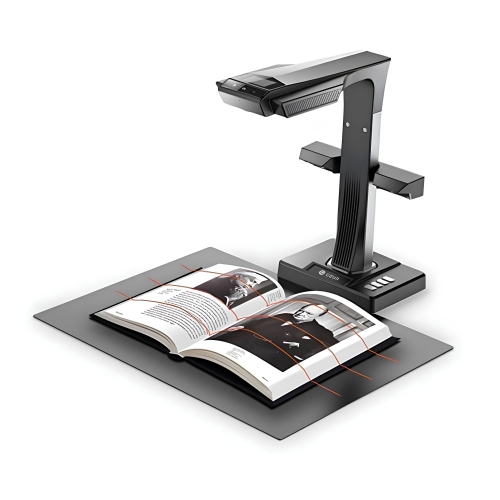
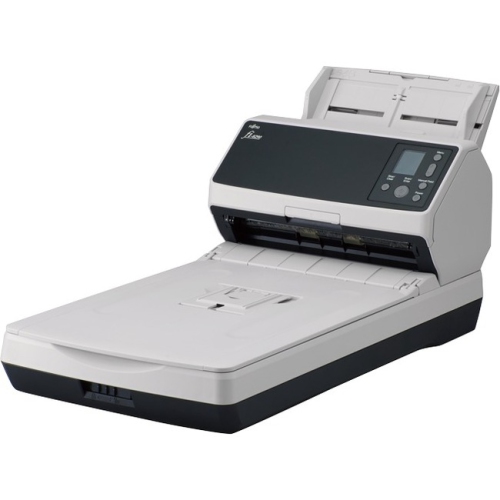
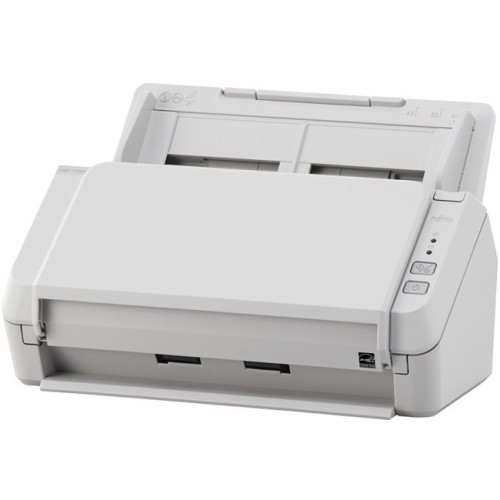
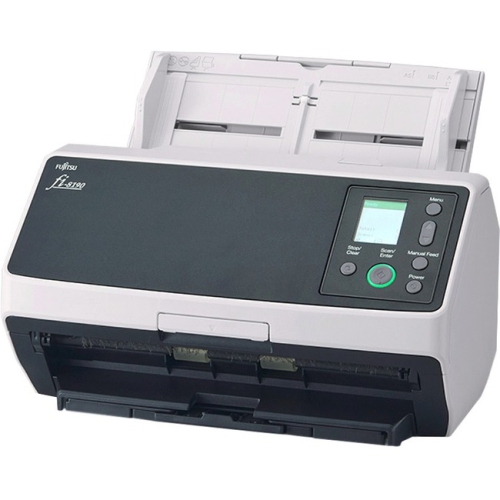
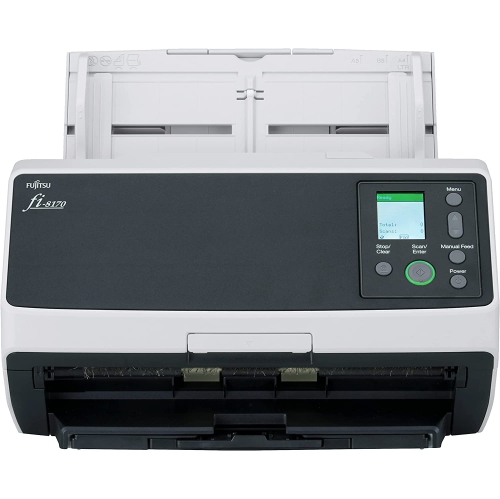

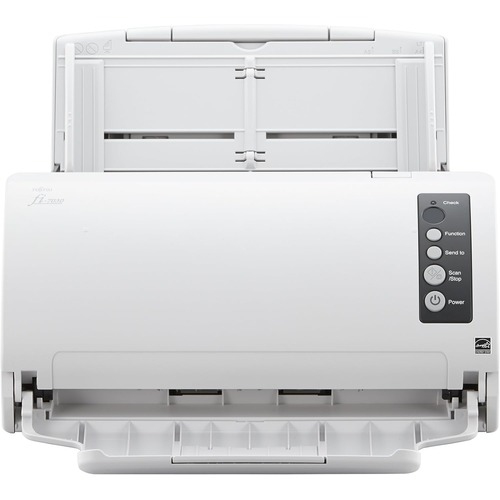
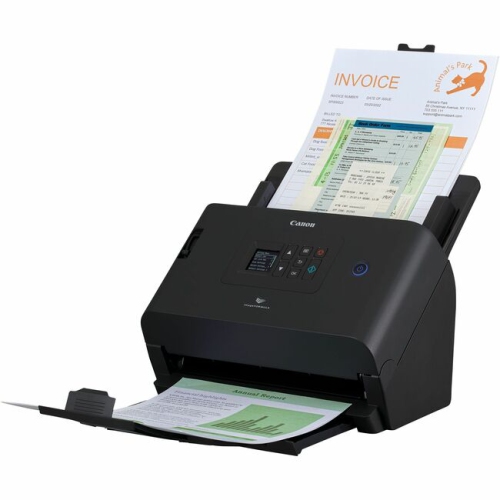
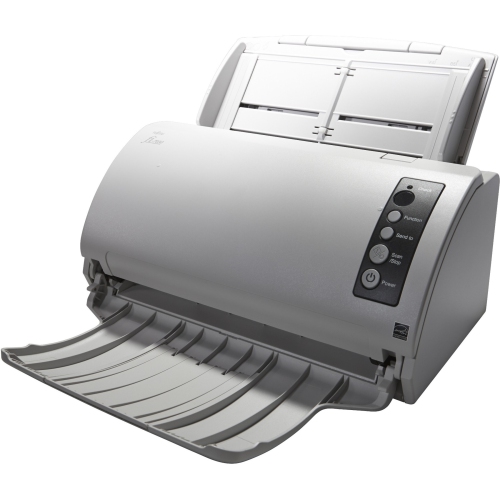
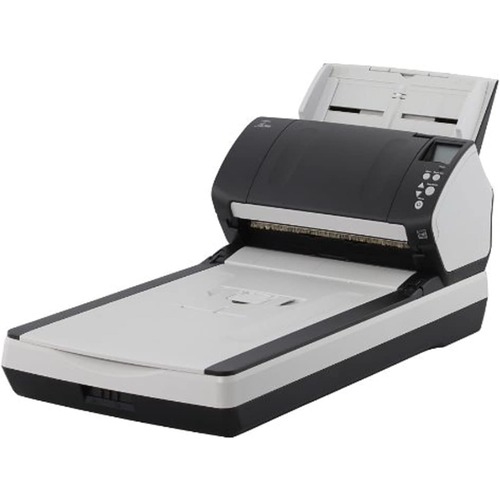
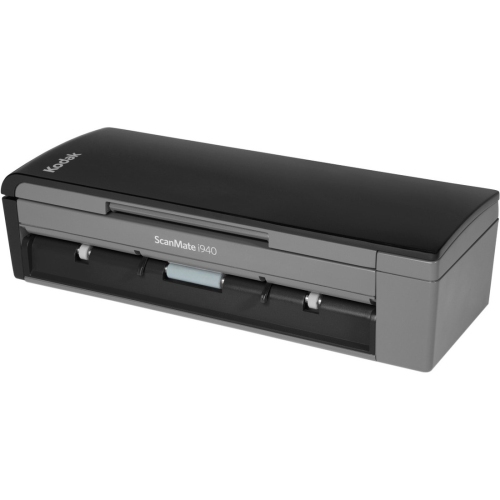
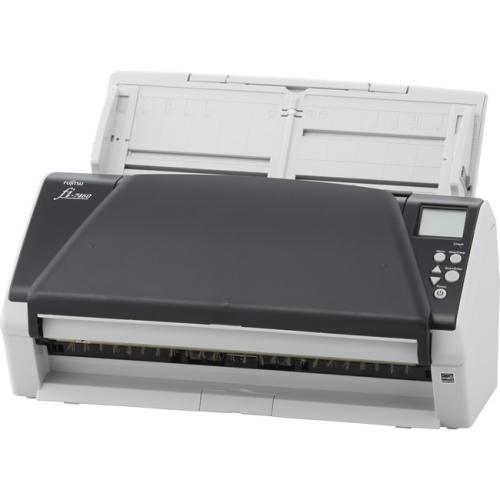

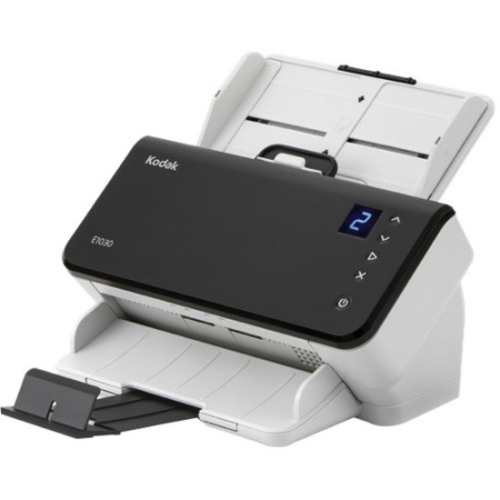
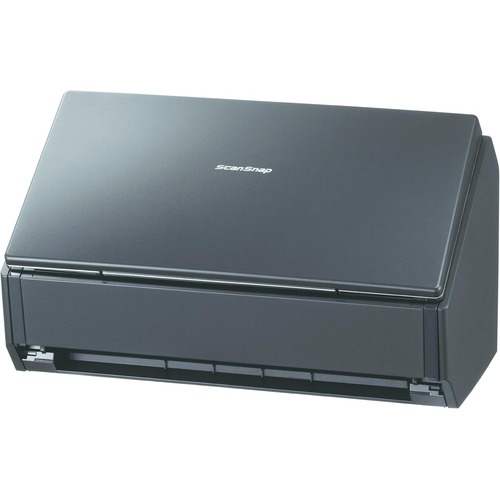
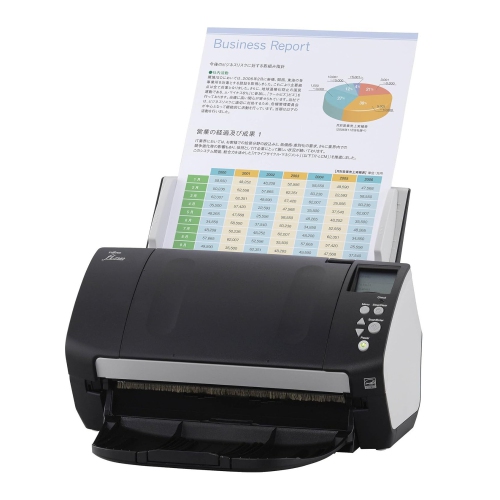
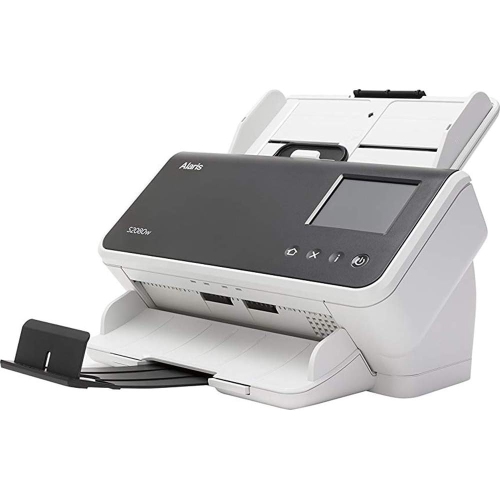
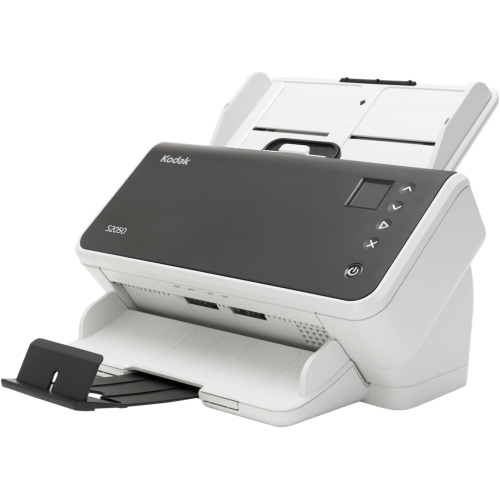
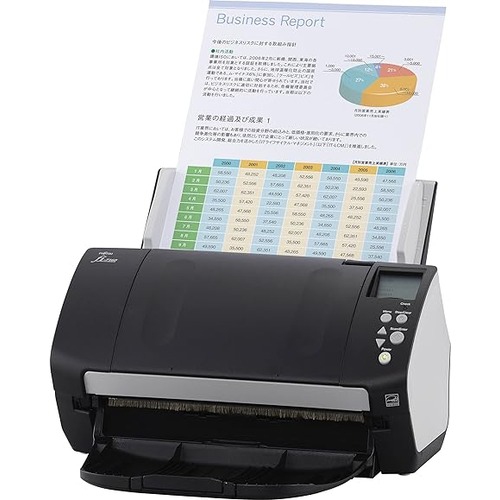
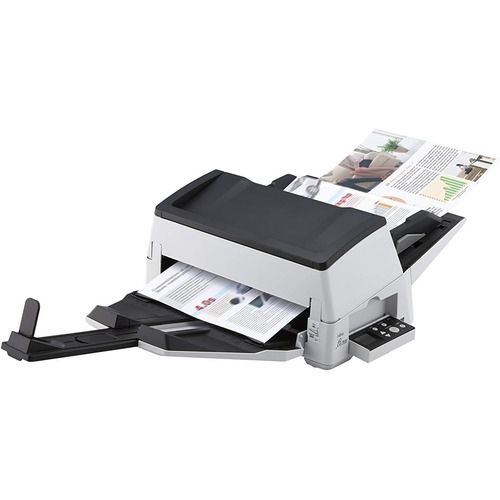
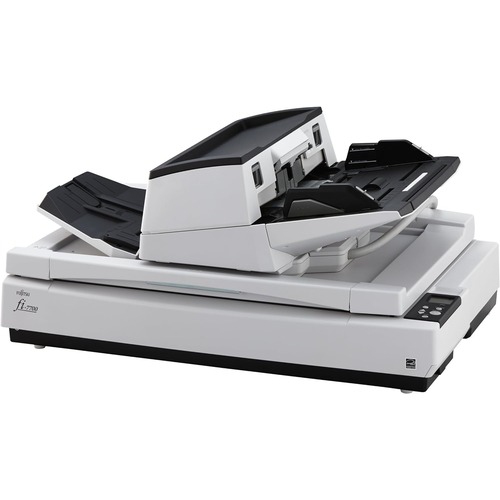
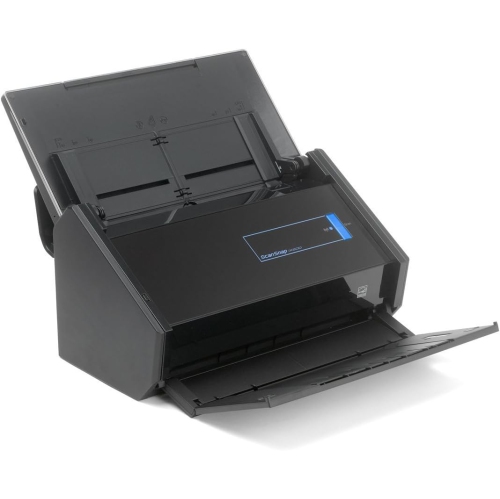
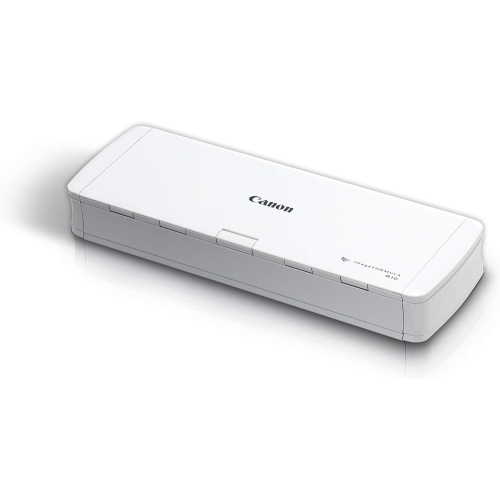
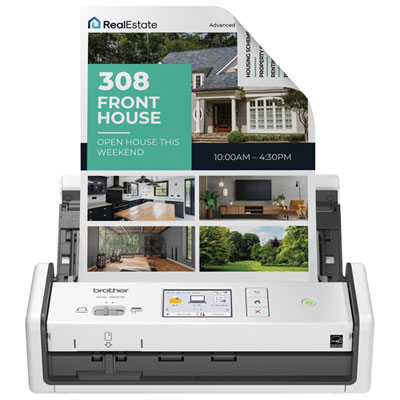
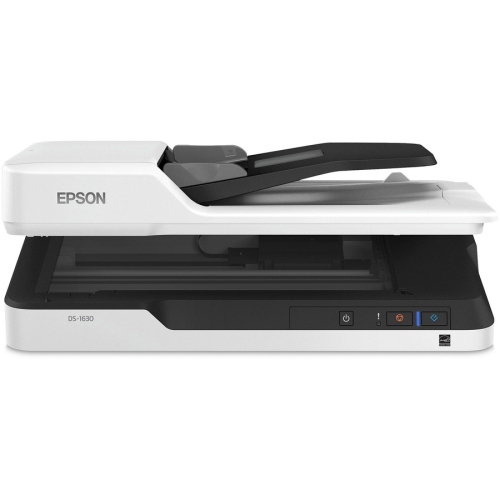
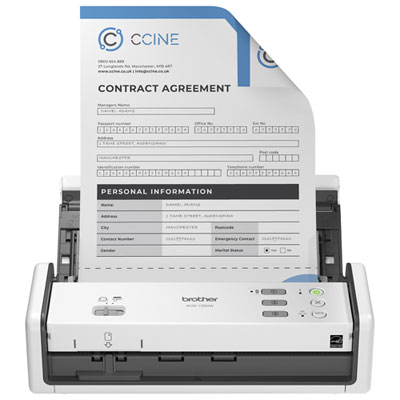
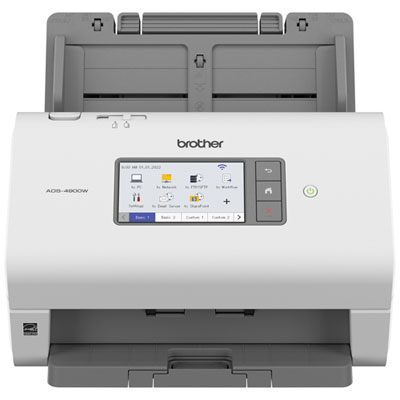
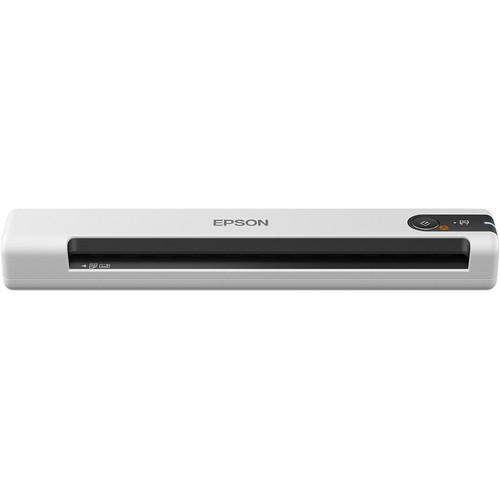
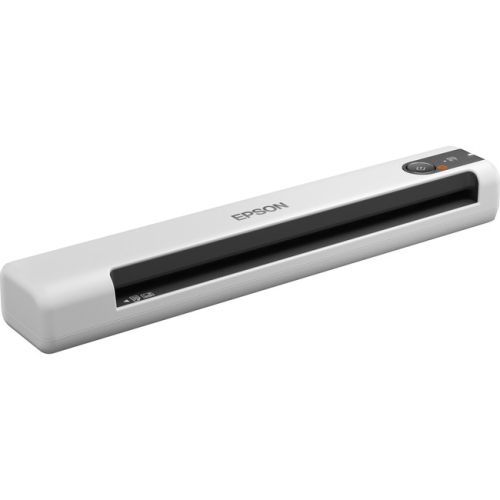

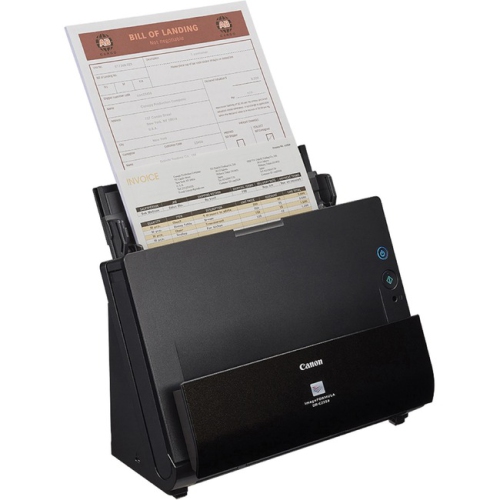
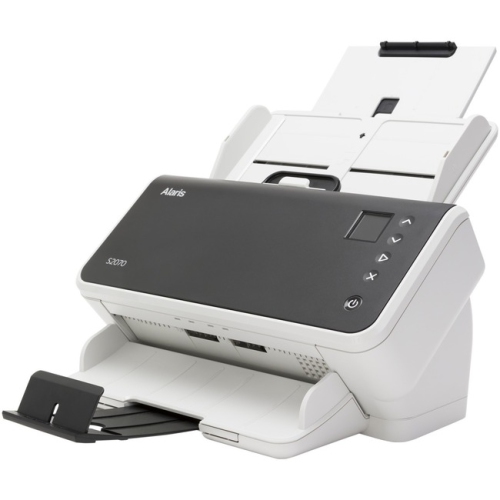
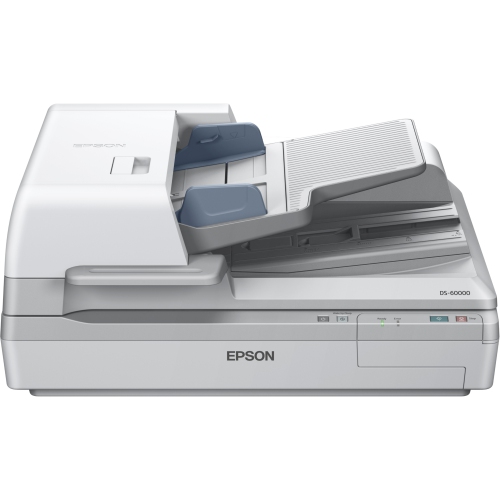
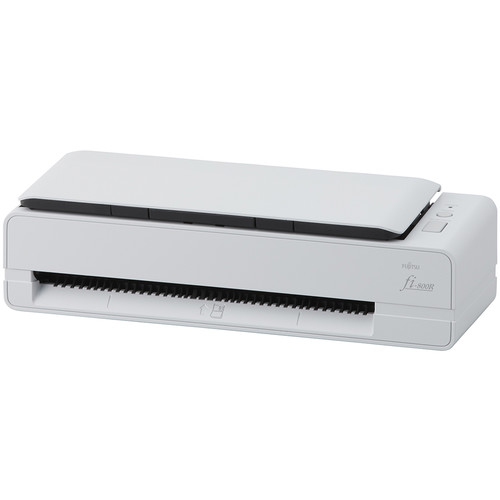
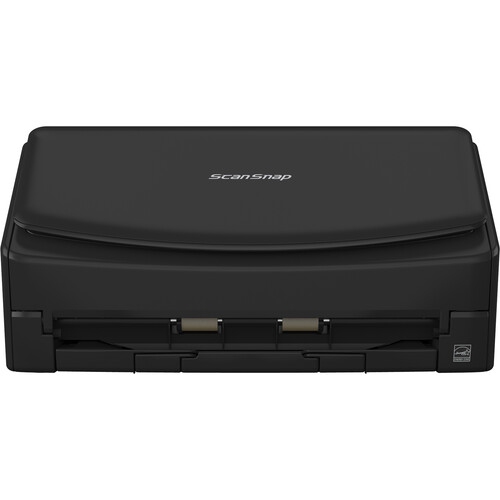
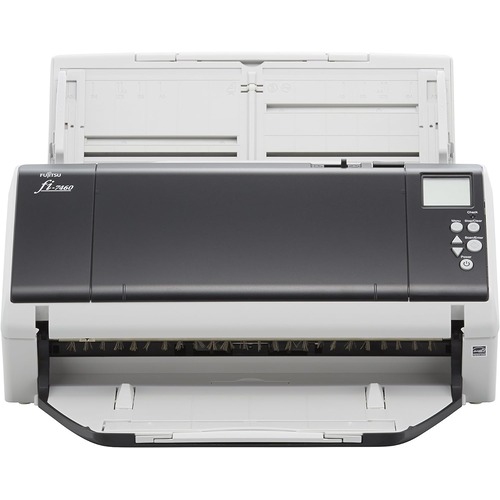
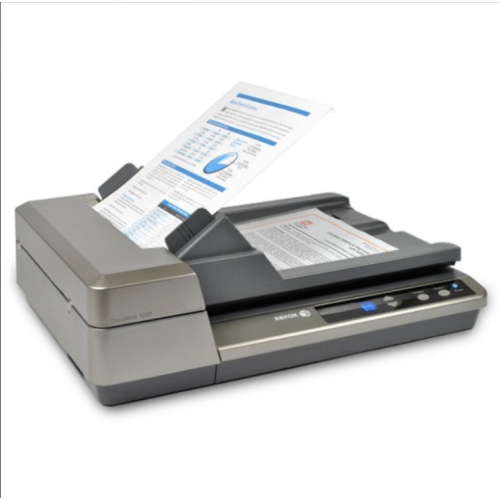
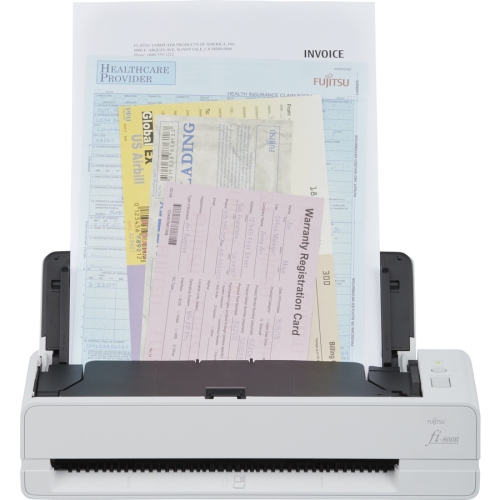
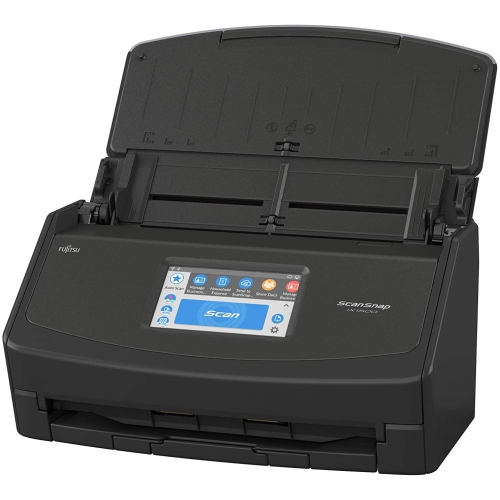
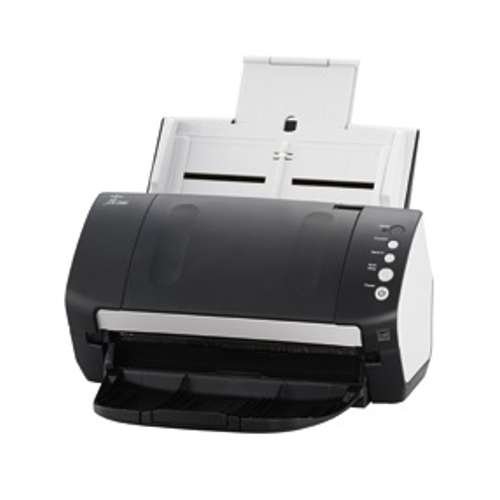

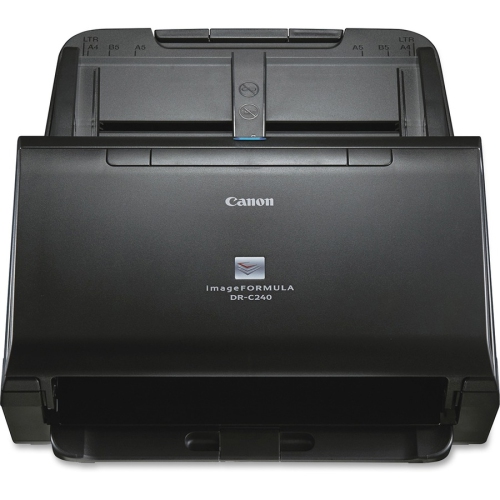

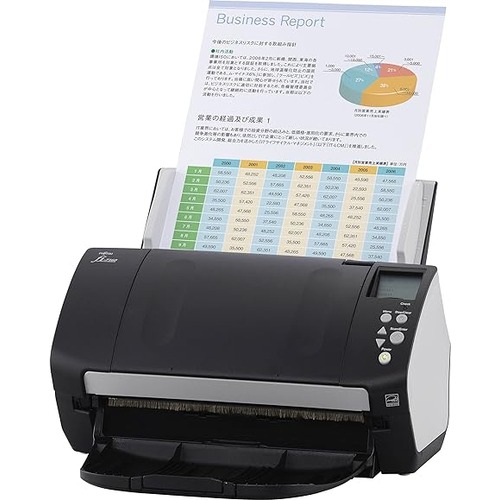
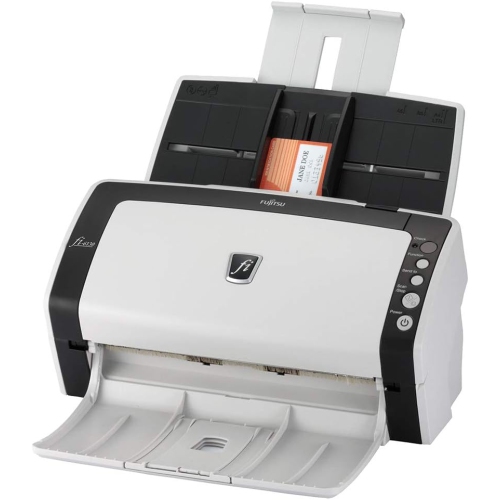

Turn boxes of family photos into digital archives
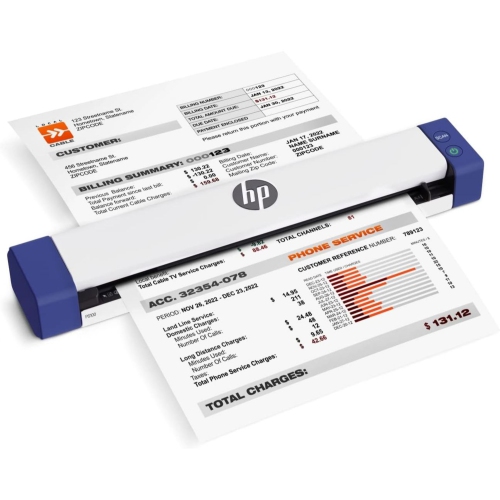
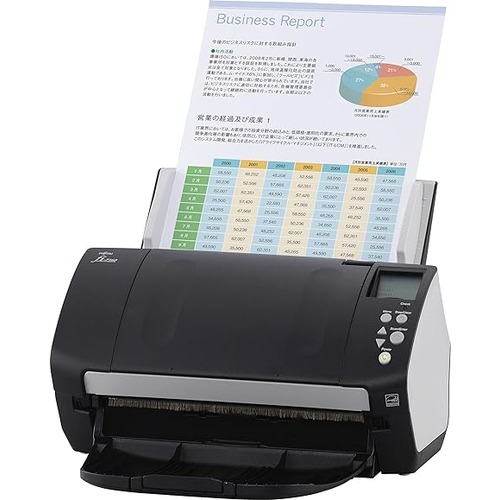
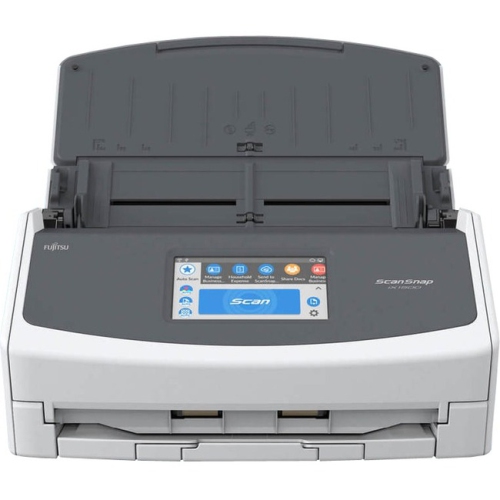
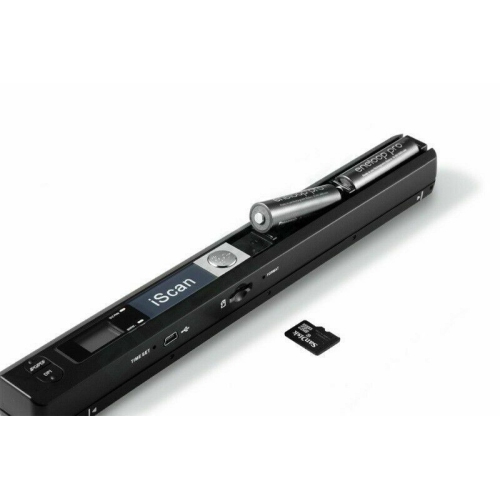
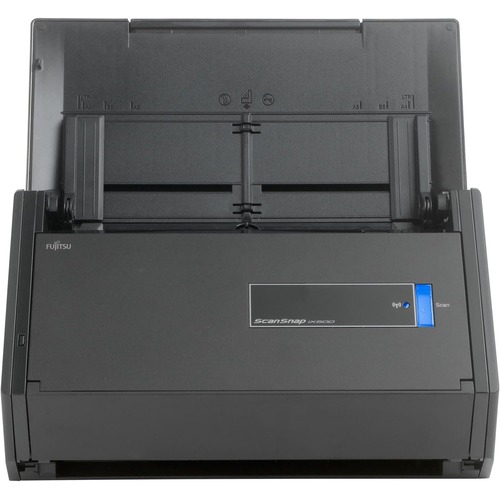
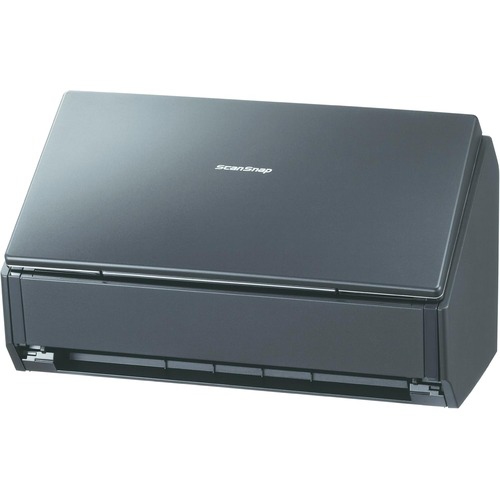
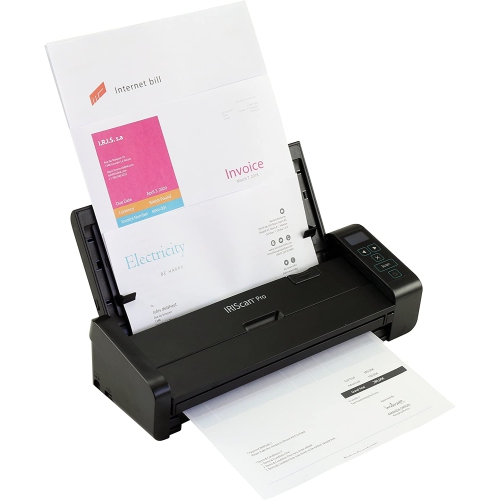
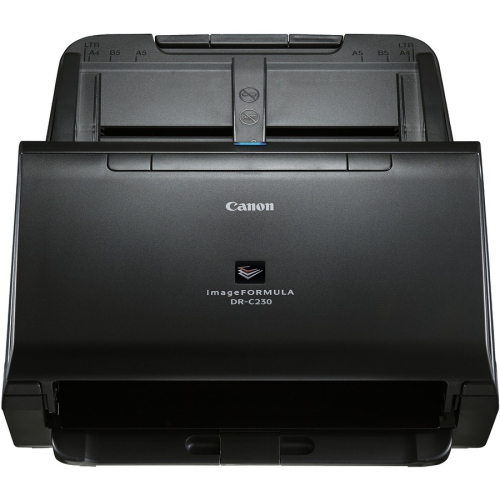
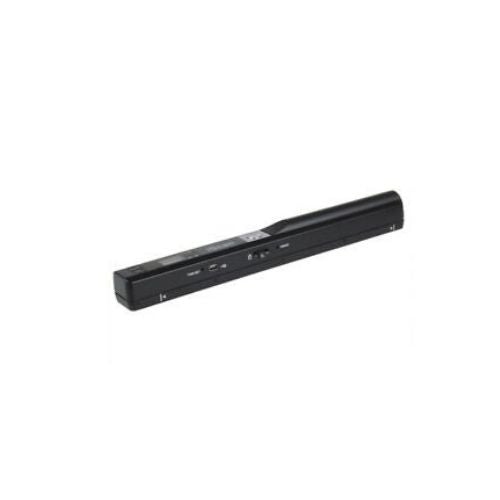
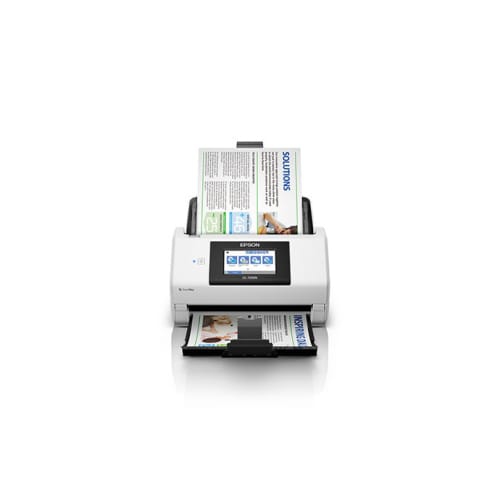
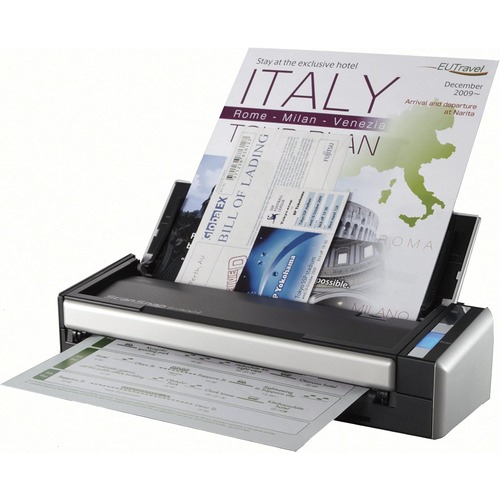
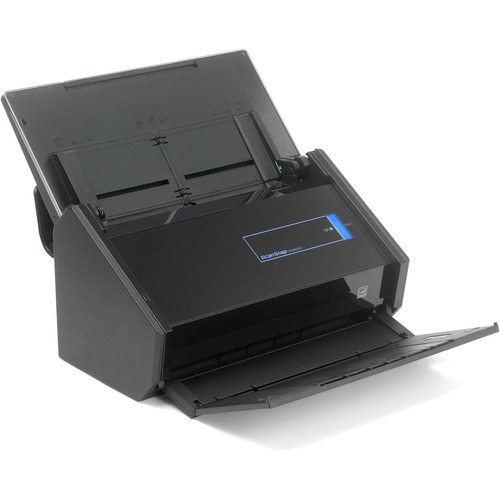
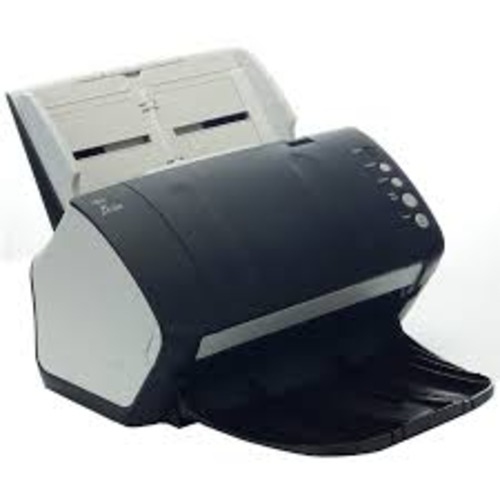
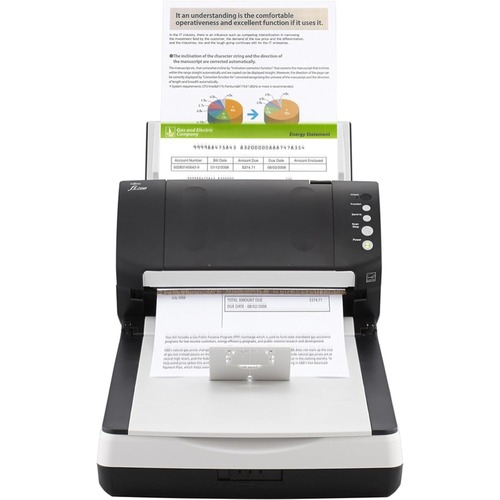
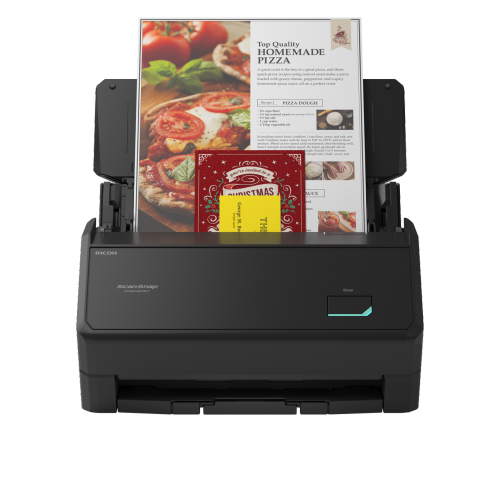
Fast photo scanners are designed to make short work of large collections of loose prints, helping you bring years of family memories into a convenient digital archive without placing each photo on a flatbed one at a time. They are especially useful for people sorting through boxes of holiday snapshots, school portraits, wedding albums, travel photos, and everyday moments captured before smartphones became common. A sheet-fed model can accept a stack or batch of prints and move through them rapidly, making a noticeable difference when you have hundreds or even thousands of images to organize. Some models can scan approximately one photo per second under suitable conditions, while others may take longer depending on the selected resolution, paper size, colour settings, and whether both sides of the photo are being captured. Automatic document feeders are a major time-saving feature for bulk scanning, and a larger feeder capacity can reduce the number of times you need to stop and reload. For families, this can turn a daunting collection into a manageable weekend project; for genealogy enthusiasts, it can help preserve a lifetime of portraits and records; and for anyone clearing out a relative’s home, it offers a practical way to share important images without keeping every physical print close at hand. Fast photo scanners can also make thoughtful gifts for parents, grandparents, newlyweds, family historians, or anyone who has a drawer, closet, or storage bin filled with irreplaceable photographs. Digital copies can be shared with relatives in different cities, used in photo books and slideshows, or stored as backups so favourite memories are easier to revisit during the cooler months and throughout the year.
When comparing fast photo scanners, start with the type, size, and condition of the photos you plan to scan. Sheet-fed models are generally best suited to loose, flat prints that can pass smoothly through the feeder. Check the supported photo dimensions before buying, particularly if your collection includes small wallet-sized images, panoramic prints, square formats, or larger portraits. Automatic double-sided scanning can be valuable when photographs have handwritten dates, names, addresses, or family notes on the back, allowing those details to be captured along with the image rather than left behind in the box. Look for software features that can detect paper size, straighten crooked scans, remove blank pages, adjust colour, correct faded tones, and apply consistent settings across a batch. Automatic enhancement may save time when older prints have yellowed or lost contrast, although keeping an untouched original scan can be useful for more careful editing later. Resolution matters as well: higher settings preserve more detail for enlargements and creative projects, but they also create larger files and may slow down batch processing. Consider whether the scanner supports common formats such as JPEG and TIFF, and whether its software makes it easy to name files, choose folders, sort images, and send scans to a computer or cloud storage. A compact design may suit a home office with limited space, while a sturdier feeder and higher daily duty cycle can be worthwhile for extensive archives, photography services, estate organizers, and local history groups. Connectivity is another practical detail. USB connections can provide a dependable setup at a desk, while wireless features may make it easier to scan to a computer elsewhere on the home network. If your project includes paperwork alongside photographs, a scanner in the Fast Document Scanners category may offer useful versatility, but confirm that its photo-handling features match your needs rather than assuming a document-focused design will produce the same results.
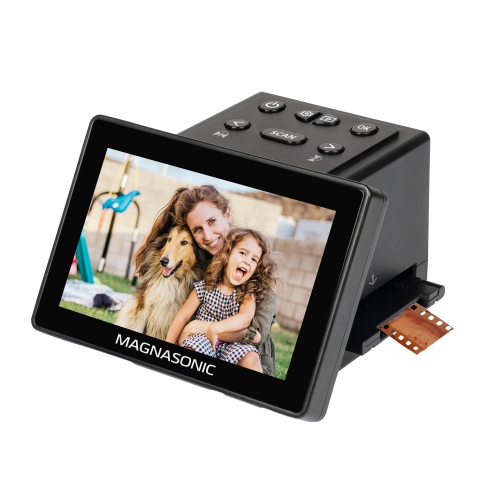
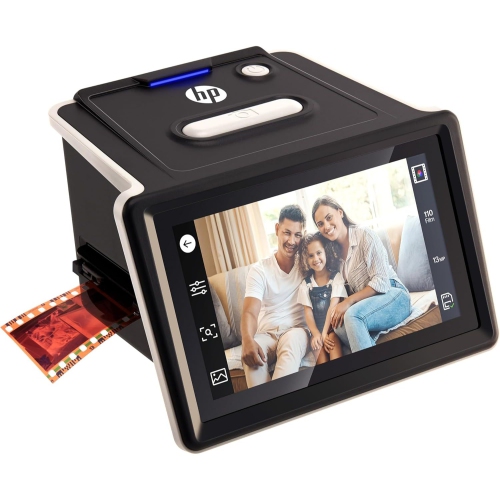
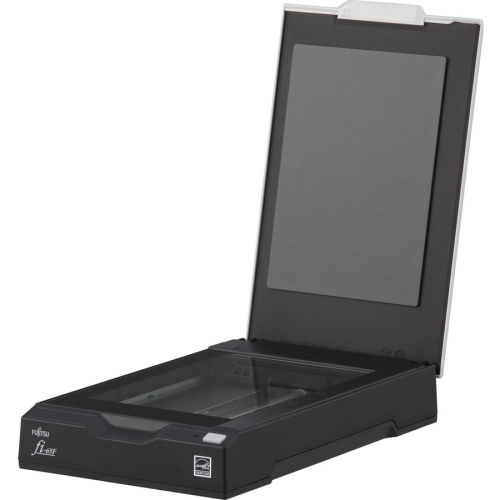
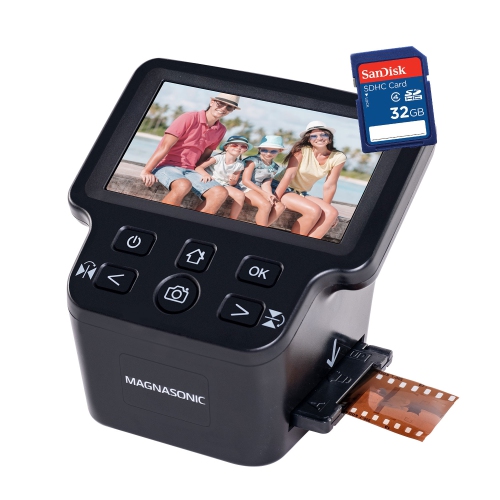
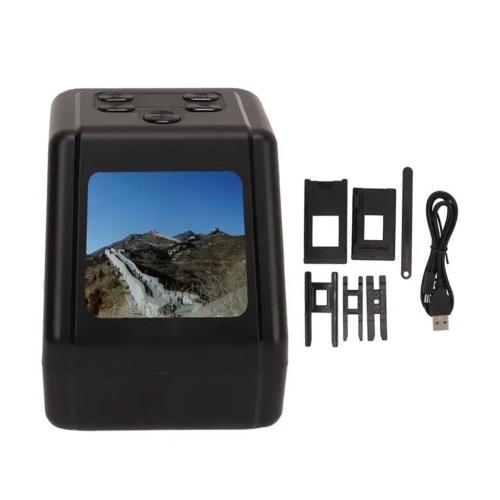
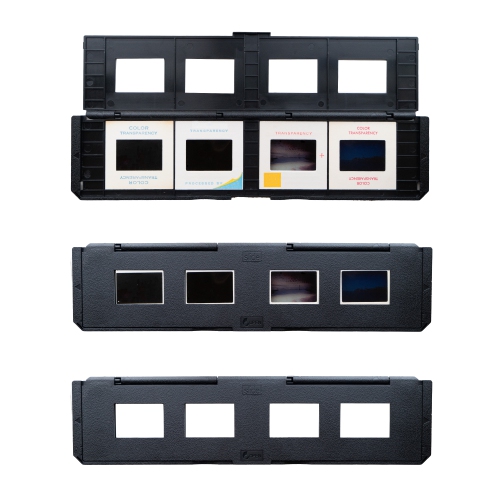
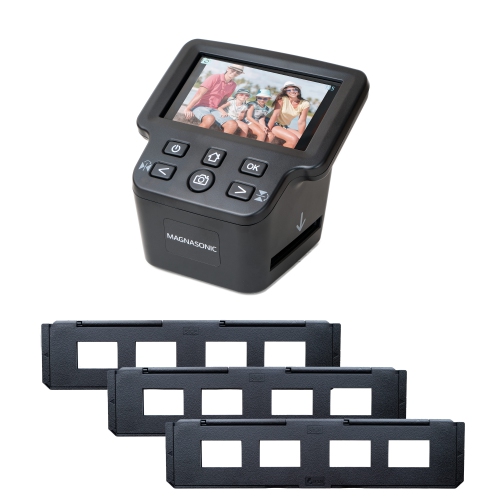
Fast photo scanners work best when prints are clean, dry, flat, and free from anything that could catch inside the feeder. Before starting a large batch, remove paper clips, adhesive labels, loose tape, and other objects, then gently separate photos that have stuck together. It is wise to test a small selection first, including darker images, light images, textured prints, and photos with writing on the reverse, so you can check colour, cropping, file naming, and the order of the scans. Keep original prints nearby until the digital files have been reviewed and backed up in at least one additional location. Sheet-fed scanners are not the right choice for every type of media: photographs attached to traditional magnetic albums may not pass through safely, and severely curled, torn, thick, brittle, or delicate prints can be damaged or may not feed reliably. For those items, a flatbed scanner provides a gentler surface and more control, although it requires placing each image individually. Negatives, slides, and film strips also require a dedicated film scanner or a flatbed with the appropriate transparency accessories; a fast photo scanner intended for paper prints will not automatically capture film. Think about your collection before choosing: a household with a few dozen loose snapshots may value a compact, straightforward model, while a large archive will benefit from faster batch processing, a generous feeder, reliable software, and simple ways to organize thousands of files. With the right match, scanning can become a satisfying act of family record-keeping: the soft rustle of prints moving through the feeder, the gradual appearance of familiar faces on screen, and the relief of seeing treasured images safely arranged in a digital library.
When comparing fast photo scanners, start with the type, size, and condition of the photos you plan to scan. Sheet-fed models are generally best suited to loose, flat prints that can pass smoothly through the feeder. Check the supported photo dimensions before buying, particularly if your collection includes small wallet-sized images, panoramic prints, square formats, or larger portraits. Automatic double-sided scanning can be valuable when photographs have handwritten dates, names, addresses, or family notes on the back, allowing those details to be captured along with the image rather than left behind in the box. Look for software features that can detect paper size, straighten crooked scans, remove blank pages, adjust colour, correct faded tones, and apply consistent settings across a batch. Automatic enhancement may save time when older prints have yellowed or lost contrast, although keeping an untouched original scan can be useful for more careful editing later. Resolution matters as well: higher settings preserve more detail for enlargements and creative projects, but they also create larger files and may slow down batch processing. Consider whether the scanner supports common formats such as JPEG and TIFF, and whether its software makes it easy to name files, choose folders, sort images, and send scans to a computer or cloud storage. A compact design may suit a home office with limited space, while a sturdier feeder and higher daily duty cycle can be worthwhile for extensive archives, photography services, estate organizers, and local history groups. Connectivity is another practical detail. USB connections can provide a dependable setup at a desk, while wireless features may make it easier to scan to a computer elsewhere on the home network. If your project includes paperwork alongside photographs, a scanner in the Fast Document Scanners category may offer useful versatility, but confirm that its photo-handling features match your needs rather than assuming a document-focused design will produce the same results.
Fast photo scanners work best when prints are clean, dry, flat, and free from anything that could catch inside the feeder. Before starting a large batch, remove paper clips, adhesive labels, loose tape, and other objects, then gently separate photos that have stuck together. It is wise to test a small selection first, including darker images, light images, textured prints, and photos with writing on the reverse, so you can check colour, cropping, file naming, and the order of the scans. Keep original prints nearby until the digital files have been reviewed and backed up in at least one additional location. Sheet-fed scanners are not the right choice for every type of media: photographs attached to traditional magnetic albums may not pass through safely, and severely curled, torn, thick, brittle, or delicate prints can be damaged or may not feed reliably. For those items, a flatbed scanner provides a gentler surface and more control, although it requires placing each image individually. Negatives, slides, and film strips also require a dedicated film scanner or a flatbed with the appropriate transparency accessories; a fast photo scanner intended for paper prints will not automatically capture film. Think about your collection before choosing: a household with a few dozen loose snapshots may value a compact, straightforward model, while a large archive will benefit from faster batch processing, a generous feeder, reliable software, and simple ways to organize thousands of files. With the right match, scanning can become a satisfying act of family record-keeping: the soft rustle of prints moving through the feeder, the gradual appearance of familiar faces on screen, and the relief of seeing treasured images safely arranged in a digital library.
Top selling and popular products
-
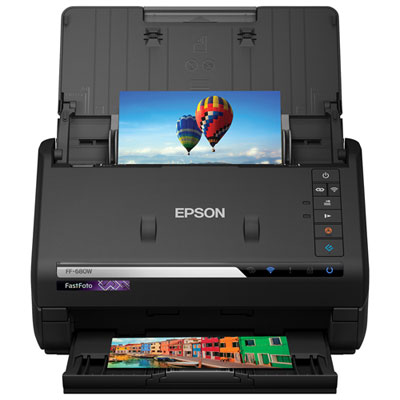 Your price for this item is $849.99
 -
 Your price for this item is $107.99
 -
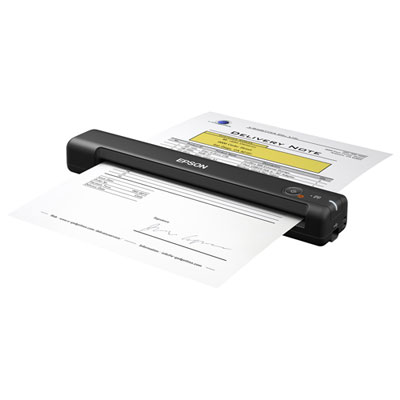 Your price for this item is $149.99
 -
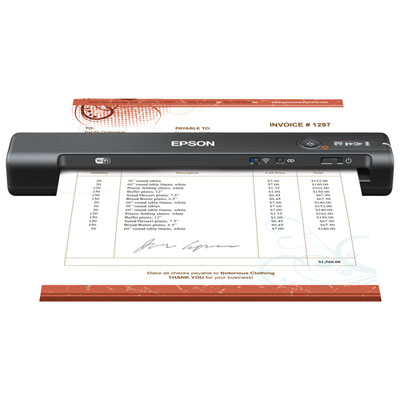 Your price for this item is $239.99
 -
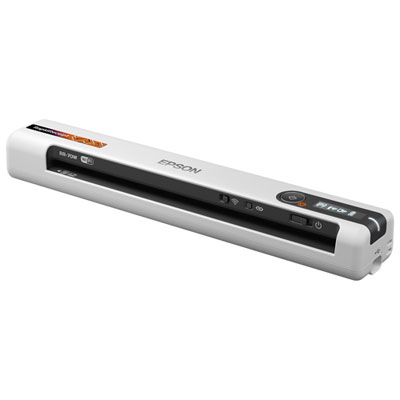 Your price for this item is $369.99
 -
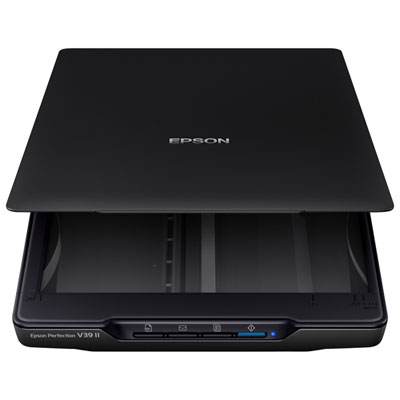 Your price for this item is $129.99
 -
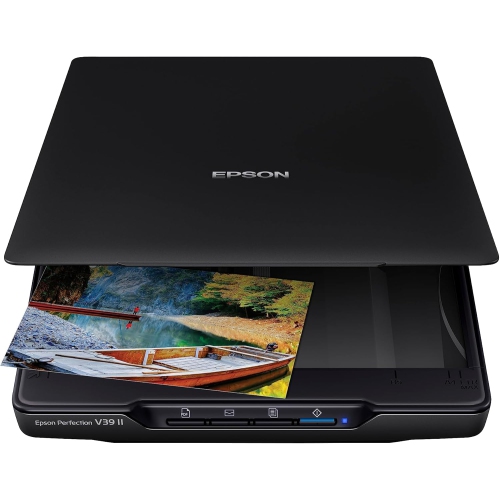 Your price for this item is $228.99
 -
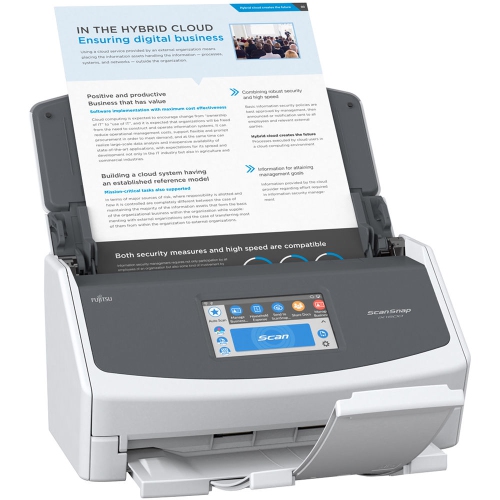 Your price for this item is $804
Discover more categories related to Fast Photo Scanners
Top Collections:
Pokemon Centers, Kindle Devices, Best Budget Office Chairs, Apple iPhones 16, Best Laptops for Writers, iPhone 15 Apple, Canon G7X Cameras, Refurbished Apple Laptops, Alarm Clock, Motorola Razr Phones
Some products may be subject to Environmental Handling Fees
(EHF) depending on your province.
Learn more about EHFs.