Gaming Laptops Under $700
Looking to elevate your gaming experience without breaking the bank? Explore this selection of gaming laptops under $700, where performance meets affordability. Perfect for gamers who want to dive into their favorite titles with impressive graphics and smooth gameplay, these laptops offer a balance of power and value. Whether you're battling it out in the latest multiplayer arena or exploring vast open worlds, you'll find options that cater to your needs and budget. Discover the excitement of gaming on a laptop designed to deliver exceptional experiences at a price that fits your lifestyle.
Sort
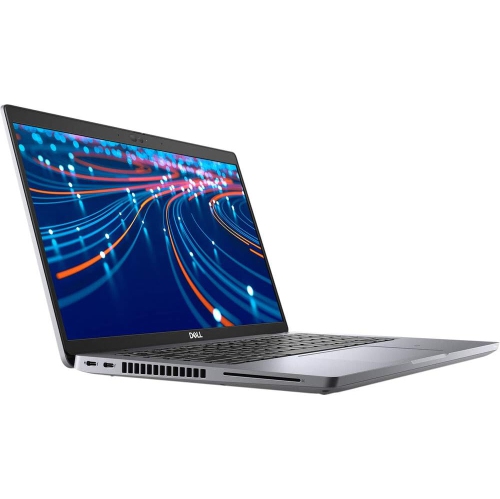
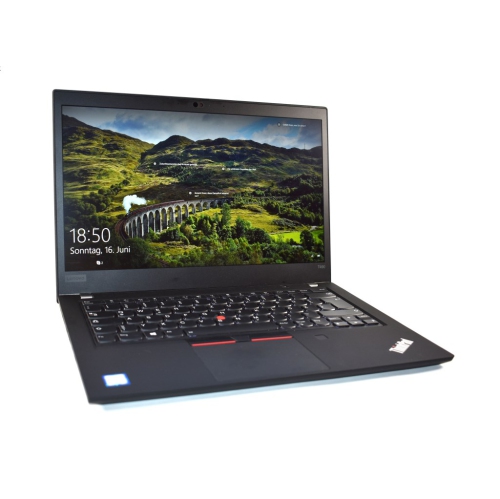
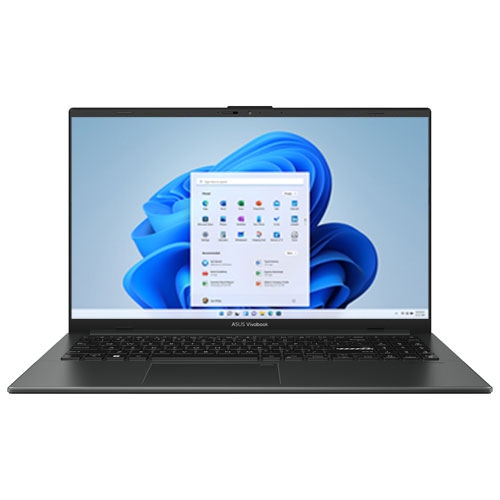
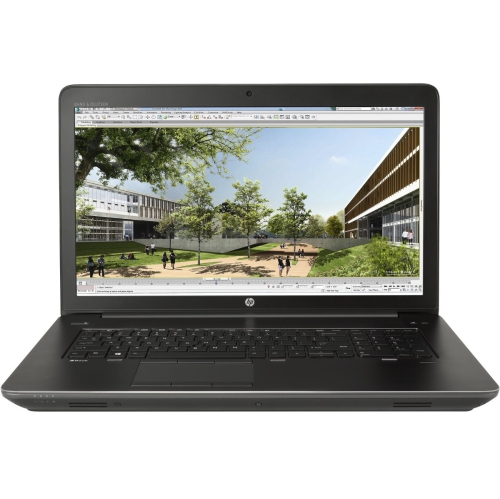
What entry-level gaming laptops can realistically handle
Gaming laptops bring everyday computing and PC play together in a portable design, with a built-in screen, keyboard, and room for a growing game library. Entry-level gaming laptops are generally best suited to casual play, less demanding multiplayer games, independent releases, and older titles, although performance depends on the exact hardware and each game’s requirements. A laptop that runs a puzzle game effortlessly may need lower detail settings for a sprawling role-playing adventure or a fast-paced racing game. The graphics processor makes a substantial difference: dedicated graphics have their own video memory, while integrated graphics share system resources and vary considerably in capability. Neither a gaming-inspired design nor a backlit keyboard establishes how well a laptop will run a particular game. The processor, graphics hardware, memory, and cooling system work together to determine the experience, especially during longer sessions. Published minimum requirements usually indicate whether a game can run, rather than whether it will feel consistently smooth at the settings a player prefers. For students, occasional players, and households sharing one computer, this category can offer a practical balance of entertainment, schoolwork, video calls, and general browsing. A solid-state drive helps games and applications load quickly, while sufficient memory makes it easier to keep a browser or voice chat application open alongside a game. An 8GB memory configuration can handle some lighter uses, but 16GB generally leaves more breathing room for multitasking and games with greater memory demands. Storage capacity matters as much as loading speed when several large installations, updates, saved clips, and school files share the same drive. The space listed in a specification is not all free for games, since the operating system and other software occupy part of it. Shoppers exploring a related collection can also browse Gaming Laptops Under $600, with the same attention to individual specifications, software compatibility, and the kinds of games the laptop will actually be used to play.
The display and controls shape how a gaming laptop feels in daily use, from reading small text in a strategy game to following movement during a quick online match. A 15.6-inch screen offers a useful middle ground between viewing space and portability, while a larger display provides more room for game interfaces and side-by-side documents but takes up more space in a bag. Full HD resolution can deliver clear detail without the heavier graphics workload associated with higher resolutions. A high-refresh-rate screen can show motion more smoothly when the laptop produces enough frames, but its refresh rate does not guarantee that every game will reach the corresponding frame rate. Screen brightness, colour reproduction, viewing angles, and reflections also affect comfort, particularly when a laptop moves between a desk, classroom, and shared living space. Matte finishes can help soften distracting reflections, though the result depends on lighting and the panel itself. Keyboard spacing and layout deserve similar attention: a number pad may be useful for assignments or spreadsheets, while larger, well-spaced directional keys can feel more comfortable for certain games. Backlighting helps make key labels visible in a dim room, but key feel and a stable keyboard deck matter throughout an extended session. A responsive touchpad supports everyday navigation, although many players prefer a separate mouse for more precise control. Connections become important when that mouse shares the laptop with a headset, external drive, controller, or monitor. USB-C ports do not all support the same functions, so charging and video output depend on the specific port specification. An HDMI connection can make a desk setup more flexible, and an Ethernet port offers a wired networking option where supported. Wi-Fi performance also depends on the router, distance, and surrounding network traffic, not just the laptop. Built-in microphones and speakers are convenient for casual calls, while a headset can make dialogue easier to follow and keep game audio from filling a shared room.
Portability involves more than the laptop’s weight alone. The charger, protective sleeve, mouse, and any headset all add to what travels in a backpack, and a thicker gaming chassis may need a roomier compartment than a similarly sized general-purpose laptop. Plastic housings are common and can be durable when well constructed; metal panels may feel firmer, but materials alone do not establish how well a laptop will tolerate everyday handling. Hinge stability, secure ports, and a lid that resists excessive flex all contribute to a dependable feel. A padded sleeve helps protect the finish from scratches, while a properly fitted bag limits movement during a commute. For a laptop that moves between homework at a kitchen table and games at a desk, a firm, flat surface allows the cooling system to work as intended. Soft bedding and cushions can obstruct vents, and fans may become clearly audible during demanding play. Gaming performance is often strongest when connected to the appropriate power adapter, since battery operation can reduce performance to extend running time. Battery-life figures from light browsing or video playback should not be treated as estimates for active gaming. Routine care is straightforward: keeping drinks away from the keyboard, clearing dust from exterior vents according to the manufacturer’s directions, and wiping the screen gently with a suitable microfibre cloth all help protect the machine. Internal cleaning or component changes require more care, and memory or storage upgrades are possible only where the design supports them. Some laptops have soldered memory or limited access to internal parts. These practical details also matter when a laptop is a gift for a student, a first-time PC player, or someone returning to familiar games. Compatibility with the recipient’s preferred games, a comfortable keyboard, manageable carrying weight, and enough storage for everyday files make the gift more useful than appearance alone. The strongest fit is a laptop whose capabilities match its regular tasks, whether that means relaxed single-player sessions, online games with friends, or a mix of study and entertainment.
The display and controls shape how a gaming laptop feels in daily use, from reading small text in a strategy game to following movement during a quick online match. A 15.6-inch screen offers a useful middle ground between viewing space and portability, while a larger display provides more room for game interfaces and side-by-side documents but takes up more space in a bag. Full HD resolution can deliver clear detail without the heavier graphics workload associated with higher resolutions. A high-refresh-rate screen can show motion more smoothly when the laptop produces enough frames, but its refresh rate does not guarantee that every game will reach the corresponding frame rate. Screen brightness, colour reproduction, viewing angles, and reflections also affect comfort, particularly when a laptop moves between a desk, classroom, and shared living space. Matte finishes can help soften distracting reflections, though the result depends on lighting and the panel itself. Keyboard spacing and layout deserve similar attention: a number pad may be useful for assignments or spreadsheets, while larger, well-spaced directional keys can feel more comfortable for certain games. Backlighting helps make key labels visible in a dim room, but key feel and a stable keyboard deck matter throughout an extended session. A responsive touchpad supports everyday navigation, although many players prefer a separate mouse for more precise control. Connections become important when that mouse shares the laptop with a headset, external drive, controller, or monitor. USB-C ports do not all support the same functions, so charging and video output depend on the specific port specification. An HDMI connection can make a desk setup more flexible, and an Ethernet port offers a wired networking option where supported. Wi-Fi performance also depends on the router, distance, and surrounding network traffic, not just the laptop. Built-in microphones and speakers are convenient for casual calls, while a headset can make dialogue easier to follow and keep game audio from filling a shared room.
Portability involves more than the laptop’s weight alone. The charger, protective sleeve, mouse, and any headset all add to what travels in a backpack, and a thicker gaming chassis may need a roomier compartment than a similarly sized general-purpose laptop. Plastic housings are common and can be durable when well constructed; metal panels may feel firmer, but materials alone do not establish how well a laptop will tolerate everyday handling. Hinge stability, secure ports, and a lid that resists excessive flex all contribute to a dependable feel. A padded sleeve helps protect the finish from scratches, while a properly fitted bag limits movement during a commute. For a laptop that moves between homework at a kitchen table and games at a desk, a firm, flat surface allows the cooling system to work as intended. Soft bedding and cushions can obstruct vents, and fans may become clearly audible during demanding play. Gaming performance is often strongest when connected to the appropriate power adapter, since battery operation can reduce performance to extend running time. Battery-life figures from light browsing or video playback should not be treated as estimates for active gaming. Routine care is straightforward: keeping drinks away from the keyboard, clearing dust from exterior vents according to the manufacturer’s directions, and wiping the screen gently with a suitable microfibre cloth all help protect the machine. Internal cleaning or component changes require more care, and memory or storage upgrades are possible only where the design supports them. Some laptops have soldered memory or limited access to internal parts. These practical details also matter when a laptop is a gift for a student, a first-time PC player, or someone returning to familiar games. Compatibility with the recipient’s preferred games, a comfortable keyboard, manageable carrying weight, and enough storage for everyday files make the gift more useful than appearance alone. The strongest fit is a laptop whose capabilities match its regular tasks, whether that means relaxed single-player sessions, online games with friends, or a mix of study and entertainment.
Top selling and popular products
-
 Your price for this item is $449
 -
 Your price for this item is $3099
 -
 Your price for this item is $299.95
 -
 Your price for this item is $664.05
 -
 Your price for this item is $599.68
 -
 Your price for this item is $869.99
 -
 Your price for this item is $259
 -
 Your price for this item is $418.98
Discover more categories related to Gaming Laptops Under $700
Top Collections:
Pokemon Centers, Kindle Devices, Best Budget Office Chairs, Apple iPhones 16, Best Laptops for Writers, iPhone 15 Apple, Canon G7X Cameras, Refurbished Apple Laptops, Alarm Clock, Motorola Razr Phones
Some products may be subject to Environmental Handling Fees
(EHF) depending on your province.
Learn more about EHFs.