Gaming Setups for Beginners
Gaming Setups for Beginners are designed to make it easy for new players to dive into the world of gaming with confidence. Whether you're looking to build your first gaming space or searching for essential gear to get started, you'll find options that combine comfort, style, and functionality. Explore a range of setups that help you enjoy your favorite games and create an immersive experience right from the start.
Sort
Why compatible gear matters more than extra accessories
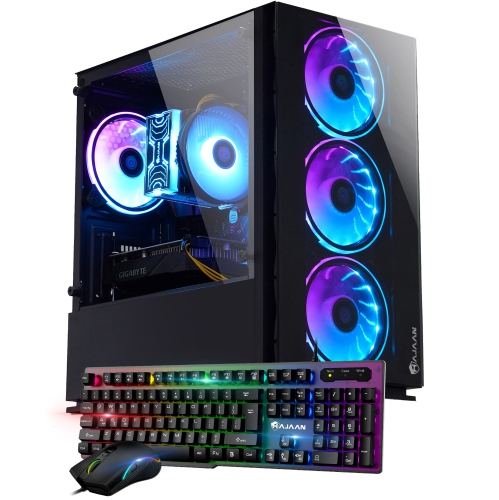
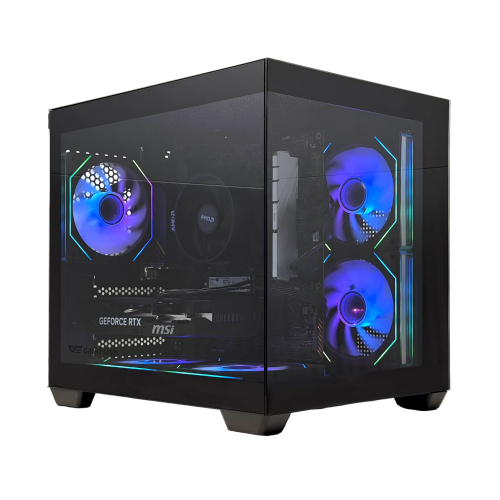
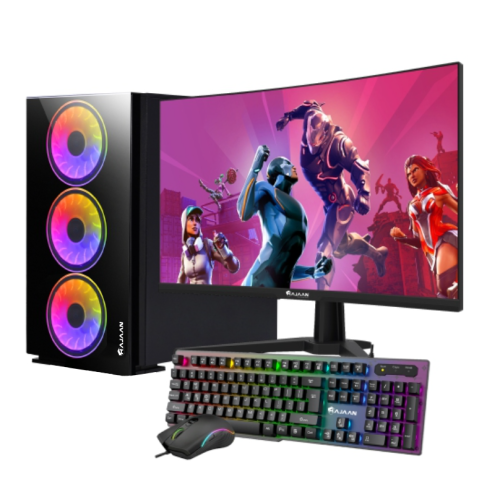
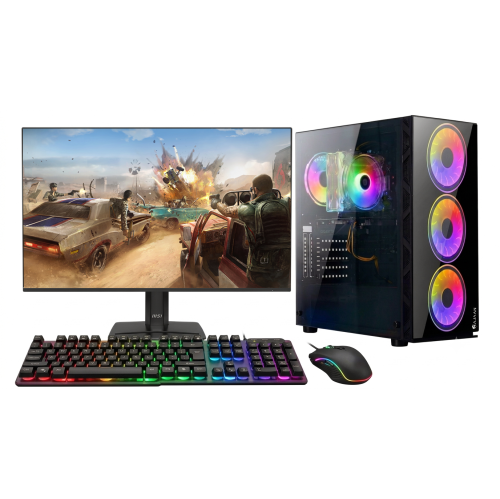
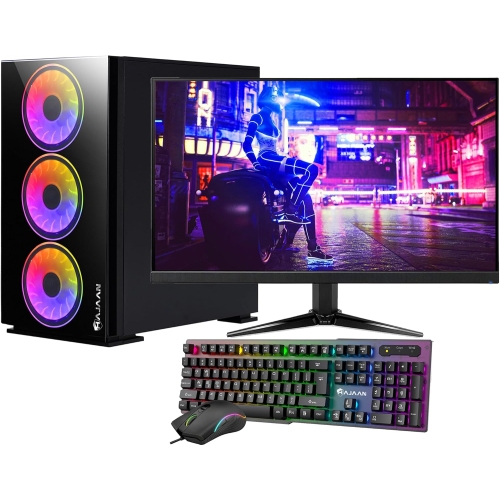
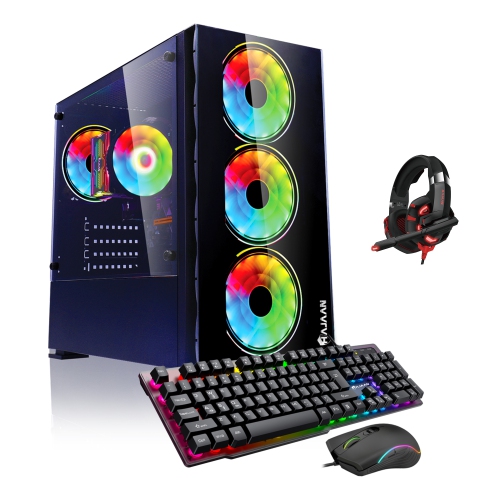
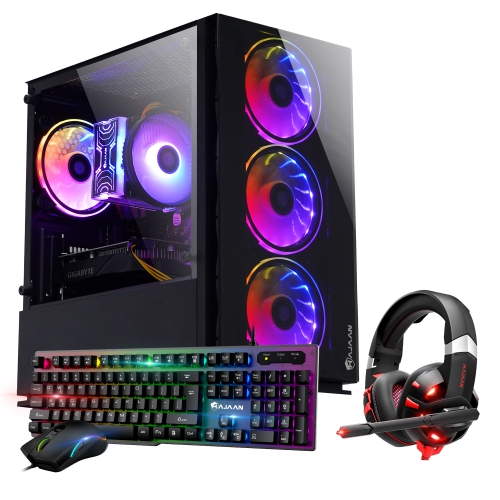
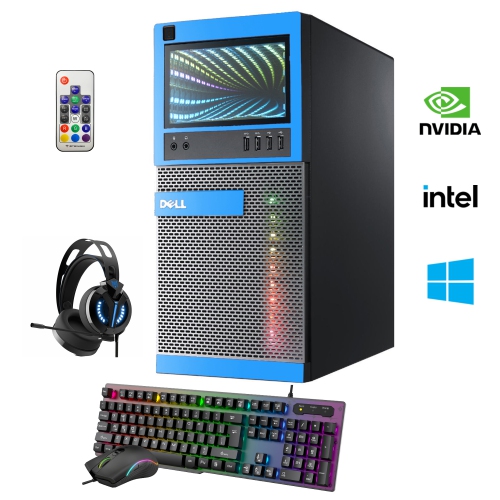
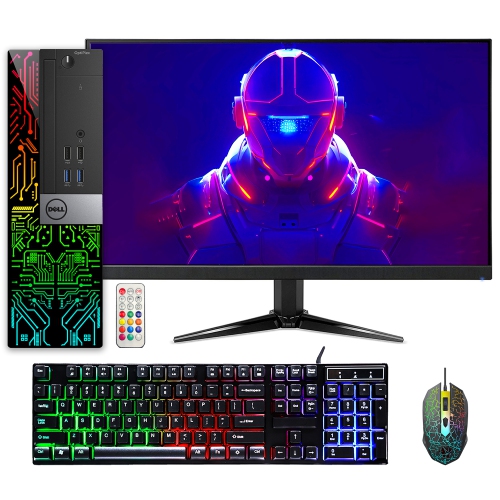
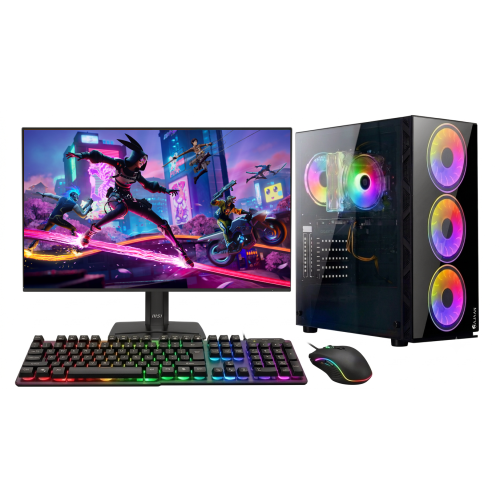
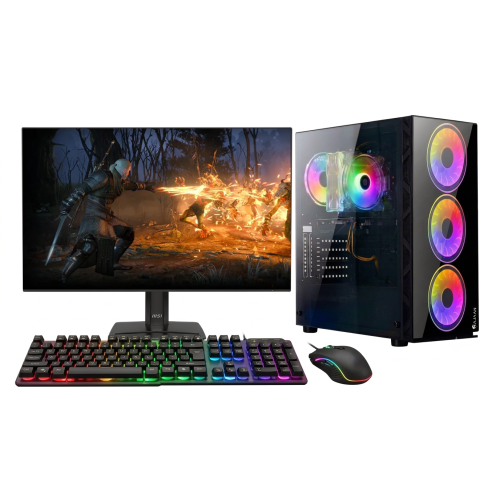
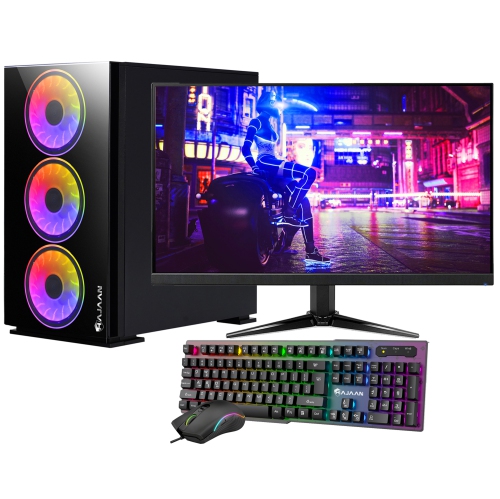
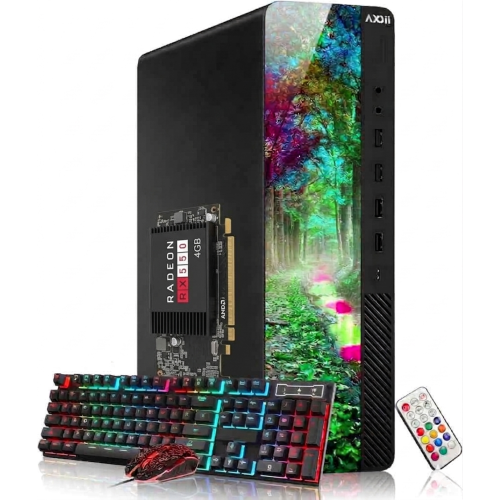
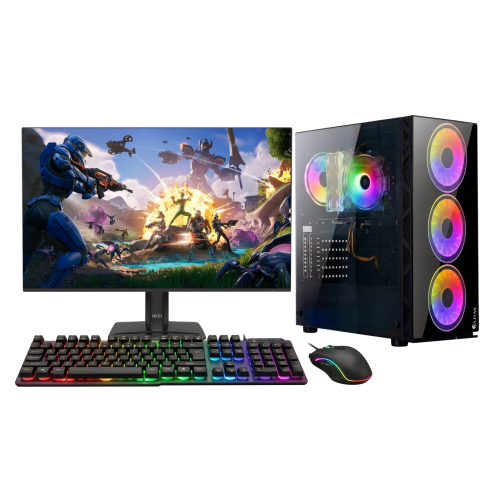
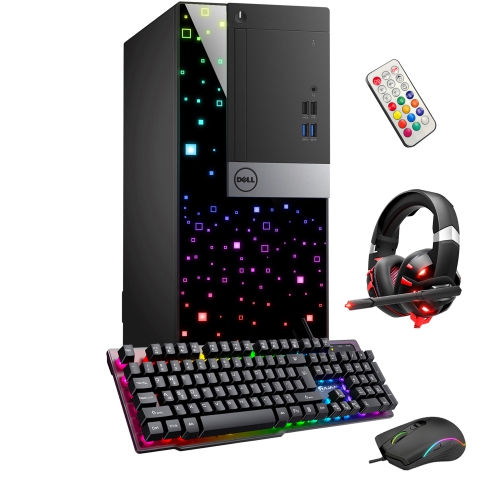
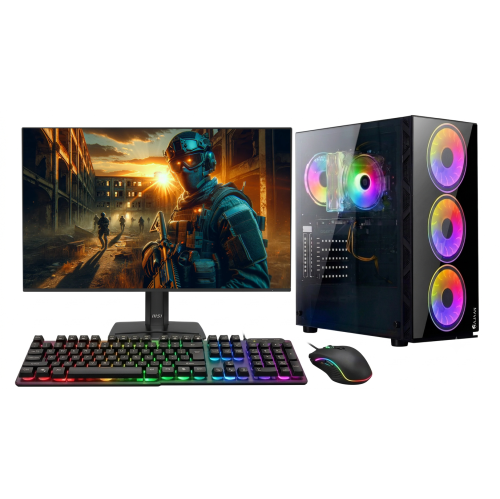
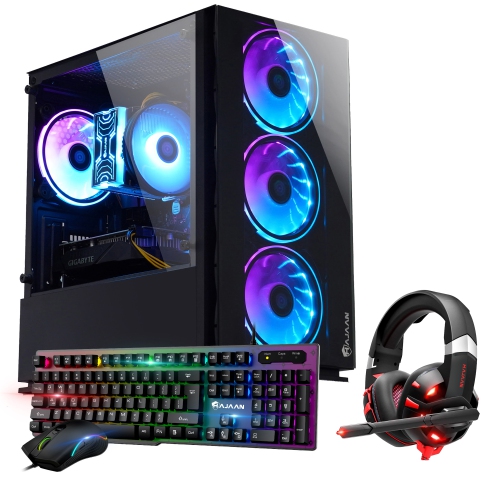
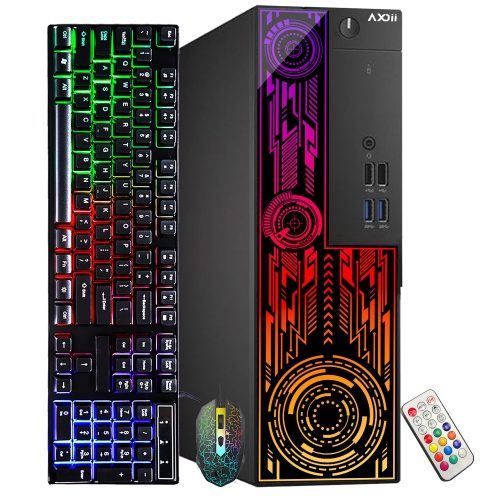
Gaming setups for beginners bring together a gaming computer or console, a compatible display, reliable controls, and a comfortable place to play. The best fit depends on the games someone enjoys, the space they have, and whether the setup also needs to handle homework, video calls, or everyday browsing. A console can suit someone who prefers a straightforward experience centred on a controller and a television or monitor, while a gaming computer offers flexibility for keyboard-and-mouse play, creative projects, and a wider range of hardware configurations. Gaming laptops combine the computer and screen in a portable format, making them useful for shared rooms or desks that need to be cleared after each session. Desktop computers usually stay in one place and may offer more room for future component upgrades, depending on their design. For computer gaming, the processor, graphics hardware, memory, and storage work together to shape performance; the recommended requirements for favourite games provide a more useful reference than appearance alone. Fast storage can shorten loading times, while enough storage capacity leaves room for several games and their updates. Multiplayer games also depend on a stable internet connection. A wired Ethernet connection can provide consistent connectivity where a cable can reach, while Wi-Fi offers more flexibility in room placement, with performance affected by distance, walls, and network traffic. These foundations matter more than filling every corner of a desk with accessories. Someone playing relaxed building games may value a quiet computer and a comfortable controller, whereas a newcomer to fast-paced competitive games may put more emphasis on responsive controls and clear motion. A beginner setup can also serve more than one person, with separate user profiles, adjustable seating, and accessible connections making it easier to share. Compatibility is the common thread: the gaming platform, display connections, input devices, and audio equipment need to work together so that an inviting space also functions smoothly.
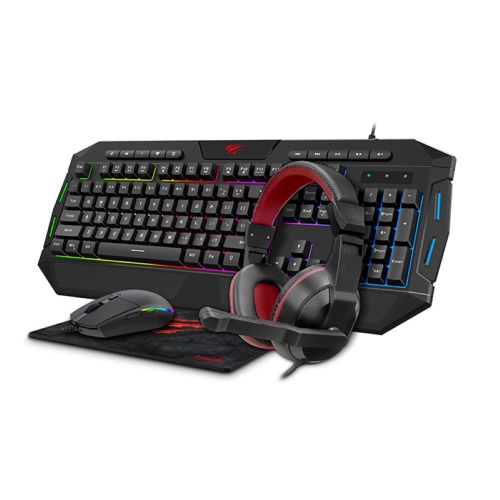
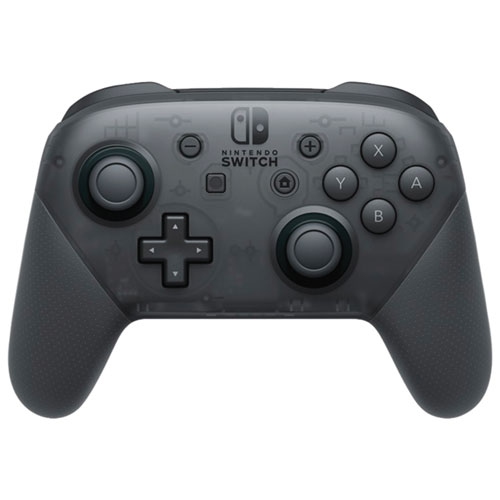
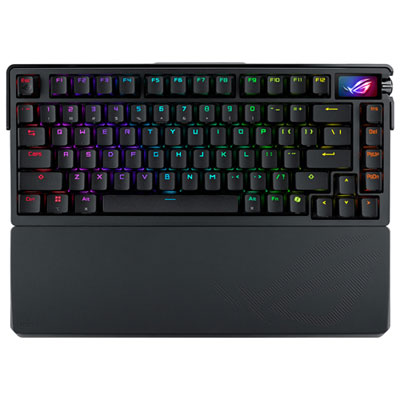
Displays and controls influence how a gaming space feels from the first session. A monitor should suit both the desk depth and the capabilities of the computer or console connected to it. A larger screen can make game worlds feel expansive, but it also needs enough viewing distance to keep the whole image comfortable to follow. Resolution determines how much image detail a display can show, while refresh rate describes how often it can update that image. Higher refresh rates can make motion appear smoother when the gaming hardware and game settings support them; a display alone cannot make a system produce more frames. Connection standards, supported resolutions, and refresh-rate limits are worth matching across the display, cable, and gaming device. An adjustable stand can help position the screen at a comfortable height without relying on a stack of books. Controls deserve the same attention to fit. A mouse that feels manageable in the hand, a keyboard that leaves room for natural arm placement, and a controller with comfortably reachable buttons can make a compact desk feel easier to use. Smaller keyboards leave more room for mouse movement, while full-size layouts retain a separate number pad for schoolwork or other tasks. Key feel and typing noise also matter in a shared room, especially when someone nearby is reading or taking a call. Audio choices depend on the space as much as the game. A headset keeps game sound close and supports voice chat, while speakers allow listening without wearing anything. Headset weight, headband adjustment, ear-cup padding, and microphone placement all affect everyday comfort. Wired connections avoid charging interruptions, while wireless options allow more freedom of movement but require attention to battery life and platform support. For the smaller additions that complete a desk, gaming accessories for beginners can include practical categories such as mouse pads, controller charging equipment, and headset storage. Each addition is most useful when it solves a clear need, whether that is keeping a charging cable within reach or giving a mouse a consistent surface.
Furniture brings the setup together, particularly when the same corner supports both gaming and daily tasks. A gaming desk needs sufficient surface area and load capacity for the equipment it holds, along with legroom that remains usable once cables and storage are in place. Desk depth matters as much as width: a shallow surface can leave a monitor too close or push a keyboard towards the edge. Laminated surfaces are generally easy to wipe clean, metal frames can provide sturdy support, and wood surfaces vary in their care needs depending on the finish. Rounded edges and a stable frame can be welcome features in a busy family space. Chair fit is equally personal. Adjustable seat height, supportive cushioning, and a backrest that suits the user’s proportions are more meaningful than a racing-style silhouette. Feet should rest securely on the floor or a suitable footrest, with enough room to change position rather than stay fixed in one posture. Breathable mesh, woven upholstery, and coated upholstery each have different textures and cleaning requirements; manufacturer care directions help preserve their finish and construction. Durability also shows up in everyday details such as secure adjustment mechanisms, reinforced cable connections, and replaceable wear parts where offered. A tidy layout protects usability as well as appearance. Cables routed away from feet and chair wheels are less likely to catch, and open space around device vents helps maintain airflow. Dust removal, clean input surfaces, and drinks kept away from electronics support routine care without making upkeep complicated. Cleaning should follow the equipment maker’s directions, with liquids never sprayed directly onto electronics. Lighting can be understated: a desk lamp for reading and soft background illumination may be more useful in a shared space than bright decorative effects. For someone receiving gaming equipment as a birthday or graduation gift, platform compatibility, available desk space, and personal preferences help narrow the fit. Beginners do not all need the same arrangement. A thoughtfully matched setup leaves room for comfortable movement, easy maintenance, and changing interests, whether play happens at a dedicated desk or in a multipurpose family room.
Displays and controls influence how a gaming space feels from the first session. A monitor should suit both the desk depth and the capabilities of the computer or console connected to it. A larger screen can make game worlds feel expansive, but it also needs enough viewing distance to keep the whole image comfortable to follow. Resolution determines how much image detail a display can show, while refresh rate describes how often it can update that image. Higher refresh rates can make motion appear smoother when the gaming hardware and game settings support them; a display alone cannot make a system produce more frames. Connection standards, supported resolutions, and refresh-rate limits are worth matching across the display, cable, and gaming device. An adjustable stand can help position the screen at a comfortable height without relying on a stack of books. Controls deserve the same attention to fit. A mouse that feels manageable in the hand, a keyboard that leaves room for natural arm placement, and a controller with comfortably reachable buttons can make a compact desk feel easier to use. Smaller keyboards leave more room for mouse movement, while full-size layouts retain a separate number pad for schoolwork or other tasks. Key feel and typing noise also matter in a shared room, especially when someone nearby is reading or taking a call. Audio choices depend on the space as much as the game. A headset keeps game sound close and supports voice chat, while speakers allow listening without wearing anything. Headset weight, headband adjustment, ear-cup padding, and microphone placement all affect everyday comfort. Wired connections avoid charging interruptions, while wireless options allow more freedom of movement but require attention to battery life and platform support. For the smaller additions that complete a desk, gaming accessories for beginners can include practical categories such as mouse pads, controller charging equipment, and headset storage. Each addition is most useful when it solves a clear need, whether that is keeping a charging cable within reach or giving a mouse a consistent surface.
Furniture brings the setup together, particularly when the same corner supports both gaming and daily tasks. A gaming desk needs sufficient surface area and load capacity for the equipment it holds, along with legroom that remains usable once cables and storage are in place. Desk depth matters as much as width: a shallow surface can leave a monitor too close or push a keyboard towards the edge. Laminated surfaces are generally easy to wipe clean, metal frames can provide sturdy support, and wood surfaces vary in their care needs depending on the finish. Rounded edges and a stable frame can be welcome features in a busy family space. Chair fit is equally personal. Adjustable seat height, supportive cushioning, and a backrest that suits the user’s proportions are more meaningful than a racing-style silhouette. Feet should rest securely on the floor or a suitable footrest, with enough room to change position rather than stay fixed in one posture. Breathable mesh, woven upholstery, and coated upholstery each have different textures and cleaning requirements; manufacturer care directions help preserve their finish and construction. Durability also shows up in everyday details such as secure adjustment mechanisms, reinforced cable connections, and replaceable wear parts where offered. A tidy layout protects usability as well as appearance. Cables routed away from feet and chair wheels are less likely to catch, and open space around device vents helps maintain airflow. Dust removal, clean input surfaces, and drinks kept away from electronics support routine care without making upkeep complicated. Cleaning should follow the equipment maker’s directions, with liquids never sprayed directly onto electronics. Lighting can be understated: a desk lamp for reading and soft background illumination may be more useful in a shared space than bright decorative effects. For someone receiving gaming equipment as a birthday or graduation gift, platform compatibility, available desk space, and personal preferences help narrow the fit. Beginners do not all need the same arrangement. A thoughtfully matched setup leaves room for comfortable movement, easy maintenance, and changing interests, whether play happens at a dedicated desk or in a multipurpose family room.
Top selling and popular products
-
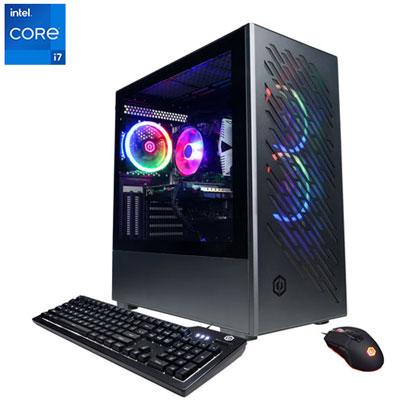 Your price for this item is $1969.99
 -
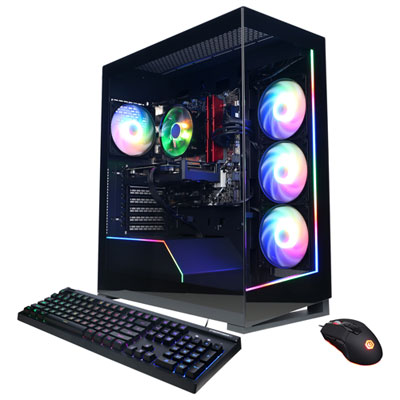 Your price for this item is $1059.99
 -
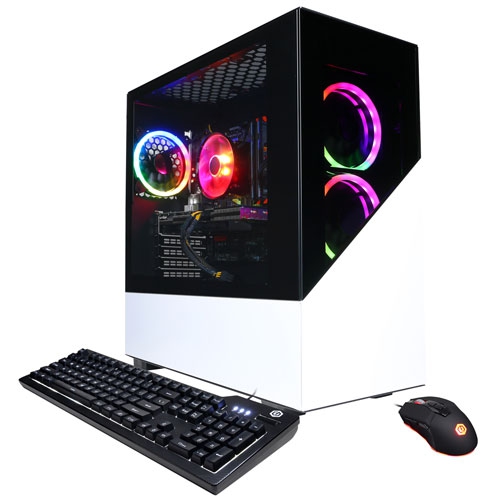 Your price for this item is $1274.97
 -
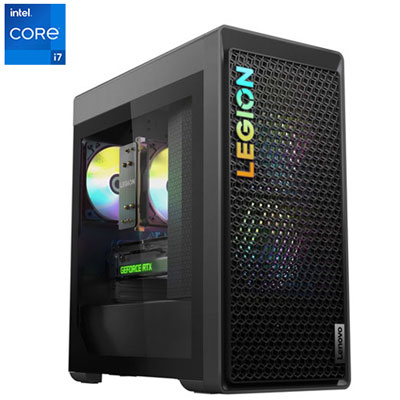 Your price for this item is $2499.95
 -
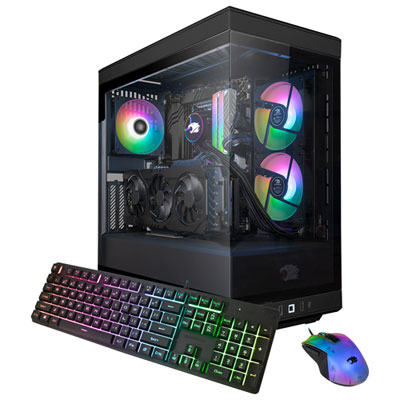 Your price for this item is $2309.99
 -
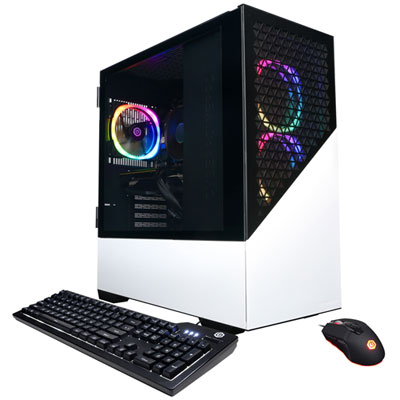 Your price for this item is $1669.99
 -
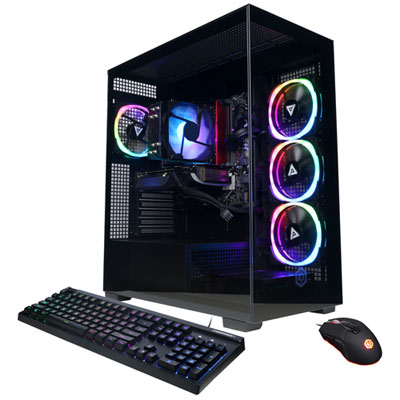 Your price for this item is $1839.99
 -
 Your price for this item is $2399.99
Discover more categories related to Gaming Setups for Beginners

Top Collections:
Pokemon Centers, Kindle Devices, Best Budget Office Chairs, Apple iPhones 16, Best Laptops for Writers, iPhone 15 Apple, Canon G7X Cameras, Refurbished Apple Laptops, Alarm Clock, Motorola Razr Phones
Some products may be subject to Environmental Handling Fees
(EHF) depending on your province.
Learn more about EHFs.